Skip to content
KG
Geometry Dash: Super Editor

Geometry Dash: Super Editor

1K plays 4.9 out of 5

Overview

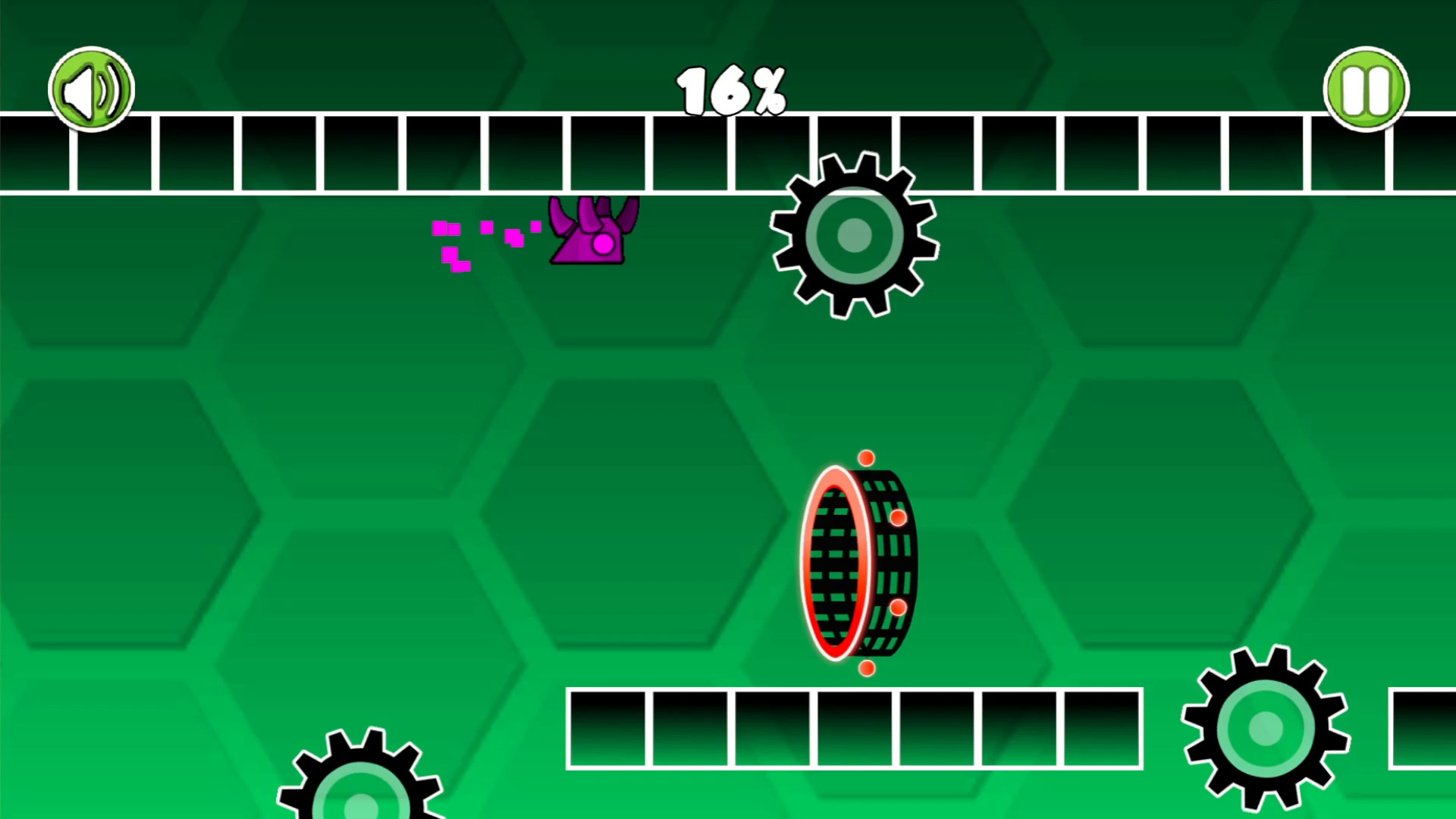
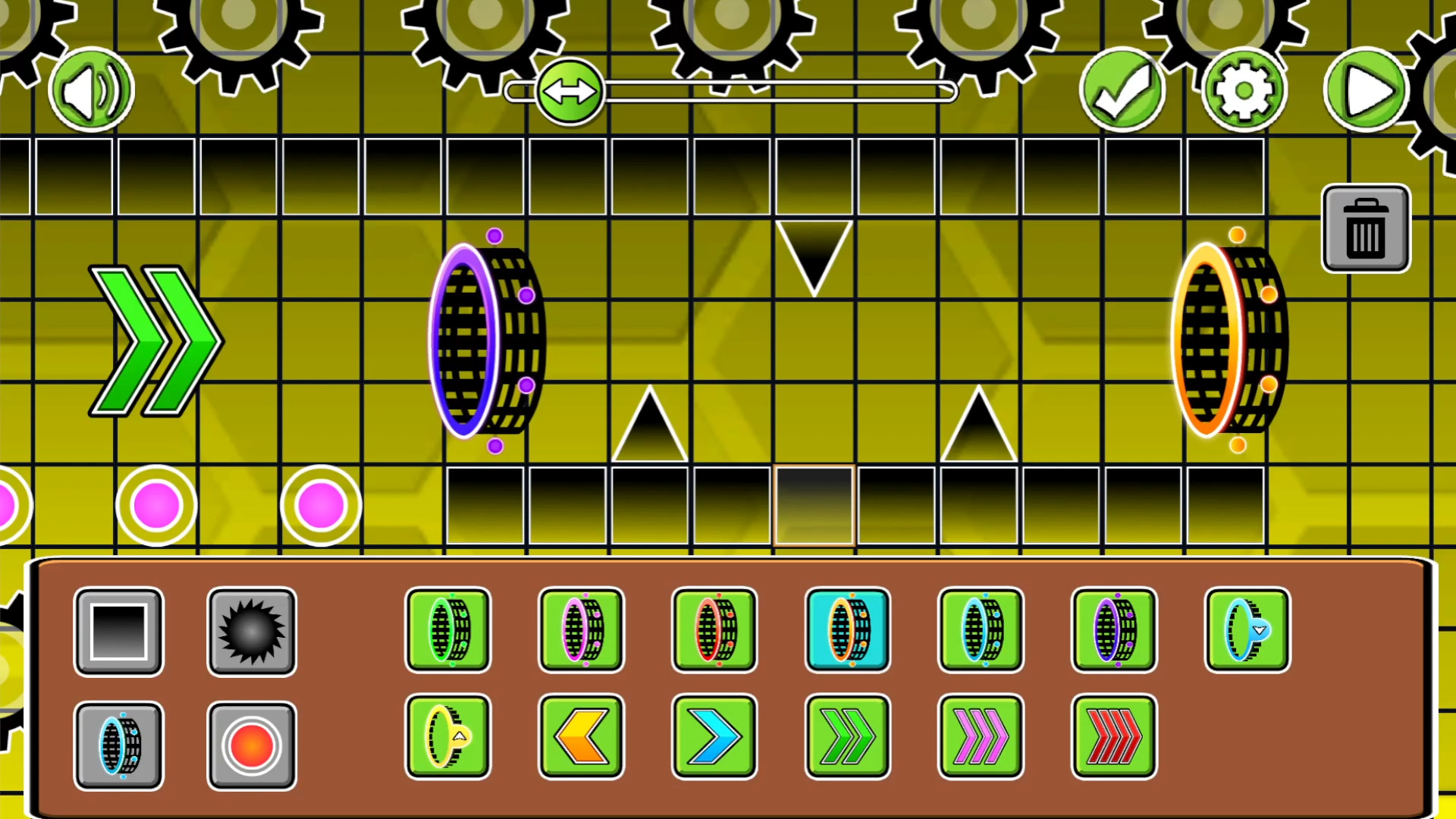
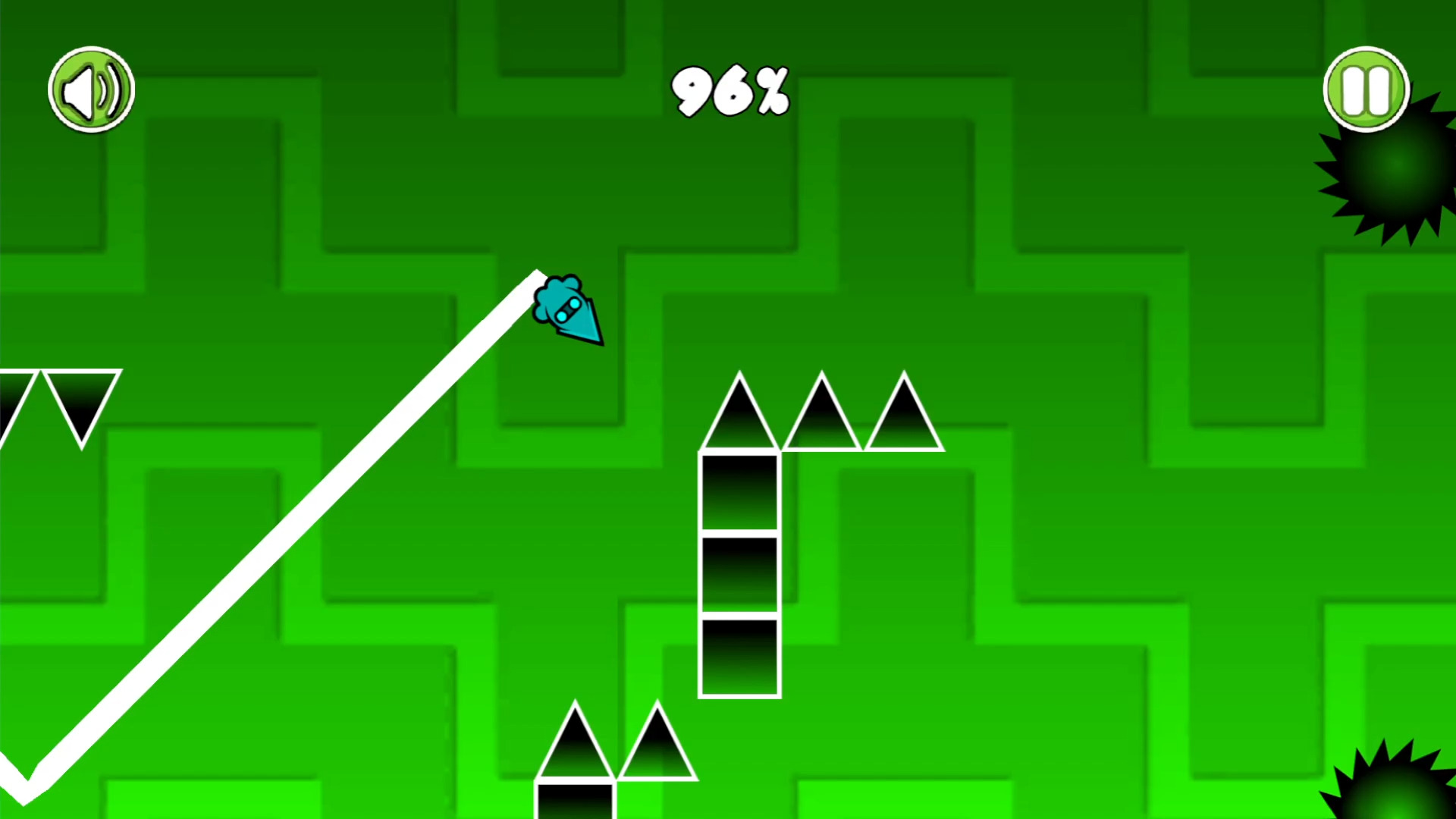
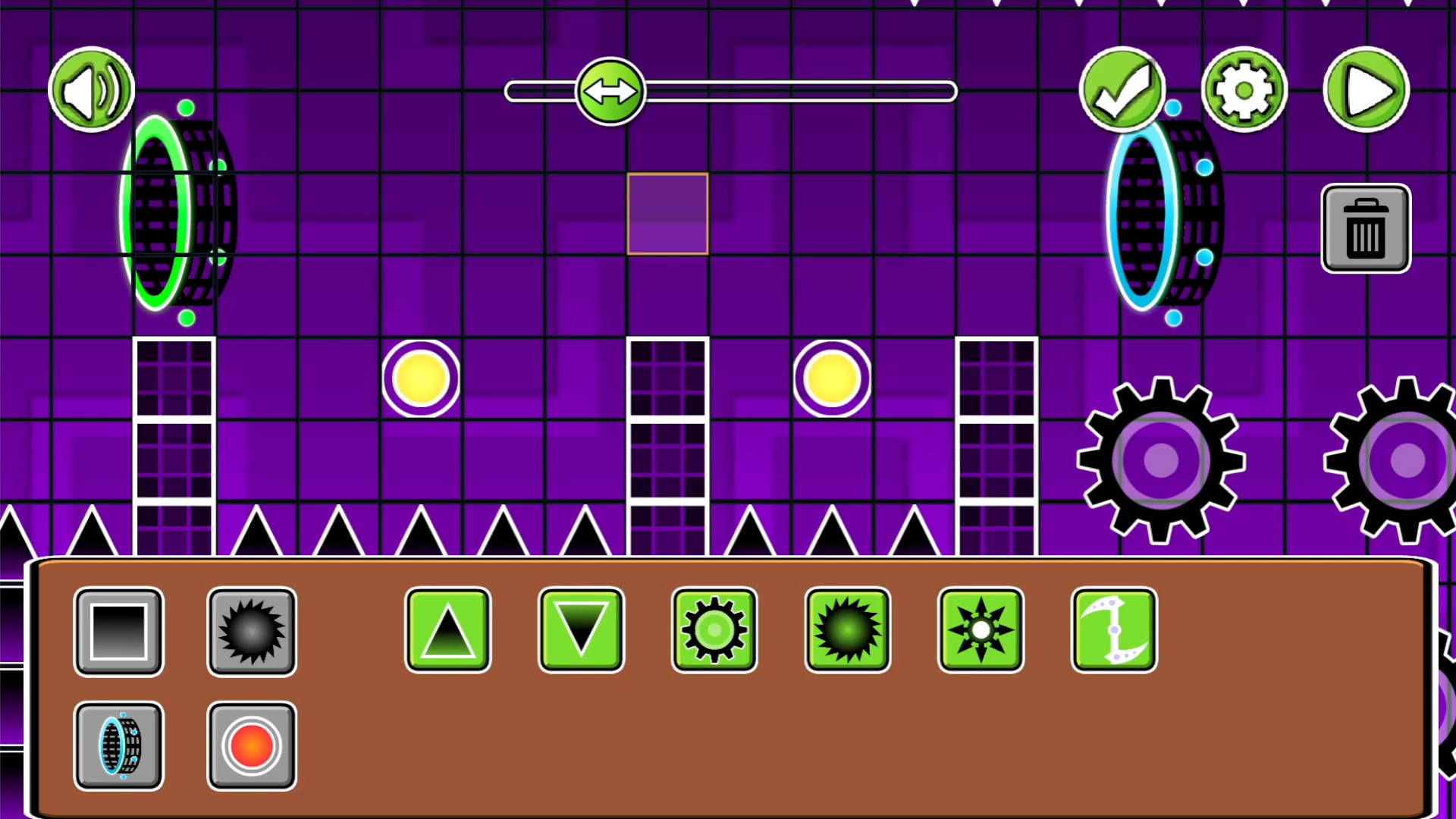
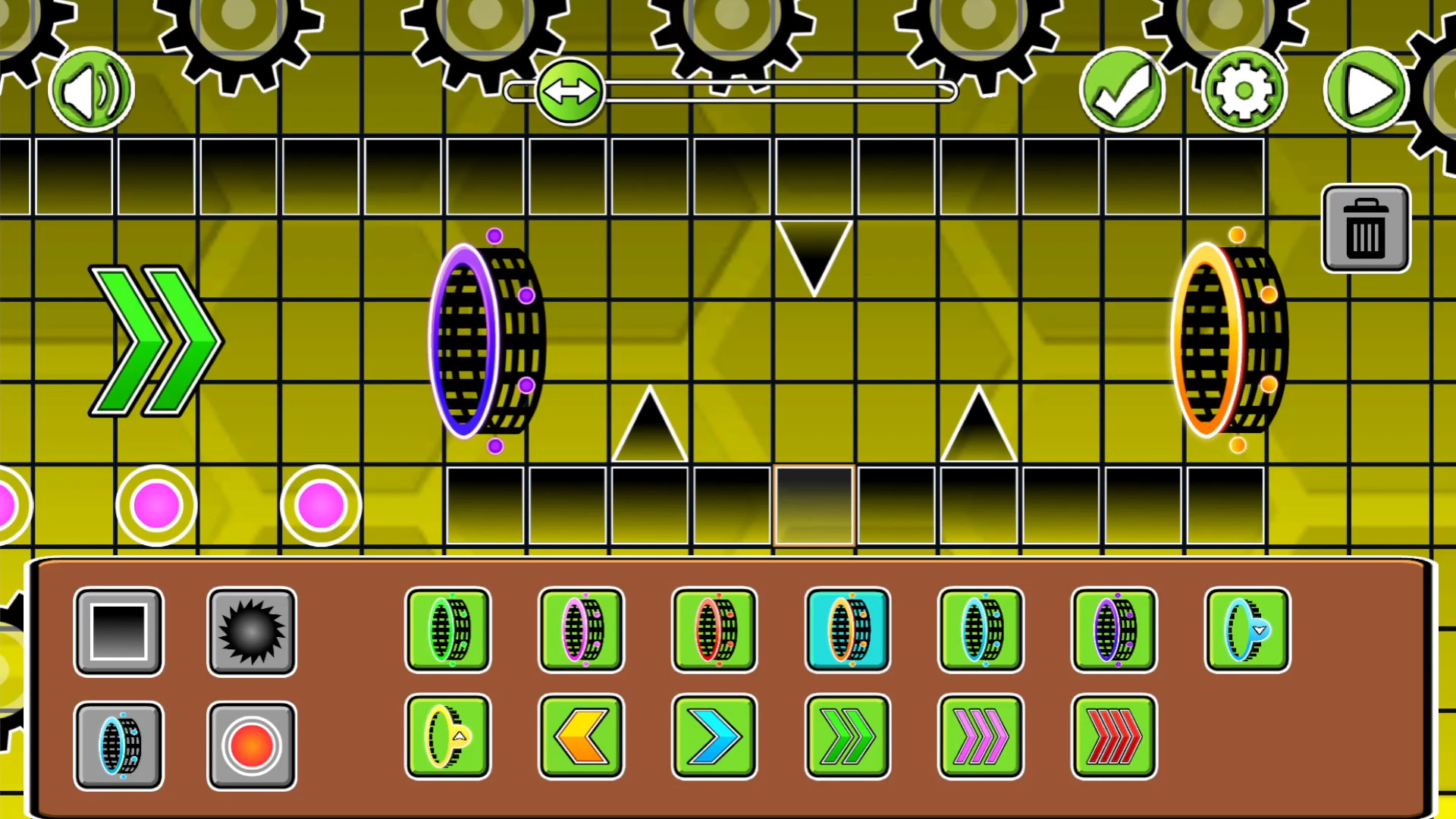
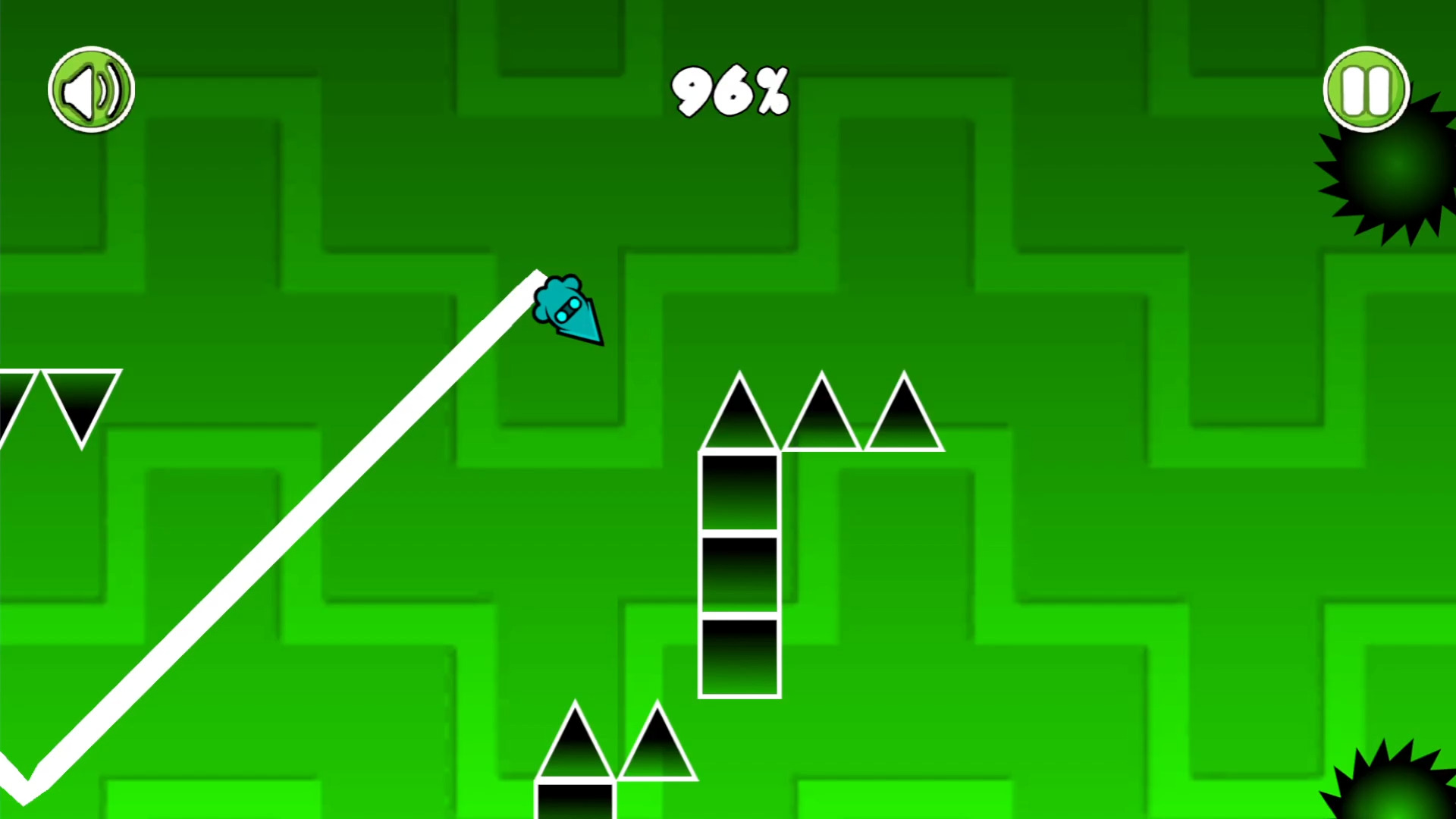
A powerful level editor that offers endless scope for imagination. The game has: - Six characters: cube, ship, ball, UFO, wave, spider. - The possibility to choose a skin and customize the color for each character. - Blocks, spikes, sawblades. - Portals to change the character and gravity. - Platforms to change the speed. - Jump pads and jump orbs. - Select the starting character, speed and gravity. - Customize the background, music and level length. - Built-in levels to complete. Combine, experiment and build your own unique level! Create a masterpiece, share with your friends and challenge them!

Videos and screenshots
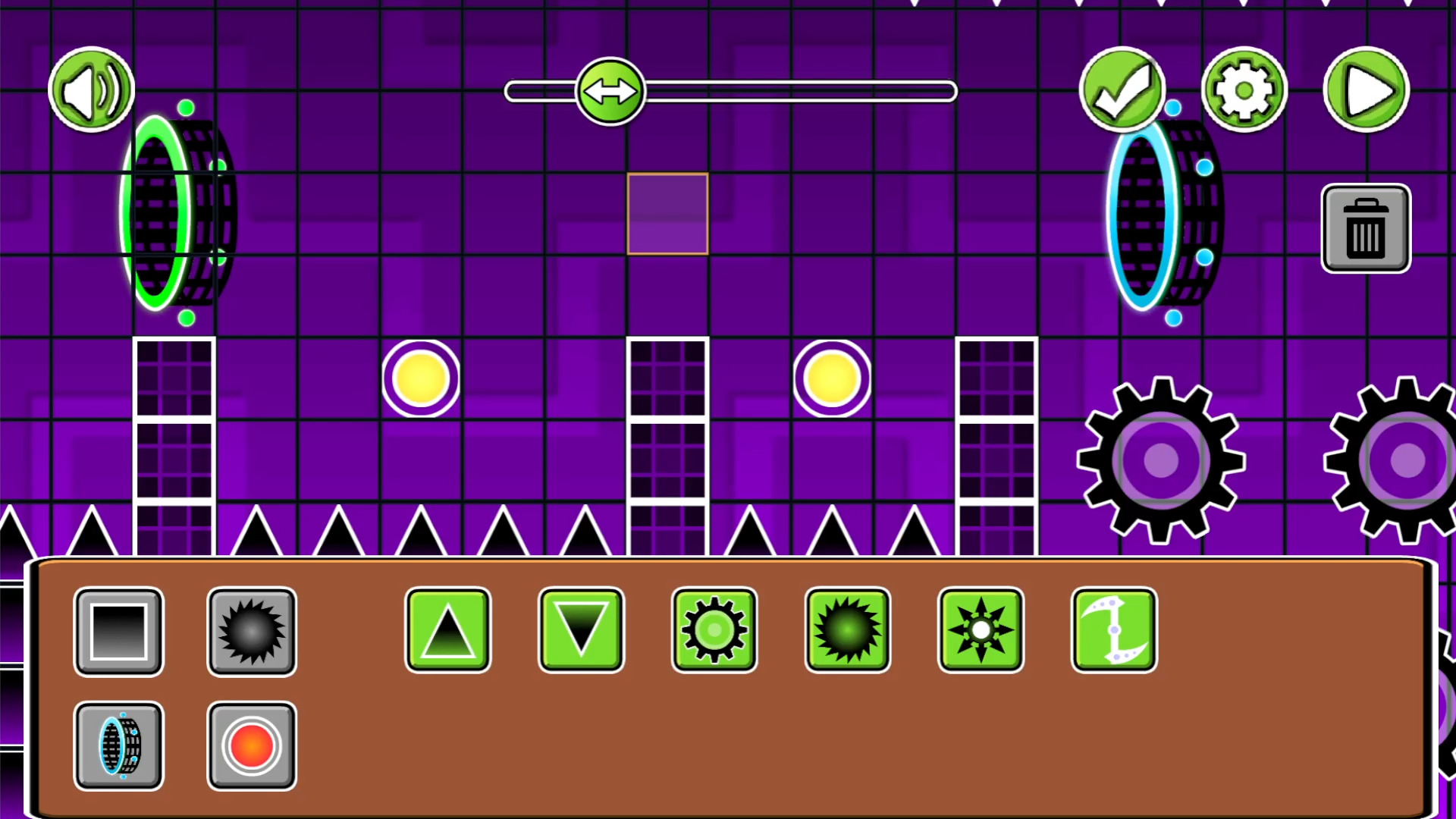
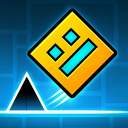
  • Geometry Dash: Super Editor screenshot 1
  • Geometry Dash: Super Editor screenshot 2
  • Geometry Dash: Super Editor screenshot 3
  • Geometry Dash: Super Editor screenshot 4
  • Geometry Dash: Super Editor screenshot 5
  • Geometry Dash: Super Editor screenshot 6
  • Geometry Dash: Super Editor screenshot 7
  • Geometry Dash: Super Editor screenshot 8
Play Now

11,624 players online

How to play

  1. Open the game

    Press Play now and the game opens on its own screen.

  2. Follow the in-game instructions

    The controls and goals are shown inside the game as you play.

  3. Use the game menu

    The floating button over the game reloads it, saves it to your favourites, or takes you back out.
Game instructions

There are two modes: game mode and editor. Game mode: You need to reach the finish line avoiding obstacles. Press LMB or the screen to perform a character action (jump, flip, etc.). Can be held in ship and wave mode. Editor: Hold LMB/screen to move the camera. Select the desired object in the selection window and click anywhere on the map to create it. The trash-can enables or disables the delete mode: if enabled, clicking on the object will delete it. The gear opens the settings window: select a character, speed and gravity. Press "More" to select the background, music and length of the level (be careful: if you reduce the length, then the objects beyond the finish line will be deleted). The check mark opens the save window. Save the level in one of the six slots or get a code (can be copied). If you re-enter the game using it, then this level will be loaded. The code can be sent to friends.

More games

More games