Overview
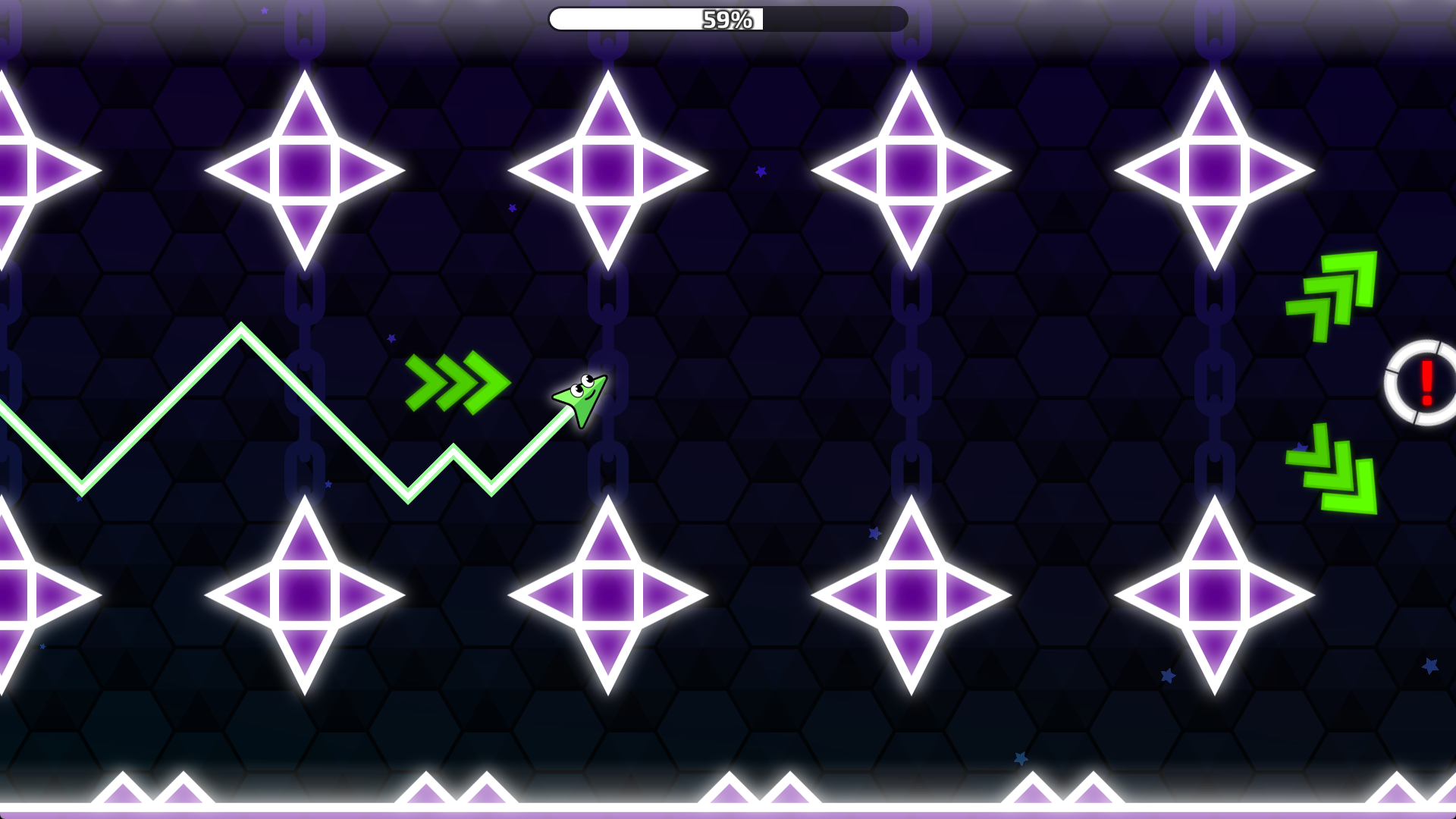
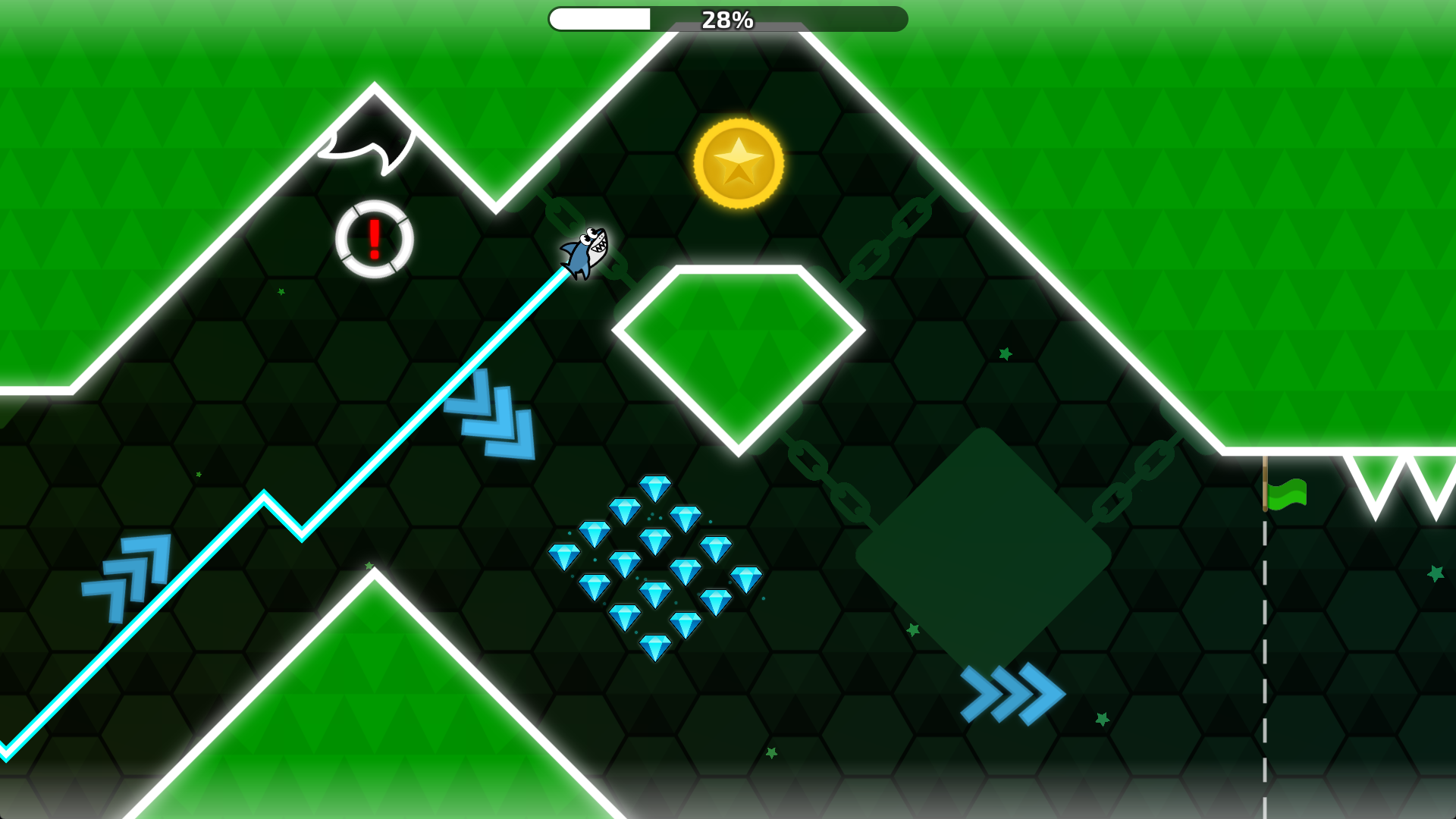
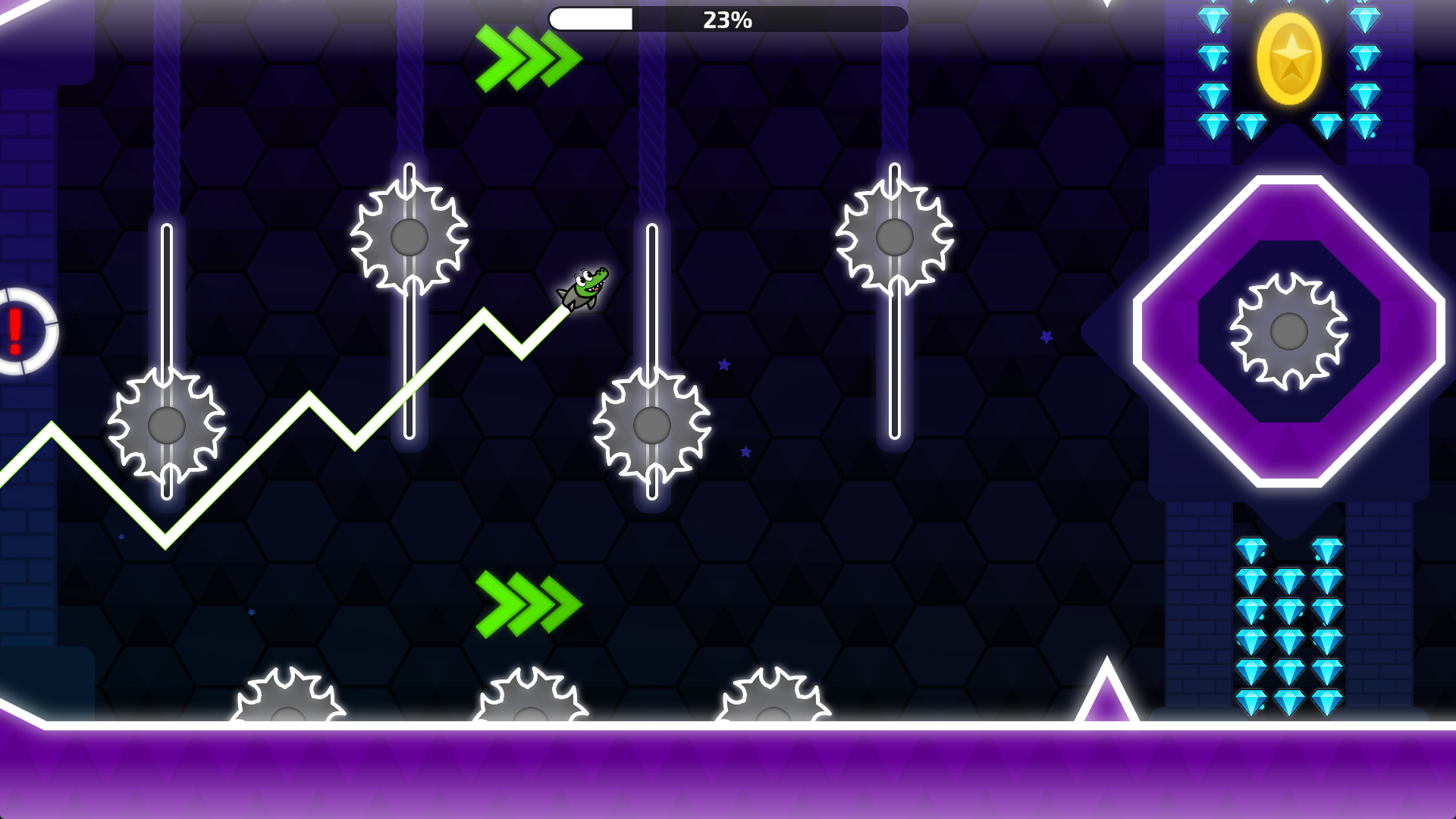
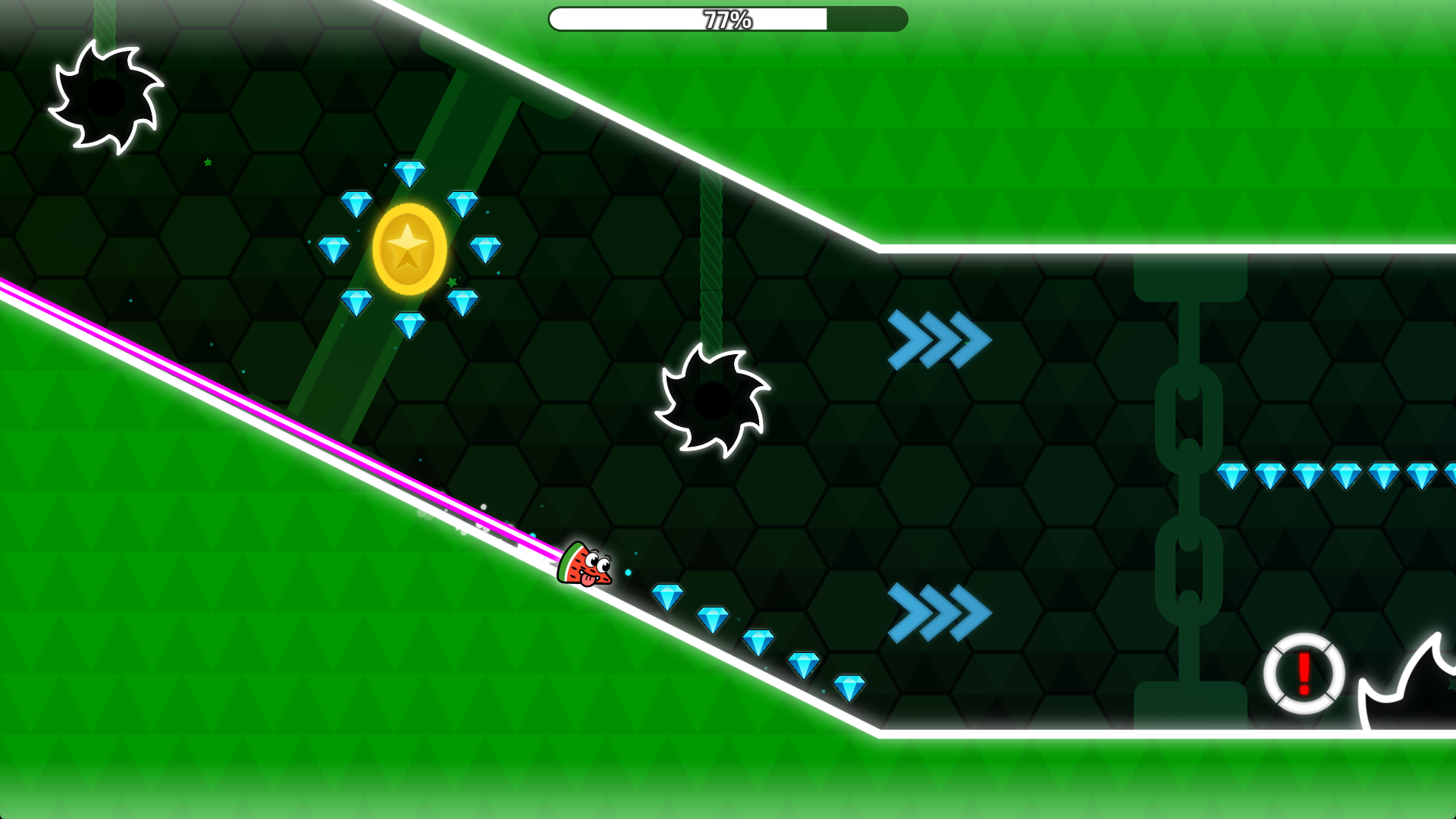
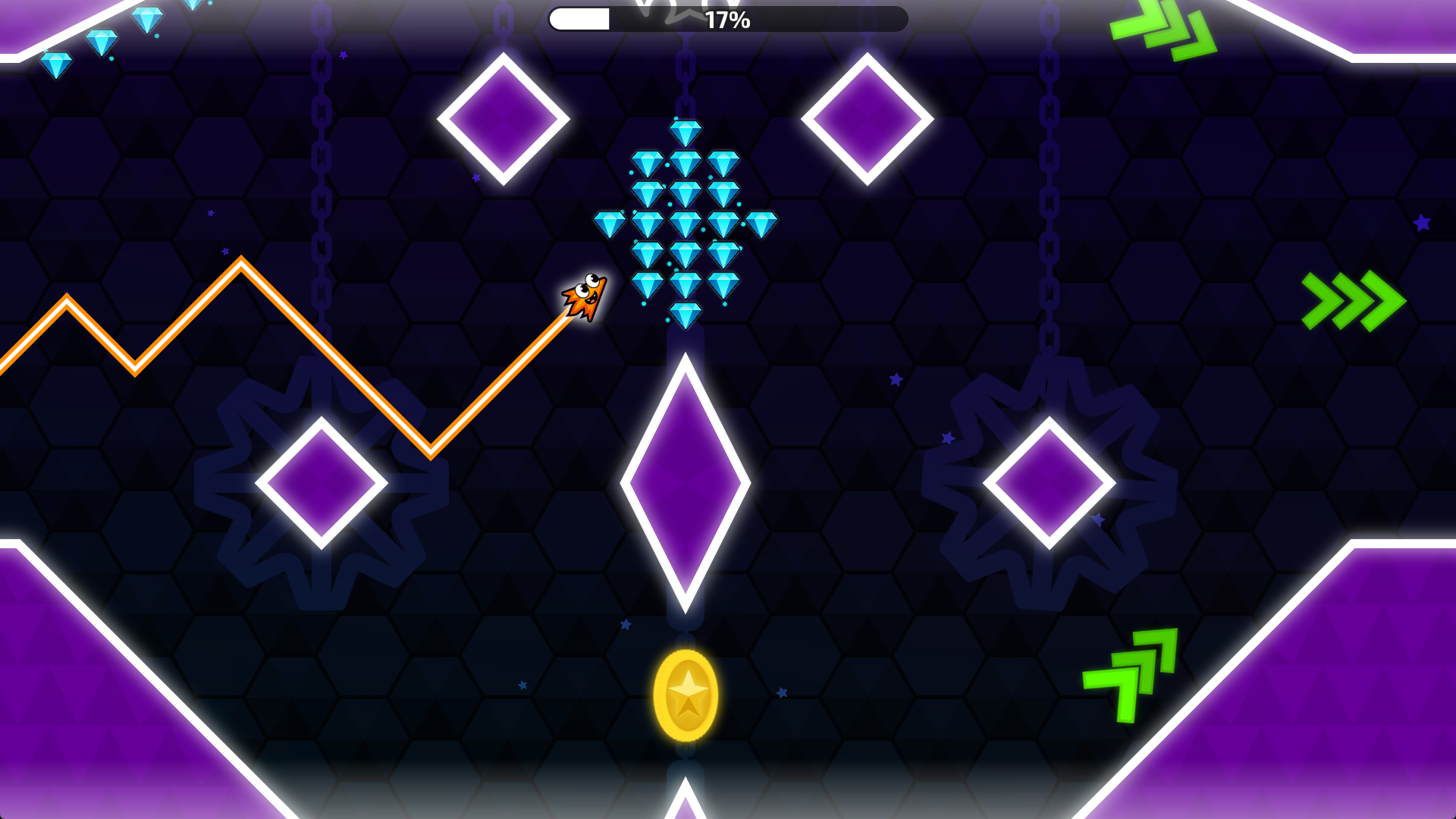
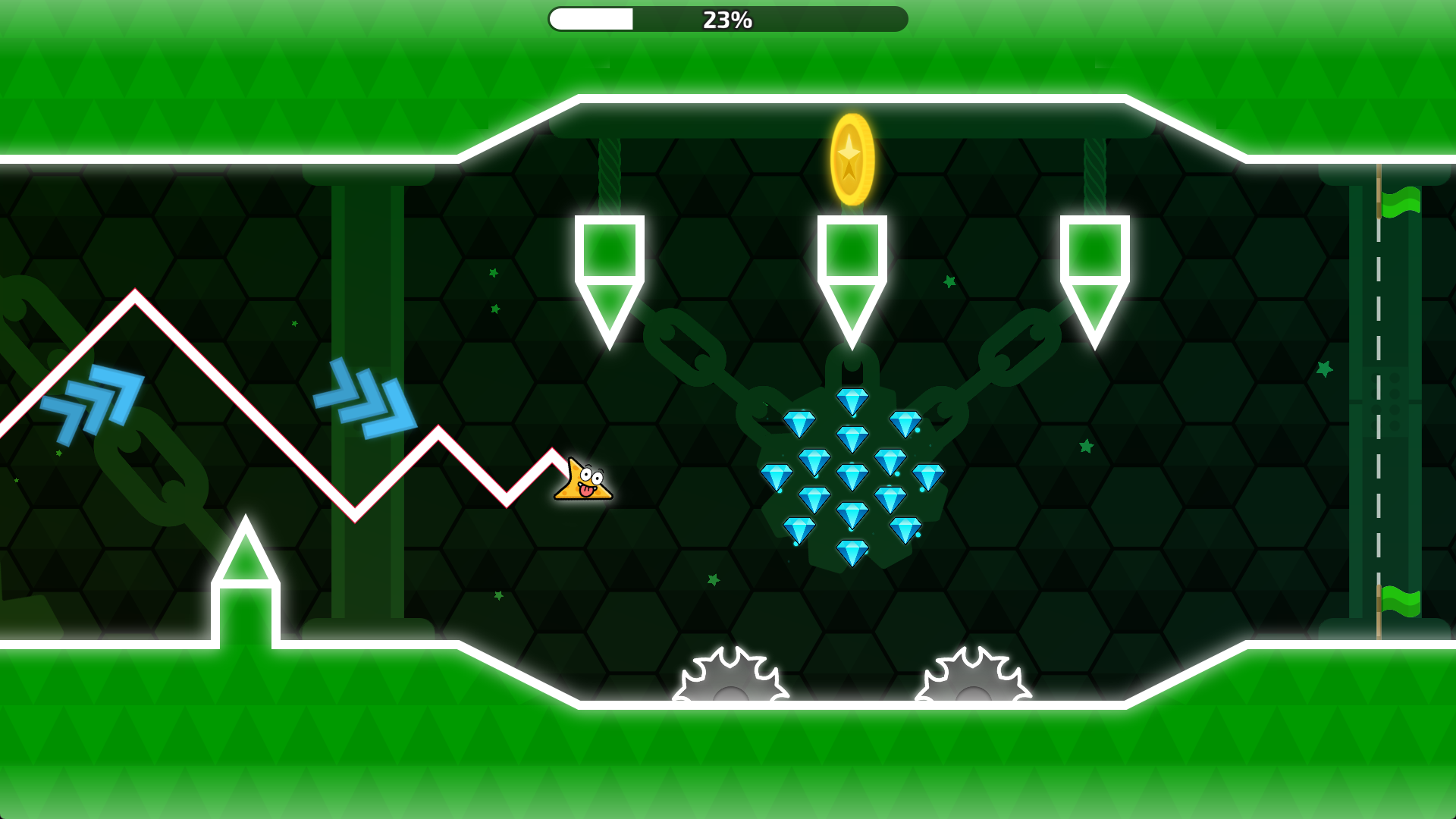
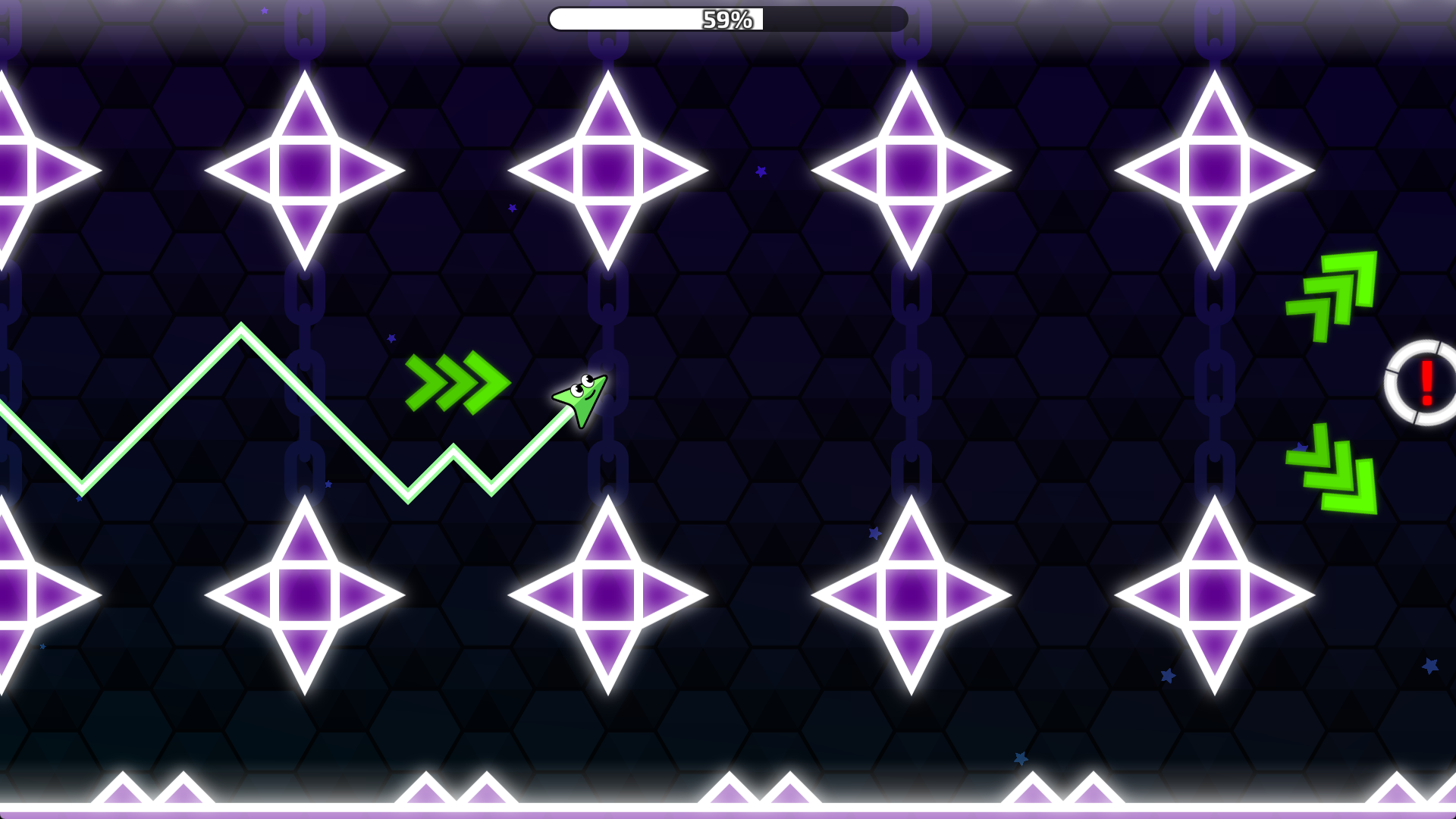
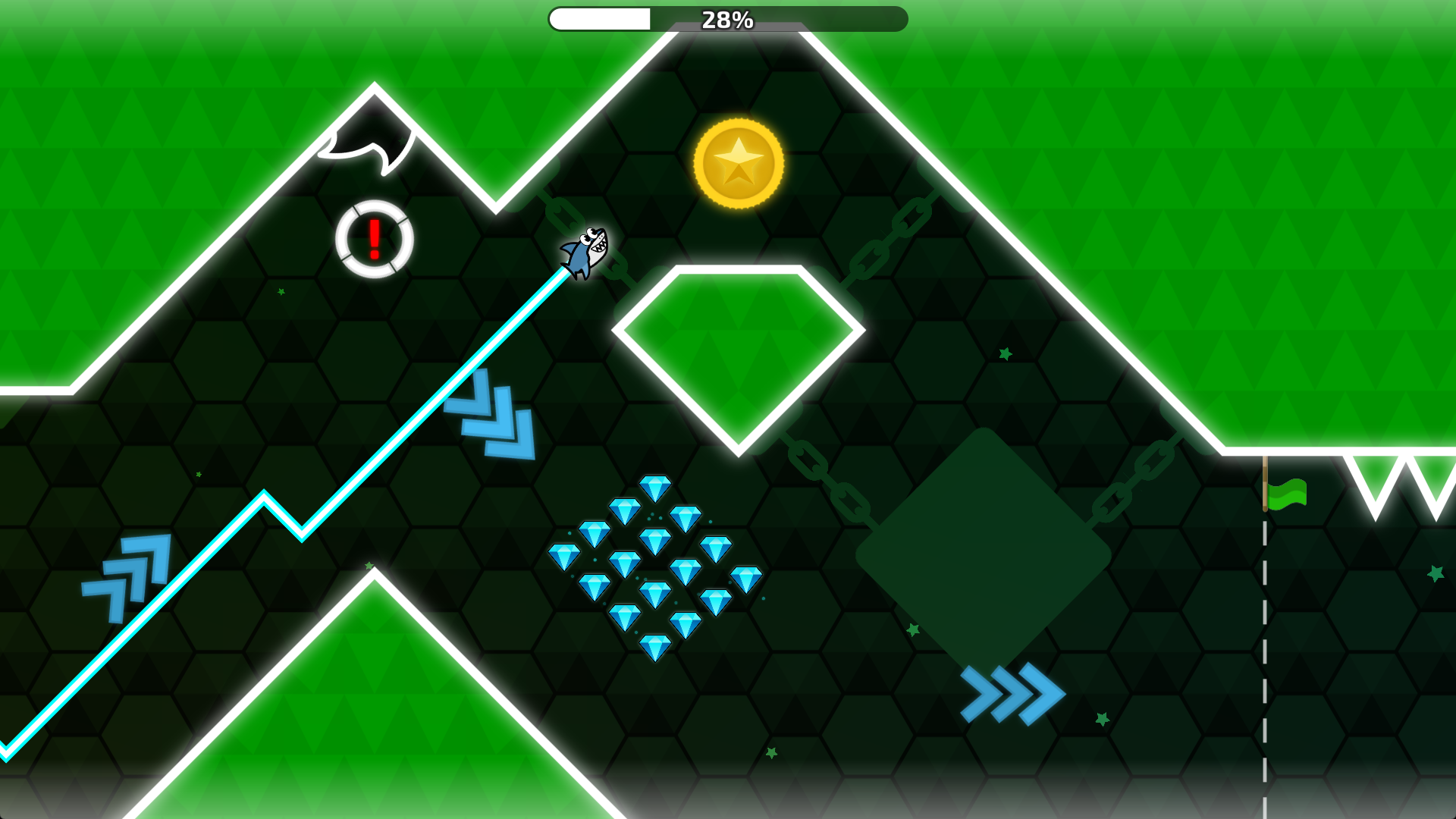
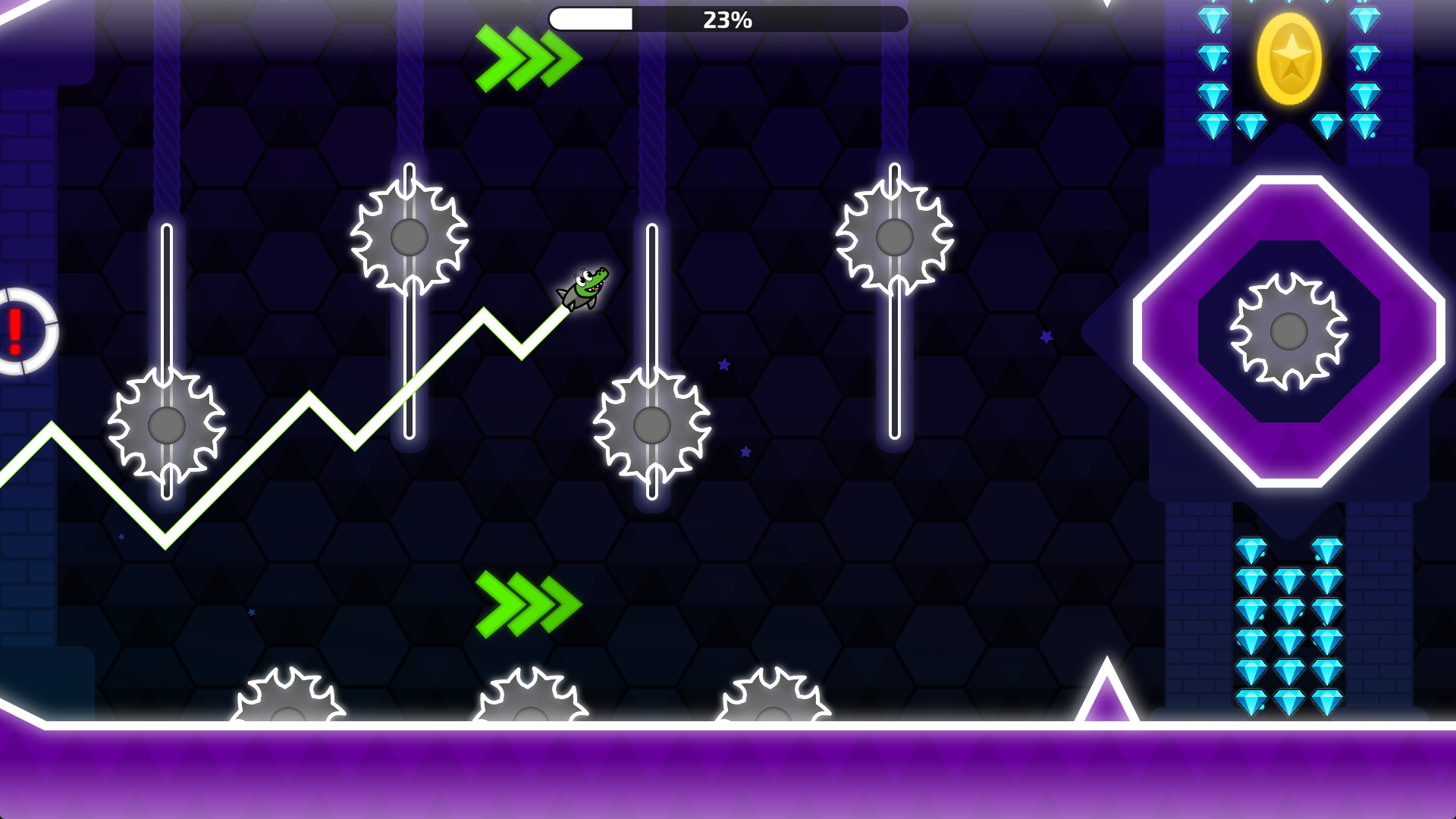
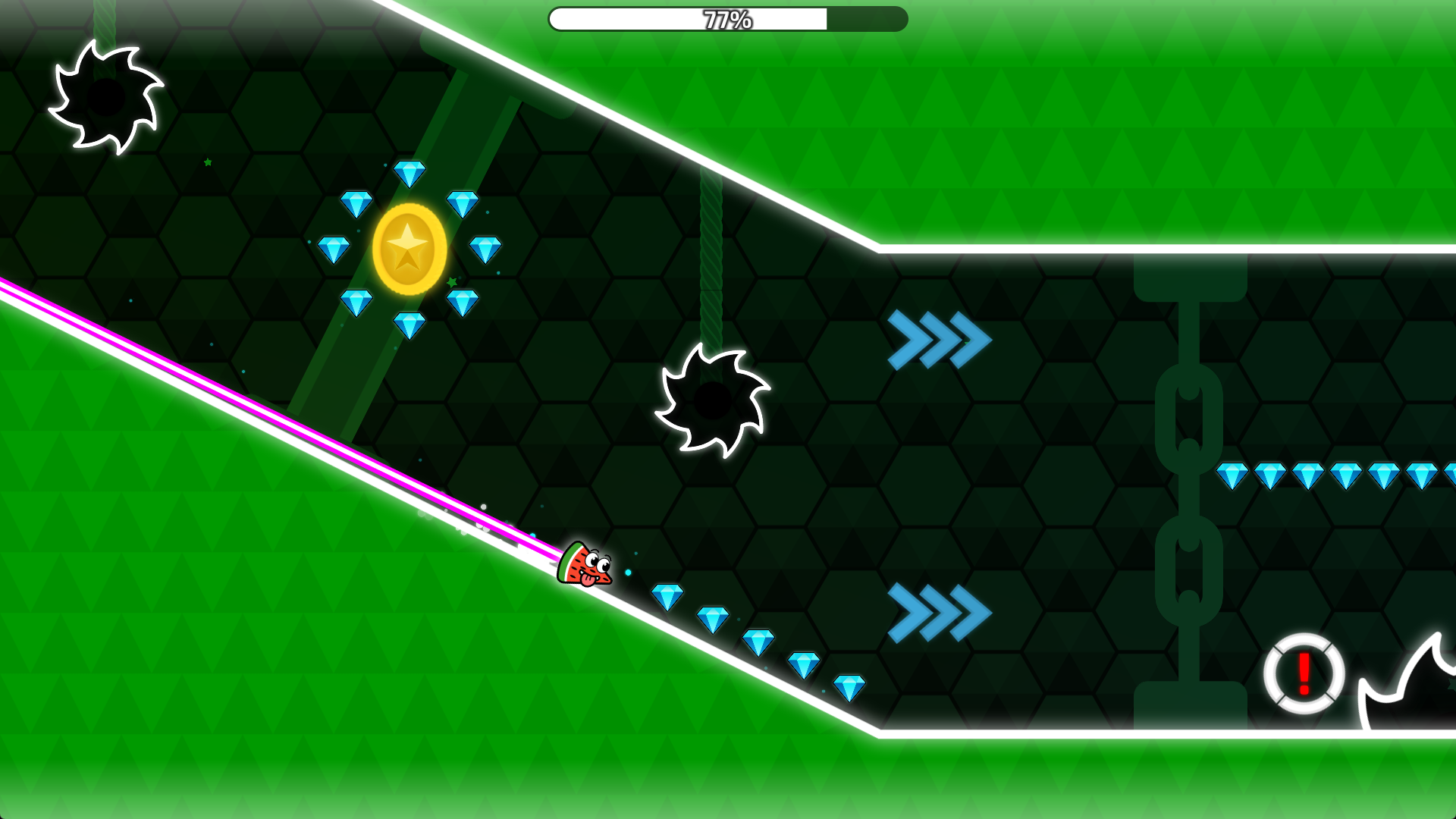
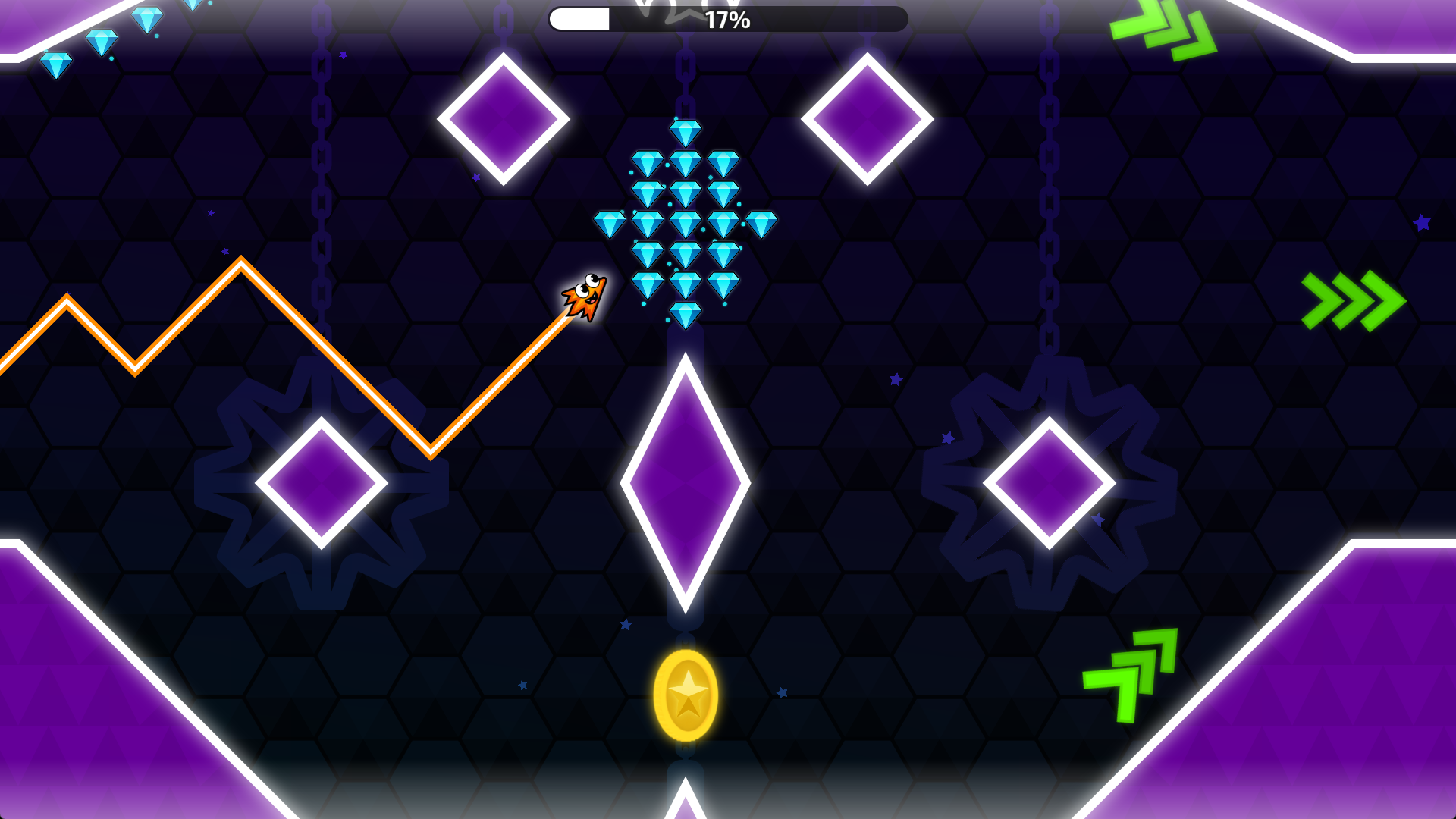
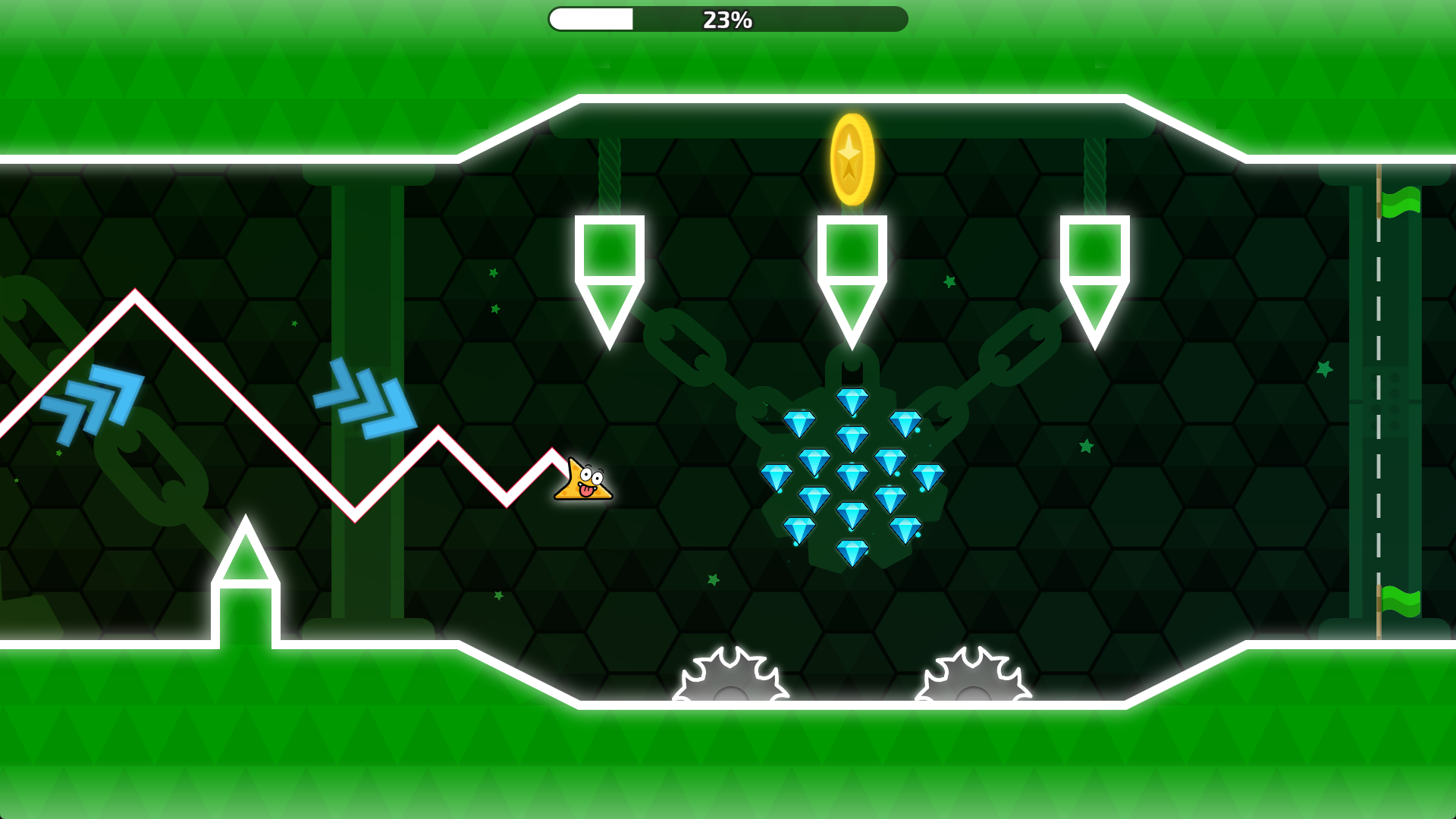
«Sliding Wave: Geometry Challenge» is a fast-paced arcade game where you control the Wave, slide down inclined surfaces, avoid traps, and navigate challenging levels full of obstacles and dangers.
Twenty-seven unique levels await you, where precision, concentration, and quick reflexes are essential. Explore the tracks, collect coins and crystals, unlock new skins, and make your Wave truly unique!
Game Features:
• Endless Mode
• 18 fun skins
• Boss battles
• Sliding on inclined surfaces
• Convenient checkpoint system
• Atmospheric scenery and stylish environments
• Level hints to help you navigate
«Sliding Wave: Geometry Challenge» combines simple controls, a vibrant visual style, and engaging gameplay. Each level is a new challenge, where one mistake can cost you victory, and every completed section brings true satisfaction.
Can you complete all the levels, collect all the coins, and unlock all the skins?
Videos and screenshots
14,163 players online
How to play
-
Open the game
Press Play now and the game opens on its own screen.
-
Follow the in-game instructions
The controls and goals are shown inside the game as you play.
-
Use the game menu
The floating button over the game reloads it, saves it to your favourites, or takes you back out.