Skip to content
KG
Geometry Wave: Online Editor

Geometry Wave: Online Editor

8K plays 4.0 out of 5

Overview

Wave is a popular mode from the Geometry Dash game, which is famous for its popularity due to its difficulty! There are more than 30000 levels in this game, but that's not the limit! You can create as many levels as you want, as well as upload them so that other players can play them! You can also play other players' levels, as well as rate them!

Videos and screenshots
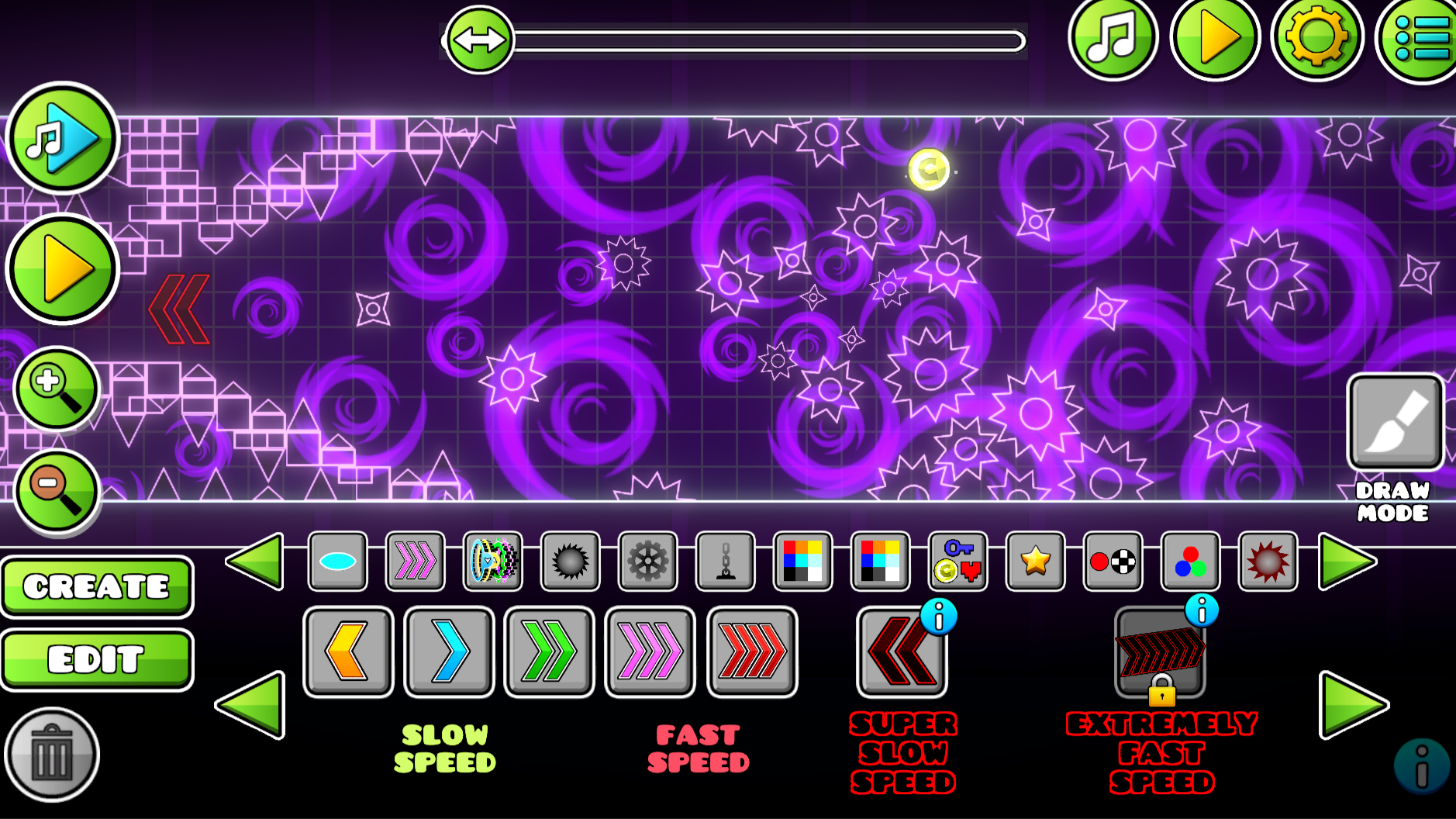
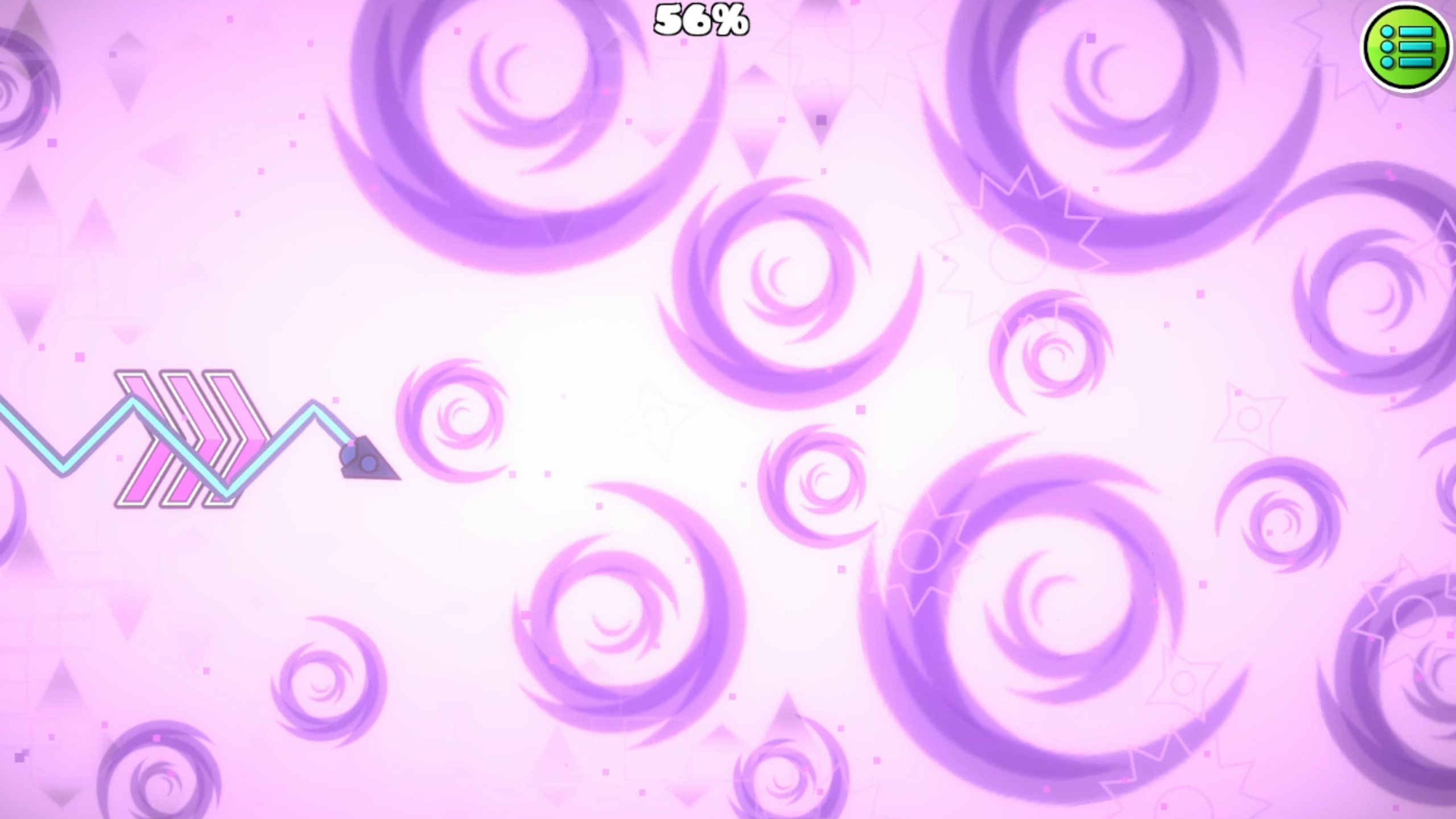
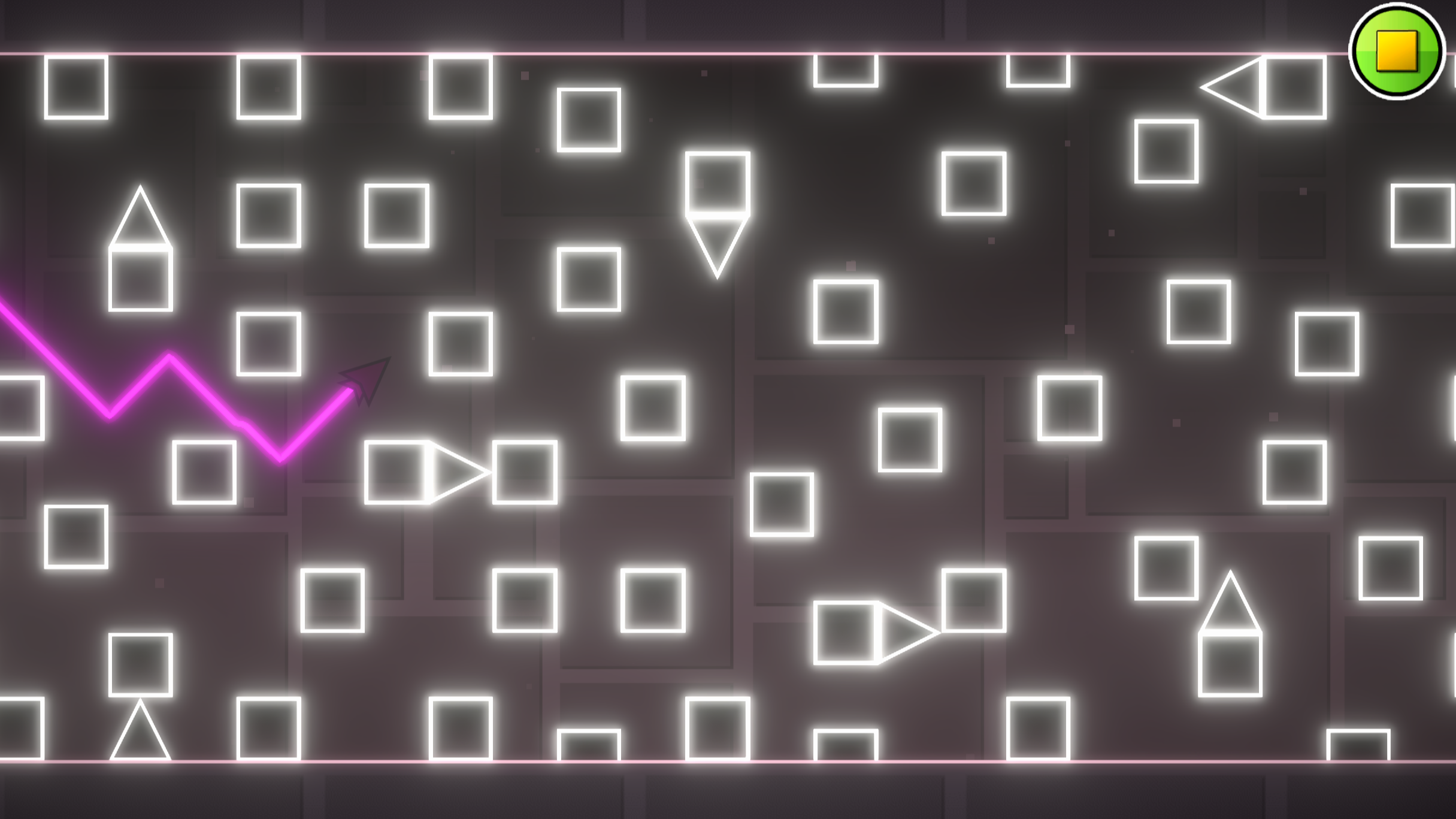
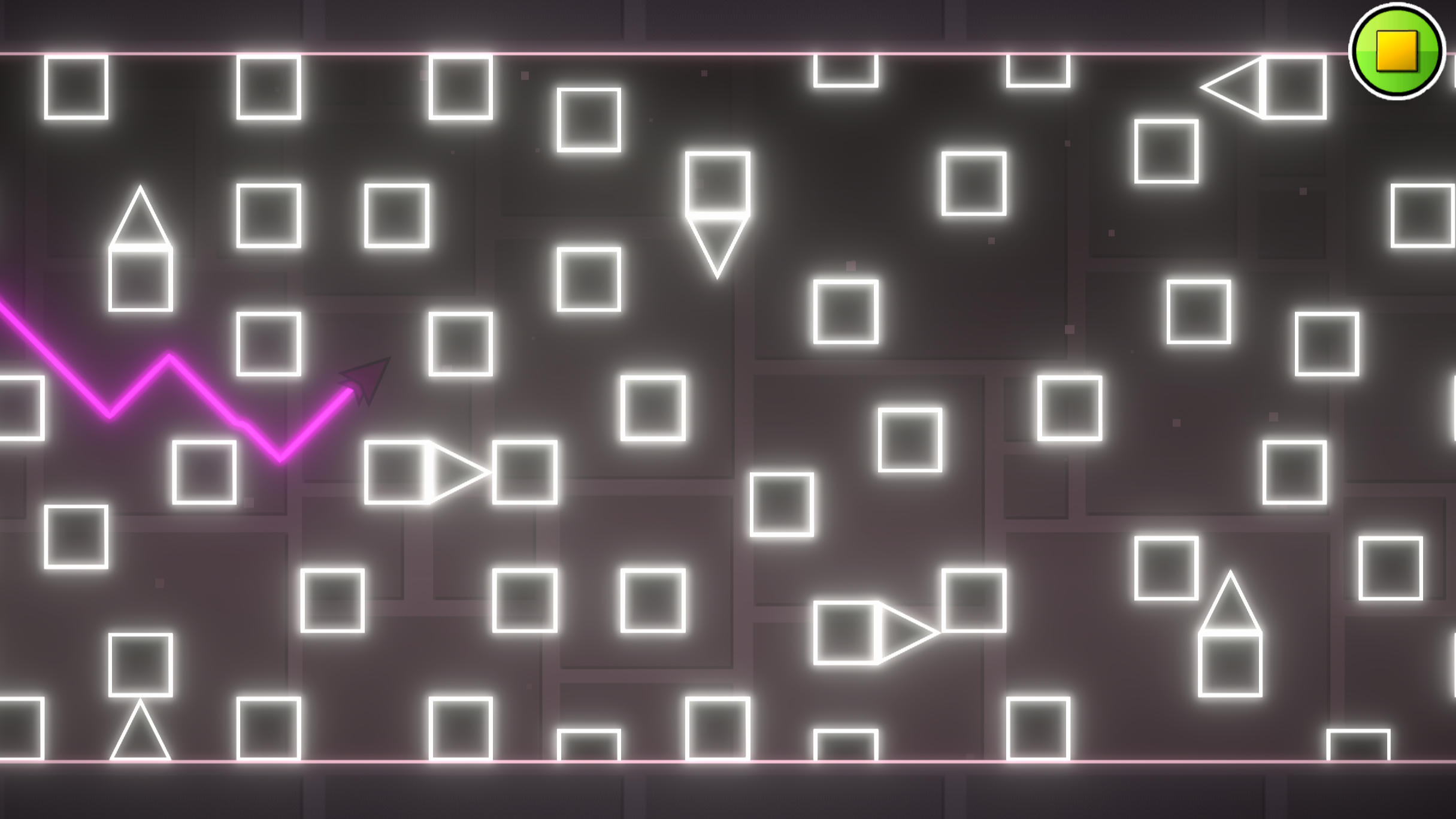
  • Geometry Wave: Online Editor screenshot 1
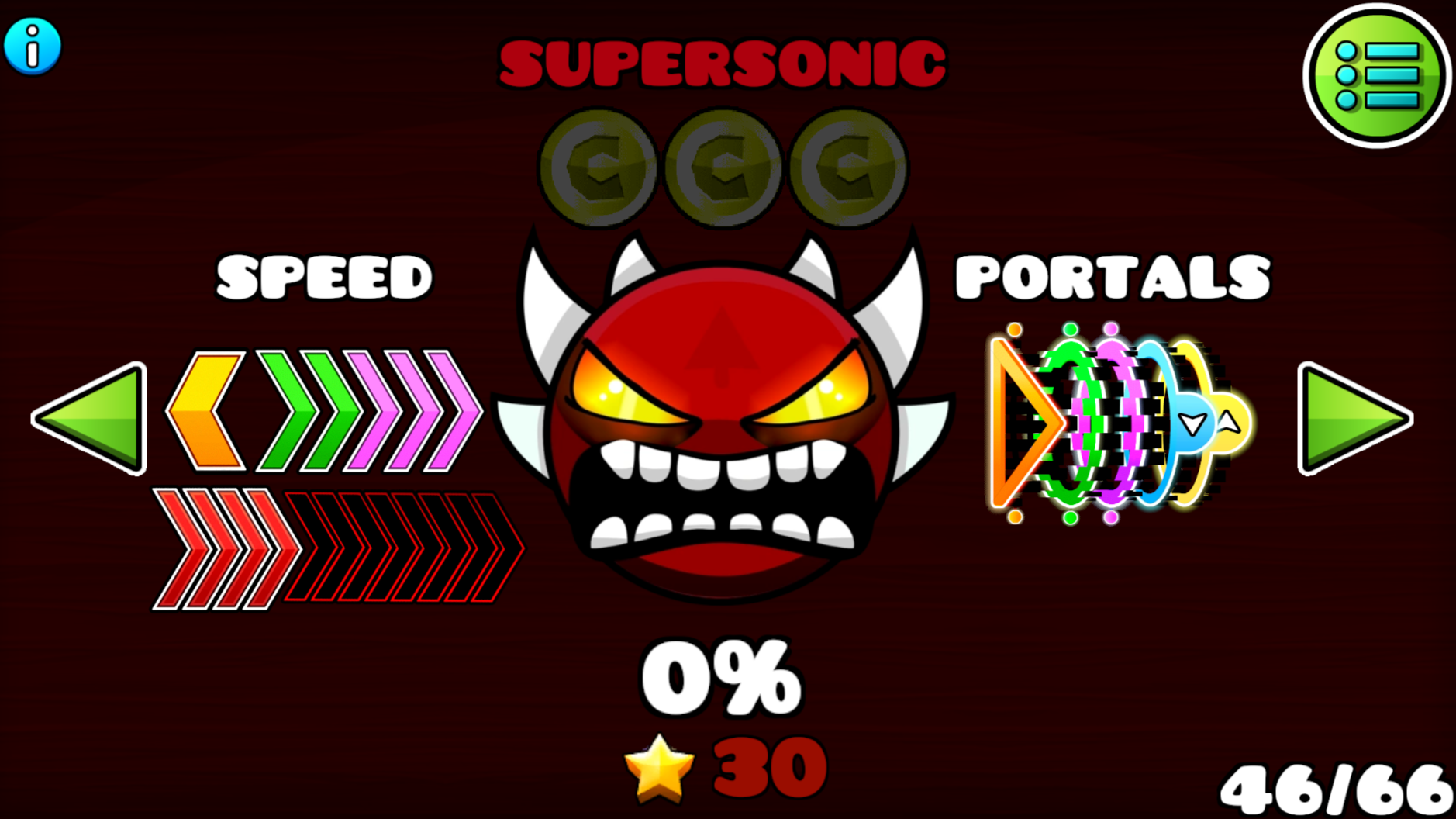
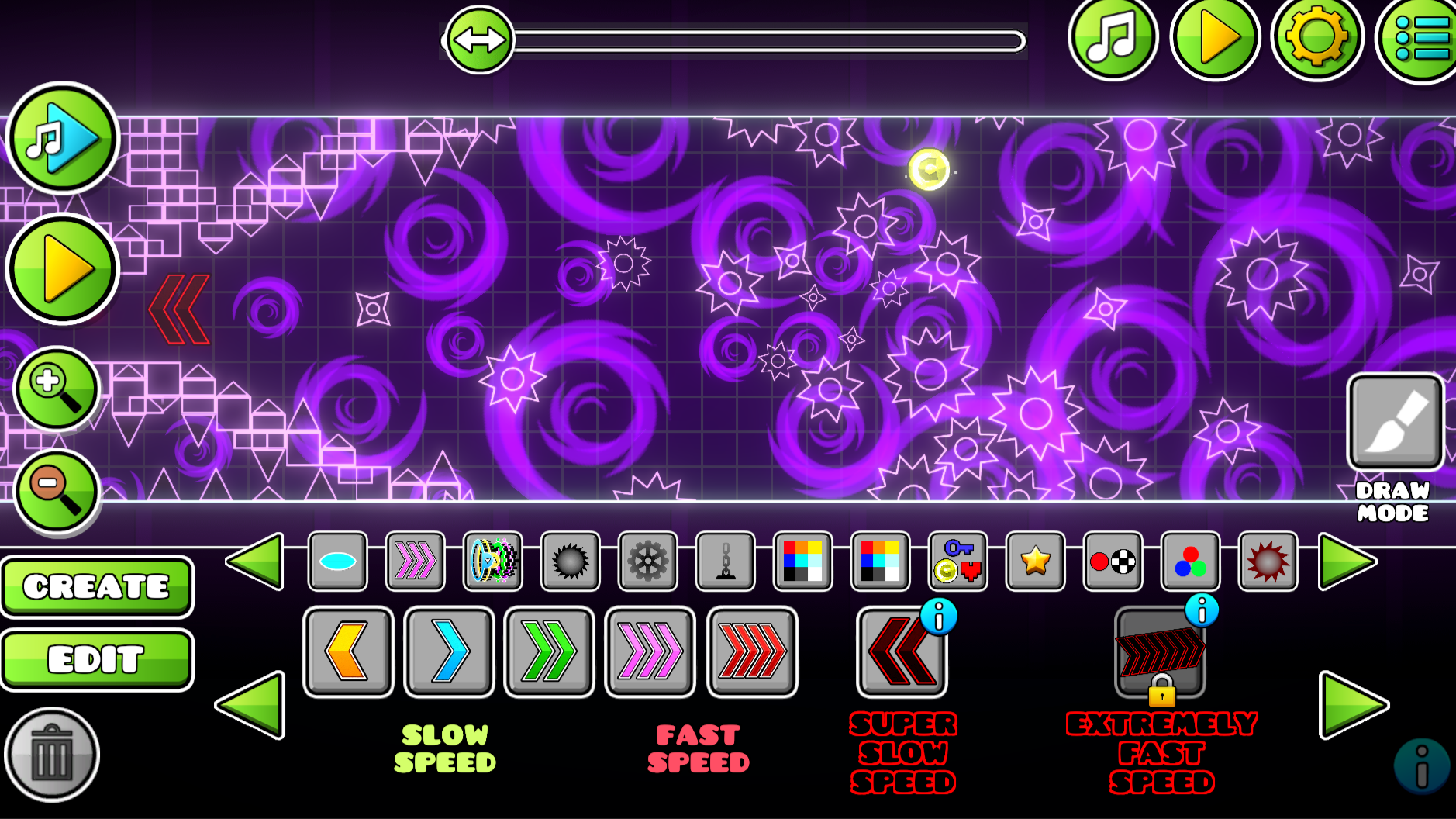
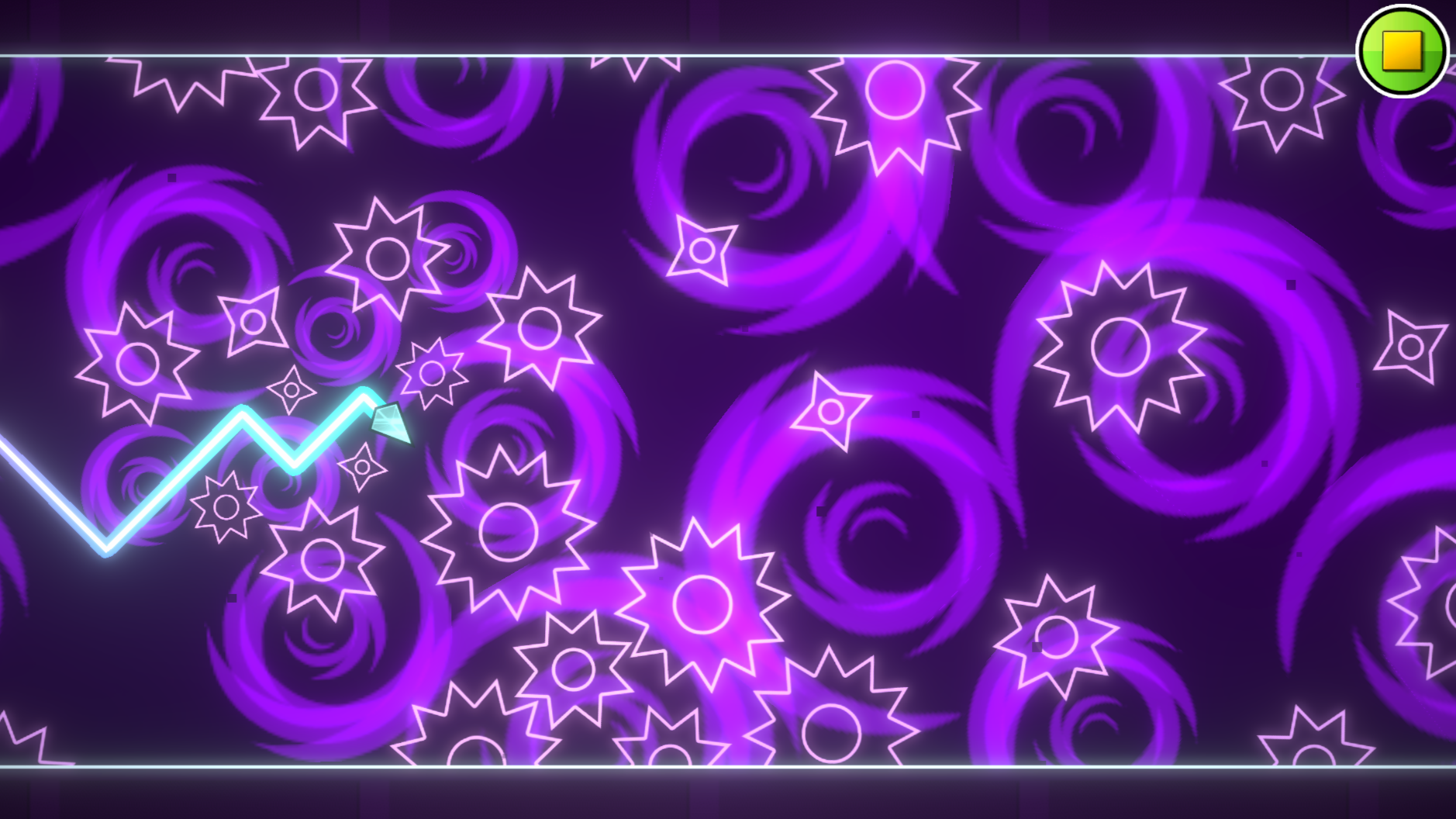
  • Geometry Wave: Online Editor screenshot 2
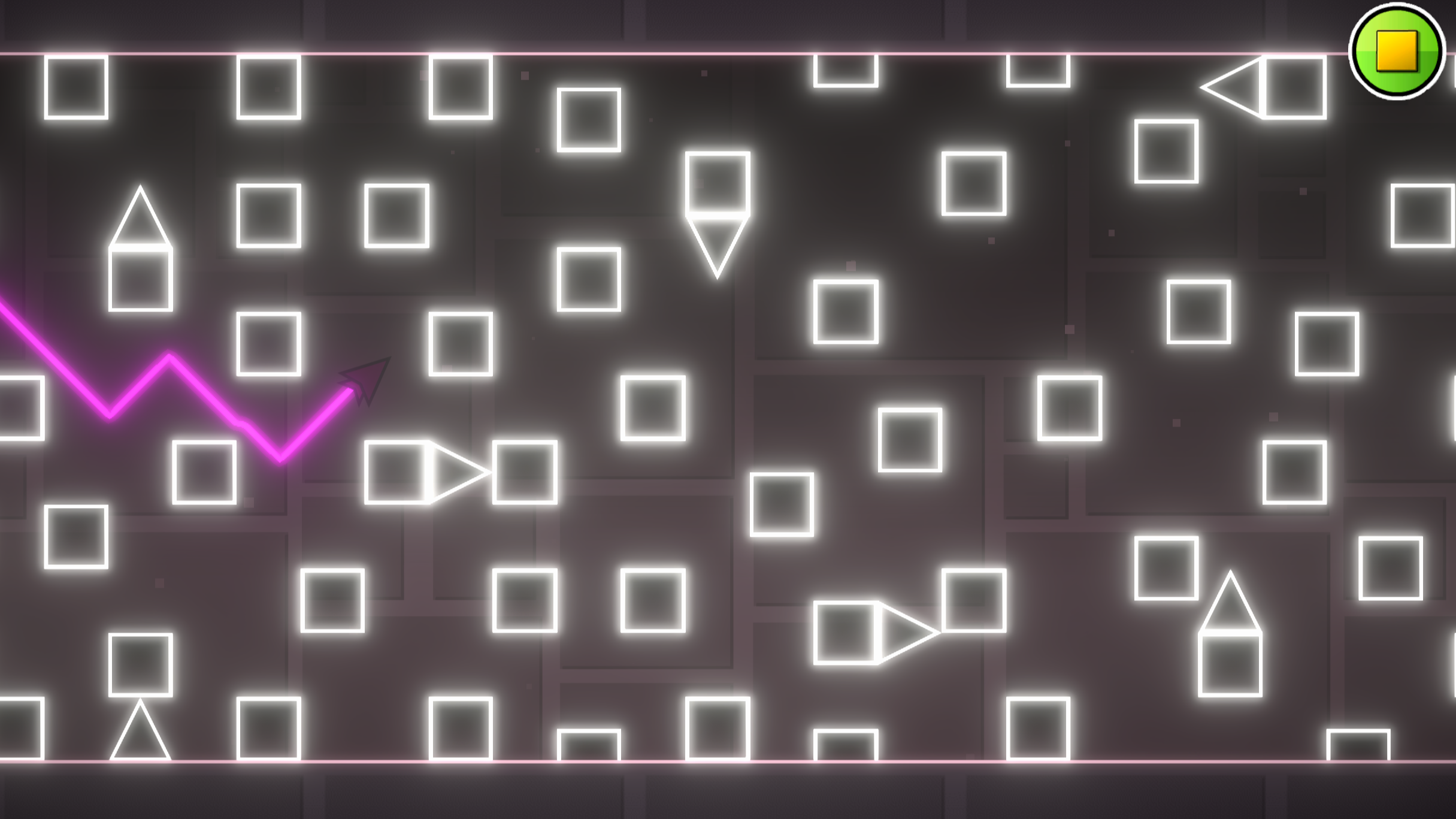
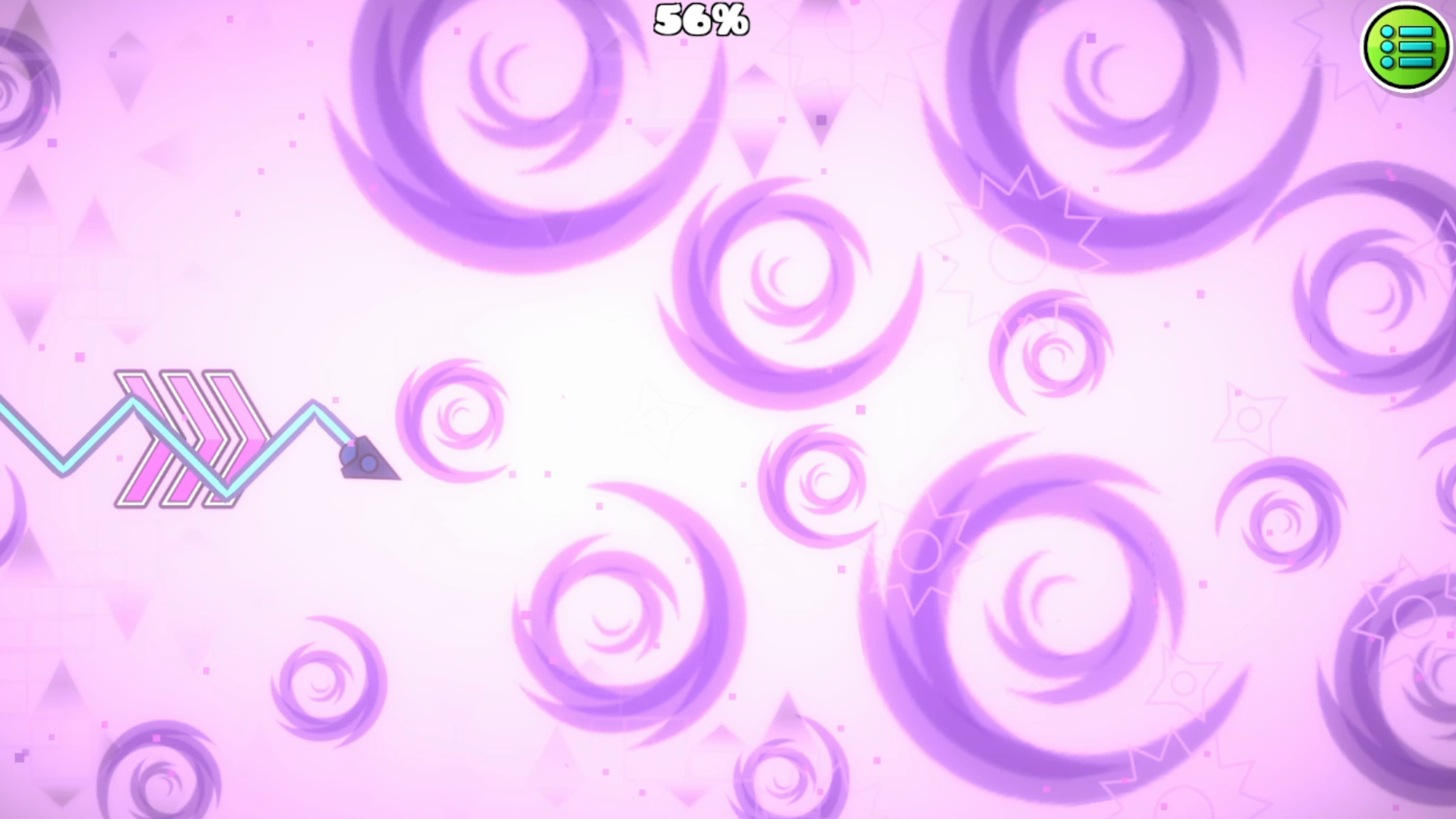
  • Geometry Wave: Online Editor screenshot 3
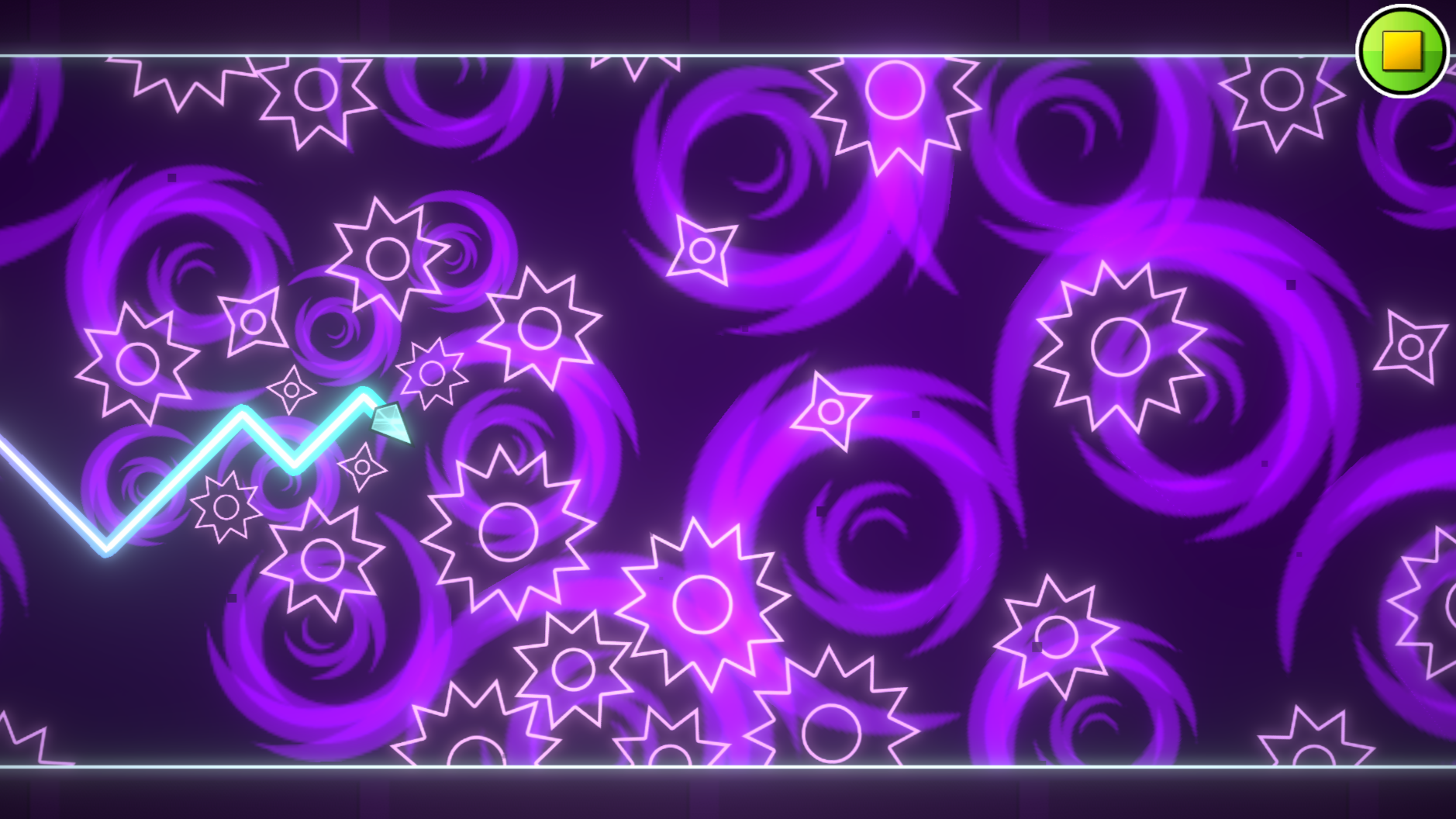
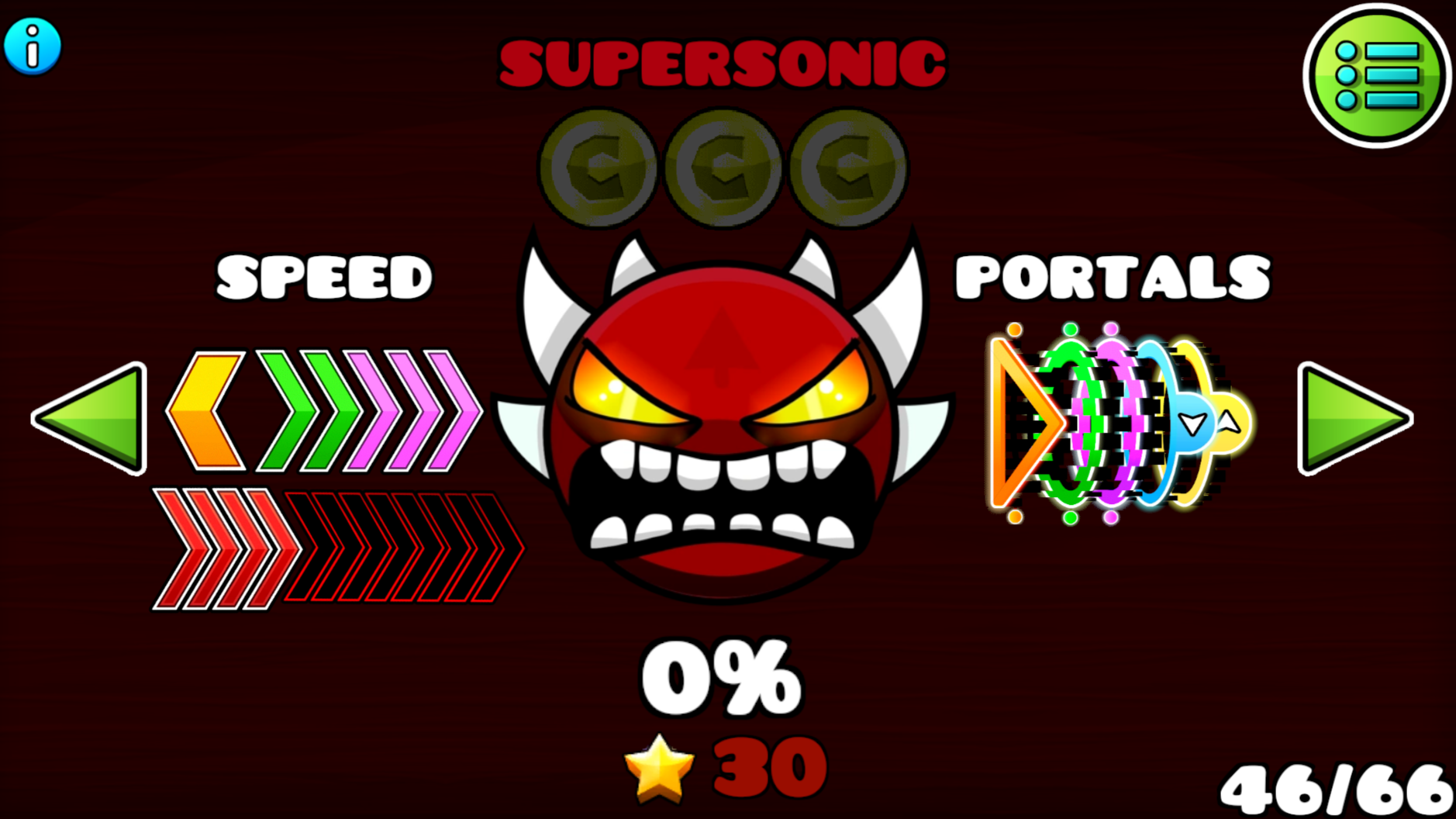
  • Geometry Wave: Online Editor screenshot 4
  • Geometry Wave: Online Editor screenshot 5
  • Geometry Wave: Online Editor screenshot 6
  • Geometry Wave: Online Editor screenshot 7
  • Geometry Wave: Online Editor screenshot 8
  • Geometry Wave: Online Editor screenshot 9
  • Geometry Wave: Online Editor screenshot 10
  • Geometry Wave: Online Editor screenshot 11
  • Geometry Wave: Online Editor screenshot 12
Play Now

12,918 players online

How to play

  1. Open the game

    Press Play now and the game opens on its own screen.

  2. Follow the in-game instructions

    The controls and goals are shown inside the game as you play.

  3. Use the game menu

    The floating button over the game reloads it, saves it to your favourites, or takes you back out.
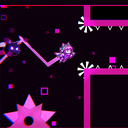
Game instructions

- PC controls: To make the wave fly up, press any of these keys: - "W" key - space bar - up arrow - Left mouse button(LMB) The game also has a practice mode, to activate it, open the pause and press the corresponding button to set checkpoints, press the "Z" key to remove the checkpoint, press the "X" key - Conrols on mobile devices: To make the wave fly up, just hold your finger on the screen, to make the wave fly down, release your finger from the screen The game also has a practice mode, to activate it, open the pause and click on the corresponding button to set checkpoints, click on the left button with the checkpoint image, to remove the checkpoint, click on the right button with the cross The goal of the game is to reach the finish line by avoiding all obstacles. As you complete the levels, you get stars, coins, and crystals. Crystals are used for shopping in the store and the editor. Use the buttons with the "i" icon for more info

More games

More games