Skip to content
KG
Gravity Box

Gravity Box

130K plays 3.8 out of 5

Overview

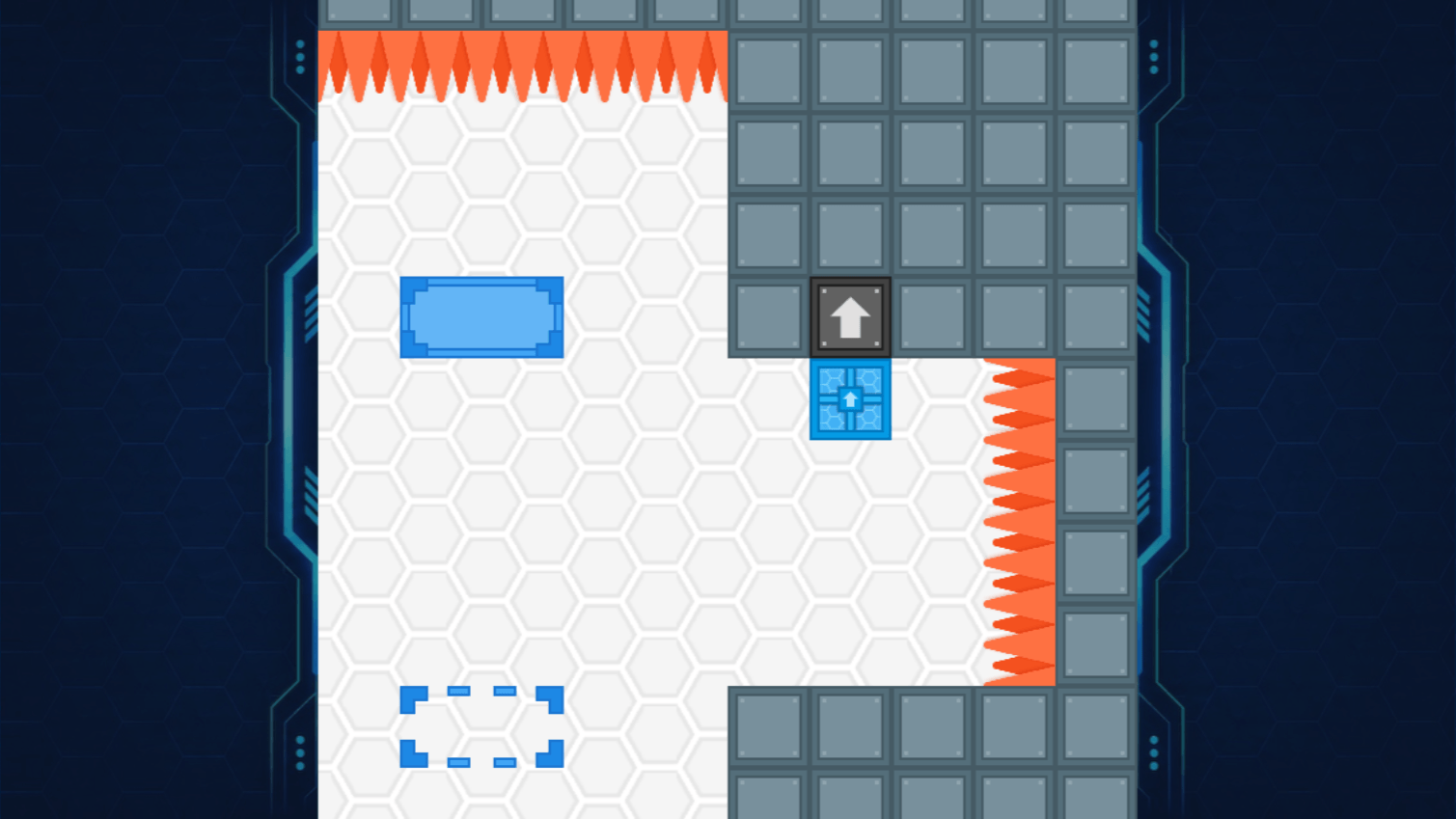
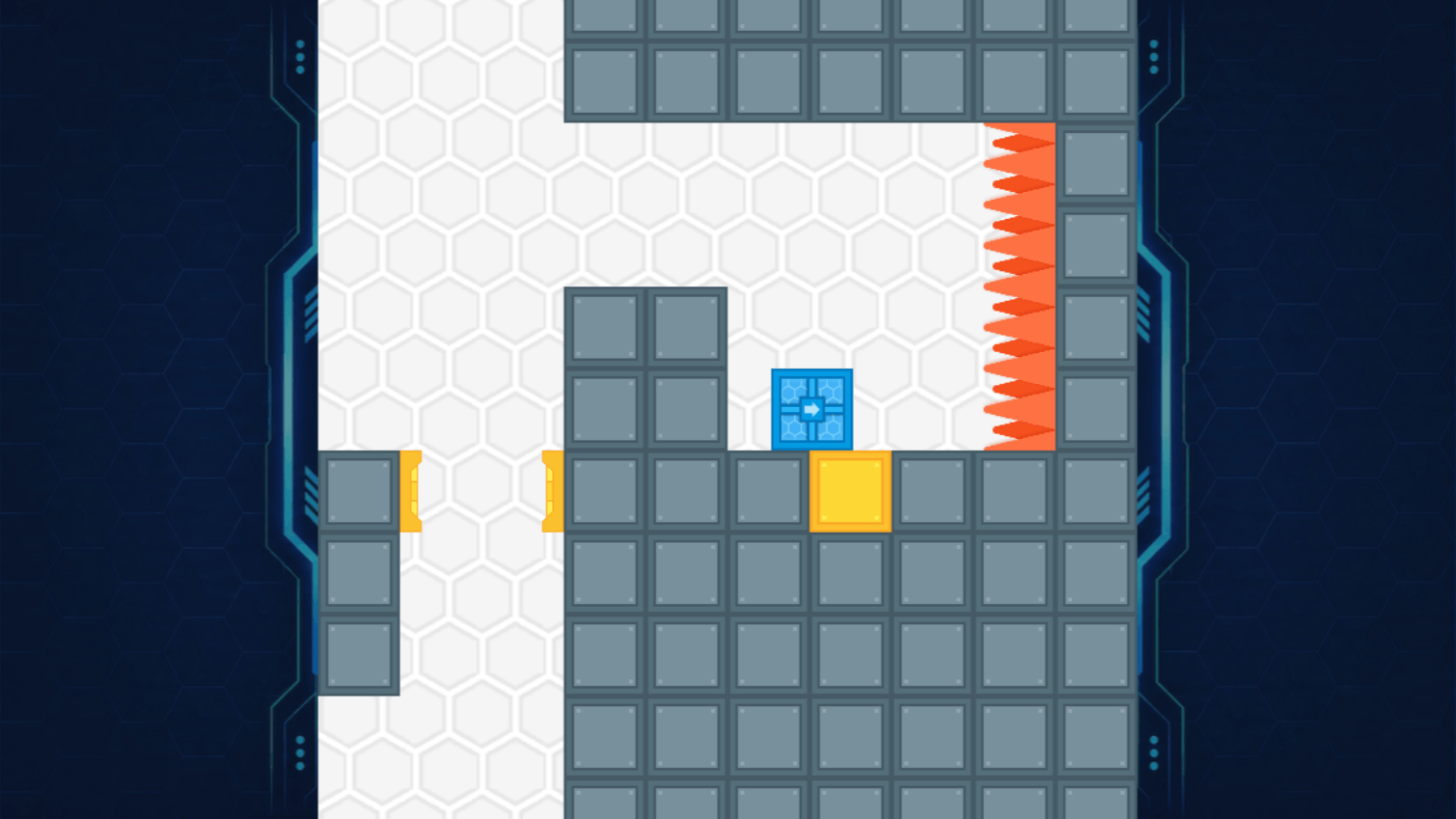
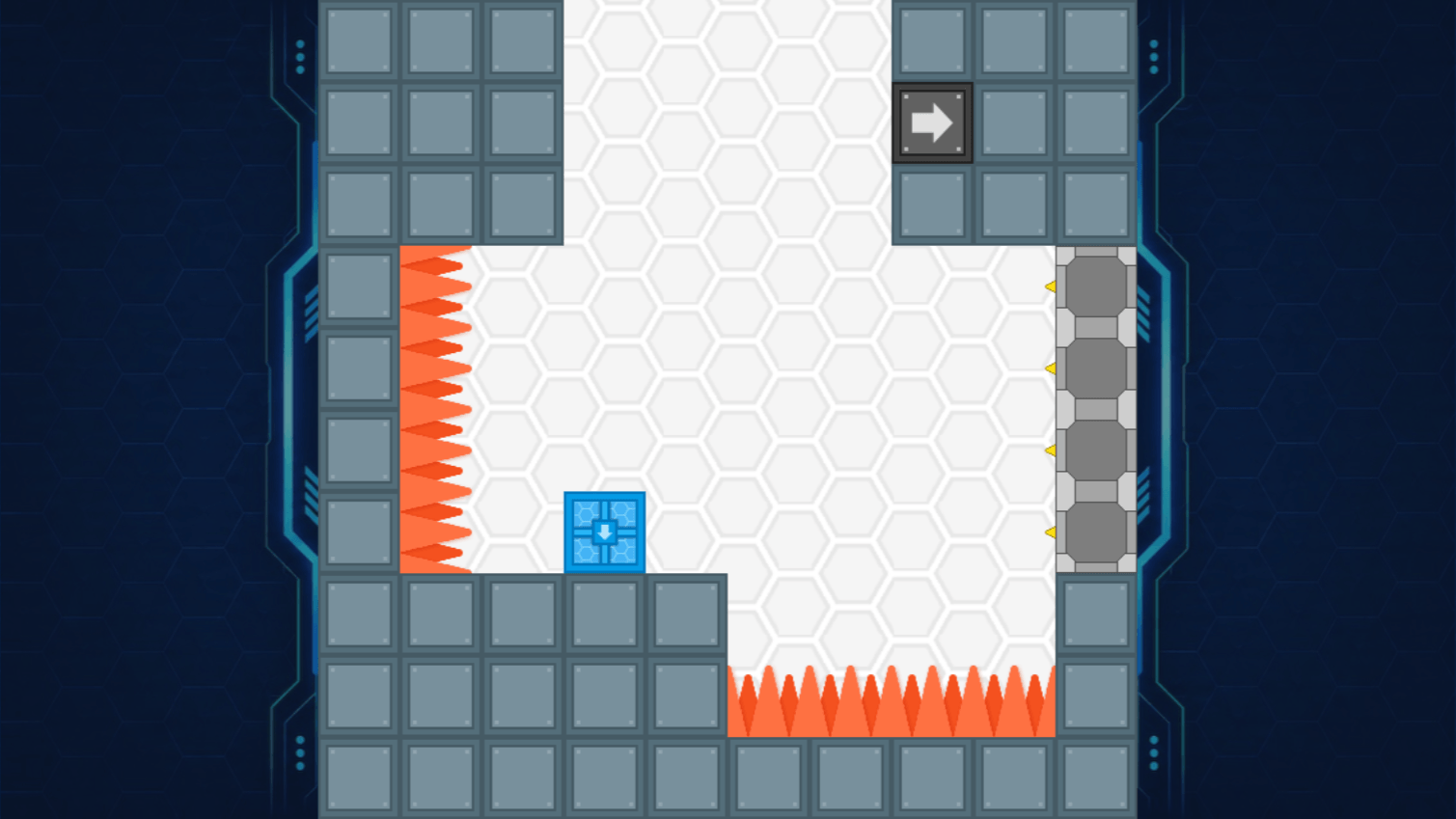
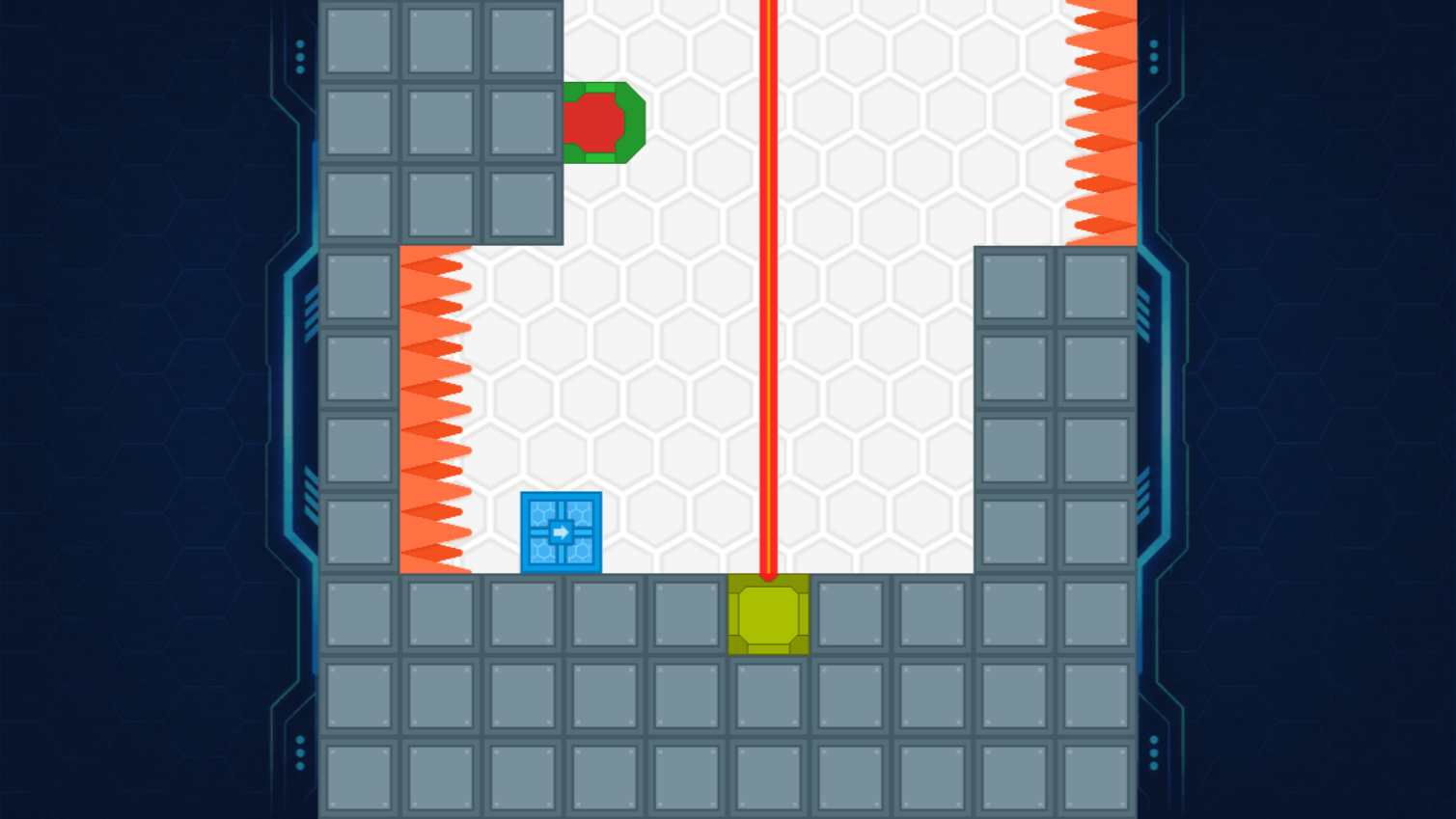
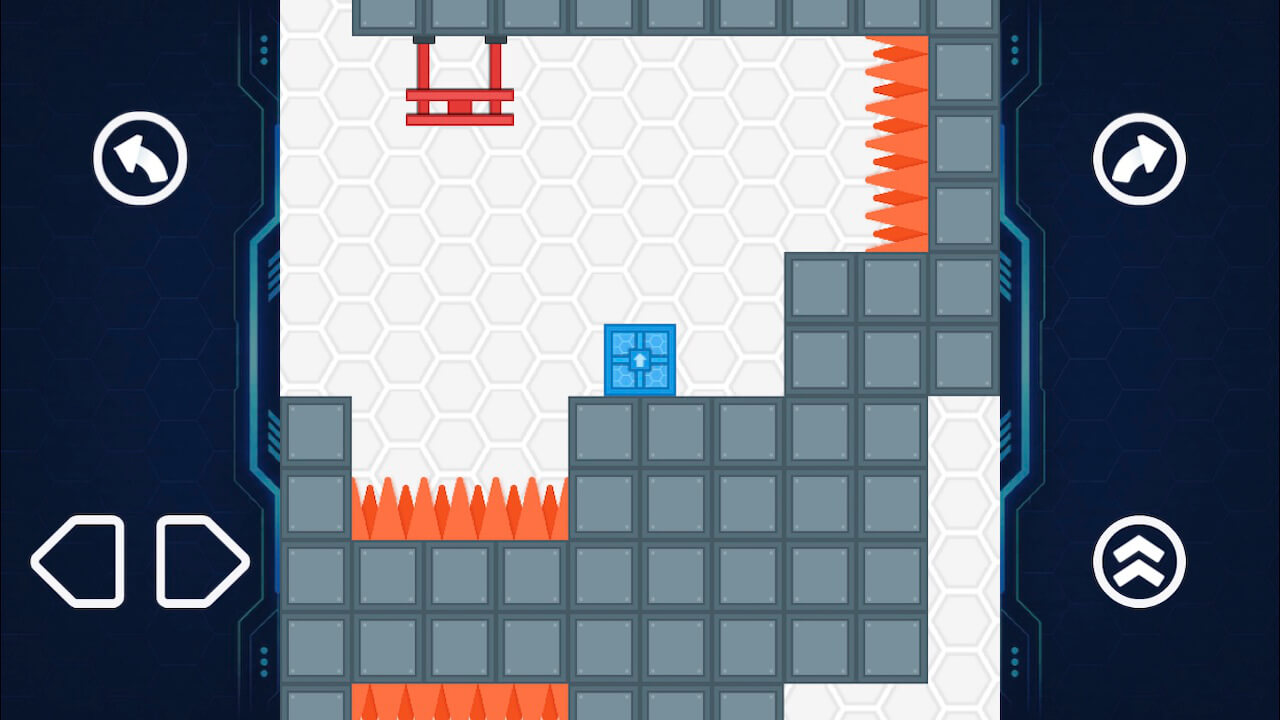
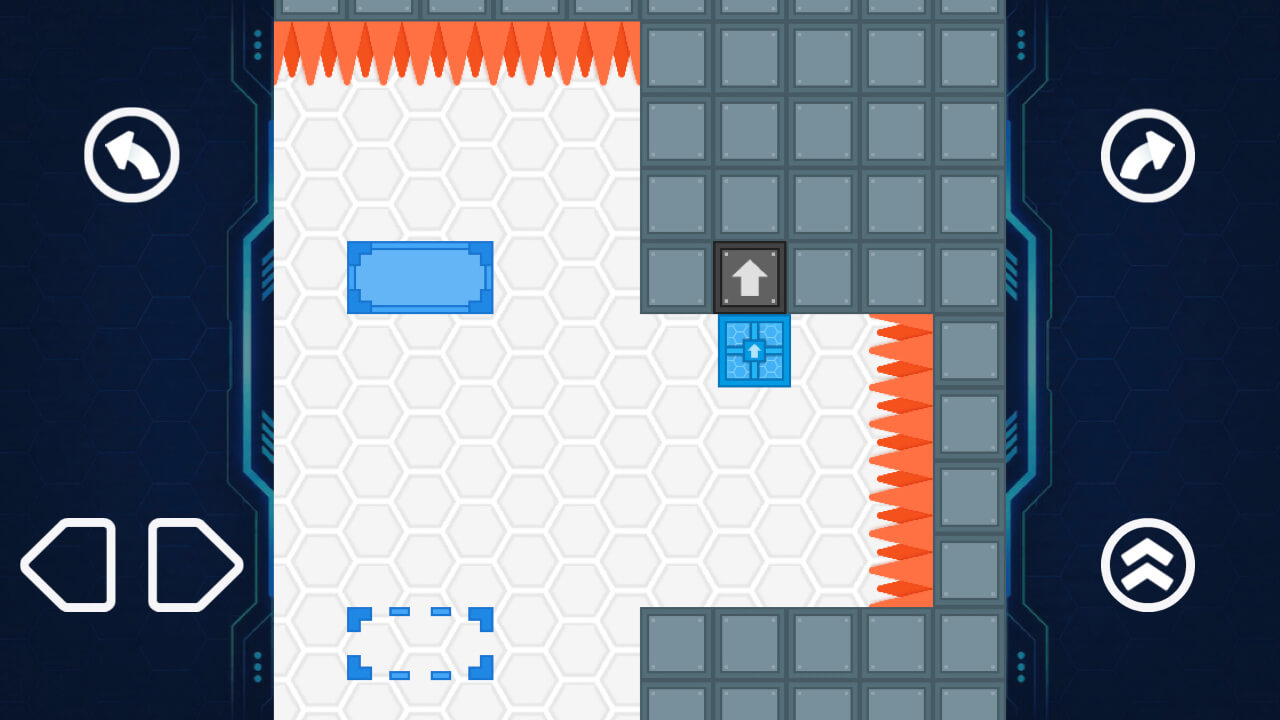
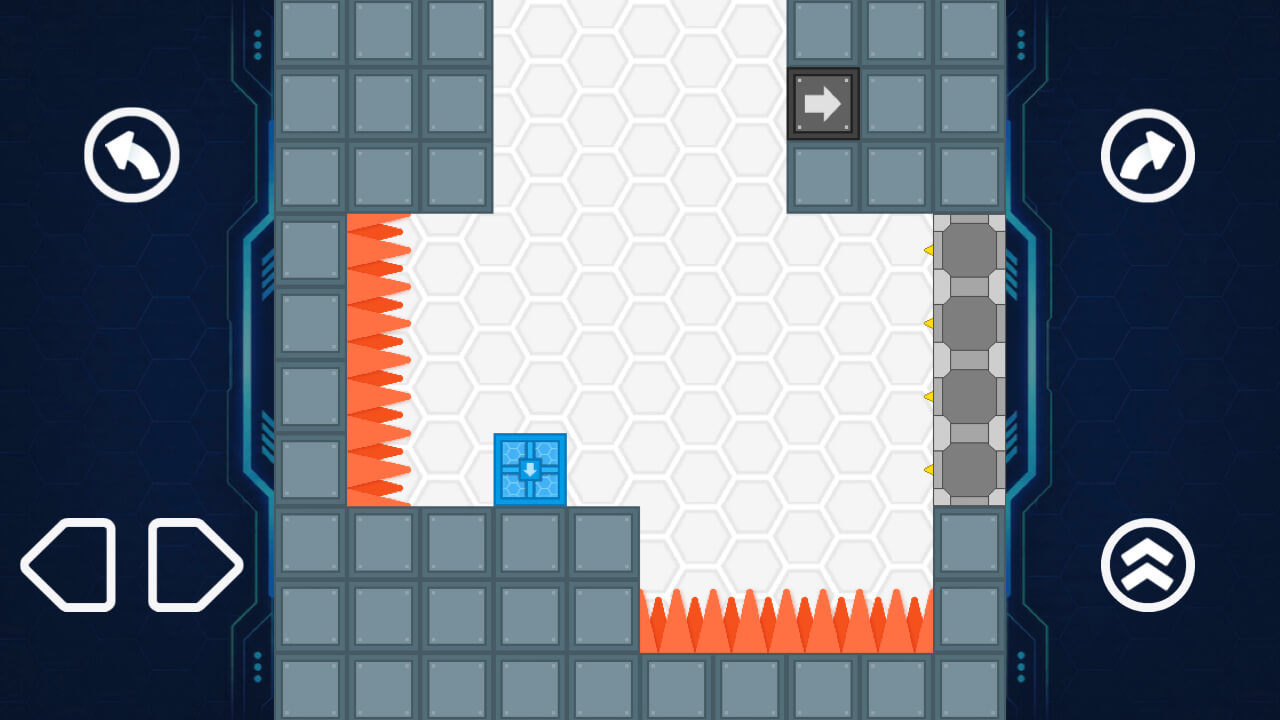
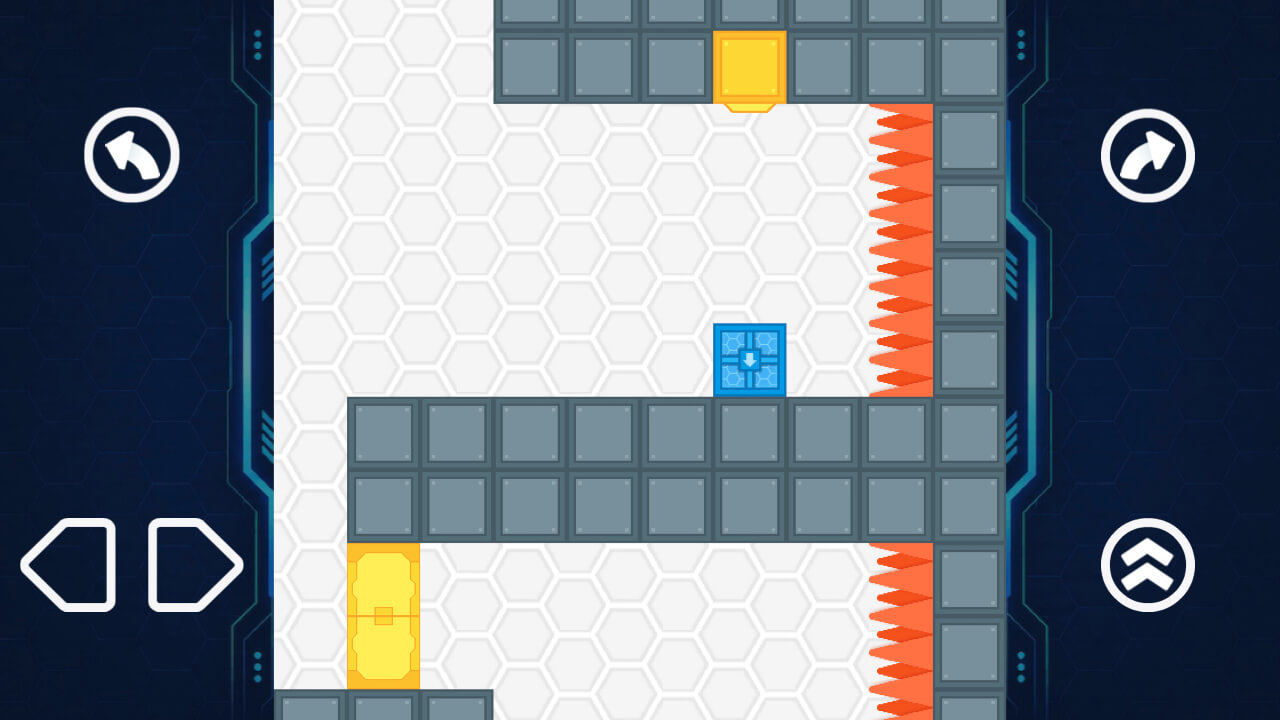
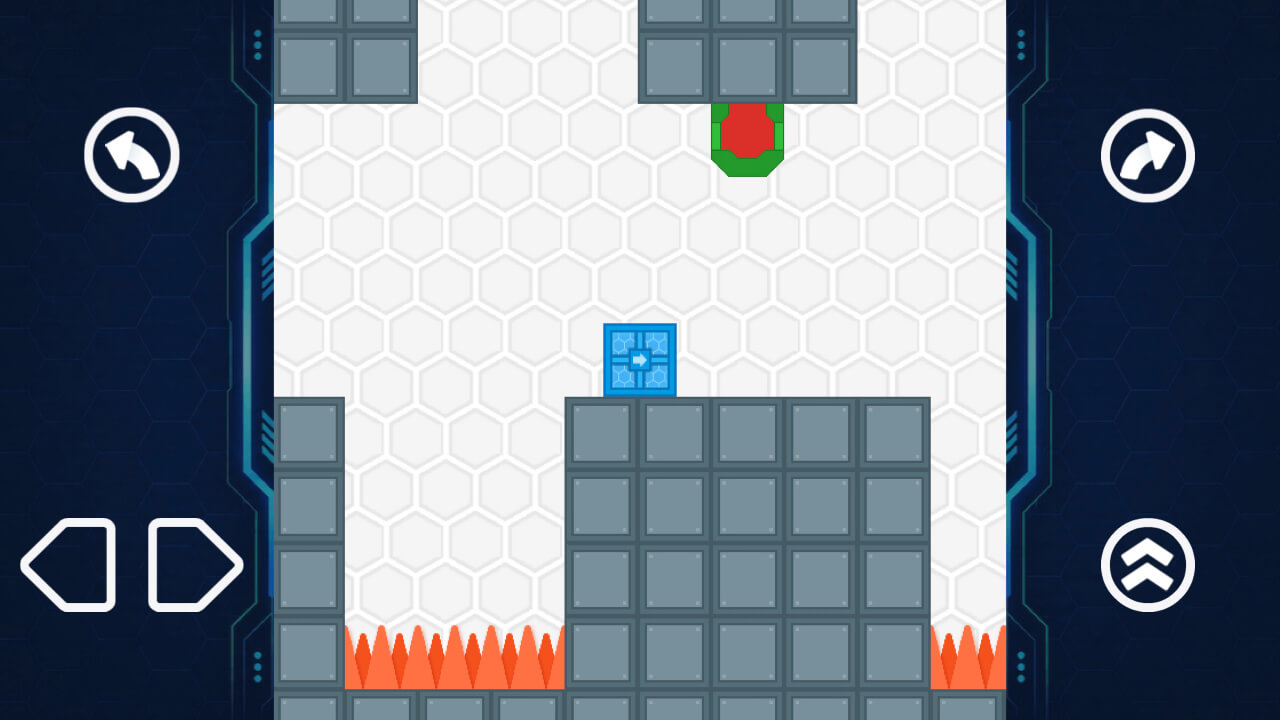
Gravity Box is a puzzle platformer where you rotate the entire room to guide the player to the exit. Work your way through 64 levels, find safe routes, jump over spikes, press switches to open doors, and use the environment to your advantage. New stages introduce disappearing and breakable platforms, magnets, portals, conveyors, lasers, and other hazards. The controls stay the same when the room rotates, and the player always falls toward the bottom of the screen. Each level also contains an optional bonus to collect.

Videos and screenshots
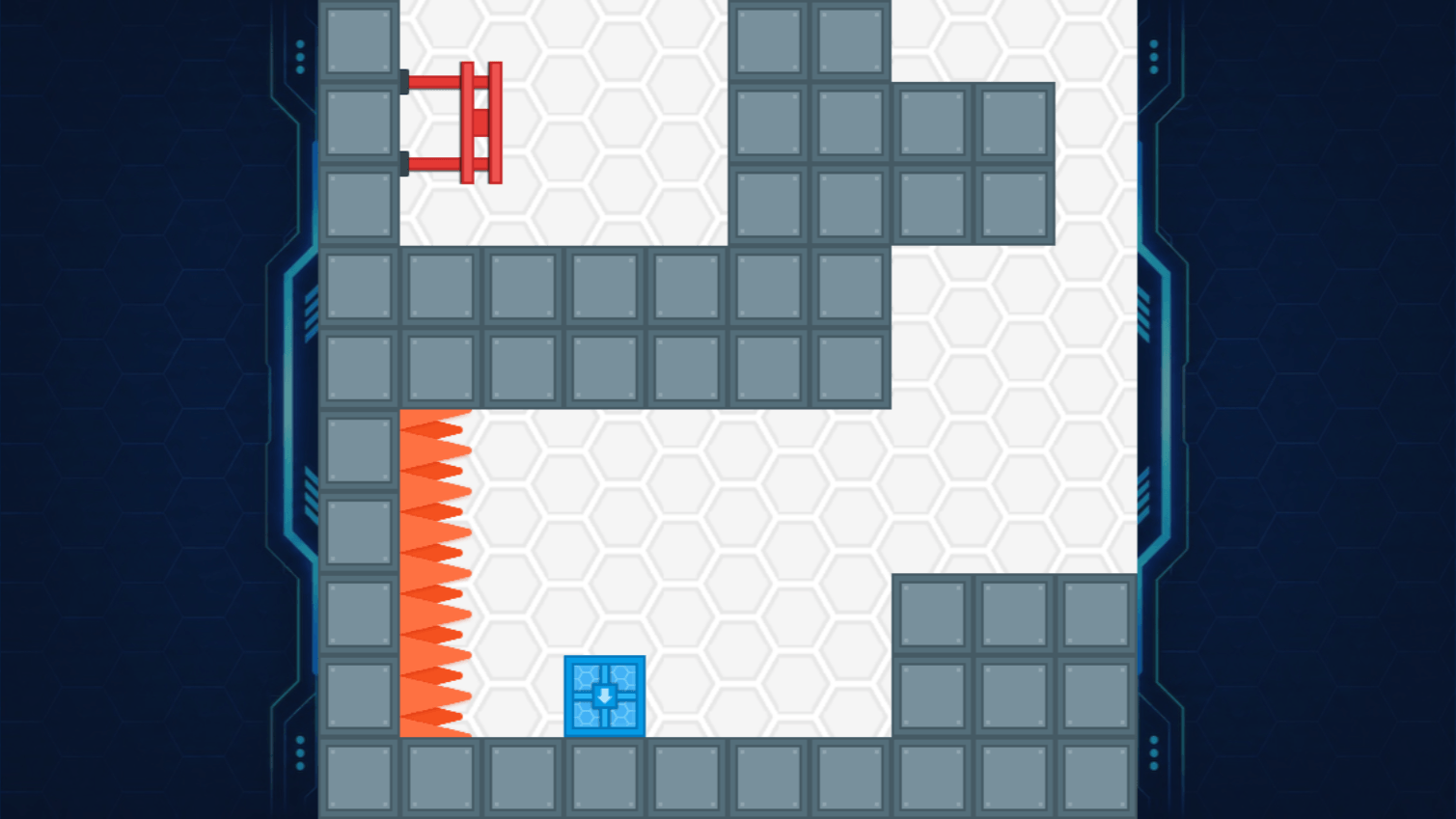
  • Gravity Box screenshot 1
  • Gravity Box screenshot 2
  • Gravity Box screenshot 3
  • Gravity Box screenshot 4
  • Gravity Box screenshot 5
  • Gravity Box screenshot 6
  • Gravity Box screenshot 7
  • Gravity Box screenshot 8
  • Gravity Box screenshot 9
  • Gravity Box screenshot 10
Play Now

10,021 players online

How to play

  1. Open the game

    Press Play now and the game opens on its own screen.

  2. Follow the in-game instructions

    The controls and goals are shown inside the game as you play.

  3. Use the game menu

    The floating button over the game reloads it, saves it to your favourites, or takes you back out.

Game instructions

Reach the exit to complete each level. Rotate the room to change the position of walls, platforms, and hazards around the player. Avoid spikes and lasers, press switches to open doors, and use each level's mechanisms to find a safe route. You can also collect an optional bonus before reaching the exit. Desktop controls: - Left/Right Arrow or A/D — move; - Up Arrow or Space — jump; - Z/Q and X/E — rotate the room in either direction; - R — restart the level; - Escape or Backspace — return to the level map. On mobile, use the virtual controls: movement buttons are at the bottom left, jump is at the bottom right, and the room rotation buttons are at the top left and top right.

More games

More games