Overview
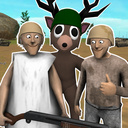
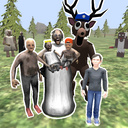
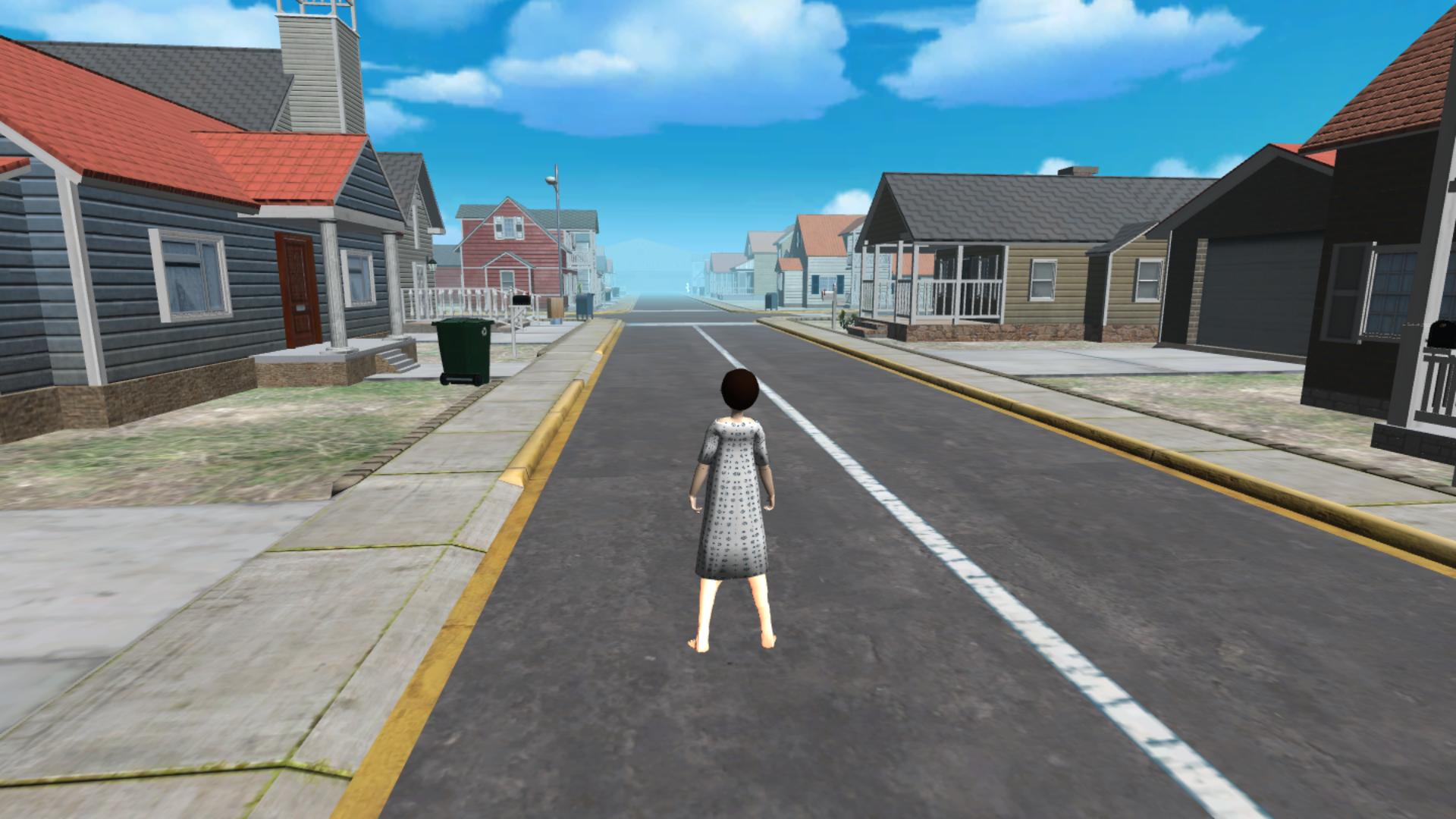
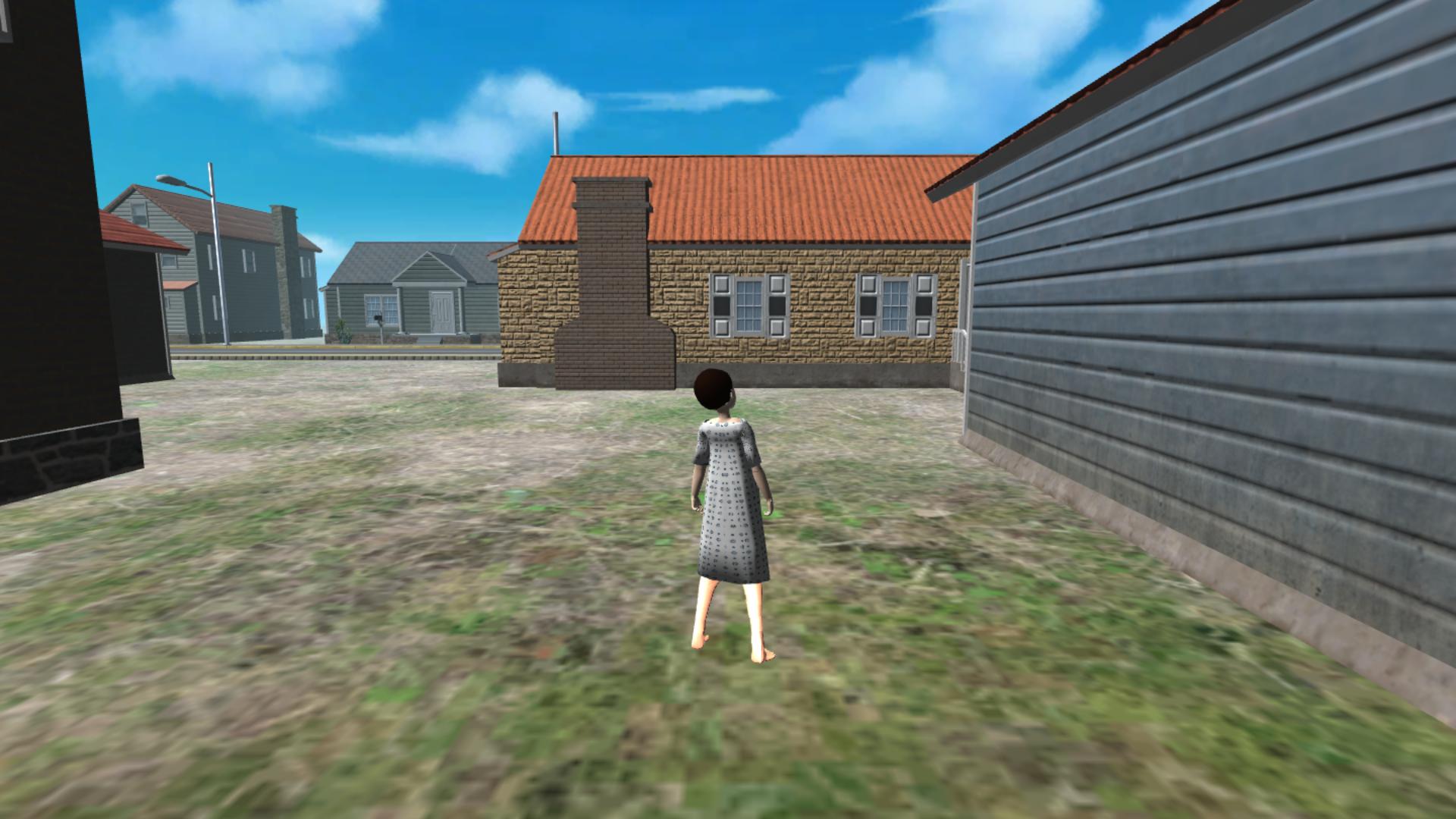
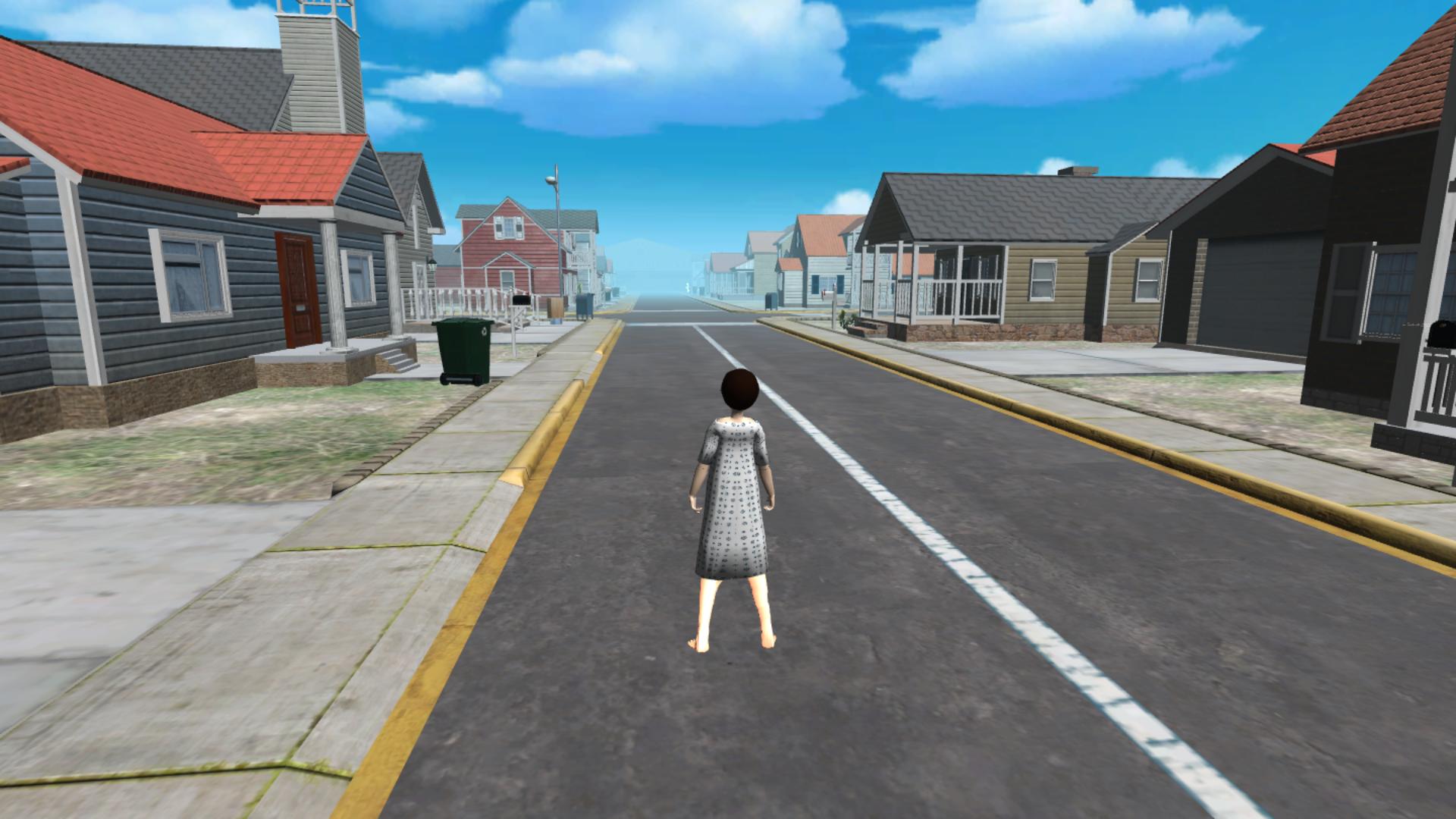
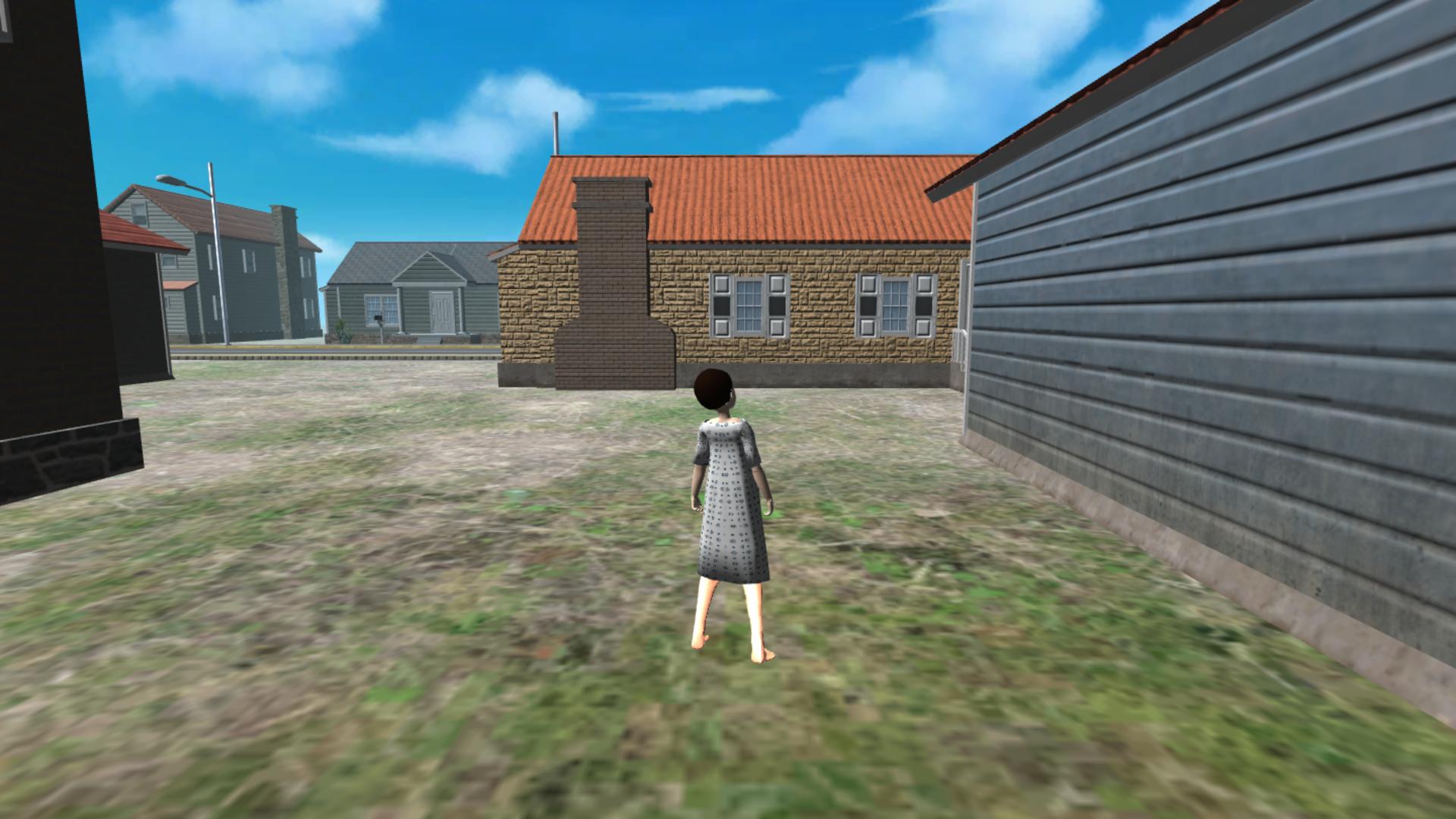
This is a role-playing game set in a small town where everything seems calm at first, but it soon becomes clear: stranger things are happening.
You can live a normal life — work as a mail carrier or a janitor, earn money and keep the streets in order. Peaceful roles are available only during quiet periods.
But the calm never lasts long.
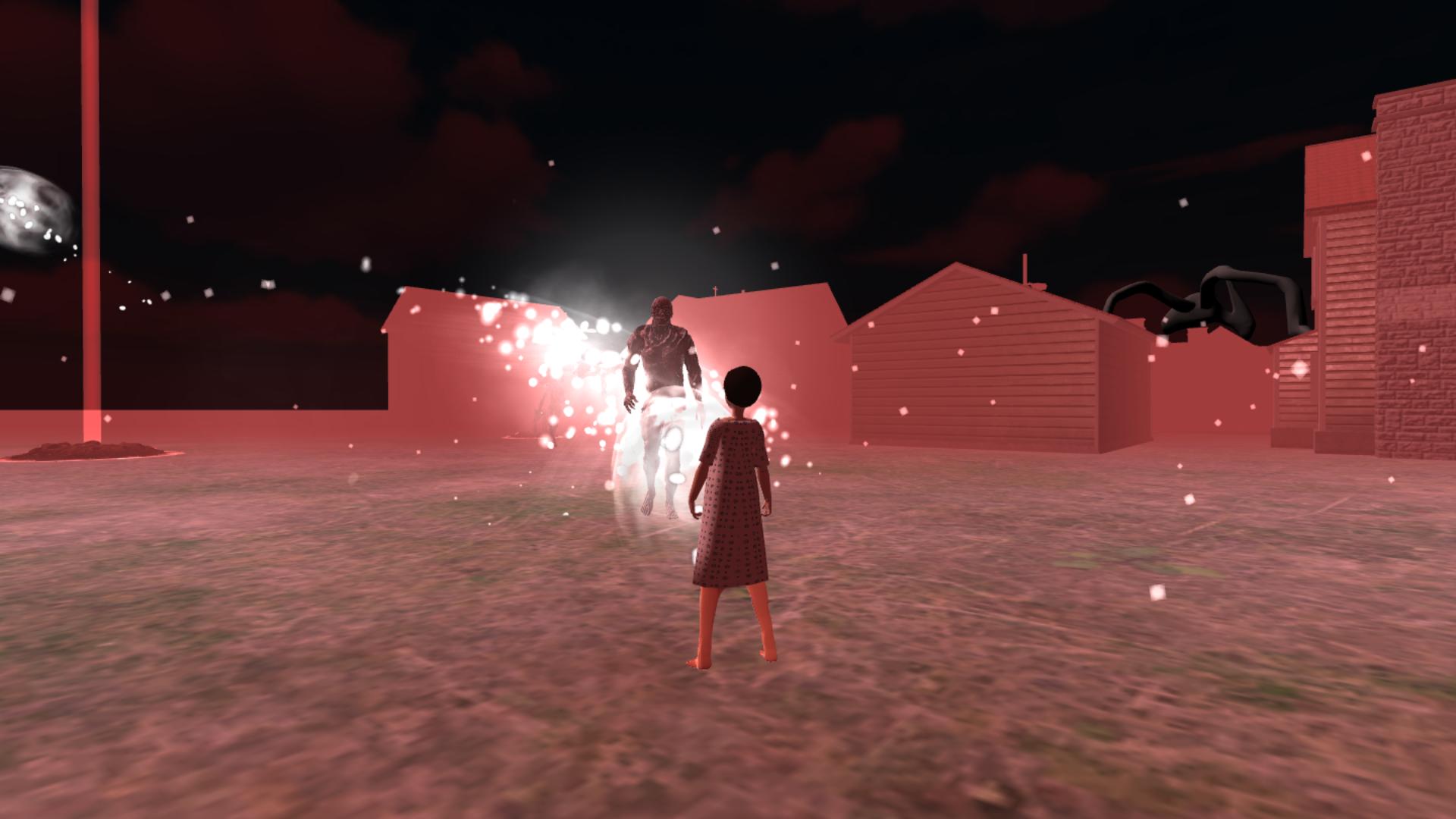
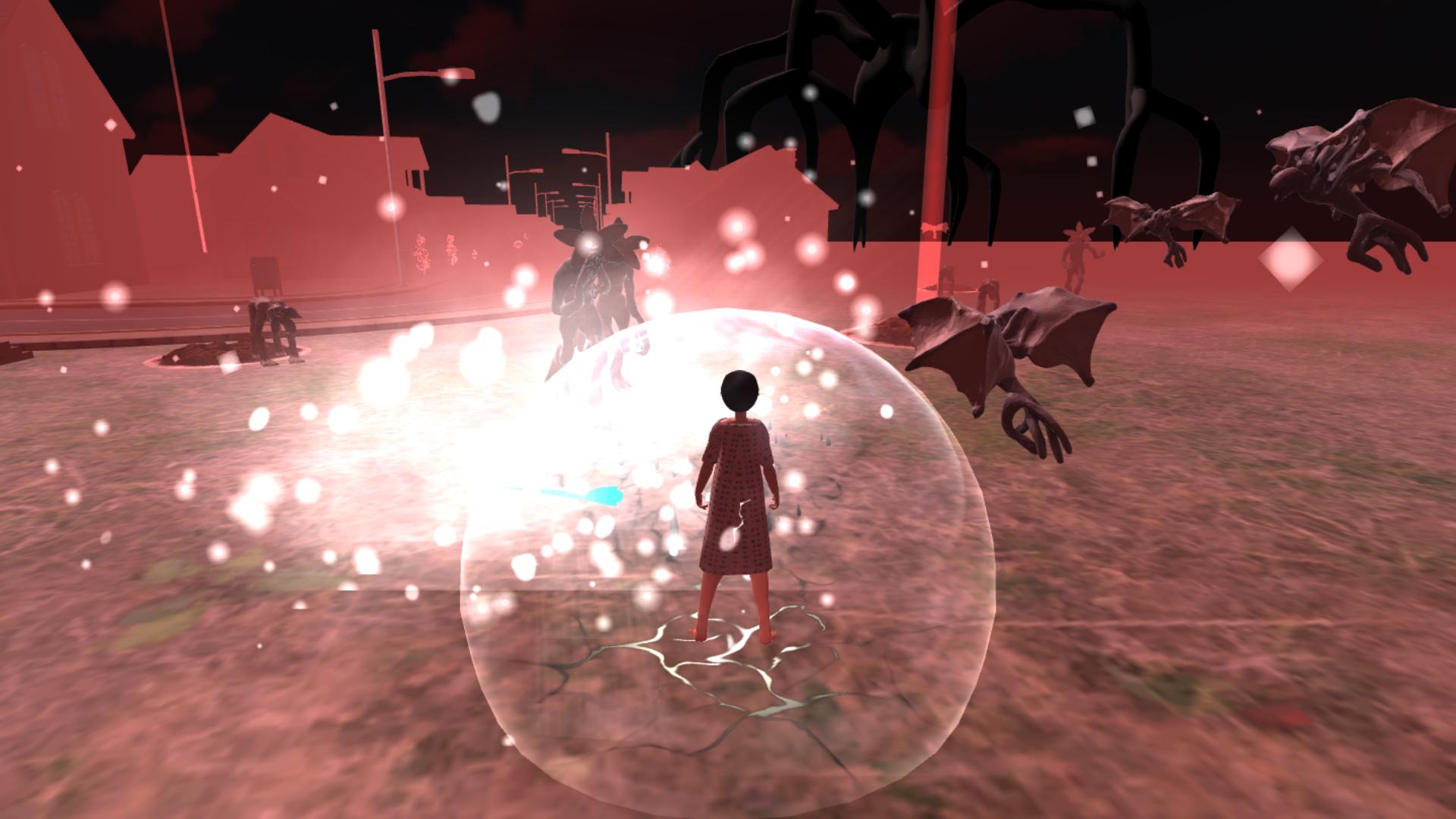
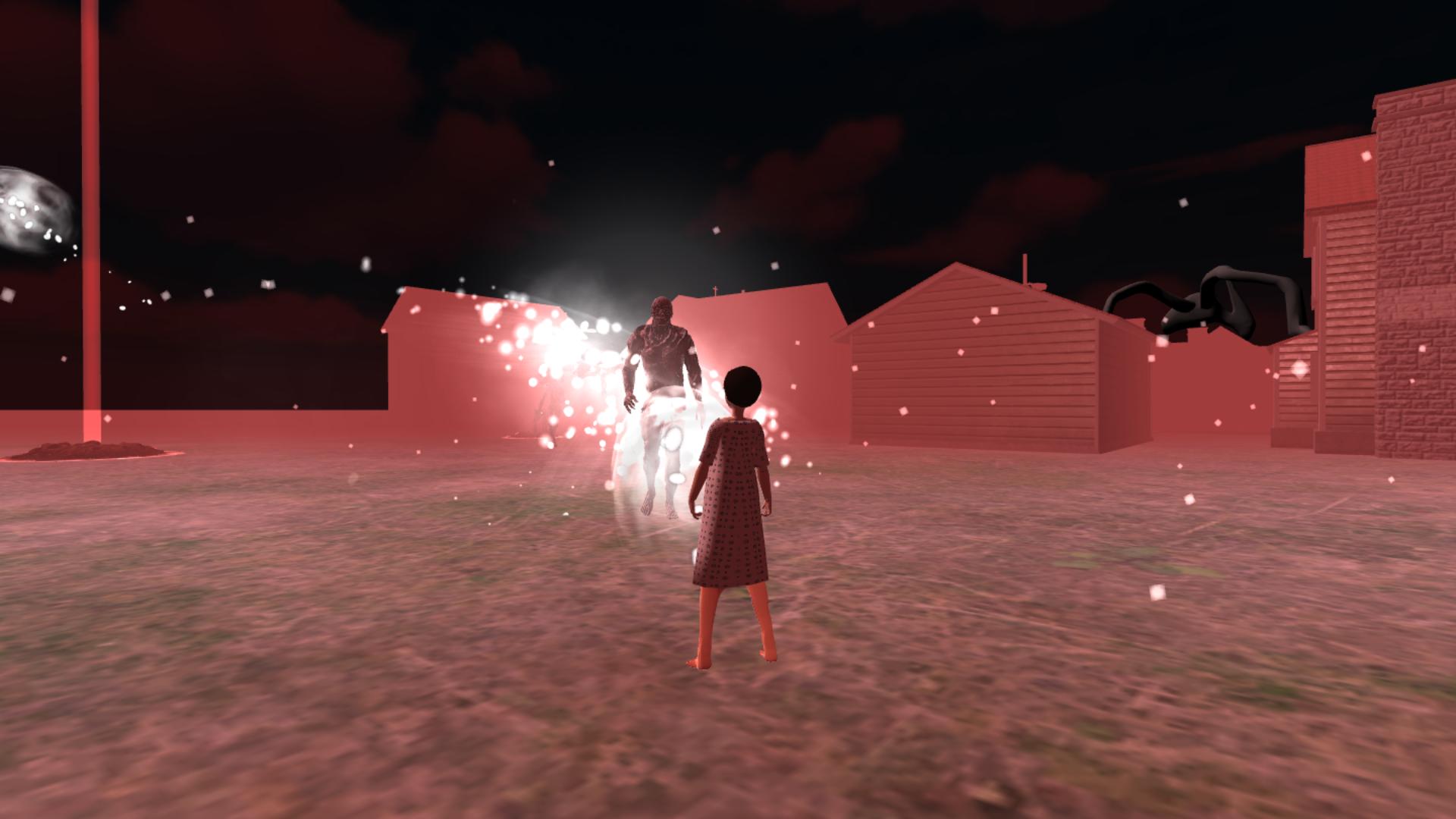
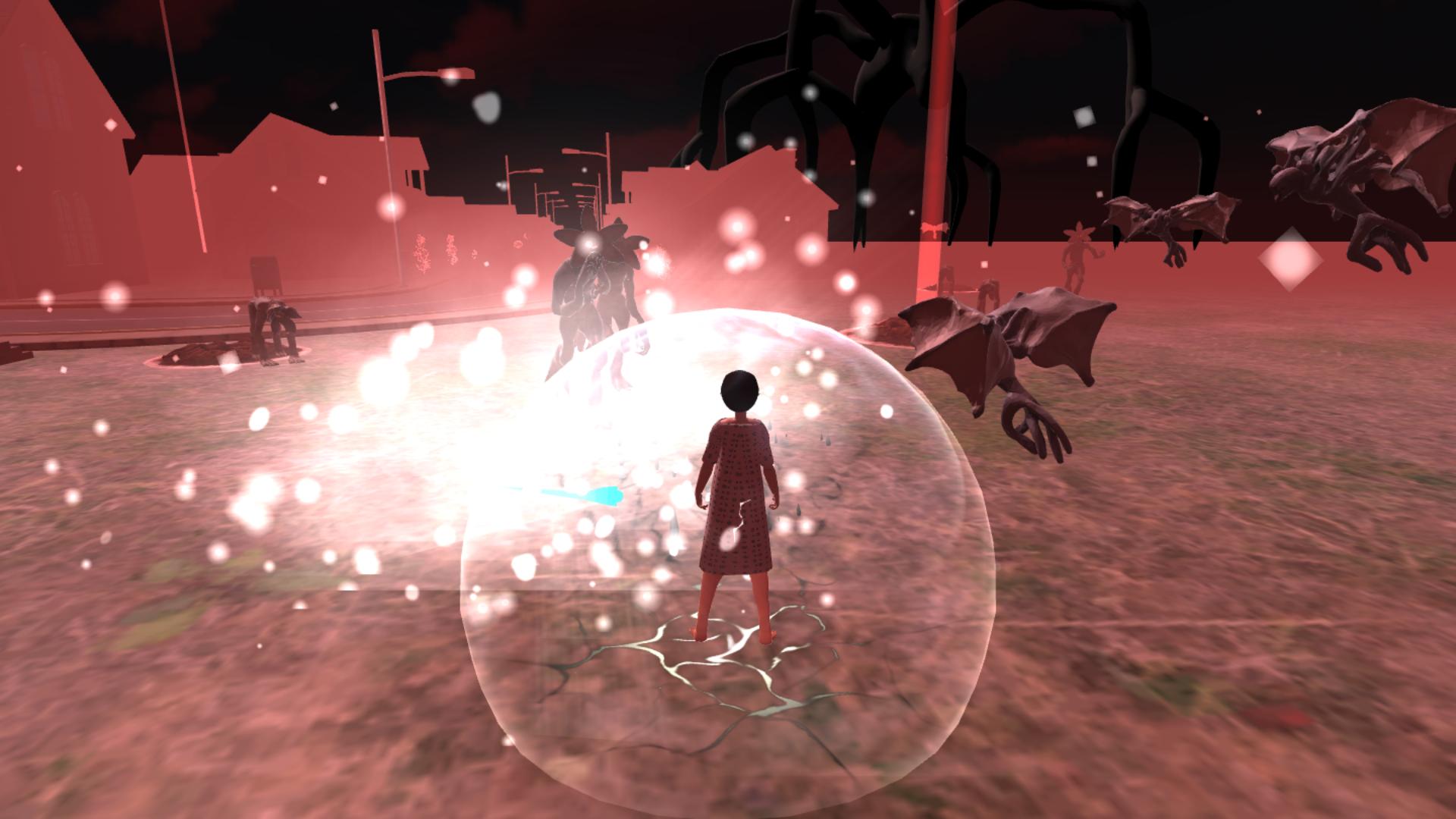
Rifts can open at any moment, unleashing creatures from the Upside Down: demogorgons, demodogs, demobats and far more dangerous beings. You must fight monsters, close portals and defeat bosses to protect the town.
As you play, your character grows stronger: levels up, chooses upgrades, finds artifacts and earns rift shards for permanent progression.
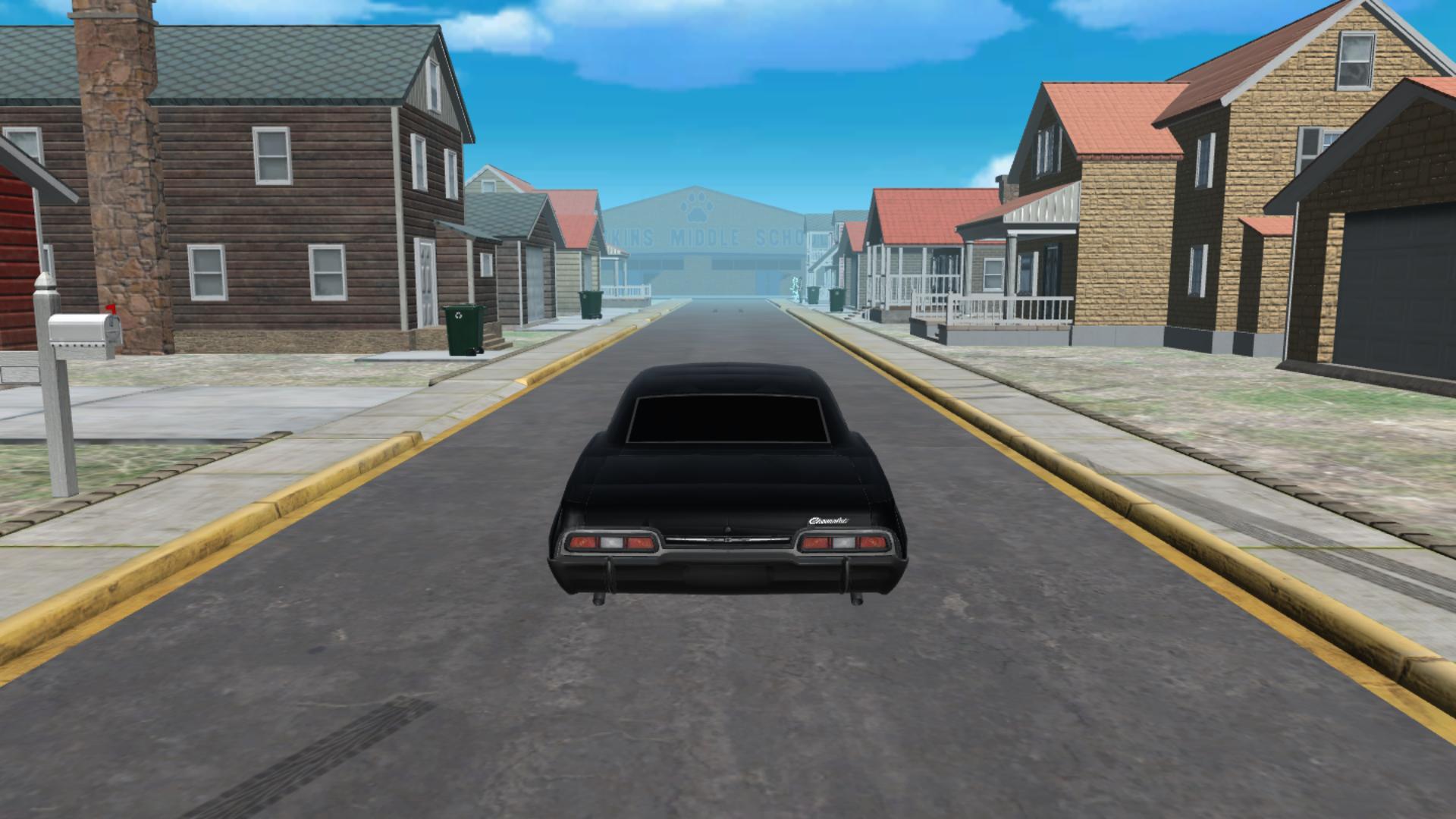
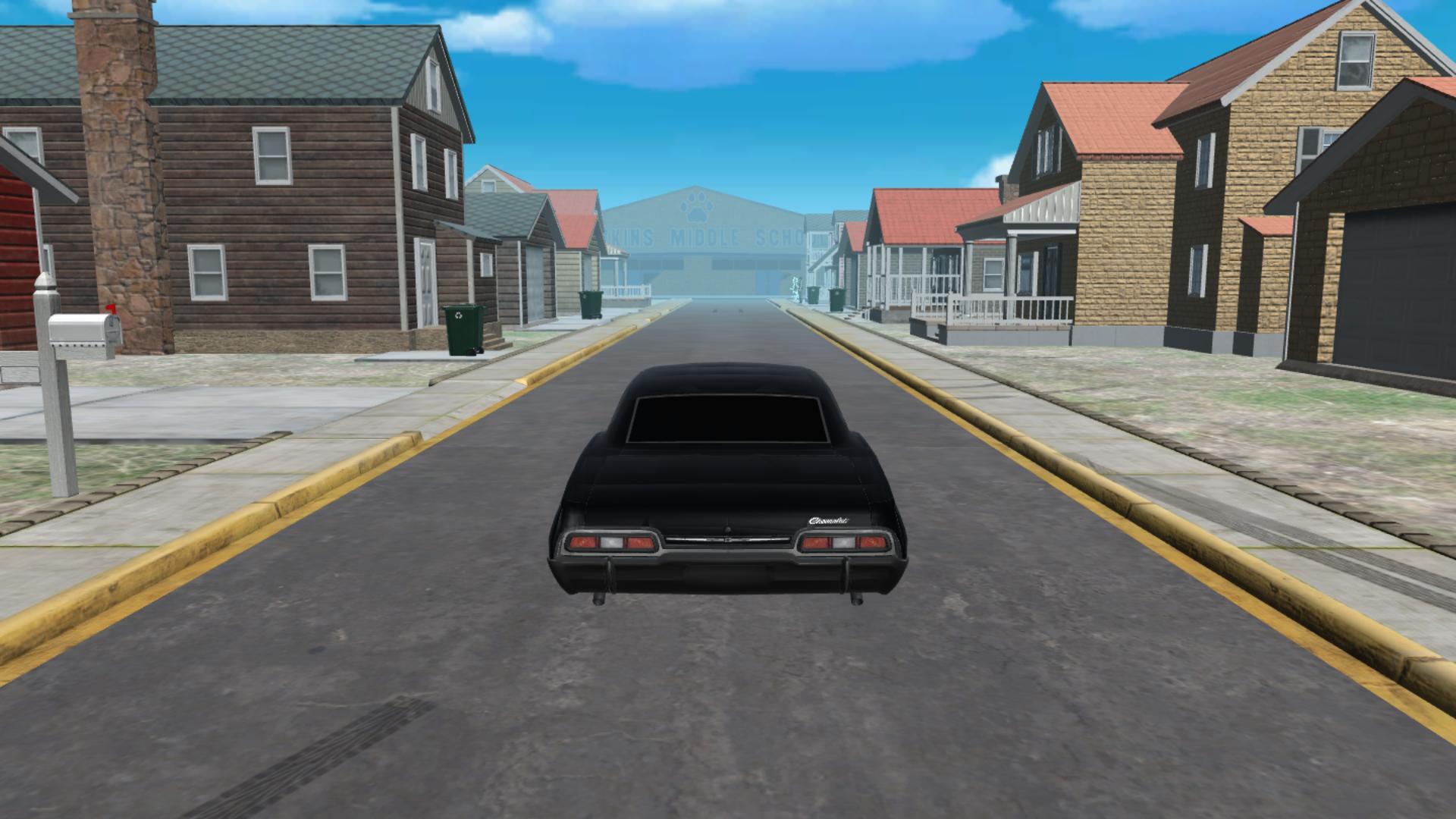
You can explore the town on foot or drive cars to quickly reach dangerous locations.
It’s a game about choice — remain an ordinary citizen, or step into the Upside Down and try to save the town.
Videos and screenshots
10,924 players online
How to play
-
Open the game
Press Play now and the game opens on its own screen.
-
Follow the in-game instructions
The controls and goals are shown inside the game as you play.
-
Use the game menu
The floating button over the game reloads it, saves it to your favourites, or takes you back out.