Skip to content
KG
Exit the Backrooms: Level 94

Exit the Backrooms: Level 94

25K plays 3.7 out of 5

Overview

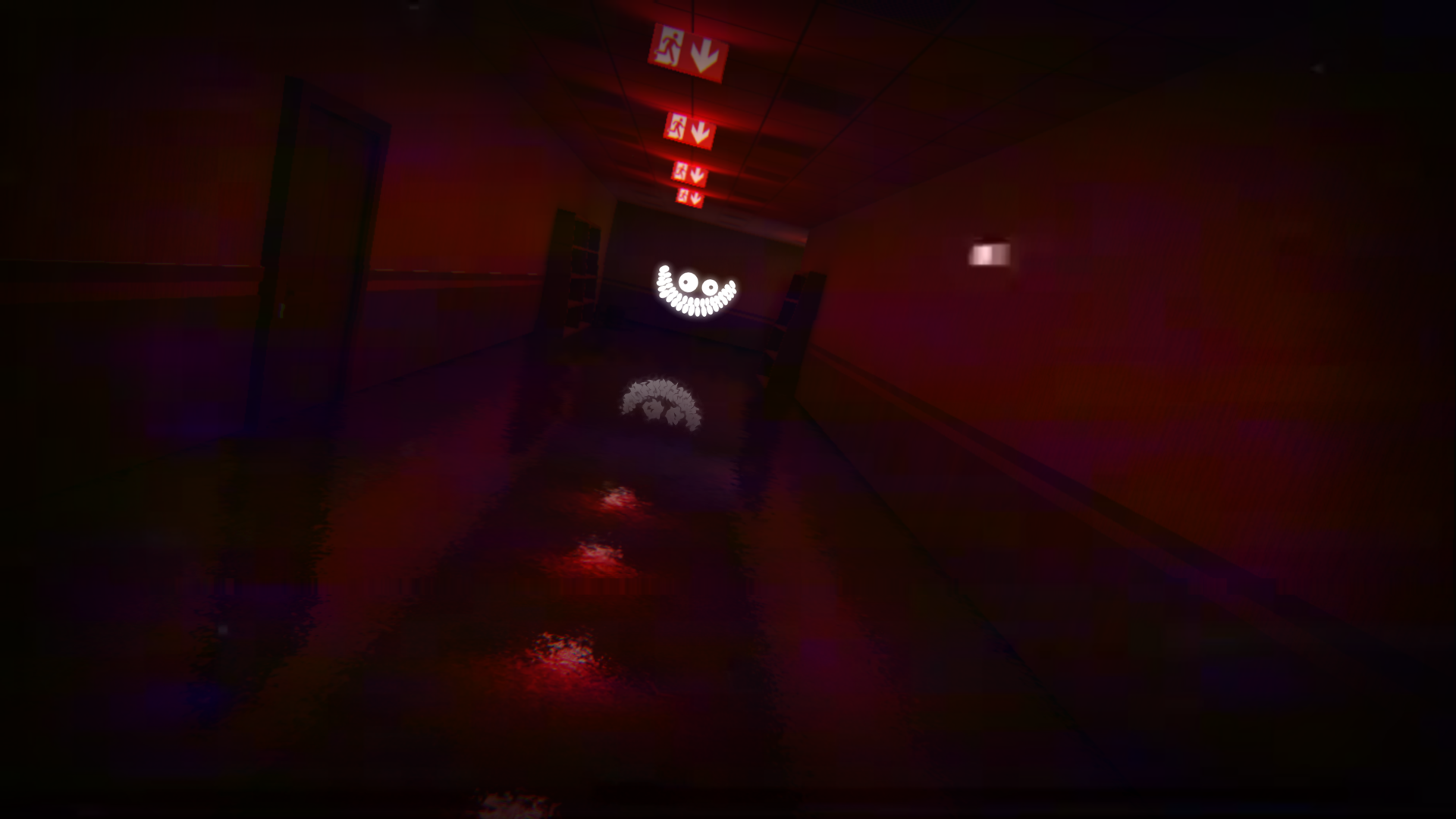
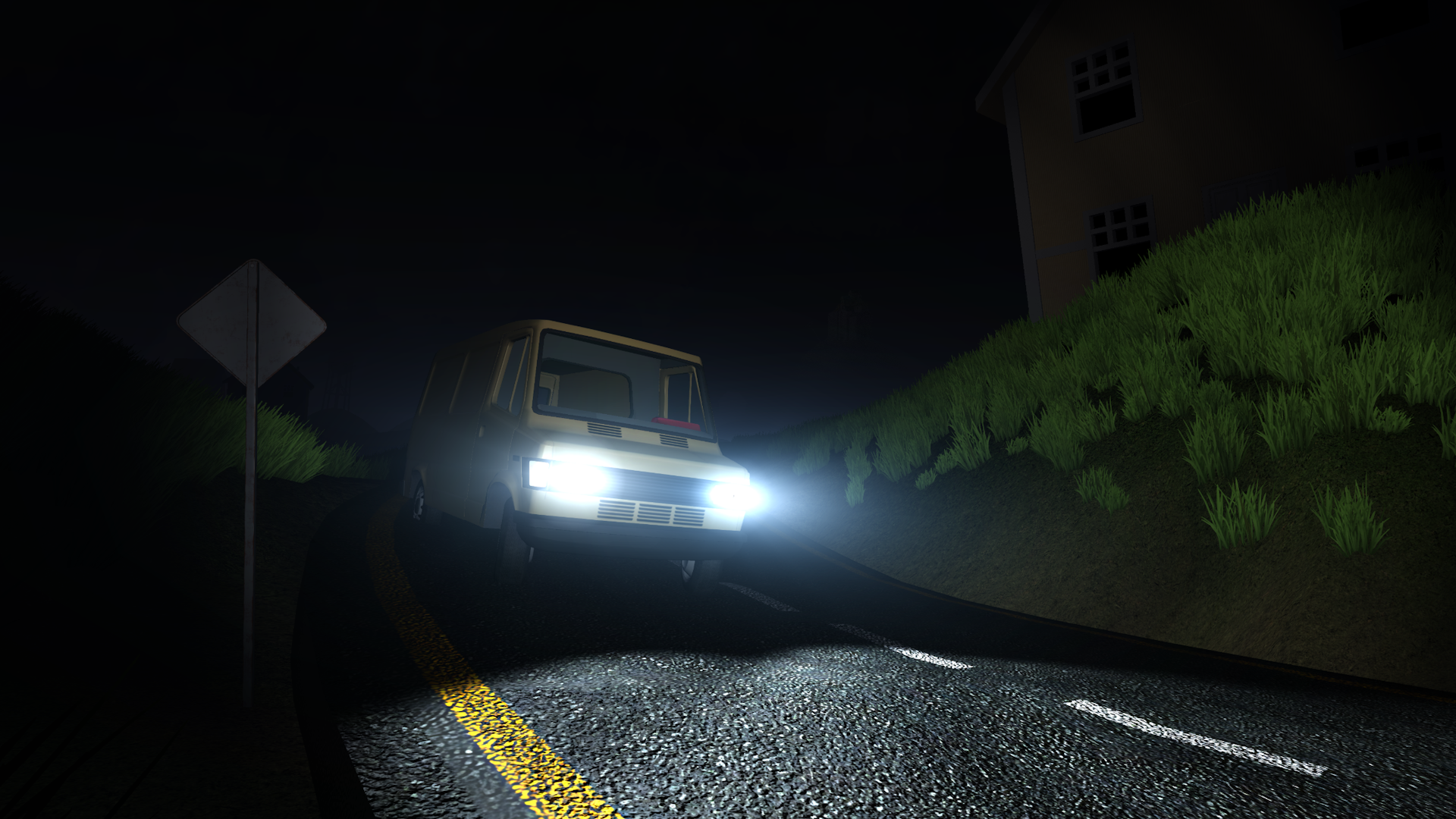
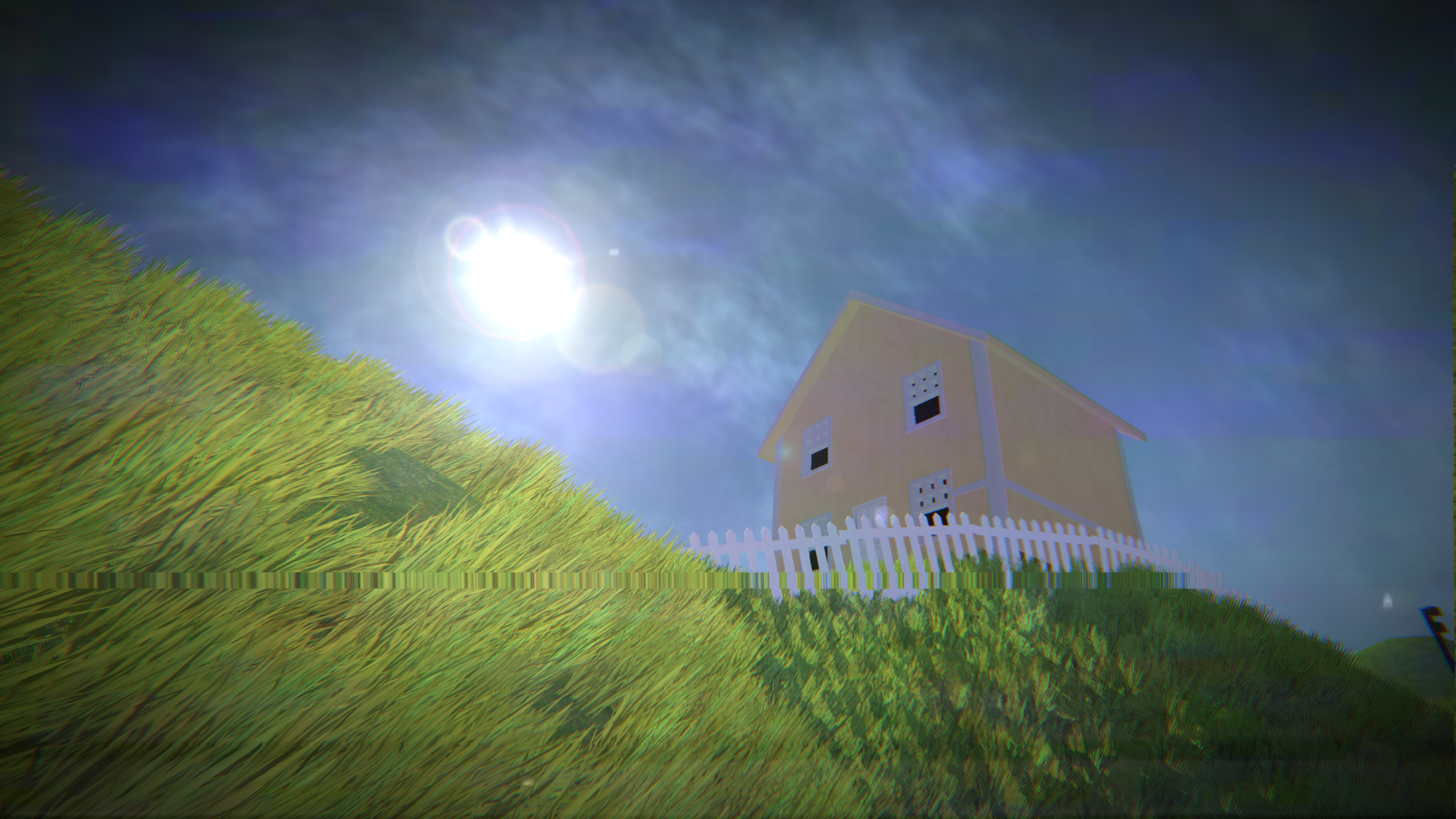
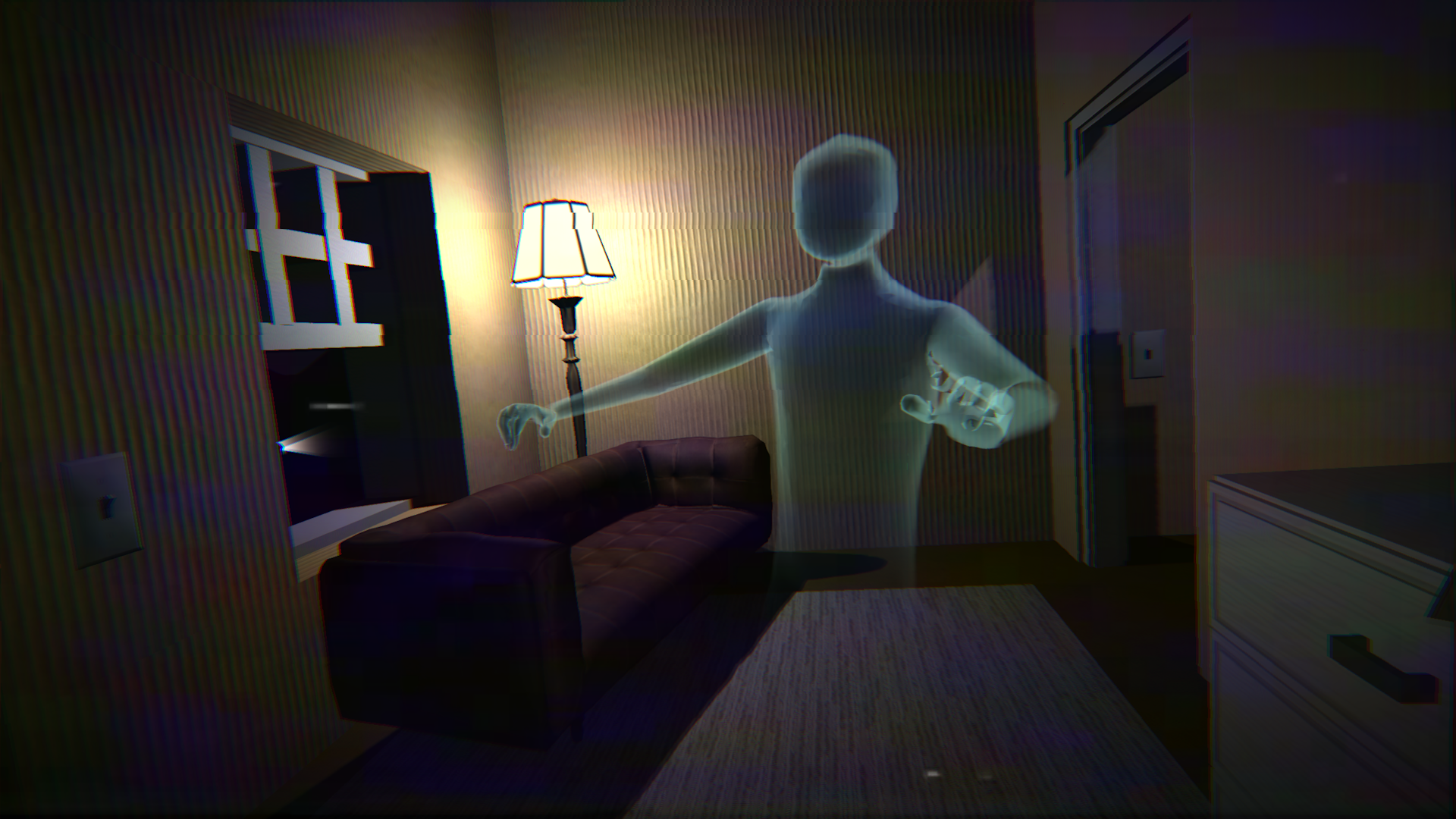
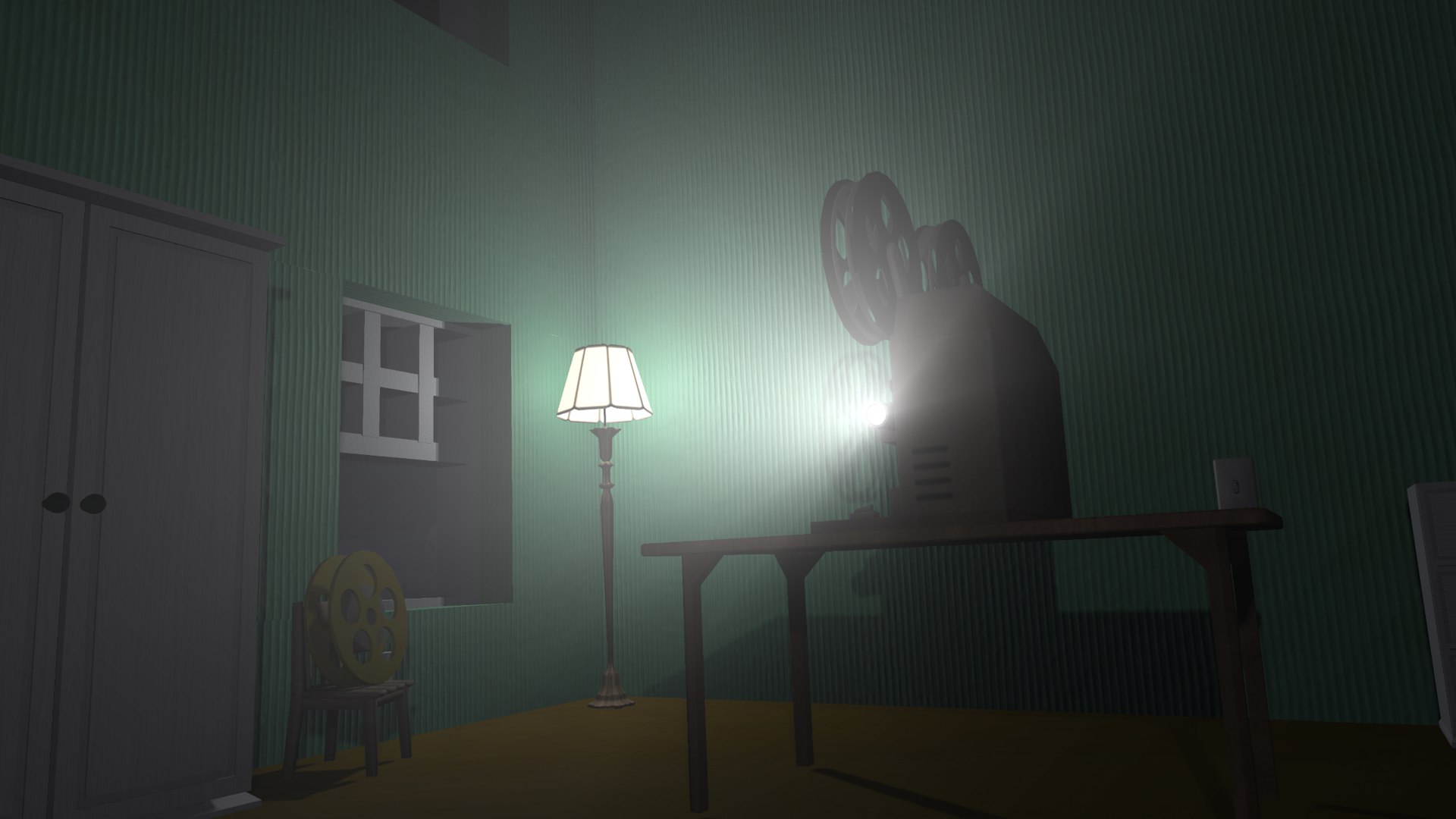
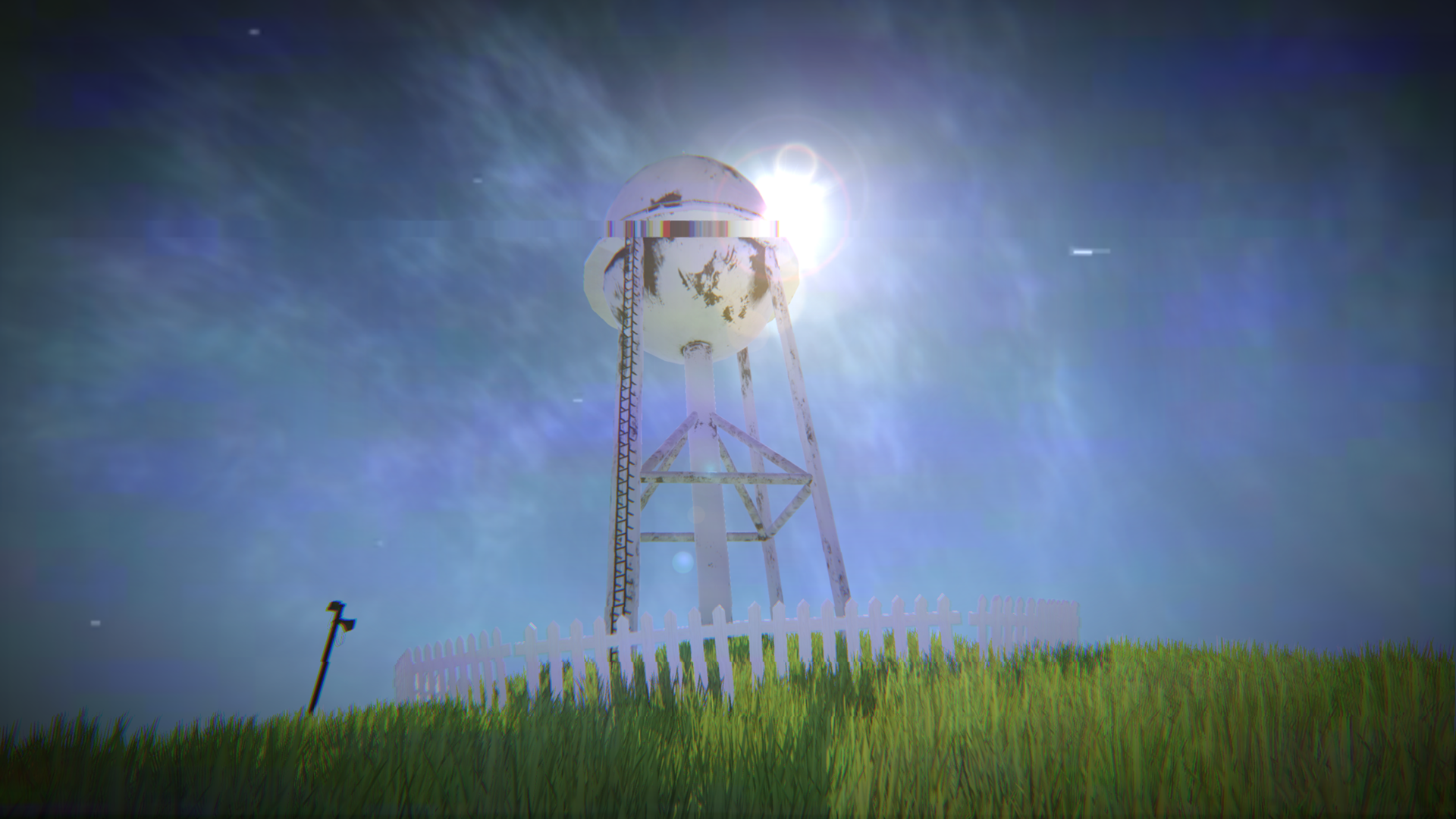
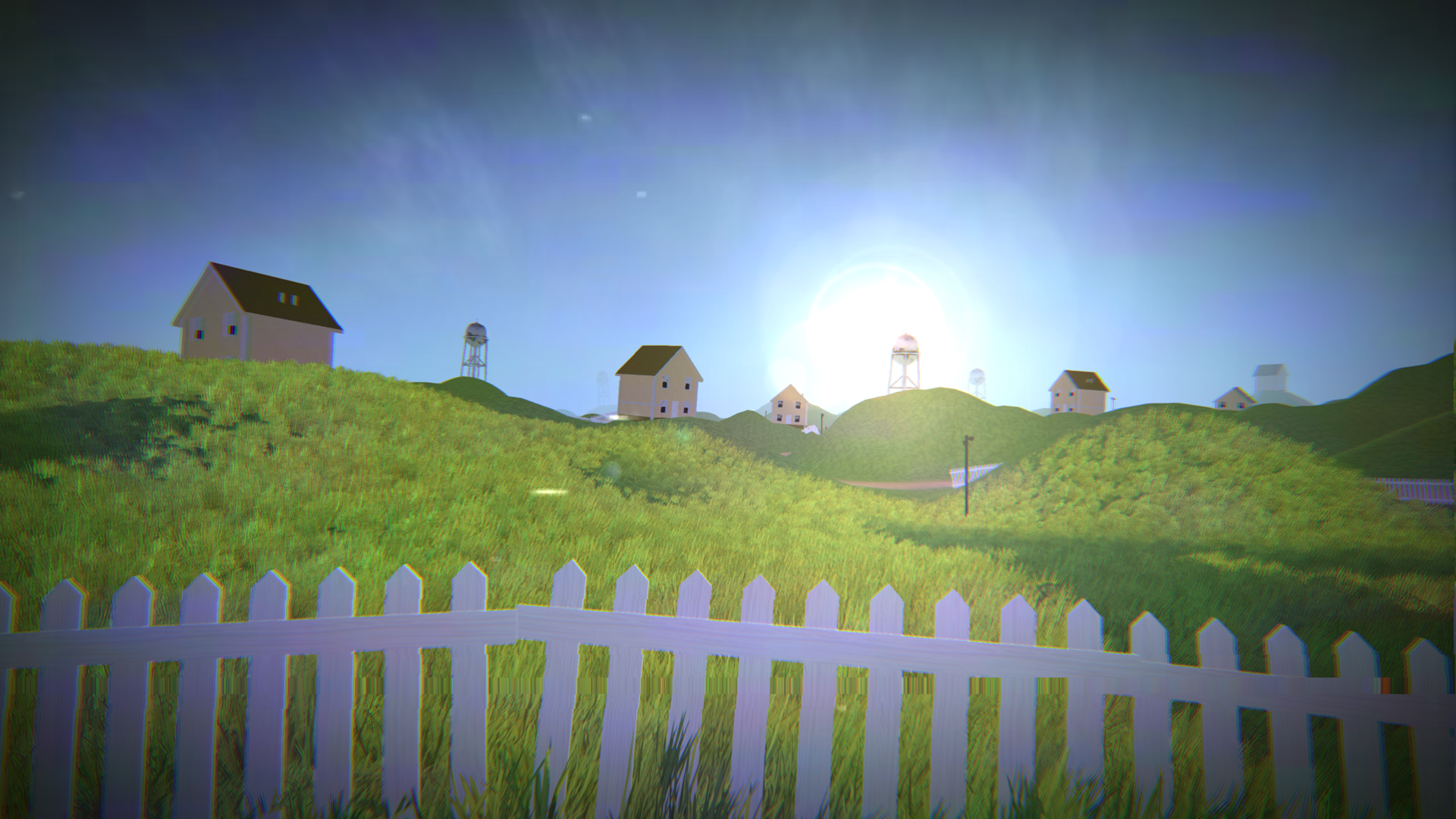
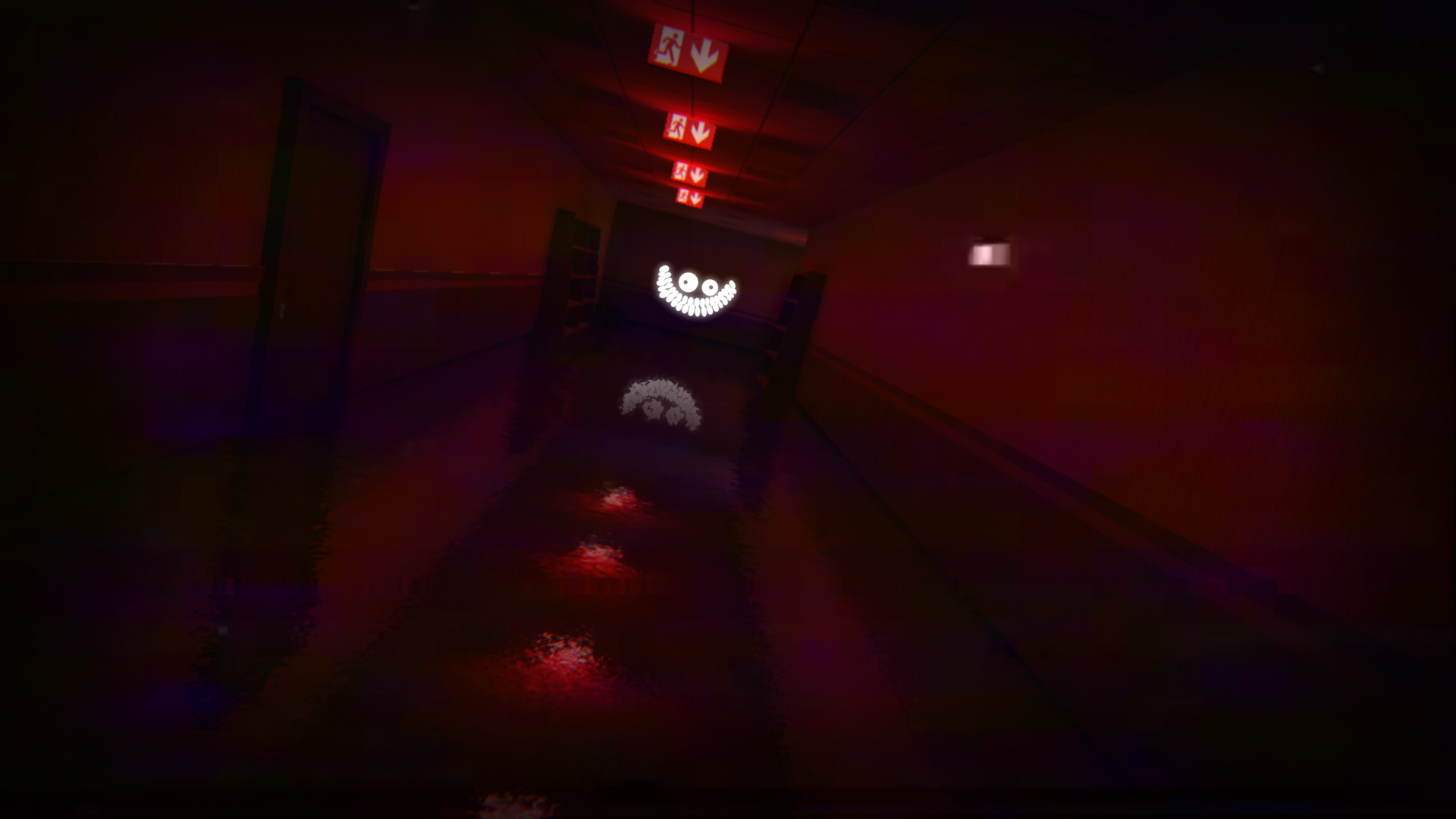
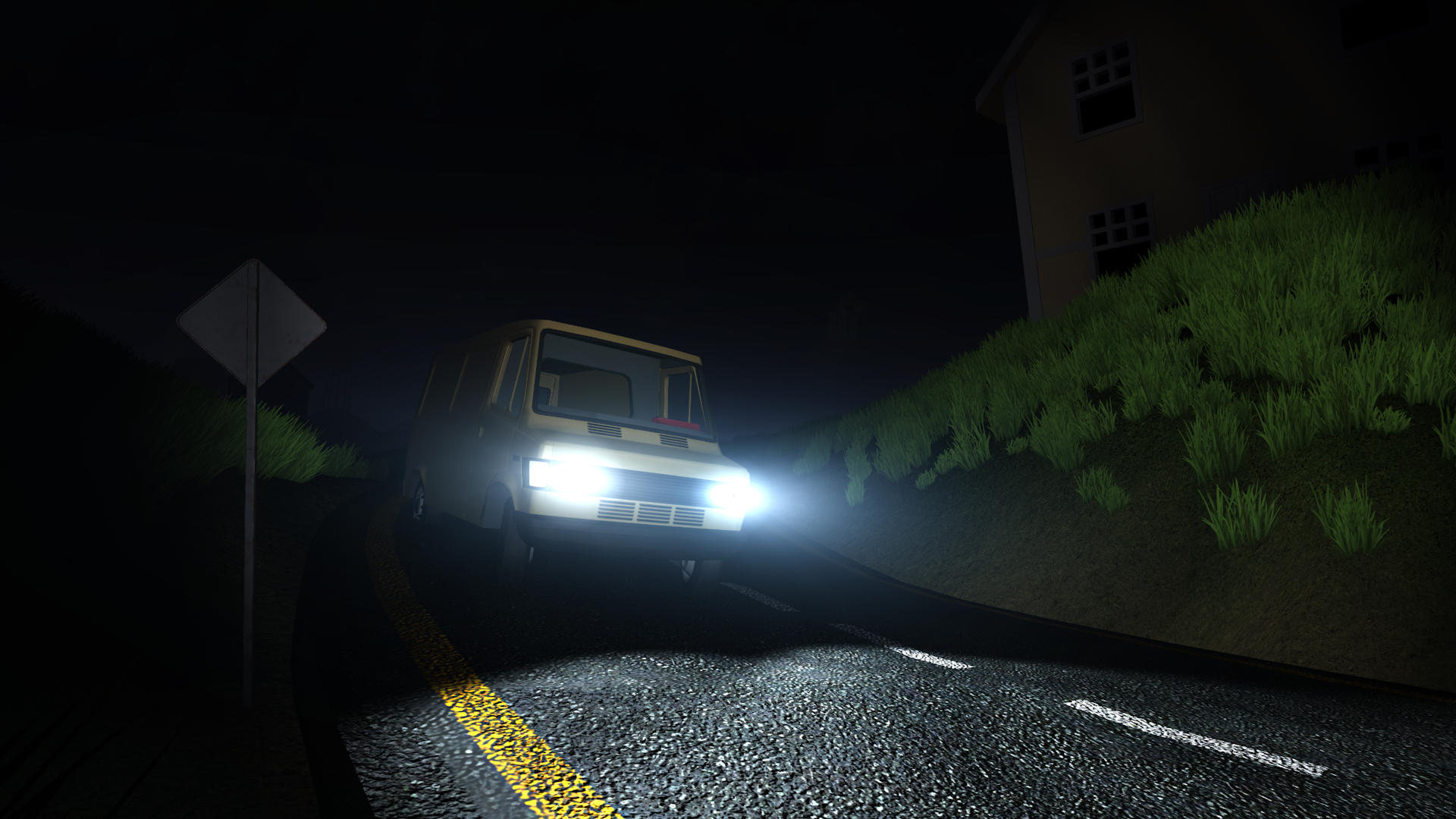
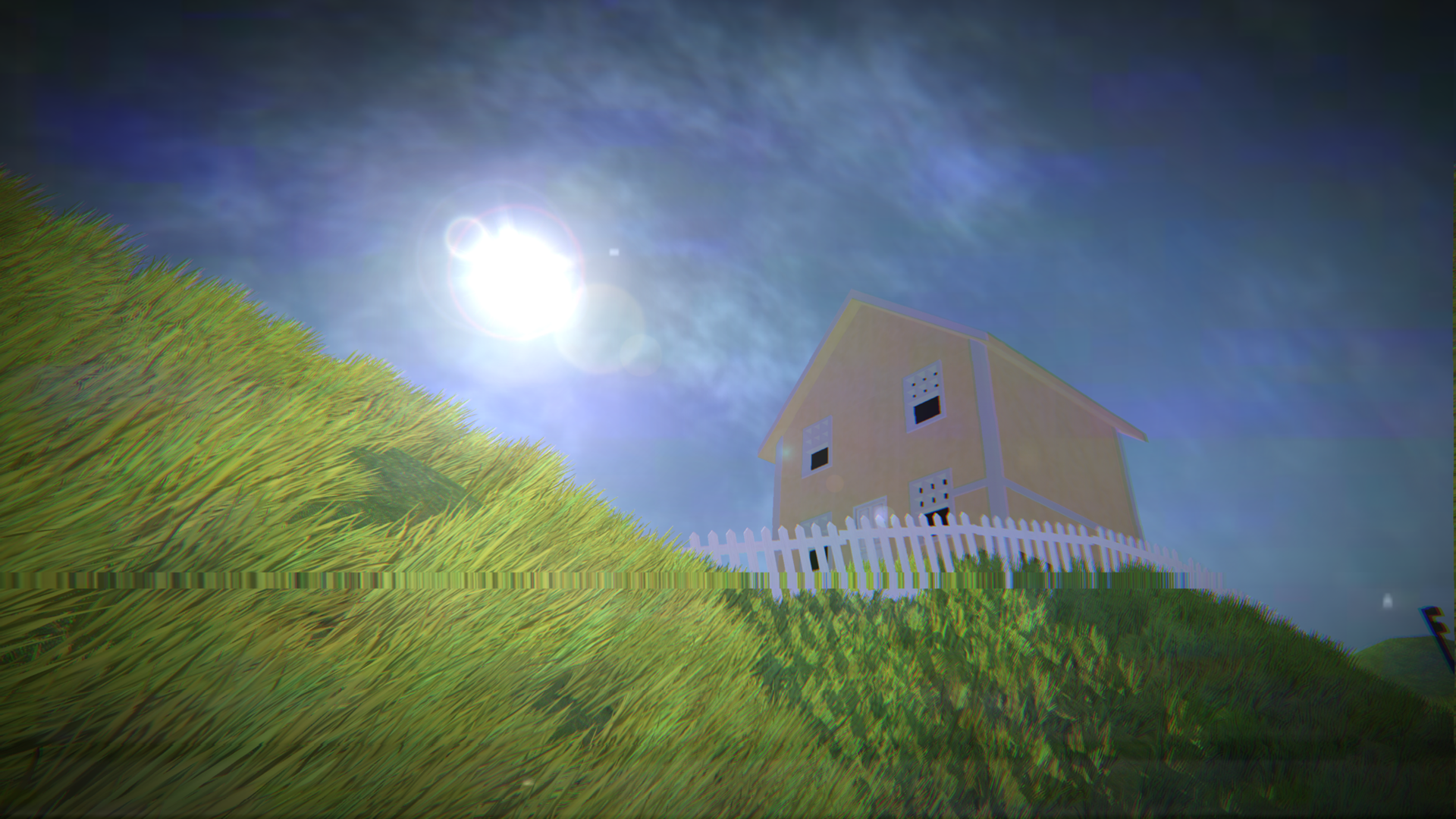
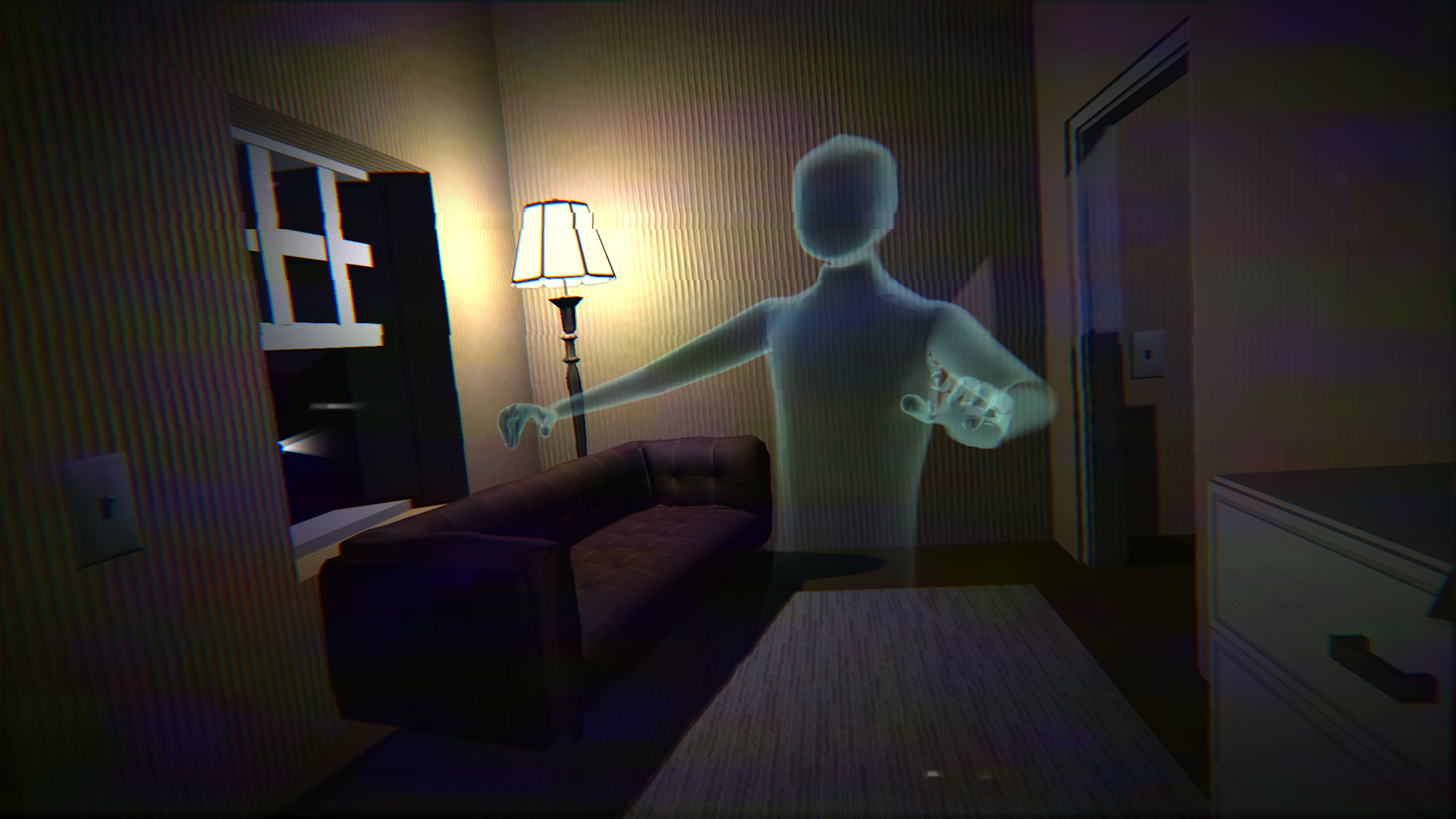
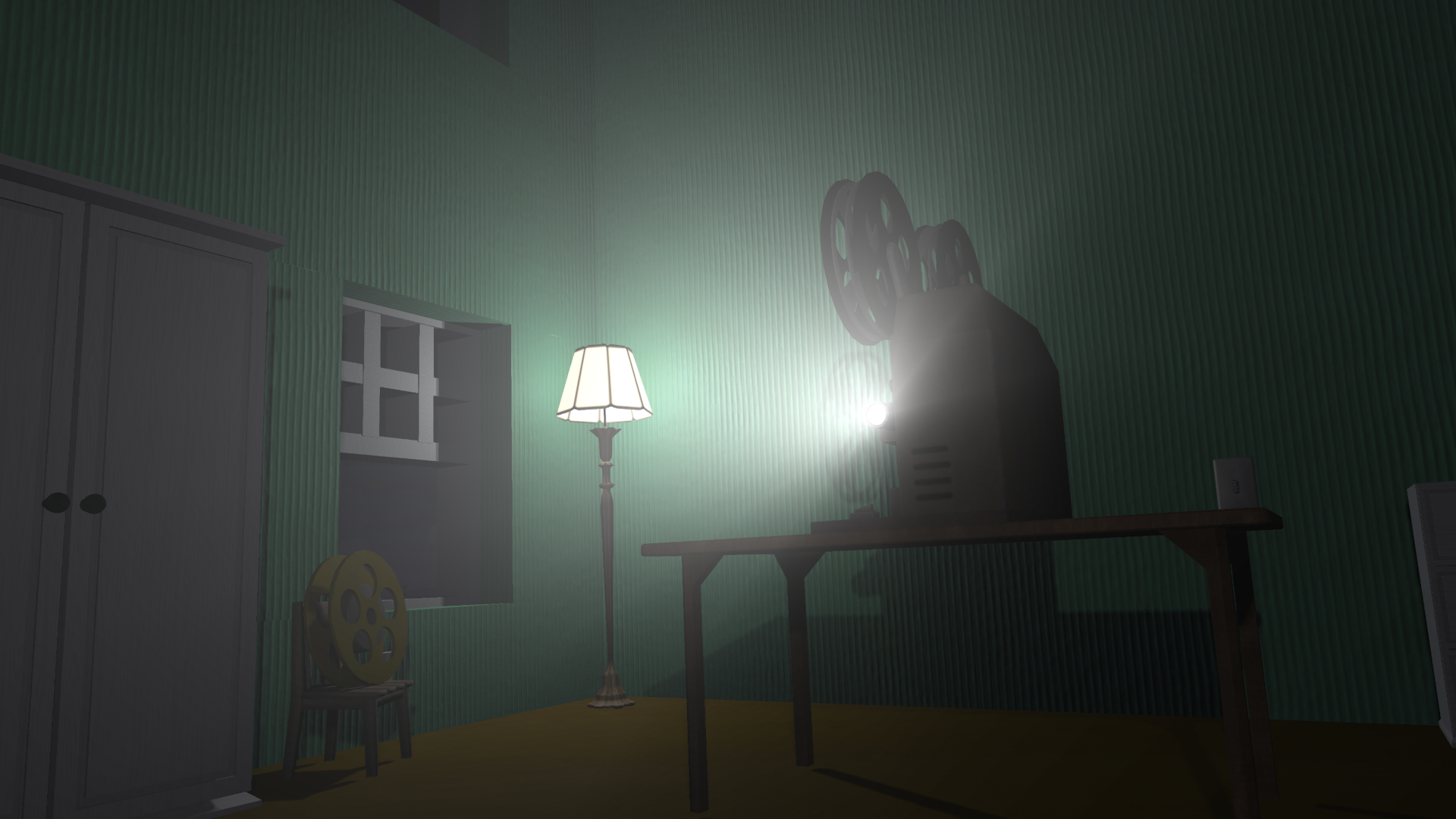
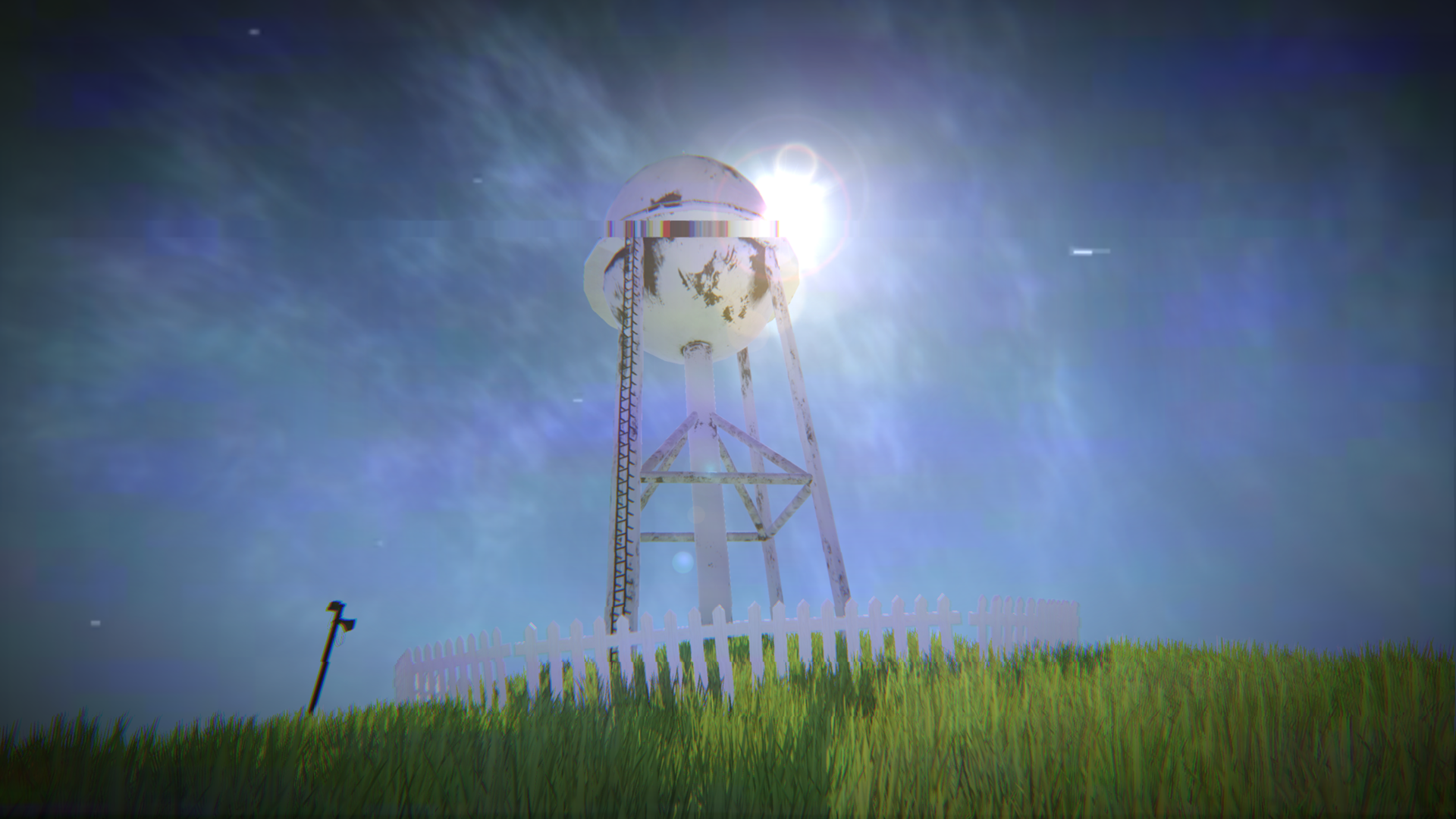
"The sun never moves. The neighbors are made of plastic." You clipped out of reality. Your new home is infinite hills and cardboard walls. Can you escape this nightmare? Β» THE GAMEPLAY LOOP β˜€οΈ PHASE 1: THE DAY Scavenge cardboard houses for supplies, batteries, and Almond Water before the light fades. πŸŒ‘ PHASE 2: THE NIGHT The sun sets instantly. HIDE. Entities wake up. You are the prey. Β» SURVIVE THE ENTITIES πŸ‘οΈ The Animations: Jerky, faceless puppets. Run. πŸ‘‚ Skin-Stealers: Hunt by sound. Stay silent in closets. 😁 Smilers: Glowing teeth. Burn them back with your flashlight. Β» KEY FEATURES β€’ Hardcore Survival: Manage batteries, stamina, and sanity. β€’ Immersive Audio: Listen for footsteps. Sound is your warning. β€’ Two Game Modes: Story Mode (voice acting) or Immersive Mode. β€’ Open World: Explore the infinite neighborhood and grassy hills. Β» THE STORY Play as Chamomile, an art student lost in the liminal spaces of the Backrooms. Restore a projector to find the path home.

Videos and screenshots
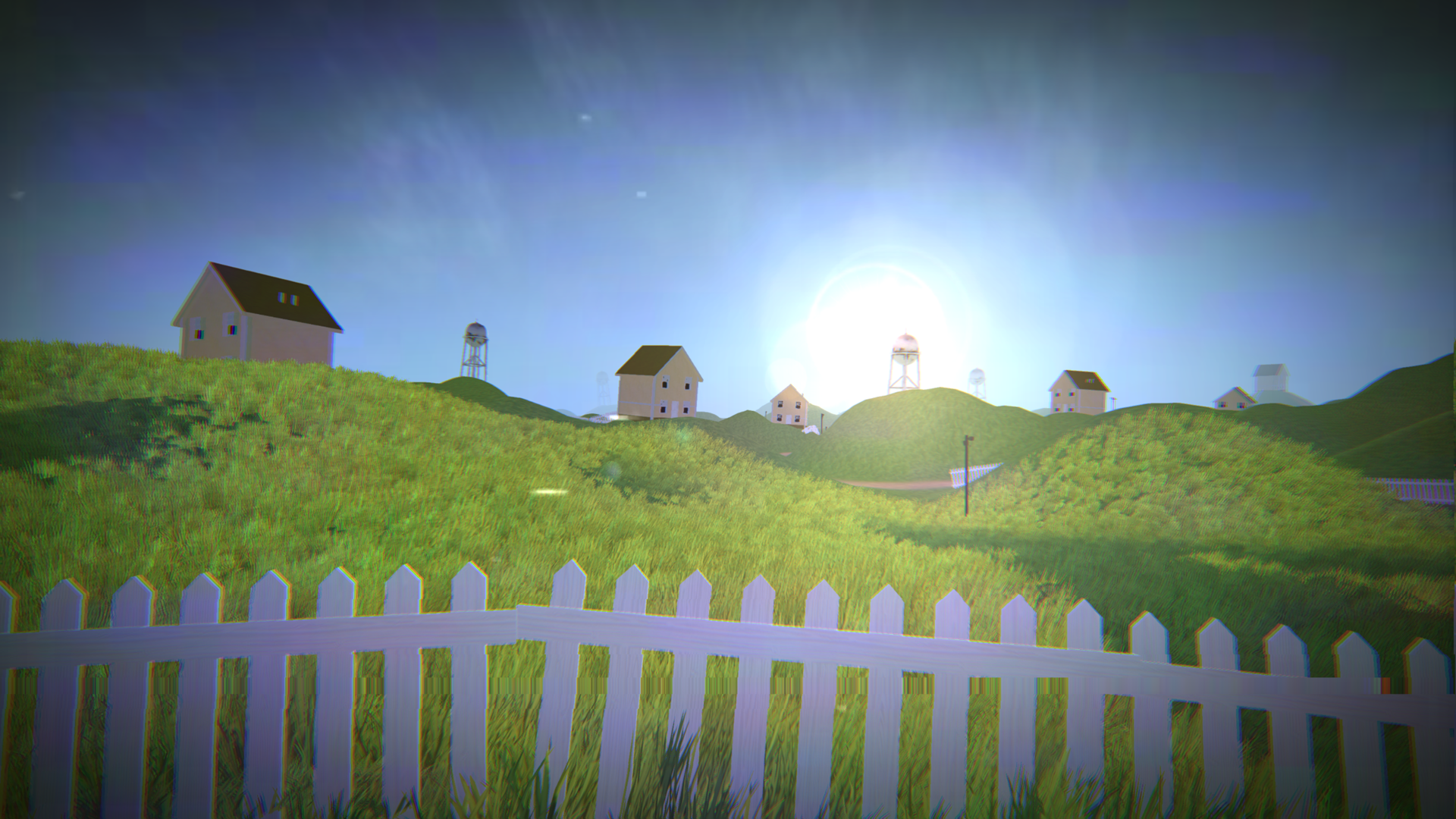
  • Exit the Backrooms: Level 94 screenshot 1
  • Exit the Backrooms: Level 94 screenshot 2
  • Exit the Backrooms: Level 94 screenshot 3
  • Exit the Backrooms: Level 94 screenshot 4
  • Exit the Backrooms: Level 94 screenshot 5
  • Exit the Backrooms: Level 94 screenshot 6
  • Exit the Backrooms: Level 94 screenshot 7
  • Exit the Backrooms: Level 94 screenshot 8
  • Exit the Backrooms: Level 94 screenshot 9
  • Exit the Backrooms: Level 94 screenshot 10
  • Exit the Backrooms: Level 94 screenshot 11
  • Exit the Backrooms: Level 94 screenshot 12
  • Exit the Backrooms: Level 94 screenshot 13
  • Exit the Backrooms: Level 94 screenshot 14
Play Now

13,318 players online

How to play

  1. Open the game

    Press Play now and the game opens on its own screen.

  2. Follow the in-game instructions

    The controls and goals are shown inside the game as you play.

  3. Use the game menu

    The floating button over the game reloads it, saves it to your favourites, or takes you back out.

Game instructions

Β» PC Controls: β€’ W, A, S, D β€” Move β€’ Mouse β€” Look around β€’ Shift β€” Sprint β€’ E or LMB β€” Interact β€’ F β€” Flashlight (On/Off) β€’ Q β€” Drink Almond Water β€’ Key Arrows, +/- or 1/2 β€” Camera Zoom β€’ M β€” Open Map β€’ Tab β€” Pause Menu Β» Mobile/Tablet Controls: β€’ Left Joystick β€” Move β€’ Right Screen Area β€” Look around β€’ On-screen Buttons β€” Sprint, Interact, Flashlight, Almond Water, Map, Zoom, Pause Β» Gamepad Controls: β€’ Left Stick β€” Move β€’ Right Stick β€” Look around β€’ Left Stick Press or Left Trigger β€” Sprint β€’ A/Cross or Right Trigger β€” Interact β€’ Y/Triangle β€” Flashlight β€’ X/Square or Right Stick Press β€” Almond Water β€’ D-Pad Up/Down & Bumpers β€” Camera Zoom β€’ β€œSelect” Button β€” Open Map β€’ β€œStart” Button β€” Pause Menu Good luck! You're going to need it.

More games

More games