Skip to content
KG
How to get a NEIGHBOR

How to get a NEIGHBOR

2K plays 4.8 out of 5

Overview

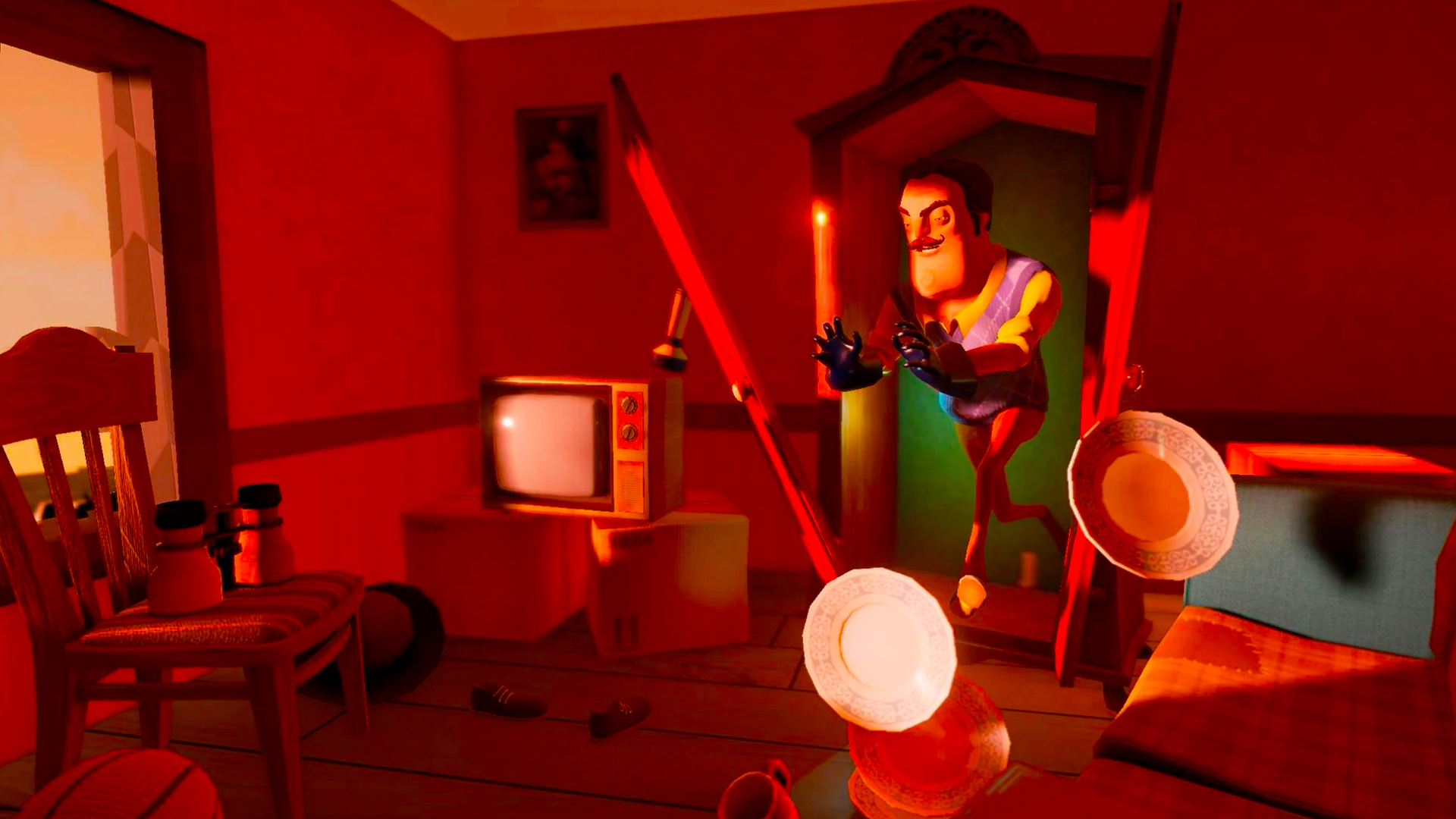
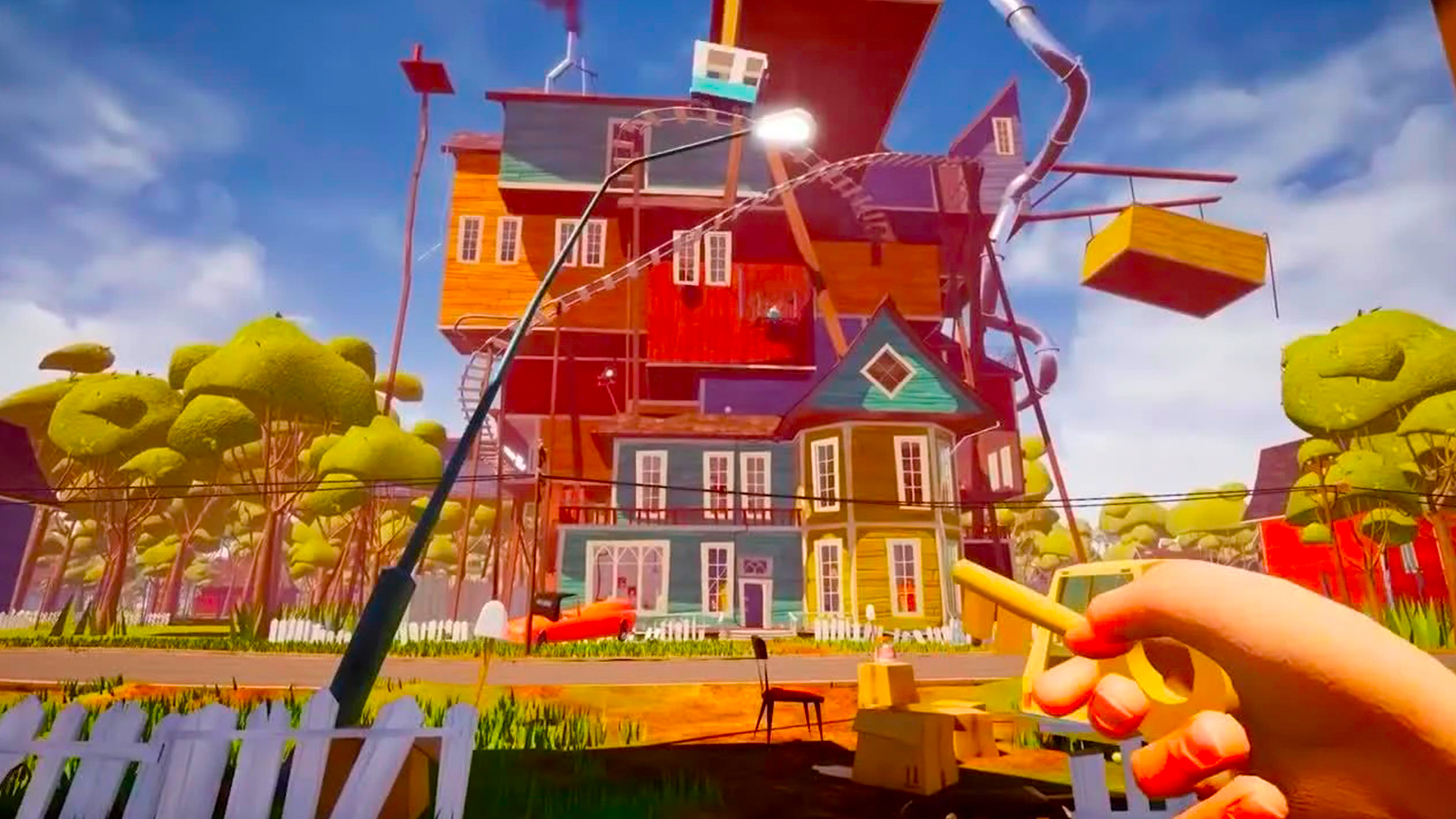
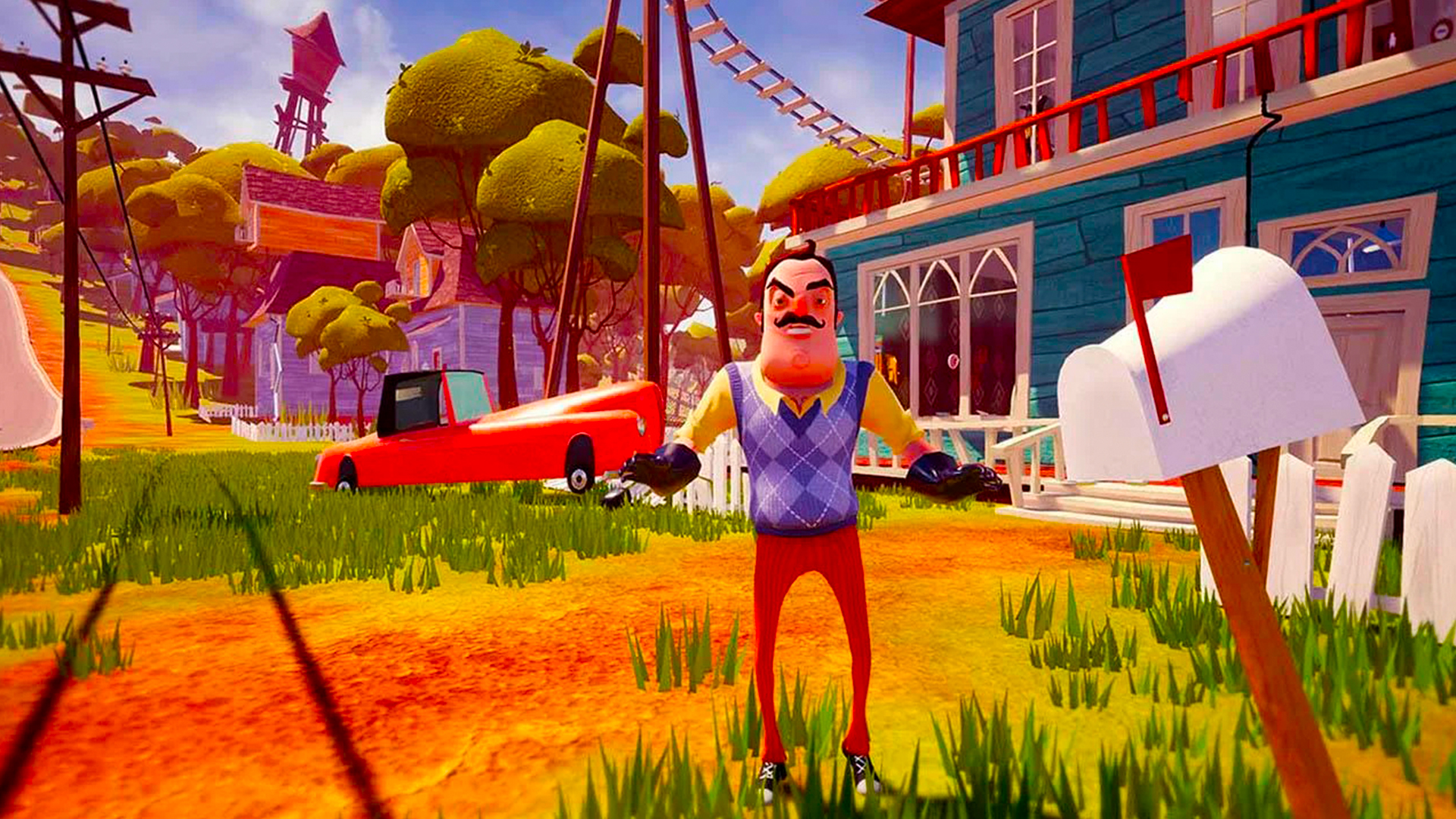
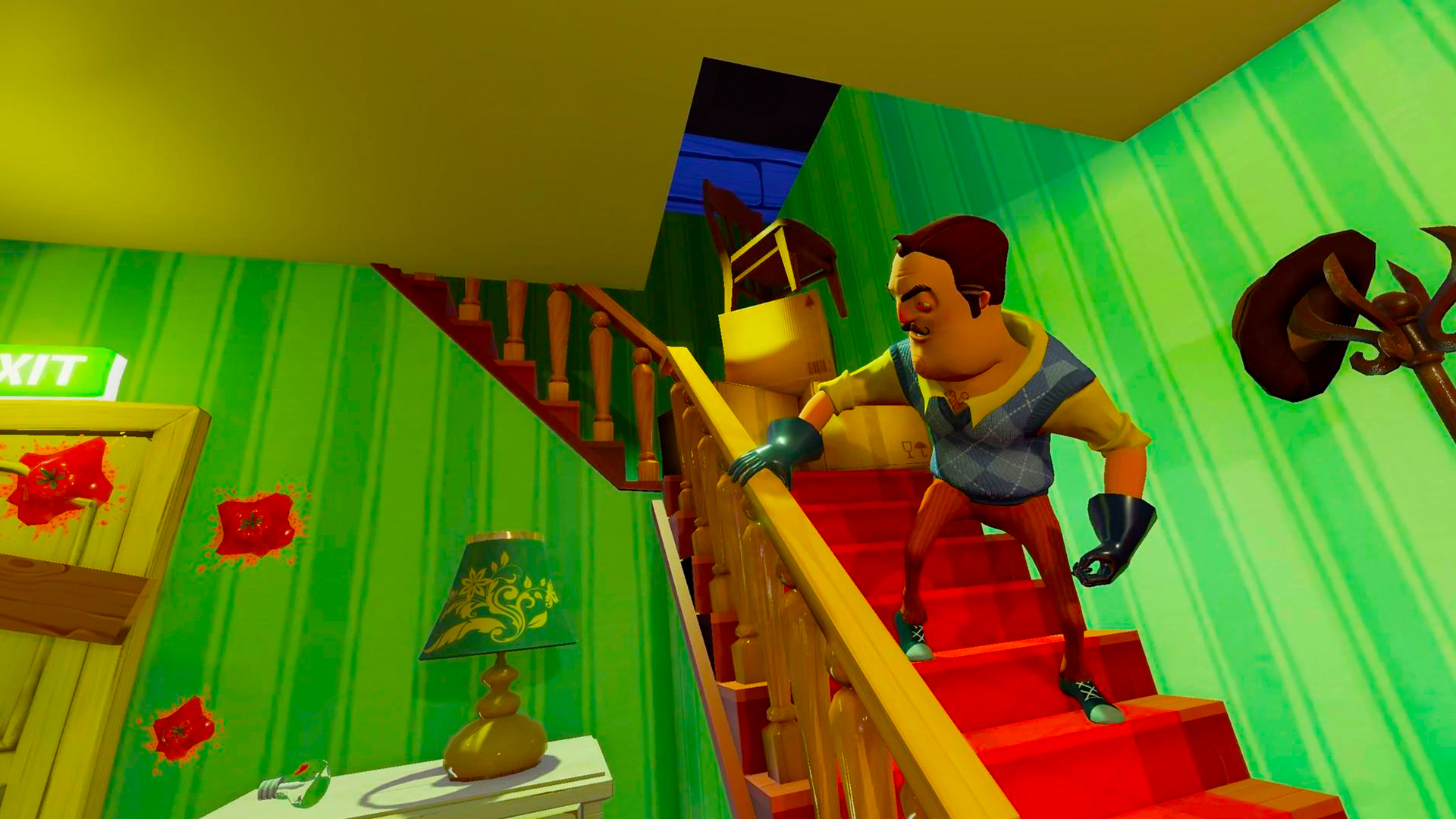
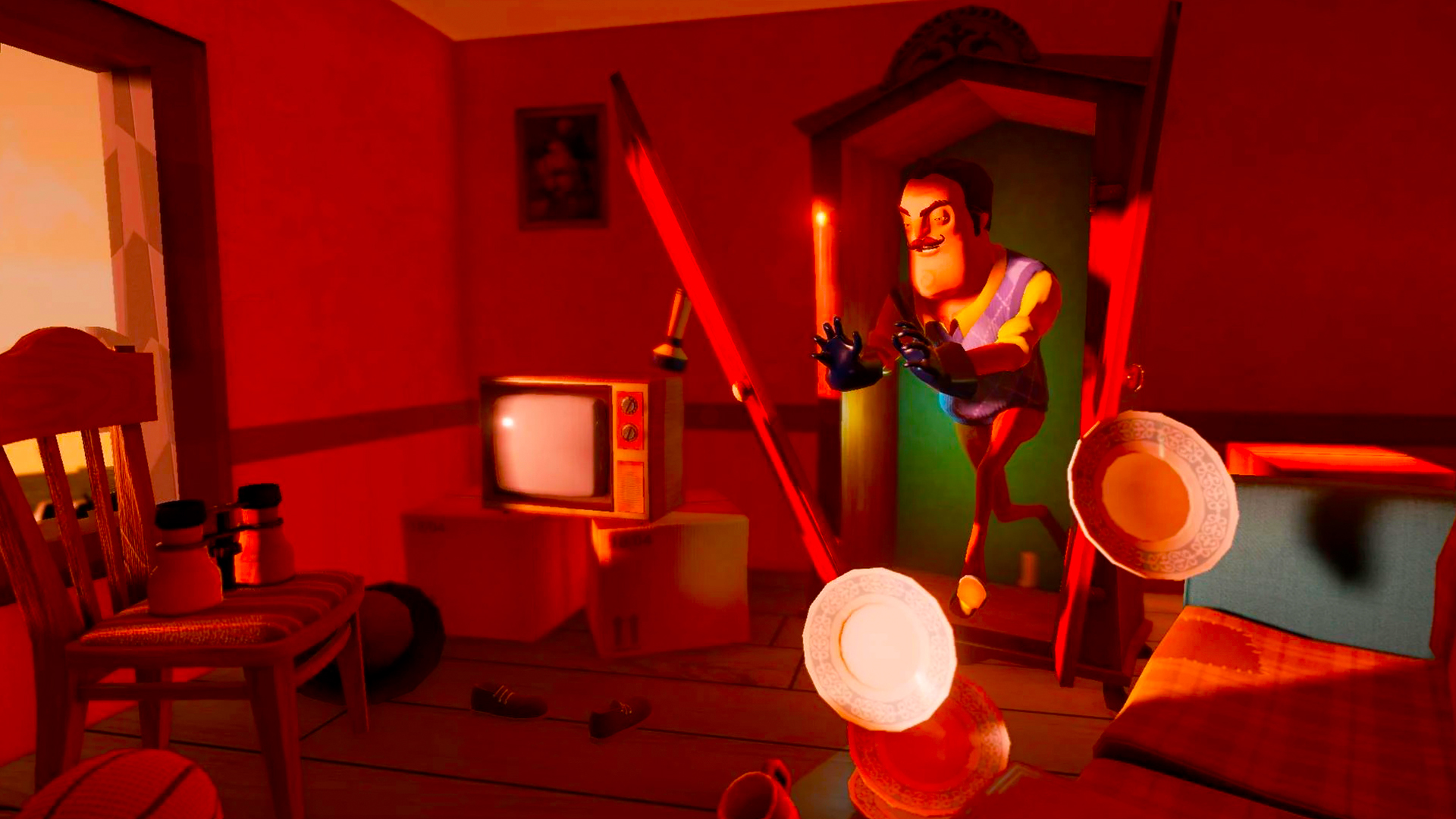
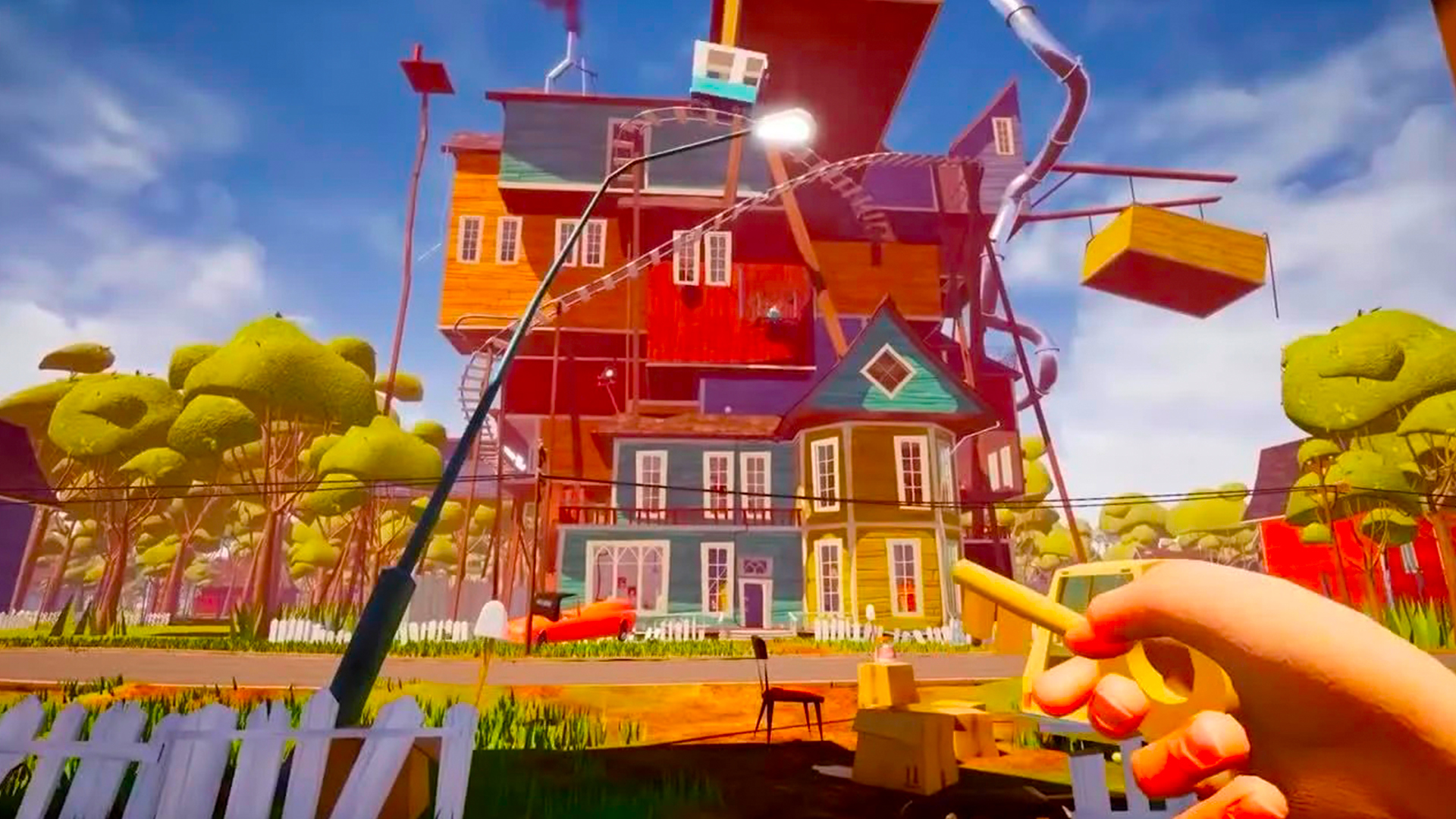
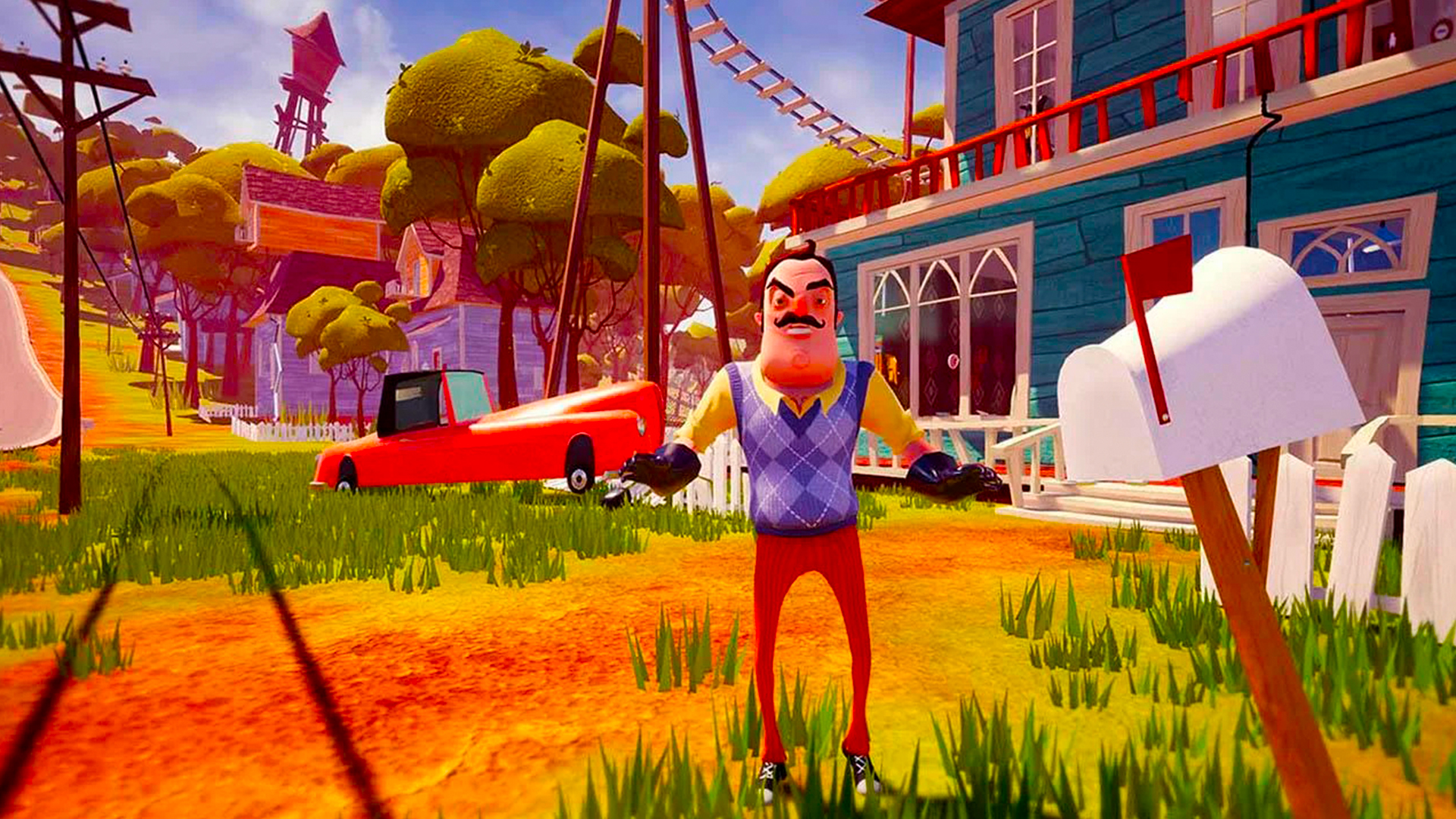
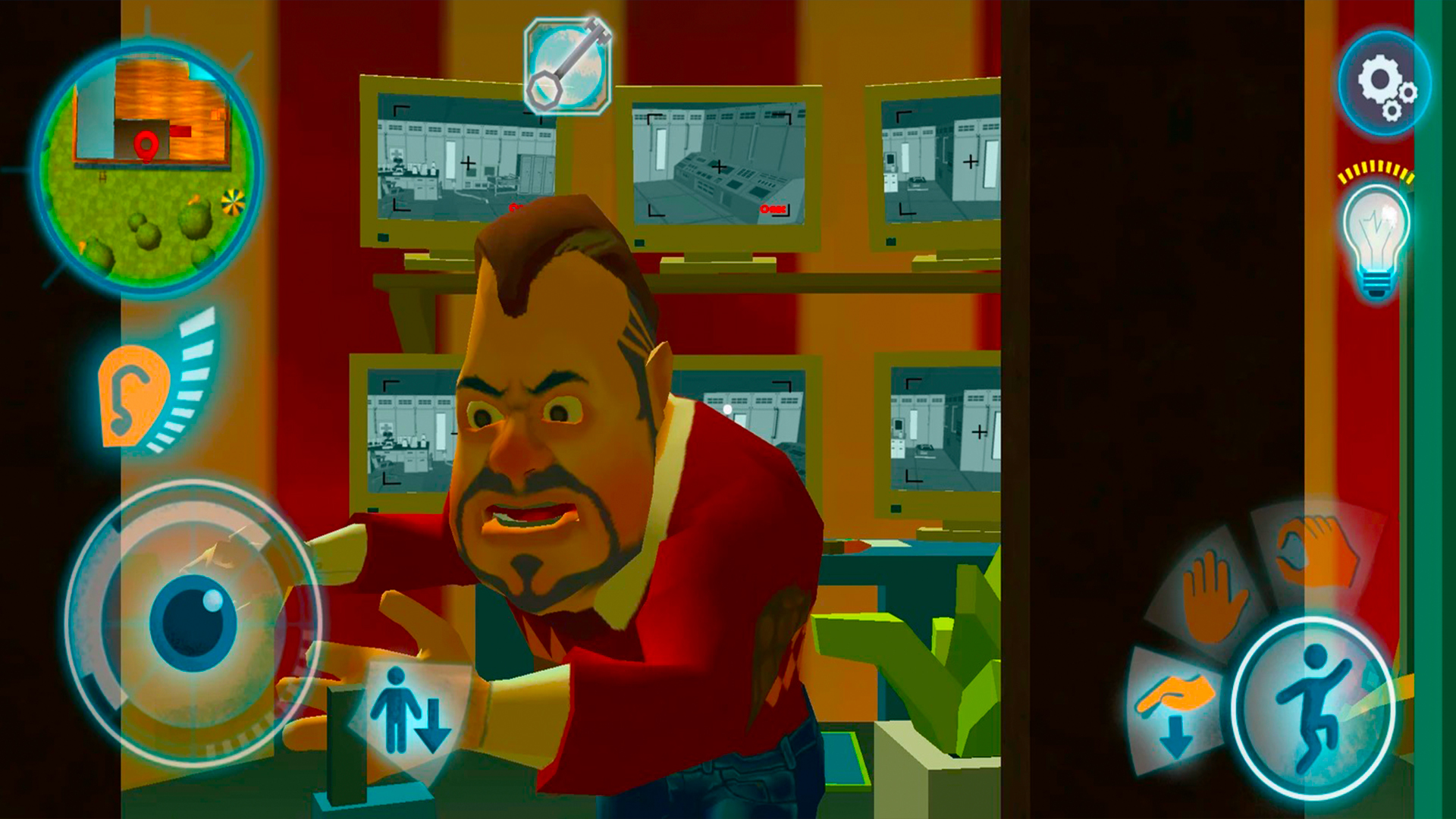
The game starts in a house you just moved into and a suspicious neighbor across the street. To solve the mystery of this curious character, you sneak into his house and solve riddles to open each room in his mansion. Unsurprisingly, your neighbor is not happy about this at all and sets up traps, motion sensors, cameras, and all sorts of obstacles to stop your investigation at all costs

Videos and screenshots
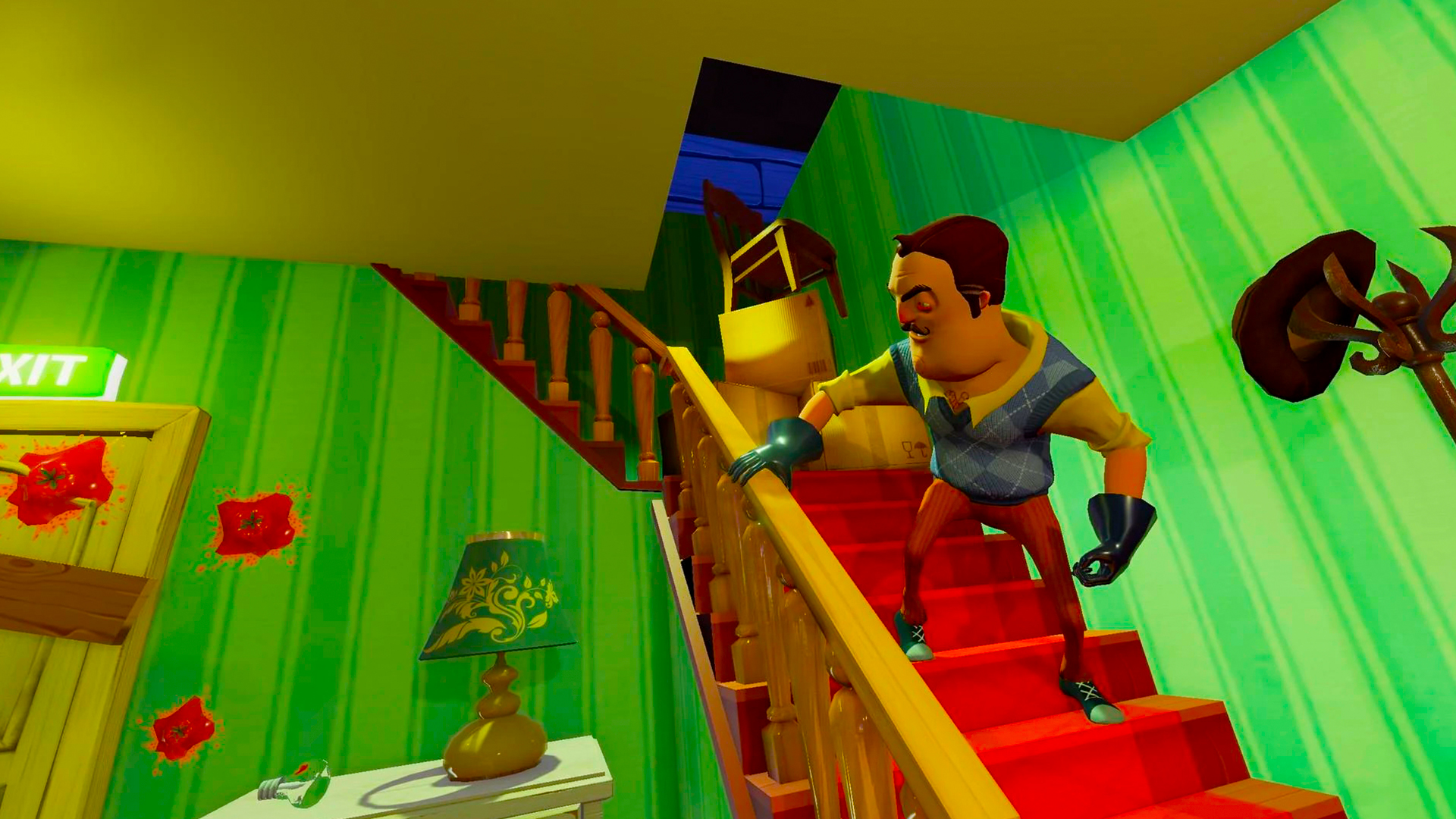
  • How to get a NEIGHBOR screenshot 1
  • How to get a NEIGHBOR screenshot 2
  • How to get a NEIGHBOR screenshot 3
  • How to get a NEIGHBOR screenshot 4
  • How to get a NEIGHBOR screenshot 5
  • How to get a NEIGHBOR screenshot 6
  • How to get a NEIGHBOR screenshot 7
  • How to get a NEIGHBOR screenshot 8
  • How to get a NEIGHBOR screenshot 9
  • How to get a NEIGHBOR screenshot 10
  • How to get a NEIGHBOR screenshot 11
  • How to get a NEIGHBOR screenshot 12
Play Now

14,630 players online

How to play

  1. Open the game

    Press Play now and the game opens on its own screen.

  2. Follow the in-game instructions

    The controls and goals are shown inside the game as you play.

  3. Use the game menu

    The floating button over the game reloads it, saves it to your favourites, or takes you back out.
Game instructions

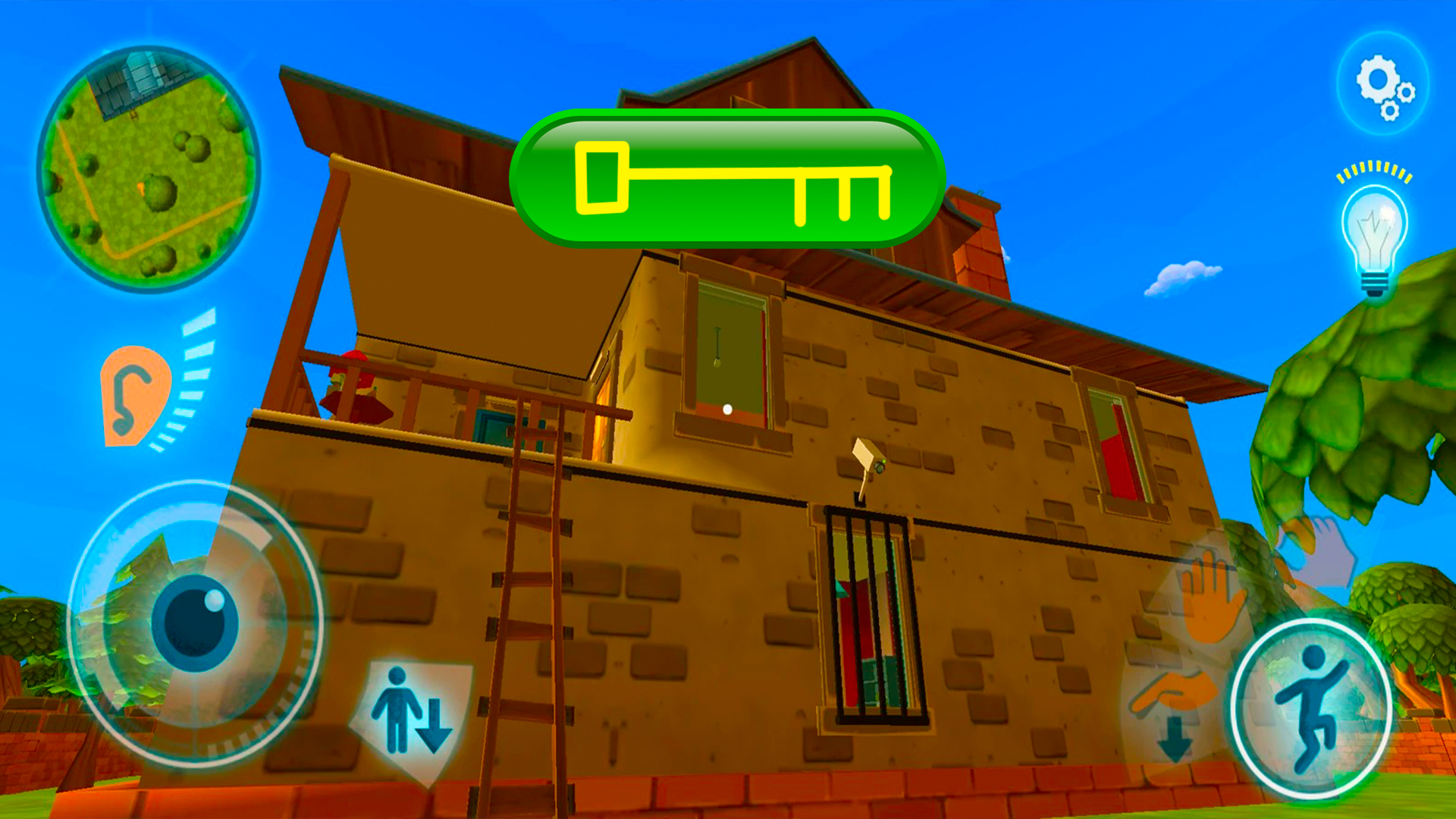
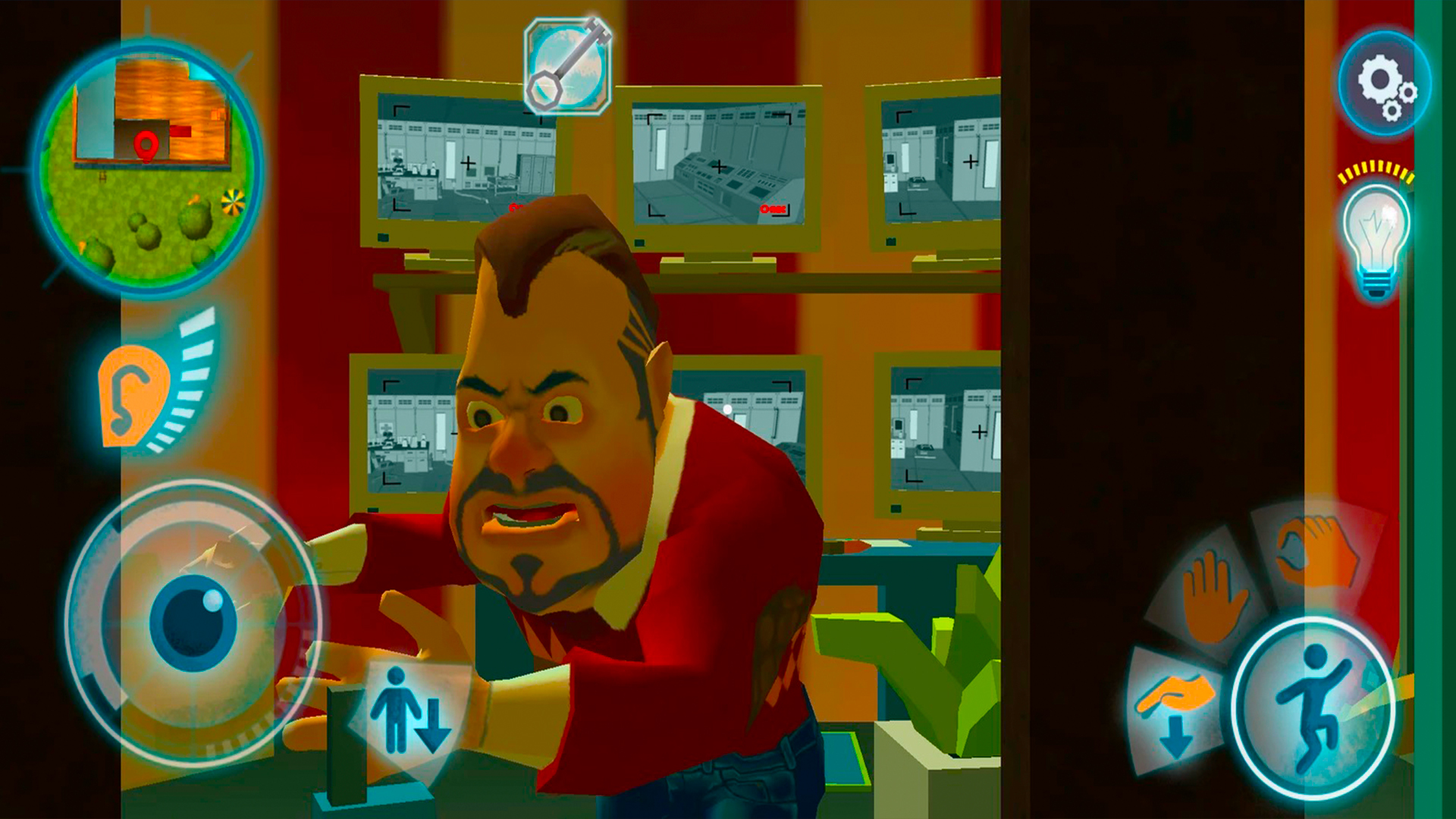
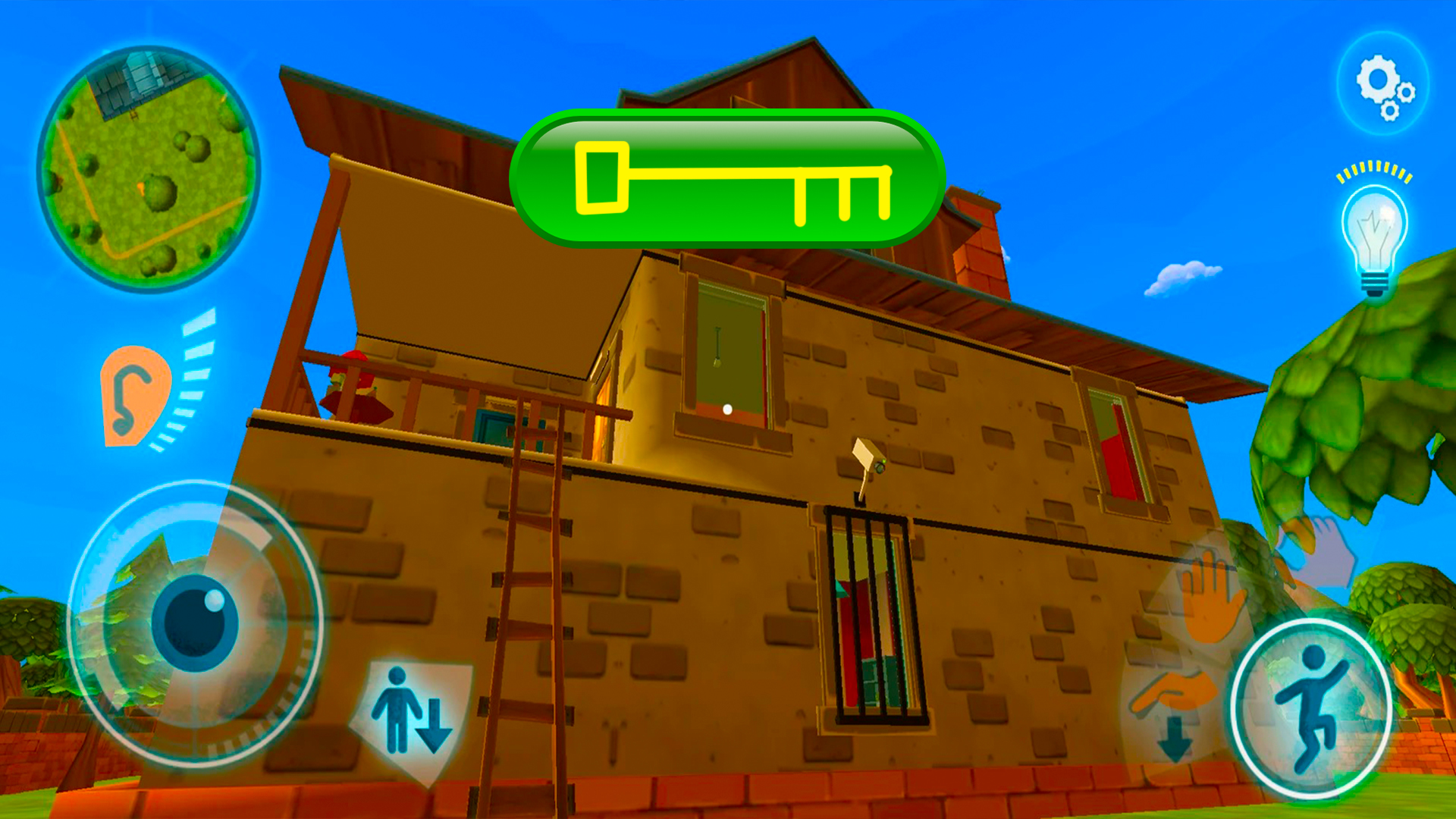
The gameplay is simple and similar to first-person shooters: control your character with a joystick on the left side of the screen, while the buttons on the right allow you to duck, jump, and interact with objects.

More games

More games