
Overview
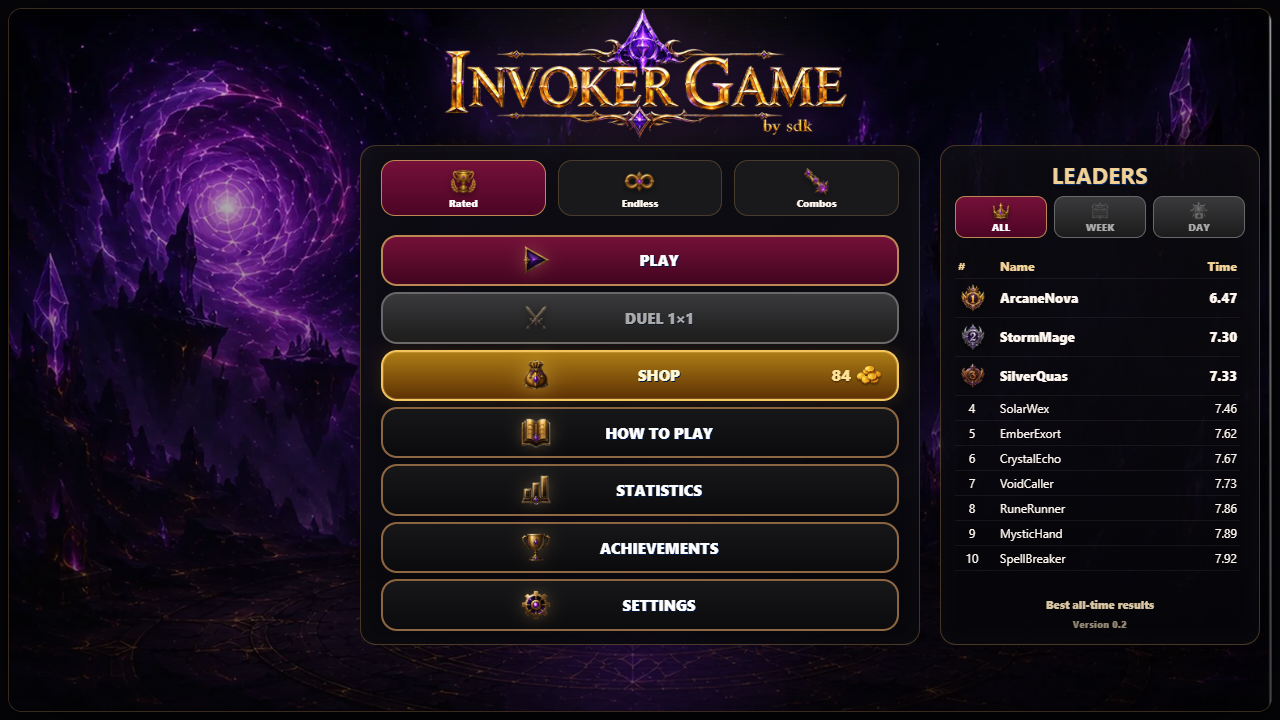
Invoker Game by sdk is an arcade game that tests your reaction speed, memory and knowledge of magical combinations.
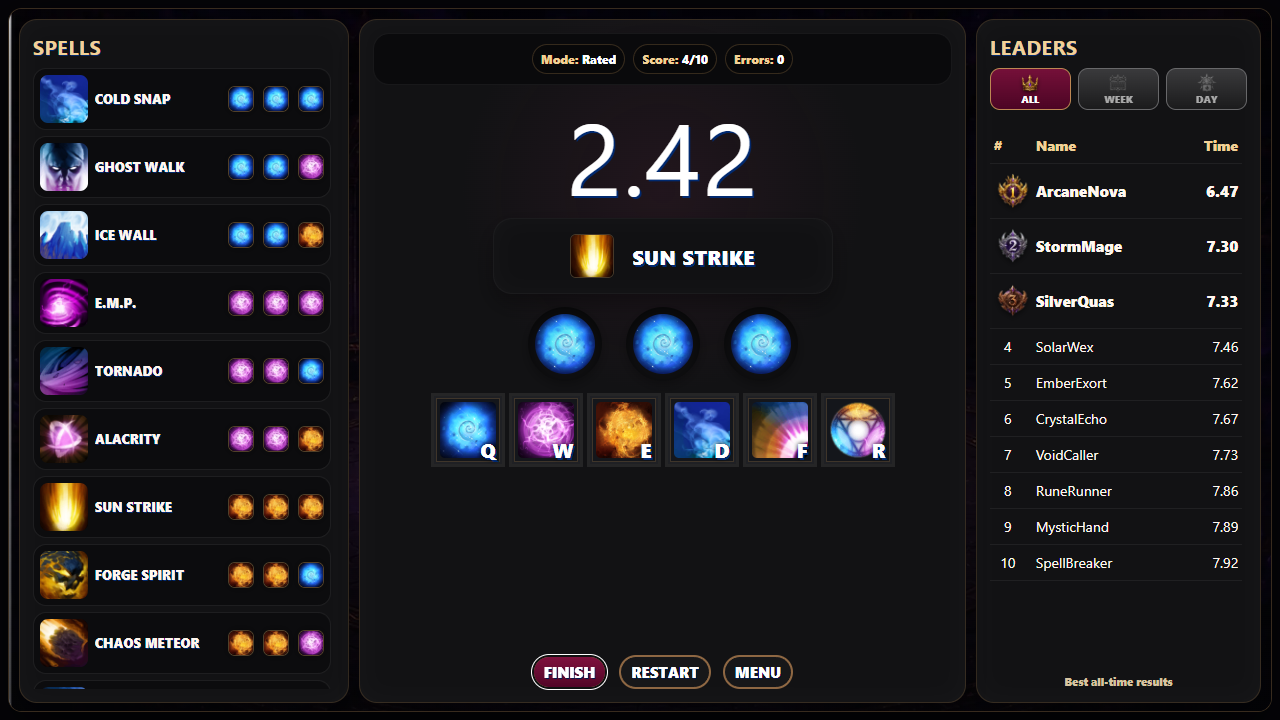
Create the displayed spells using three magical orbs and activate the completed combination.
In Ranked Mode, you must complete 10 spells as quickly as possible. Your best time is added to the leaderboard.
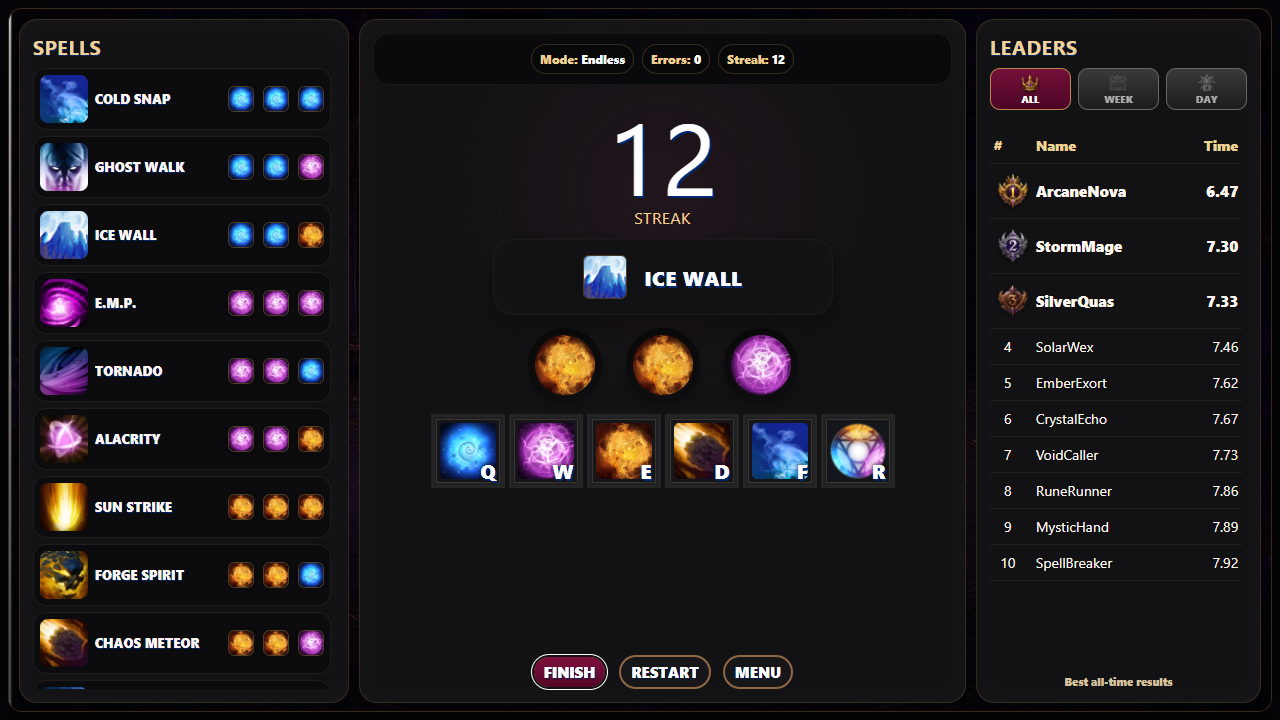
Endless Mode has no time limit. Complete spells, build a long streak of correct combinations and improve your personal record.
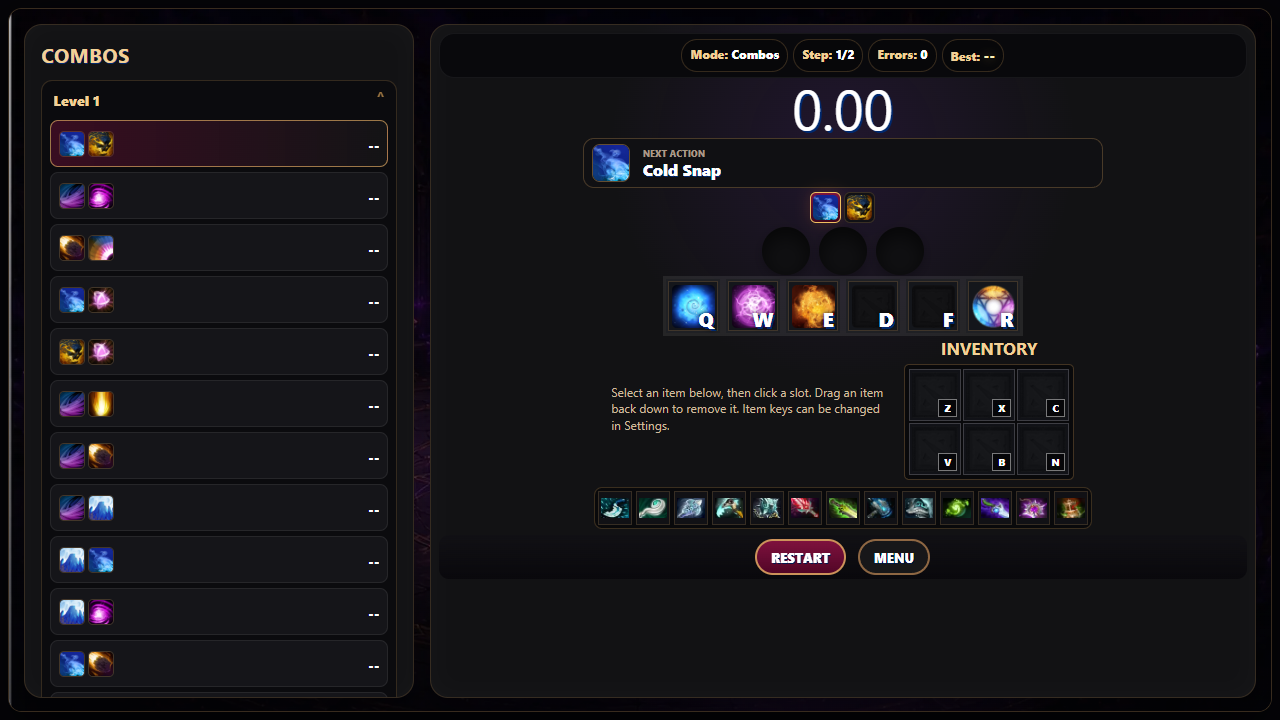
In Combo Mode, you must quickly perform sequences of spells and inventory items. Items can be placed into inventory slots, and their activation keys can be reassigned in the settings.
The game includes daily, weekly and all-time leaderboards, achievements, statistics, a shop, customizable controls, sound and animation settings. Your progress and best results are saved.
Videos and screenshots
13,220 players online
How to play
-
Open the game
Press Play now and the game opens on its own screen.
-
Follow the in-game instructions
The controls and goals are shown inside the game as you play.
-
Use the game menu
The floating button over the game reloads it, saves it to your favourites, or takes you back out.