Skip to content
KG
Labubu Hunting 3D

Labubu Hunting 3D

5K plays 3.8 out of 5

Overview

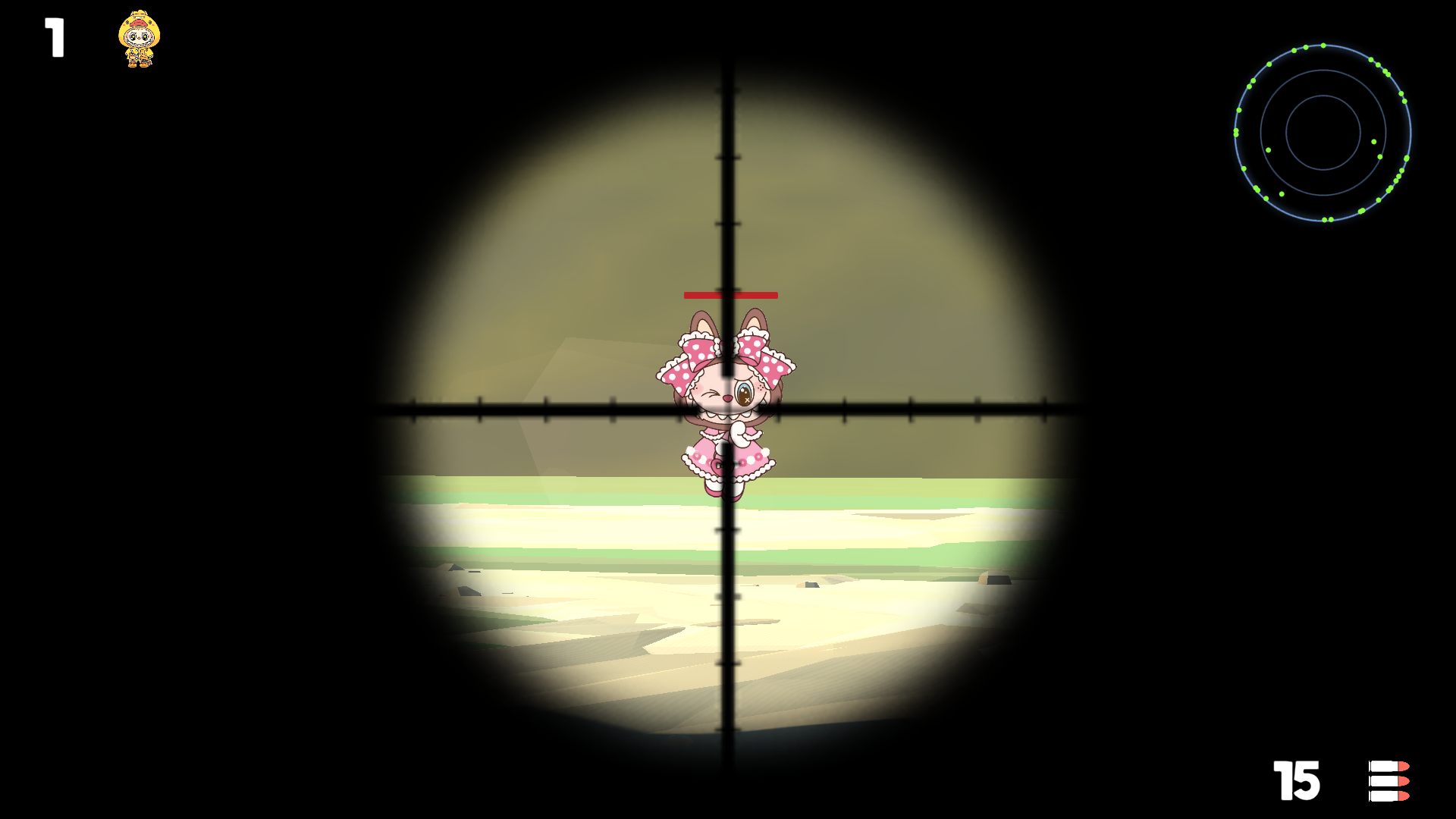
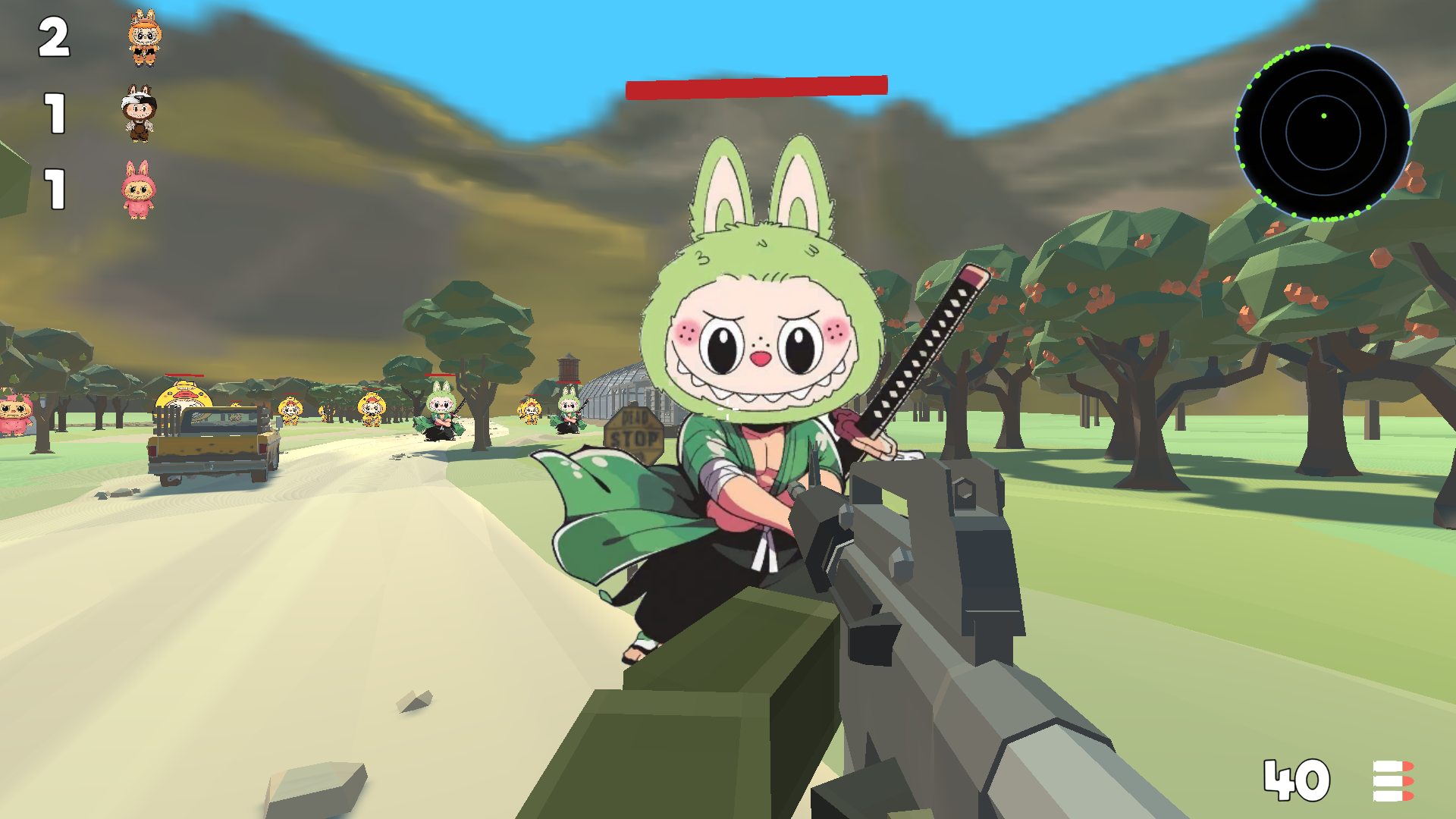
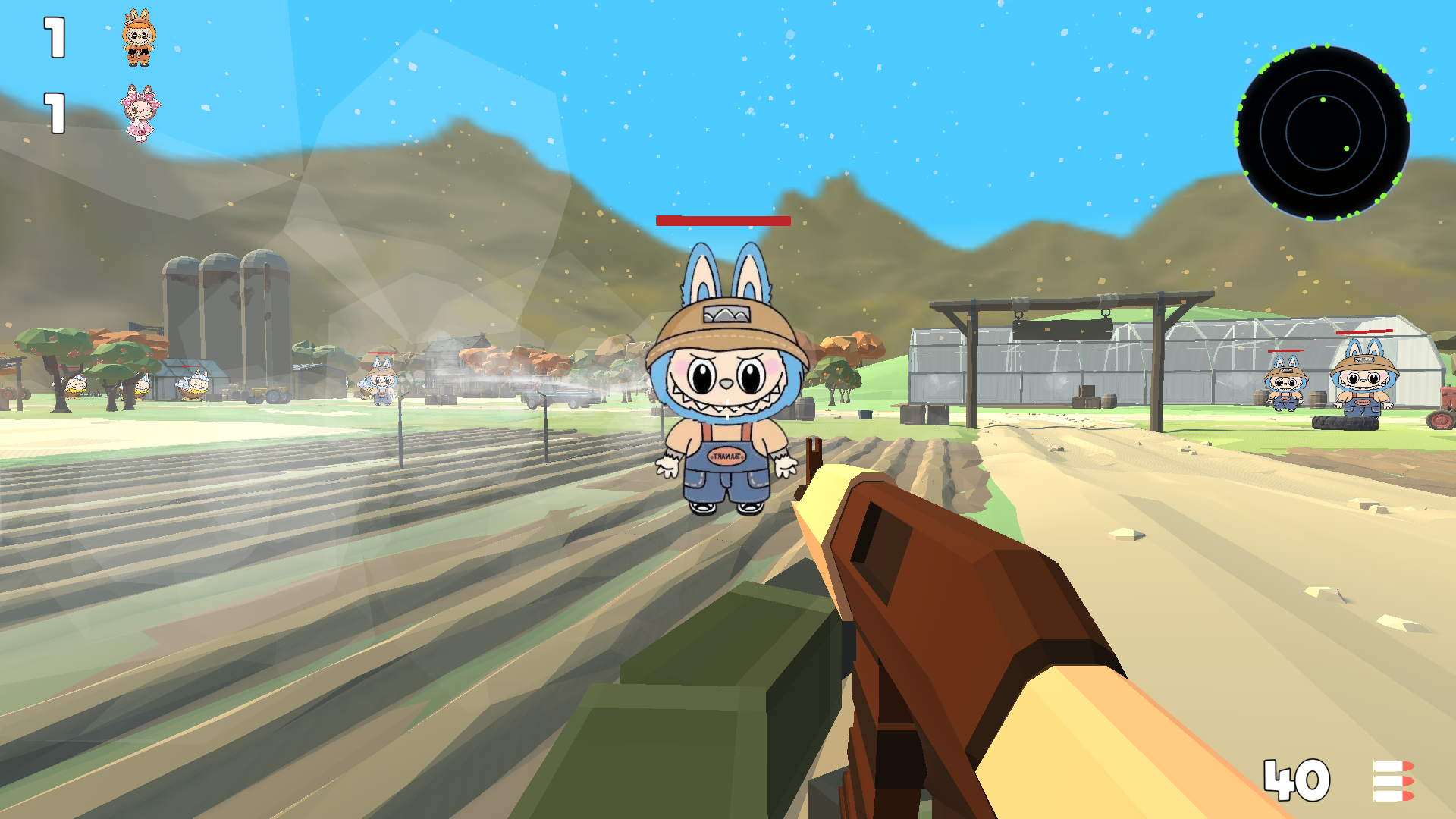
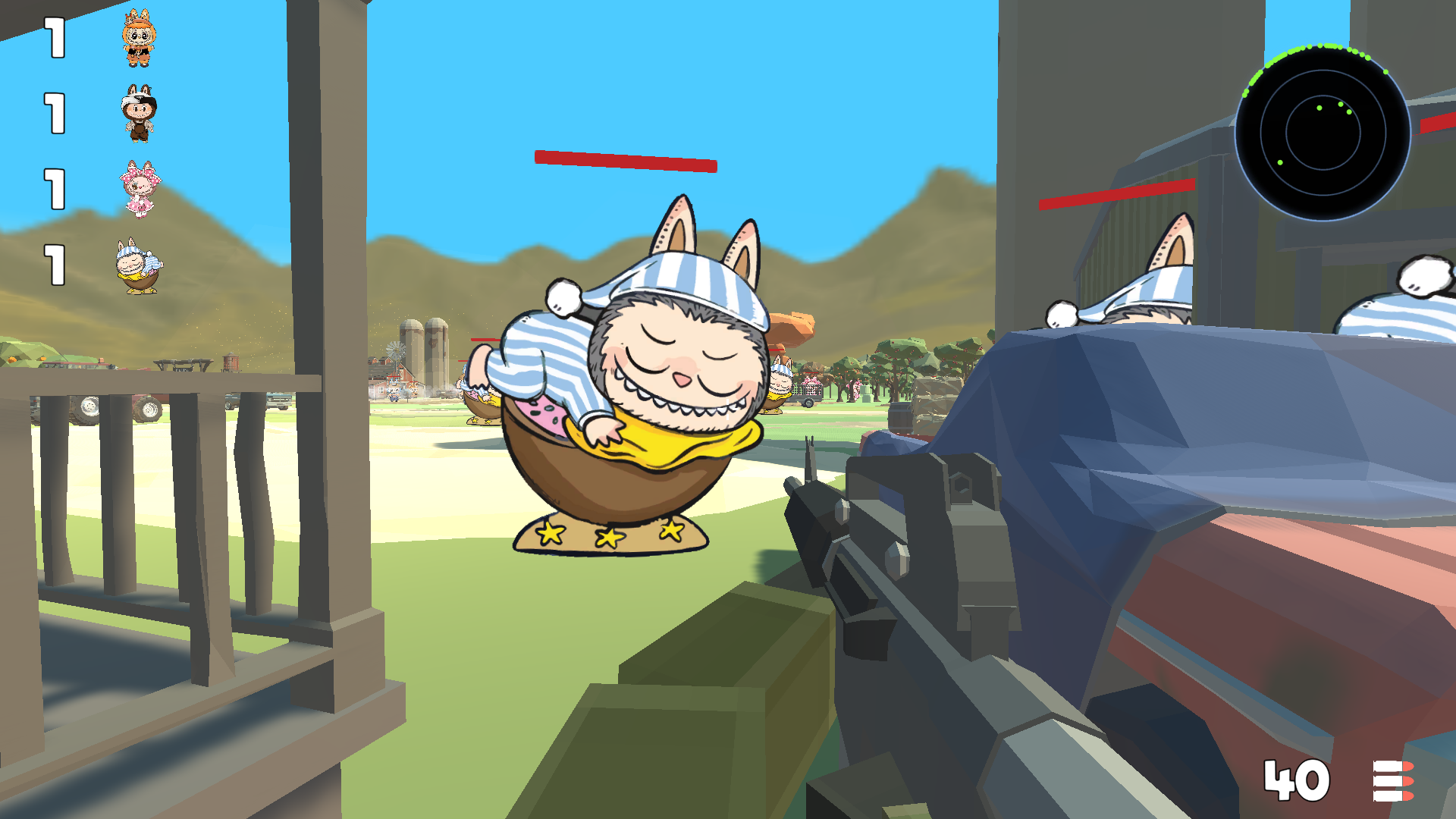
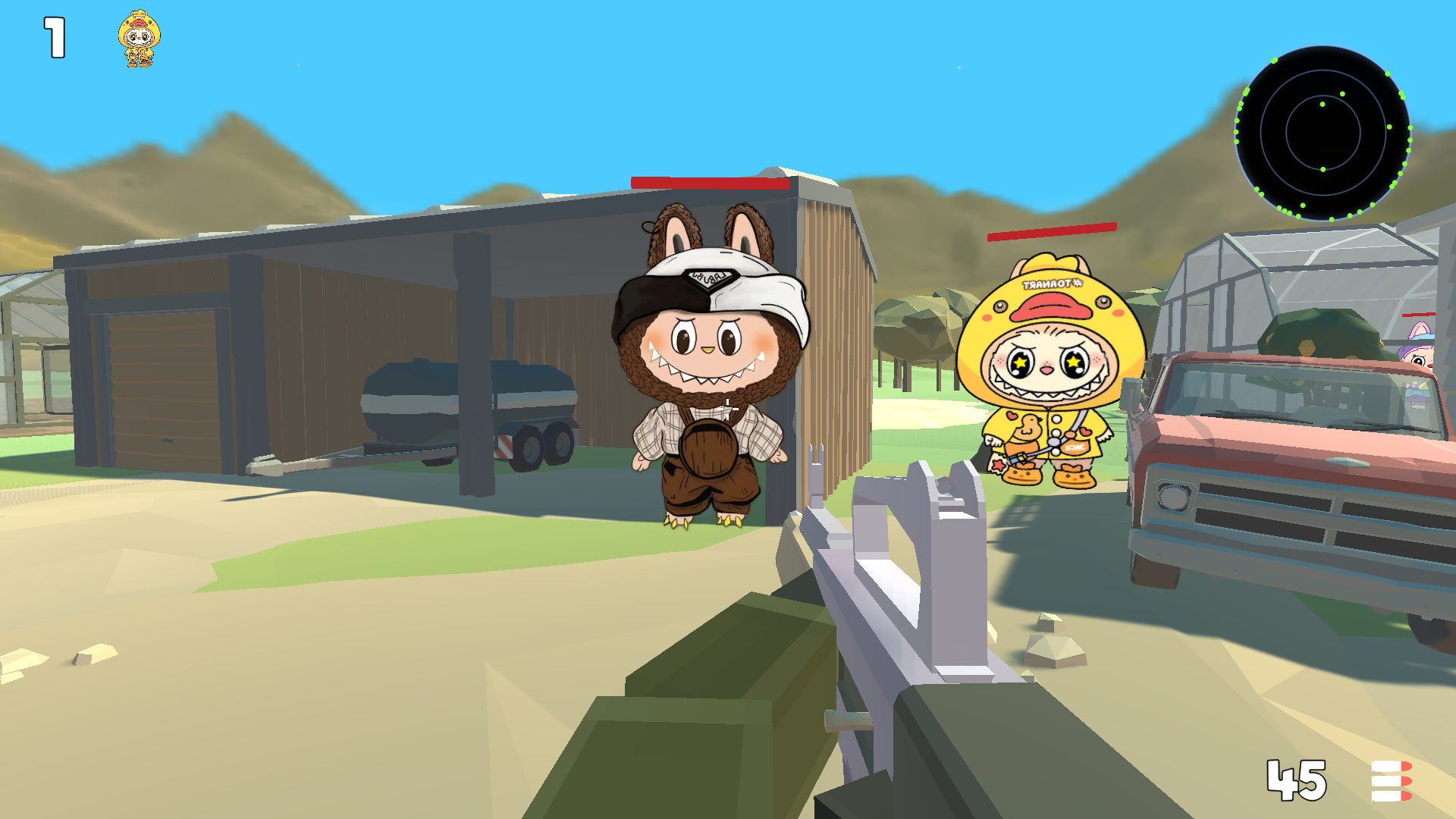
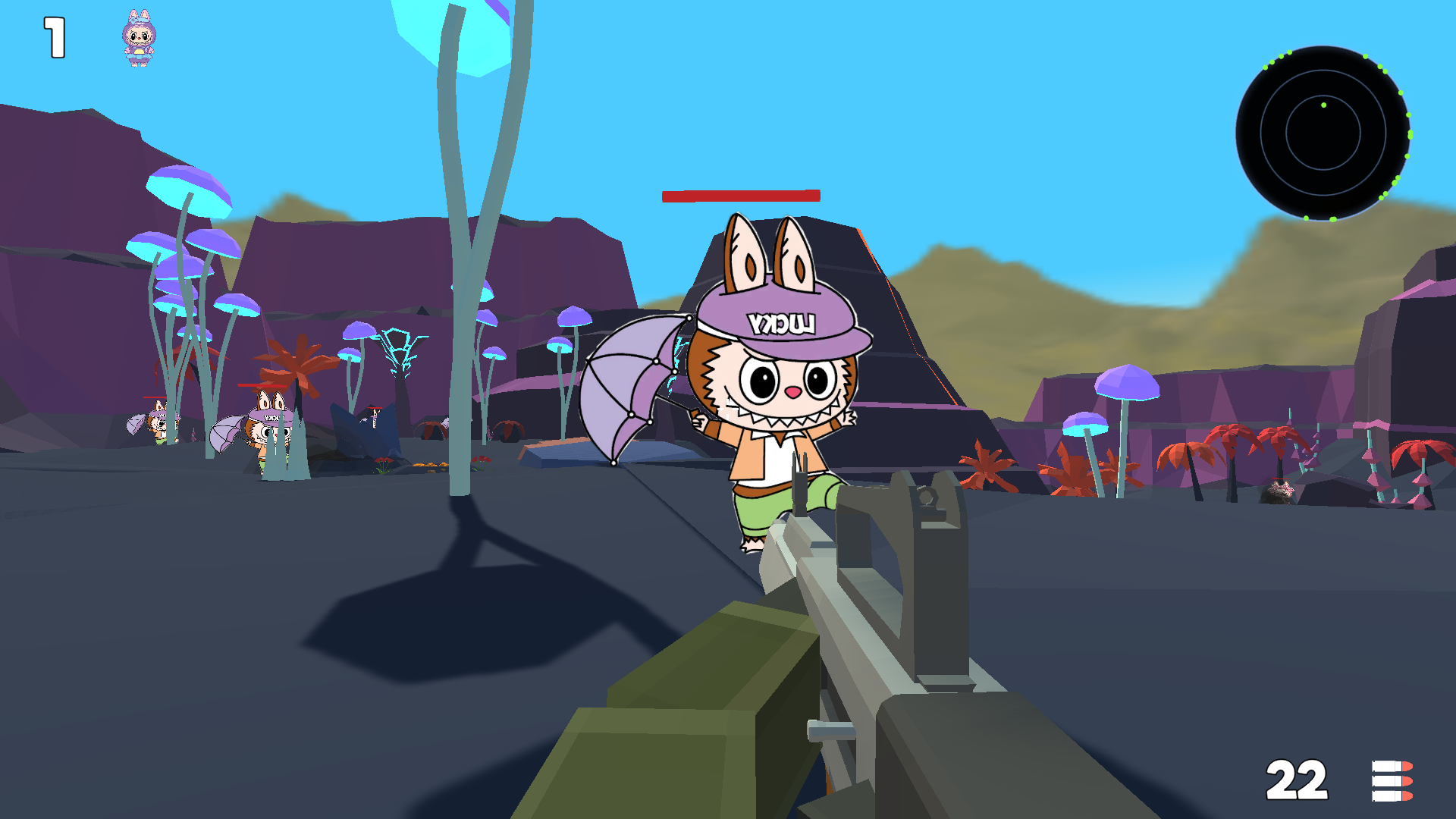
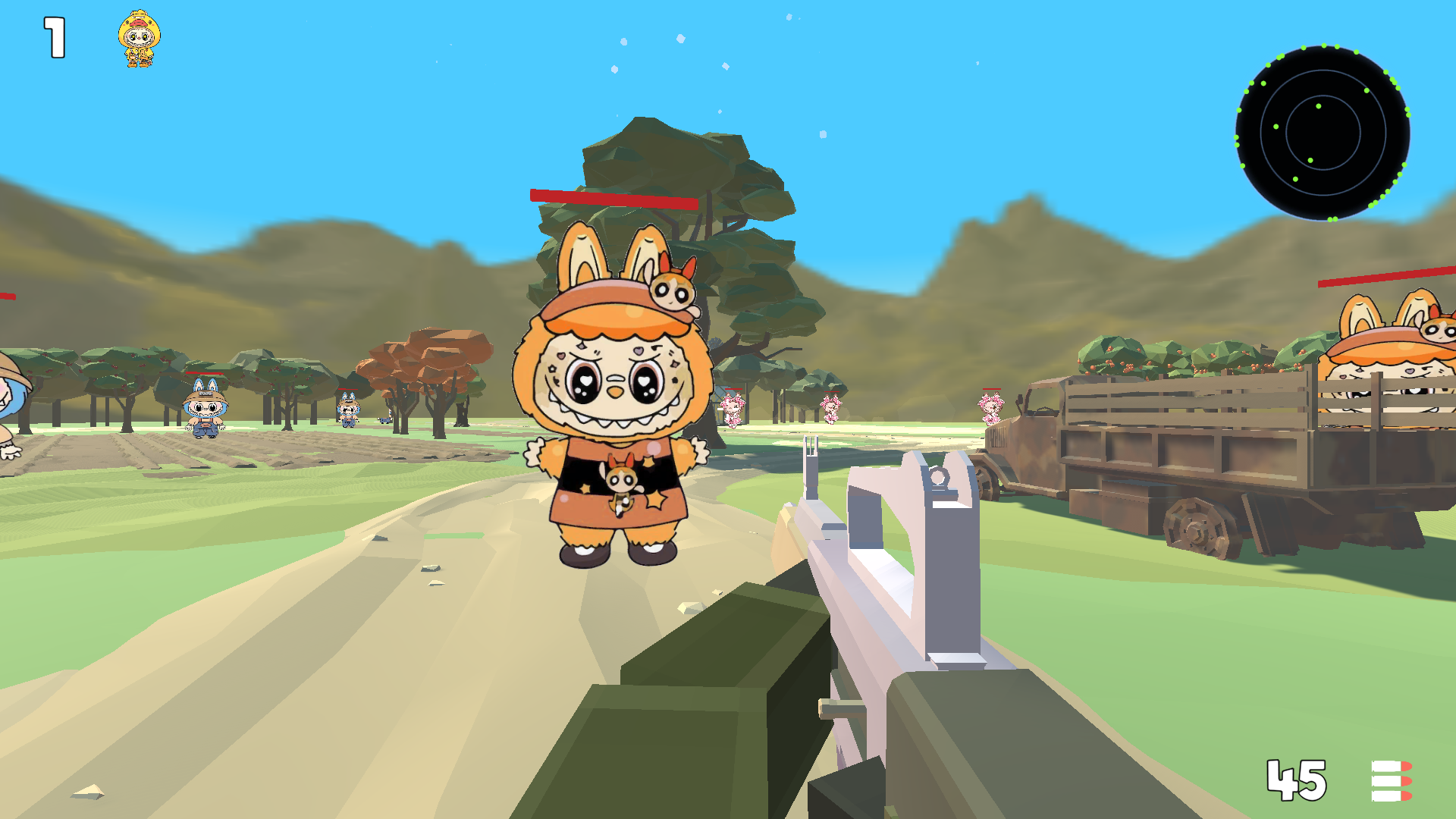
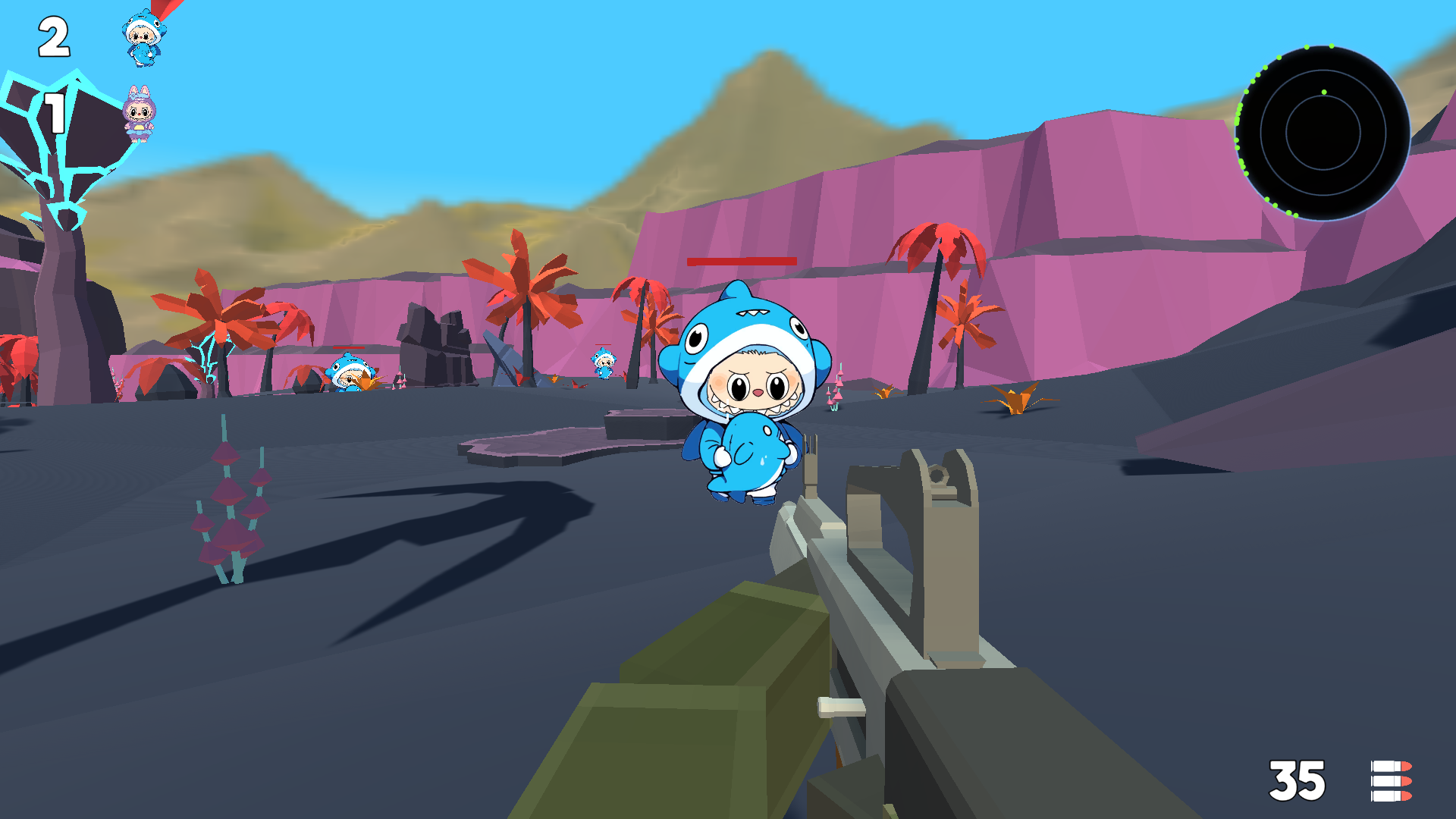
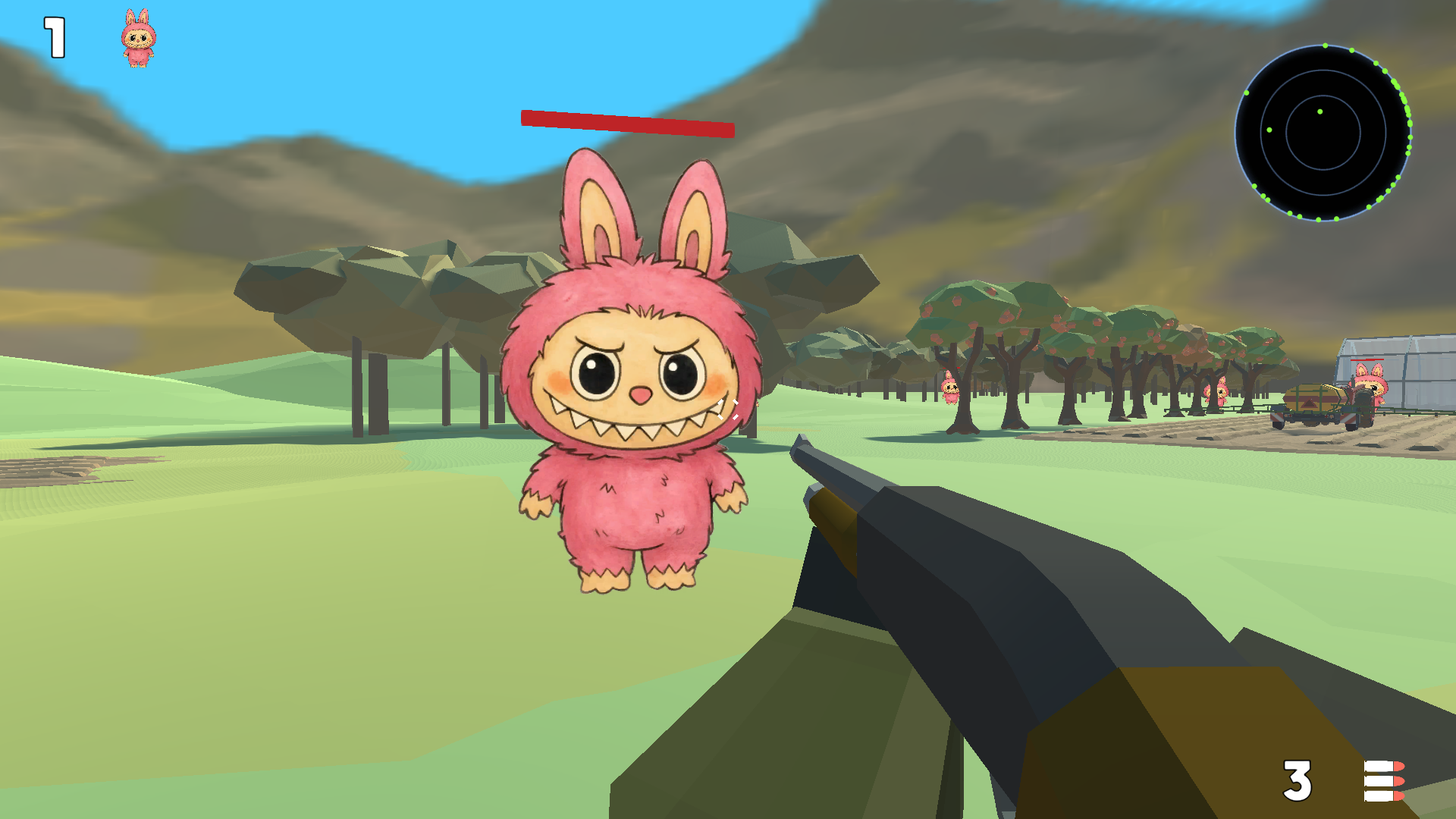
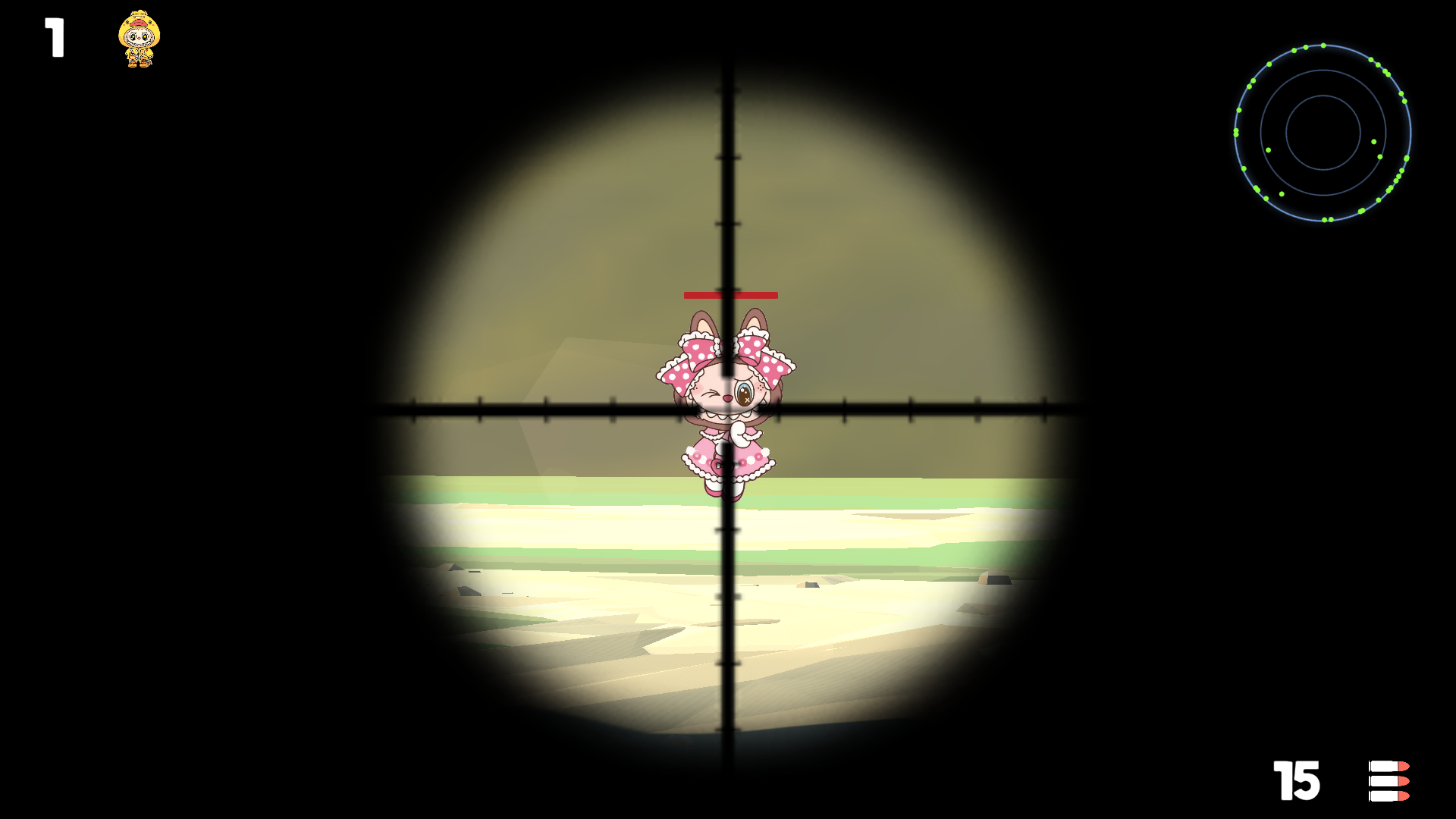
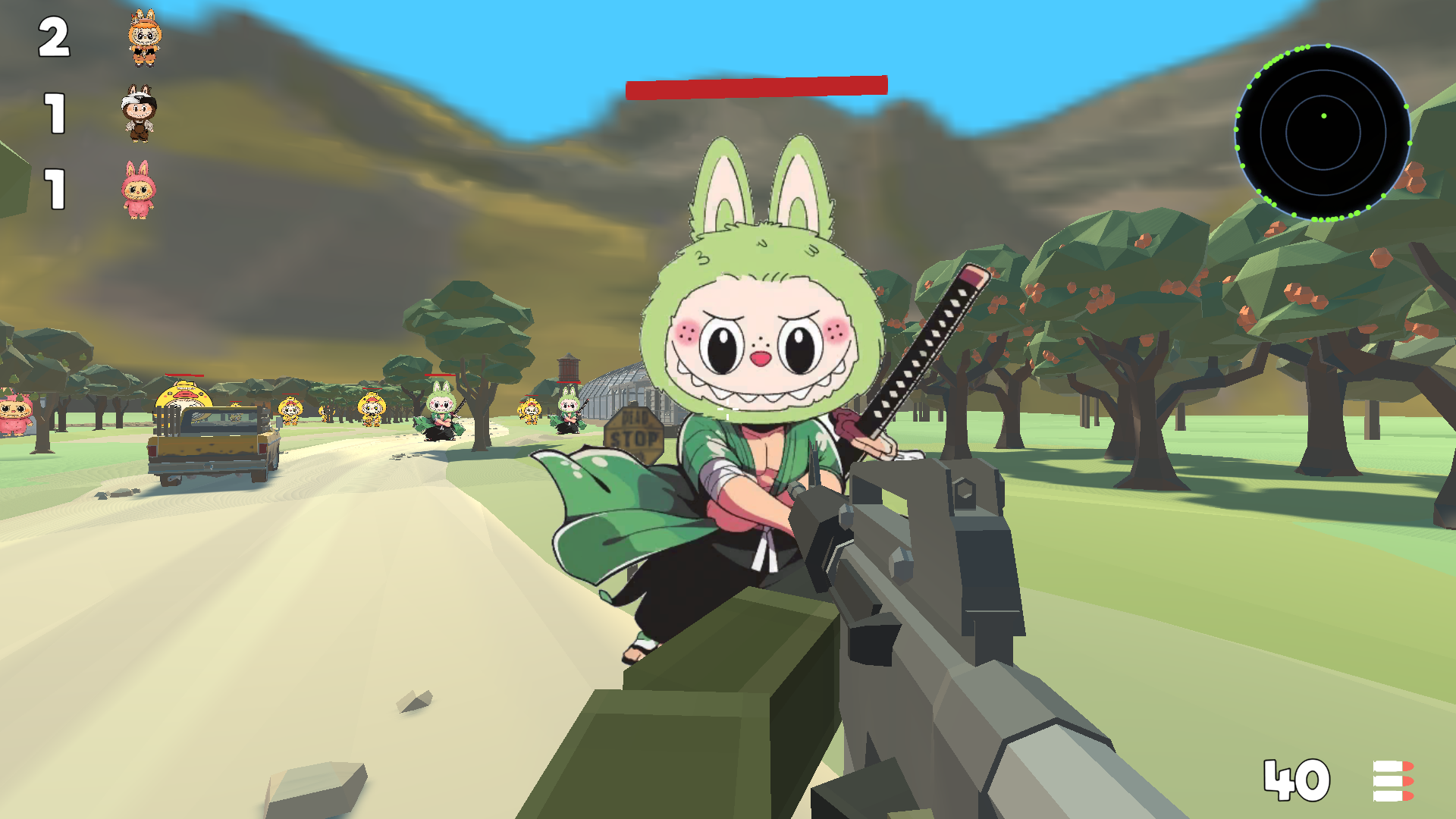
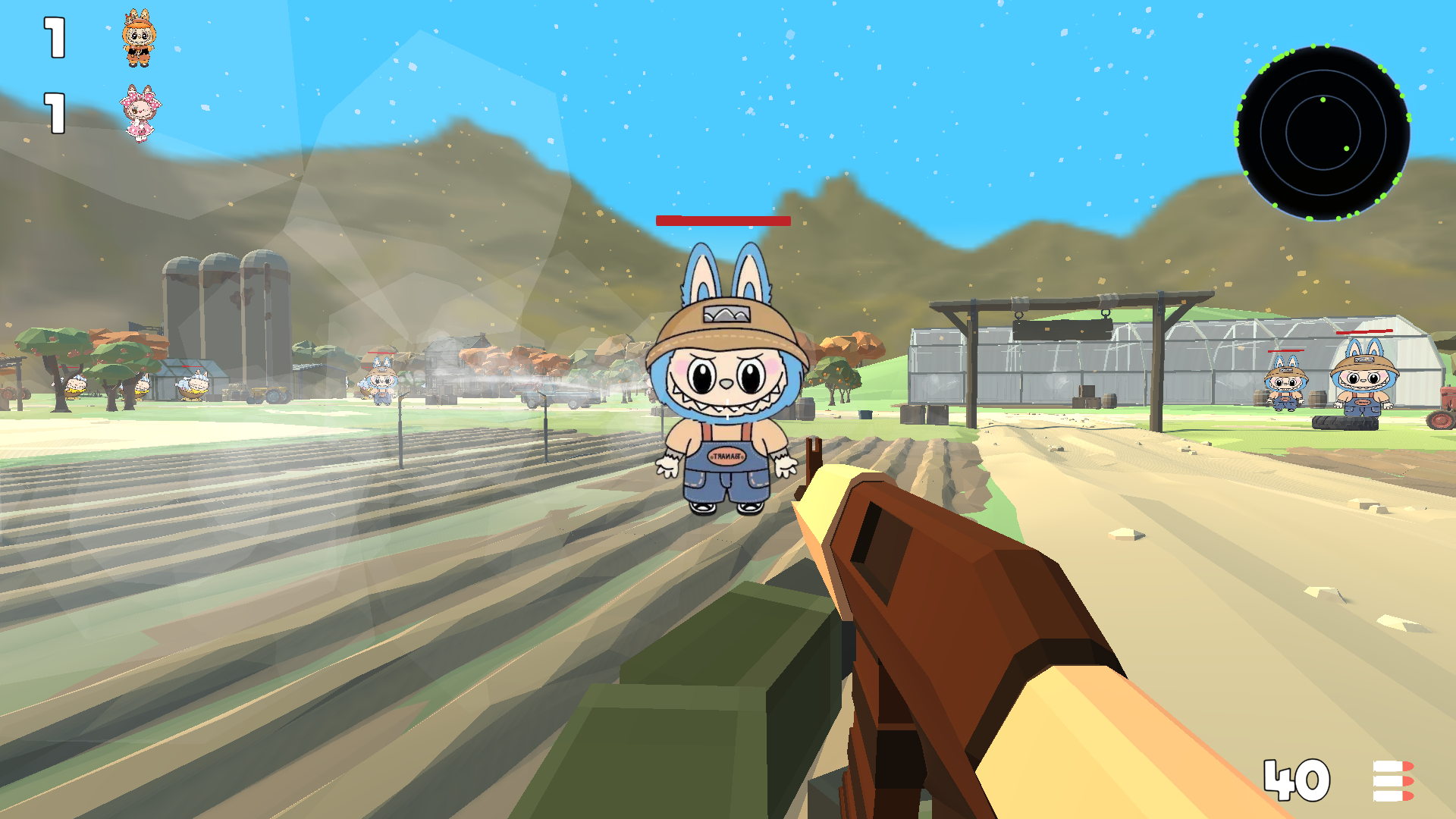
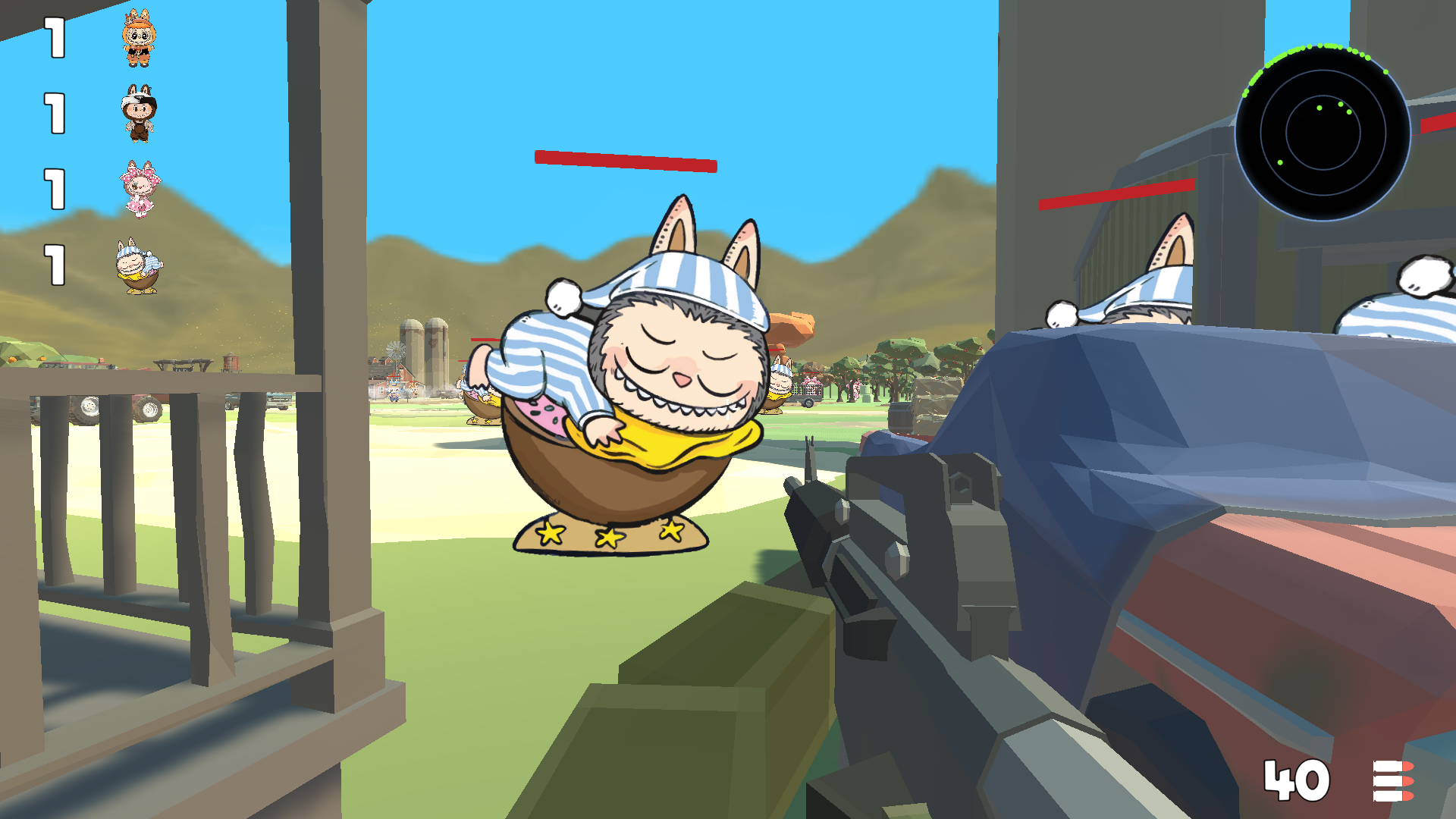
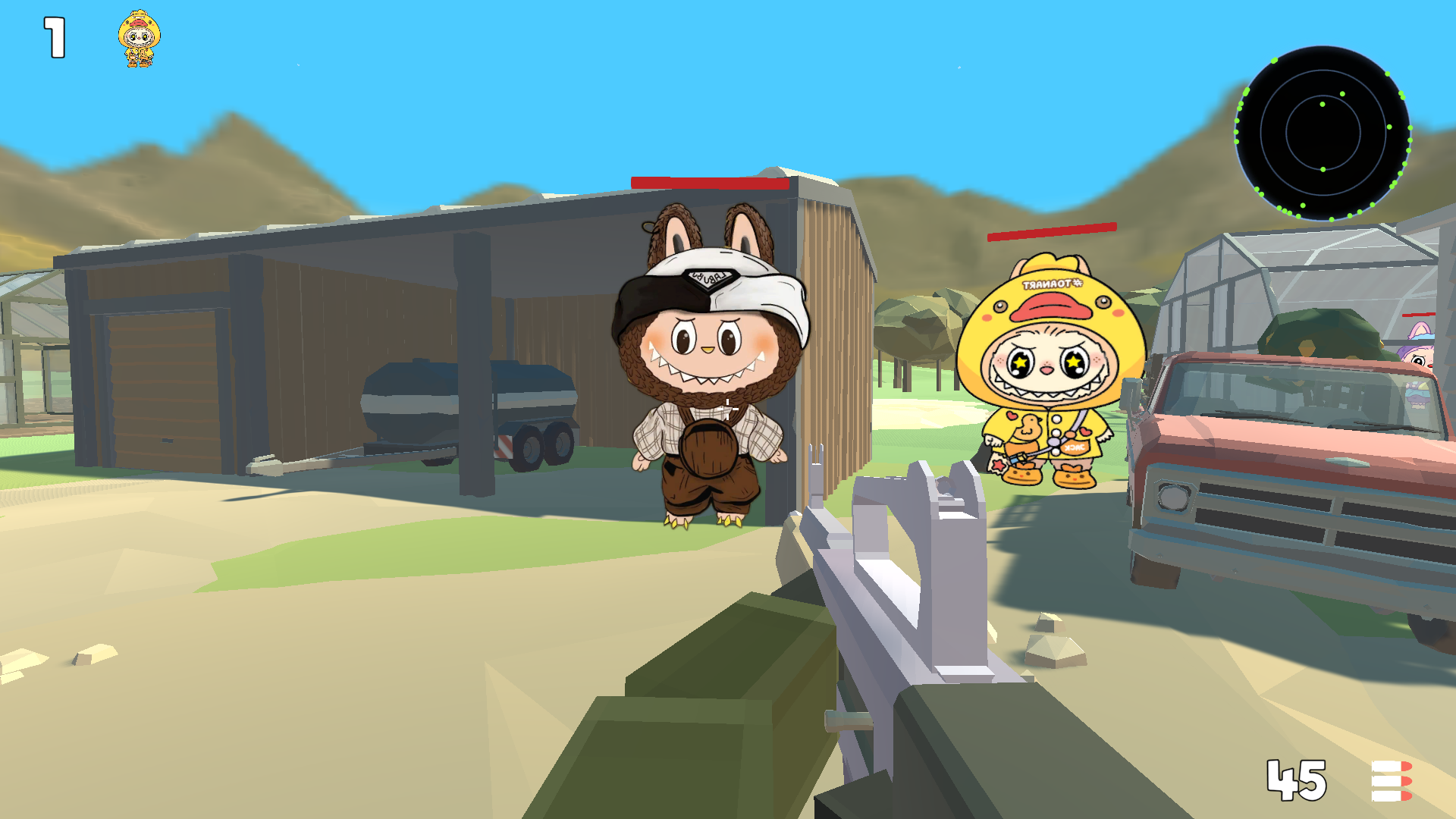
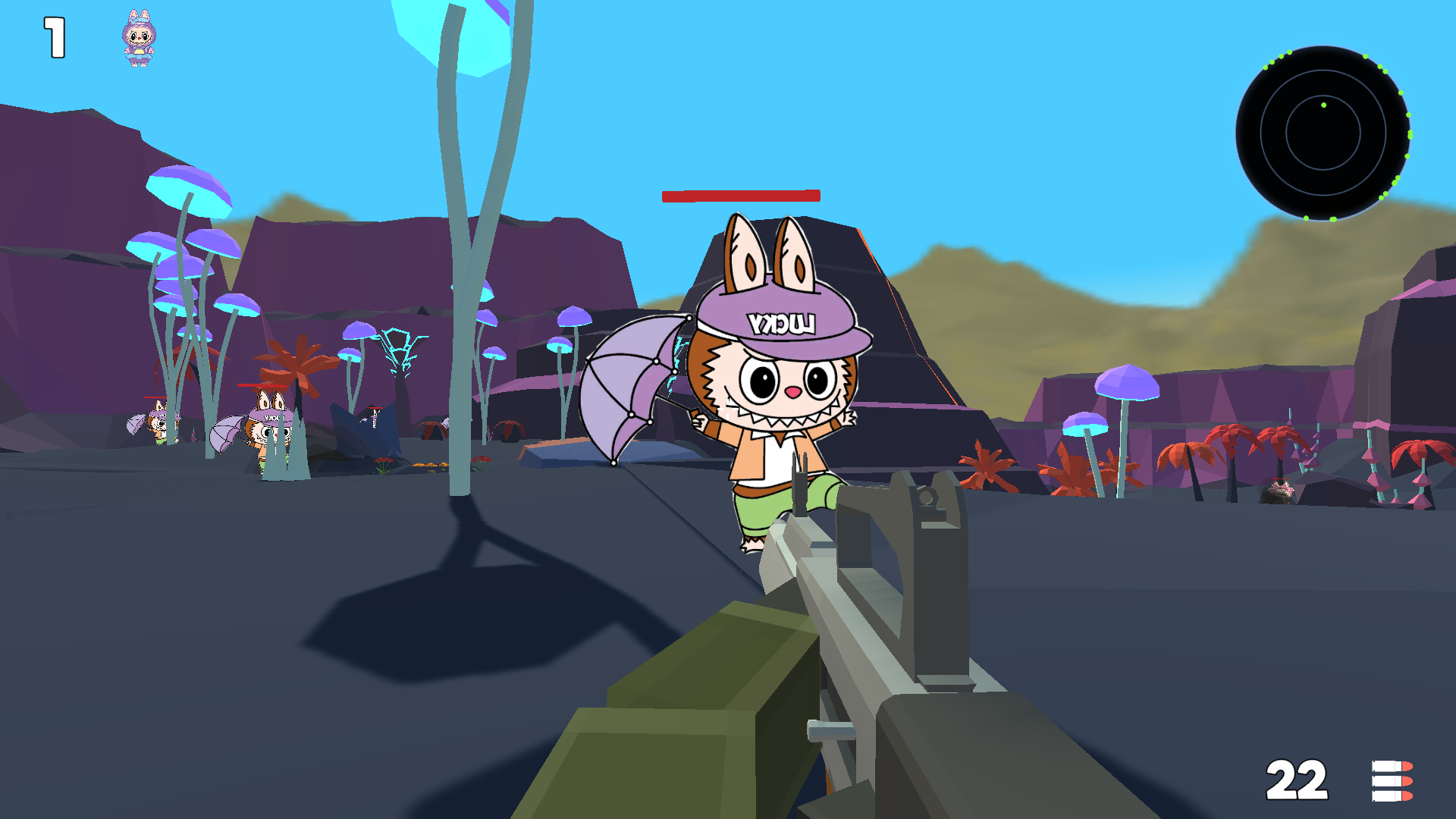
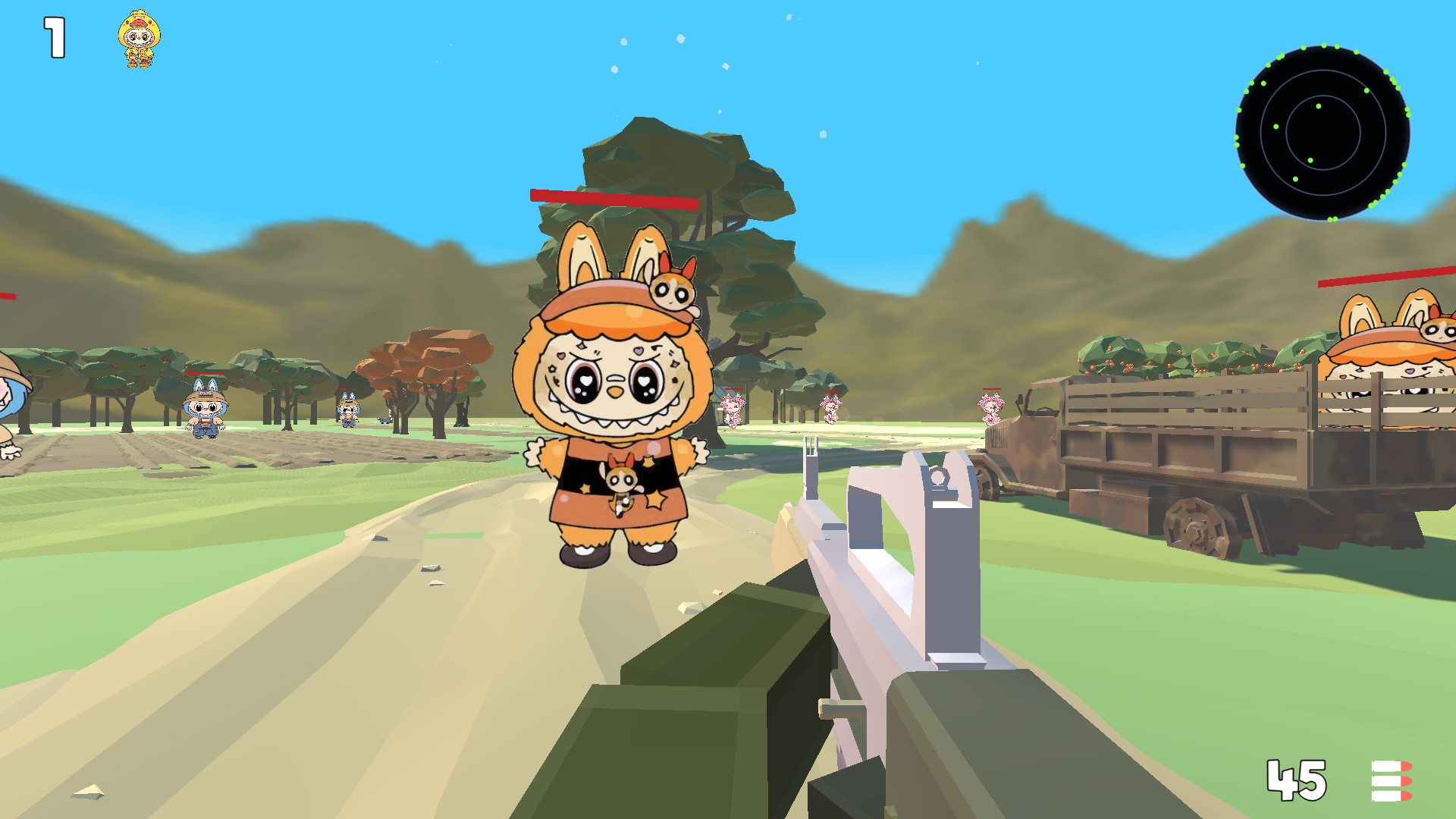
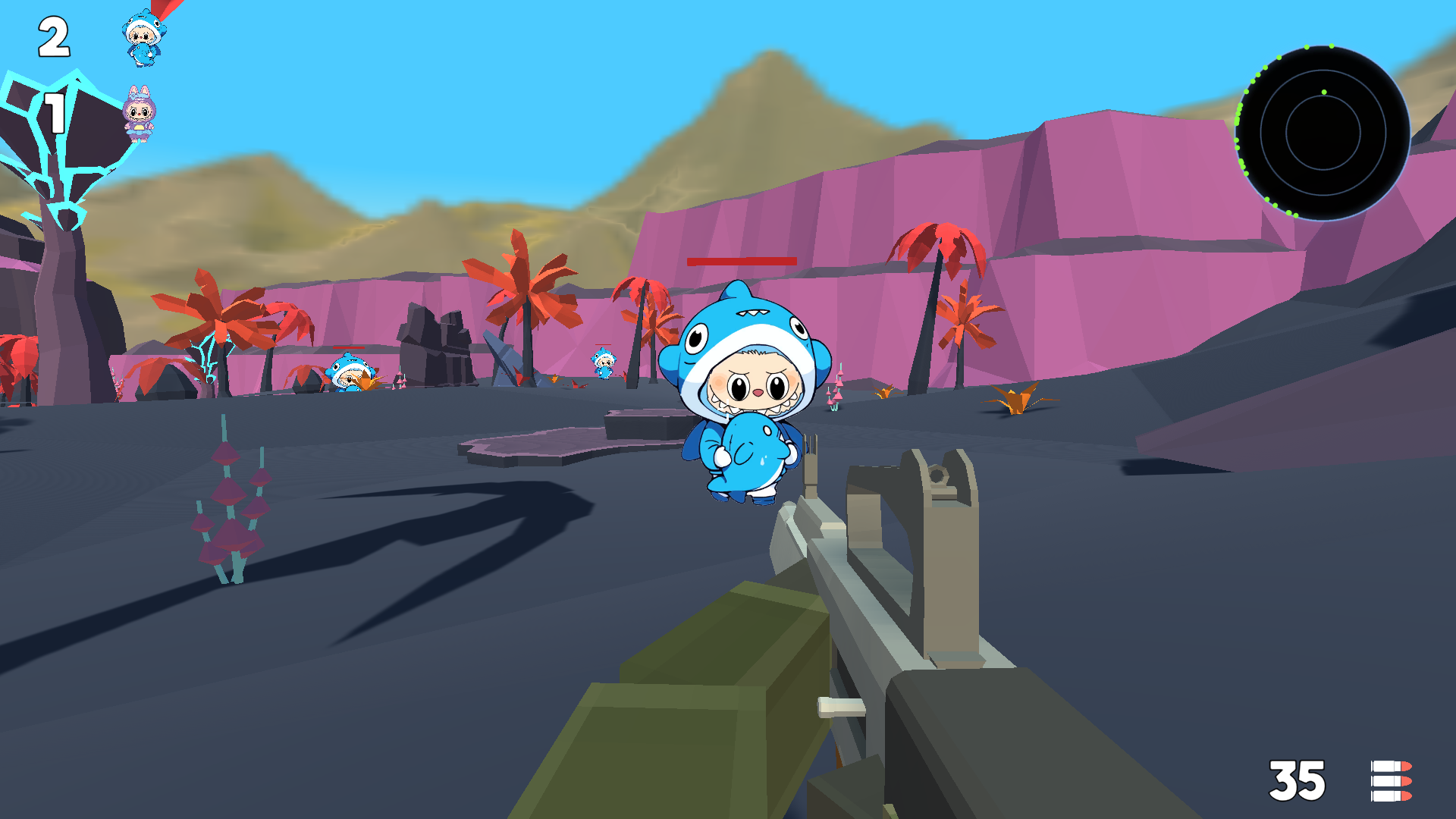
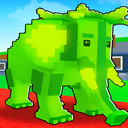
In the game, you will have to hunt various types of Lububus. The game begins on a farm with a lot of Labubus, and your first task will be to catch a specific Labubu and put it in a box. Main features of the game: 💥 many types of weapons, 🐗 diverse Labubus, 🏝️ large open world, 🔥 stunning 3D graphics, 👂 Labubus hear the sounds of a gunshot and the noise of the player's footsteps — sneak up on him.

Videos and screenshots

  • Labubu Hunting 3D screenshot 1
  • Labubu Hunting 3D screenshot 2
  • Labubu Hunting 3D screenshot 3
  • Labubu Hunting 3D screenshot 4
  • Labubu Hunting 3D screenshot 5
  • Labubu Hunting 3D screenshot 6
  • Labubu Hunting 3D screenshot 7
  • Labubu Hunting 3D screenshot 8
  • Labubu Hunting 3D screenshot 9
  • Labubu Hunting 3D screenshot 10
  • Labubu Hunting 3D screenshot 11
  • Labubu Hunting 3D screenshot 12
  • Labubu Hunting 3D screenshot 13
  • Labubu Hunting 3D screenshot 14
  • Labubu Hunting 3D screenshot 15
  • Labubu Hunting 3D screenshot 16
  • Labubu Hunting 3D screenshot 17
  • Labubu Hunting 3D screenshot 18
Play Now

13,678 players online

How to play

  1. Open the game

    Press Play now and the game opens on its own screen.

  2. Follow the in-game instructions

    The controls and goals are shown inside the game as you play.

  3. Use the game menu

    The floating button over the game reloads it, saves it to your favourites, or takes you back out.
Game instructions

➕ At the beginning, select the language and device you want to play on. ➕ Computer management: W, up arrow - the character moves forward. A or left arrow - the character moves to the left. S or down arrow - the character moves backwards. D or right arrow - the character moves to the right. C - sit down. R - reload. Shift - acceleration. Space - jump. The right mouse button is aiming. ➕ Control on the phone: Use the joystick in the left corner of the screen to move the character. Use the area on the right side of the screen to direct the weapon. When you press the "Attack" button, it lights up and auto-shooting at targets turns on.

More games

More games