Skip to content
KG
Police Chase With Destruction

Police Chase With Destruction

535K plays 4.6 out of 5

Overview

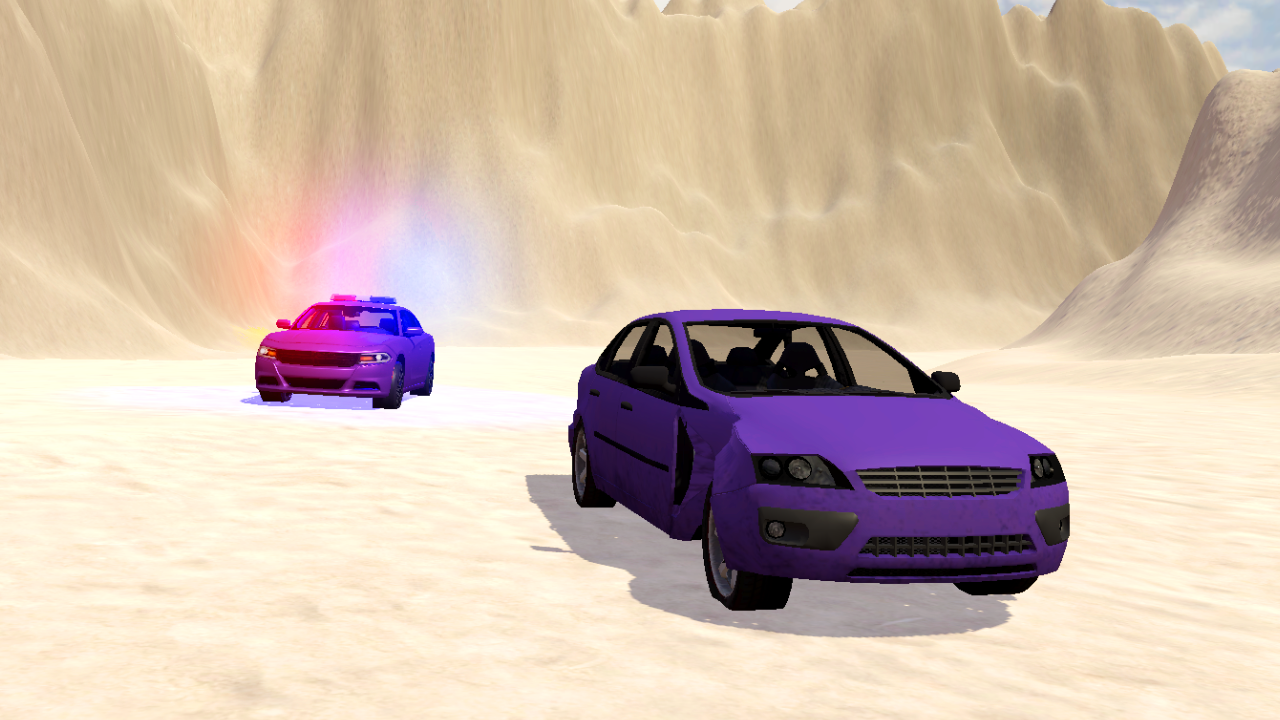
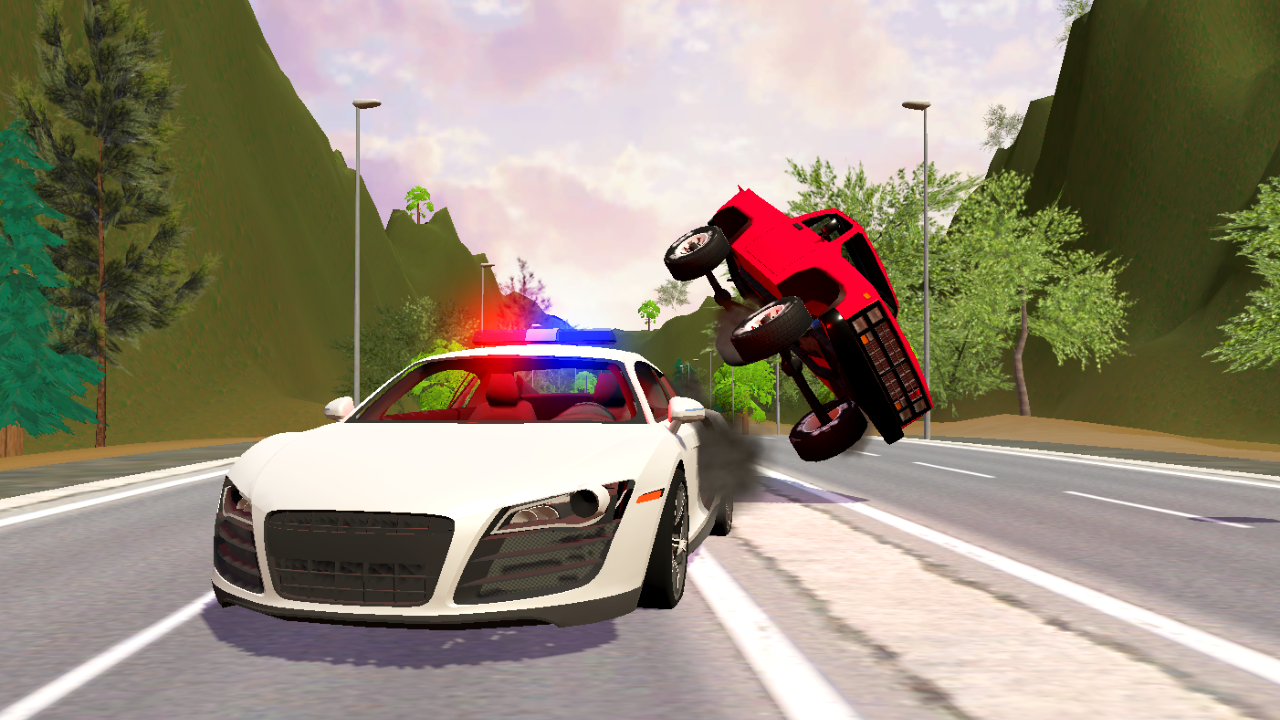
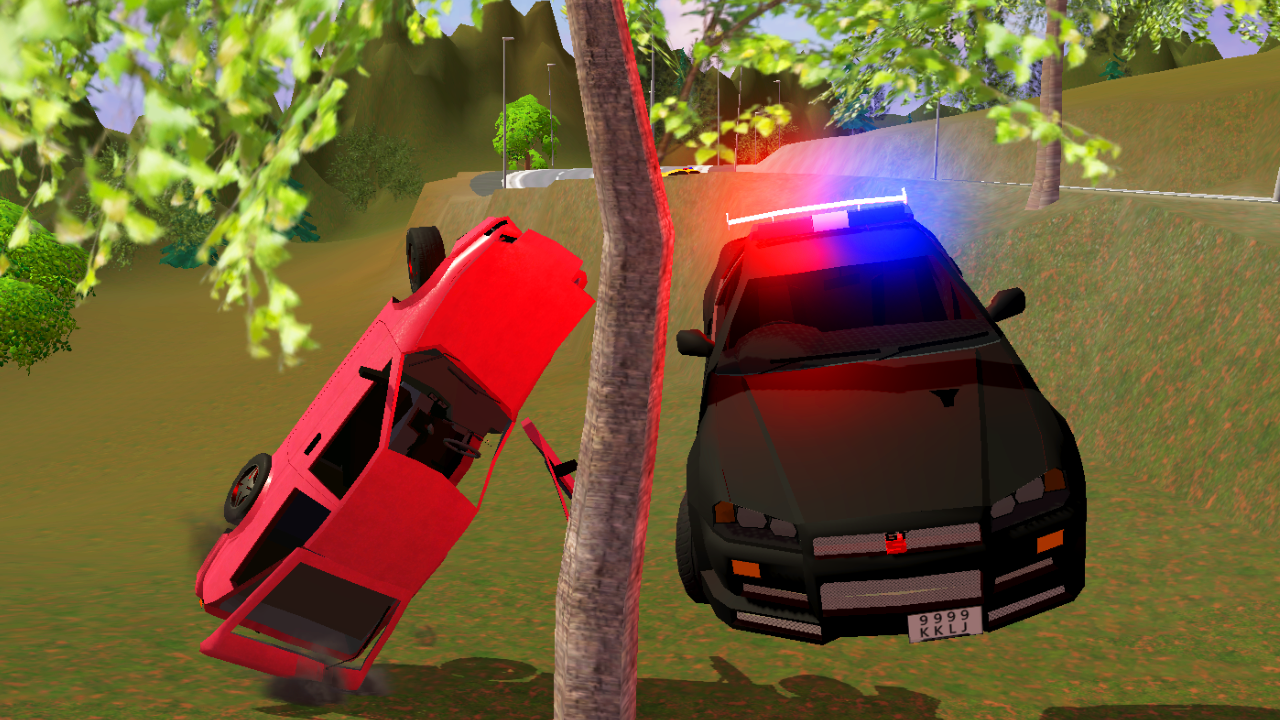
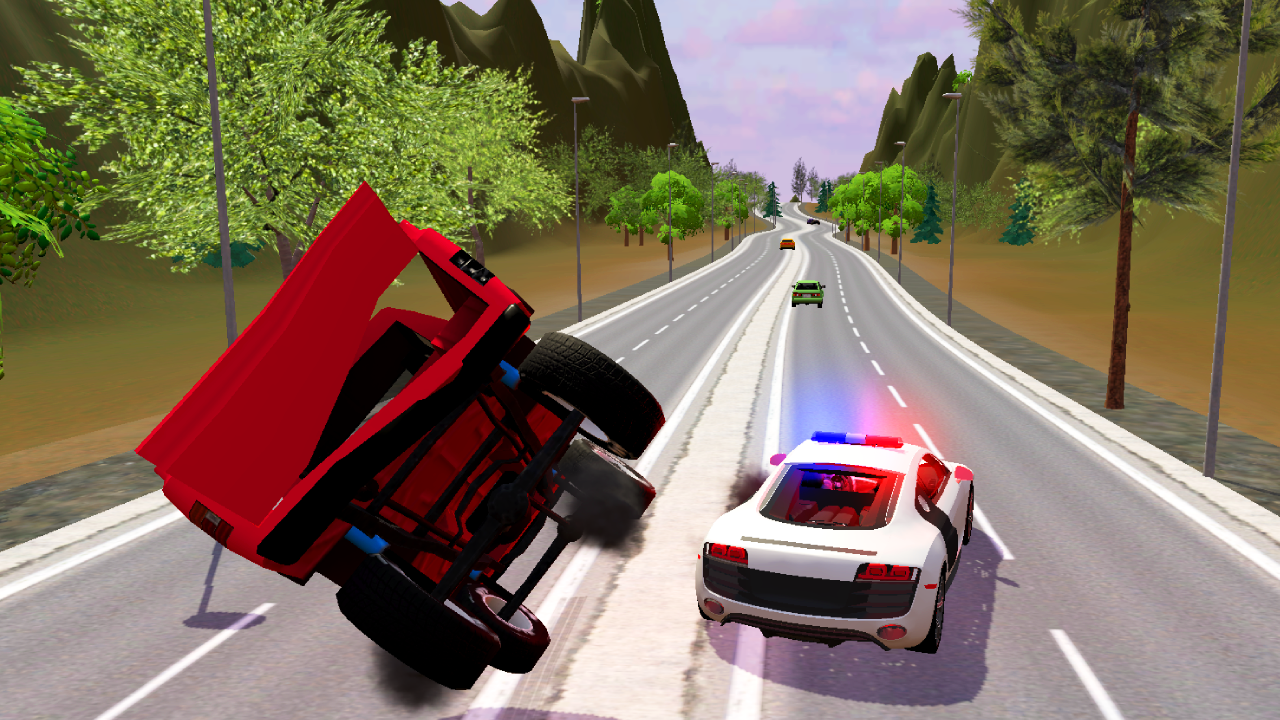
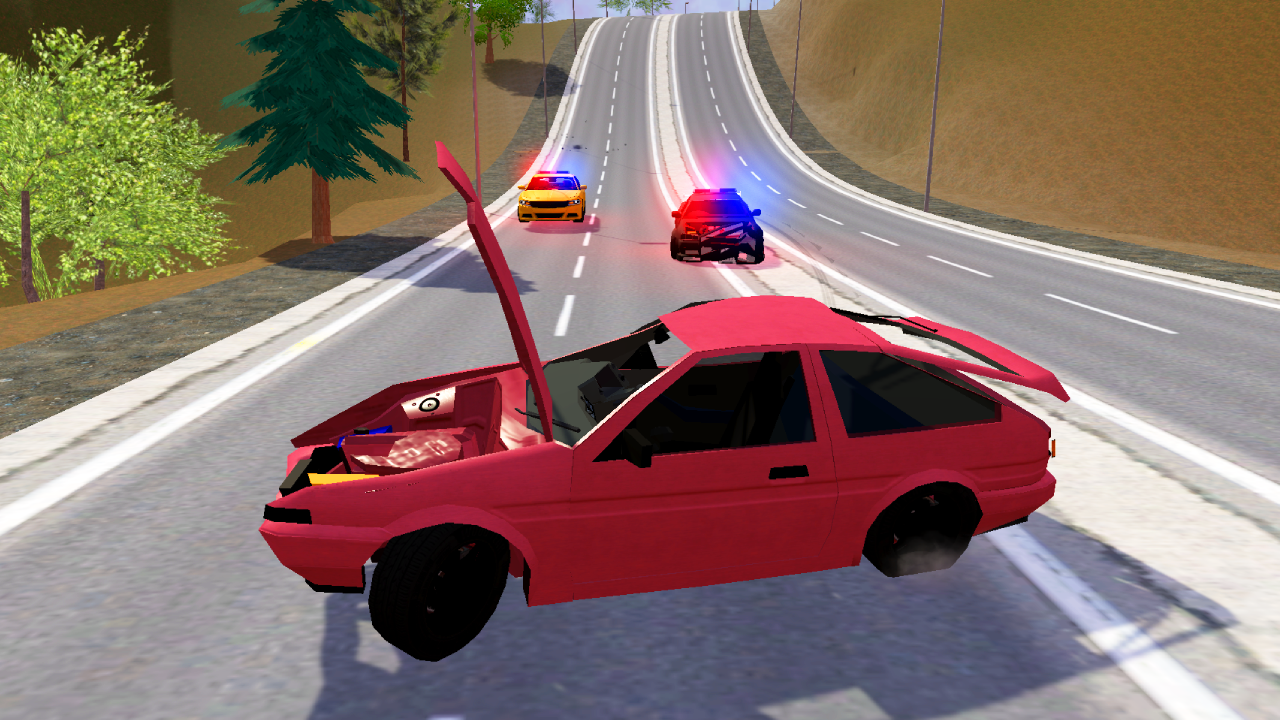
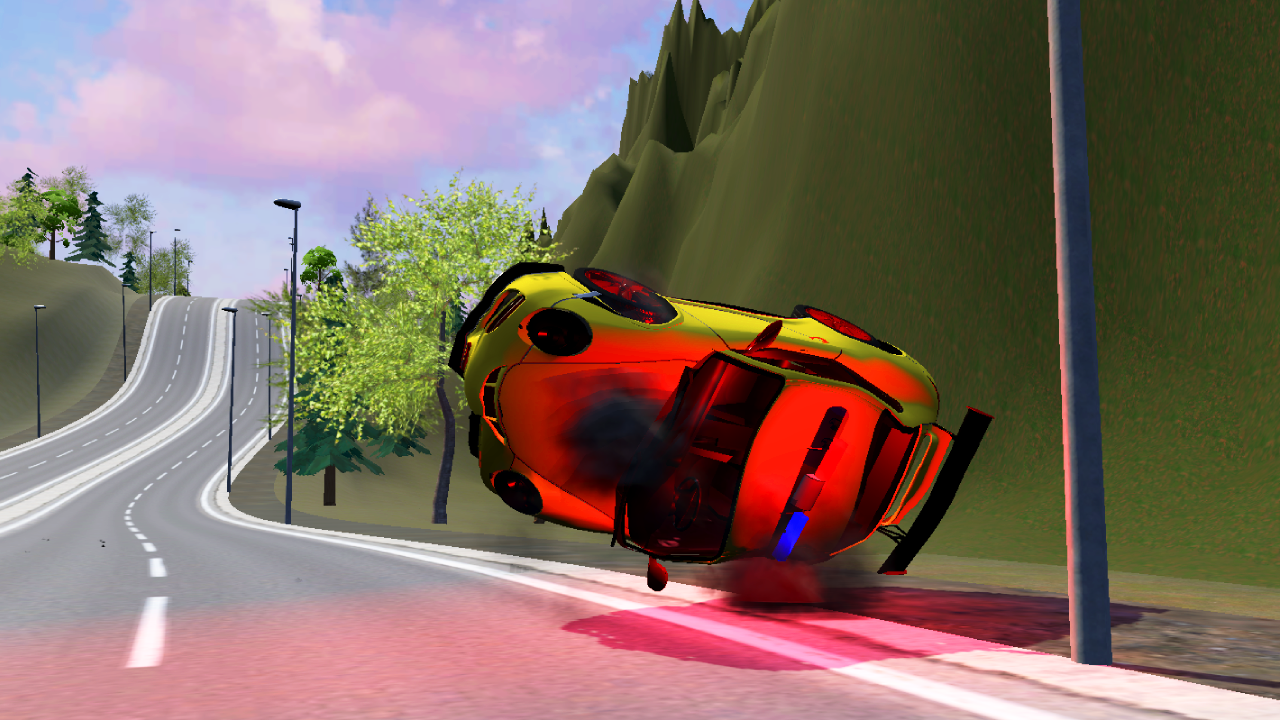
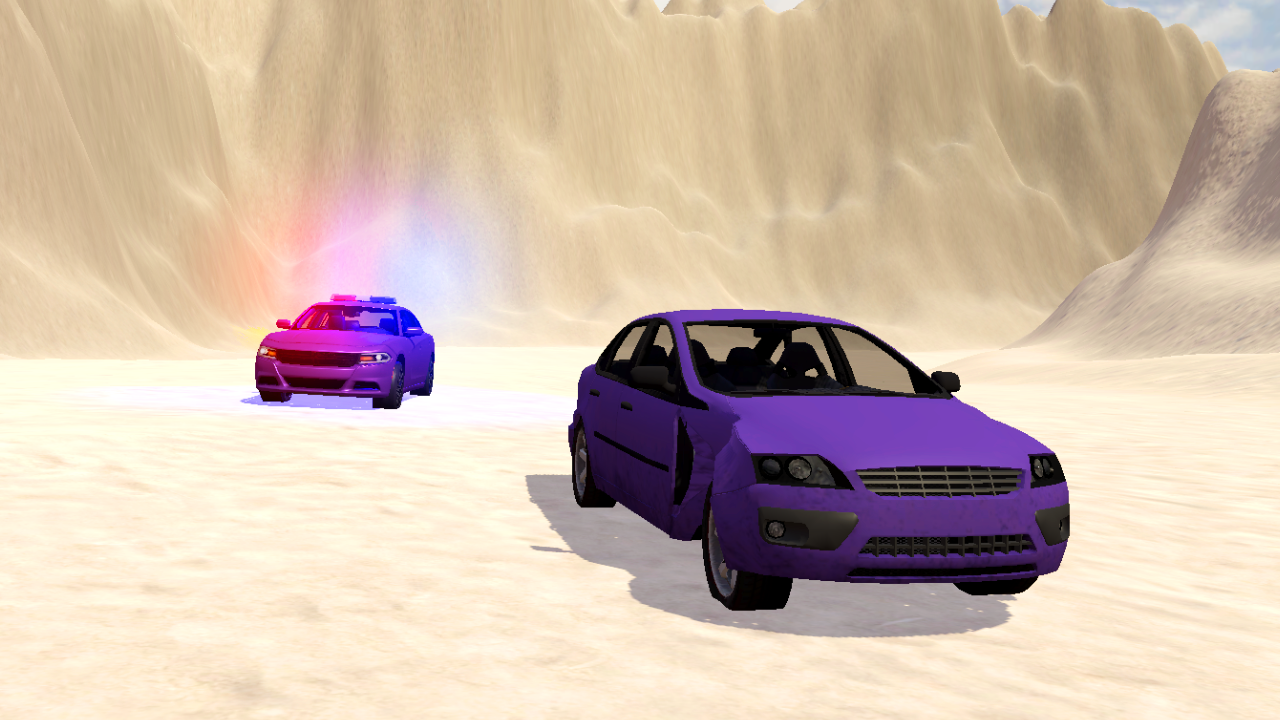
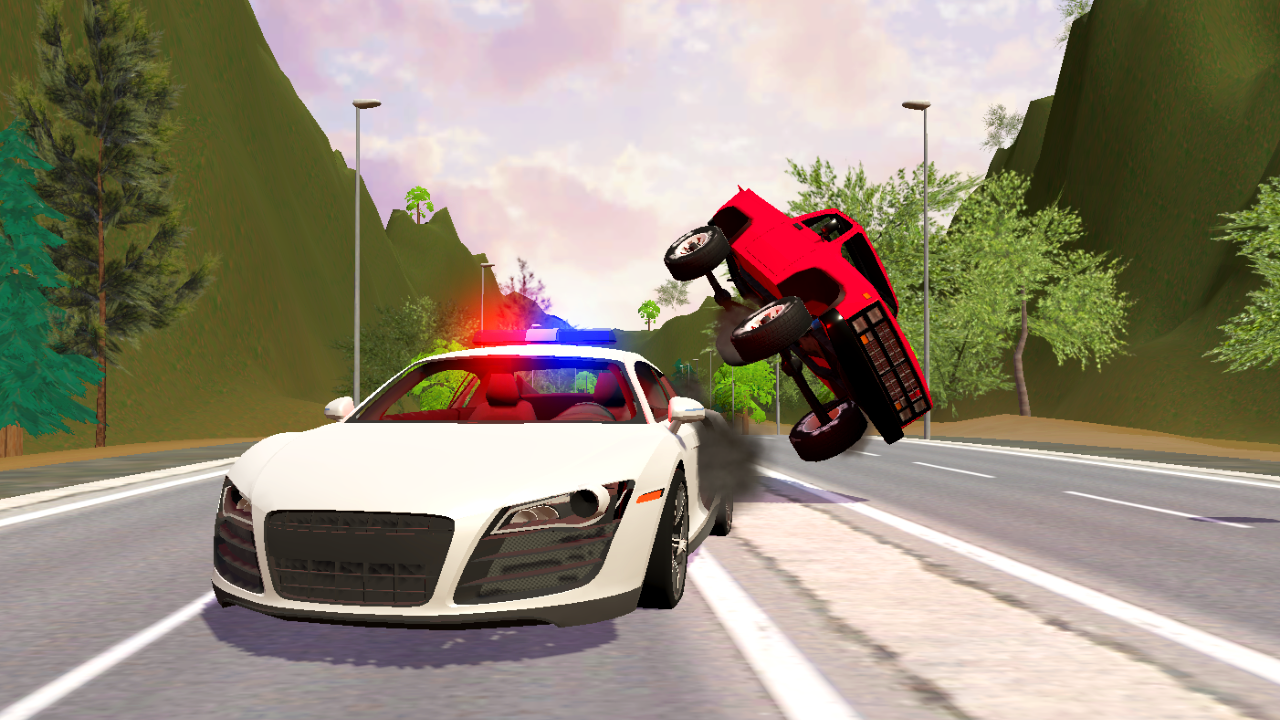
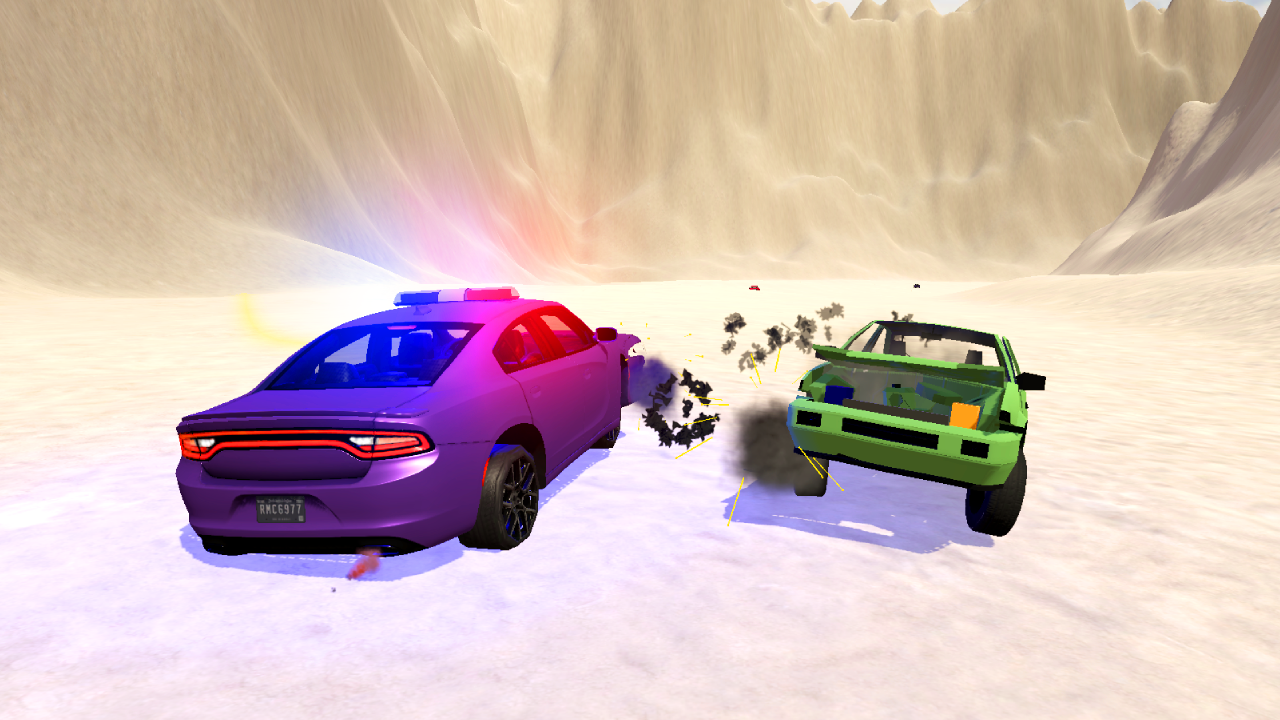
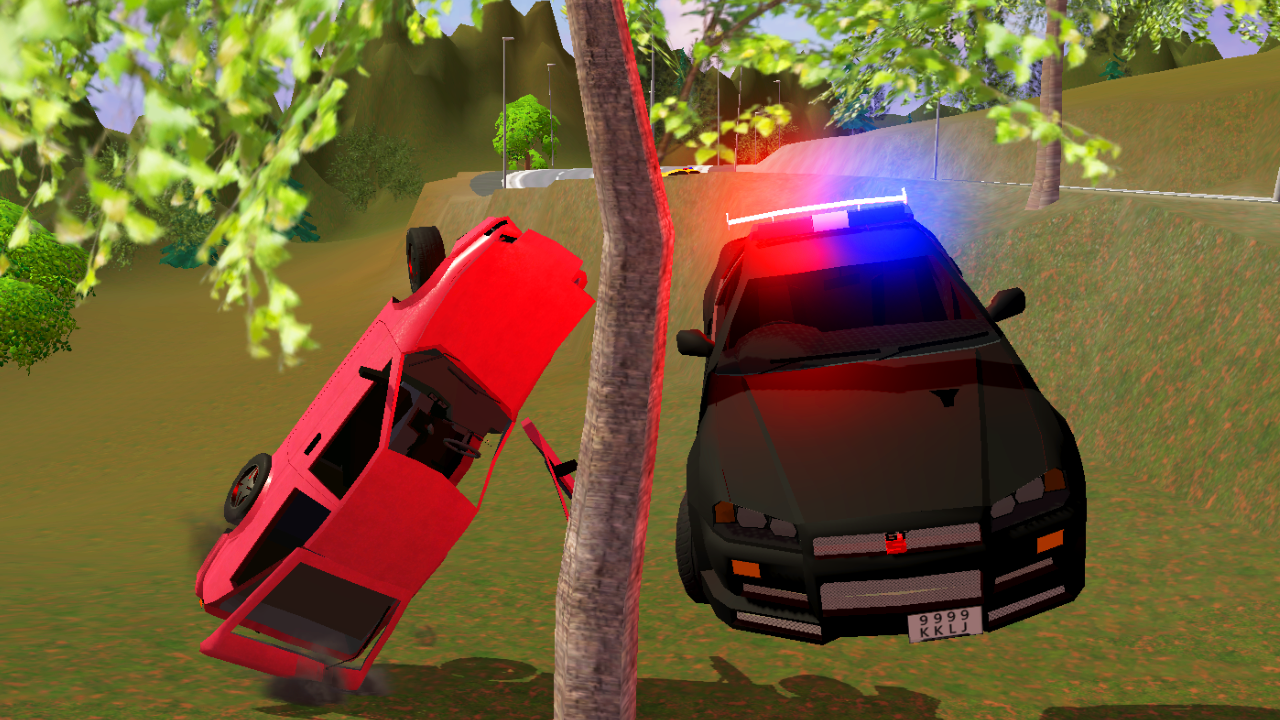
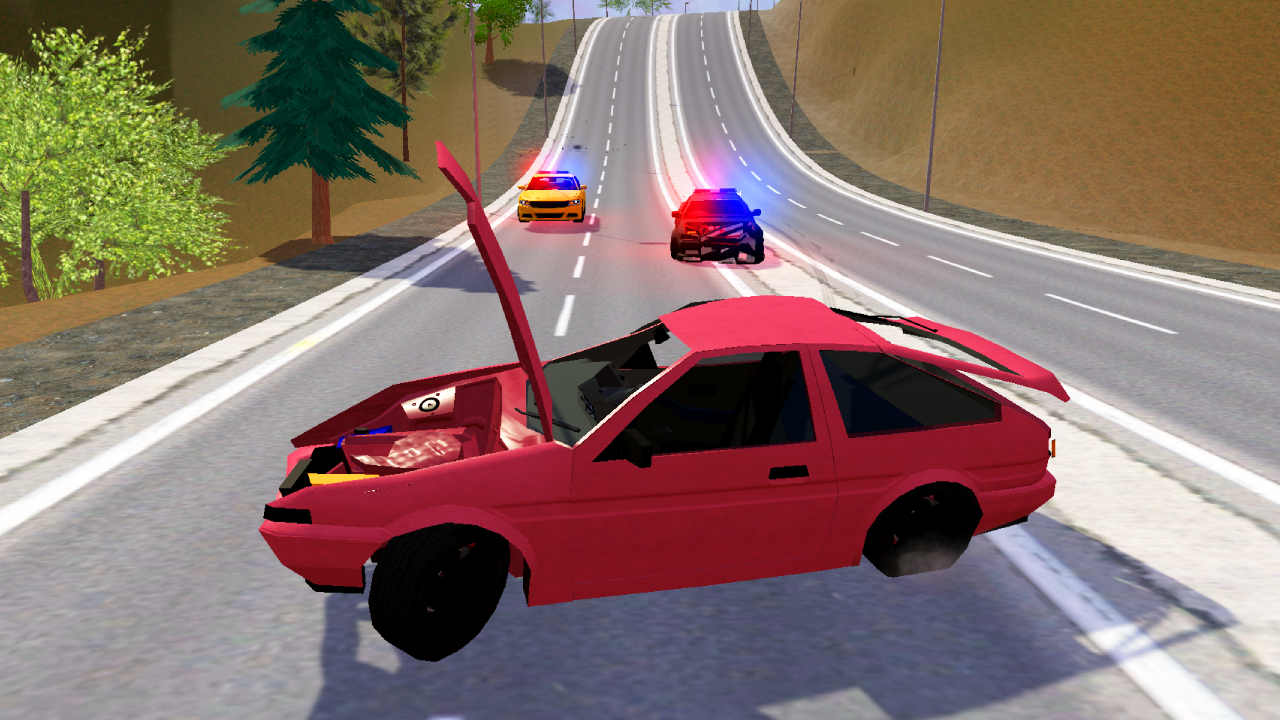
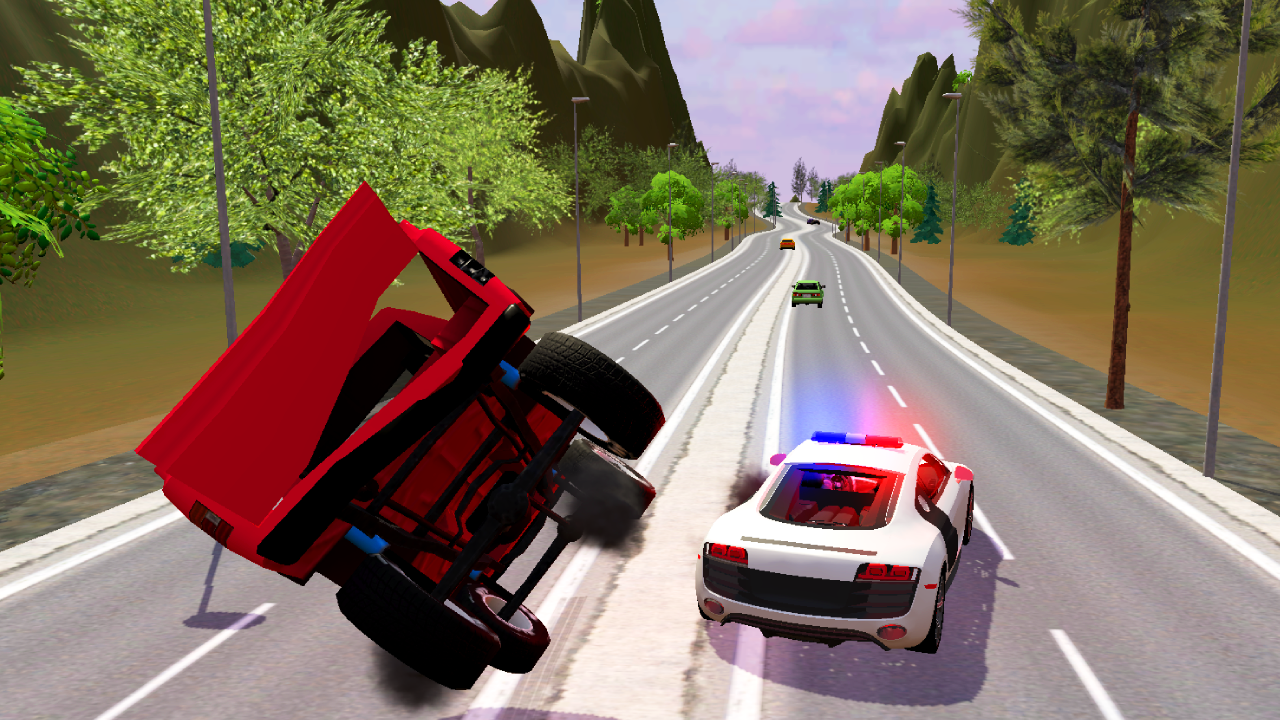
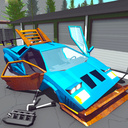
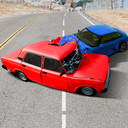
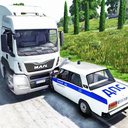
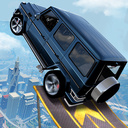
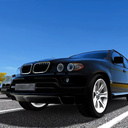
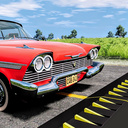
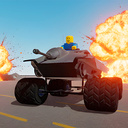
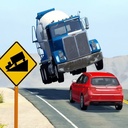
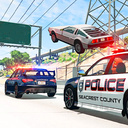
The best game for fans of police chases! The player has a choice of two exciting game modes, in which you can take on the role of either a determined police officer pursuing dangerous criminals, or become the best driver escaping from the law. Experience the onslaught of high-speed chases as you navigate busy city streets, avoid obstacles and use your skills to outsmart your opponents. But be careful - one wrong move and it could all be over! Realistic car destruction physics make every collision feel authentic and intense. And with stunning graphics that bring the world to life, players will feel completely immersed in the fast-paced gameplay. The game has 4 completely different maps: a looped road with a tunnel, the desert, the descent from the highway and the city. There are also many machines for the user to choose from.

Videos and screenshots
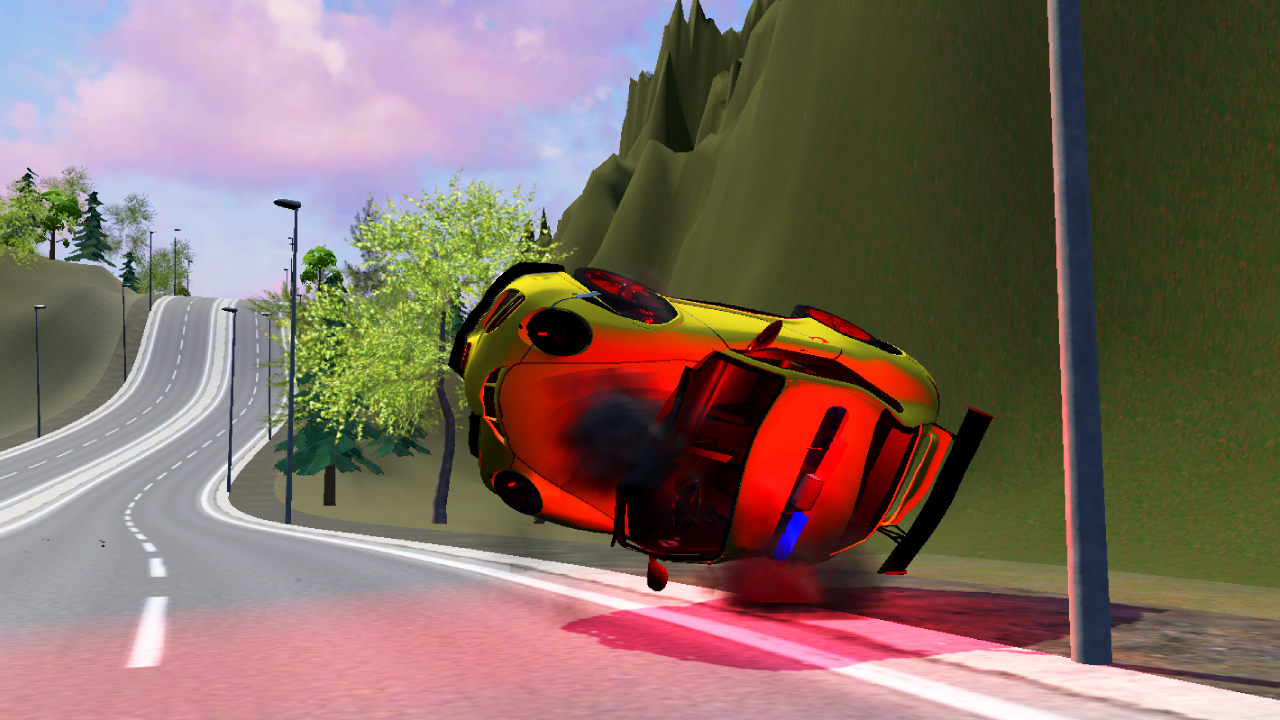
  • Police Chase With Destruction screenshot 1
  • Police Chase With Destruction screenshot 2
  • Police Chase With Destruction screenshot 3
  • Police Chase With Destruction screenshot 4
  • Police Chase With Destruction screenshot 5
  • Police Chase With Destruction screenshot 6
  • Police Chase With Destruction screenshot 7
  • Police Chase With Destruction screenshot 8
  • Police Chase With Destruction screenshot 9
  • Police Chase With Destruction screenshot 10
  • Police Chase With Destruction screenshot 11
  • Police Chase With Destruction screenshot 12
  • Police Chase With Destruction screenshot 13
  • Police Chase With Destruction screenshot 14
Play Now

12,324 players online

How to play

  1. Open the game

    Press Play now and the game opens on its own screen.

  2. Follow the in-game instructions

    The controls and goals are shown inside the game as you play.

  3. Use the game menu

    The floating button over the game reloads it, saves it to your favourites, or takes you back out.

Game instructions

To start the game you need to press "START", then select a level. Next, you need to select a game mode, after which you need to select a car. To switch from one map to another, you need to press pause and then press the “TO MENU” button. PC Control: TAB - pause L. shift - acceleration B - time dilation R - turn the car over N - change car C - change camera position F2 - machine recovery WASD - vehicle control Space - handbrake For mobile: use the buttons on the screen to control the machine. Button P - turn the car over Button C - next car Camera button - change camera position Nitro button - nitro Arrows - turn the car Big pedal - gas Small pedal - brake Pause button - pause

More games

More games