Skip to content
KG
Landing Terminal

Landing Terminal

35K plays 4.1 out of 5

Overview

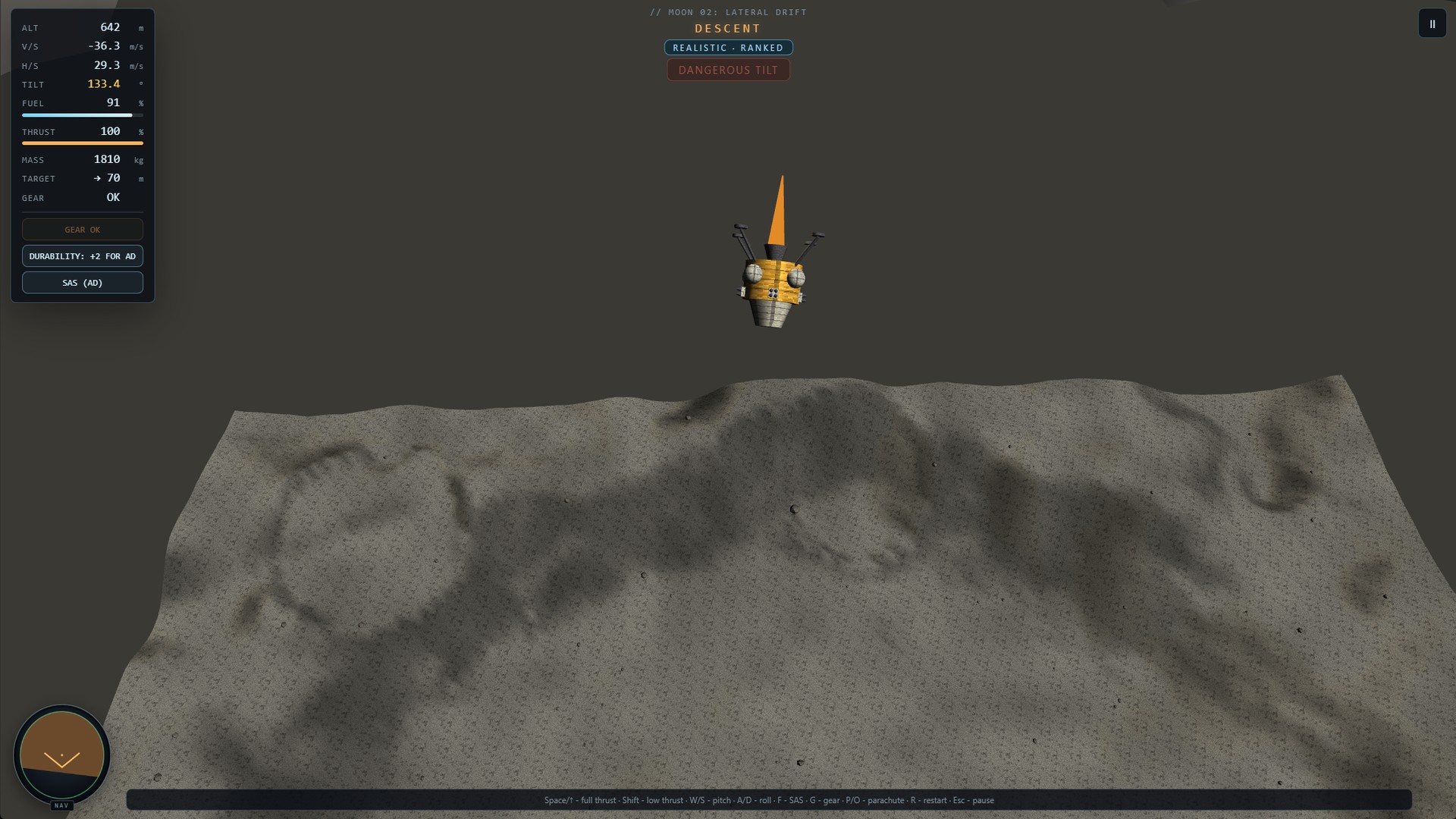
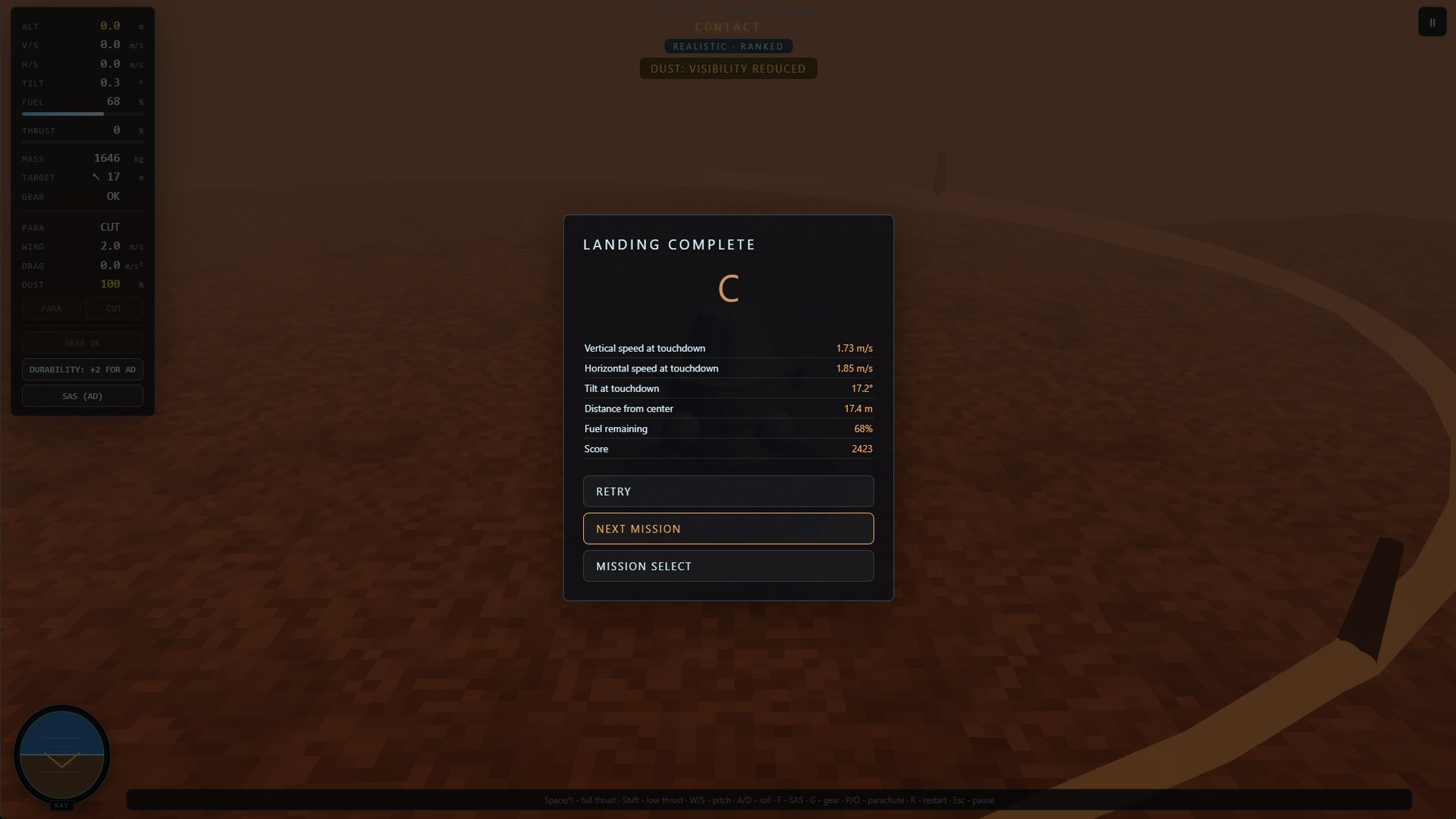
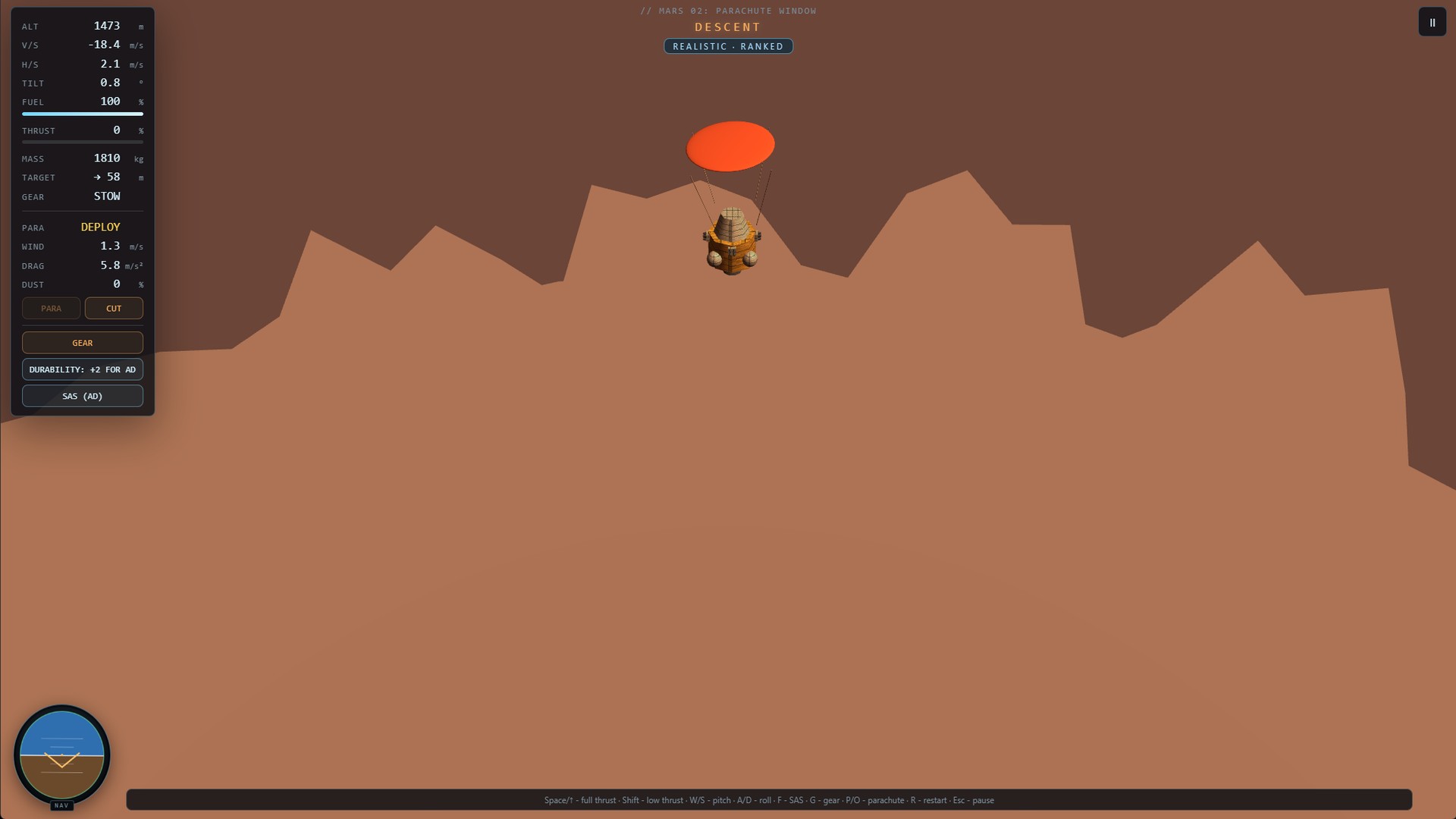
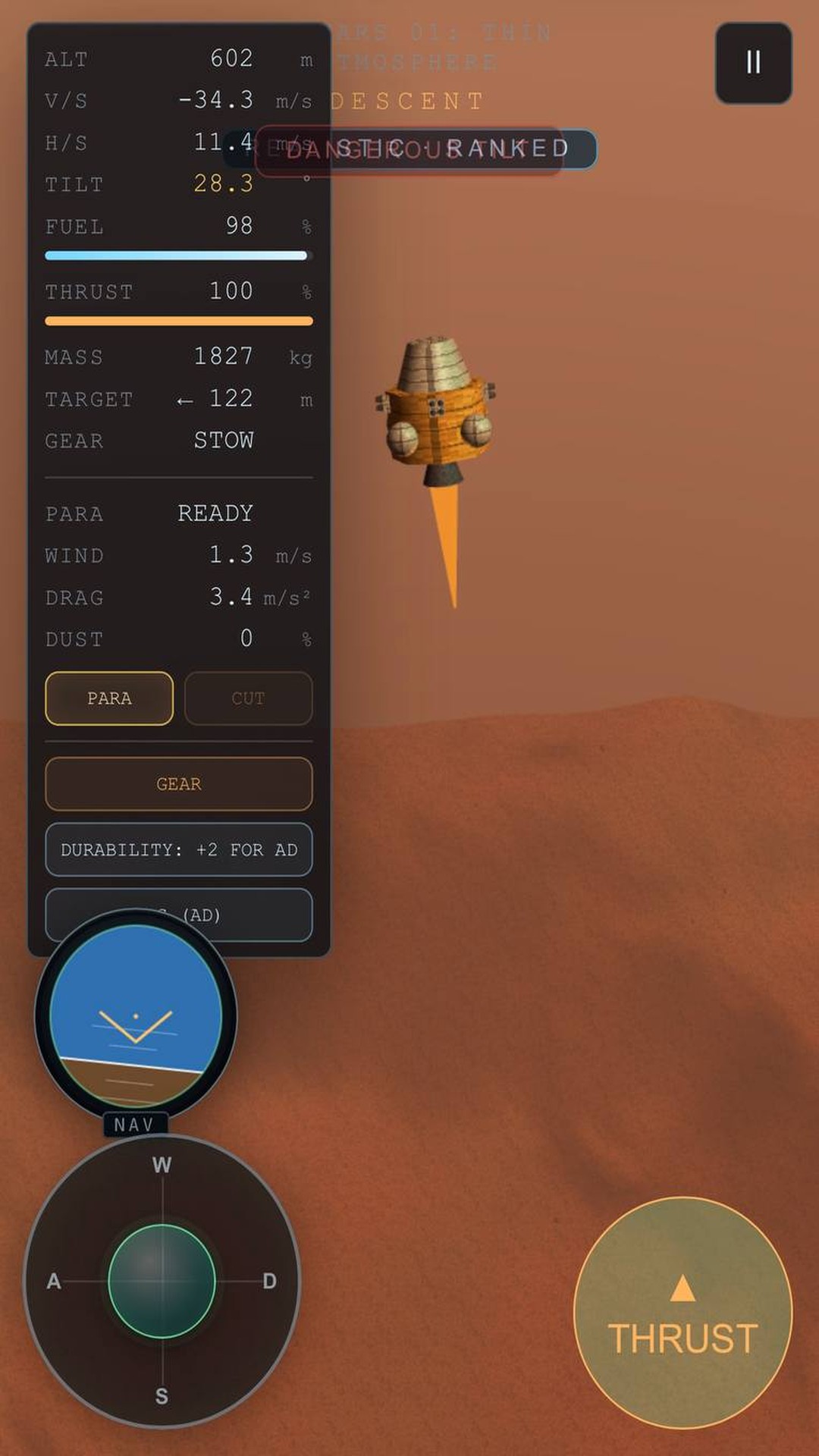
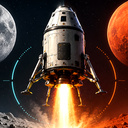
Take control of a landing module and complete flight programs on the Moon and Mars. Monitor altitude, vertical and horizontal speed, fuel, and spacecraft attitude. Control thrust and orientation using the navball, deploy the landing gear, and use a parachute in Martian missions. Simple mode helps you learn the controls; Realistic mode saves progress and records. Later missions add lateral drift, limited fuel, dust, wind, difficult terrain, and stricter landing conditions. Complete the lunar program to unlock Mars.

Videos and screenshots
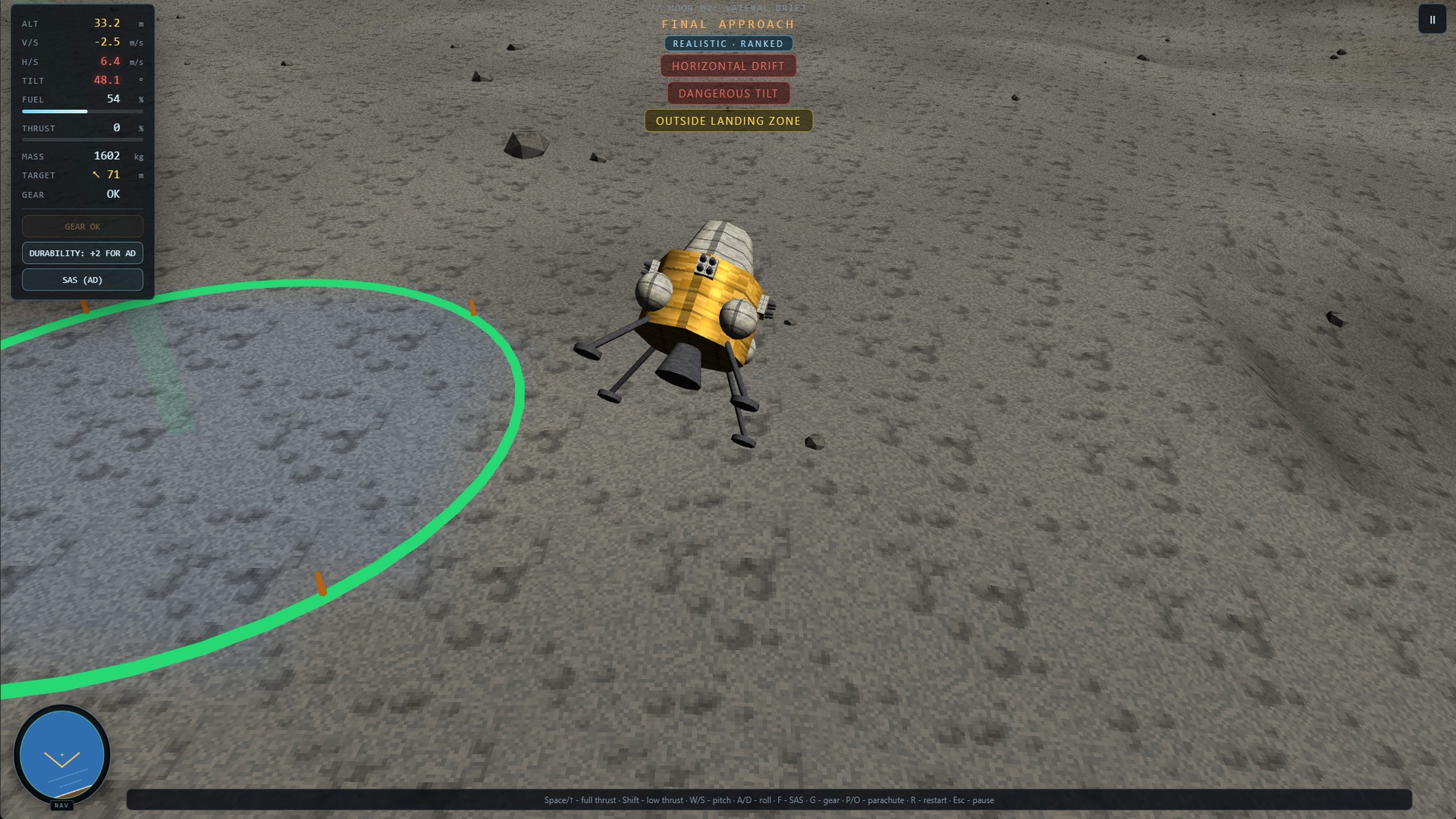
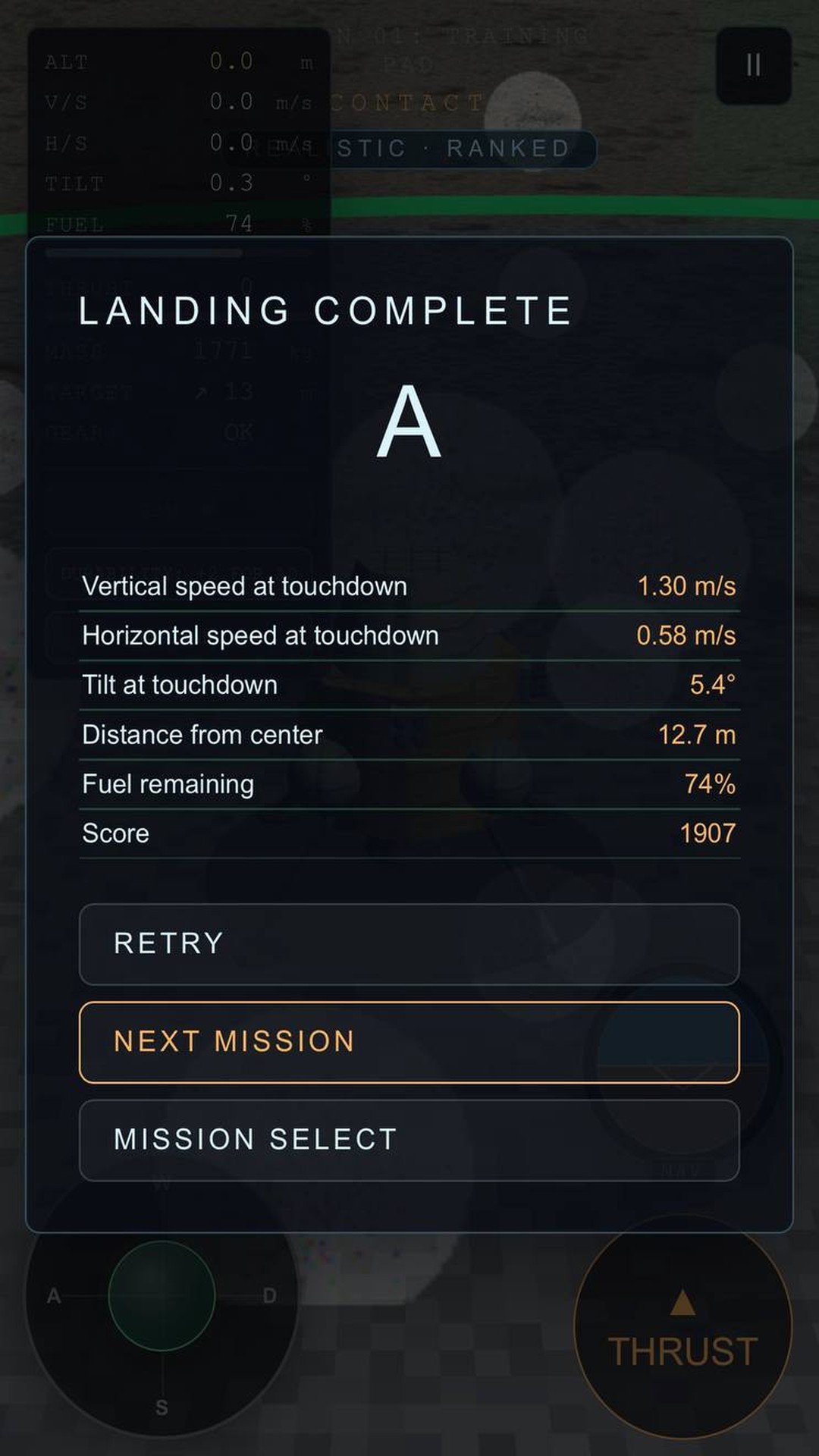
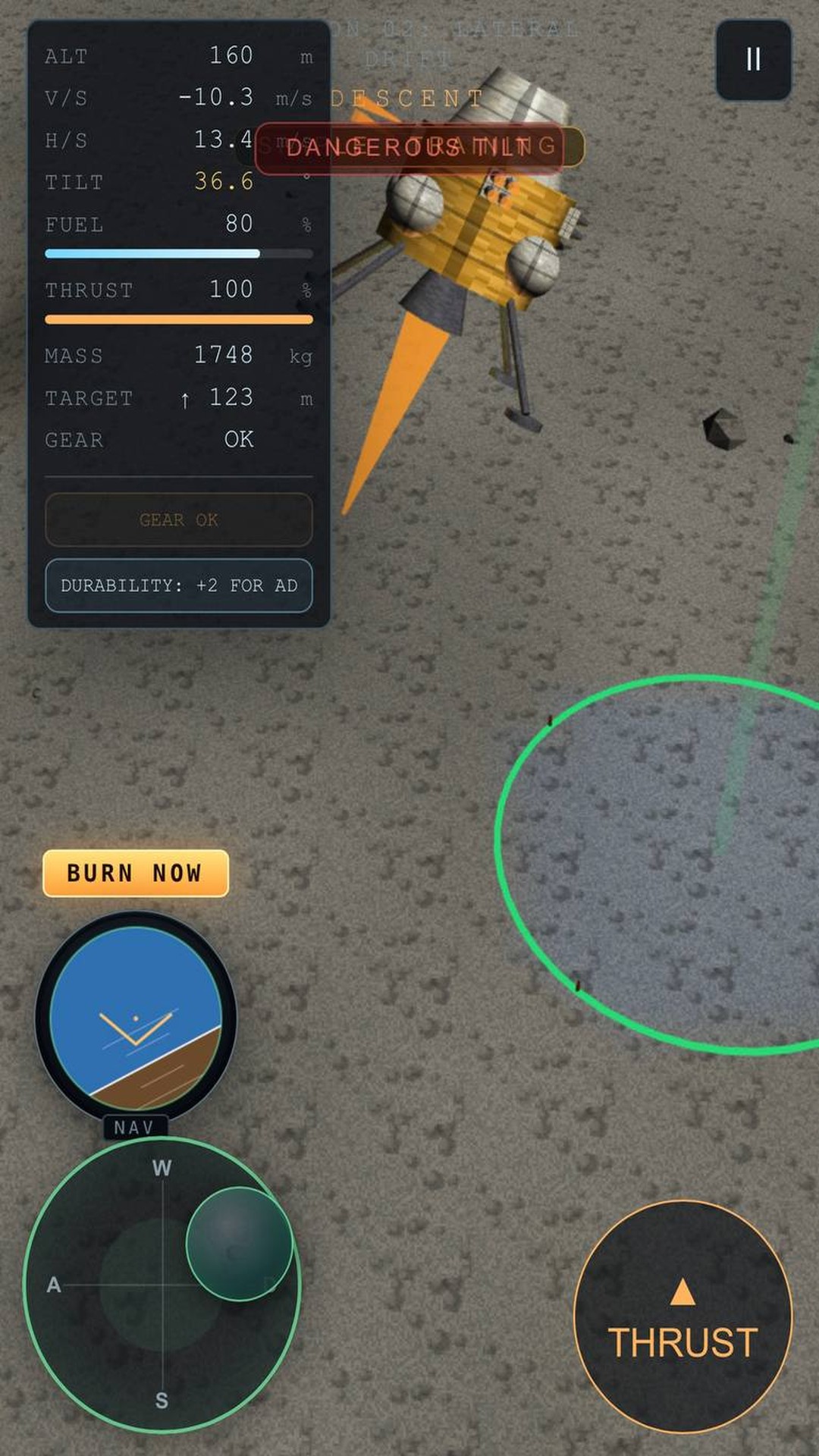
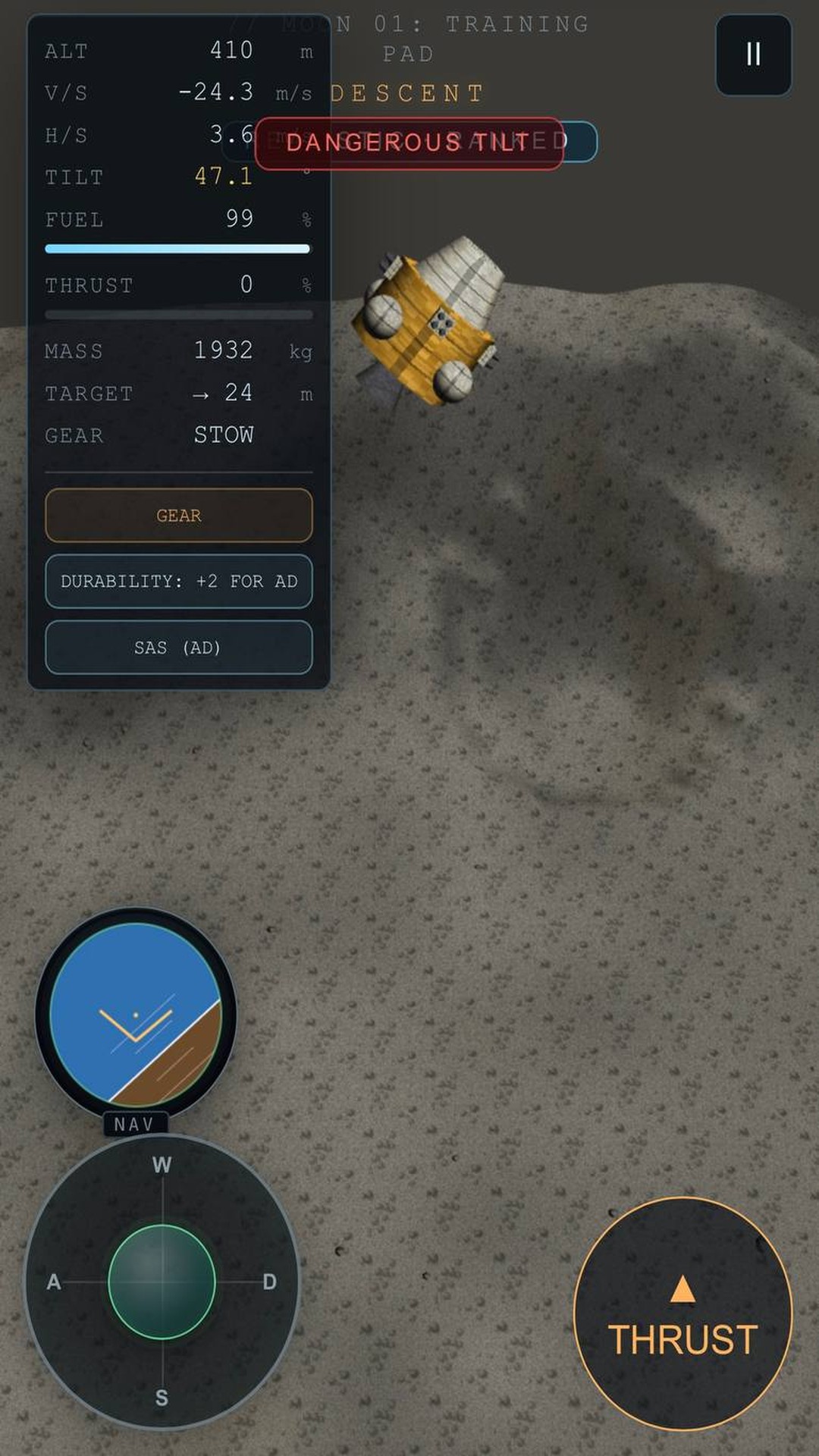
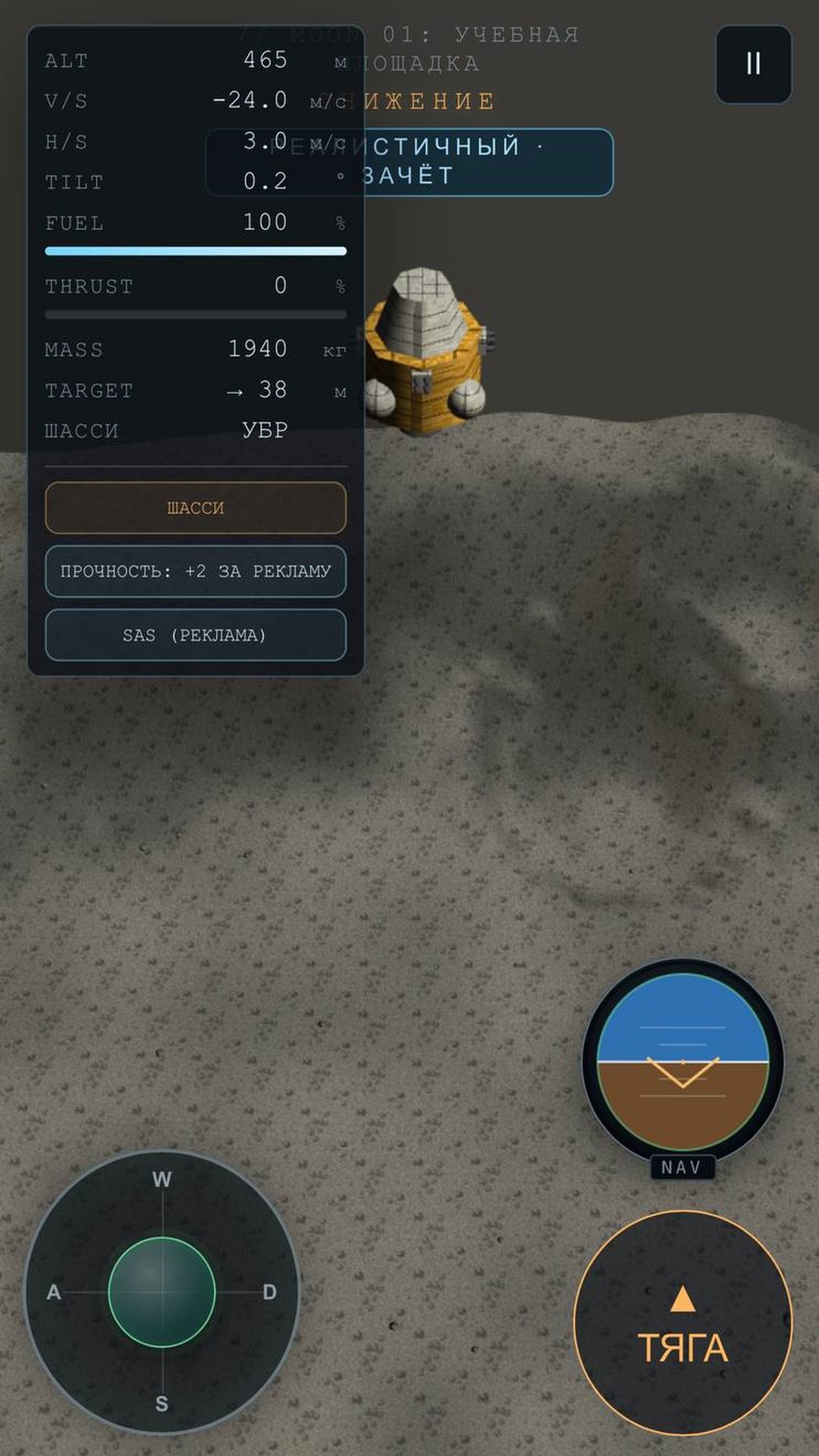
  • Landing Terminal screenshot 1
  • Landing Terminal screenshot 2
  • Landing Terminal screenshot 3
  • Landing Terminal screenshot 4
  • Landing Terminal screenshot 5
  • Landing Terminal screenshot 6
  • Landing Terminal screenshot 7
  • Landing Terminal screenshot 8
  • Landing Terminal screenshot 9
Play Now

11,631 players online

How to play

  1. Open the game

    Press Play now and the game opens on its own screen.

  2. Follow the in-game instructions

    The controls and goals are shown inside the game as you play.

  3. Use the game menu

    The floating button over the game reloads it, saves it to your favourites, or takes you back out.

Game instructions

Your goal is to land softly inside the marked zone. Watch altitude, vertical and horizontal speed, attitude, and fuel. PC: Space or Up Arrow — full thrust; Shift — low thrust; W/S — pitch; A/D or Left/Right — roll; G — landing gear; P — deploy parachute; O — cut parachute; F — SAS; Esc — pause. Mobile: use the left joystick for attitude and the right button for thrust; landing gear, parachute, and SAS have on-screen buttons. Before touchdown, deploy the gear, cancel lateral drift, level the module, and reduce vertical speed. On Mars, deploy the parachute only within its safe speed range and cut it before landing.

More games

More games