Skip to content
KG
Make a skin

Make a skin

2K plays 4.9 out of 5

Overview

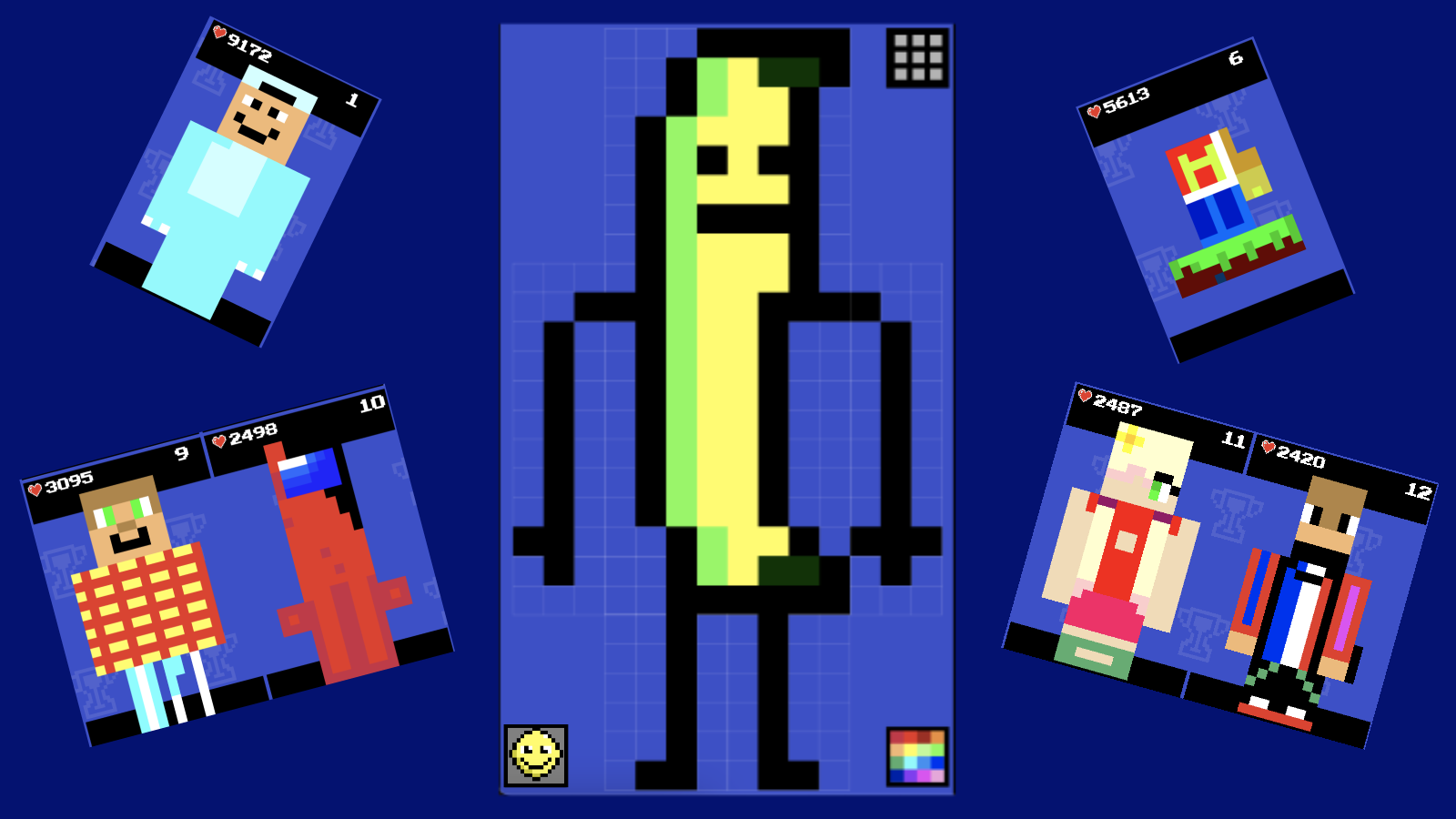
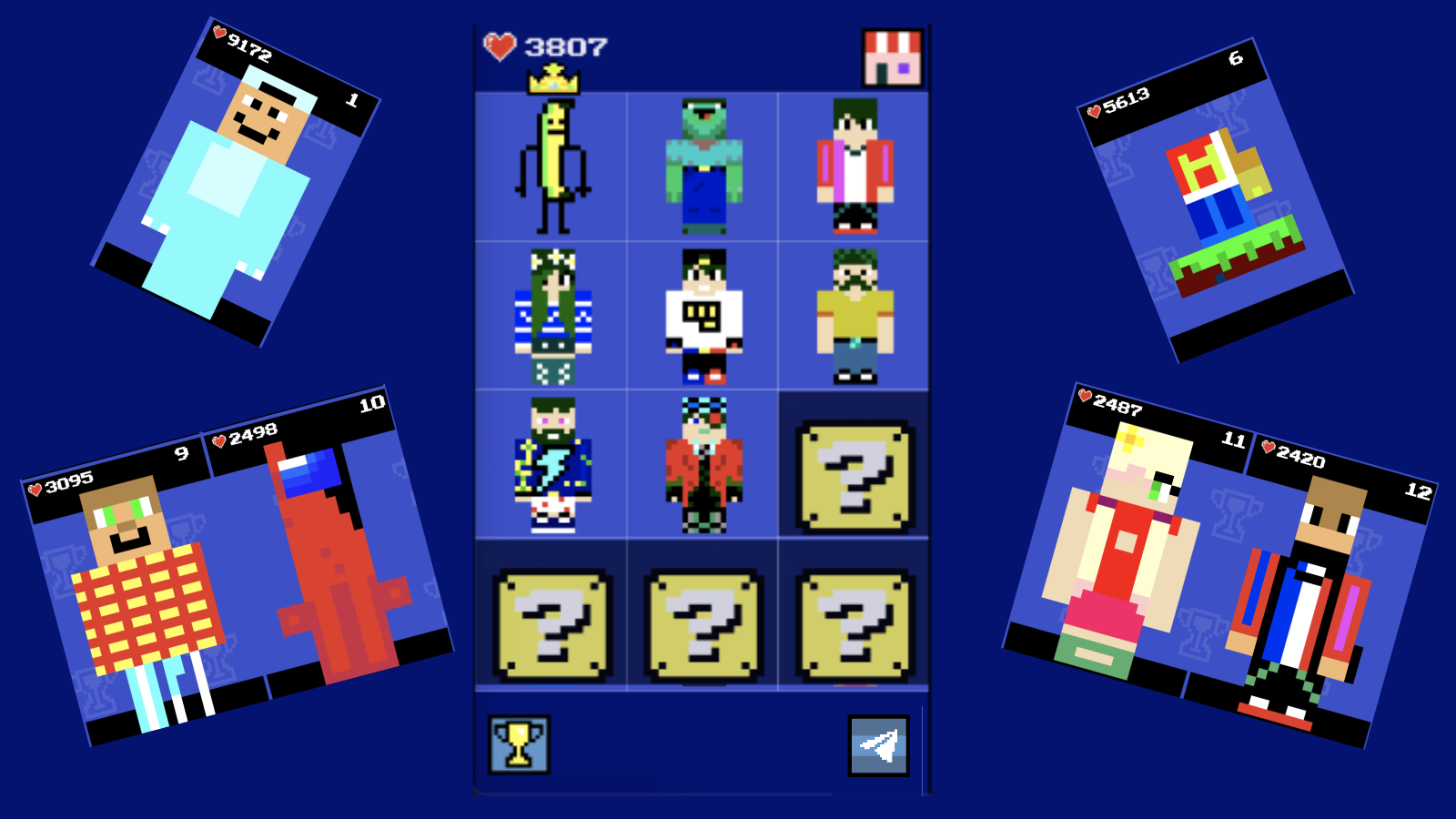
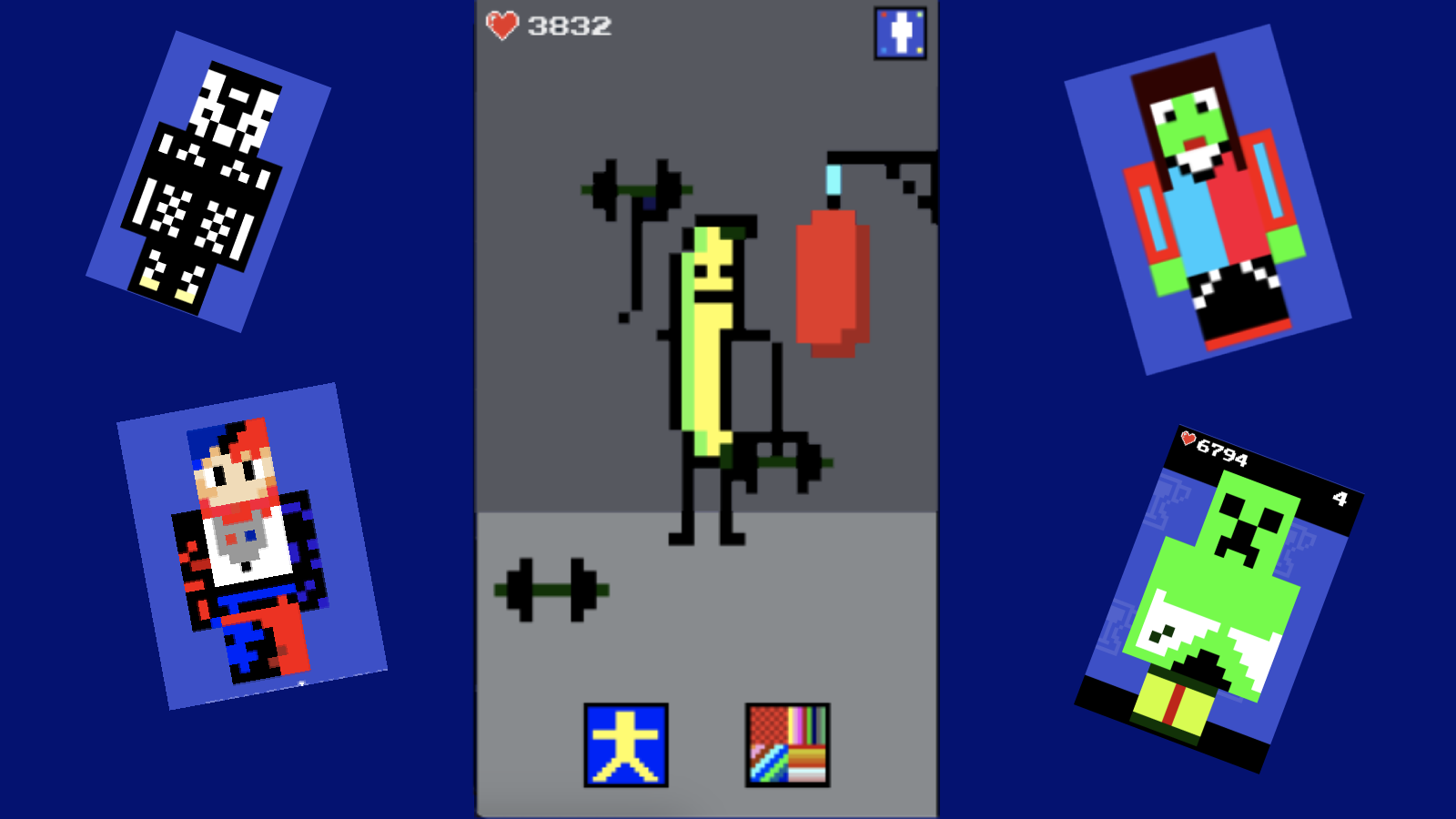
In this game you will be able to show your creative potential and draw a dream skin or edit an existing one. Also, your skin can be placed in various positions and apply a special animation that can be selected in the appropriate menu. Go to the leaderboard and see which skin is leading among the players.

Videos and screenshots
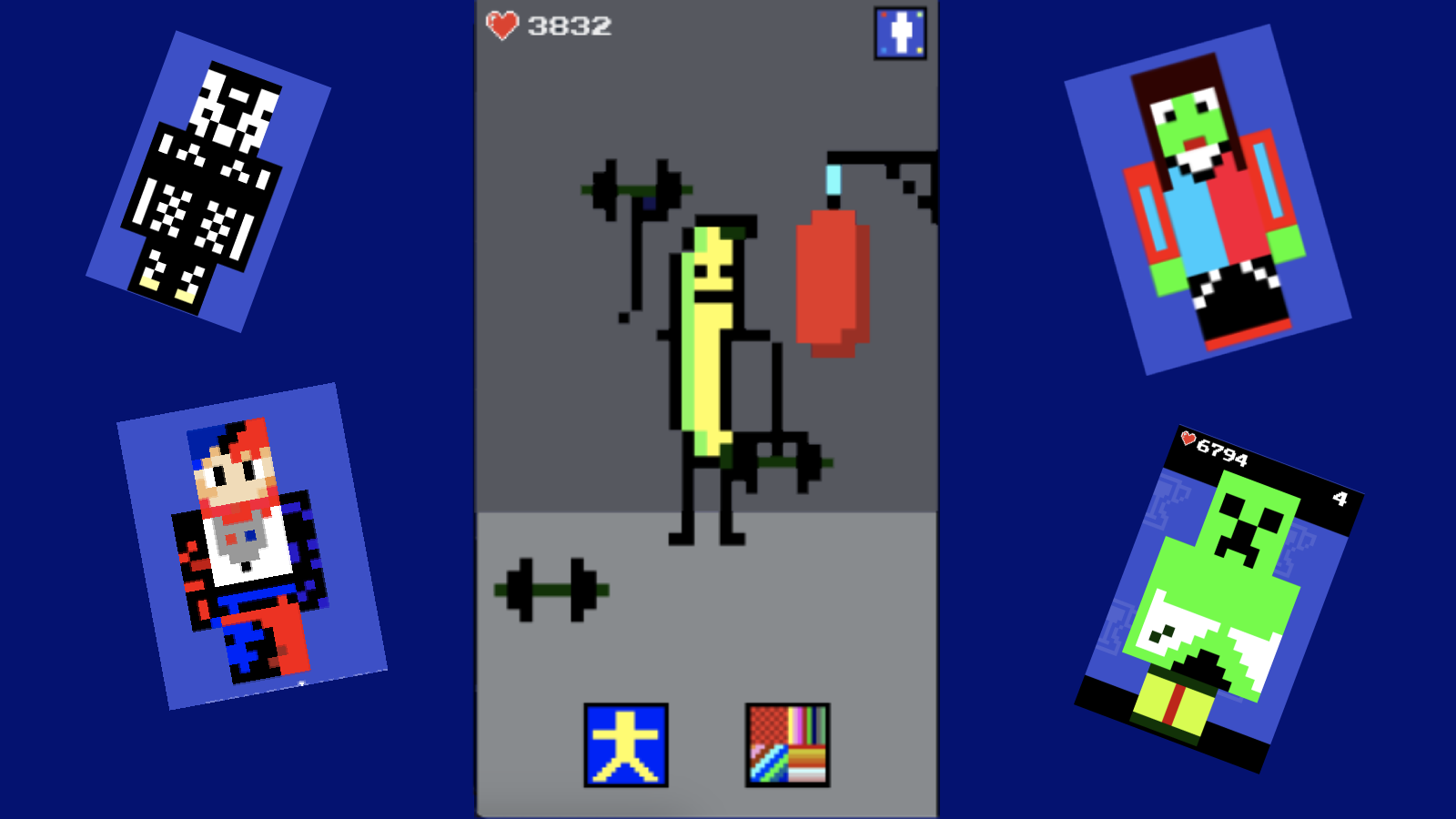
  • Make a skin screenshot 1
  • Make a skin screenshot 2
  • Make a skin screenshot 3
  • Make a skin screenshot 4
  • Make a skin screenshot 5
  • Make a skin screenshot 6
  • Make a skin screenshot 7
Play Now

10,730 players online

How to play

  1. Open the game

    Press Play now and the game opens on its own screen.

  2. Follow the in-game instructions

    The controls and goals are shown inside the game as you play.

  3. Use the game menu

    The floating button over the game reloads it, saves it to your favourites, or takes you back out.
Game instructions

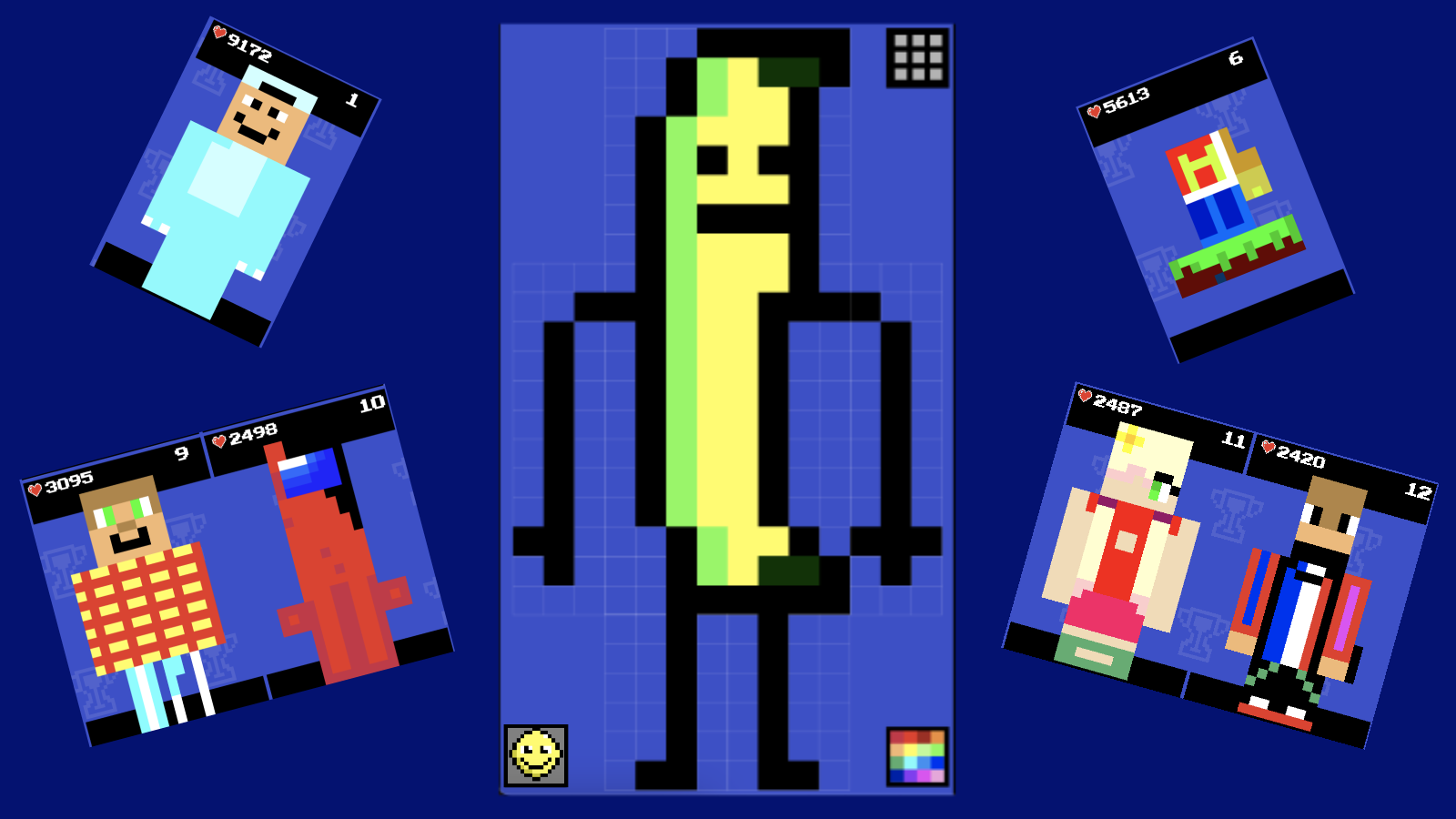
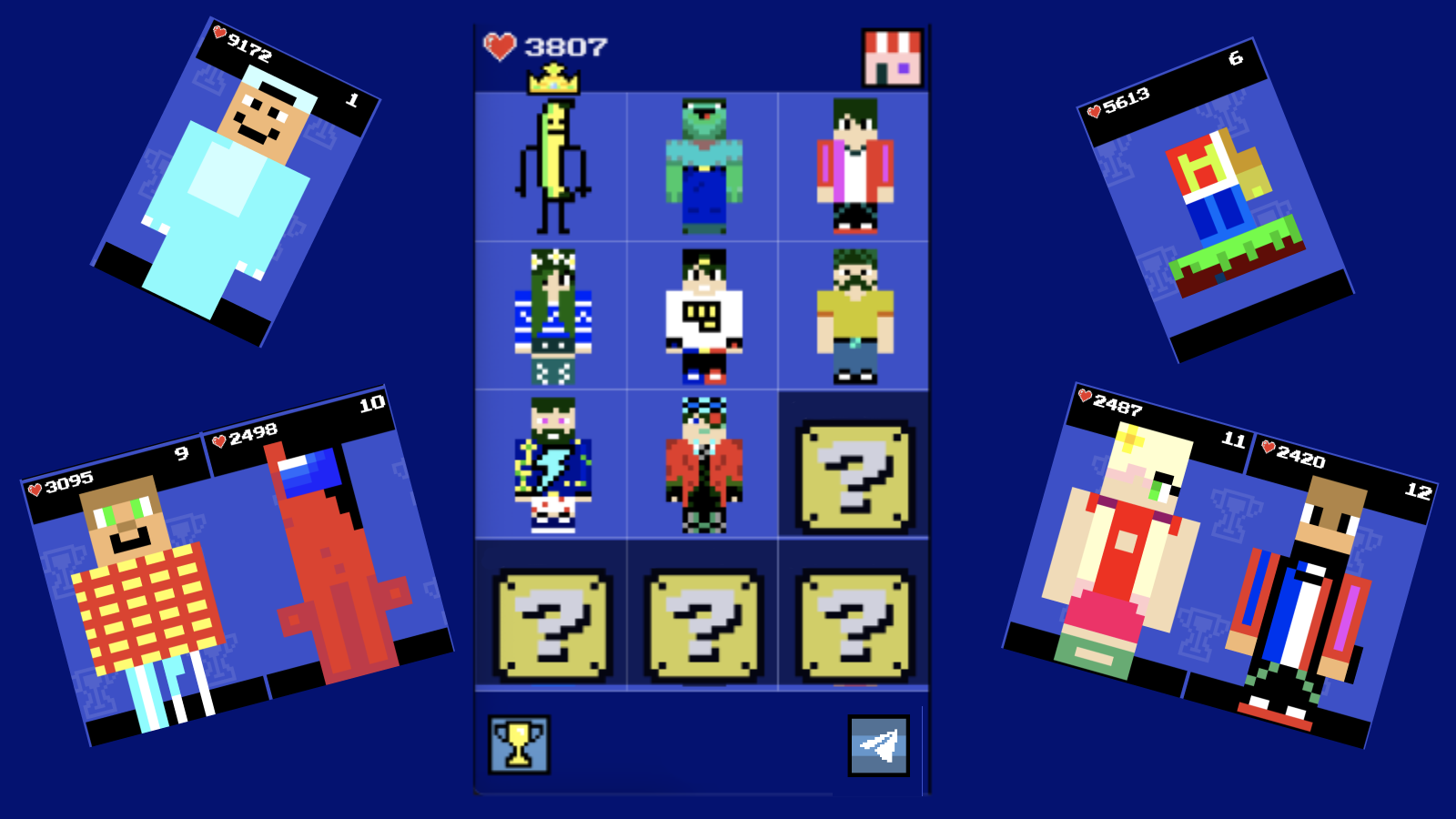
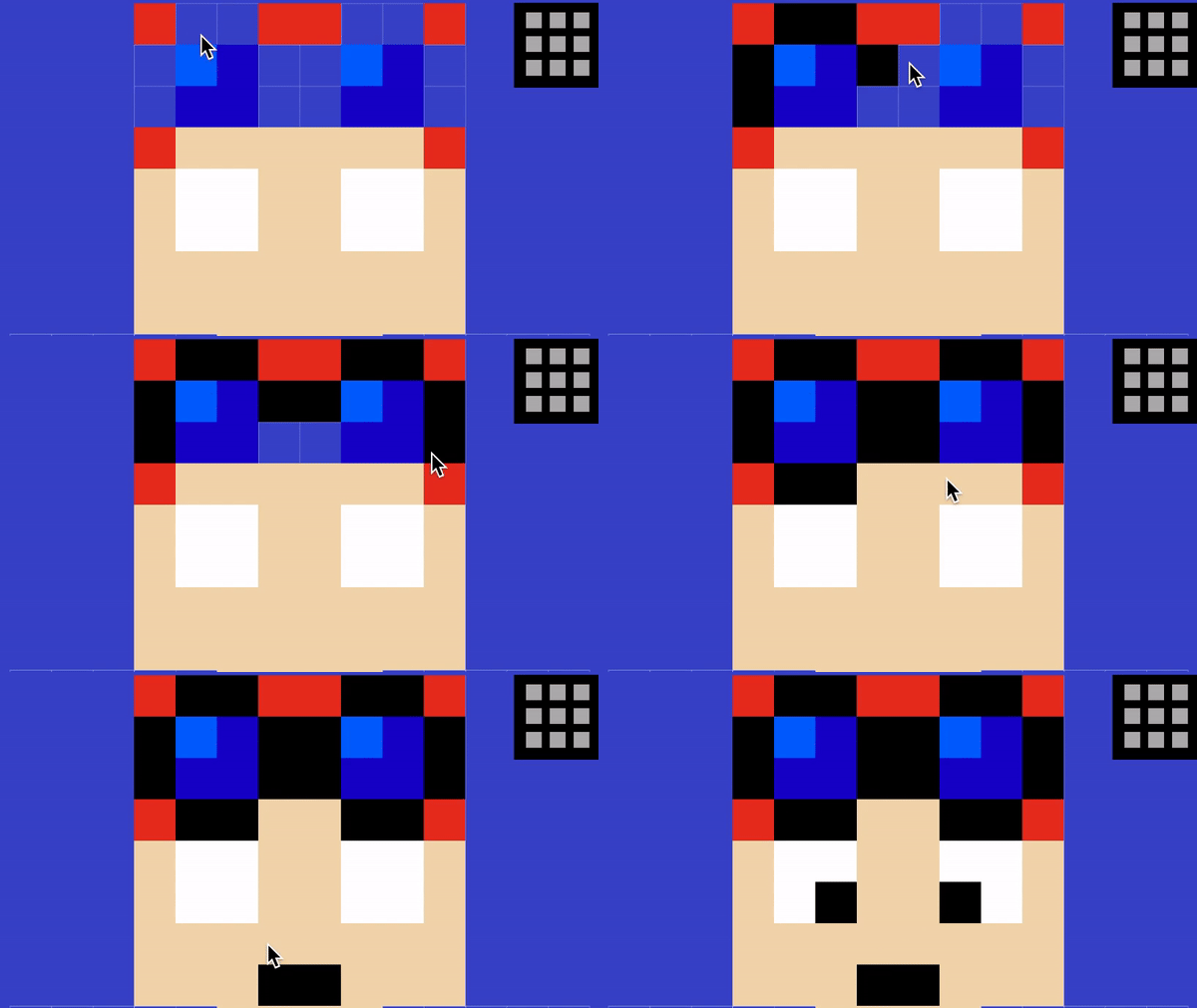
To play, use the mouse on your computer or your finger on your phone/tablet. Select a slot to create a skin, then select a color in the lower right corner and click on the block you want to paint over. To see who is the leader among the players, click on the cup in the lower left corner of the main screen. After creating the skin, you can animate it by clicking in the lower left corner in edit mode.

More games

More games