Skip to content
KG
Memes Rescue 3D Reloaded

Memes Rescue 3D Reloaded

21K plays 4.0 out of 5

Overview

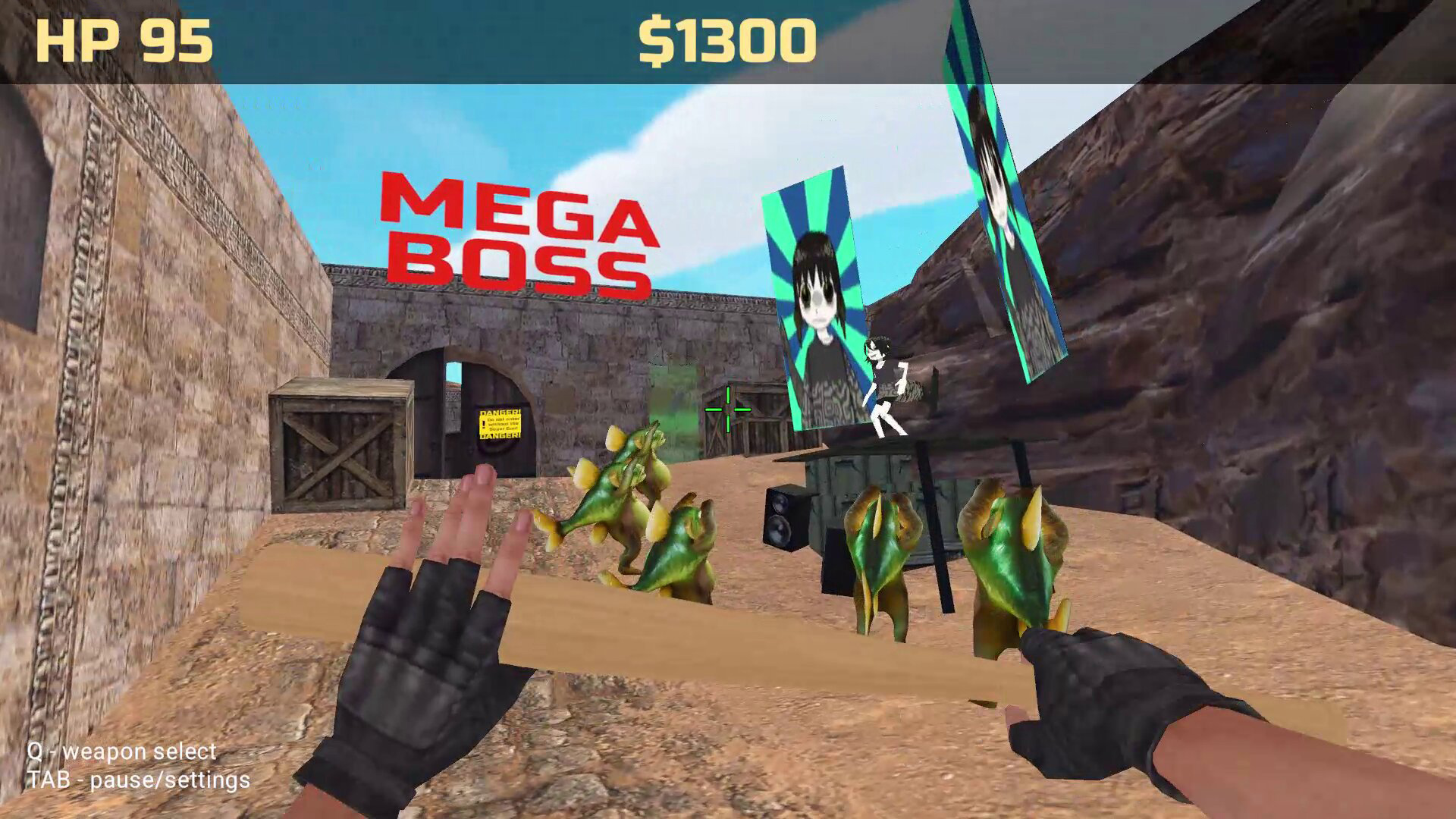
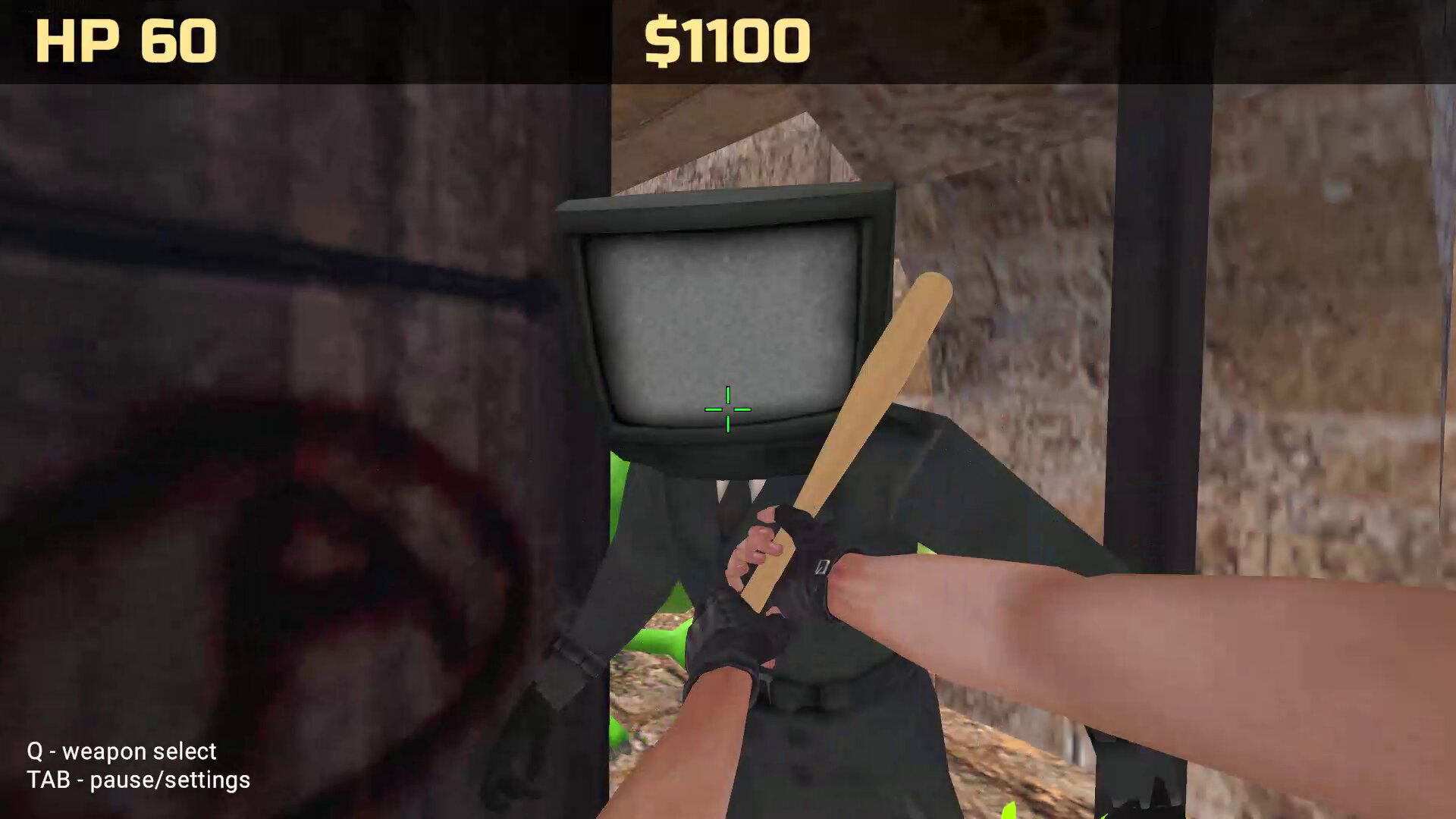
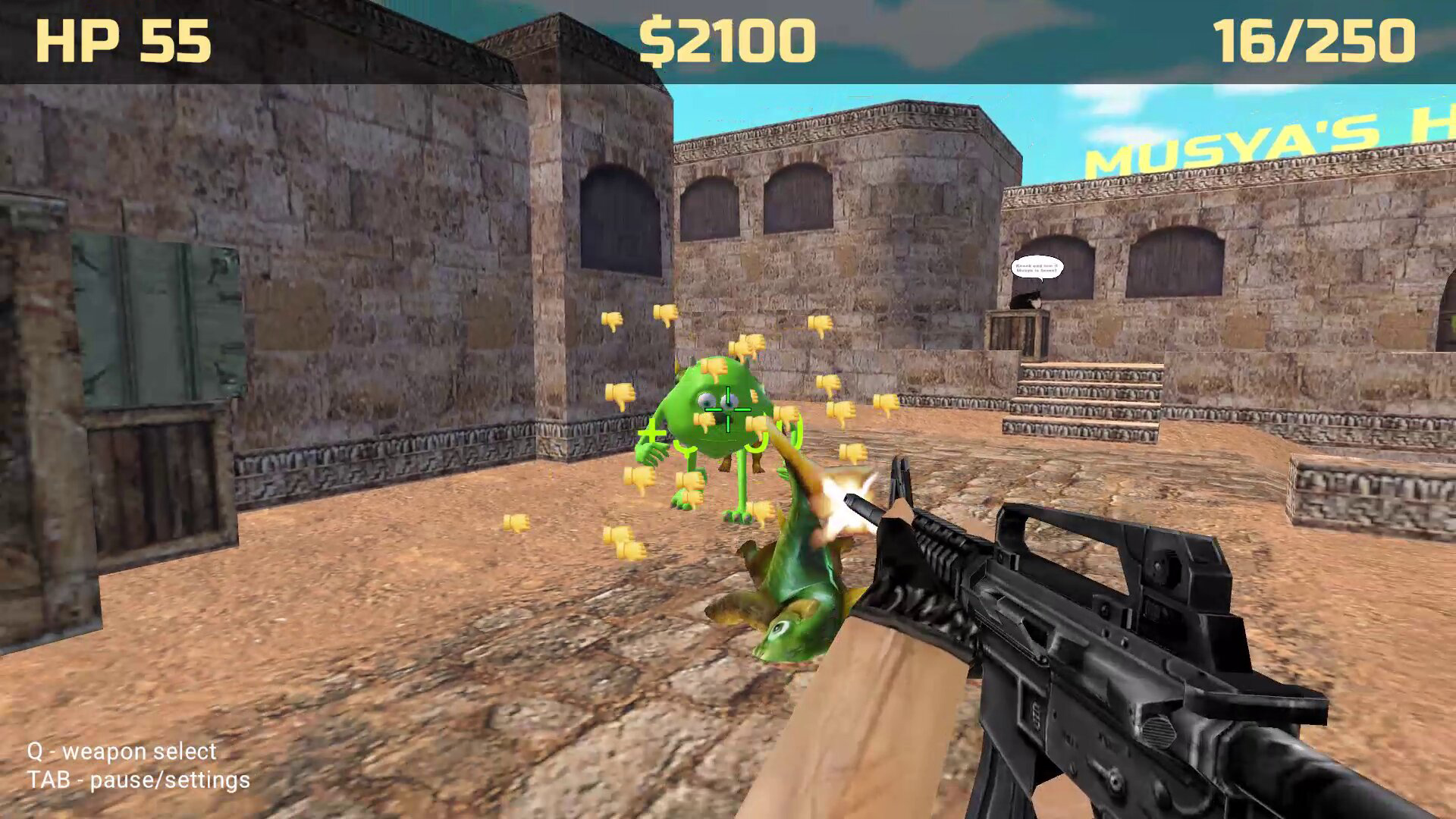
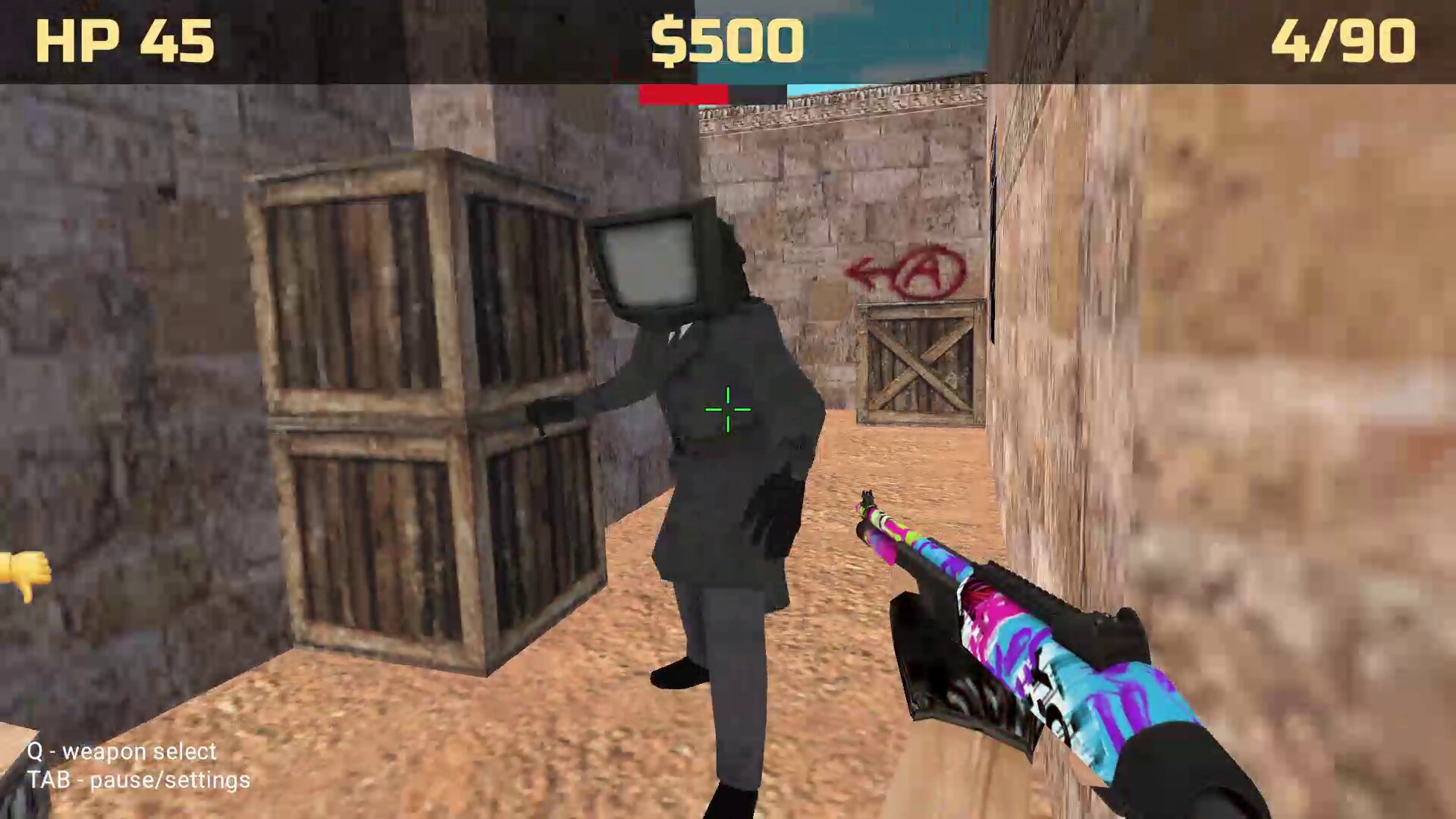
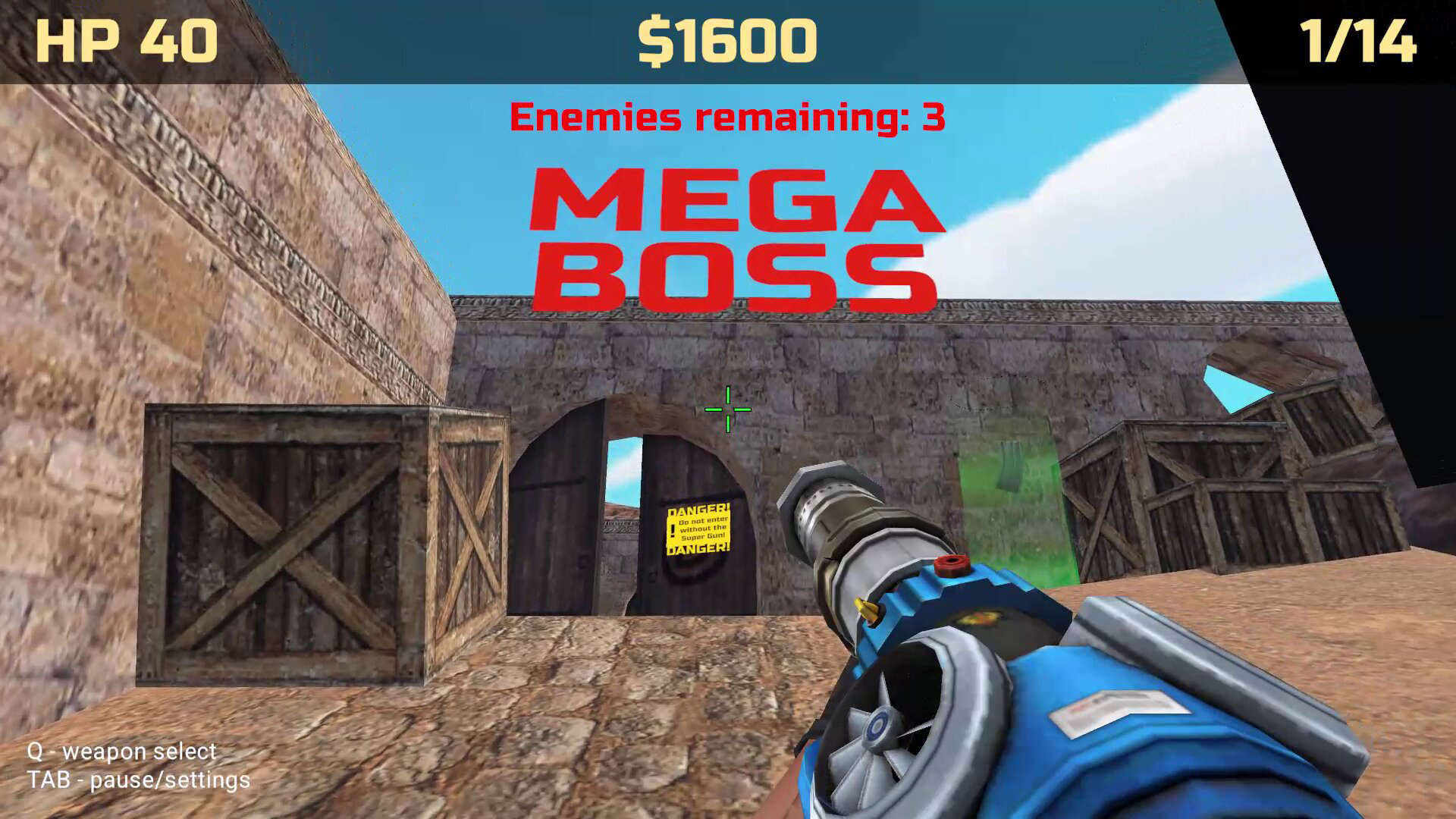
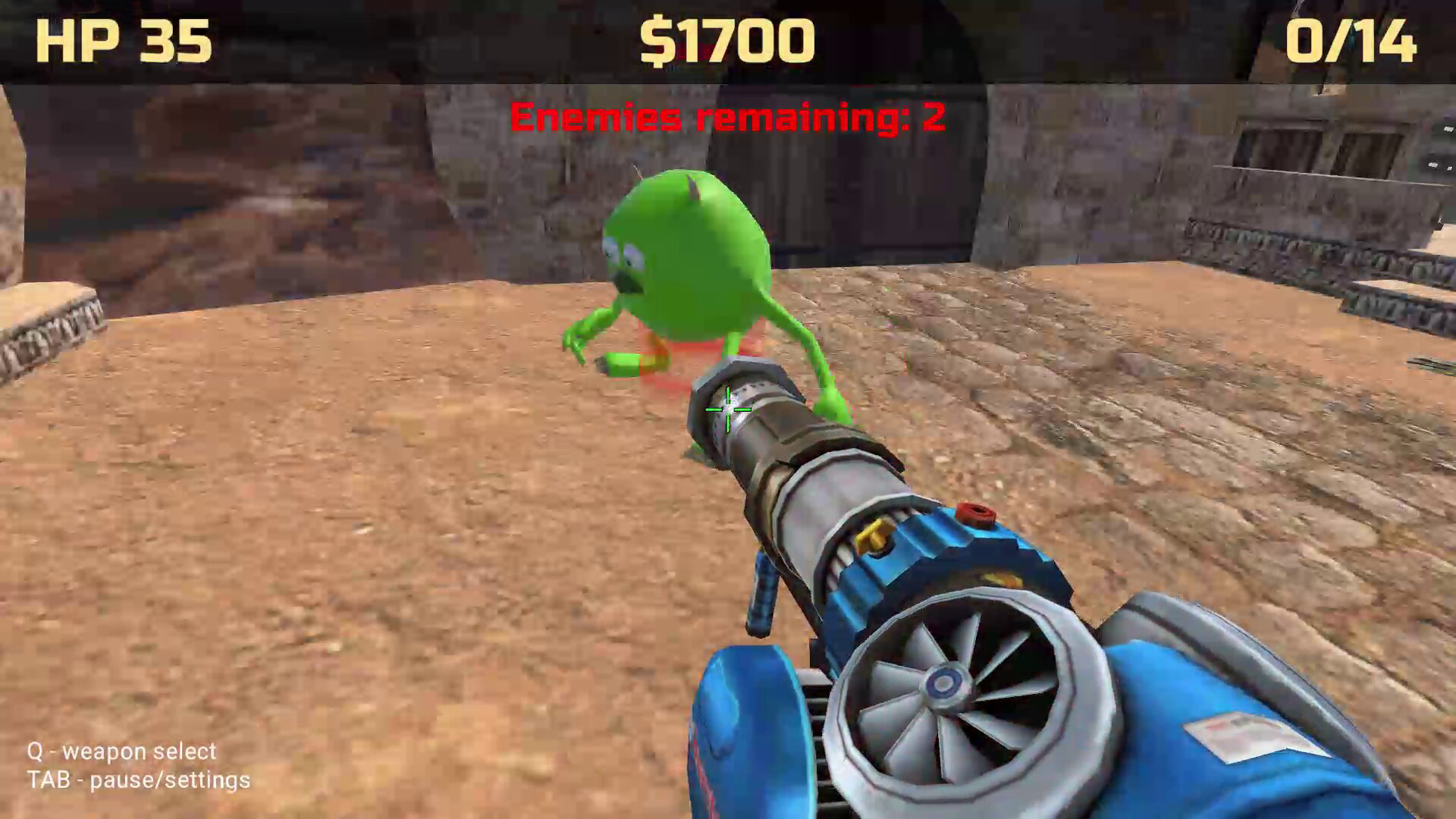
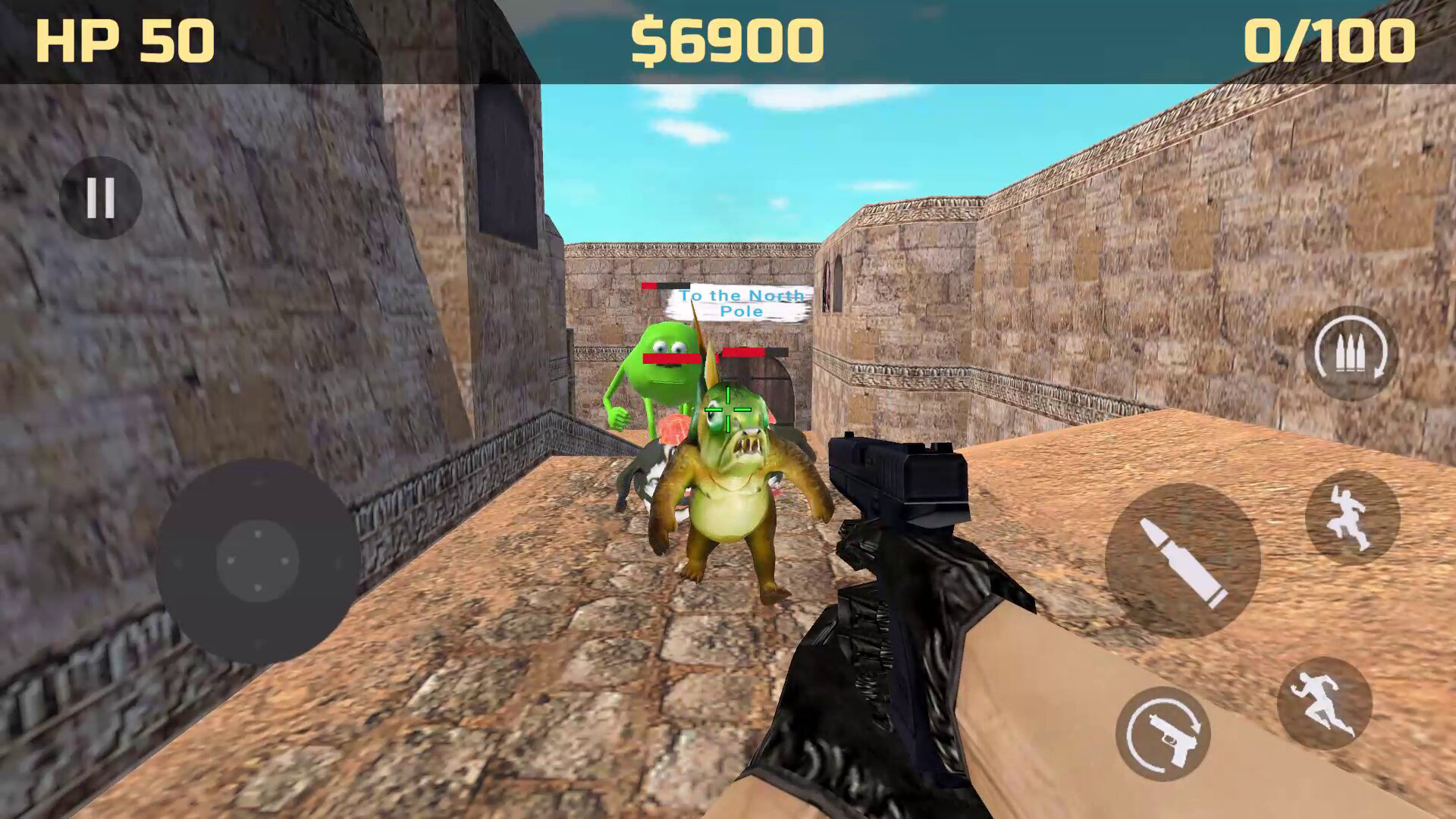
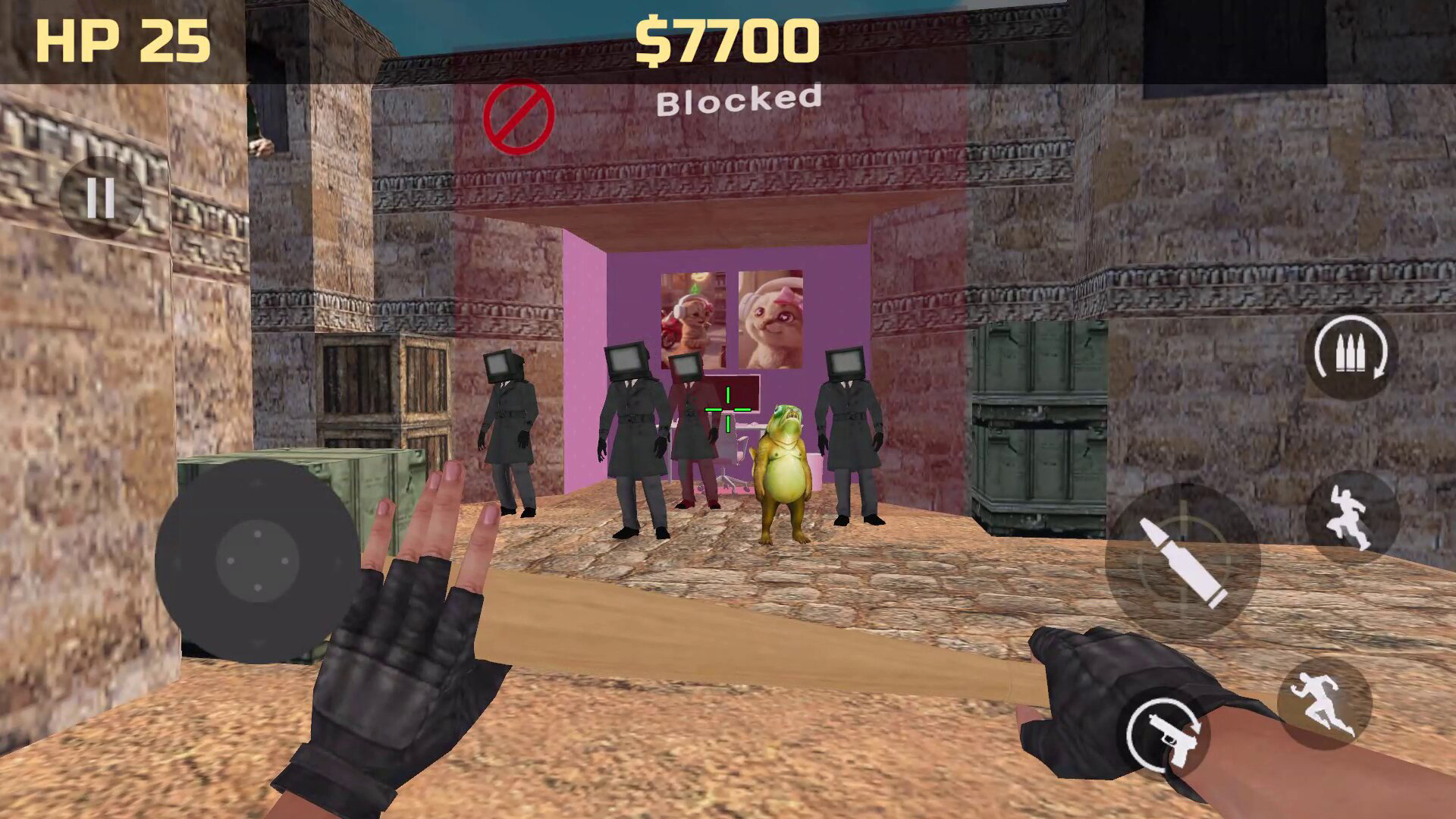
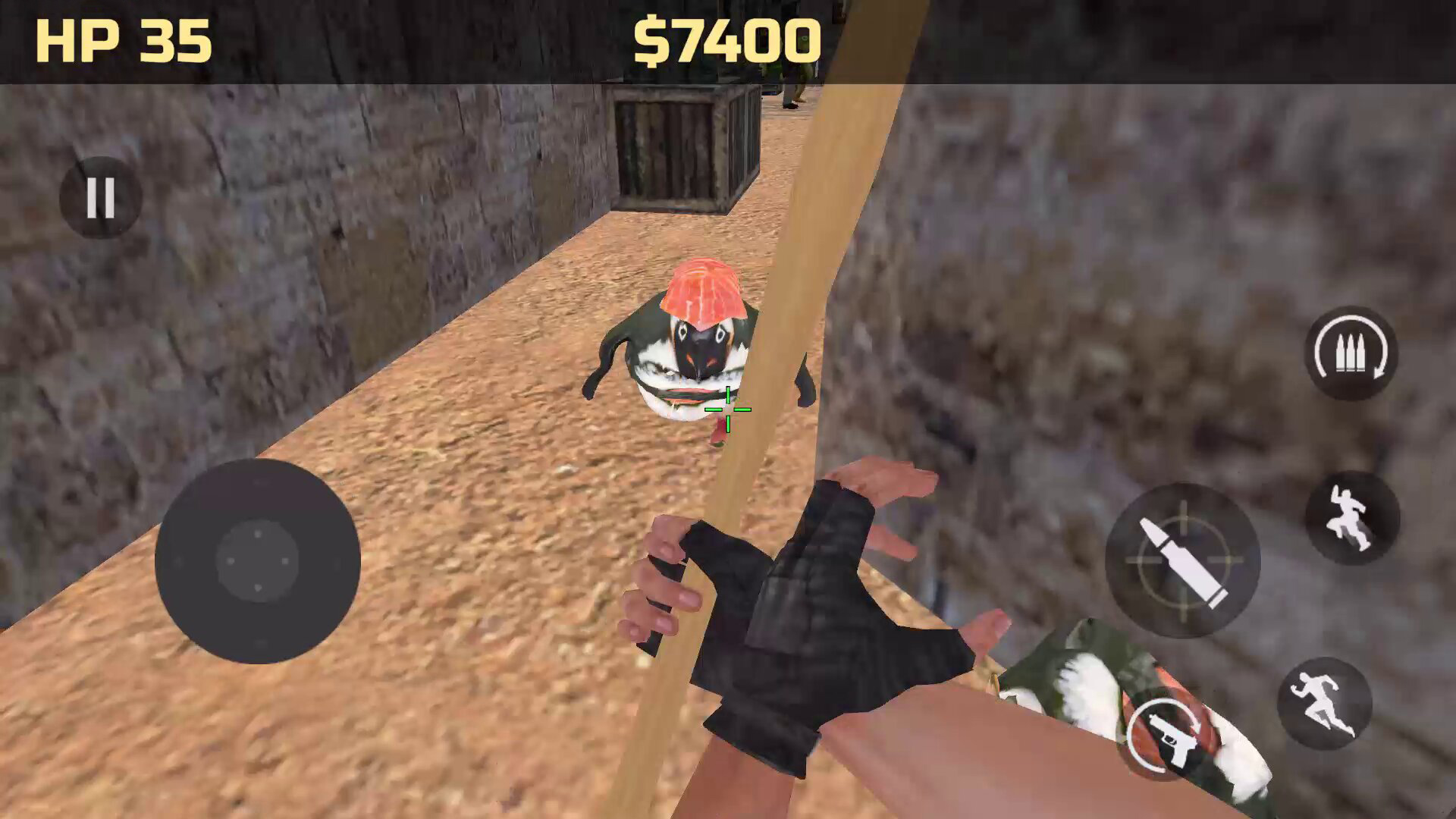
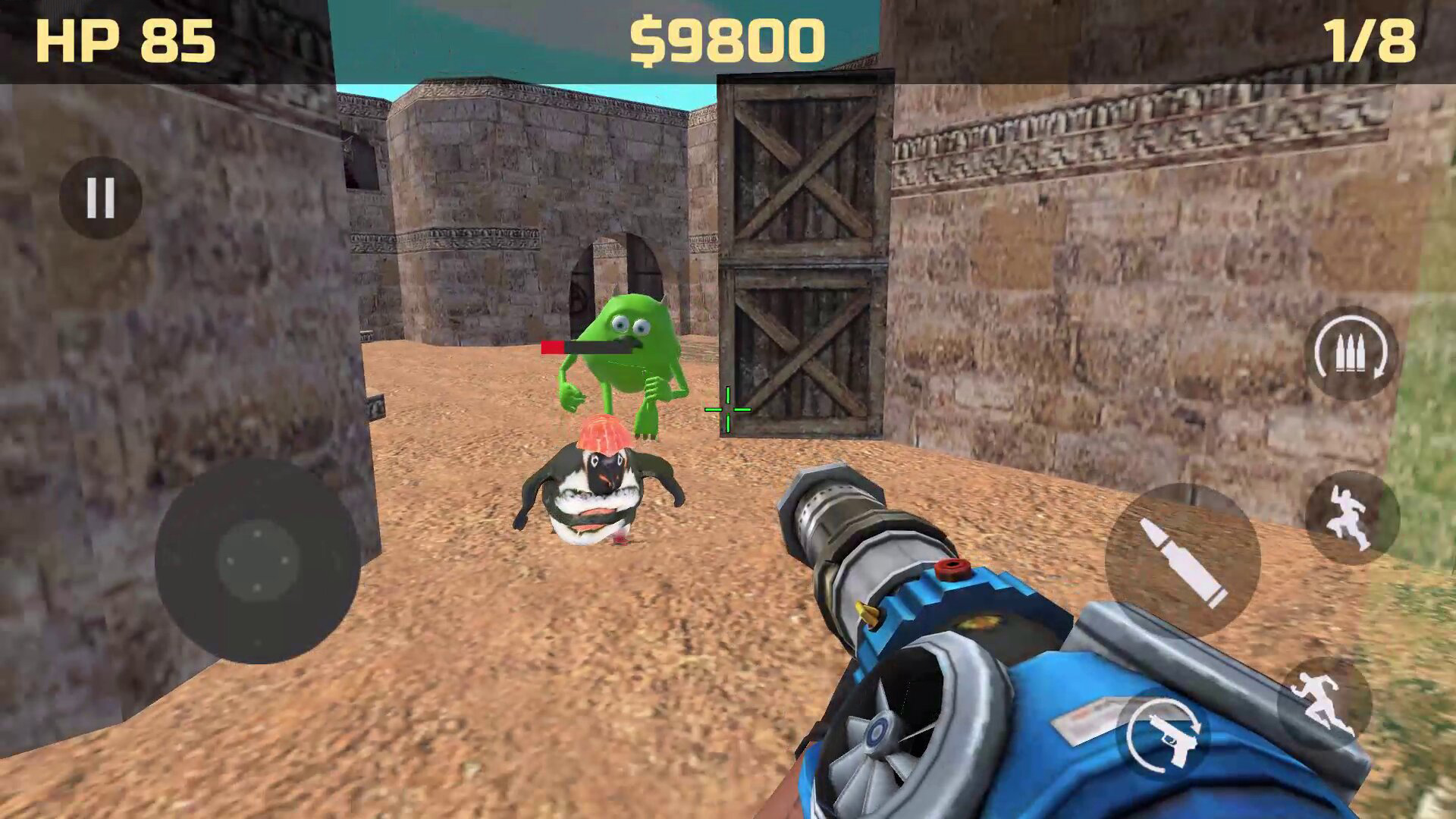
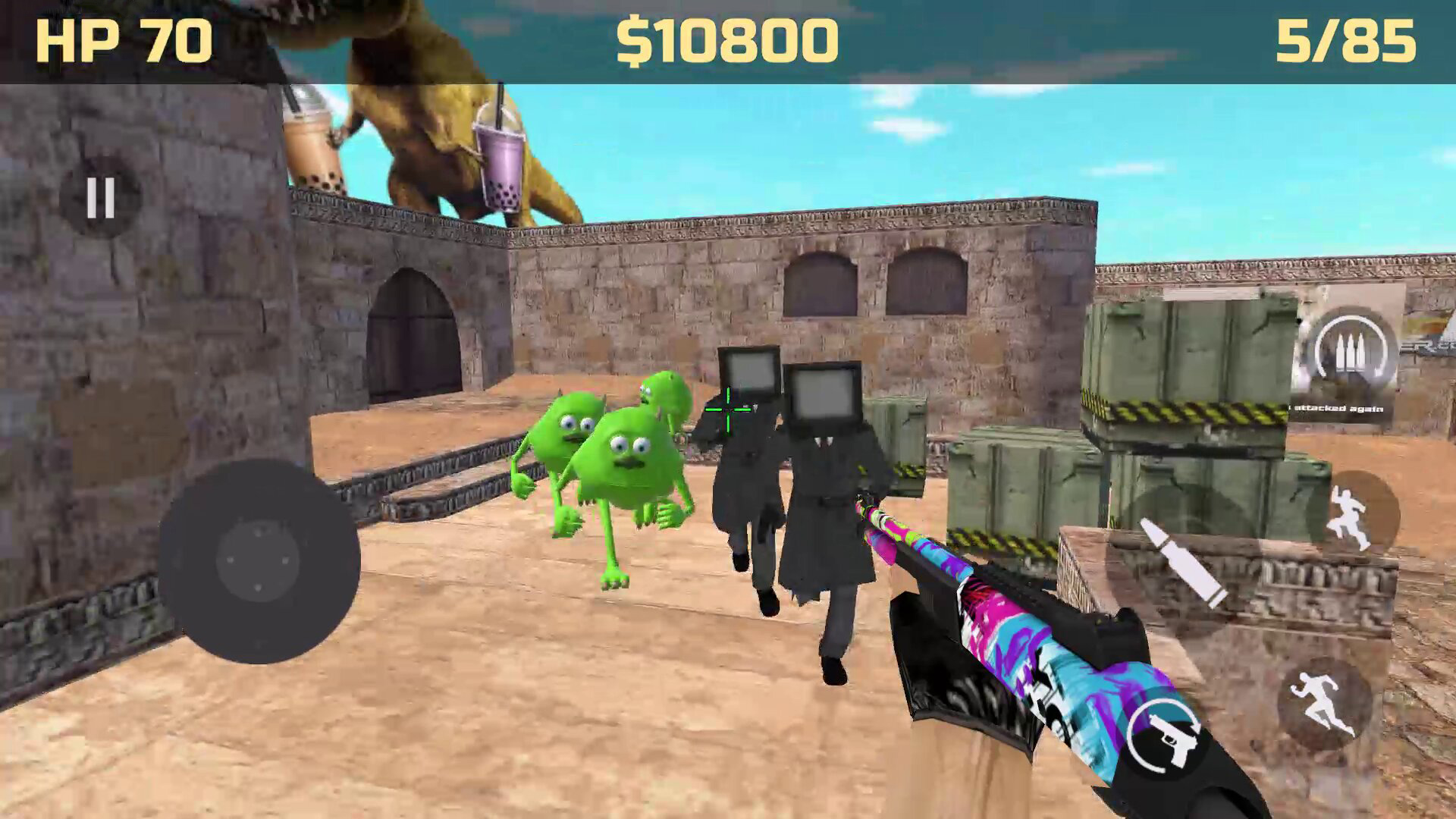
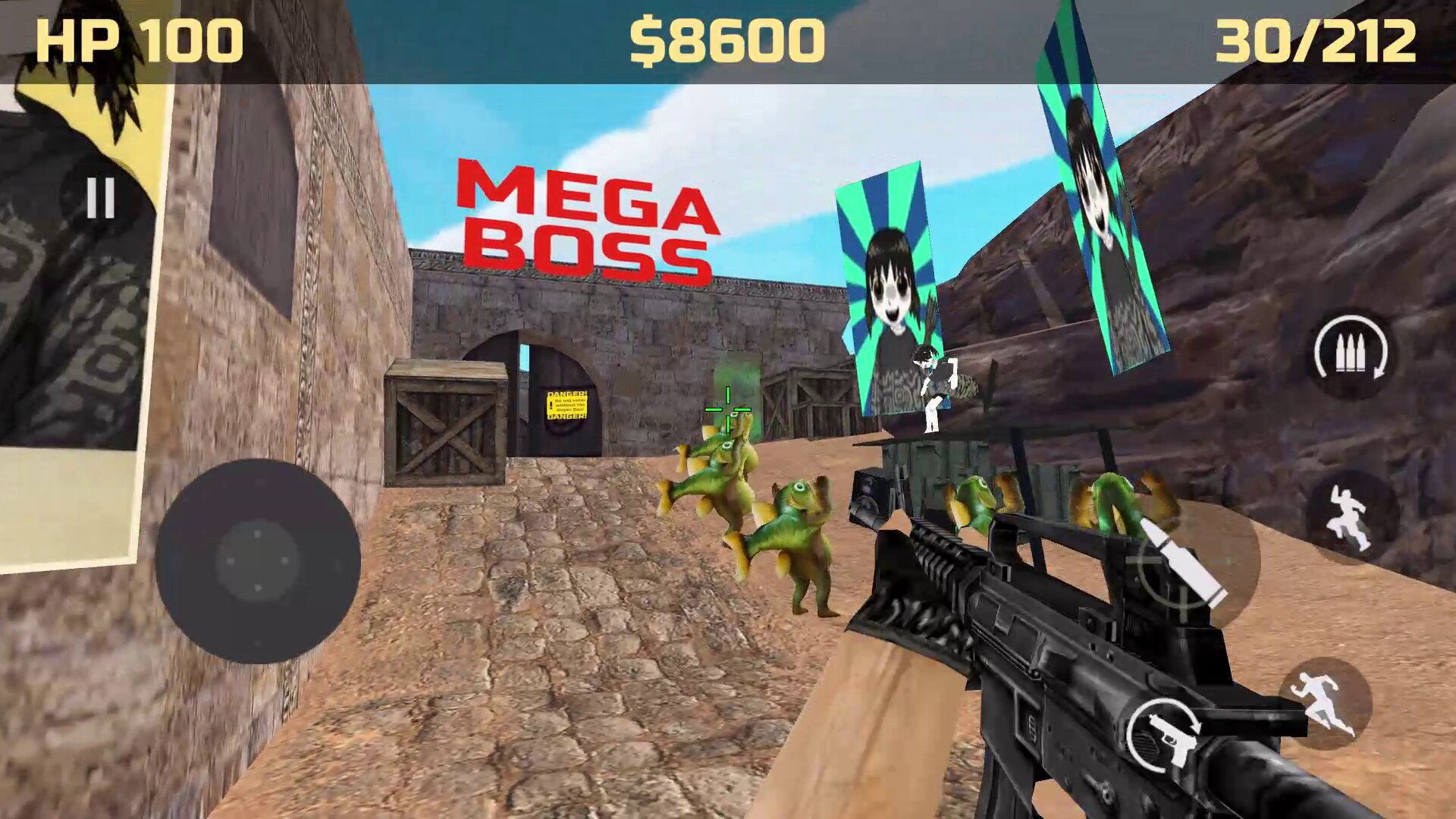
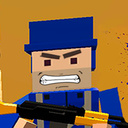
One beautiful sunny day, the peaceful little town of Memetopia was invaded by mysterious creatures that began terrorizing its residents. Gugugaga needs your help to save the memes! Defeat every enemy in your way and face the fearsome leader of the invasion — the Mega Boss. Do you have what it takes to defeat him? Get ready for a hilarious, fast-paced, and outrageously absurd first-person adventure. The memes are counting on you! - Complete quests for the citizens of Memopolis. - Buy powerful weapons — a whole arsenal is available to help you save the city! - Find hidden memes to boost your vibe. - Enjoy plenty of optional activities — there's always something fun to do. - Find out if Musya is home. - What awaits behind the locked door?

Videos and screenshots
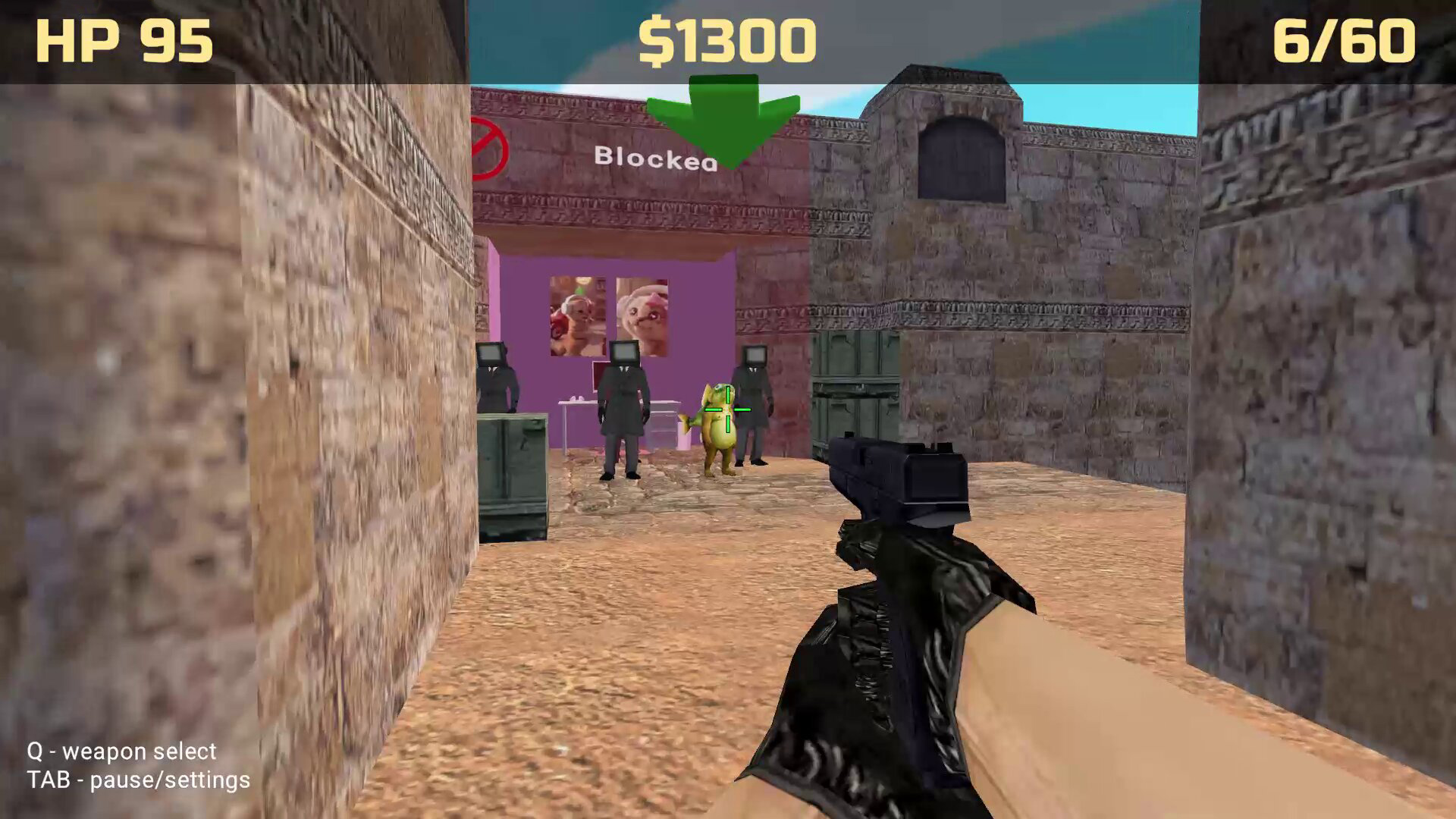
  • Memes Rescue 3D Reloaded screenshot 1
  • Memes Rescue 3D Reloaded screenshot 2
  • Memes Rescue 3D Reloaded screenshot 3
  • Memes Rescue 3D Reloaded screenshot 4
  • Memes Rescue 3D Reloaded screenshot 5
  • Memes Rescue 3D Reloaded screenshot 6
  • Memes Rescue 3D Reloaded screenshot 7
  • Memes Rescue 3D Reloaded screenshot 8
  • Memes Rescue 3D Reloaded screenshot 9
  • Memes Rescue 3D Reloaded screenshot 10
  • Memes Rescue 3D Reloaded screenshot 11
  • Memes Rescue 3D Reloaded screenshot 12
  • Memes Rescue 3D Reloaded screenshot 13
  • Memes Rescue 3D Reloaded screenshot 14
Play Now

12,277 players online

How to play

  1. Open the game

    Press Play now and the game opens on its own screen.

  2. Follow the in-game instructions

    The controls and goals are shown inside the game as you play.

  3. Use the game menu

    The floating button over the game reloads it, saves it to your favourites, or takes you back out.
Game instructions

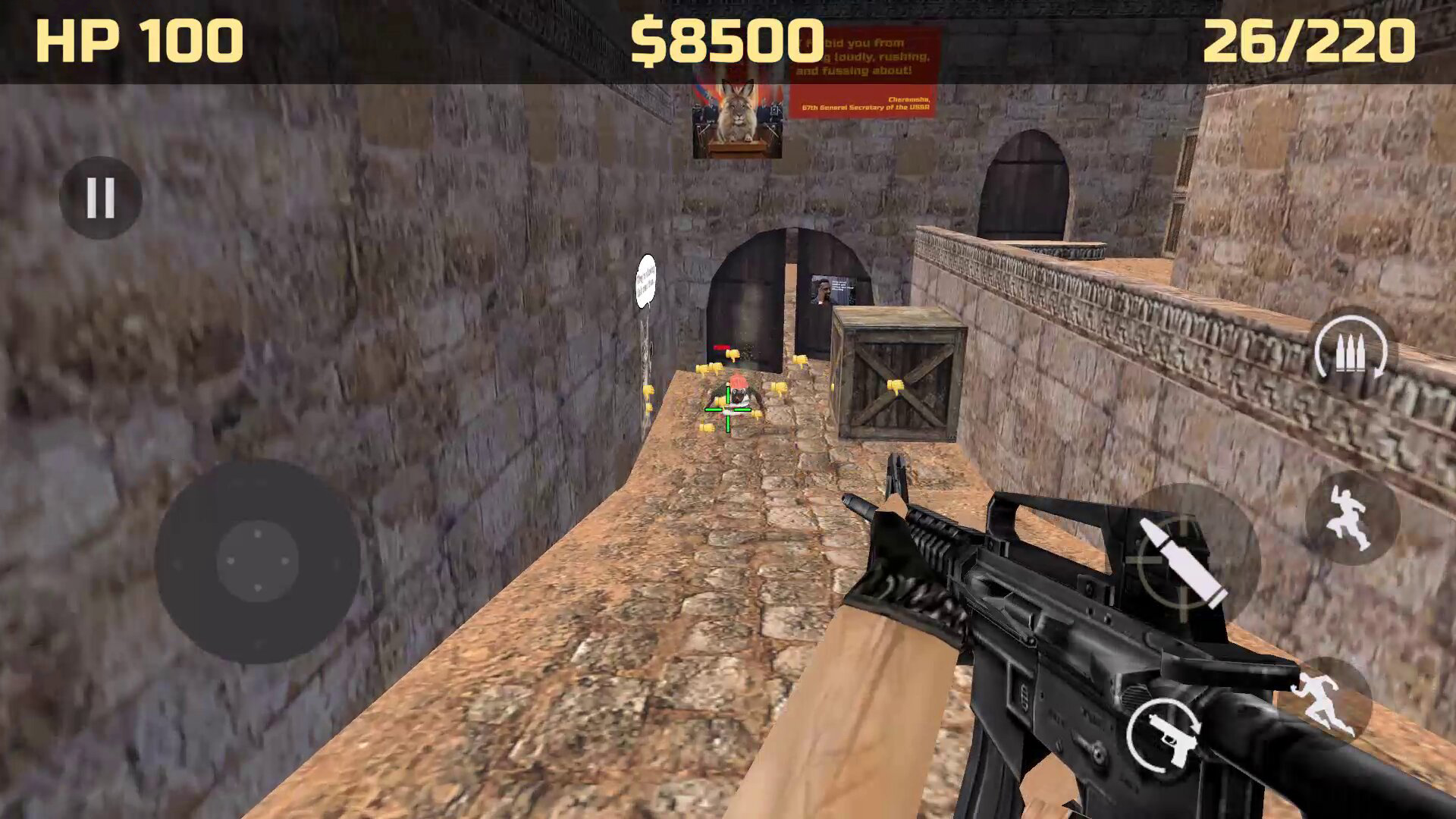
The controls are simple and intuitive. For PC: - W, A, S, D — Move; - Shift — Sprint; - Space — Jump; - Left Mouse Button — Shoot, perform a Bonk attack, or throw a Grenadrink; - Tab — Pause and Settings; - Q — View available weapons; - R — Reload; - 1–6 — Quick weapon selection; - Mouse Wheel — Cycle through weapons. For Mobile Devices: - Left-side joystick — Move your character; - Right side of the screen — Control the camera; - Shoot, weapon switch, sprint, jump, and reload buttons are located in the bottom-right corner; - Pause and Settings button is located in the top-left corner of the screen.

More games

More games