Skip to content
KG
Save Memes 3D

Save Memes 3D

20K plays 4.5 out of 5

Overview

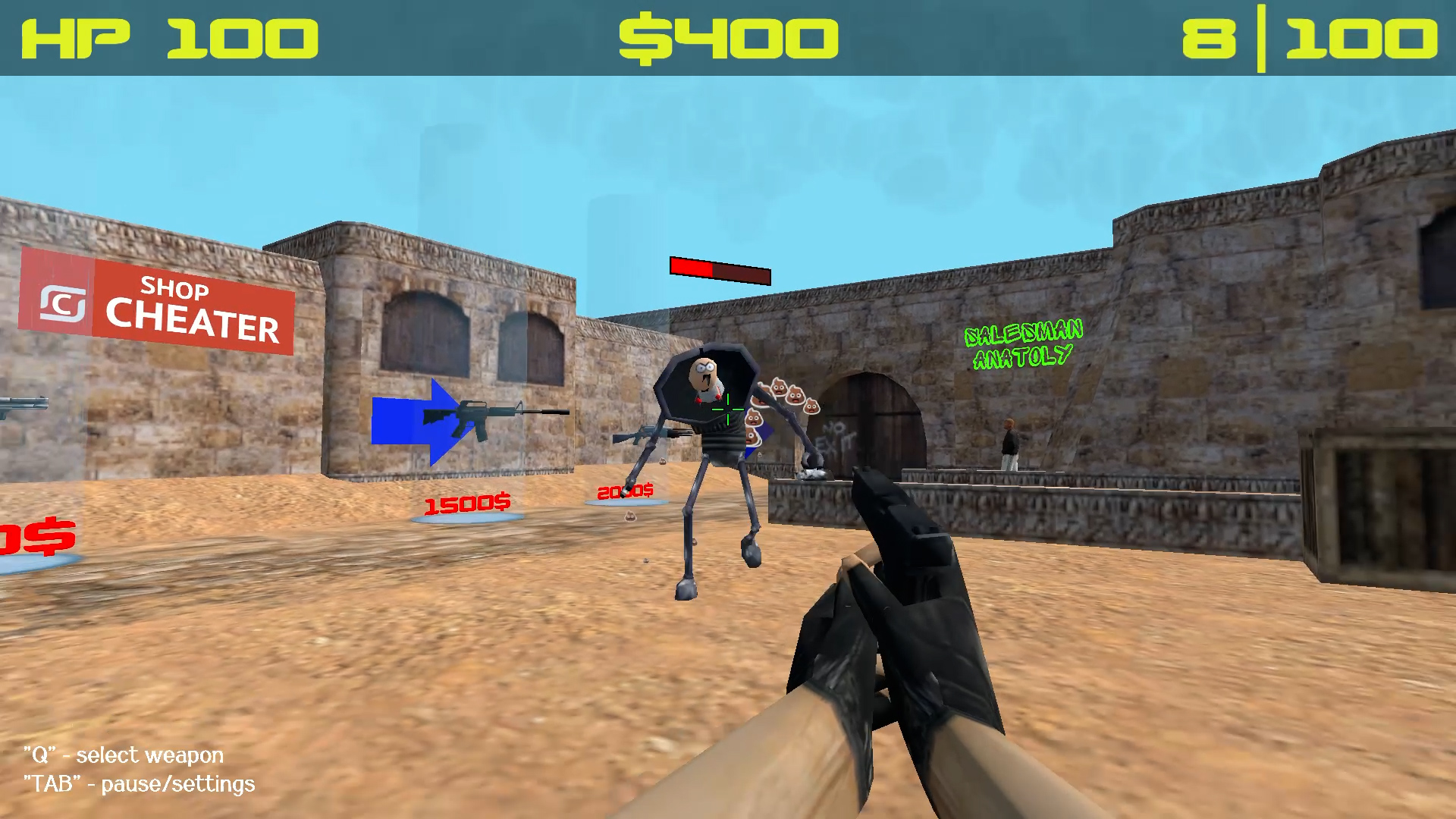
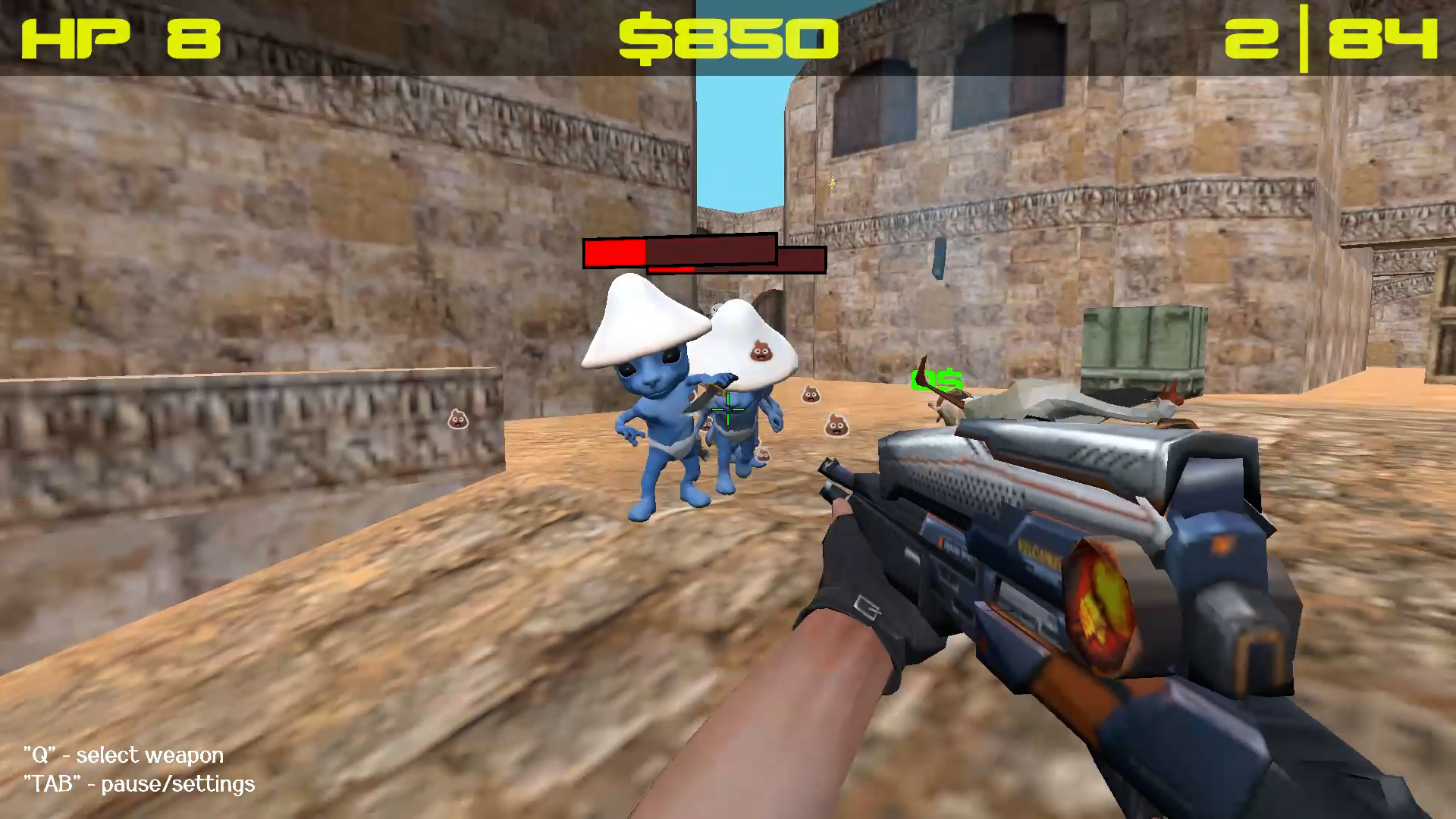
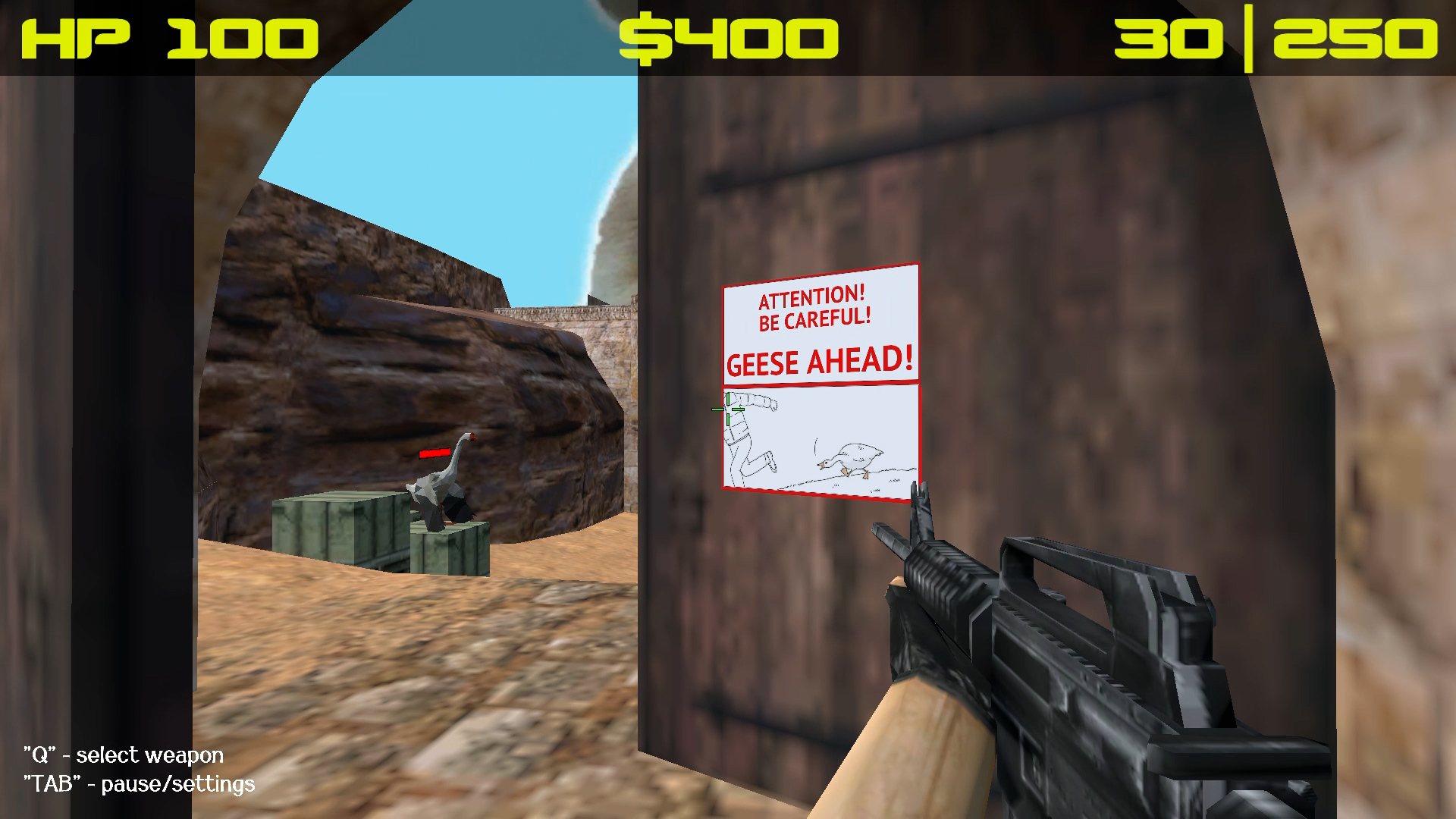
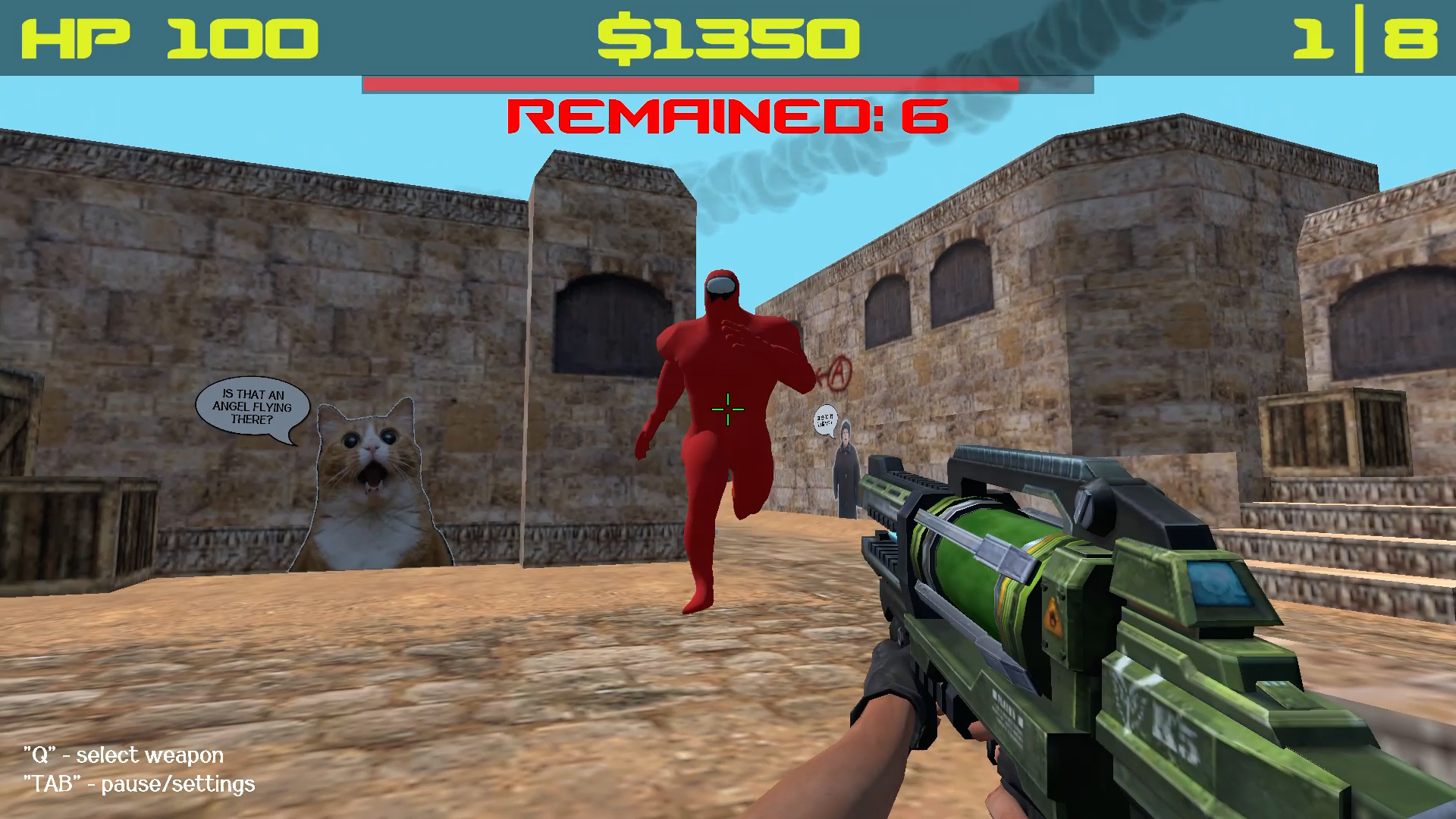
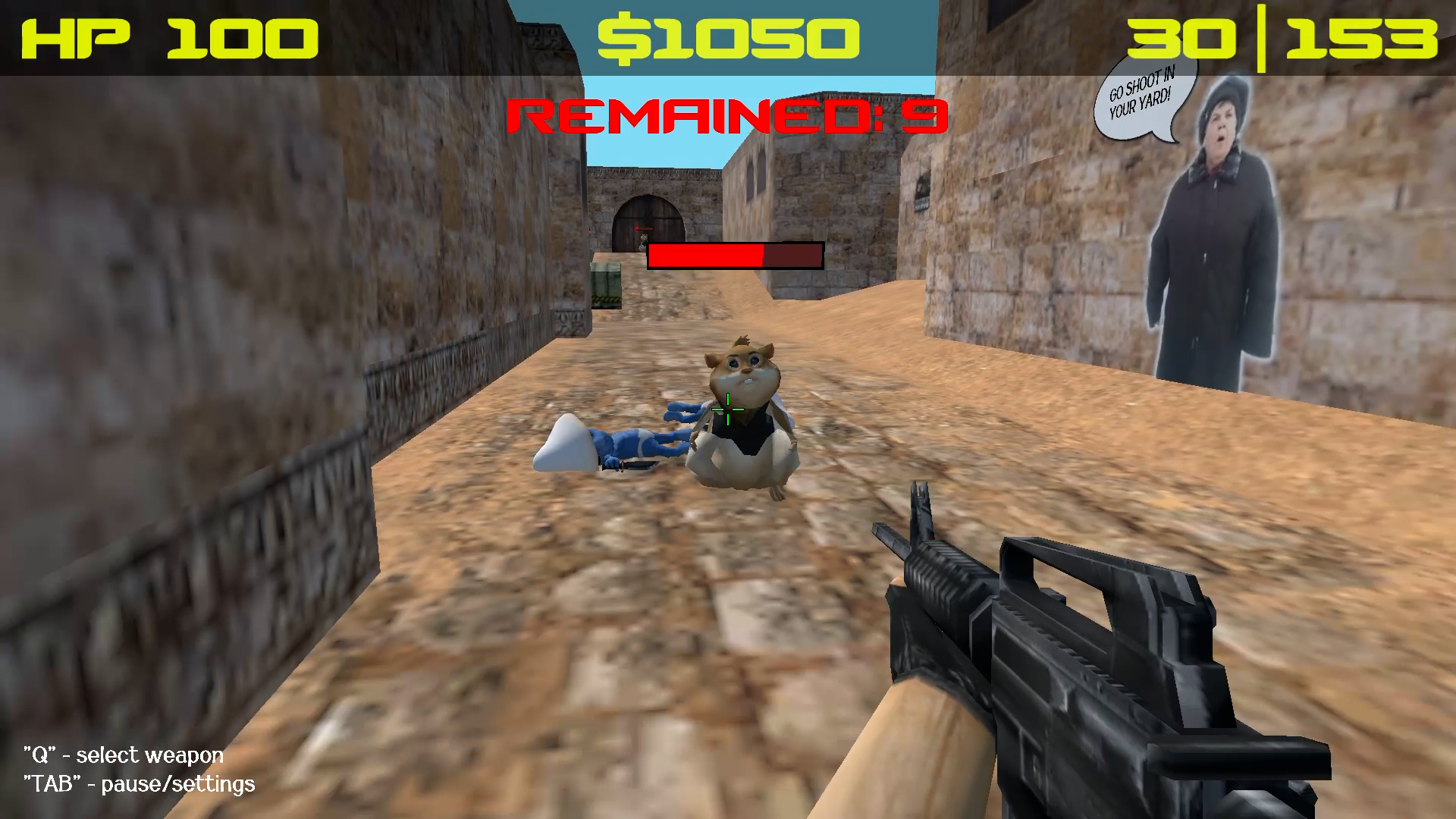
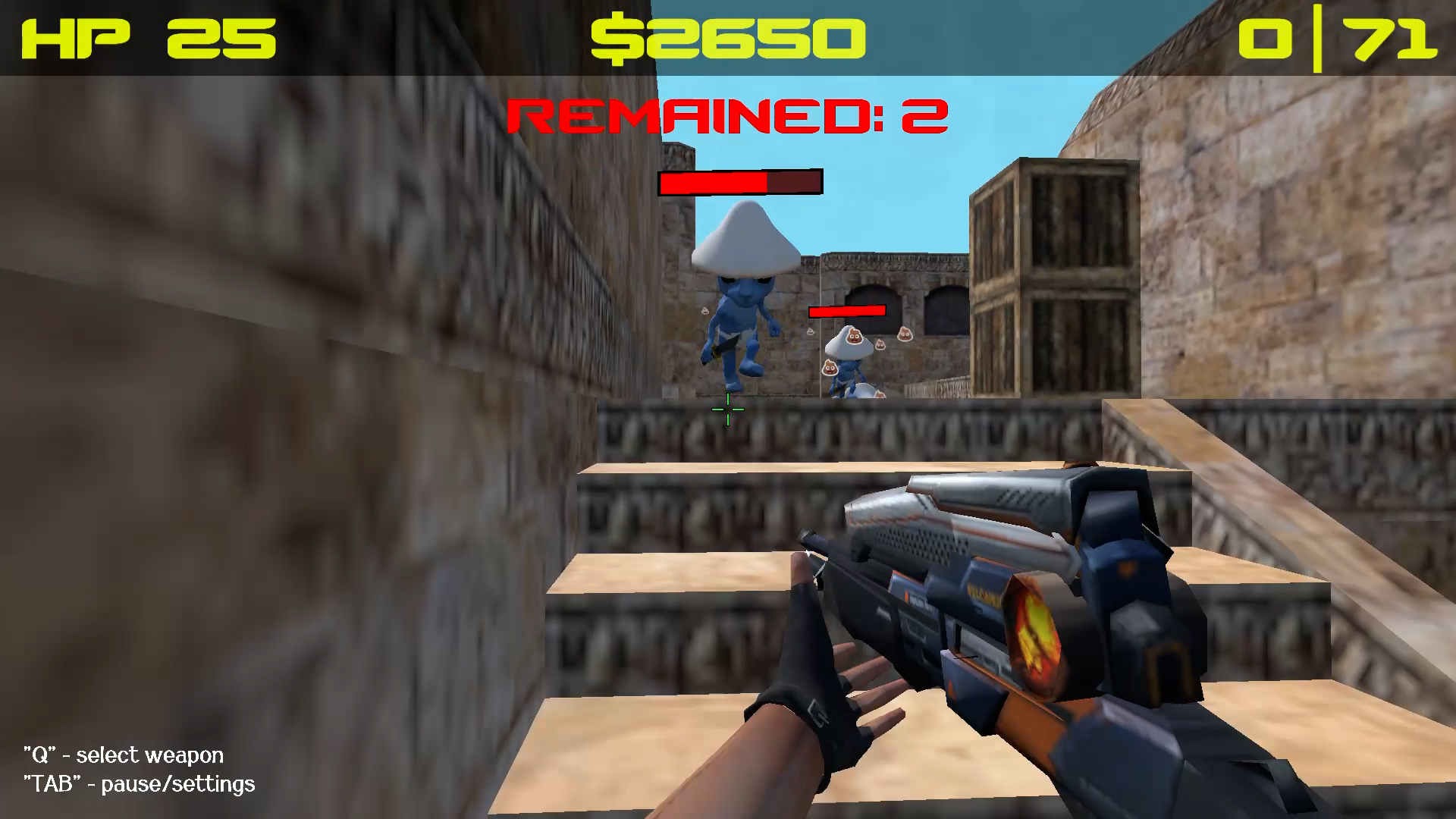
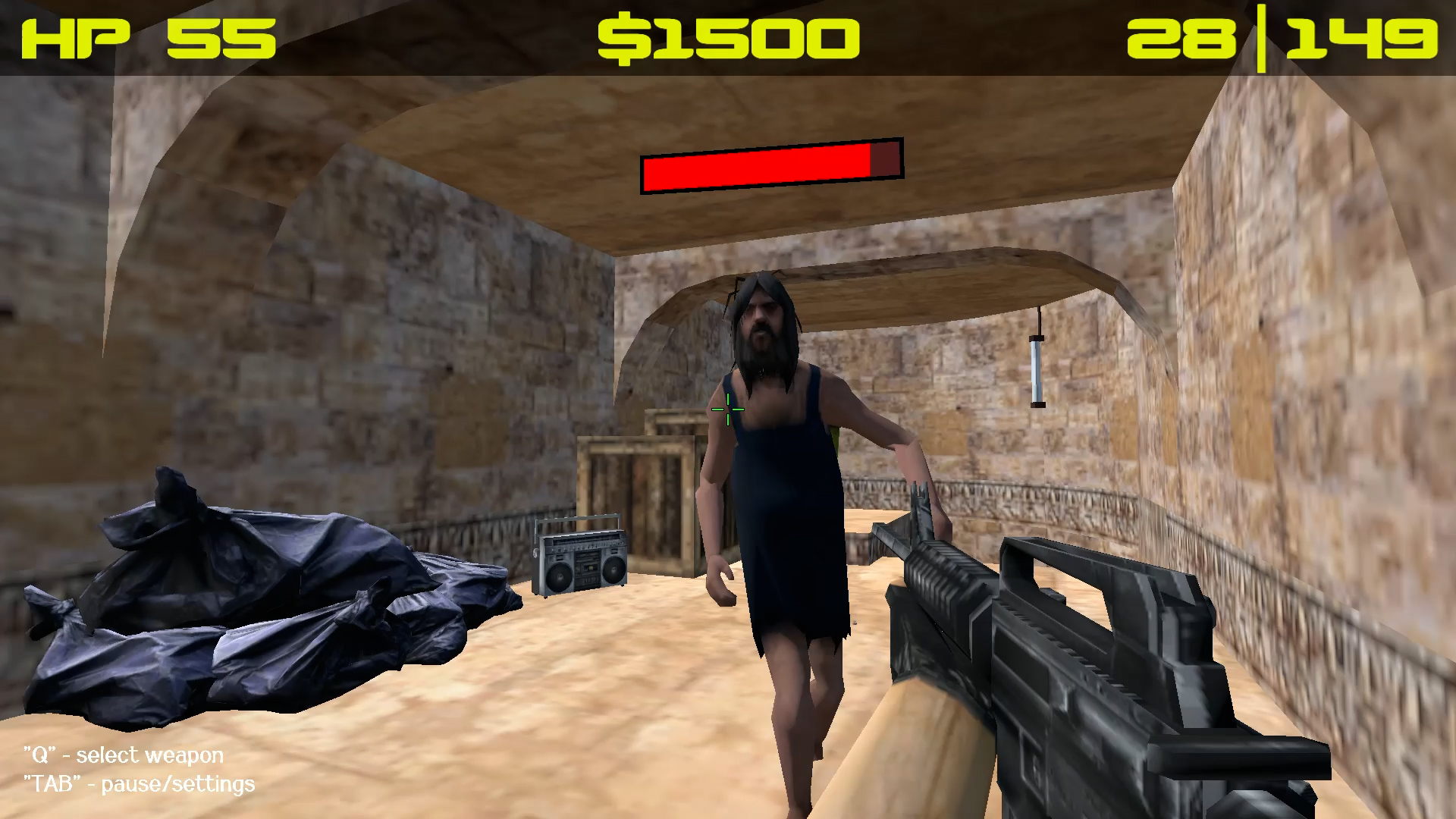
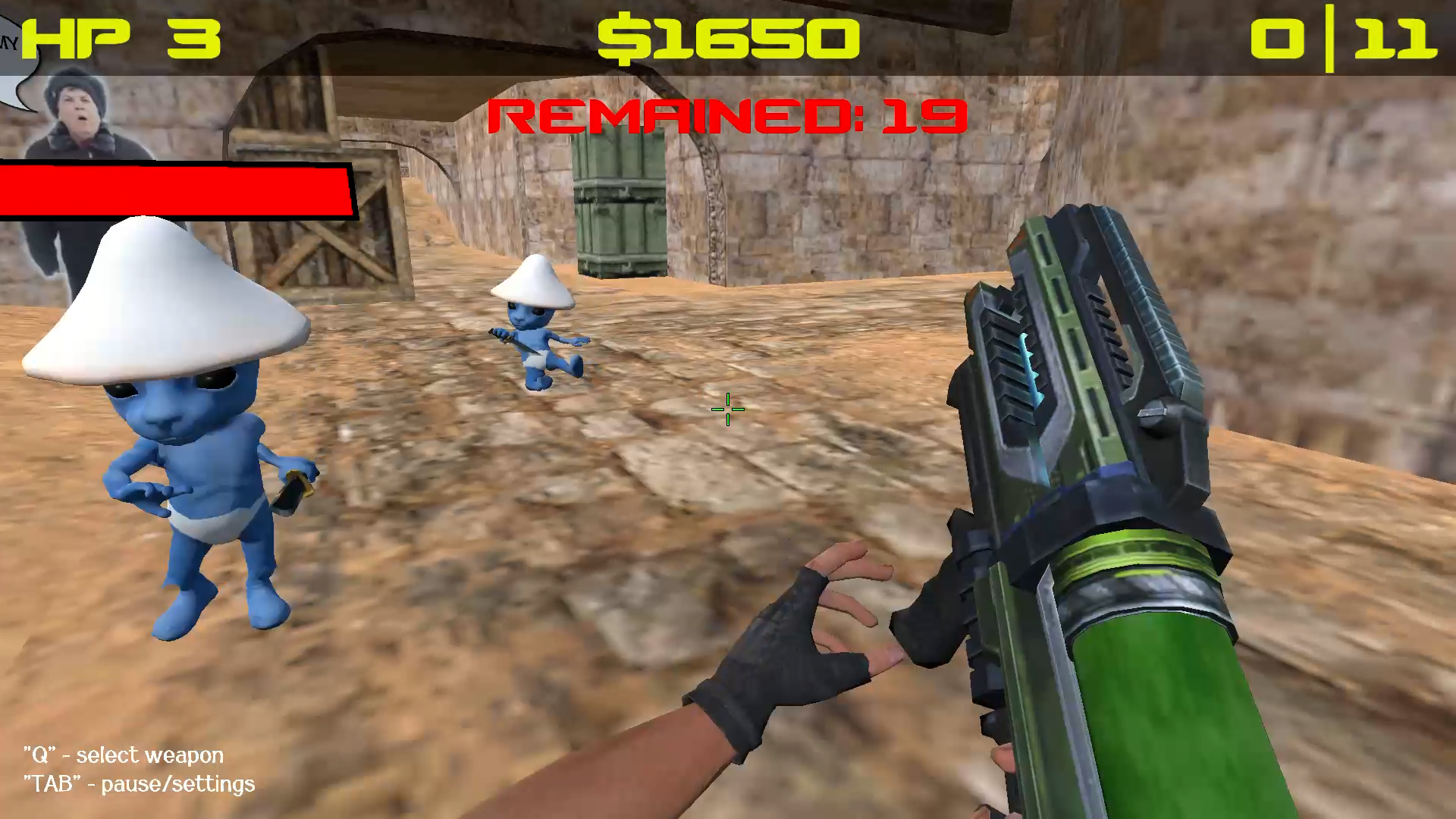
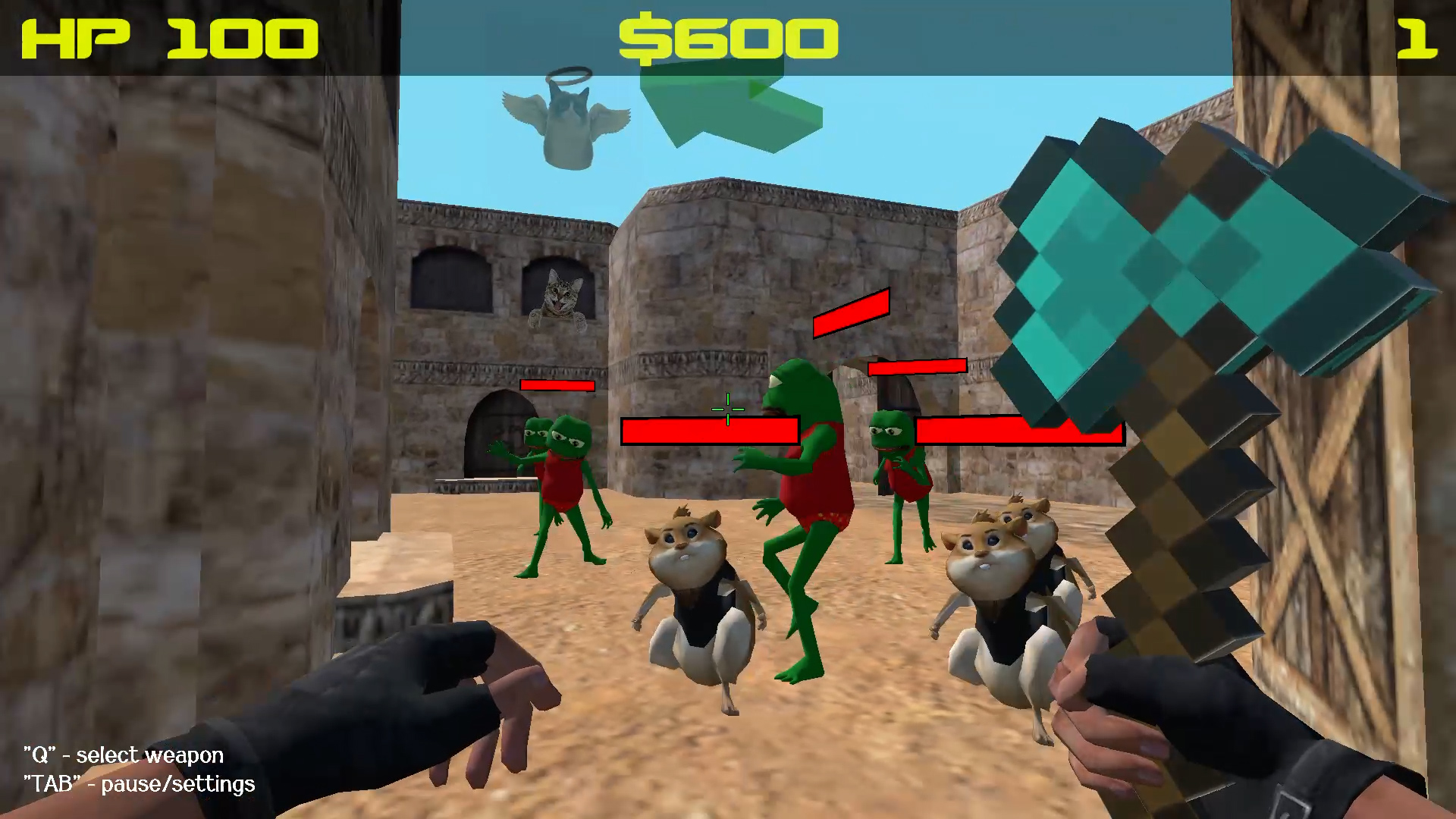
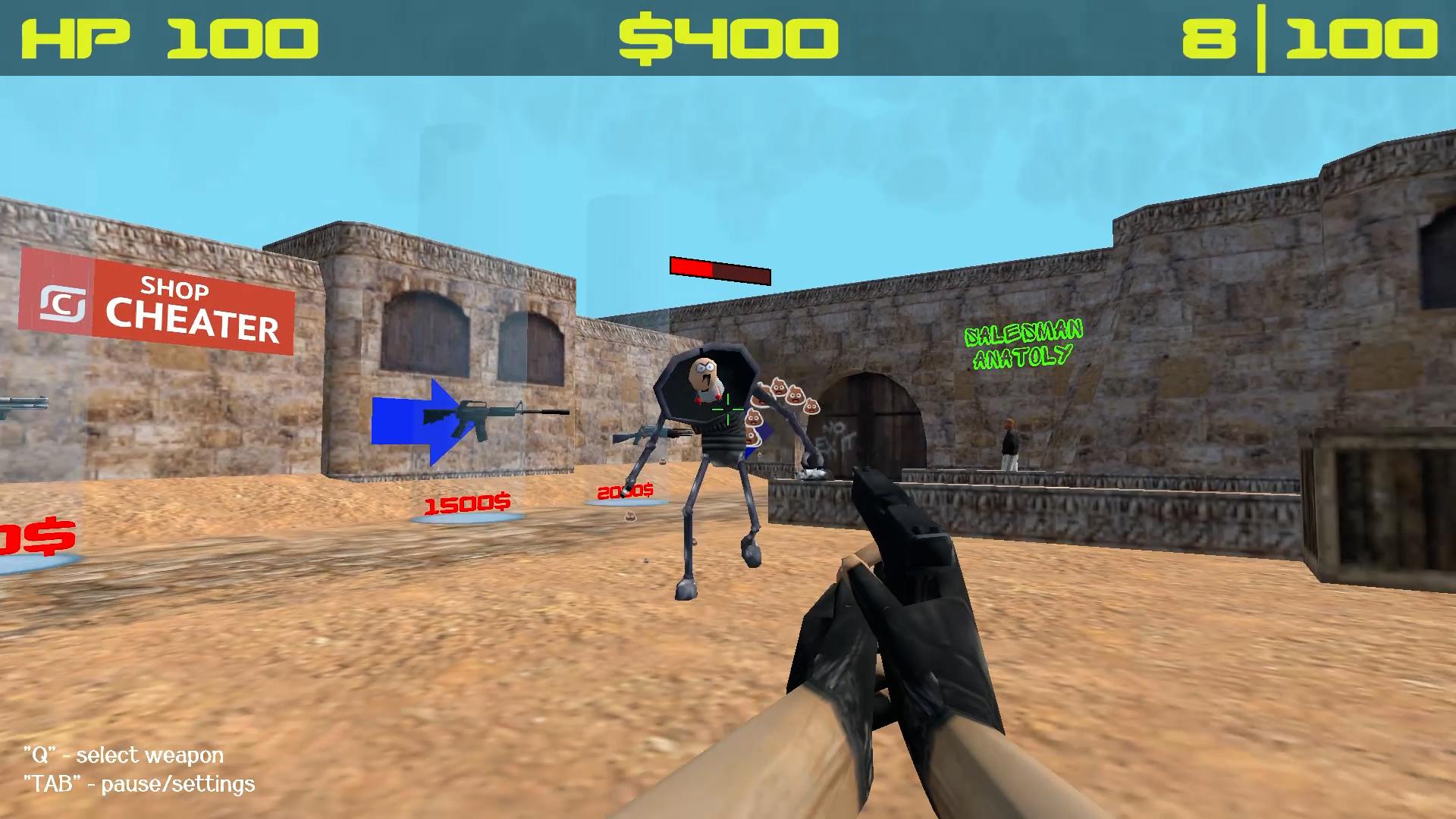
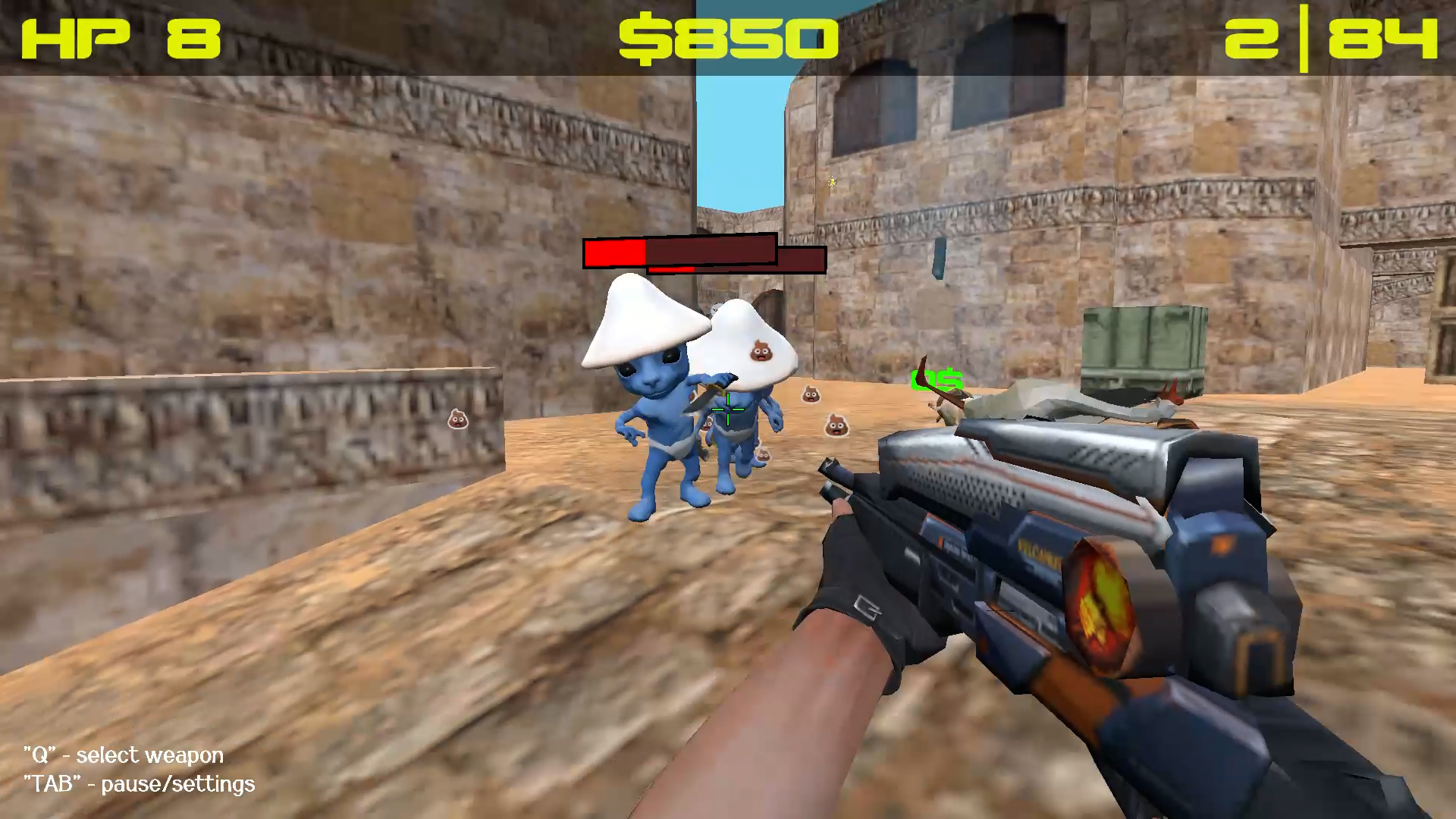
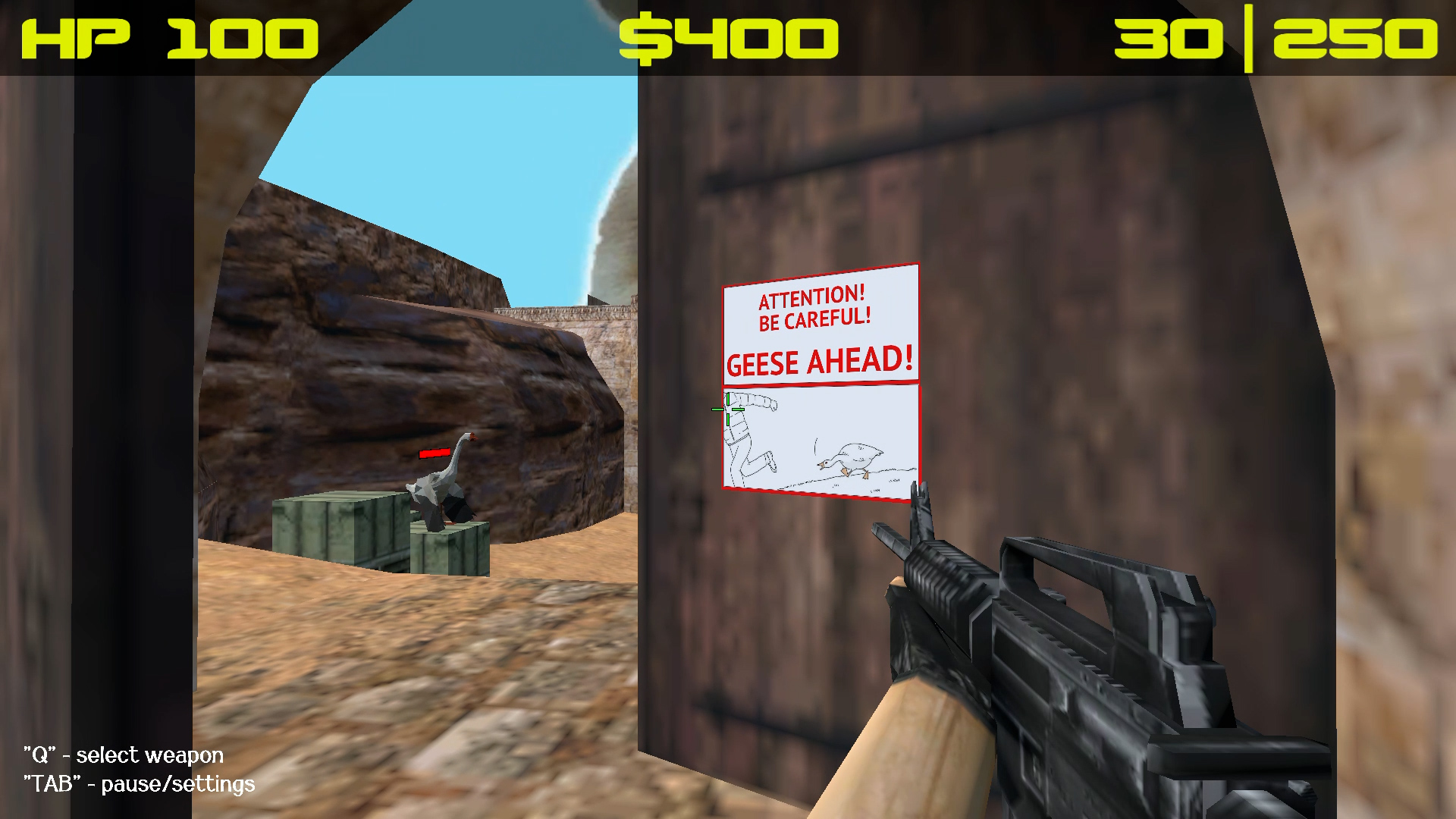
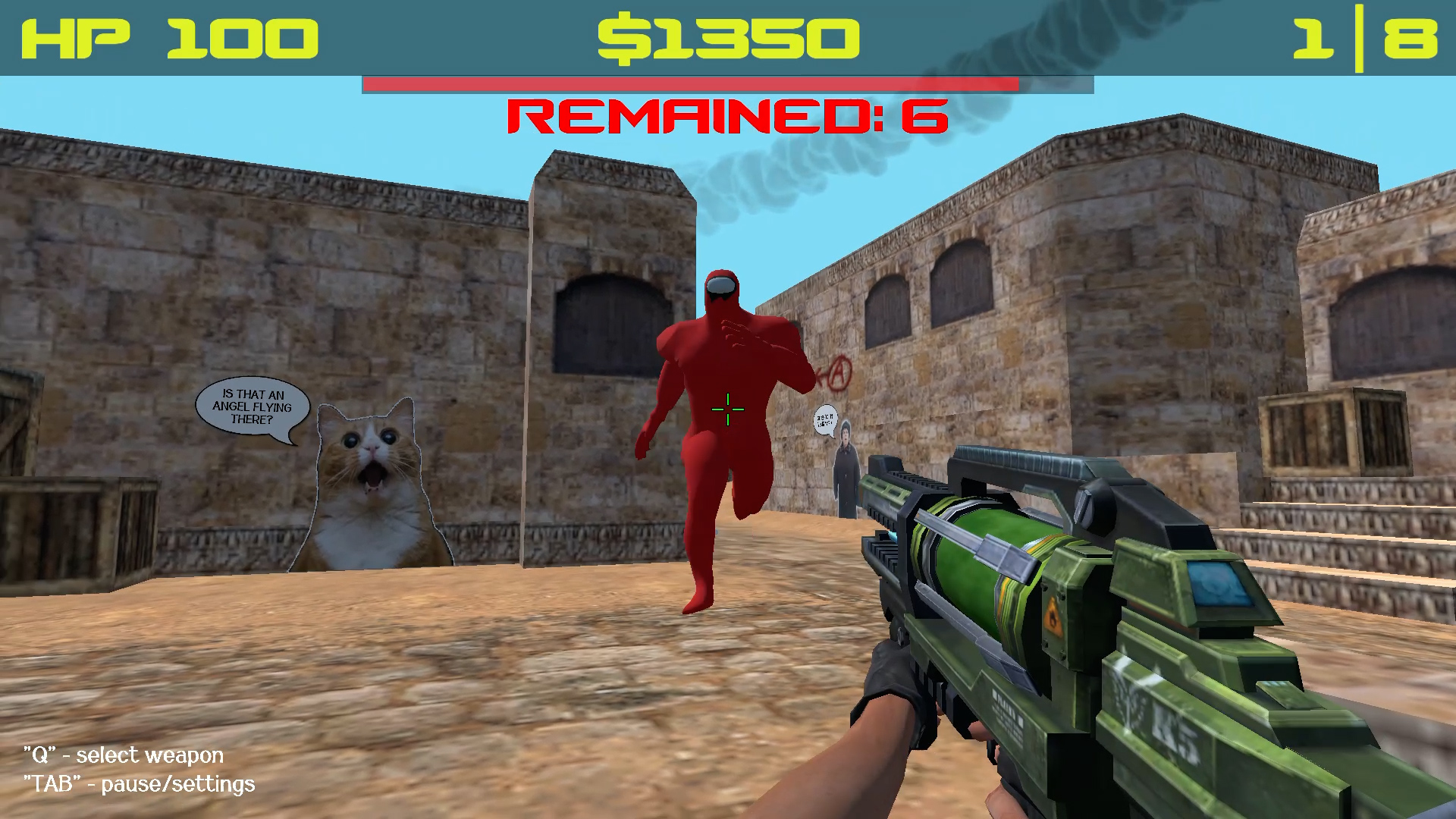
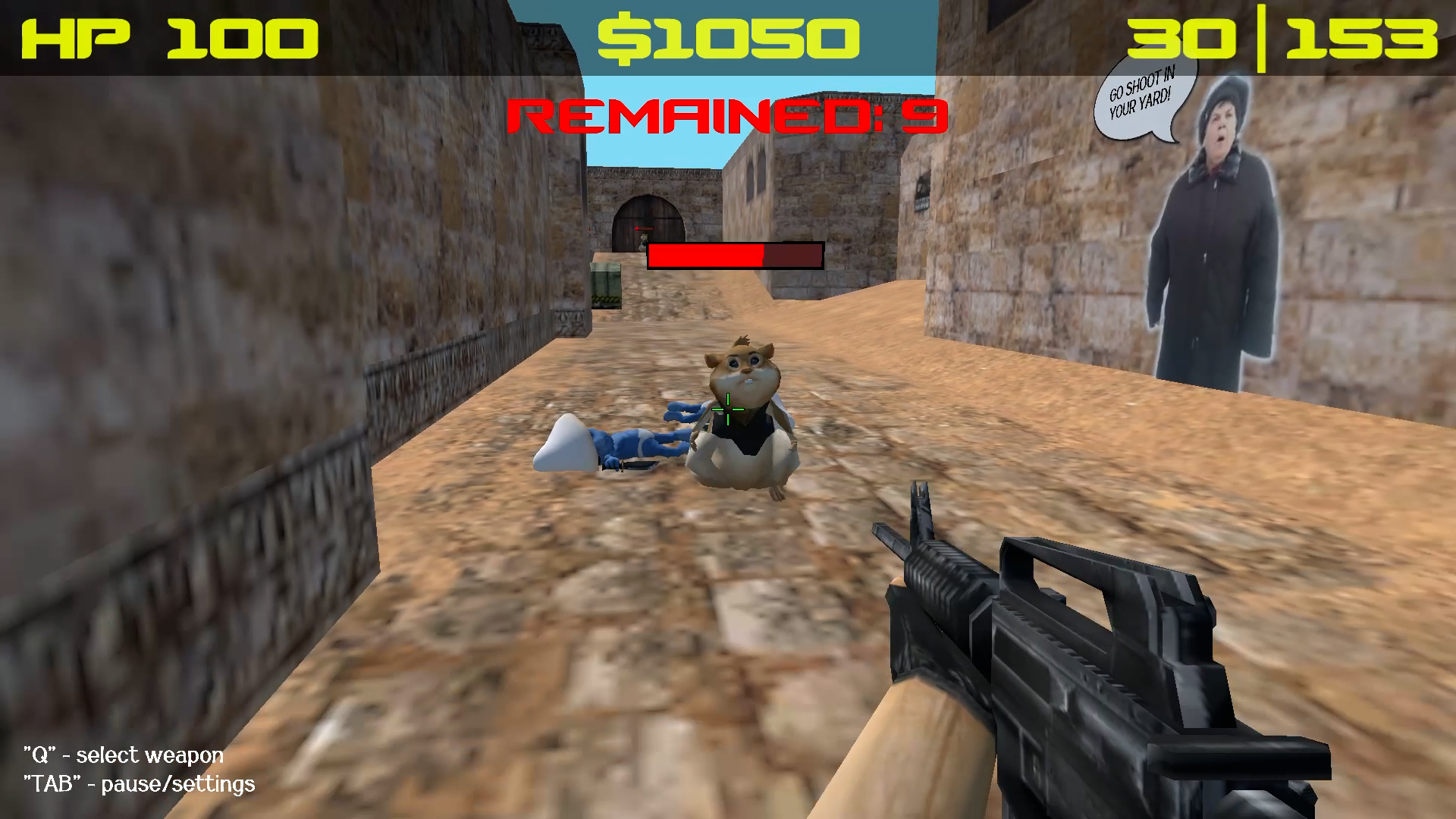
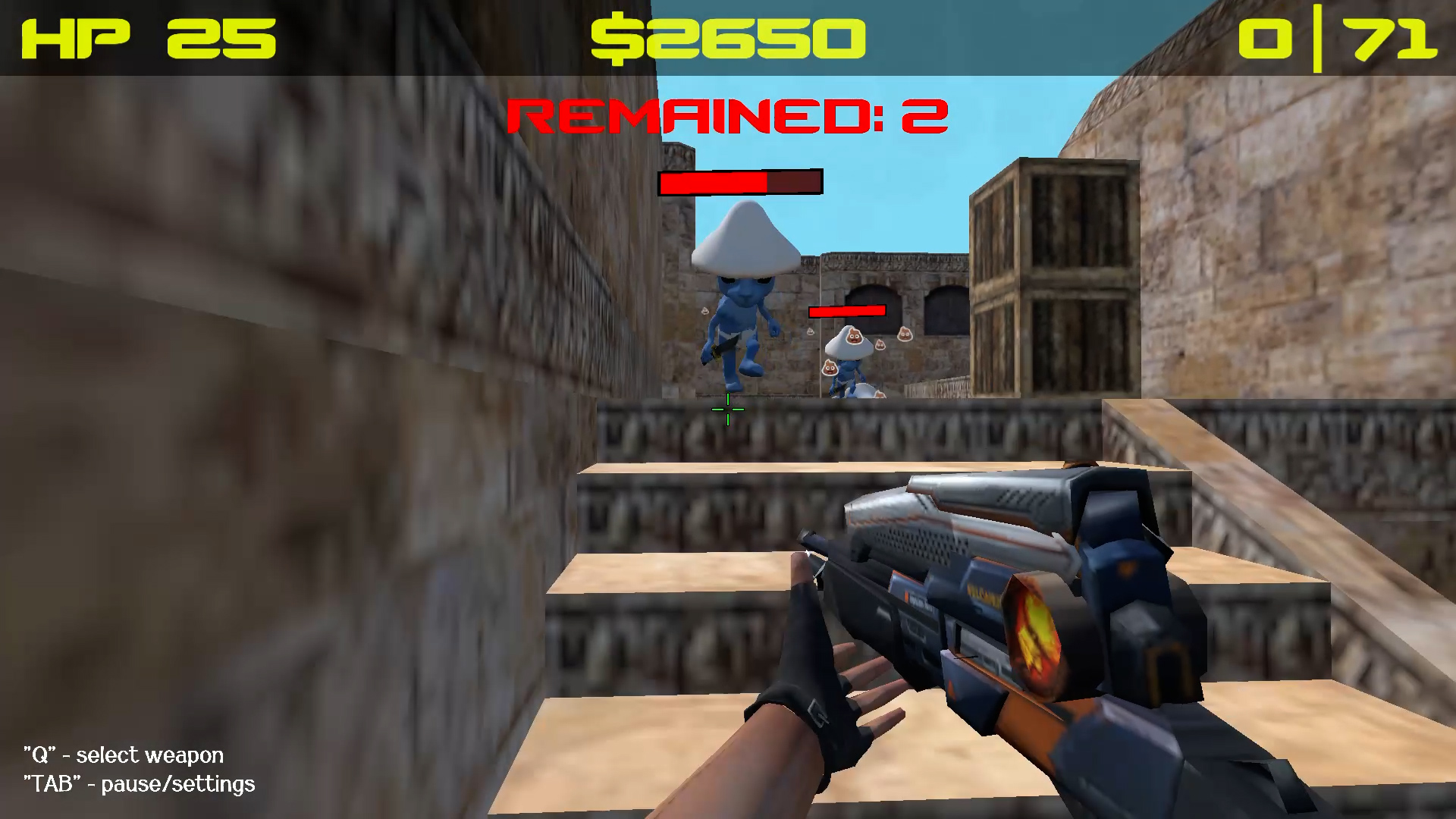
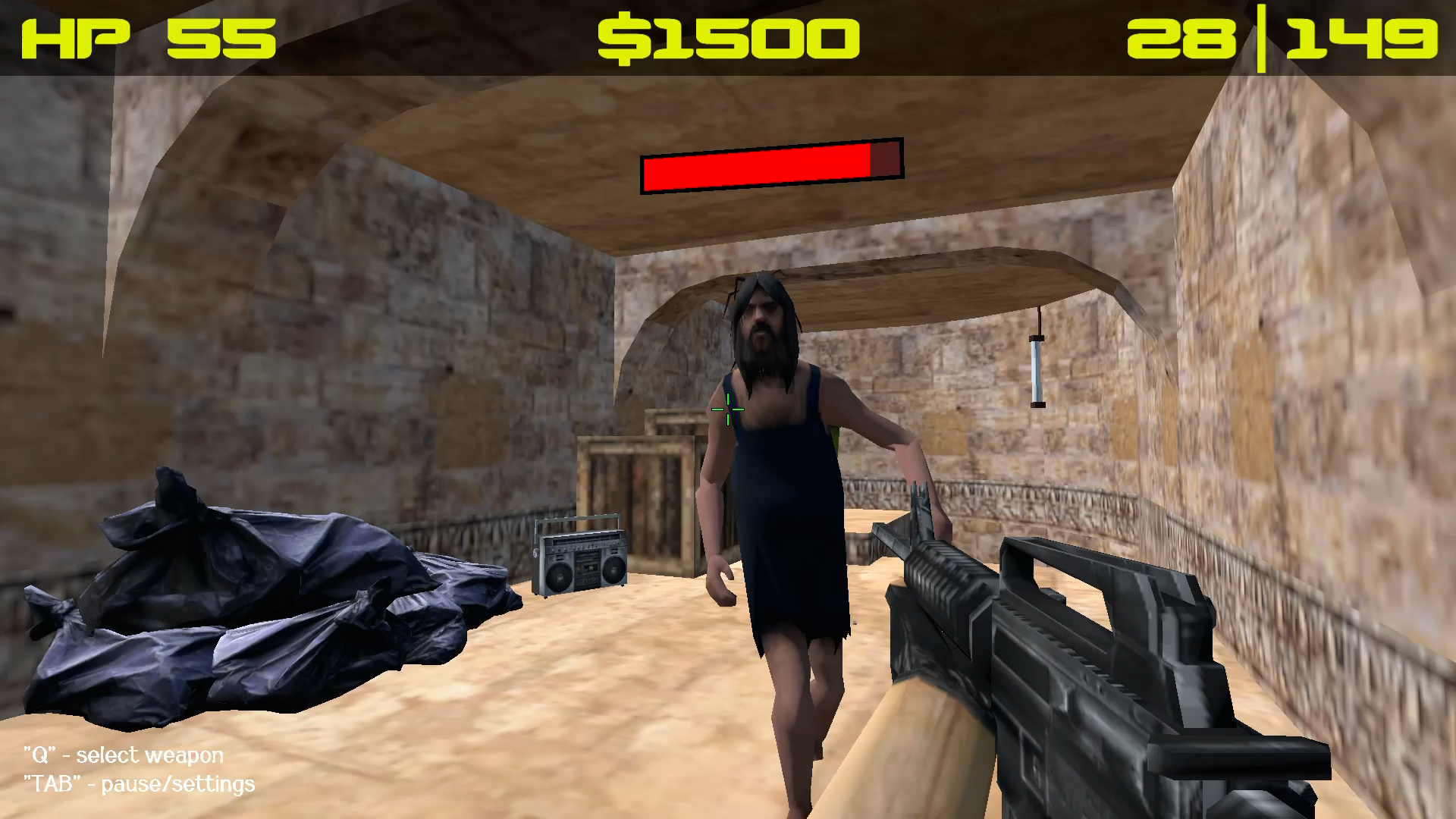
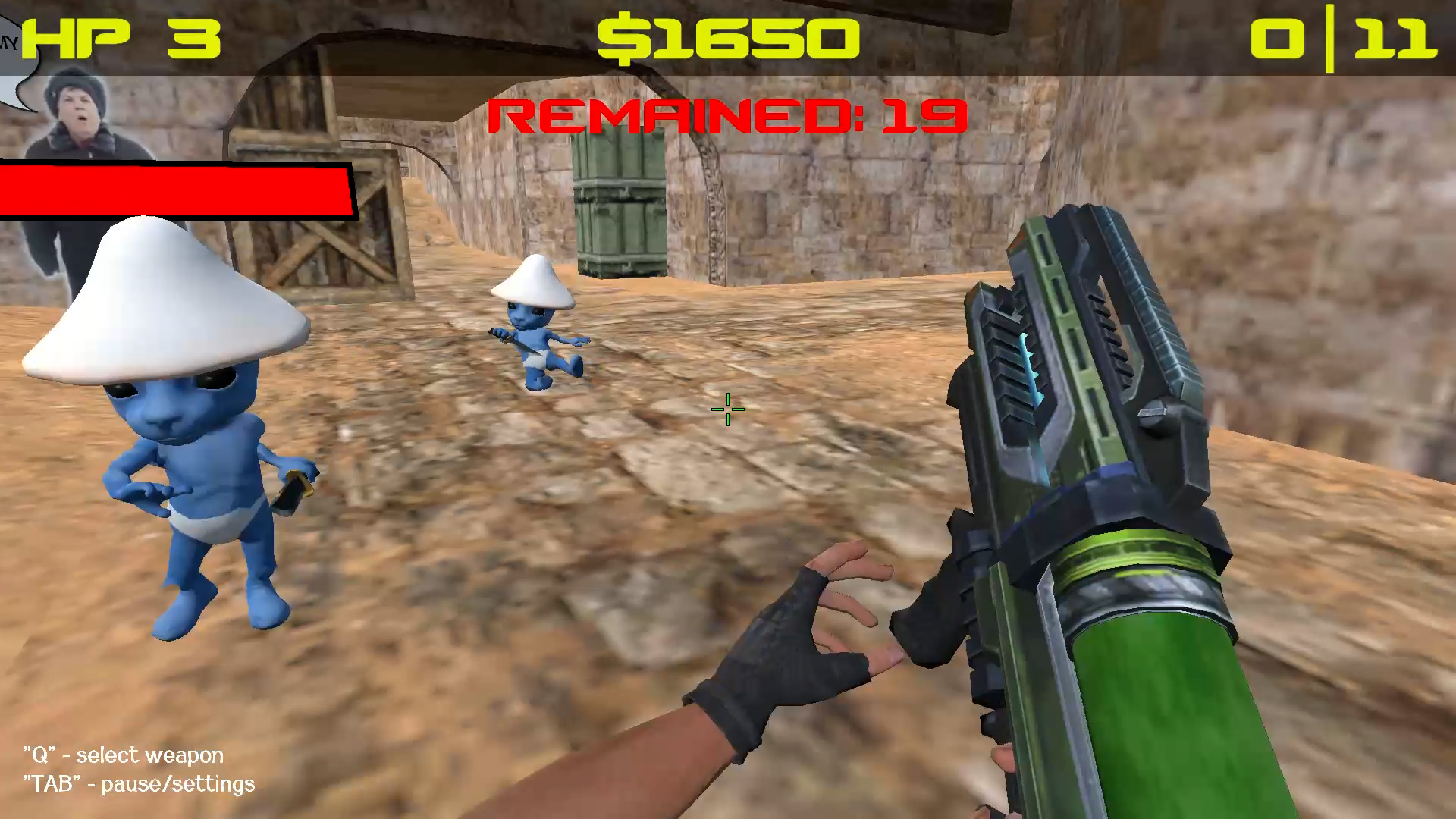
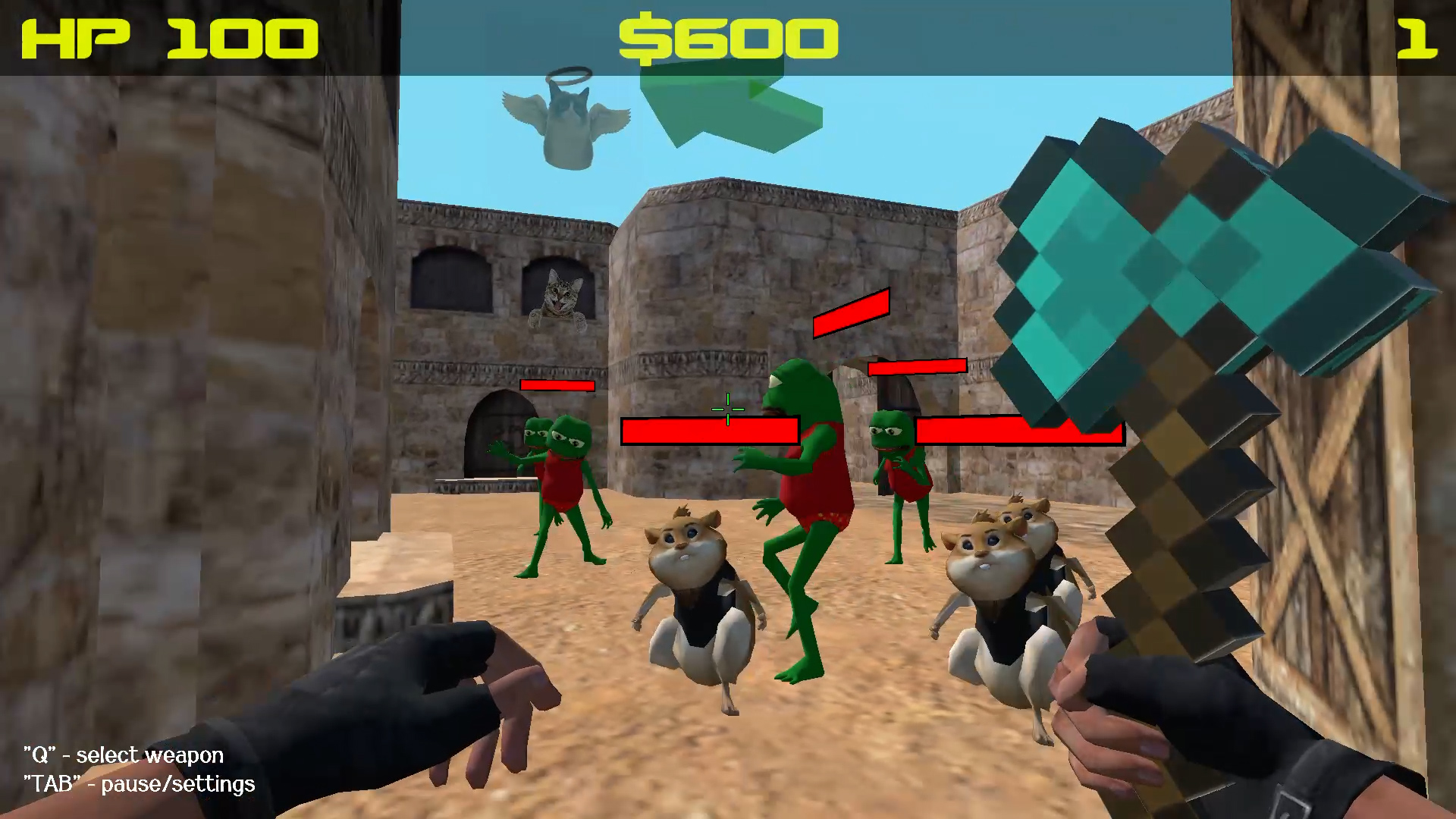
Memland is captured by evil memes. Your task is to free the inhabitants of this cheerful country and return their former freedom to them. A hilariously funny and at the same time responsible adventure awaits you. Forward, friend! They are waiting for your help! - Complete quests for a reward; - Buy weapons; - Fight like a fierce lion with enemies; - Get a magic carrot and open a portal;

Videos and screenshots
  • Save Memes 3D screenshot 1
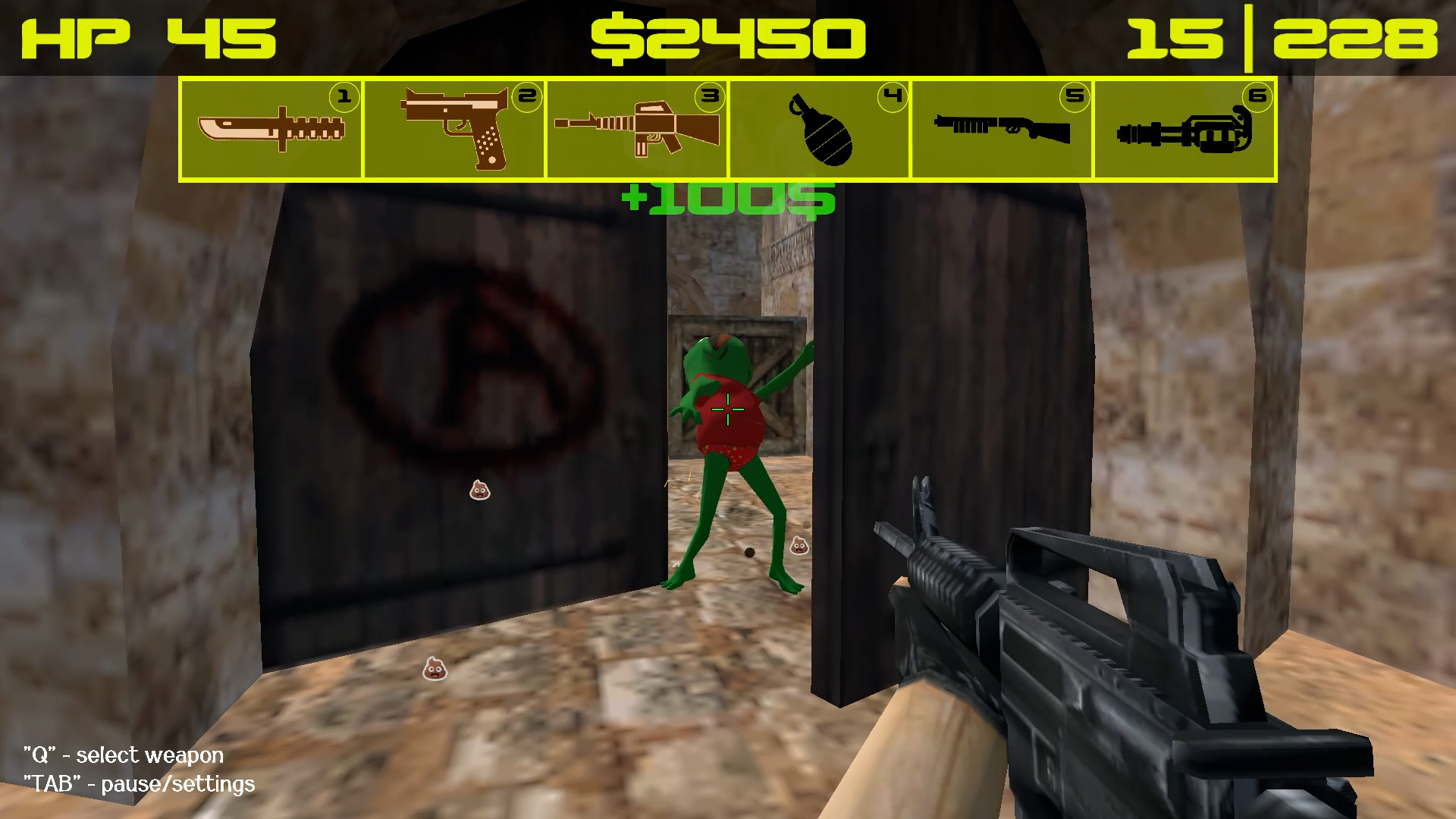
  • Save Memes 3D screenshot 2
  • Save Memes 3D screenshot 3
  • Save Memes 3D screenshot 4
  • Save Memes 3D screenshot 5
  • Save Memes 3D screenshot 6
  • Save Memes 3D screenshot 7
  • Save Memes 3D screenshot 8
  • Save Memes 3D screenshot 9
  • Save Memes 3D screenshot 10
  • Save Memes 3D screenshot 11
  • Save Memes 3D screenshot 12
  • Save Memes 3D screenshot 13
  • Save Memes 3D screenshot 14
  • Save Memes 3D screenshot 15
  • Save Memes 3D screenshot 16
  • Save Memes 3D screenshot 17
  • Save Memes 3D screenshot 18
  • Save Memes 3D screenshot 19
  • Save Memes 3D screenshot 20
Play Now

12,408 players online

How to play

  1. Open the game

    Press Play now and the game opens on its own screen.

  2. Follow the in-game instructions

    The controls and goals are shown inside the game as you play.

  3. Use the game menu

    The floating button over the game reloads it, saves it to your favourites, or takes you back out.
Game instructions

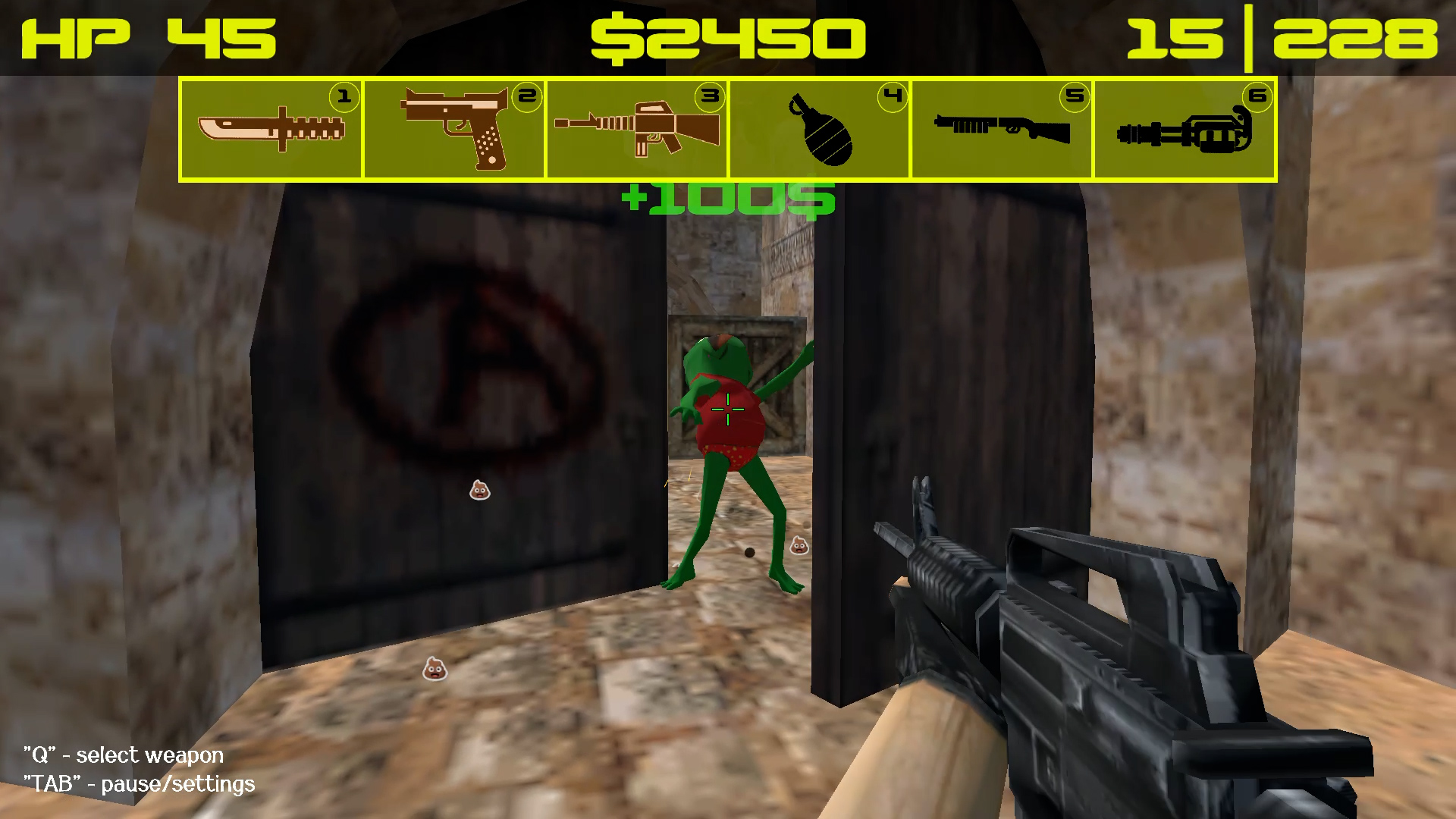
For PC: - WASD- character movement (forward, backward, left, right); - Left mouse button - shoot, hit with an axe or throw a grenade; - ТАВ - call settings/pause; - Q - display the player's weapons; - R - reloading weapons - 1,2,3,4,5,6 - quick access to available weapons; For mobile devices: - Movement using the joystick on the left side of the screen; - Using the lower right part of the screen to control the camera; - The buttons for shooting, changing weapons and reloading are located in the upper right corner; - The button for calling settings/pause is located in the upper left part;

More games

More games