Overview
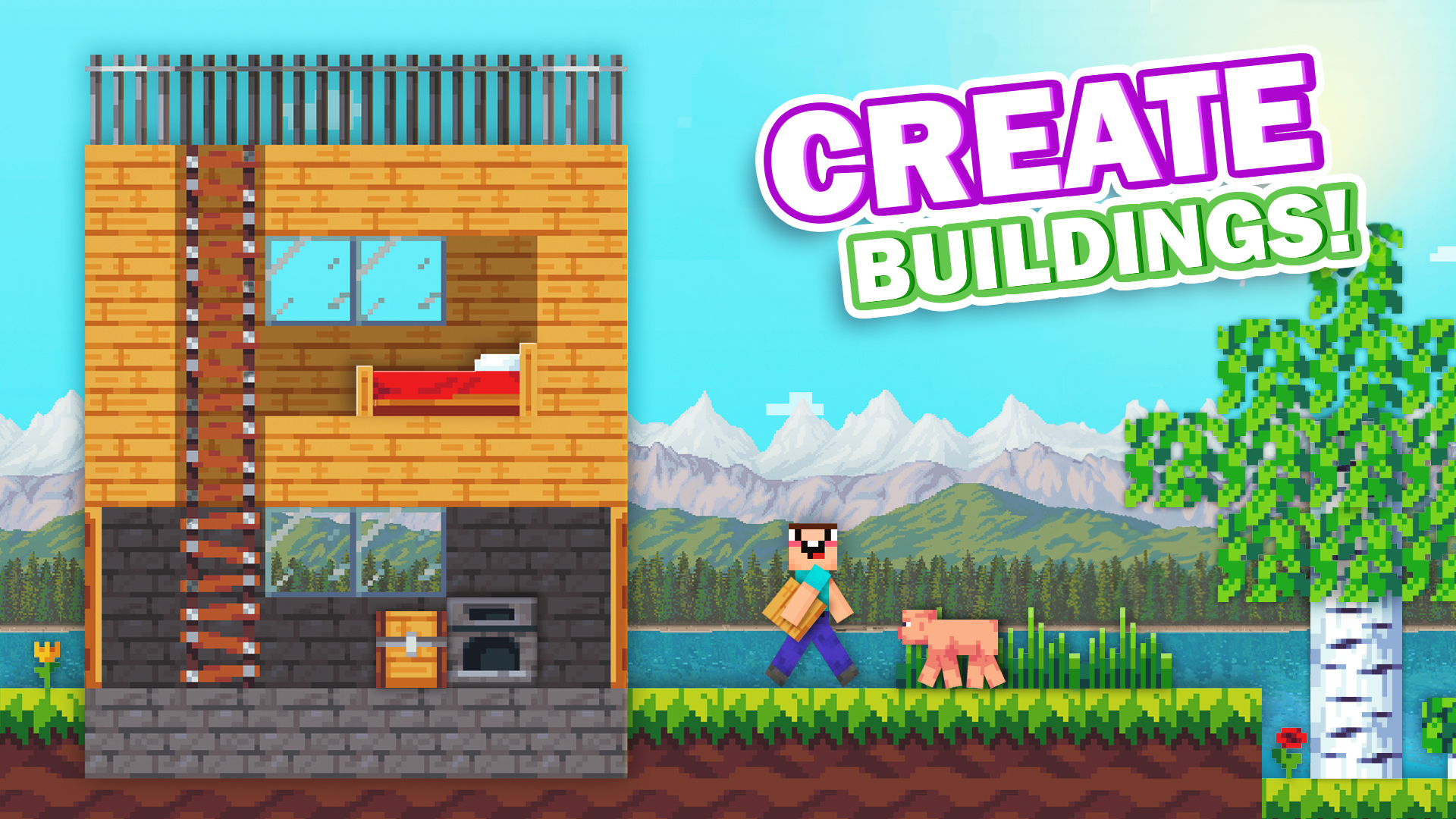
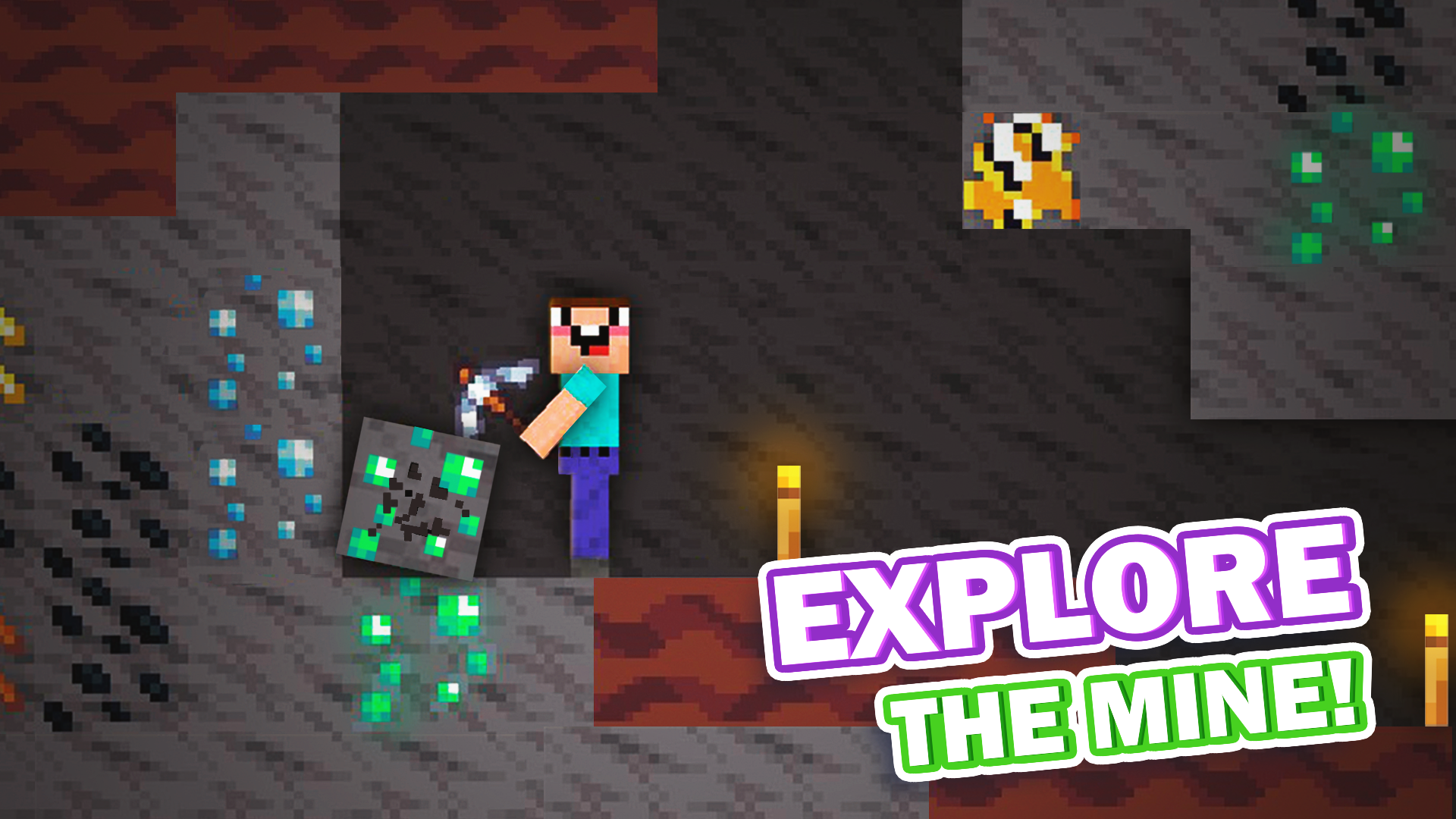
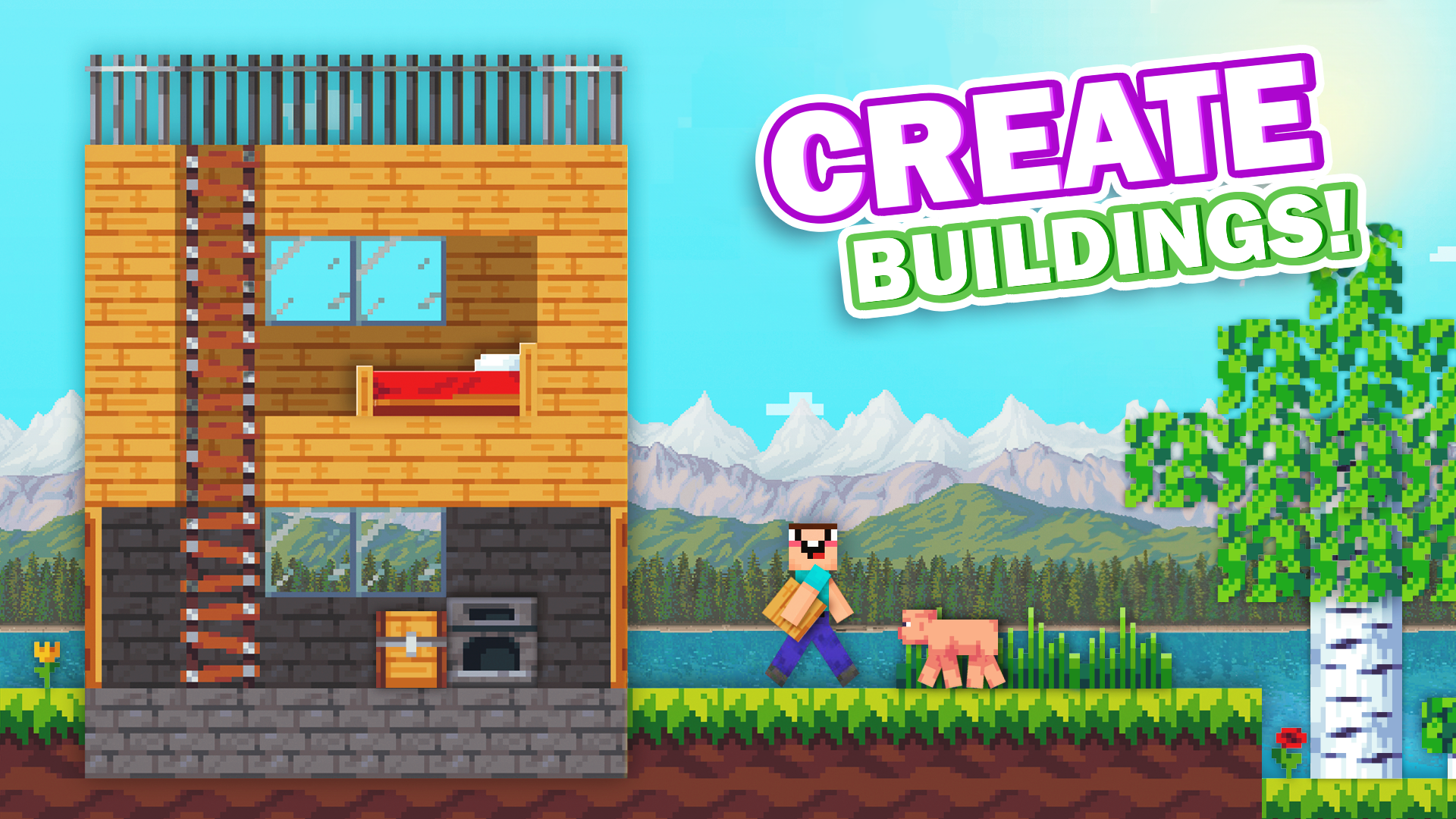
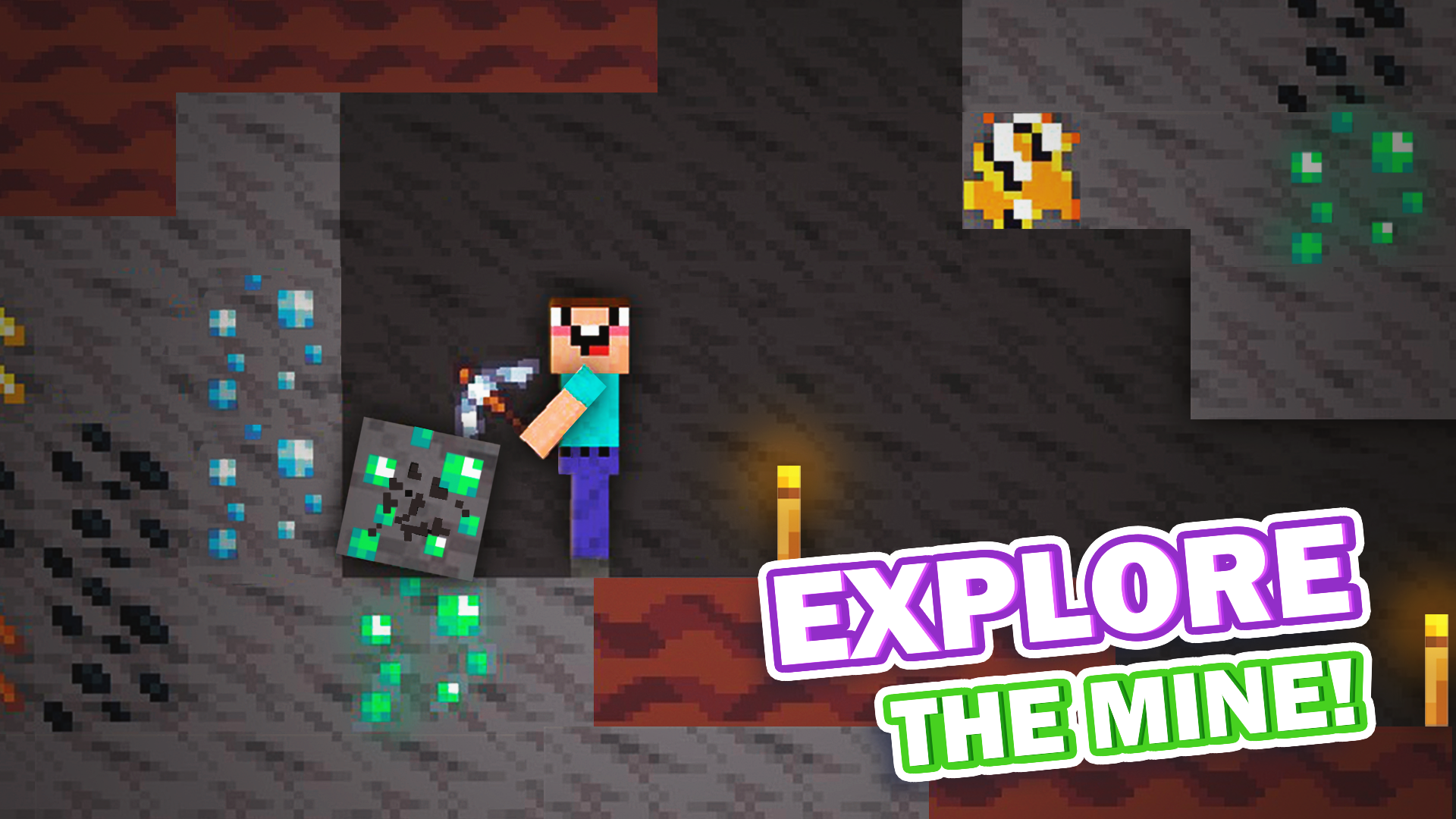
You have a whole open world in front of you, where you can do anything you want: complete challenging tasks, mine and improve resources, and build grandiose constructions from blocks! Sounds easy, but it's not that simple - monsters with the frightening Herobrine will try to interfere with your plans!
GAME FEATURES:
Modern 2D graphics: dive headfirst into the survival atmosphere, the environment will take you to the addictive world of Nubik!
Generated world: two biomes with random world generation makes the game completely unpredictable!
Easy gameplay: Detailed tutorials on all game mechanics and resources to explore right at the start.
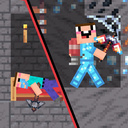
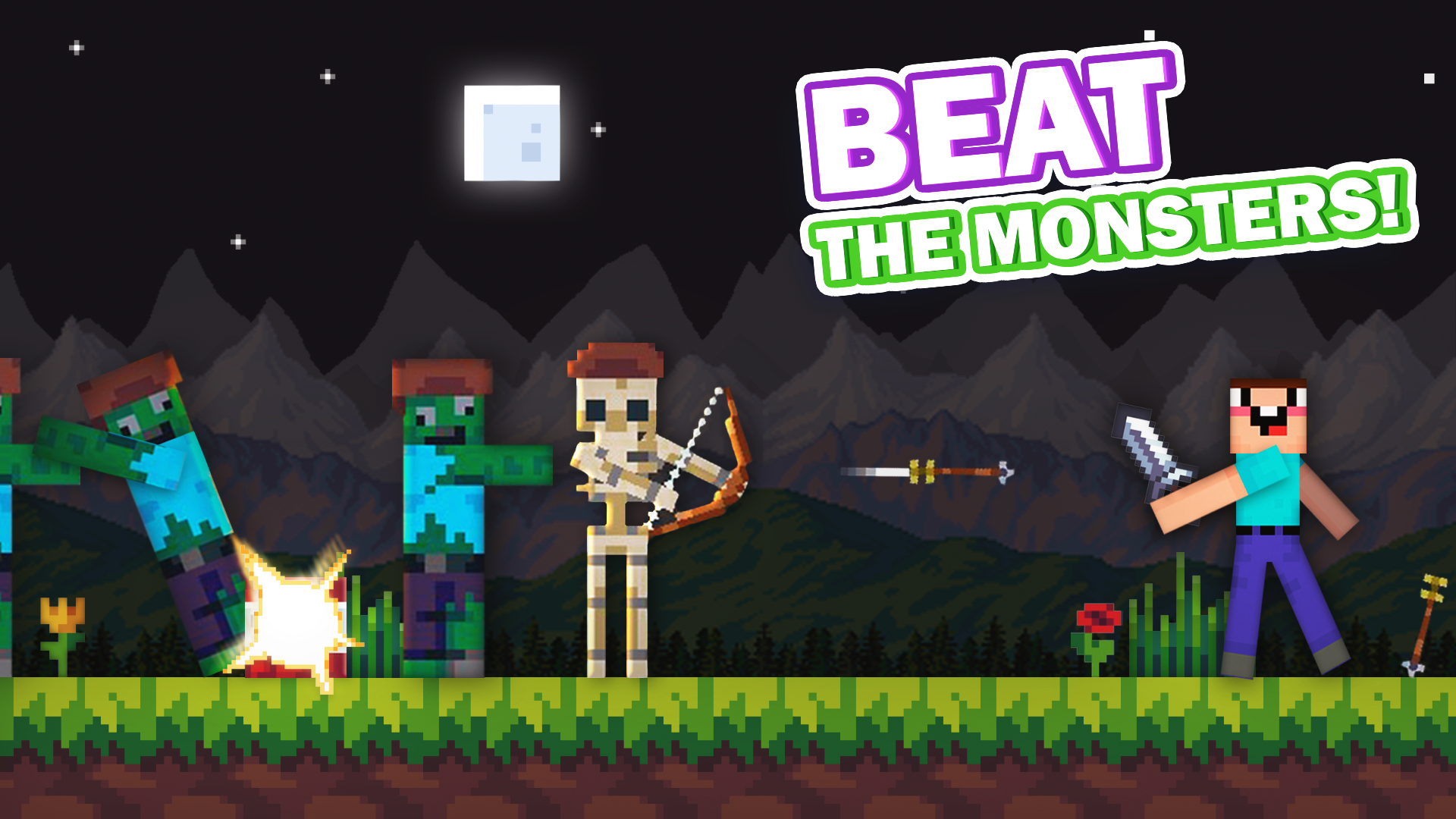
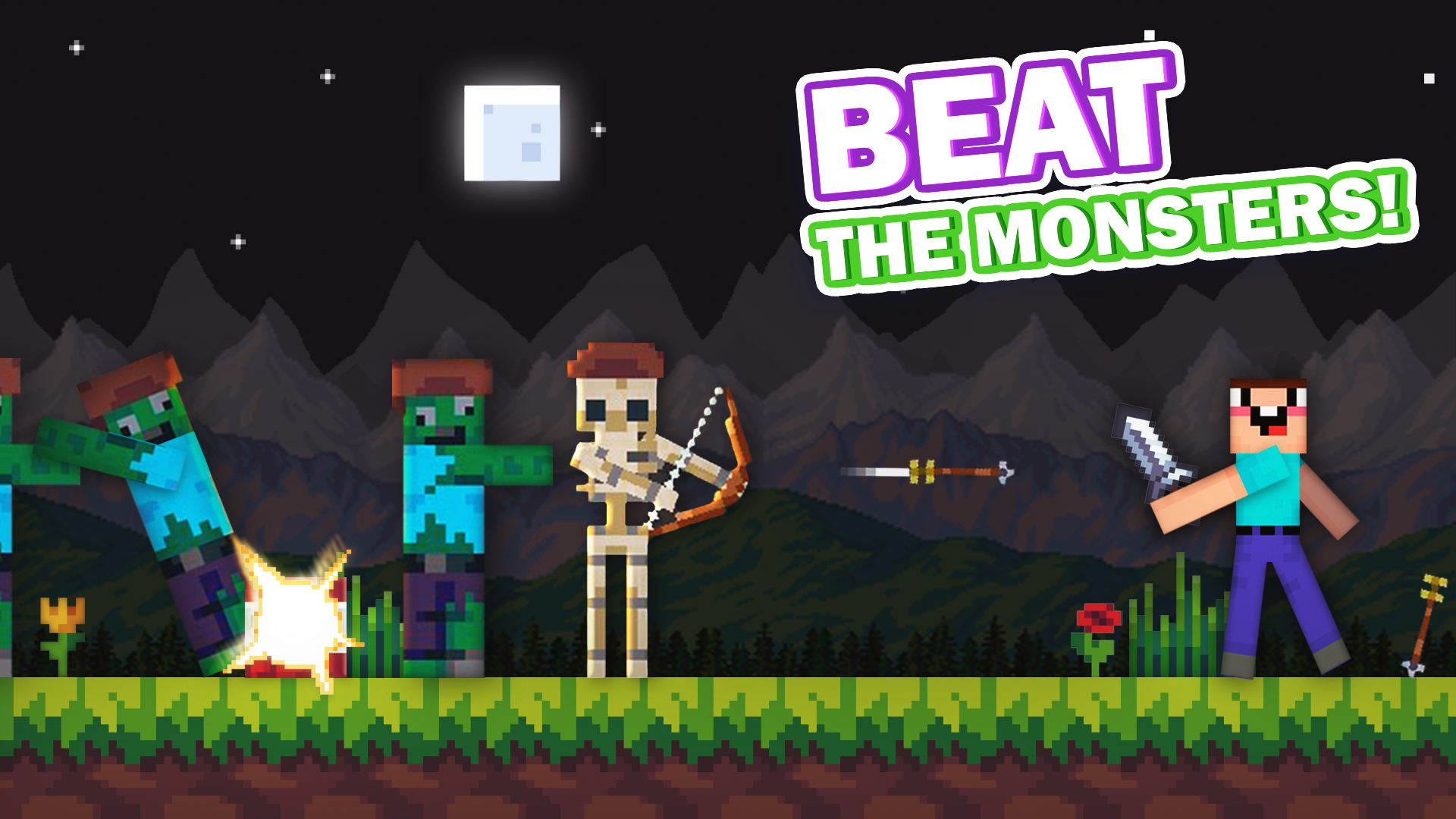
Beware of Monsters: You will have to fight off zombies and skeletons that want you dead. Do everything you can to save your life!
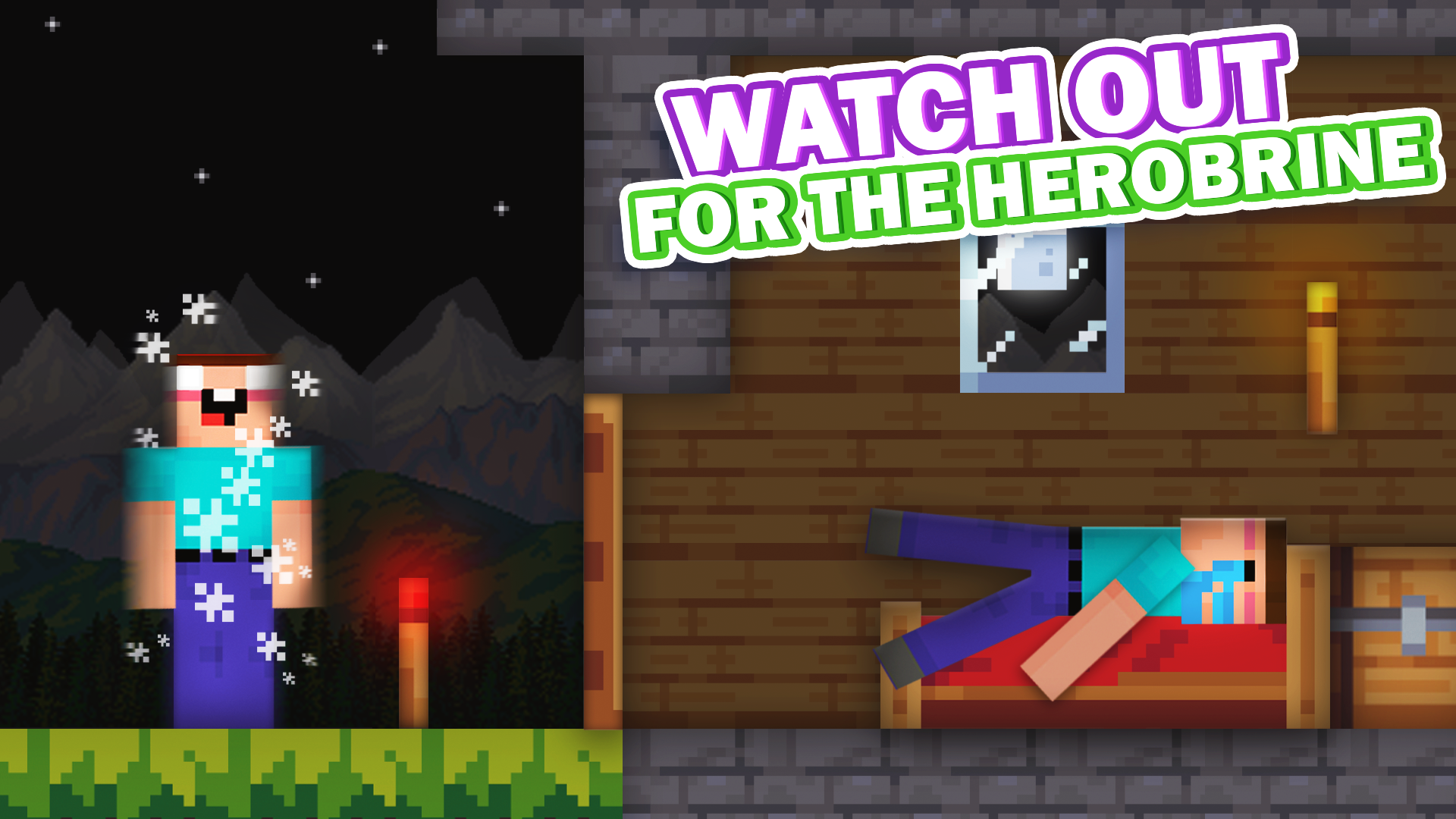
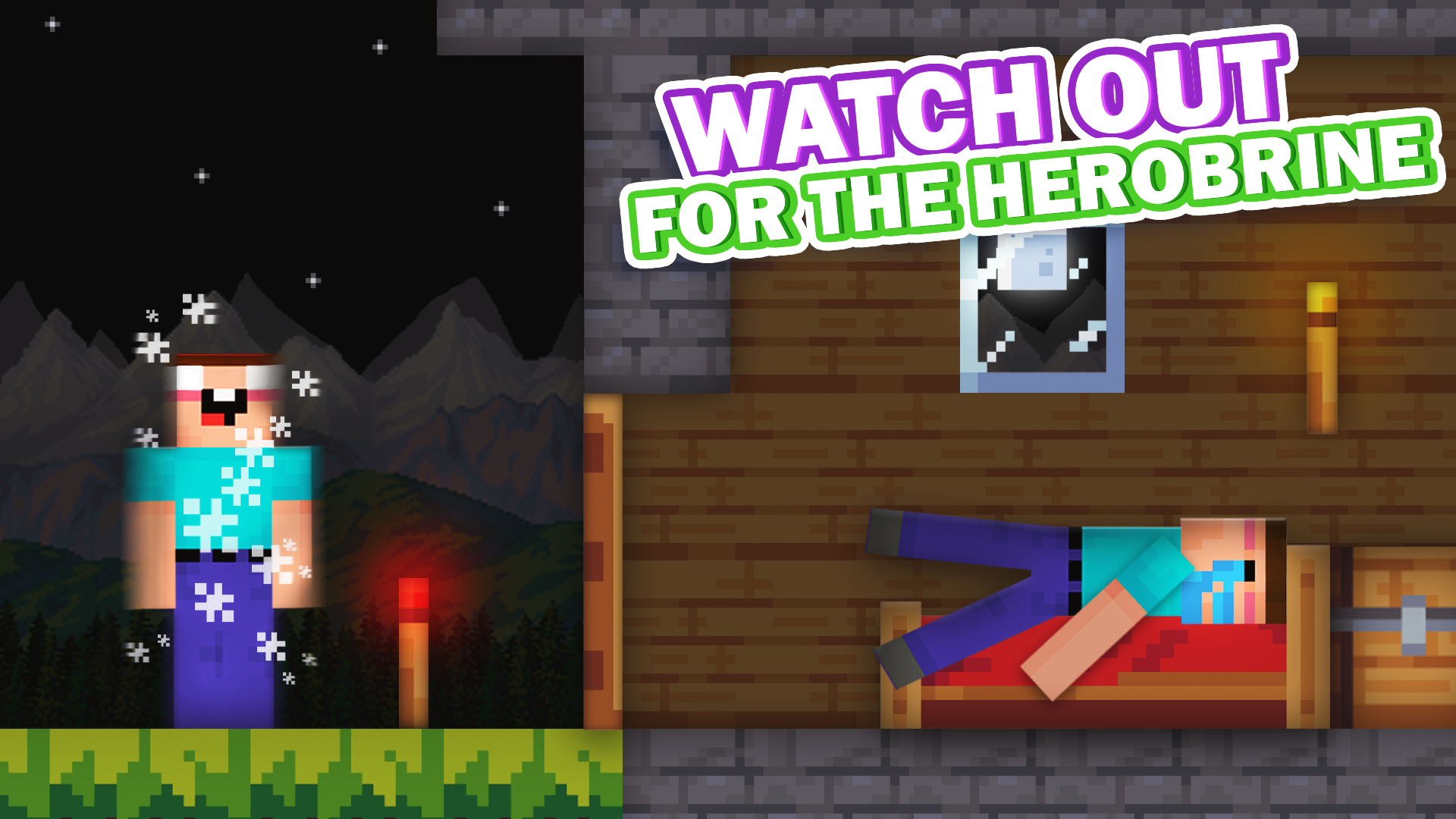
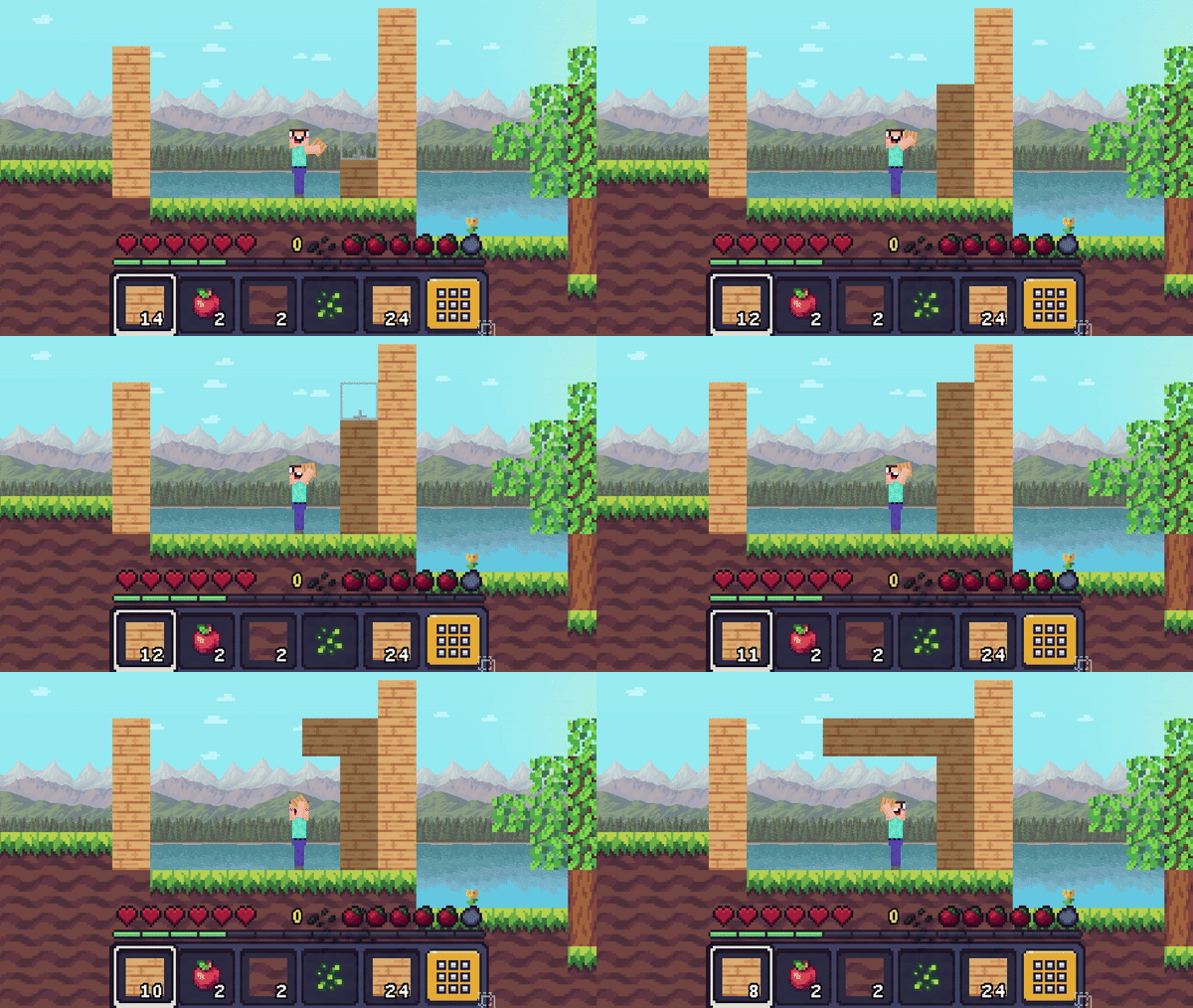
Herobrine: A frightening type who will try to scare you in every possible way: building structures, suddenly appearing and disappearing, and lifting you into the air!
Will you be able to overcome your fears and survive?
Videos and screenshots
11,793 players online
How to play
-
Open the game
Press Play now and the game opens on its own screen.
-
Follow the in-game instructions
The controls and goals are shown inside the game as you play.
-
Use the game menu
The floating button over the game reloads it, saves it to your favourites, or takes you back out.