Skip to content
KG
Mine Energy 2

Mine Energy 2

1K plays 3.9 out of 5

Overview

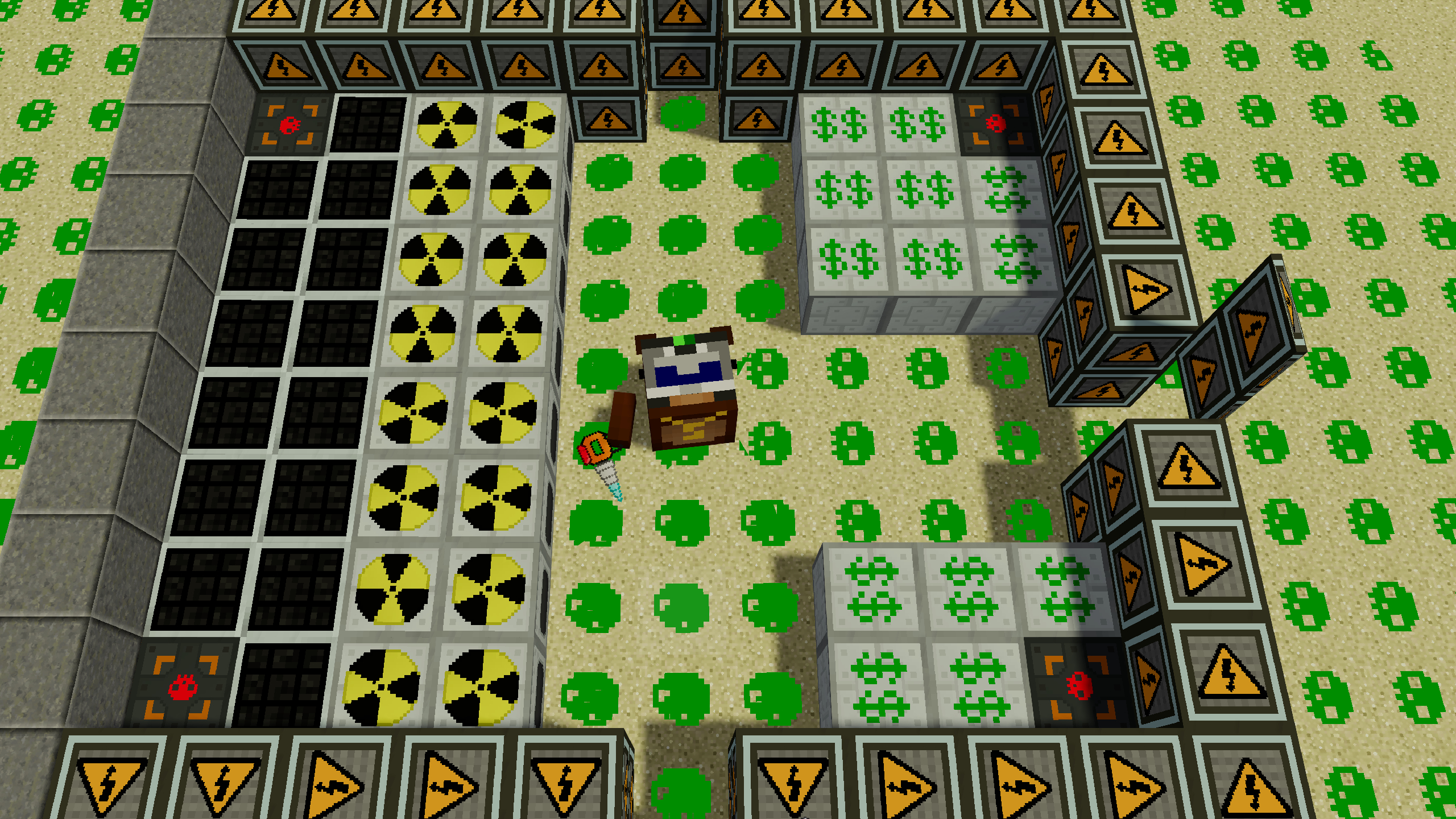
The game is similar to minecraft with industrial technology mods. The uniqueness of the game is that by extracting energy, you can sell it and buy various upgrades, tools and blocks. The game will be of interest to all Minecraft fans. For those who love industrial fashion. And for those who like to earn money and be the first among other players! The game has different ores and corresponding tools for extracting resources from these ores. For the extracted resources in the store you can buy basic blocks: energy generators, energy sellers, improved pickaxes and swords, walls to strengthen the base. But this is only the basic level. Next, you will have to install improved generators and sell energy for money. And for money in the store you can buy almost everything! Top players participate in the game. Compete with other players for the amount of energy and money received. Take first place!

Videos and screenshots
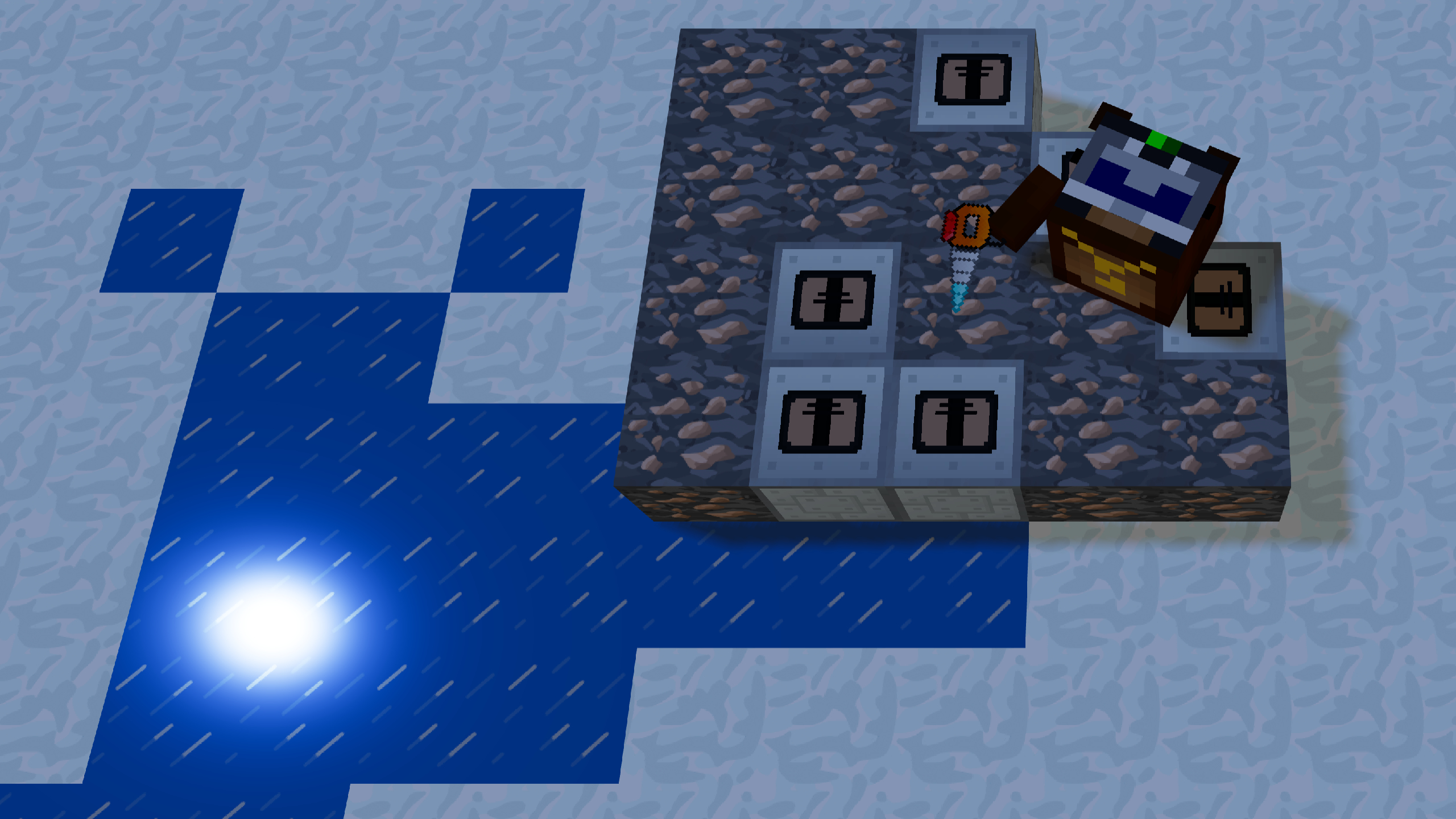
  • Mine Energy 2 screenshot 1
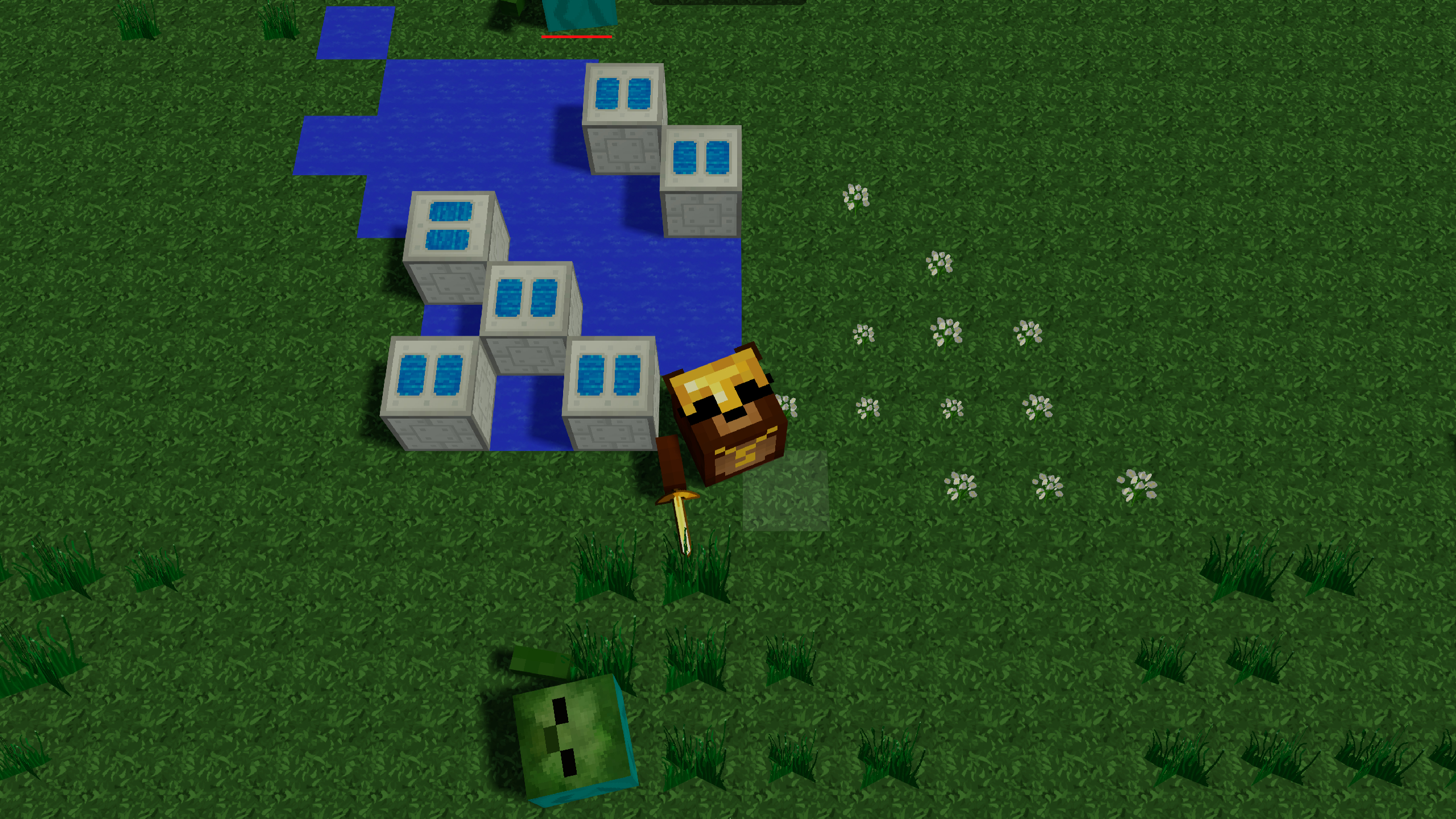
  • Mine Energy 2 screenshot 2
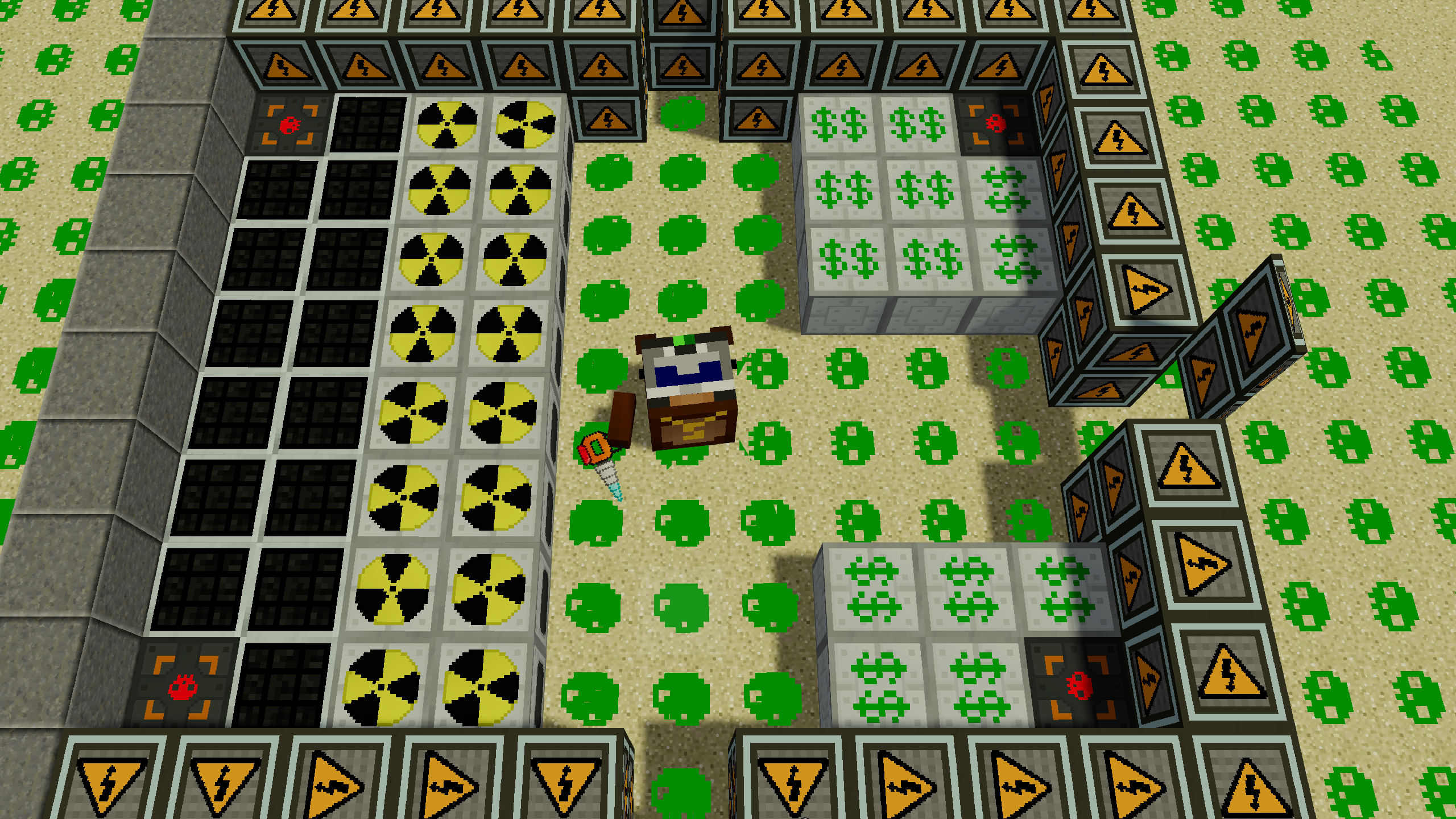
  • Mine Energy 2 screenshot 3
  • Mine Energy 2 screenshot 4
  • Mine Energy 2 screenshot 5
  • Mine Energy 2 screenshot 6
Play Now

10,218 players online

How to play

  1. Open the game

    Press Play now and the game opens on its own screen.

  2. Follow the in-game instructions

    The controls and goals are shown inside the game as you play.

  3. Use the game menu

    The floating button over the game reloads it, saves it to your favourites, or takes you back out.
Game instructions

Select a character skin, enter your nickname and click the "Play" button. You will appear in one of the zones on the map. There are 3 zones on the map: the cold north at the top, the tropics in the center, and the hot desert at the bottom. Look around with your mouse and move towards the coal and iron ores by pressing the WASD keys on your keyboard. Get resources by pressing LMB. Open the store with the Q button. If you have enough resources, you can buy one of the energy generators. Close the store and press the E key. The inventory will open, all your blocks and tools are located here. The top line contains quick access slots; they are duplicated at the bottom of the screen. Close your inventory and select the block you bought using keys 1 to 4. Place the block in the selected location by pressing LMB. You will receive energy, money and move to the top 1! But be careful. There are other players and mobs walking around who may want to interfere with you or take away your resources.

More games

More games