Overview
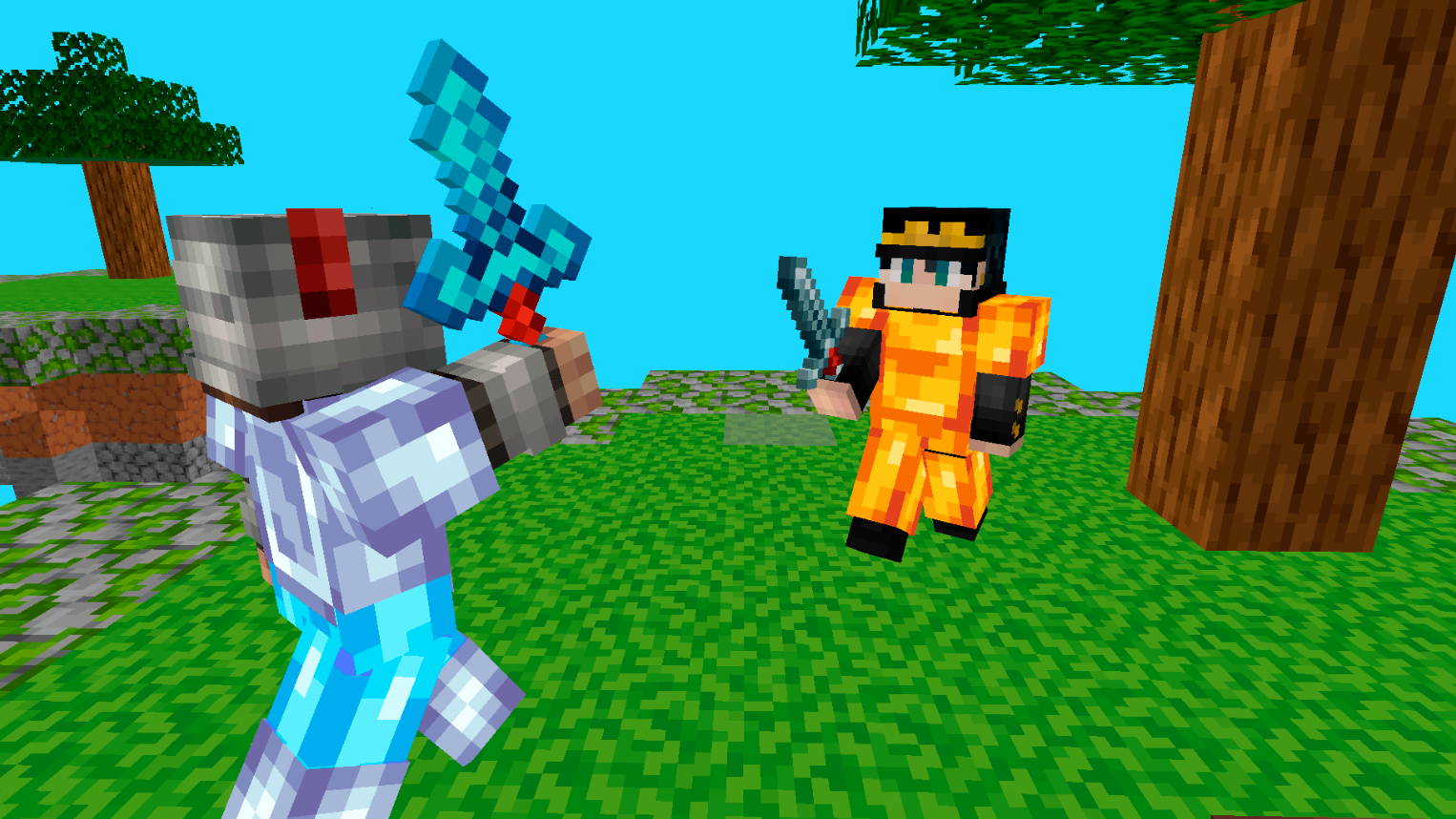
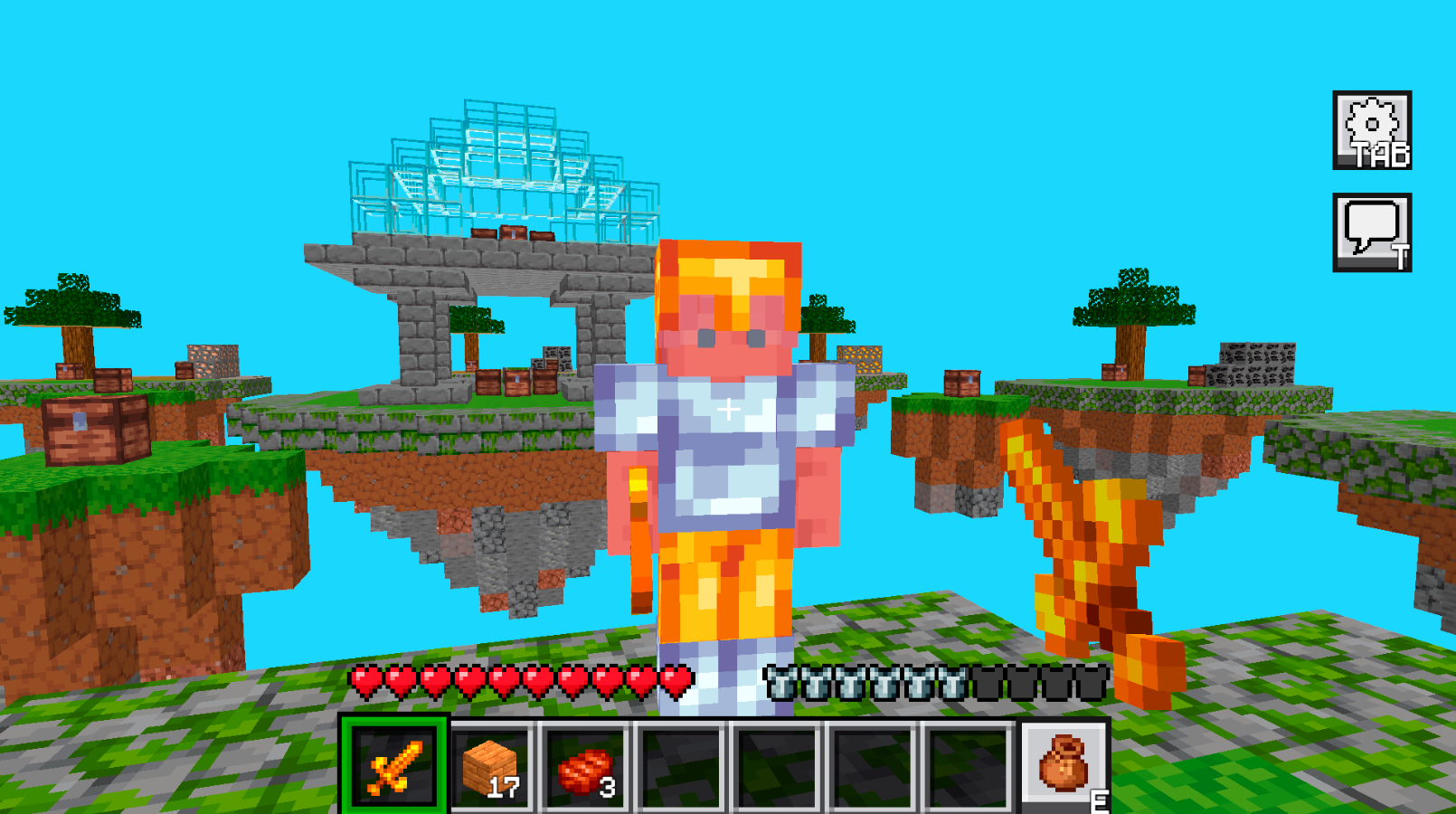
SkyWars Online is a dynamic multiplayer PvP game where players fight against each other on floating islands in the sky. At the start of each match, every player spawns on their own island, collects resources from chests, gathers blocks, weapons, and armor, then builds bridges to neighboring islands to attack opponents and survive until the end of the game.
The game features fast online matches, an inventory system, block building, PvP combat, and a variety of maps. Players must use tactics, quick reactions, and building skills to defeat enemies and climb to the top of the rankings.
SkyWars Online combines elements of survival, battle royale, and classic block-style mini-games. Play with friends, improve your PvP skills, discover new strategies, and become the ultimate champion of the sky arena!
Videos and screenshots
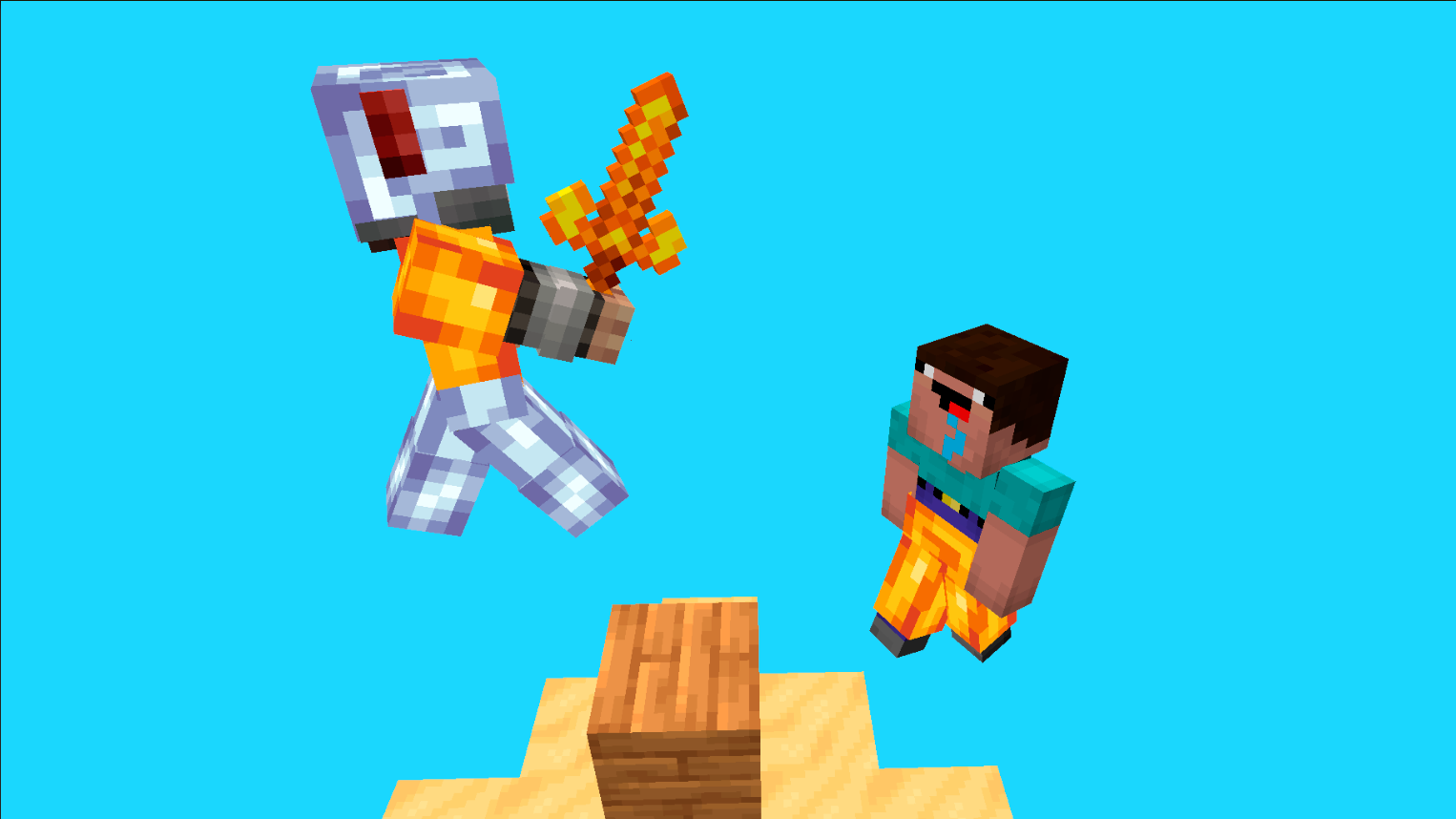
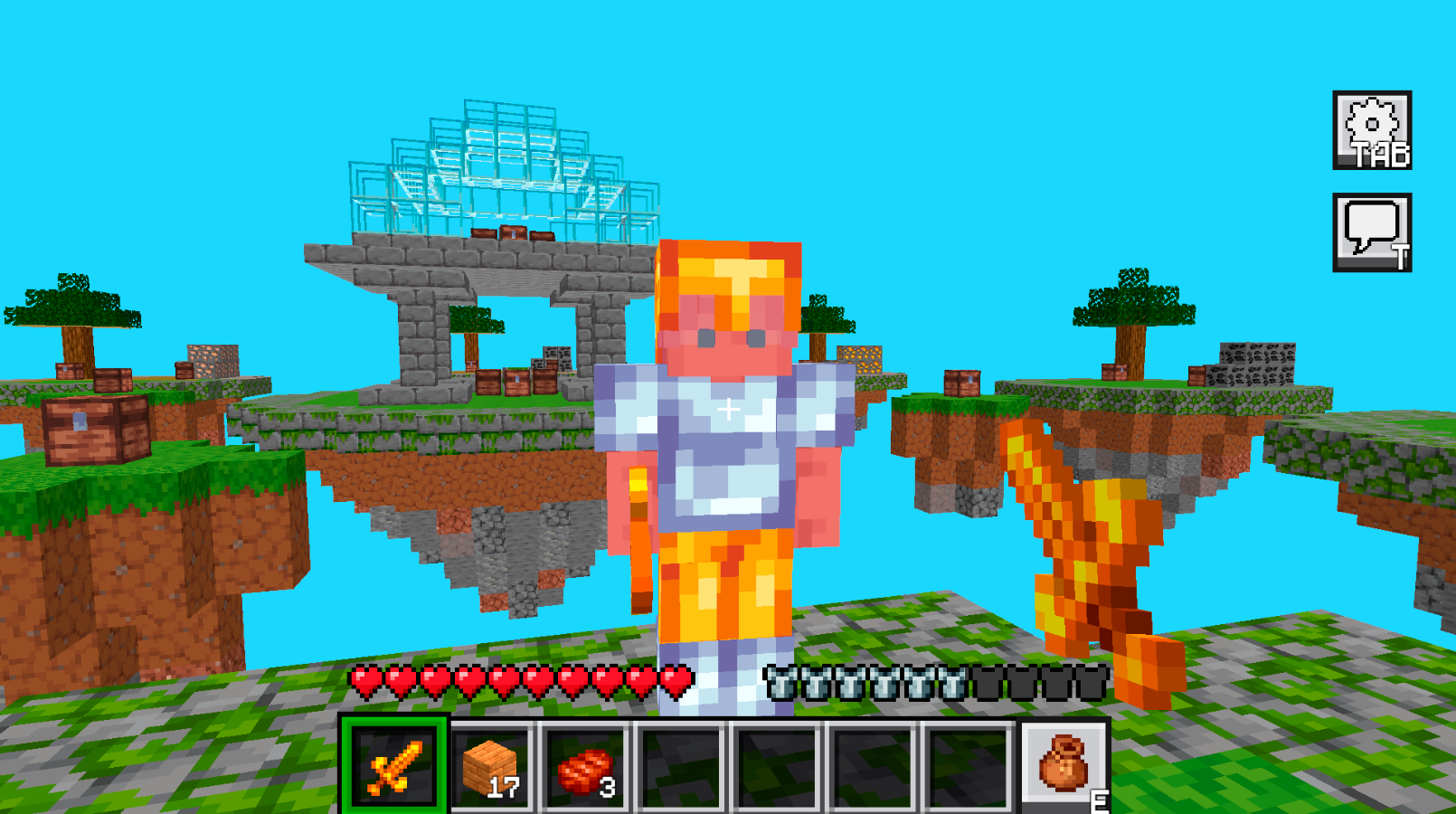
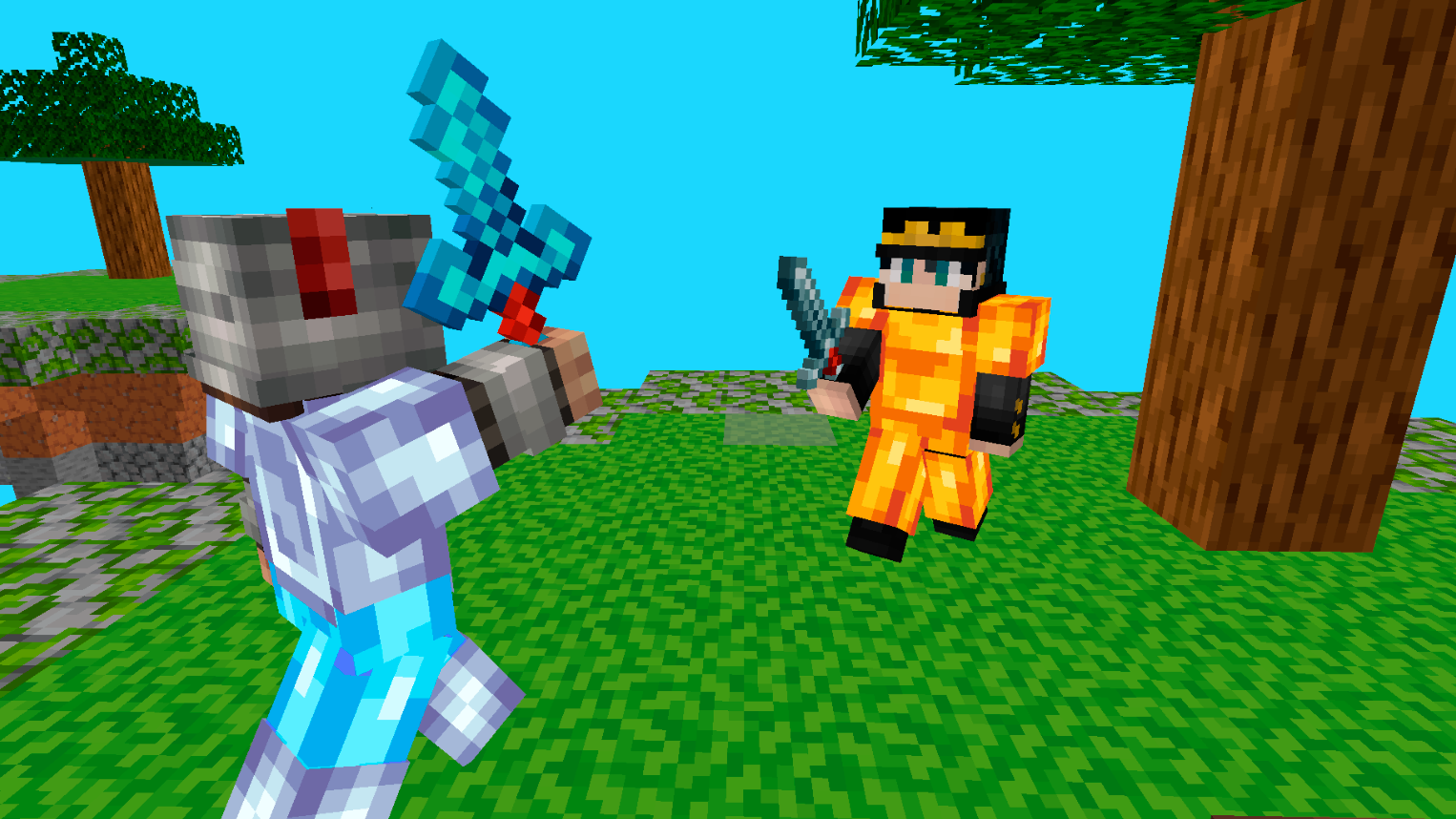
10,080 players online
How to play
-
Open the game
Press Play now and the game opens on its own screen.
-
Follow the in-game instructions
The controls and goals are shown inside the game as you play.
-
Use the game menu
The floating button over the game reloads it, saves it to your favourites, or takes you back out.