Skip to content
KG
Misade: Escape from the House

Misade: Escape from the House

19K plays 4.1 out of 5

Overview

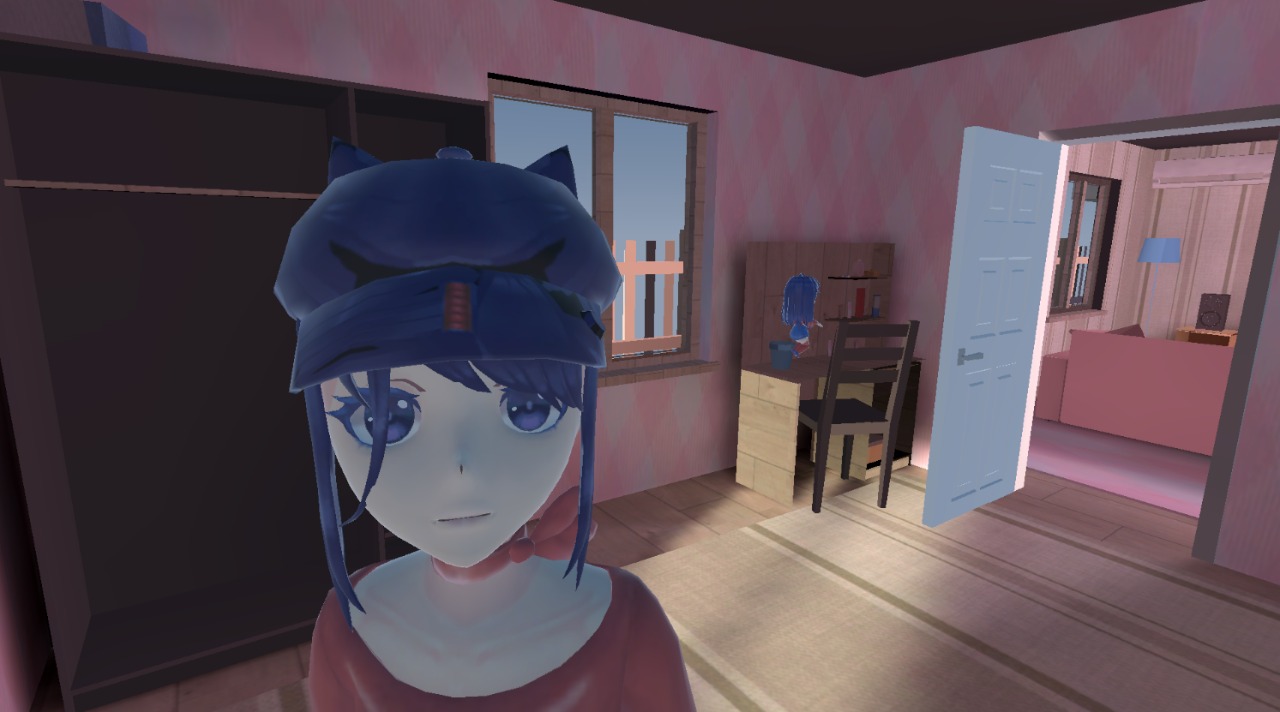
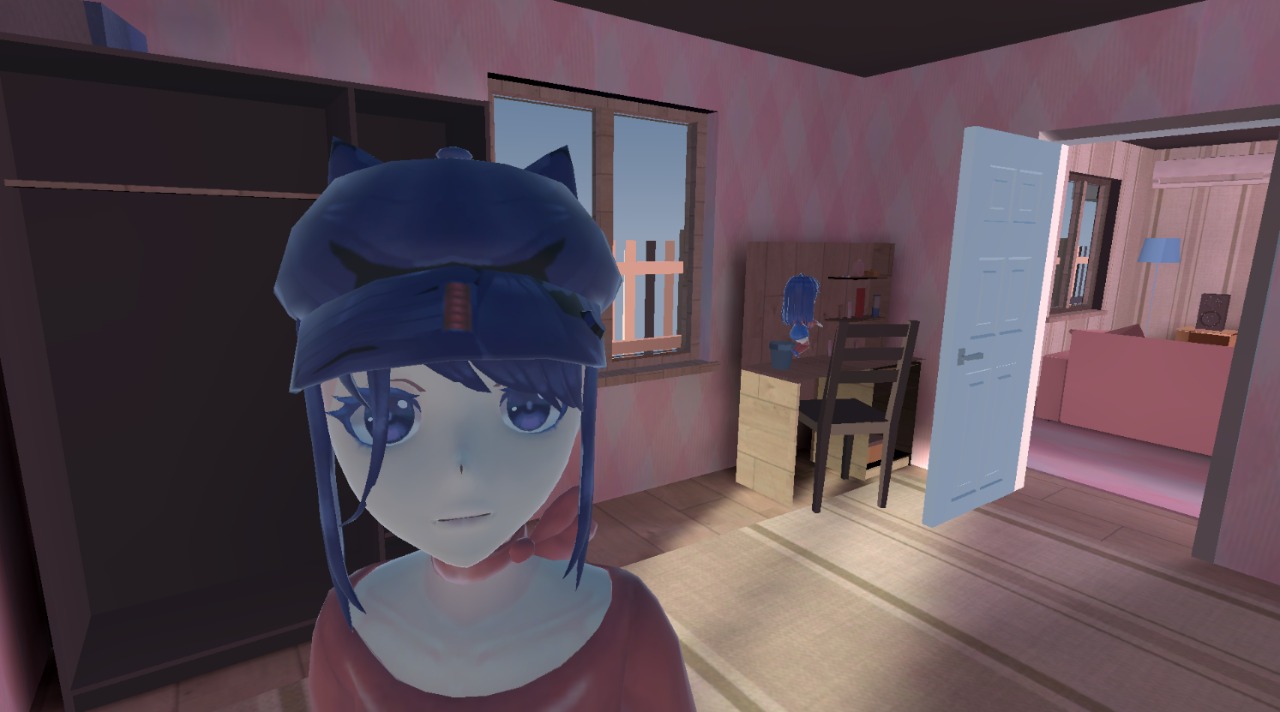
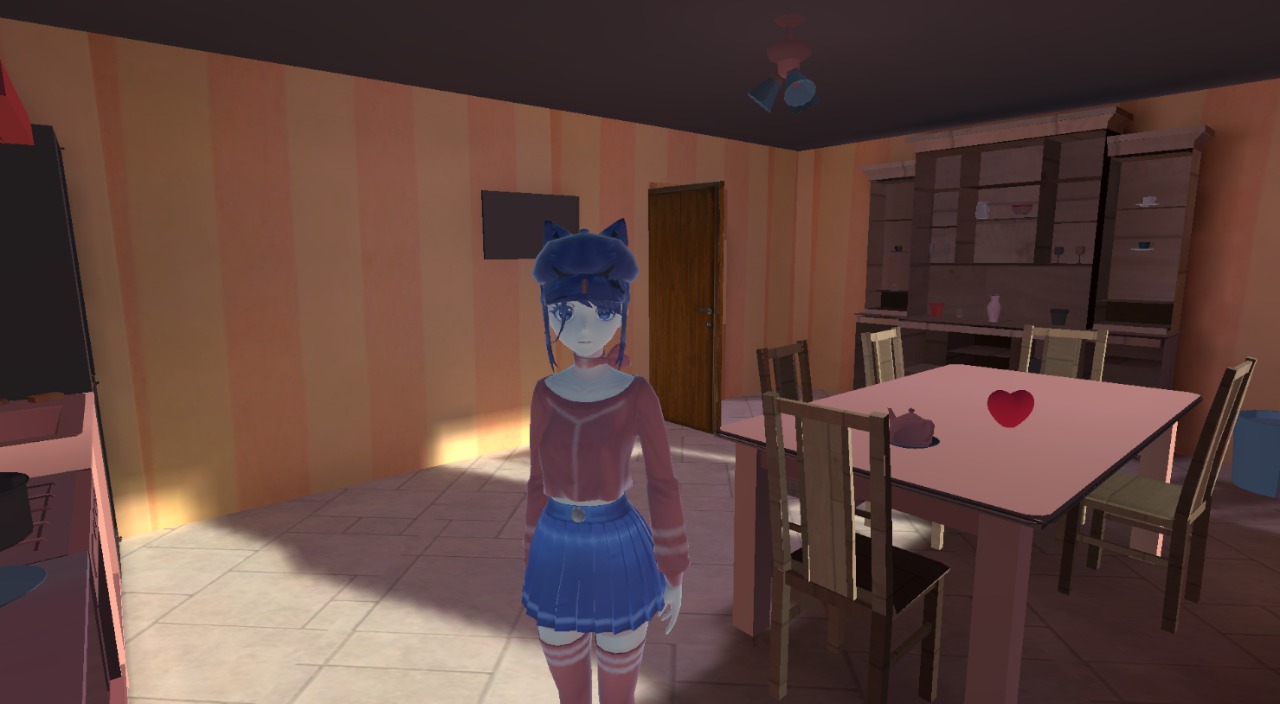
You are in the house with Mita, and you need to help her run away! Find keys and connect electronics to open doors. Mita is always following you, talking and looking at you with her big eyes! There are a lot of memes and objects to interact with in the house.

Videos and screenshots
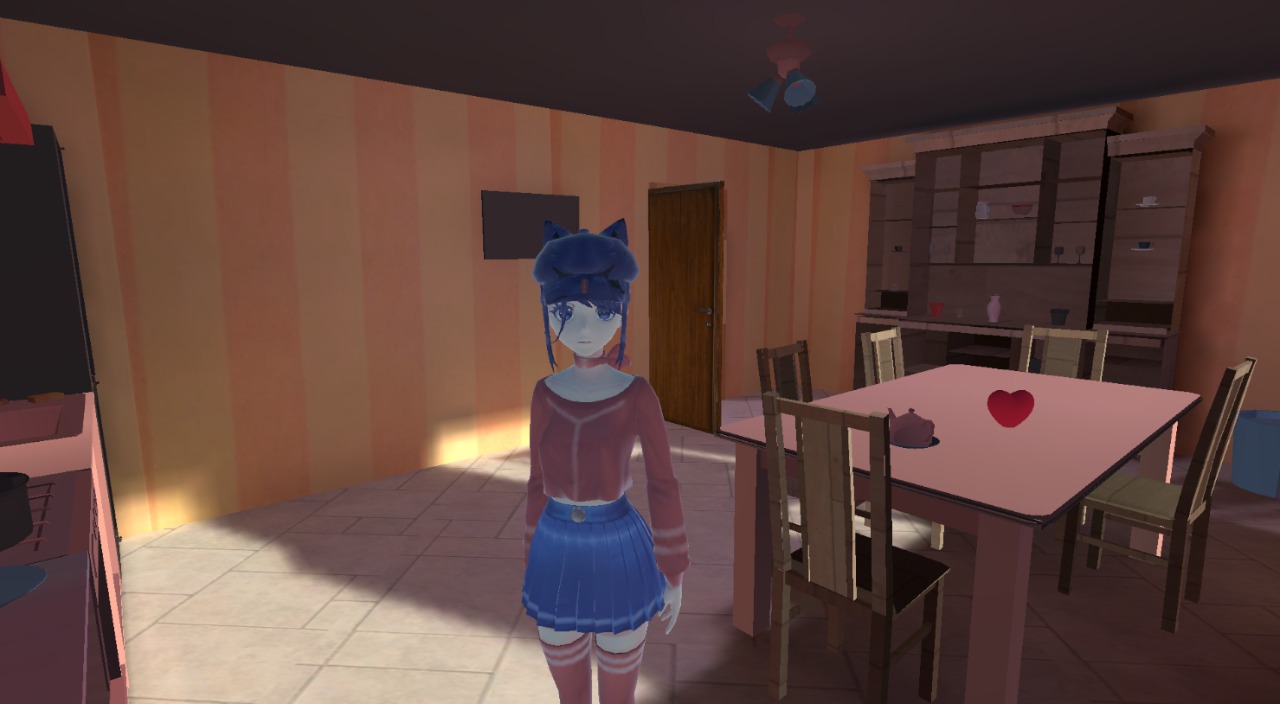
  • Misade: Escape from the House screenshot 1
  • Misade: Escape from the House screenshot 2
  • Misade: Escape from the House screenshot 3
  • Misade: Escape from the House screenshot 4
  • Misade: Escape from the House screenshot 5
  • Misade: Escape from the House screenshot 6
  • Misade: Escape from the House screenshot 7
  • Misade: Escape from the House screenshot 8
  • Misade: Escape from the House screenshot 9
  • Misade: Escape from the House screenshot 10
  • Misade: Escape from the House screenshot 11
  • Misade: Escape from the House screenshot 12
  • Misade: Escape from the House screenshot 13
  • Misade: Escape from the House screenshot 14
  • Misade: Escape from the House screenshot 15
  • Misade: Escape from the House screenshot 16
  • Misade: Escape from the House screenshot 17
  • Misade: Escape from the House screenshot 18
  • Misade: Escape from the House screenshot 19
  • Misade: Escape from the House screenshot 20
  • Misade: Escape from the House screenshot 21
  • Misade: Escape from the House screenshot 22
  • Misade: Escape from the House screenshot 23
  • Misade: Escape from the House screenshot 24
Play Now

14,934 players online

How to play

  1. Open the game

    Press Play now and the game opens on its own screen.

  2. Follow the in-game instructions

    The controls and goals are shown inside the game as you play.

  3. Use the game menu

    The floating button over the game reloads it, saves it to your favourites, or takes you back out.
Game instructions

The main goal is to find all the keys and connect the electronics correctly. If you make Mita angry, you lose. PC Controls: Right mouse button: activate or hide cursor. WASD: move the character. Mouse movement: control the camera. Spacebar: jump. Interact with the environment (doors and bells) - Left mouse button. Mobile Controls: Left joystick: movement. Interact with the environment (doors and bells) - tap the button on the right side of the screen. Jump button on the right of the screen: jump. Right side of the screen: control the camera. Run icon: run. Crouch icon: crouch.

More games

More games