Overview
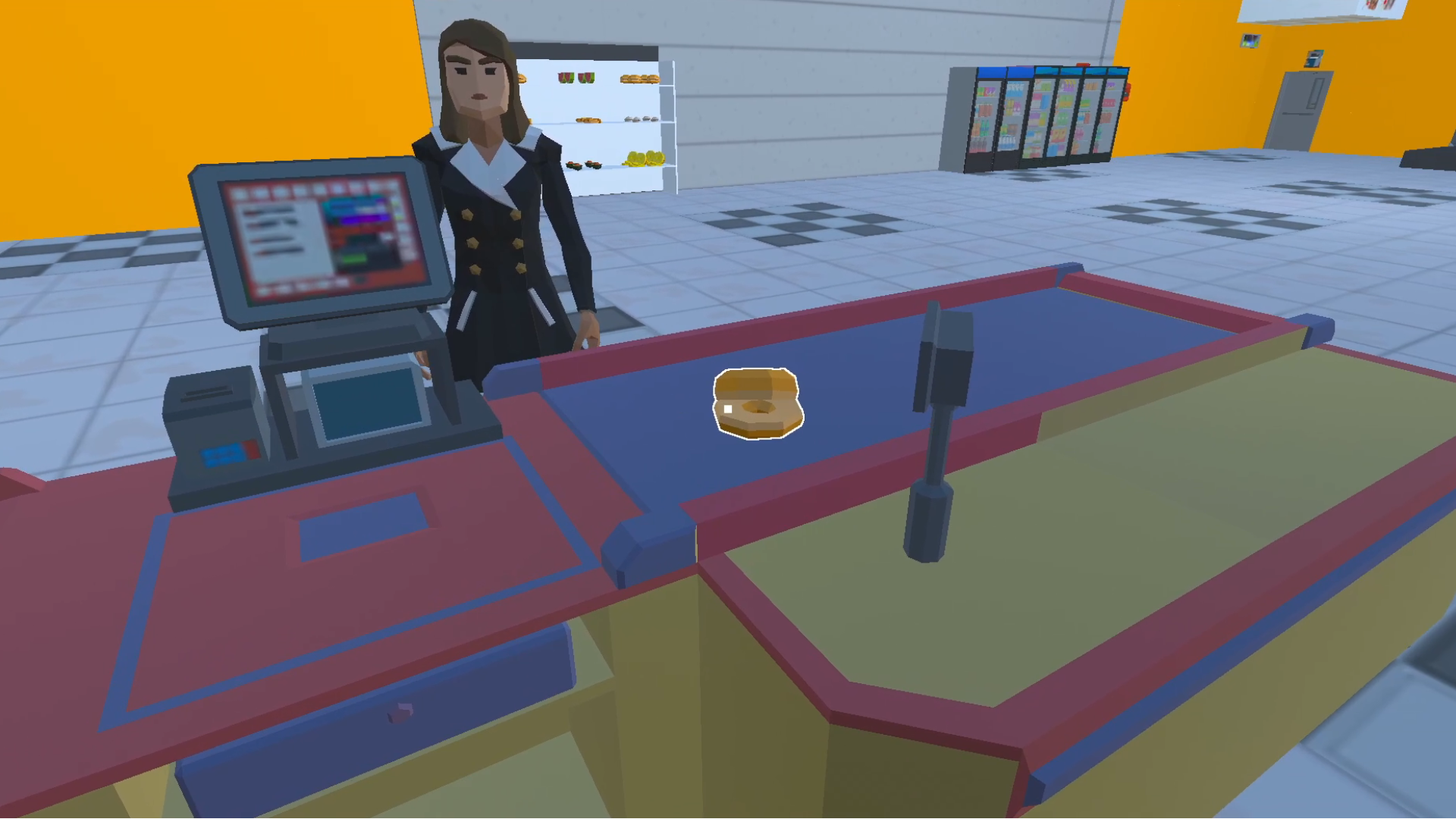
By opening your store, you will plunge into the hard work of an entrepreneur, but your efforts will not be in vain if you give your best 100%. You are the owner of the business, which means that you are a manager and a salesperson in one person. Go through a simple training, you're ready.
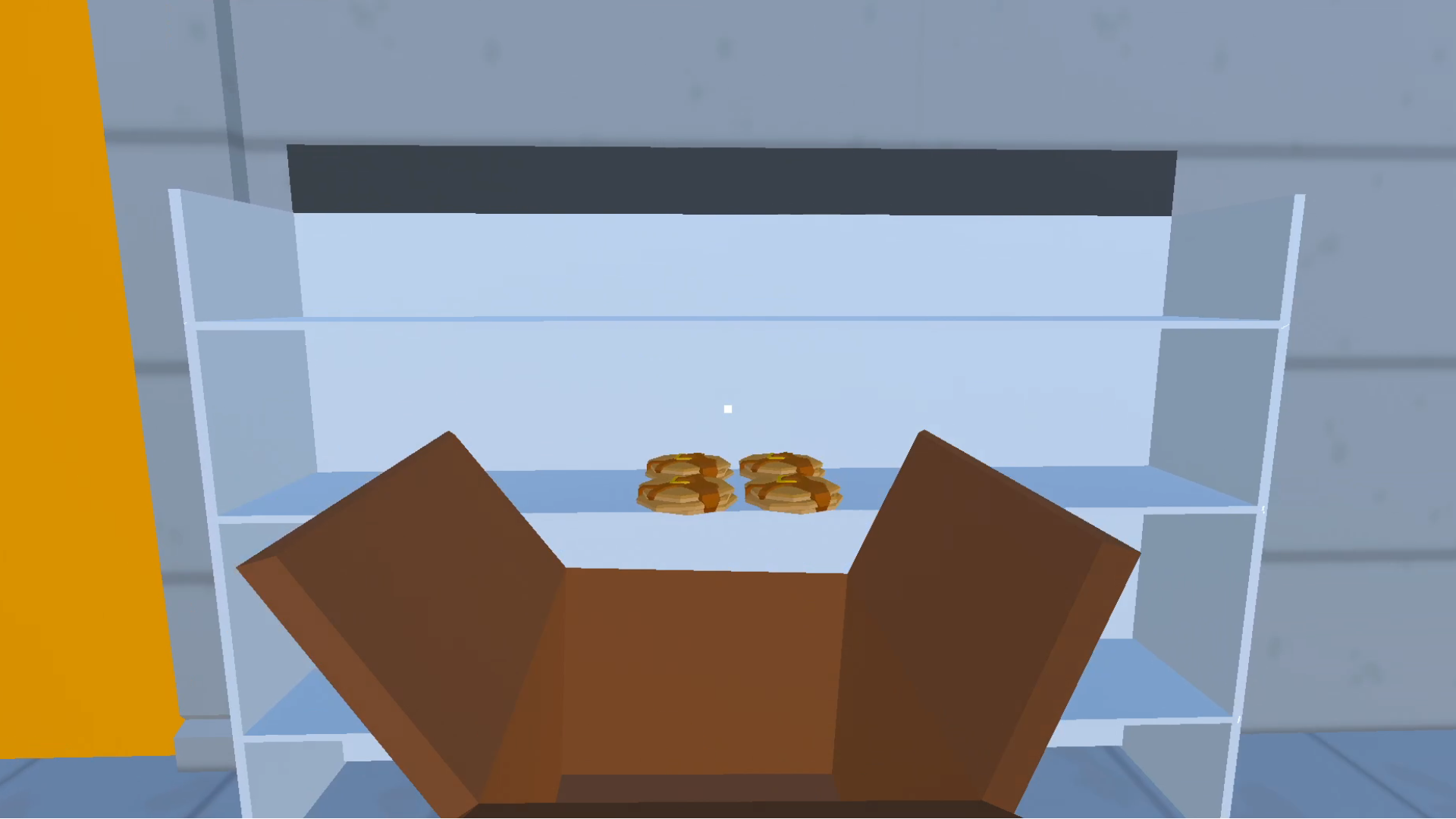
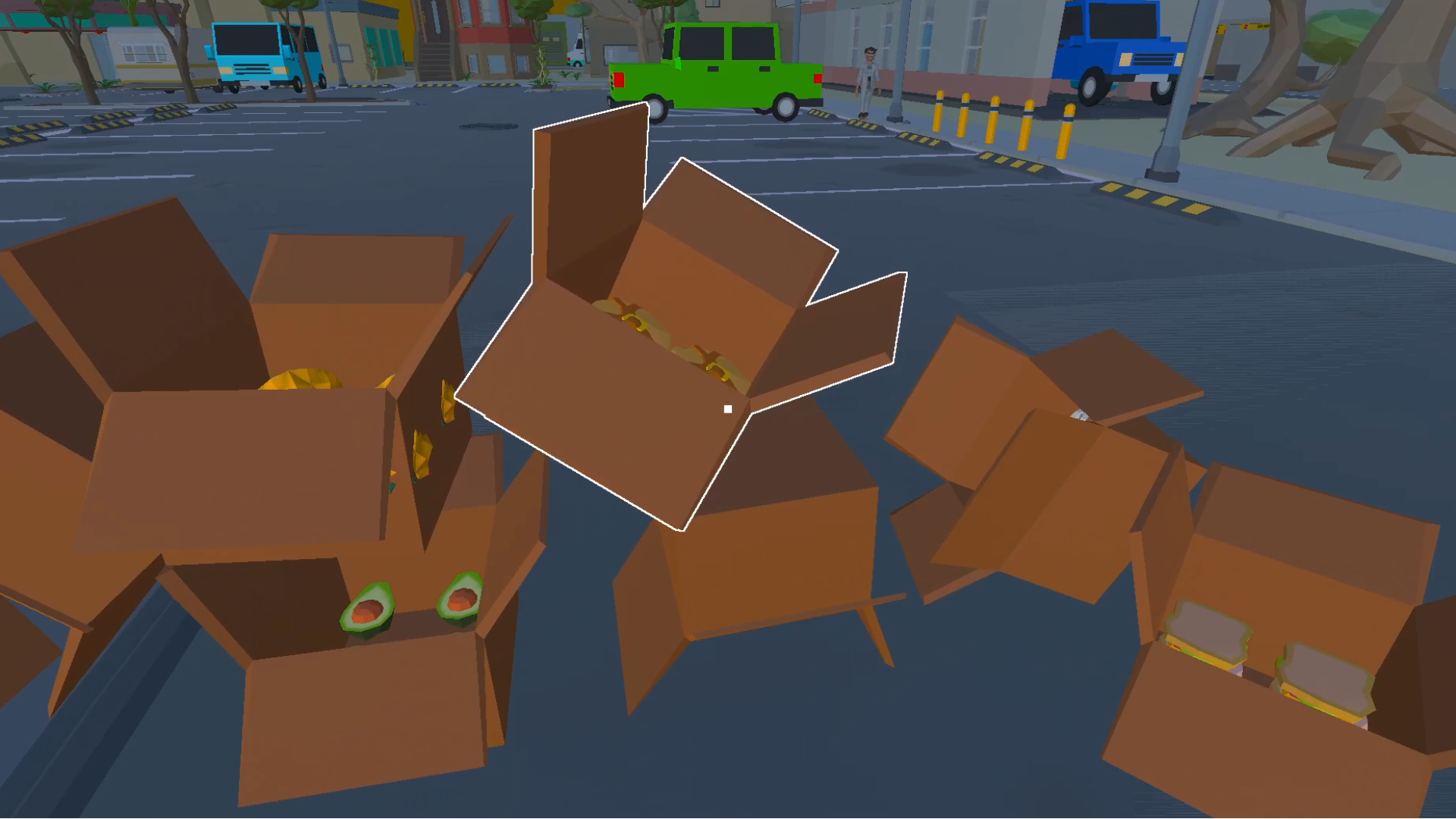
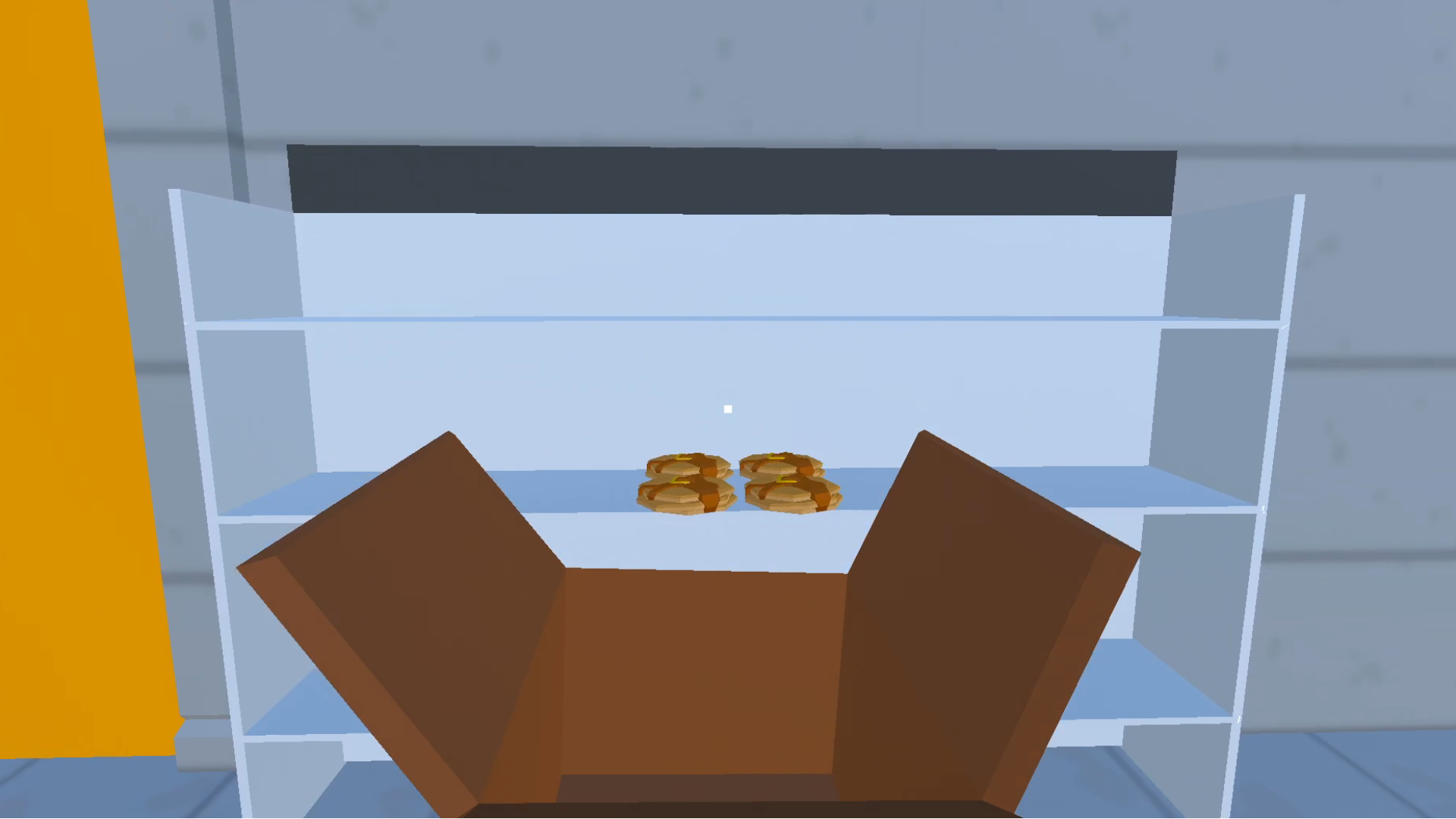
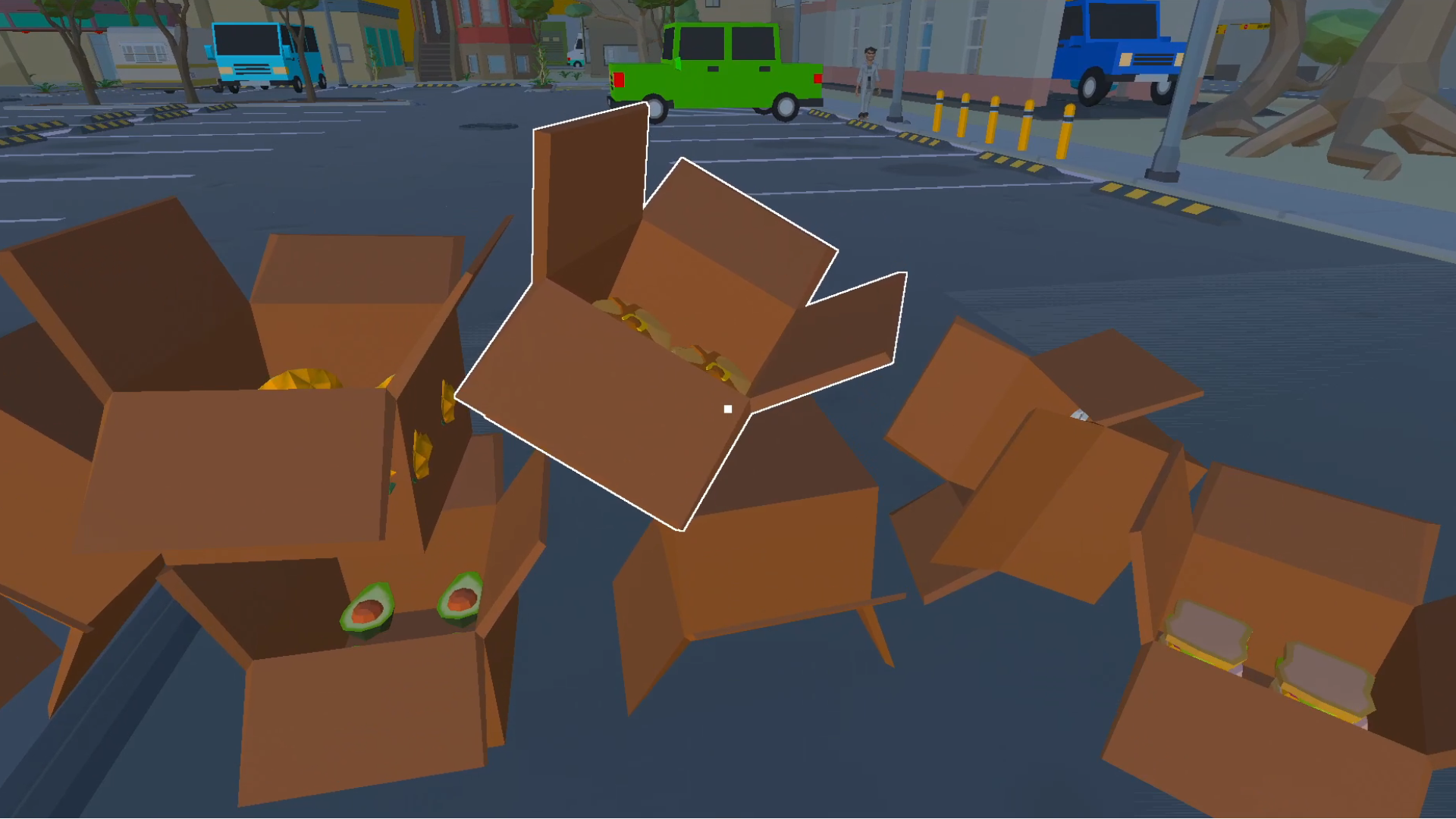
Order groceries from wholesalers, you will not have time to look back, as the goods will be delivered directly to the main entrance, you will only have to put them on the shelves. Don't forget to throw the empty boxes in the trash. Dirt next to a new store is a bad idea to start.
All that remains is to wait for customers, but don't worry, you've chosen the right place for the supermarket, and I'm sure there will be plenty of customers in the store. Most importantly, be polite to your customers. Remember, the seller's main motto is "The buyer is always right."
Rent vending machines and you will be able to win the title of the best supermarket in the city, and maybe the country.
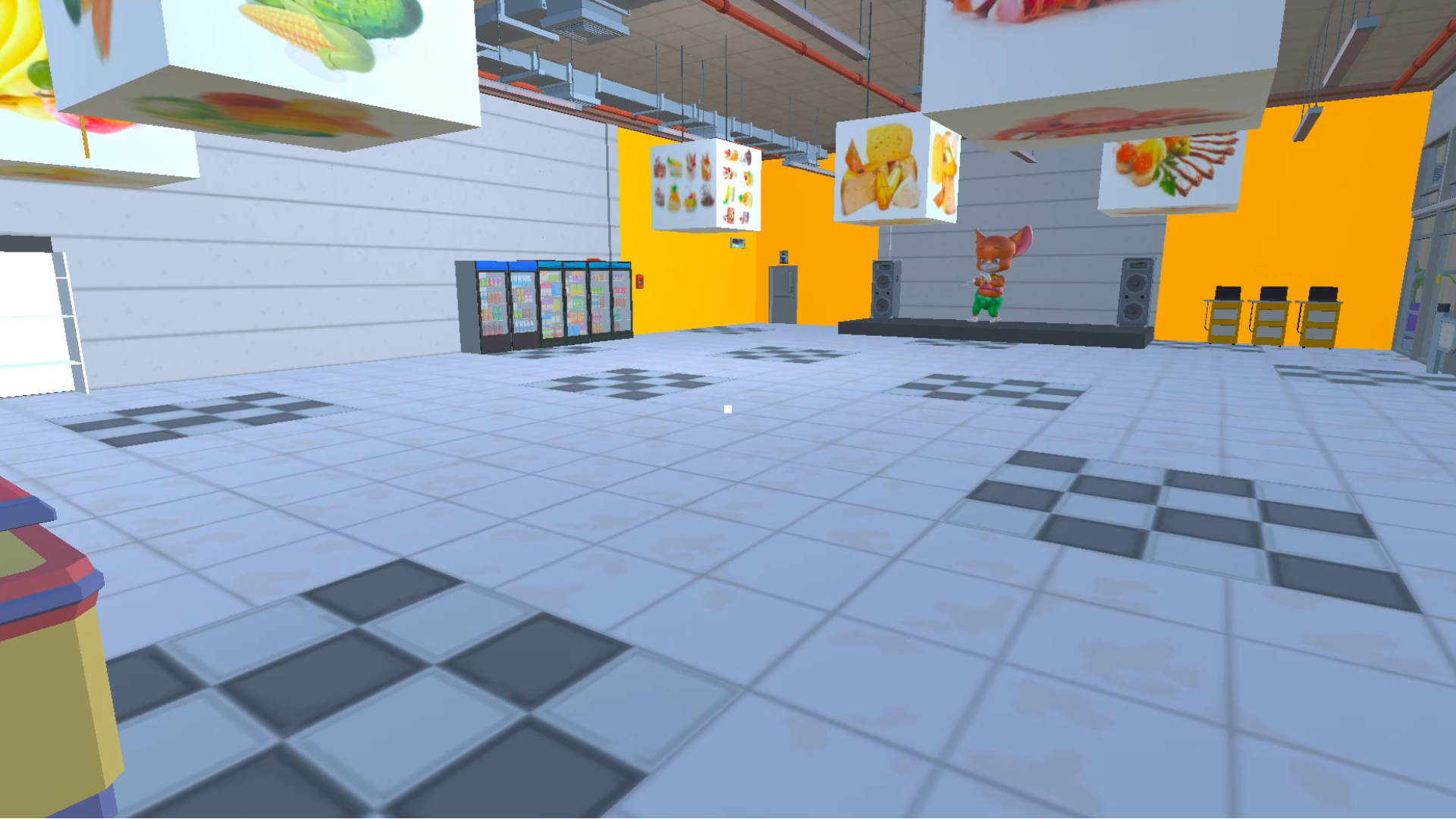
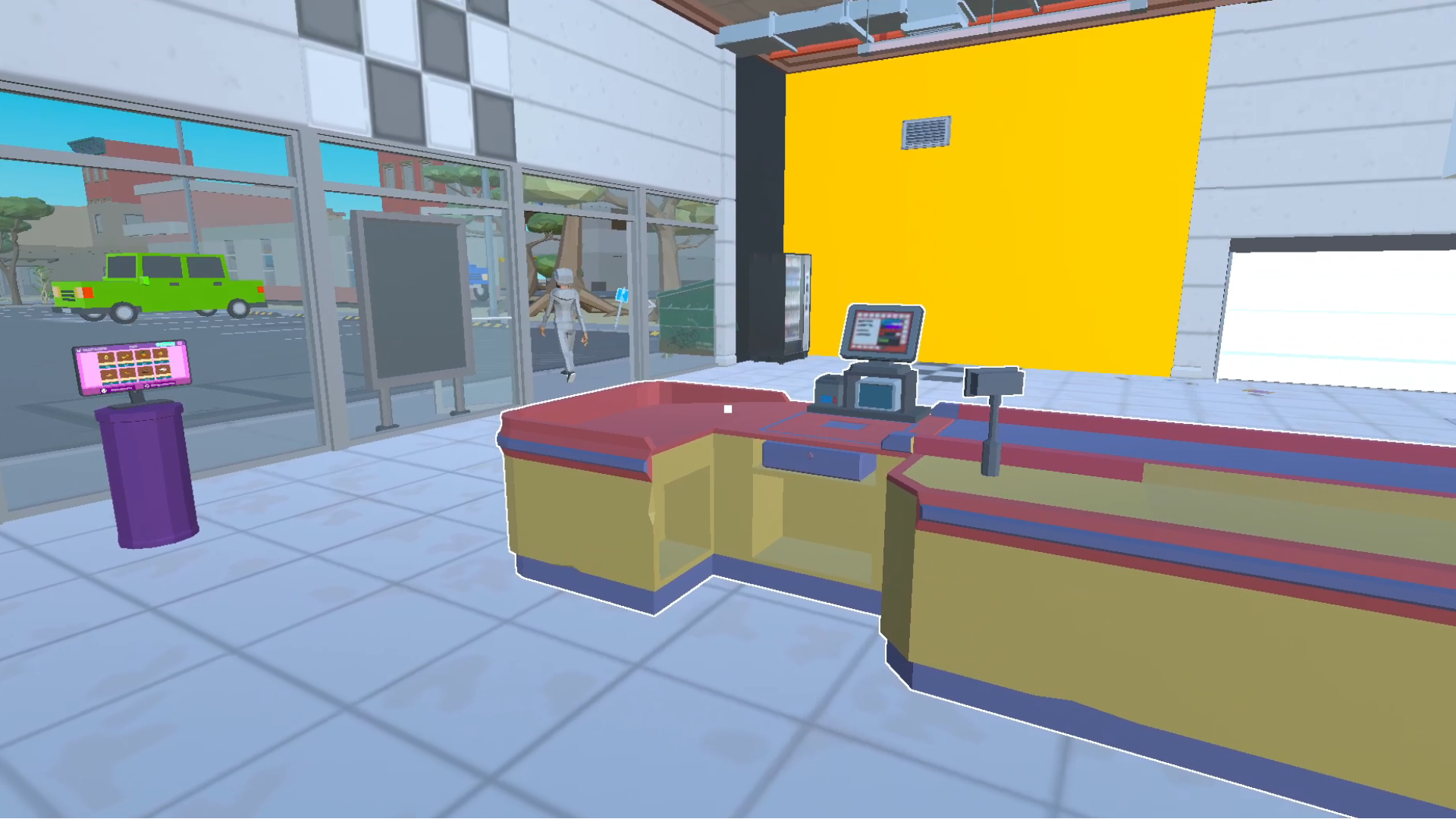
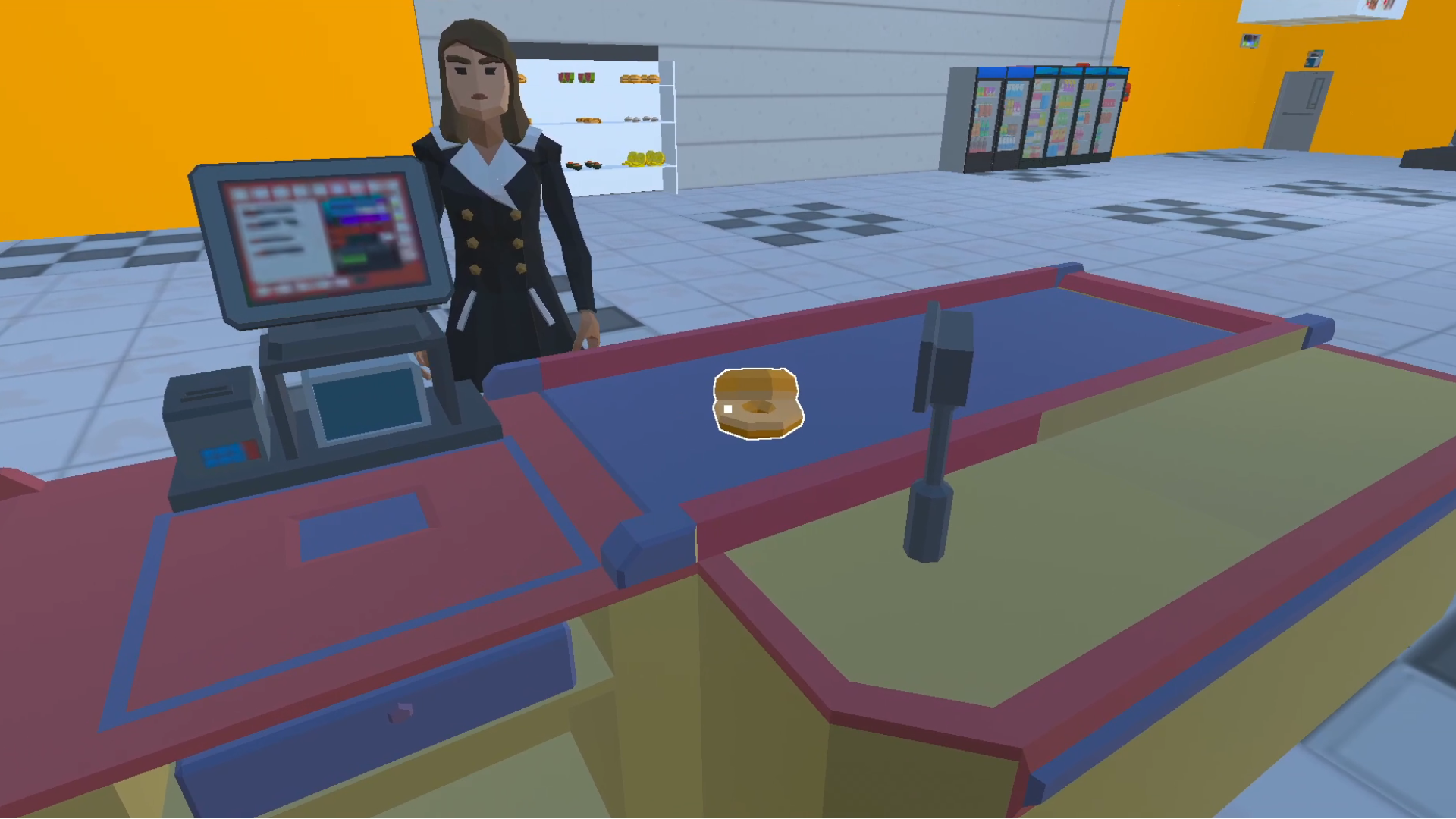
Videos and screenshots
13,222 players online
How to play
-
Open the game
Press Play now and the game opens on its own screen.
-
Follow the in-game instructions
The controls and goals are shown inside the game as you play.
-
Use the game menu
The floating button over the game reloads it, saves it to your favourites, or takes you back out.