Skip to content
KG
Idle Railway Tycoon. Train Empire

Idle Railway Tycoon. Train Empire

6K plays 4.1 out of 5

Overview

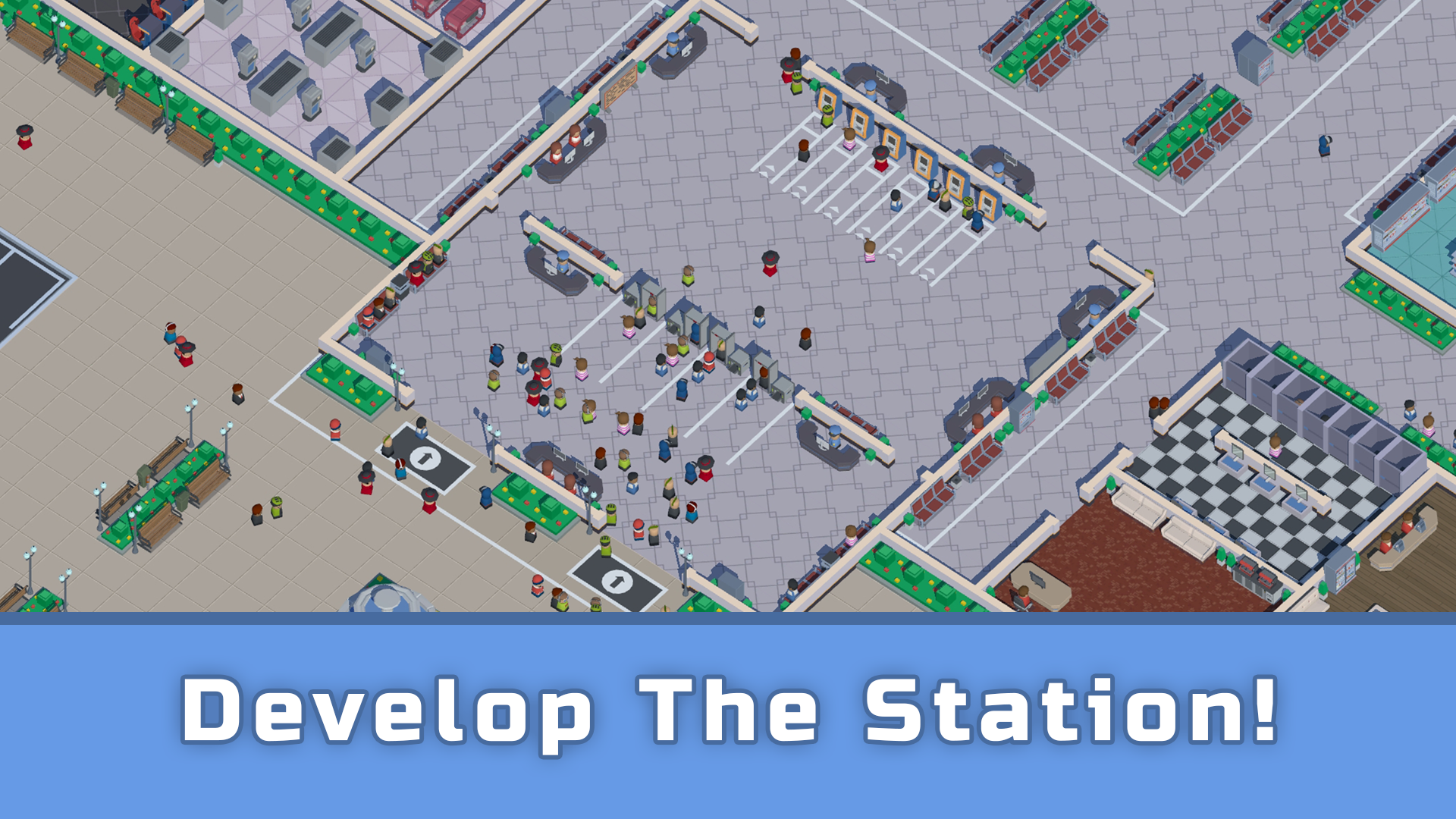
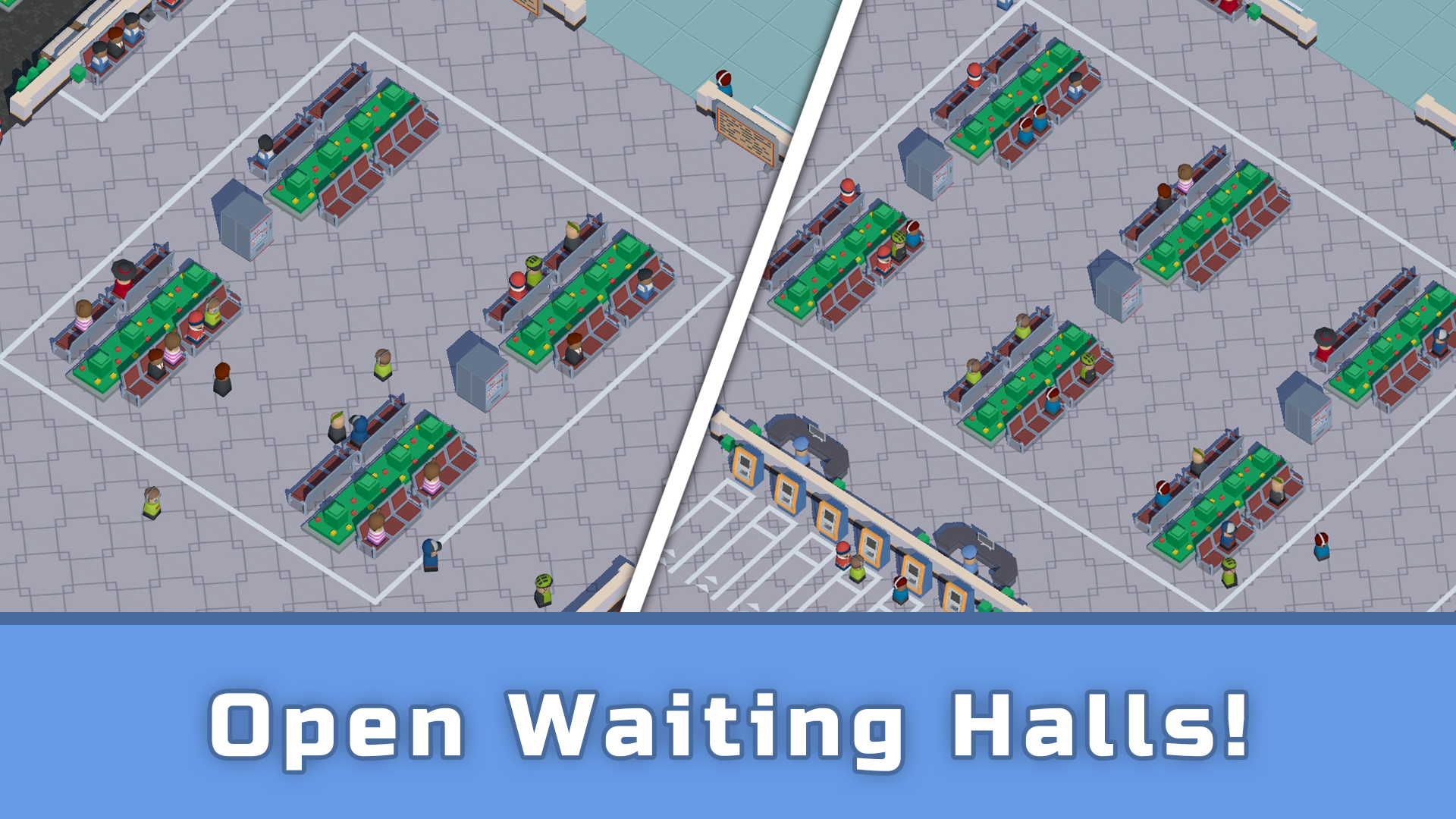
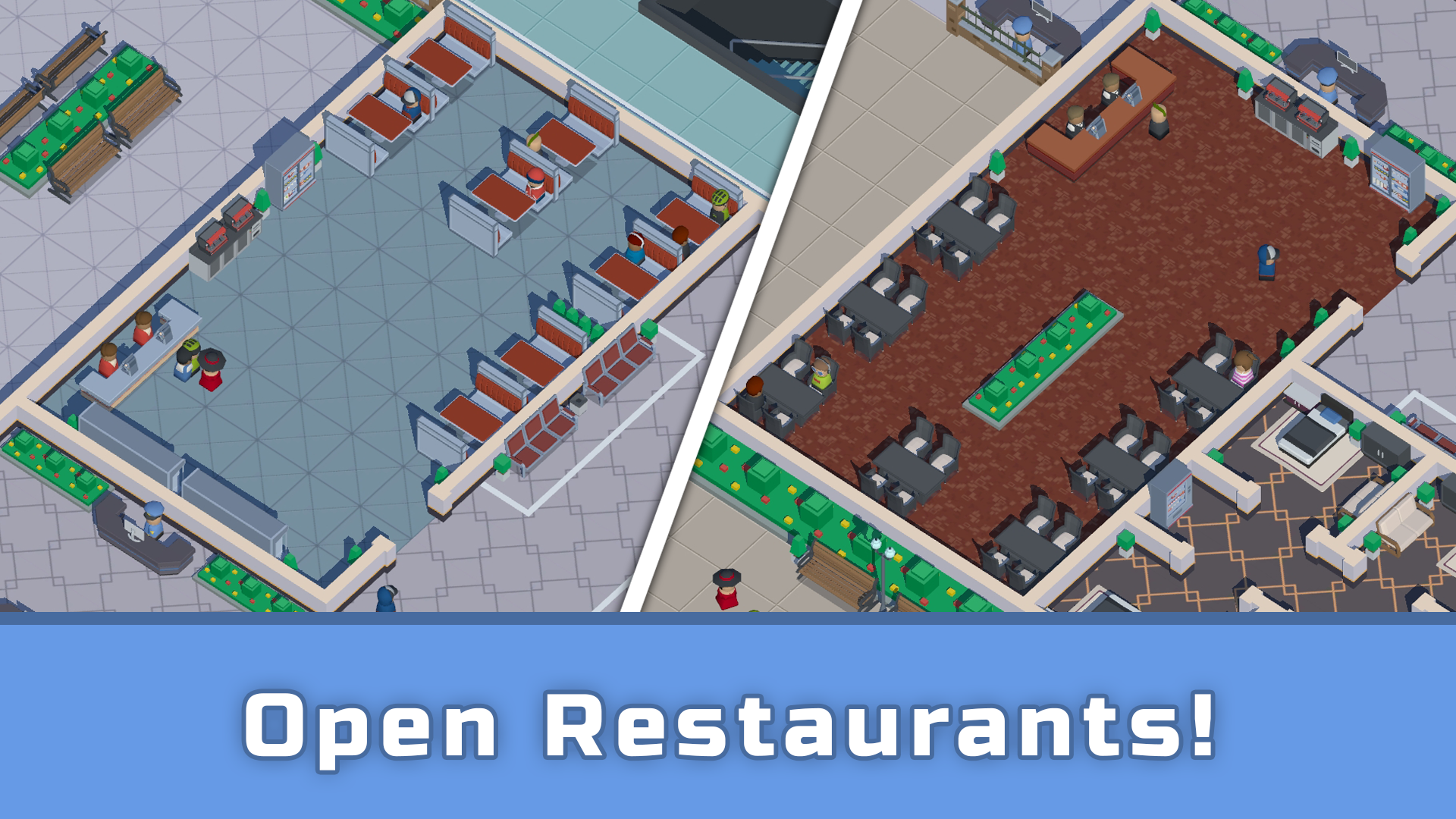
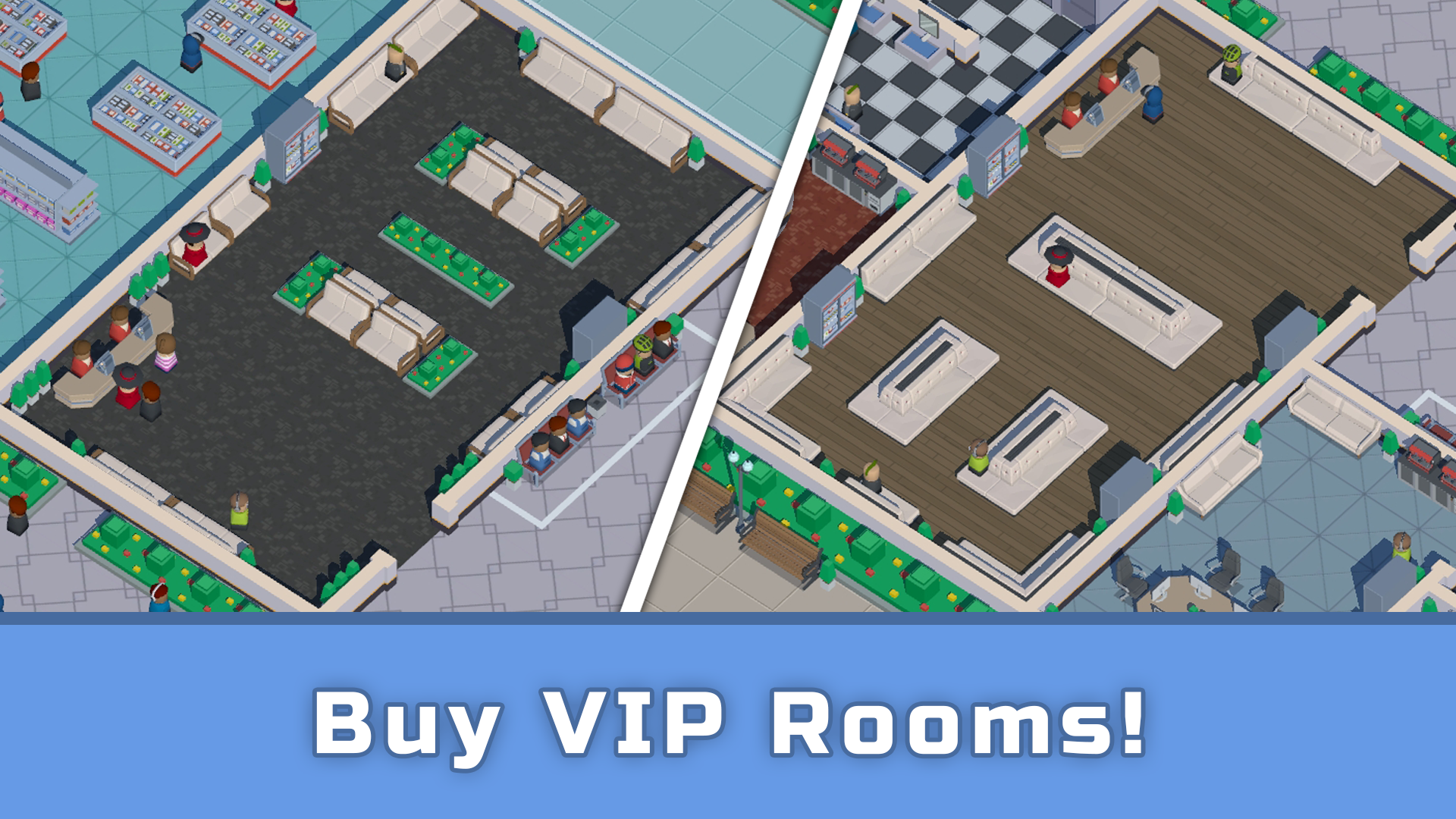
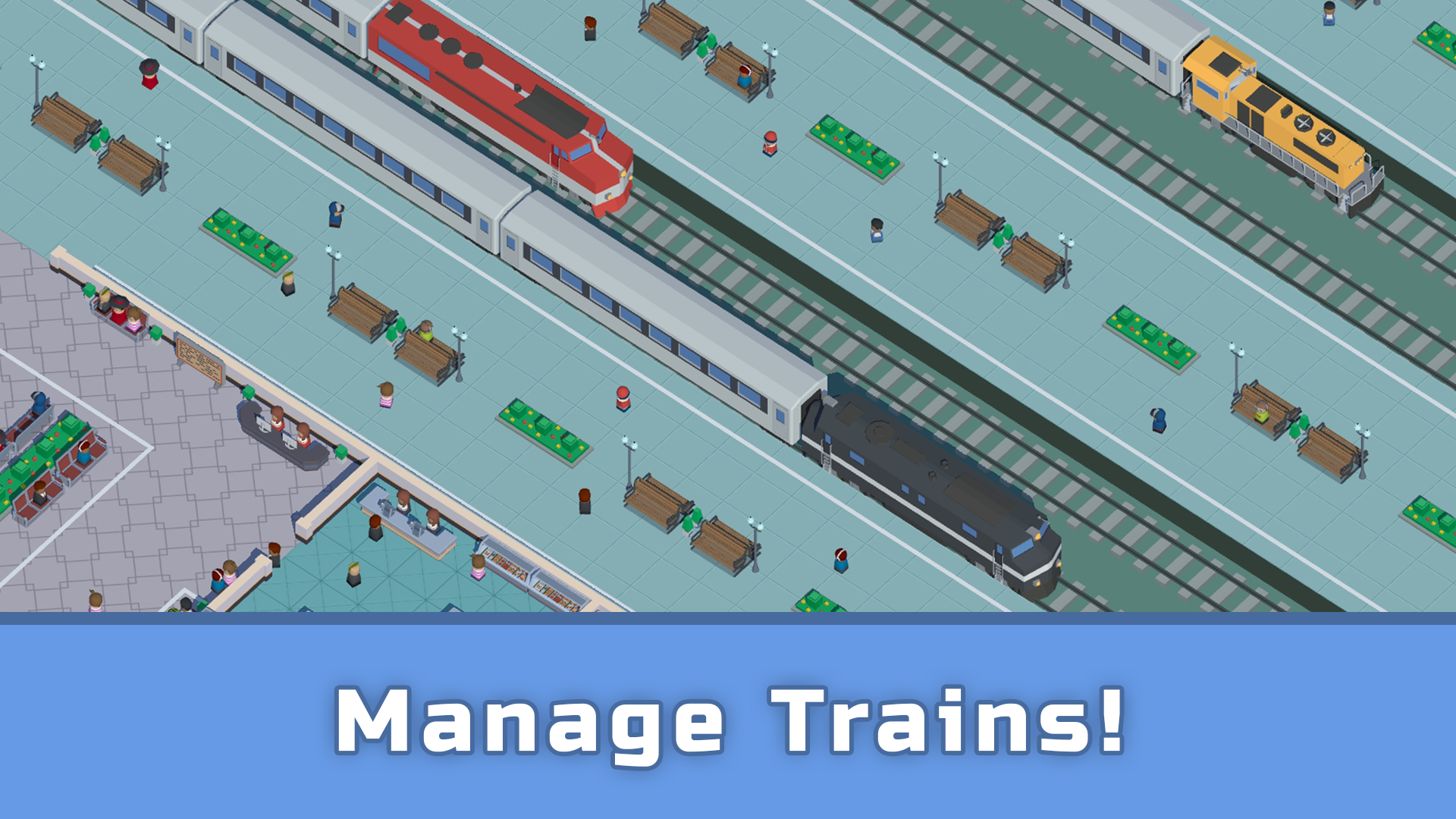
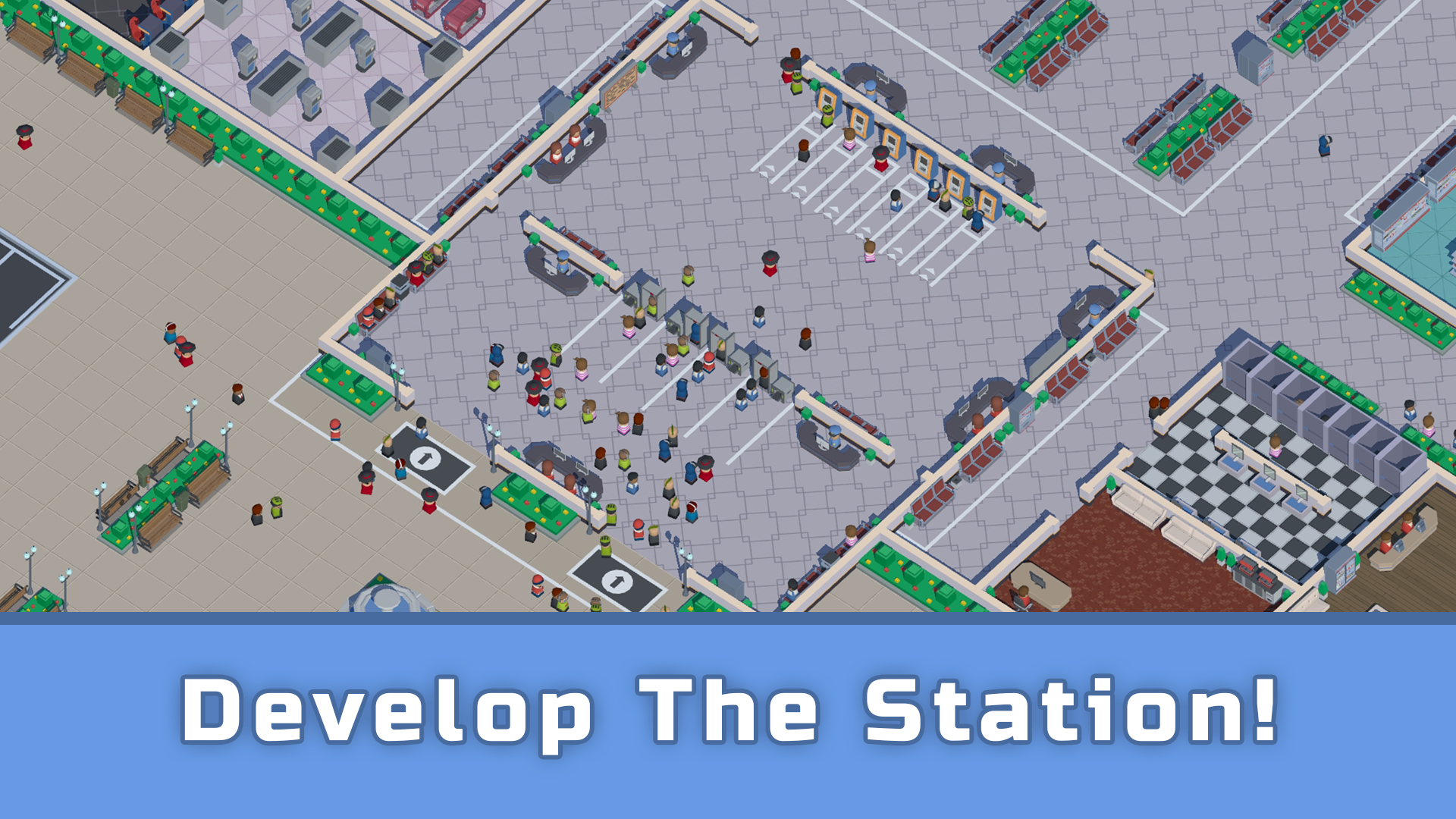
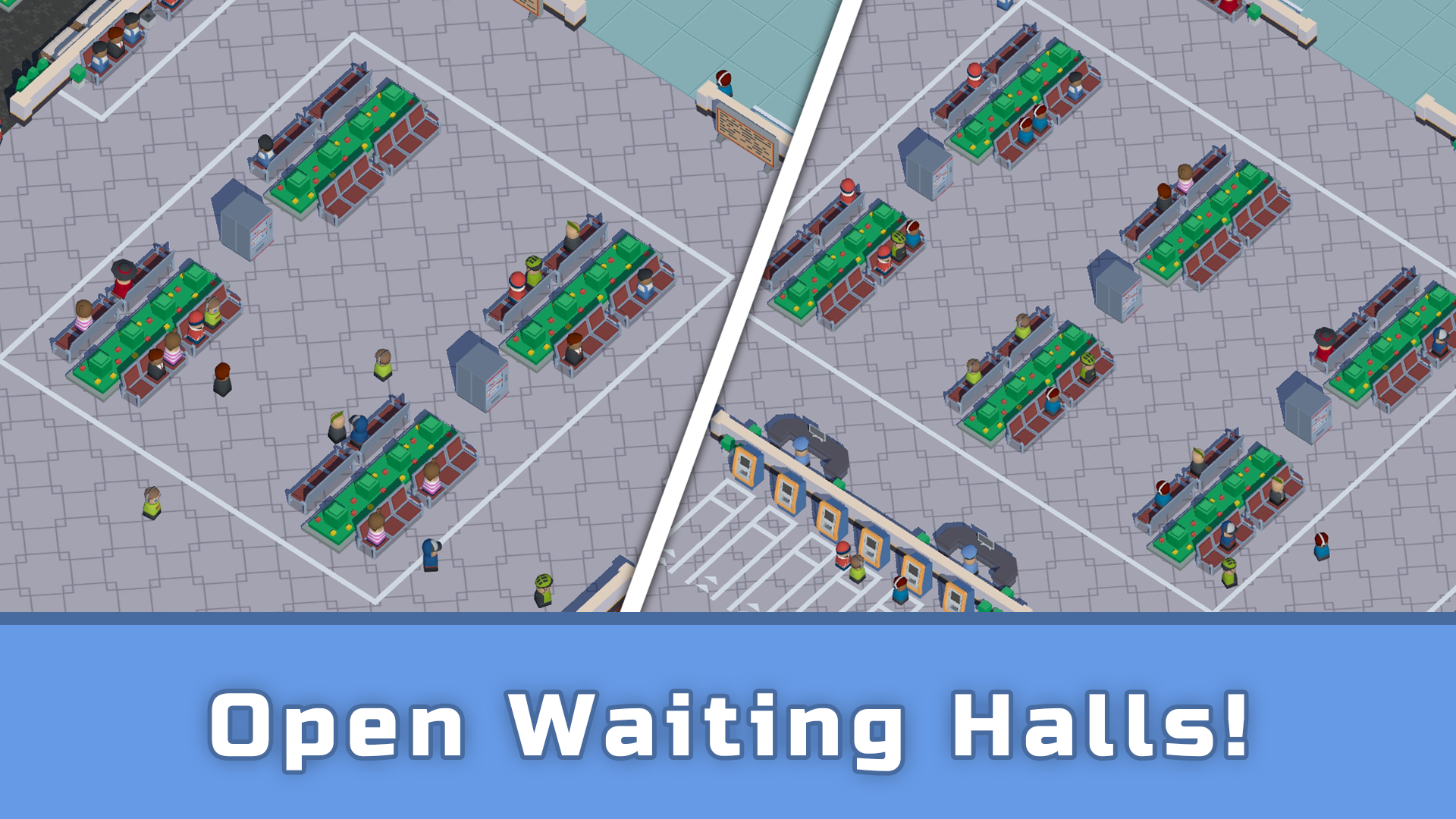
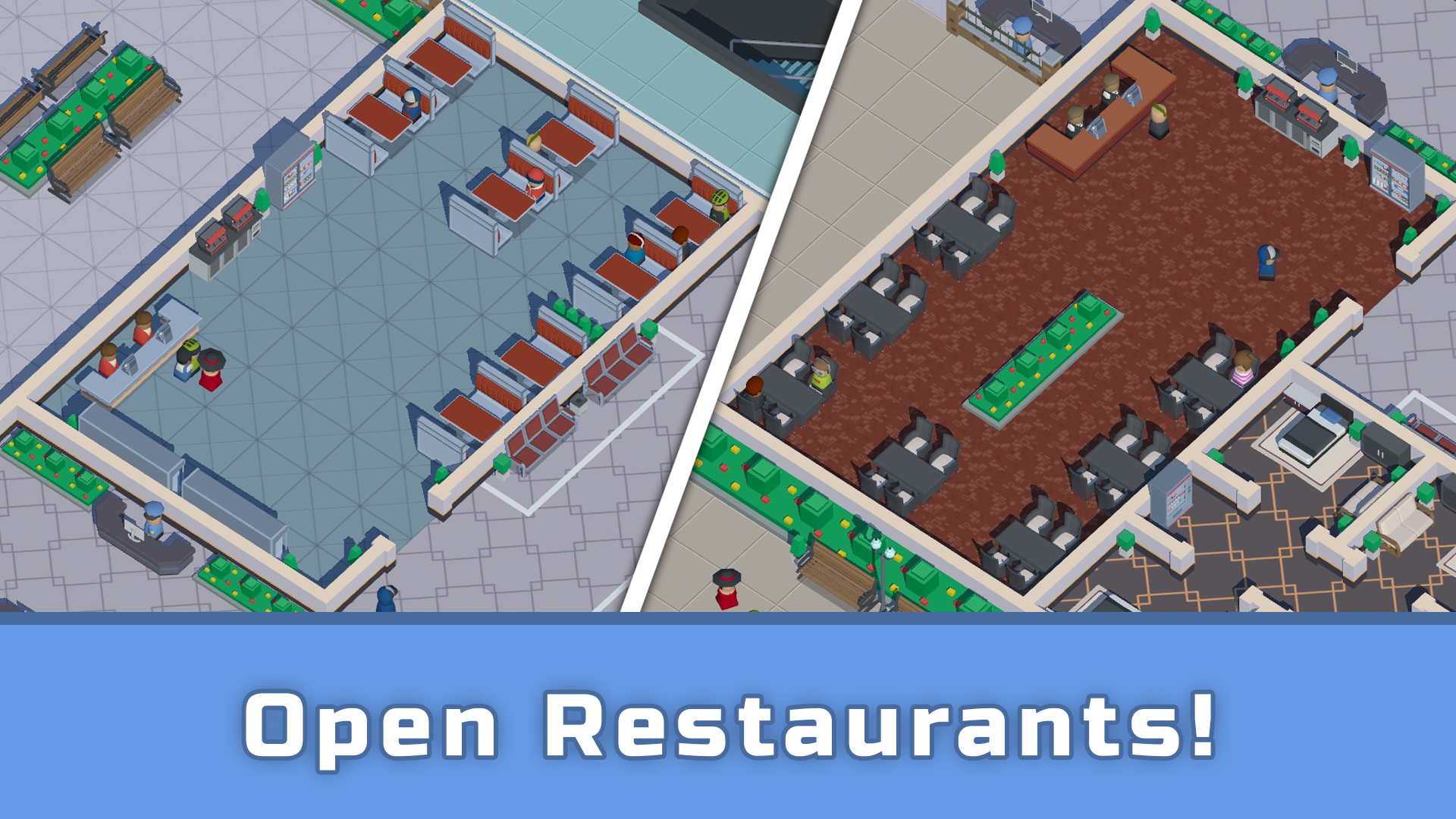
Develop your railway station by purchasing and upgrading trains, as well as customizing routes! Acquire and furnish various spaces and waiting halls! Unlock access to all railway platforms and destinations! Increase visitor traffic and enhance profits with every ticket sold! The primary genre of the game is Idle Tycoon. For an extended period, you'll be involved in managing your own business - a railway station. Earn profits from serving visitors and invest them back into your business. Complete daily and regular tasks, receive valuable rewards, and expand your train collection! As your station progresses, new railway platforms, destinations, and trains will become accessible! Wisely configure routes and maximize profits from each visitor! Allocate technology points to various station and train improvements! All of this will assist you in developing a large and profitable business!

Videos and screenshots

  • Idle Railway Tycoon. Train Empire screenshot 1
  • Idle Railway Tycoon. Train Empire screenshot 2
  • Idle Railway Tycoon. Train Empire screenshot 3
  • Idle Railway Tycoon. Train Empire screenshot 4
  • Idle Railway Tycoon. Train Empire screenshot 5
  • Idle Railway Tycoon. Train Empire screenshot 6
  • Idle Railway Tycoon. Train Empire screenshot 7
  • Idle Railway Tycoon. Train Empire screenshot 8
  • Idle Railway Tycoon. Train Empire screenshot 9
  • Idle Railway Tycoon. Train Empire screenshot 10
Play Now

10,747 players online

How to play

  1. Open the game

    Press Play now and the game opens on its own screen.

  2. Follow the in-game instructions

    The controls and goals are shown inside the game as you play.

  3. Use the game menu

    The floating button over the game reloads it, saves it to your favourites, or takes you back out.
Game instructions

The initial tutorial will introduce you to the basic mechanics of the game: acquiring spaces and managing routes! To acquire or upgrade a space or railway platform, you should click on the area where the space or platform is located. In the opened window, information about the cost will appear, along with a button to make the purchase. If the space is already acquired, a content management window for that space will appear. To upgrade the content of the selected space, choose the desired content and click the "Upgrade" button. Access to managing all key game mechanics is available from the main screen: for example, to customize train routes, go to the schedule section for those trains and select the desired time. In the appeared window, you can clear the route, assign a free train to it, and change the destination!

More games

More games