Skip to content
KG
Mystery of the ancient fairy tale: The way home

Mystery of the ancient fairy tale: The way home

7K plays 3.9 out of 5

Overview

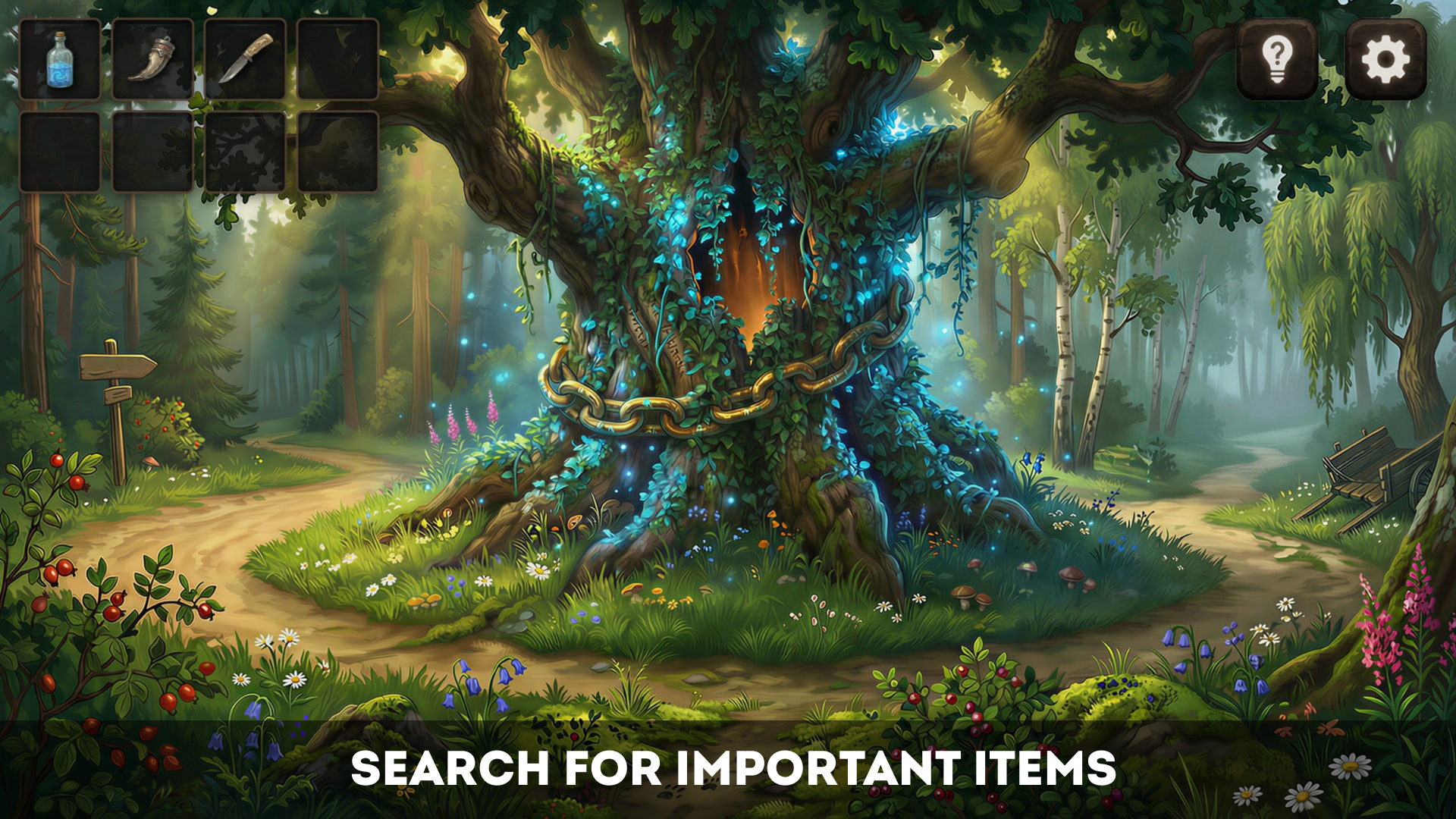
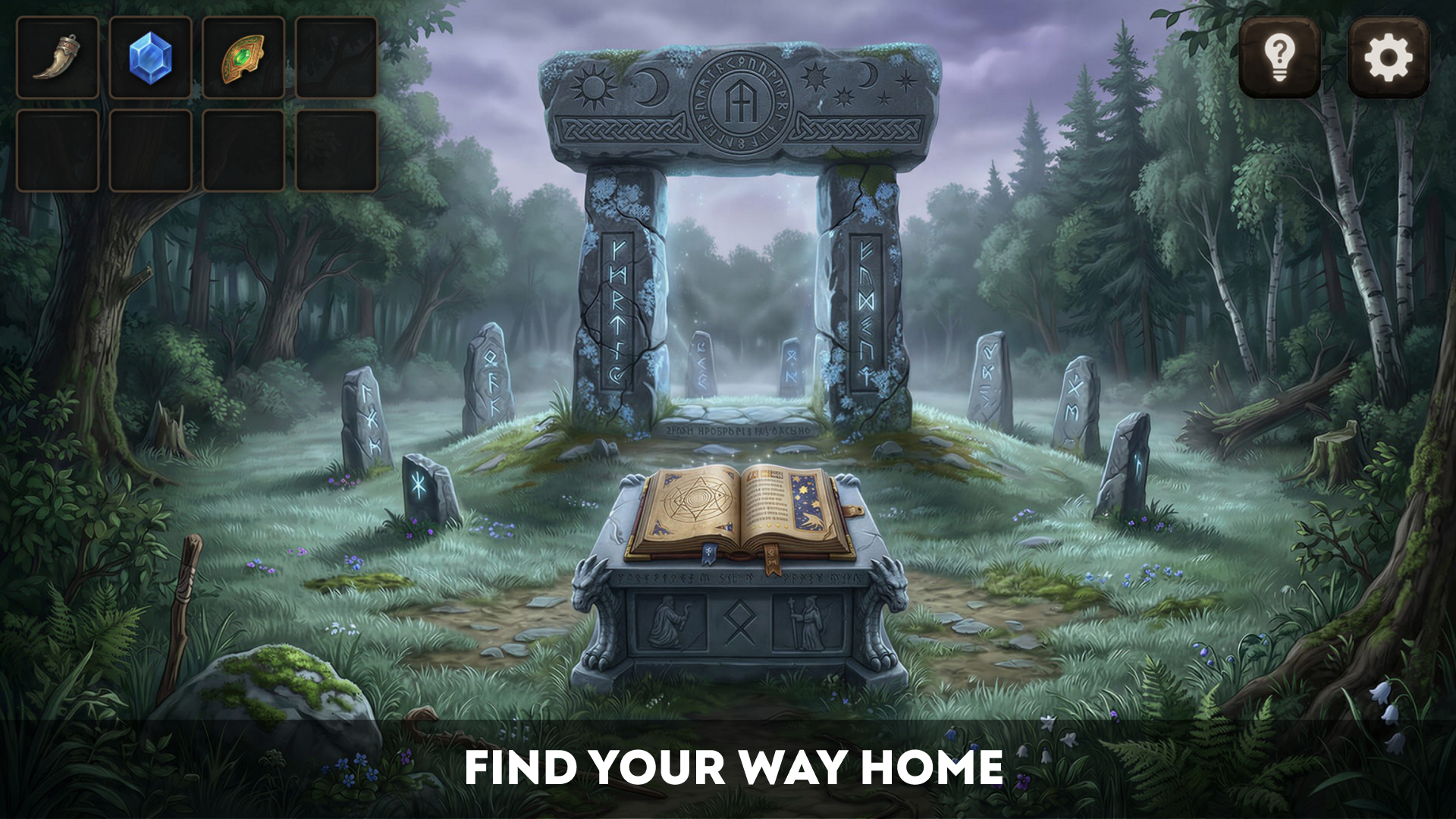
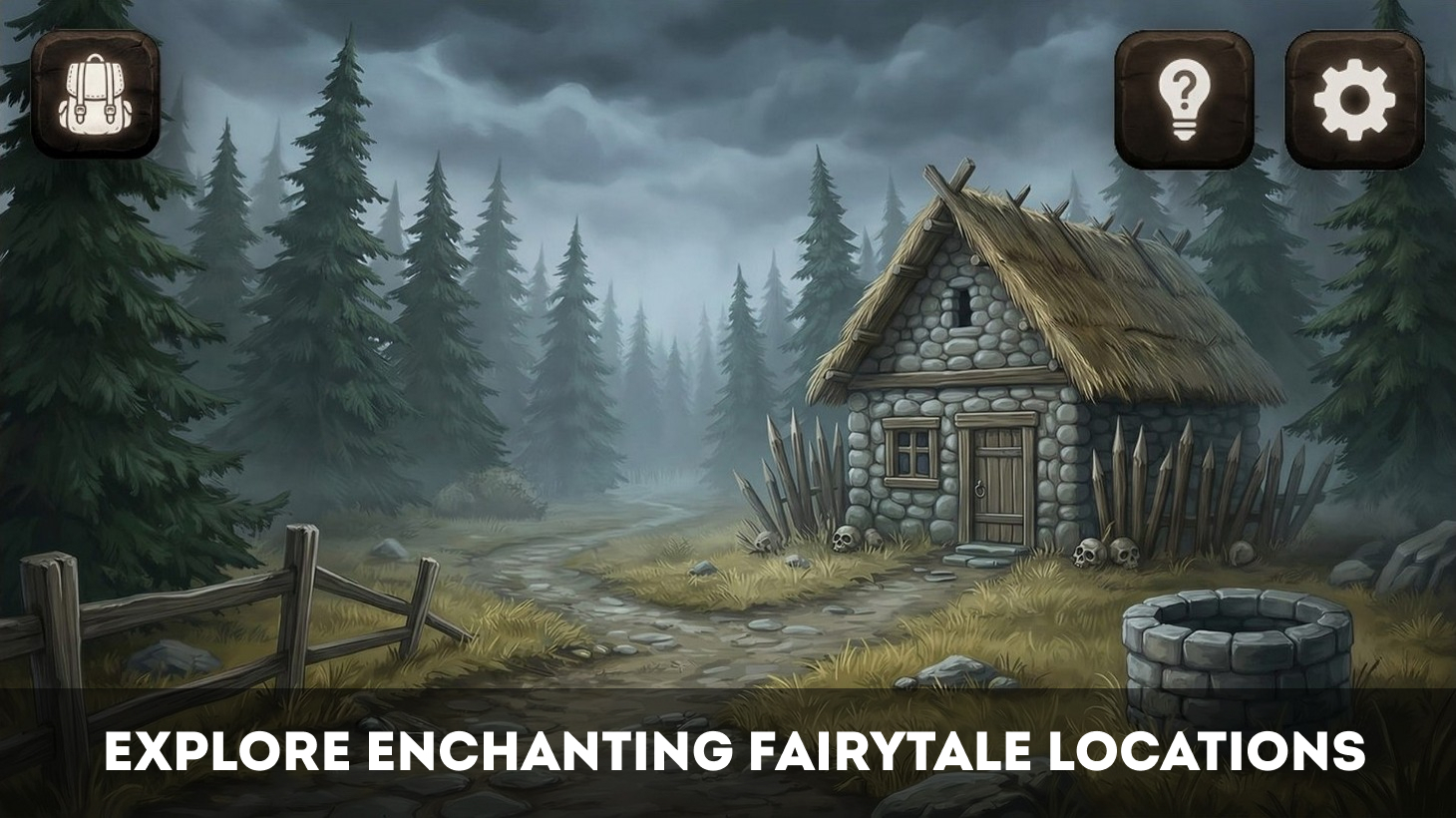
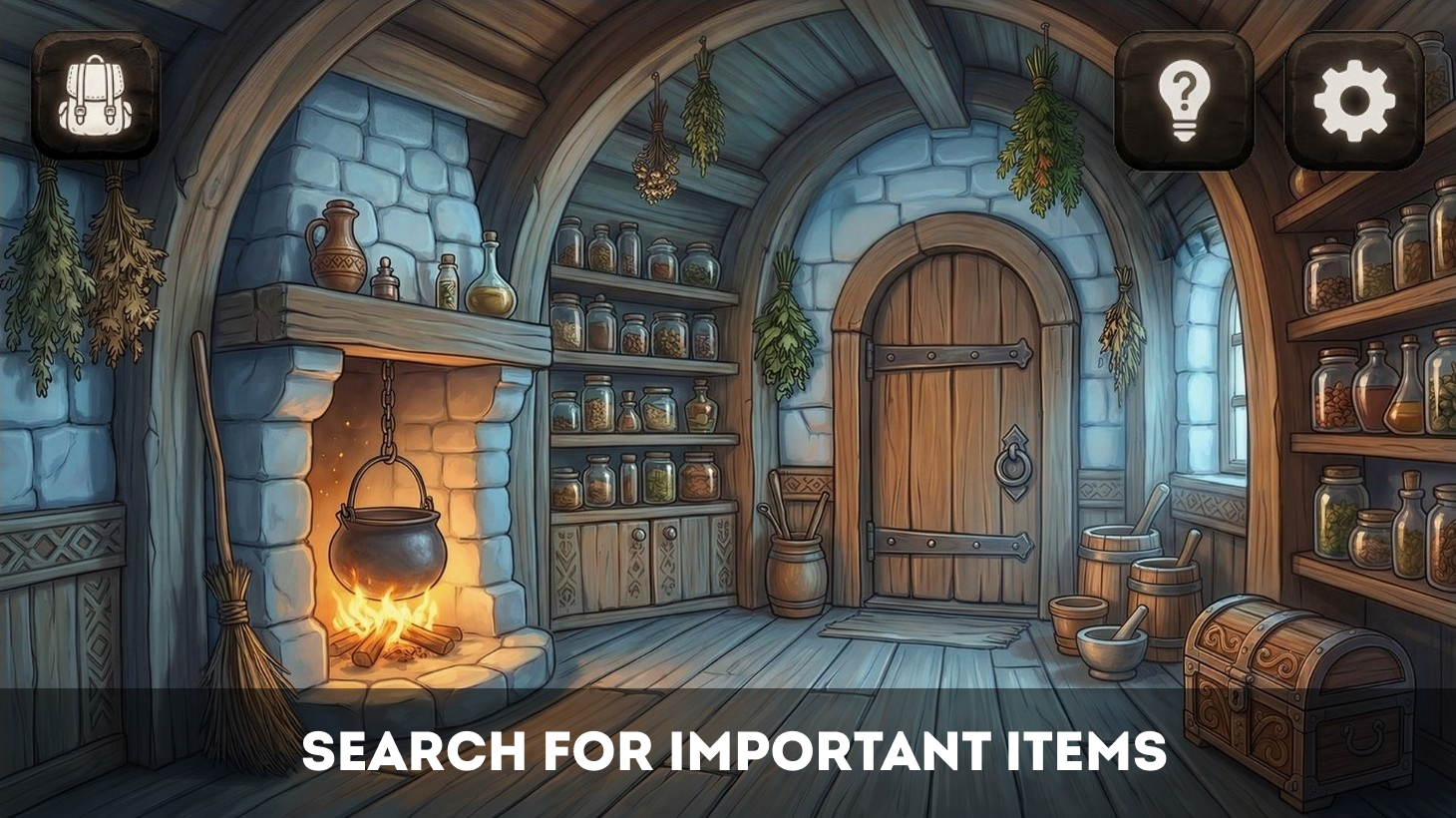
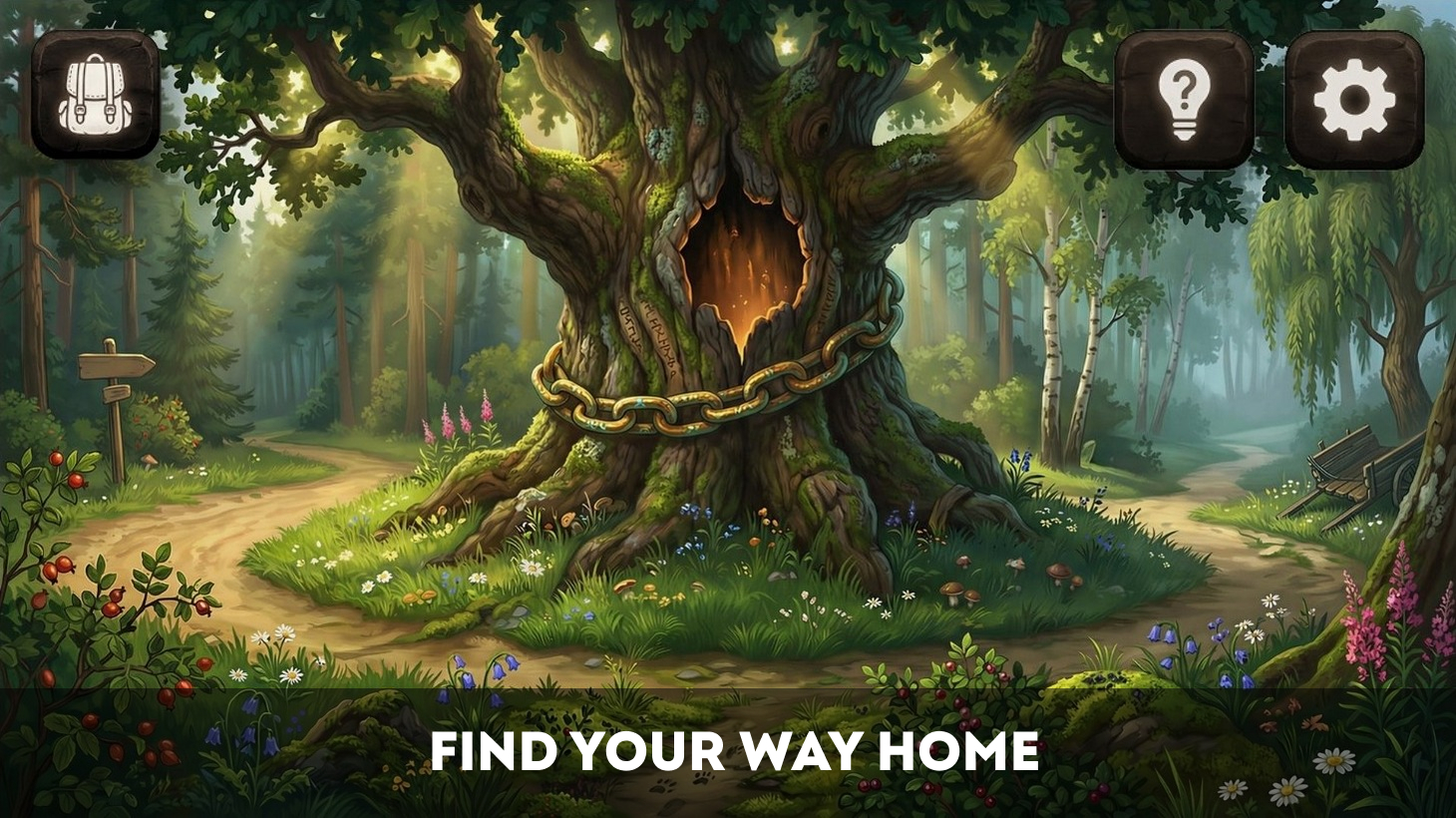
The main character has always dreamed of writing a real fairy tale. One night, he was working with unusual inspiration, until he fell asleep right at his desk. When he wakes up, the hero finds himself in an ancient forest filled with rustling sounds, mysterious places, and strange magic. Serious trials await him ahead. To return home, he must collect important items, understand the clues hidden in the world around him, and solve its fairy-tale riddles. Main game features: - Fairy-tale locations - Hidden-object style exploration - Story-driven puzzles and riddles - Hint system Can you follow the story to the end? Explore the forest and look for important items to open the portal and help the hero find his way home.

Videos and screenshots
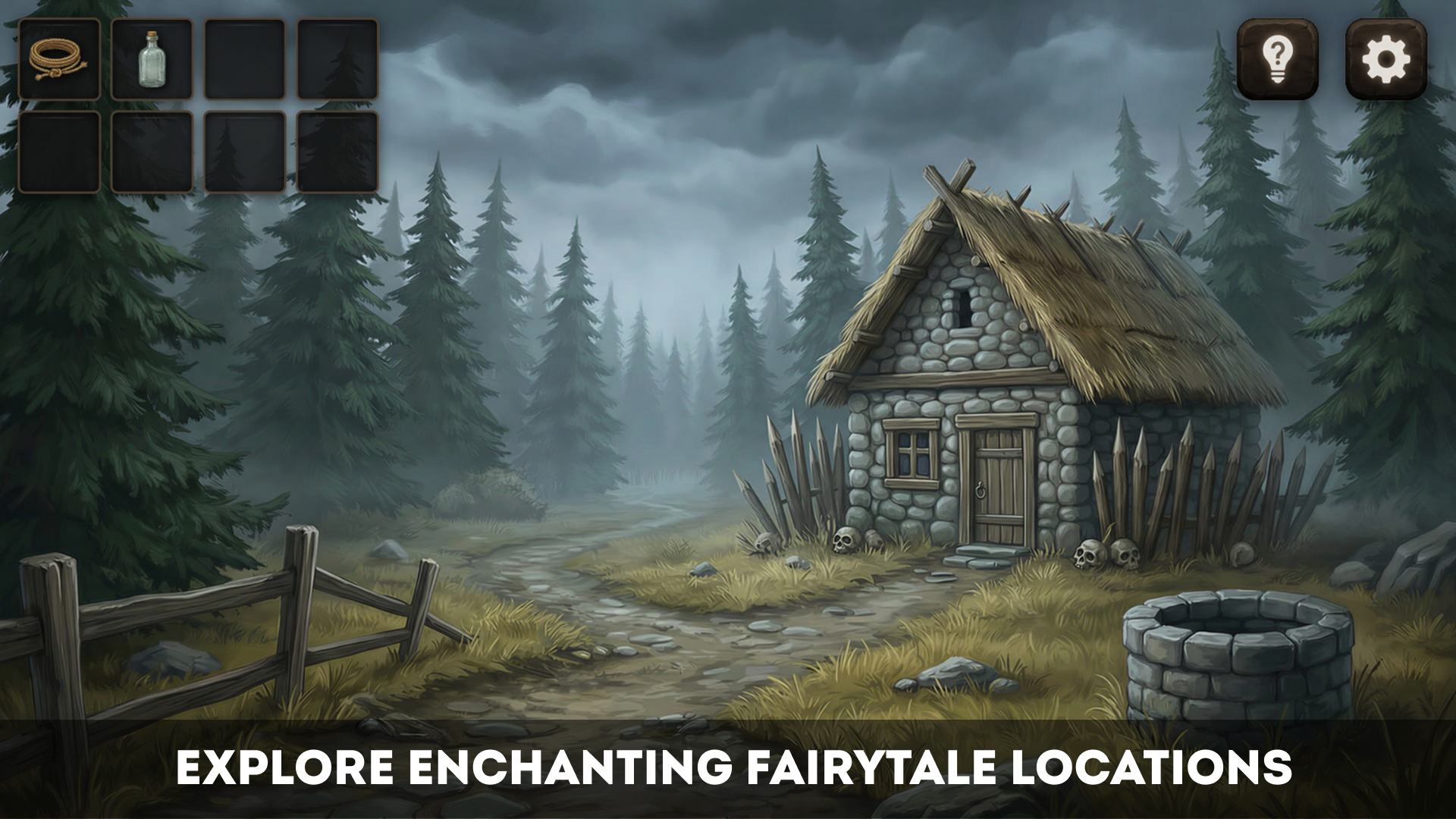
  • Mystery of the ancient fairy tale: The way home screenshot 1
  • Mystery of the ancient fairy tale: The way home screenshot 2
  • Mystery of the ancient fairy tale: The way home screenshot 3
  • Mystery of the ancient fairy tale: The way home screenshot 4
  • Mystery of the ancient fairy tale: The way home screenshot 5
  • Mystery of the ancient fairy tale: The way home screenshot 6
Play Now

13,321 players online

How to play

  1. Open the game

    Press Play now and the game opens on its own screen.

  2. Follow the in-game instructions

    The controls and goals are shown inside the game as you play.

  3. Use the game menu

    The floating button over the game reloads it, saves it to your favourites, or takes you back out.

Game instructions

To begin your adventure, press the «Start» button in the main menu. If you have played before, the «Continue» button will return you to your saved progress. You can interact with locations by clicking or tapping. Examine objects, open close-up scenes, move between locations, and collect useful discoveries. Sometimes an important item is right in front of you, and sometimes it is easy to miss among the details. Found items are added to your inventory. To use an item, select it, then click or tap the appropriate area in the location or inside a close-up scene. On desktop, some actions can also be performed by dragging items. On mobile devices, simply select an item and tap the place where it might be useful. If you are not sure what to do next, use a hint. Press the hint button in the upper-right part of the game screen, confirm your request, and receive advice for the current step.

More games

More games