Overview
👋 Welcome to "Obby Parkour: Crazy Descent" — a fast-paced 3D parkour testing your speed and reactions!
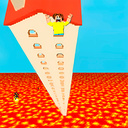
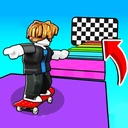
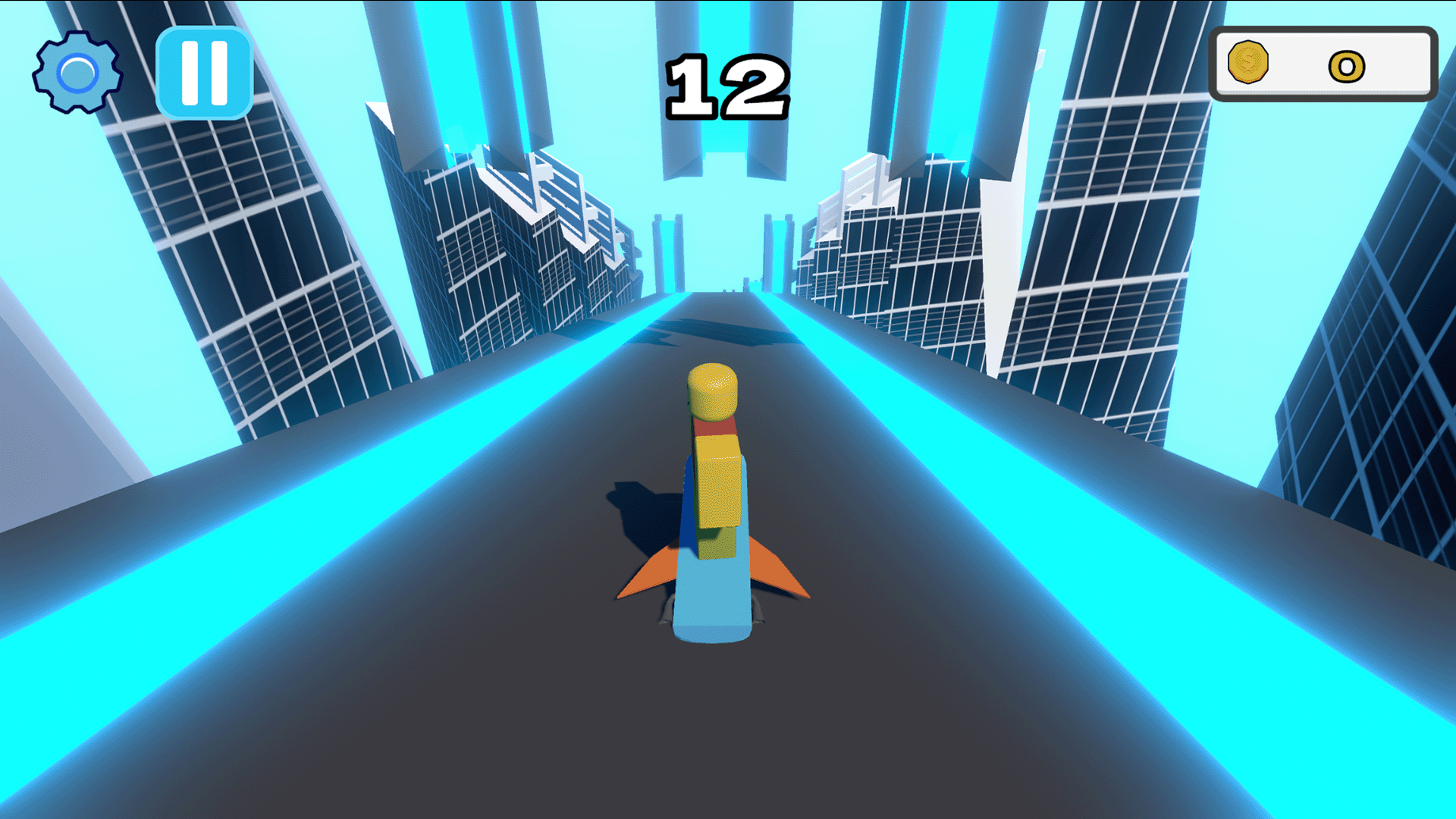
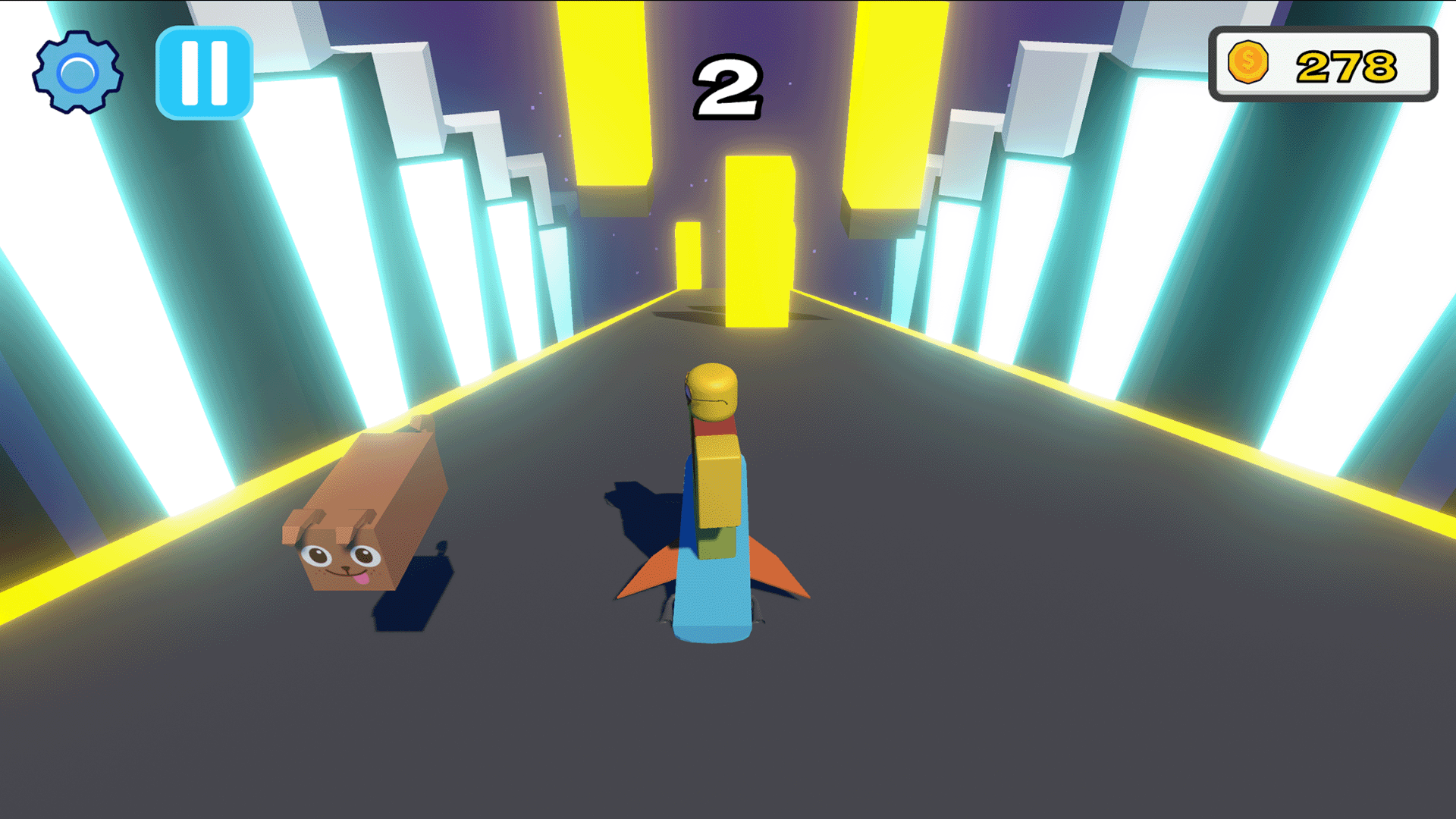
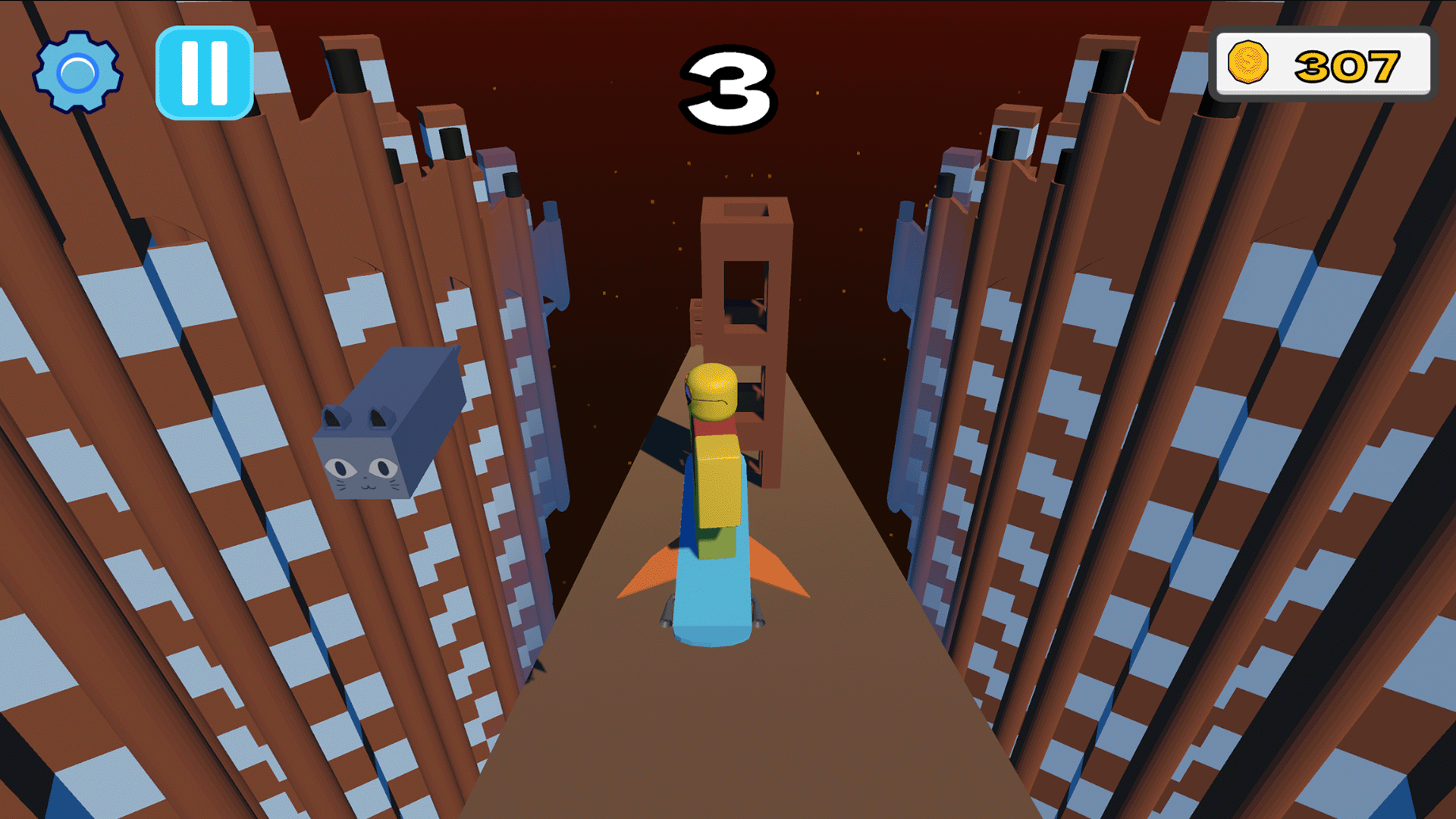
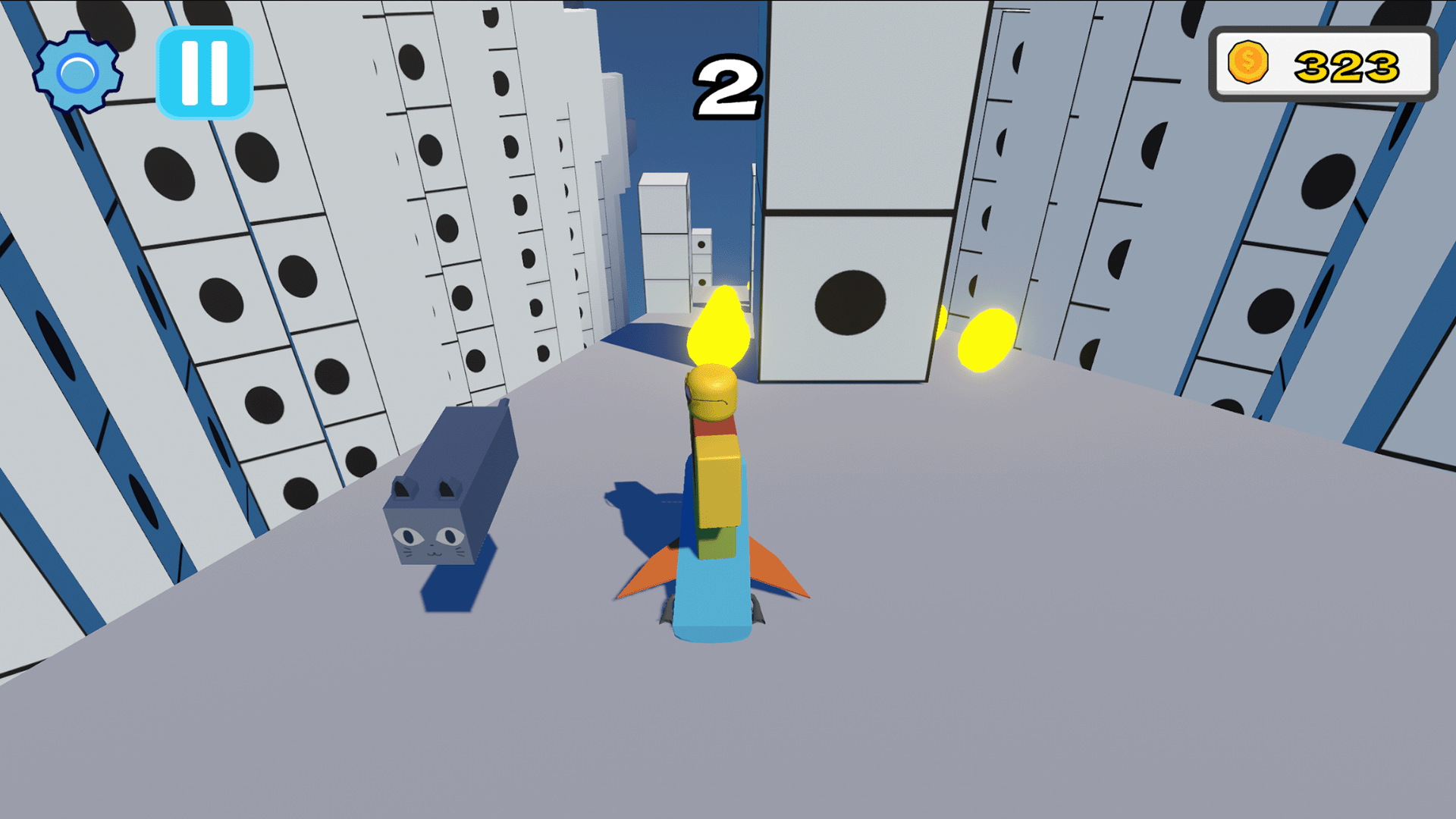
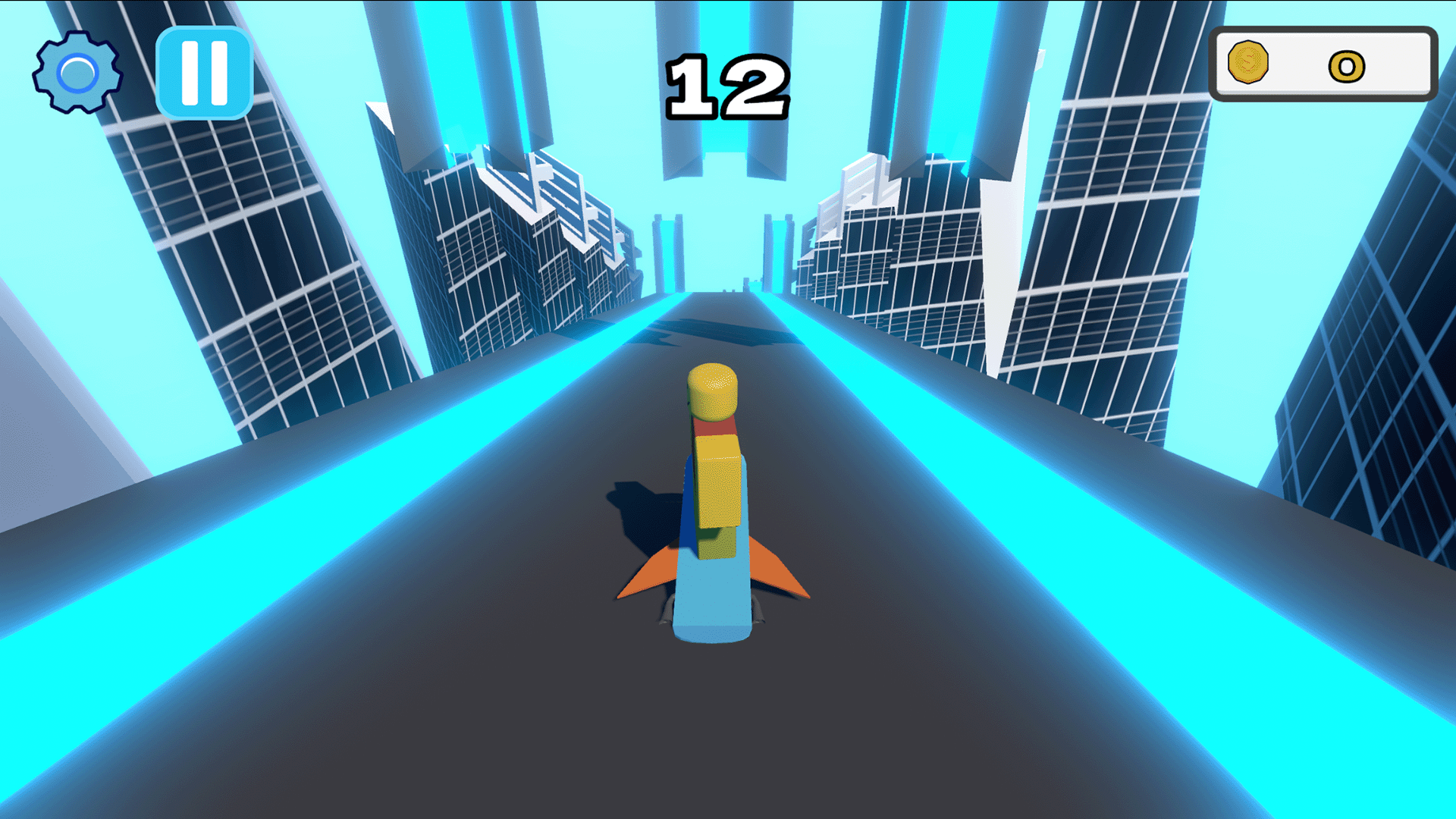
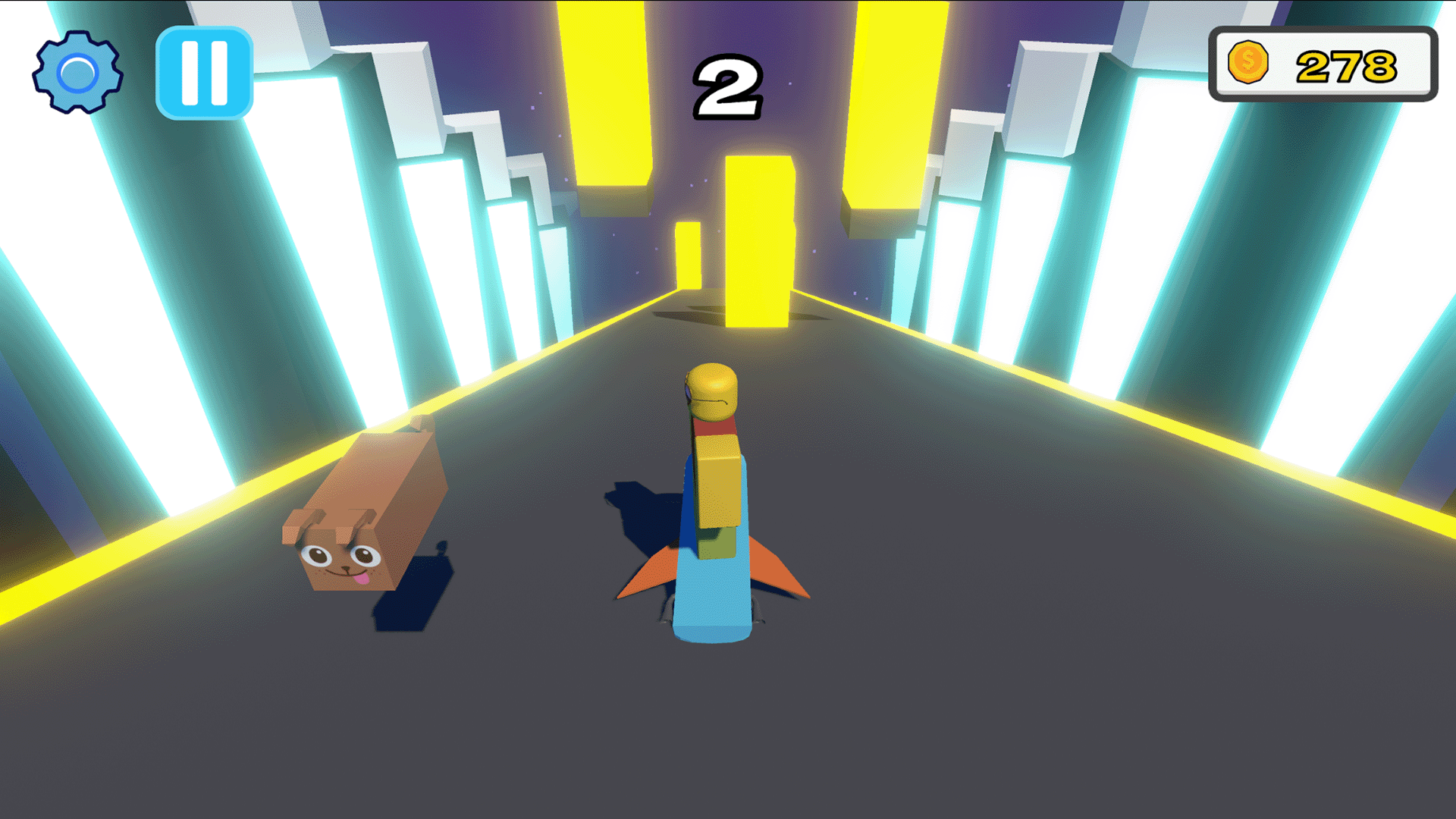
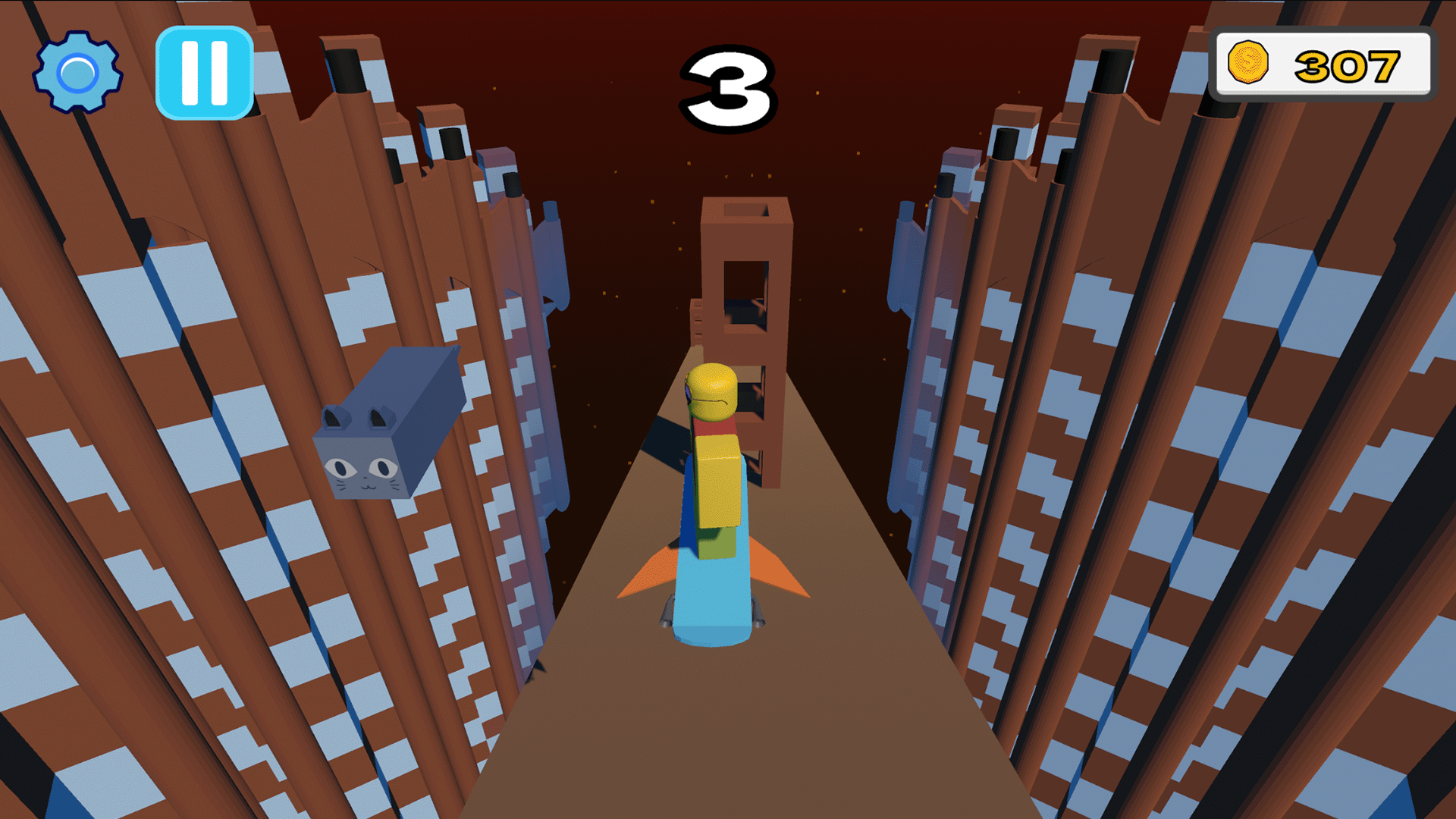
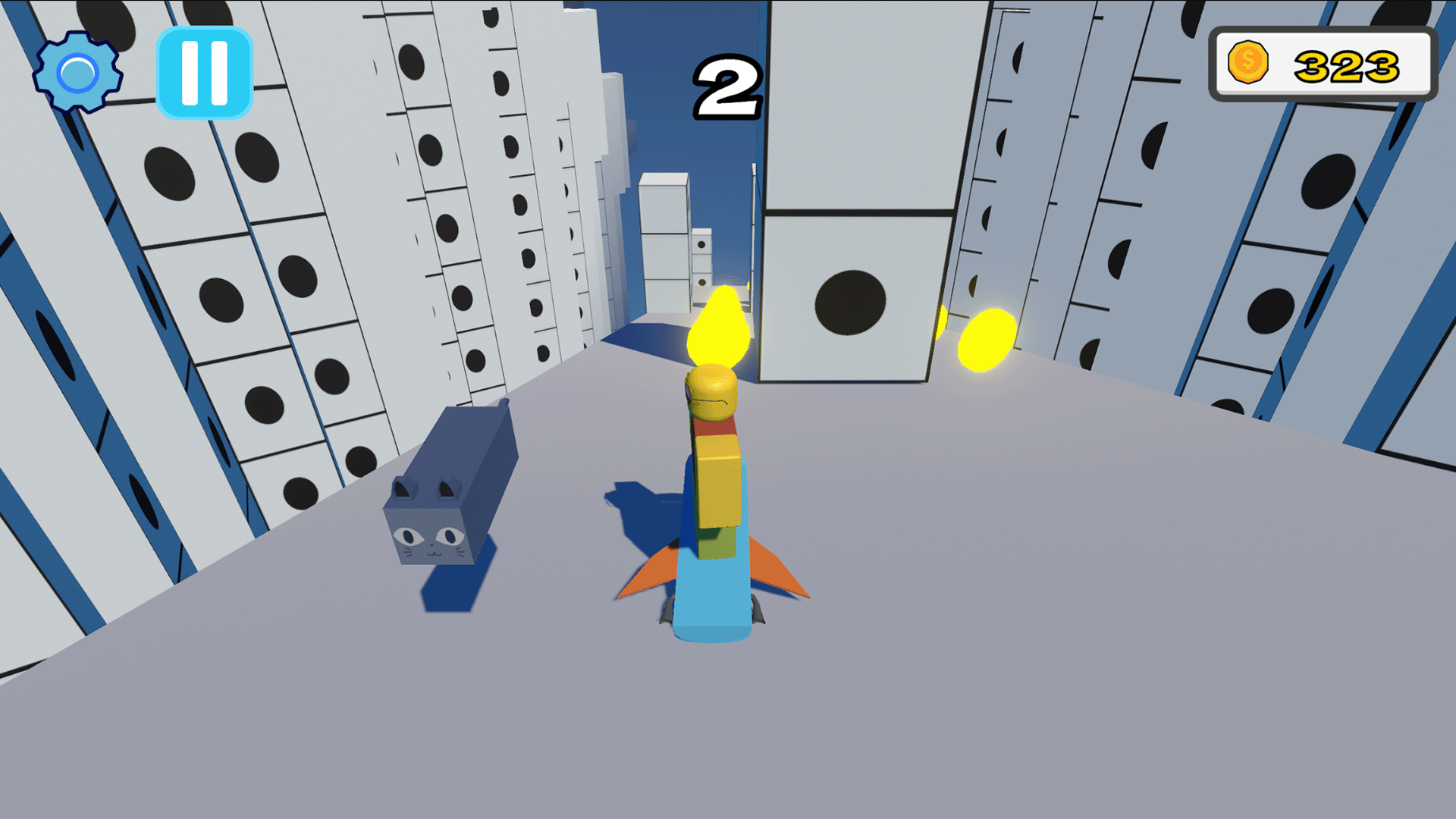
Your main goal is to descend through generated platforms as low as possible while dodging moving obstacles. One wrong move and you fall straight into the abyss! The lower you fall, the faster you go: with every platform passed, your speed constantly increases, turning the parkour into a wild rush.
✨ Game Features:
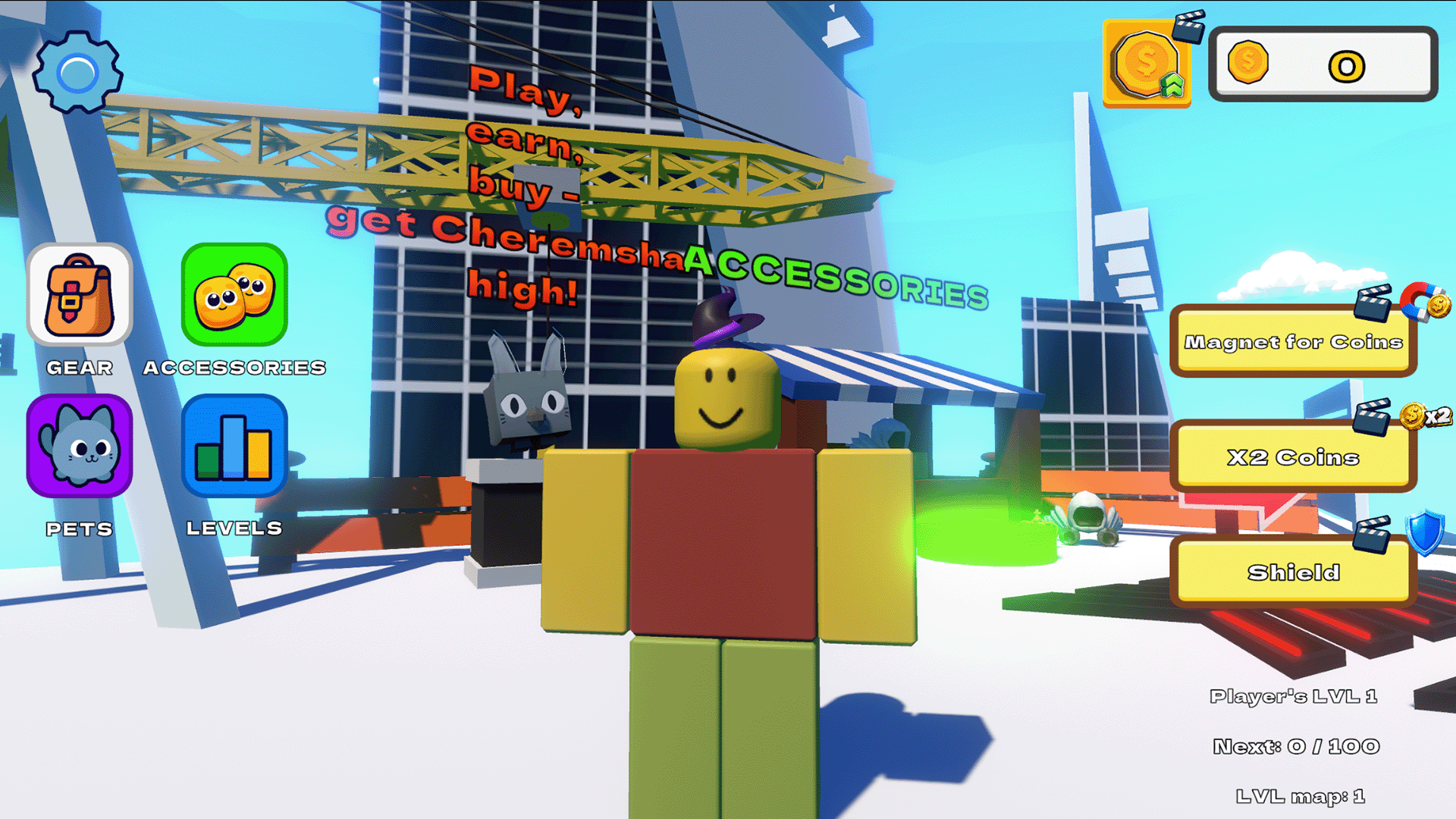
🗺️ New levels: cover the distance and unlock new exciting stages!
🚀 Dynamic acceleration: reach crazy speeds and test your reflexes.
🤑 Coin collection: pick up gold coins right on the platforms as you drop.
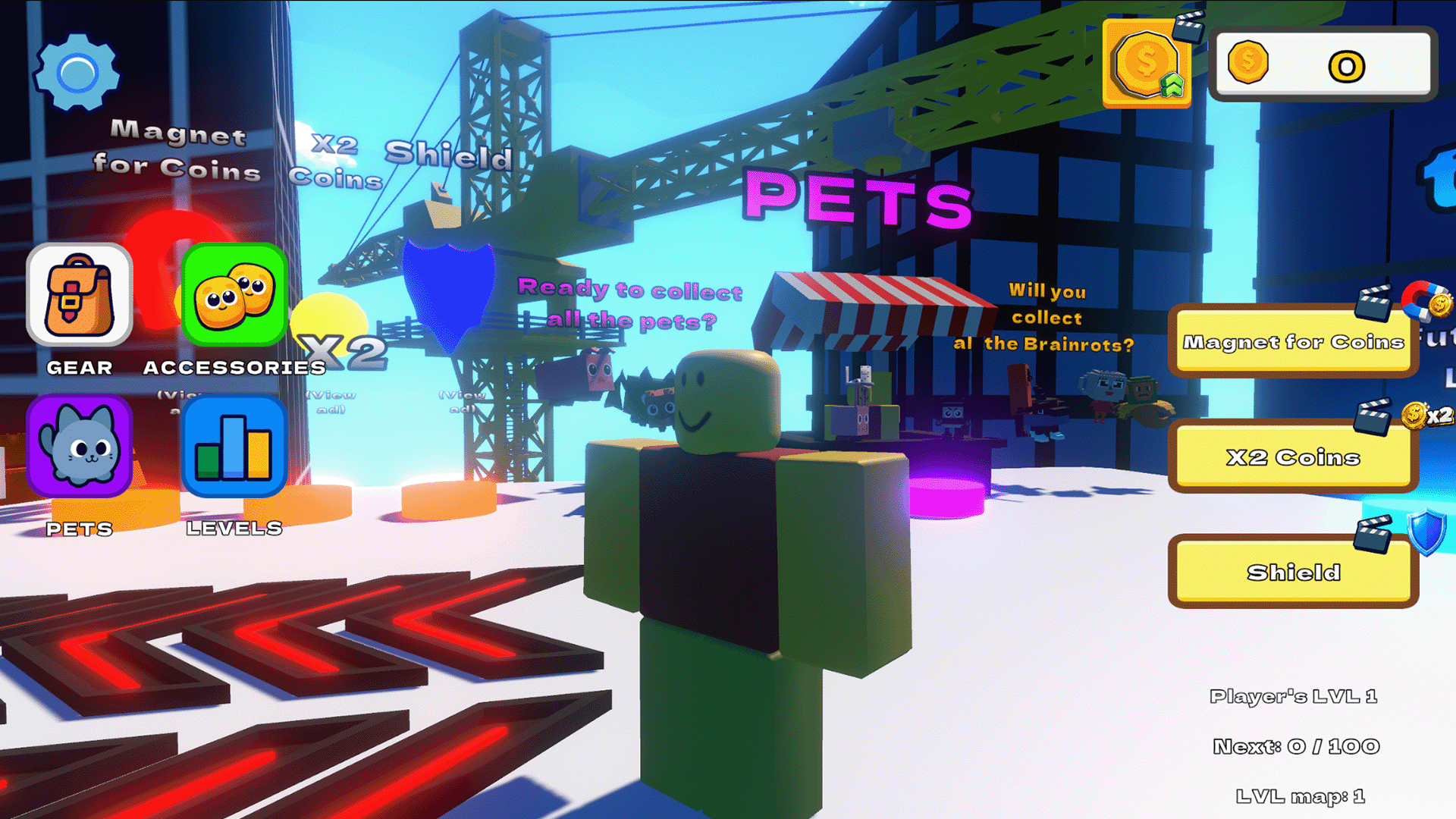
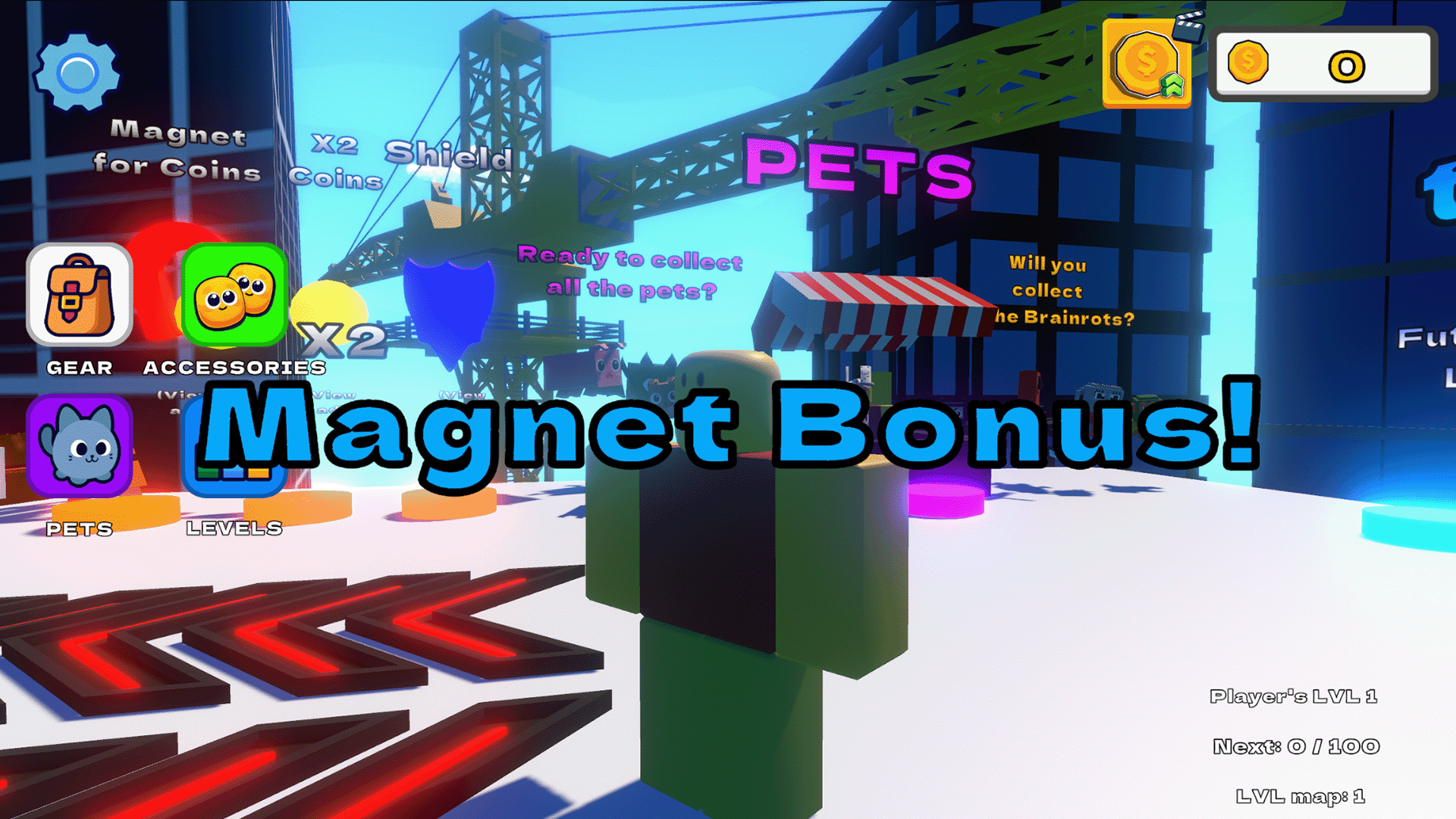
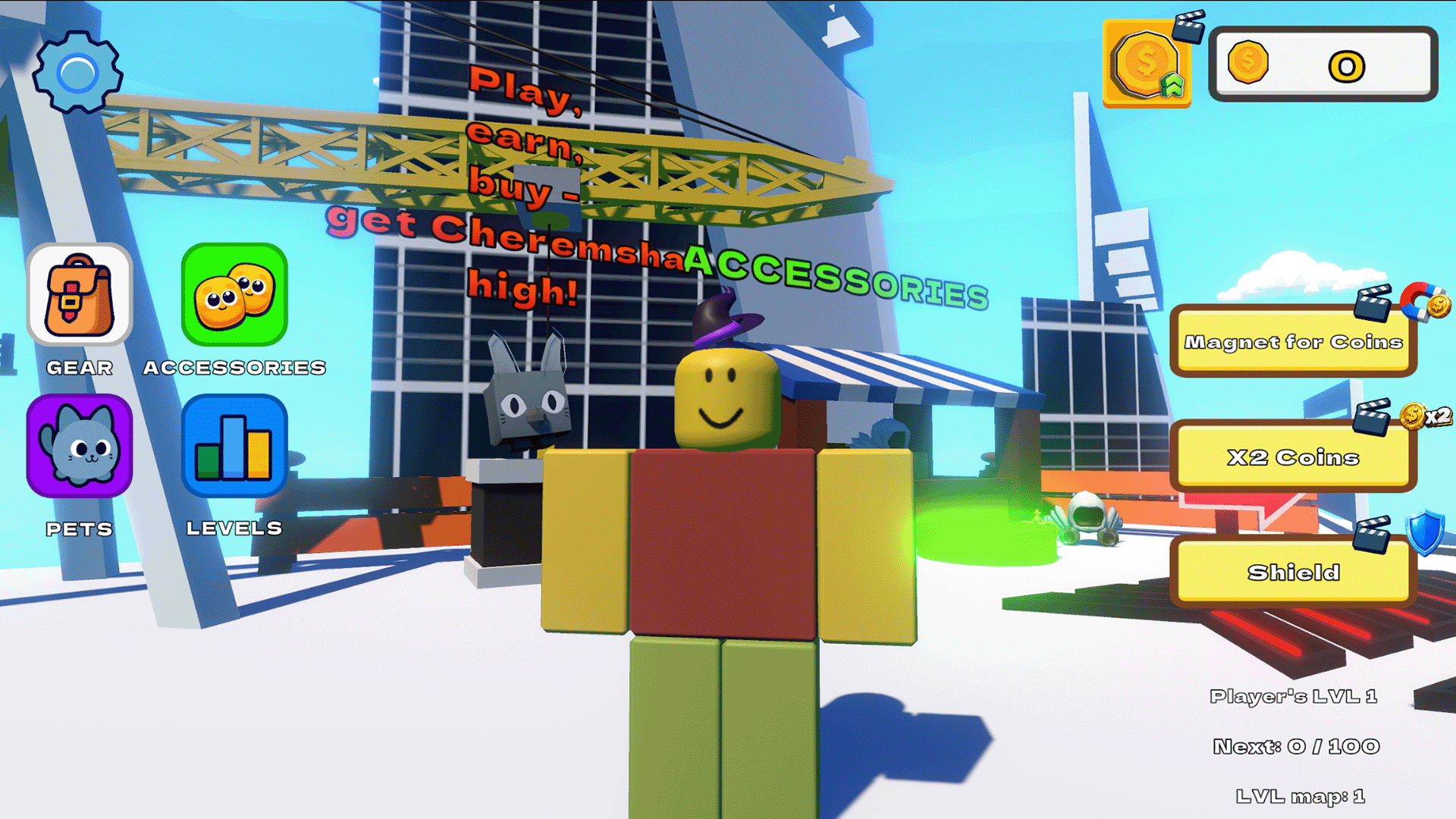
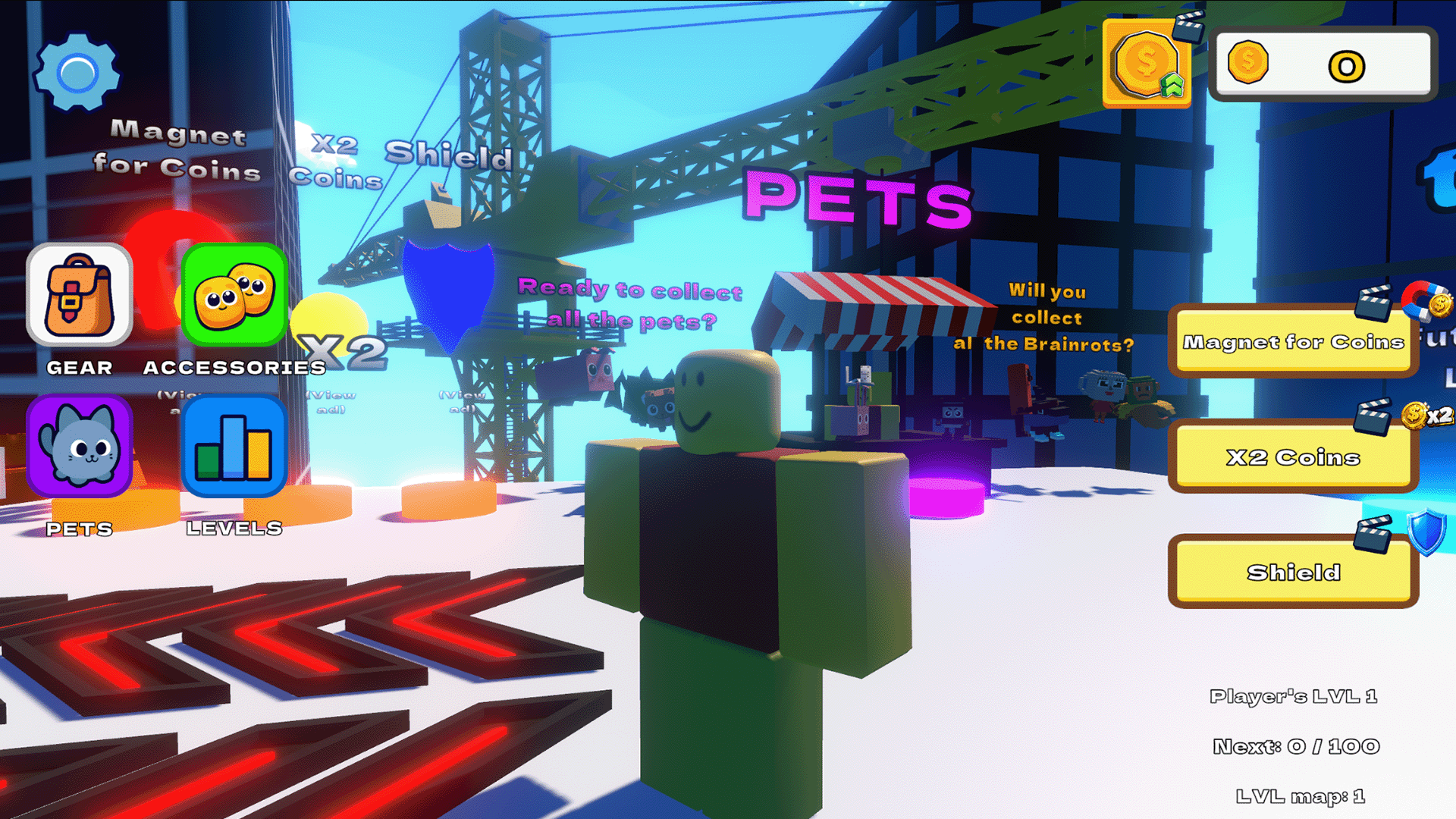
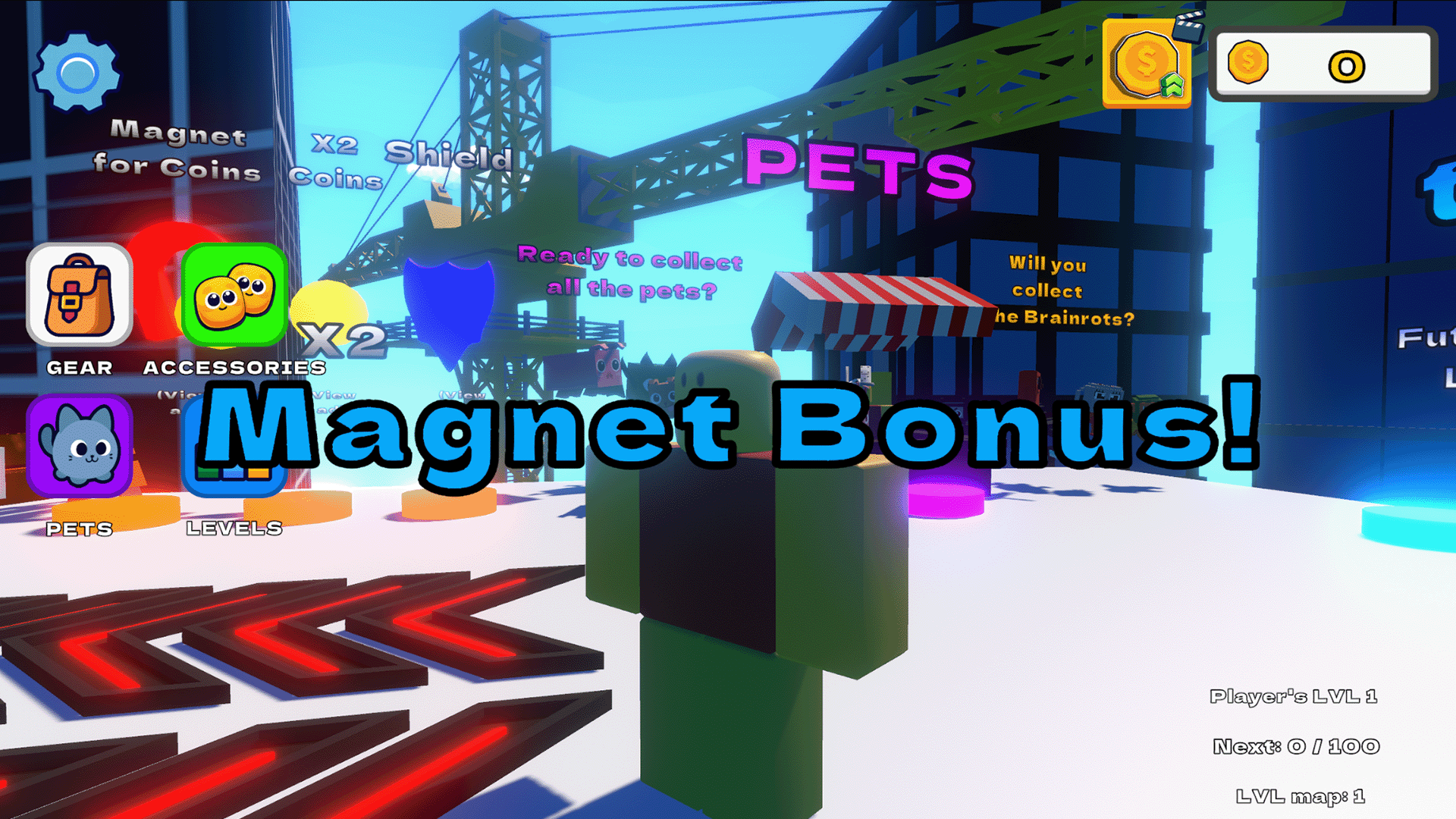
🛍️ Cool shop: buy pets, viral memes (Cheremsha, Six-Seven, Ballerina Capuchina, Tralalero, and more), and stylish accessories — from glasses and capes to the legendary Dominus!
🏆 Ready to become the ultimate fall champion? Jump in and show what you've got!
Videos and screenshots
13,791 players online
How to play
-
Open the game
Press Play now and the game opens on its own screen.
-
Follow the in-game instructions
The controls and goals are shown inside the game as you play.
-
Use the game menu
The floating button over the game reloads it, saves it to your favourites, or takes you back out.