Skip to content
KG
Obby Parkour Сhampion

Obby Parkour Сhampion

1K plays 4.8 out of 5

Overview

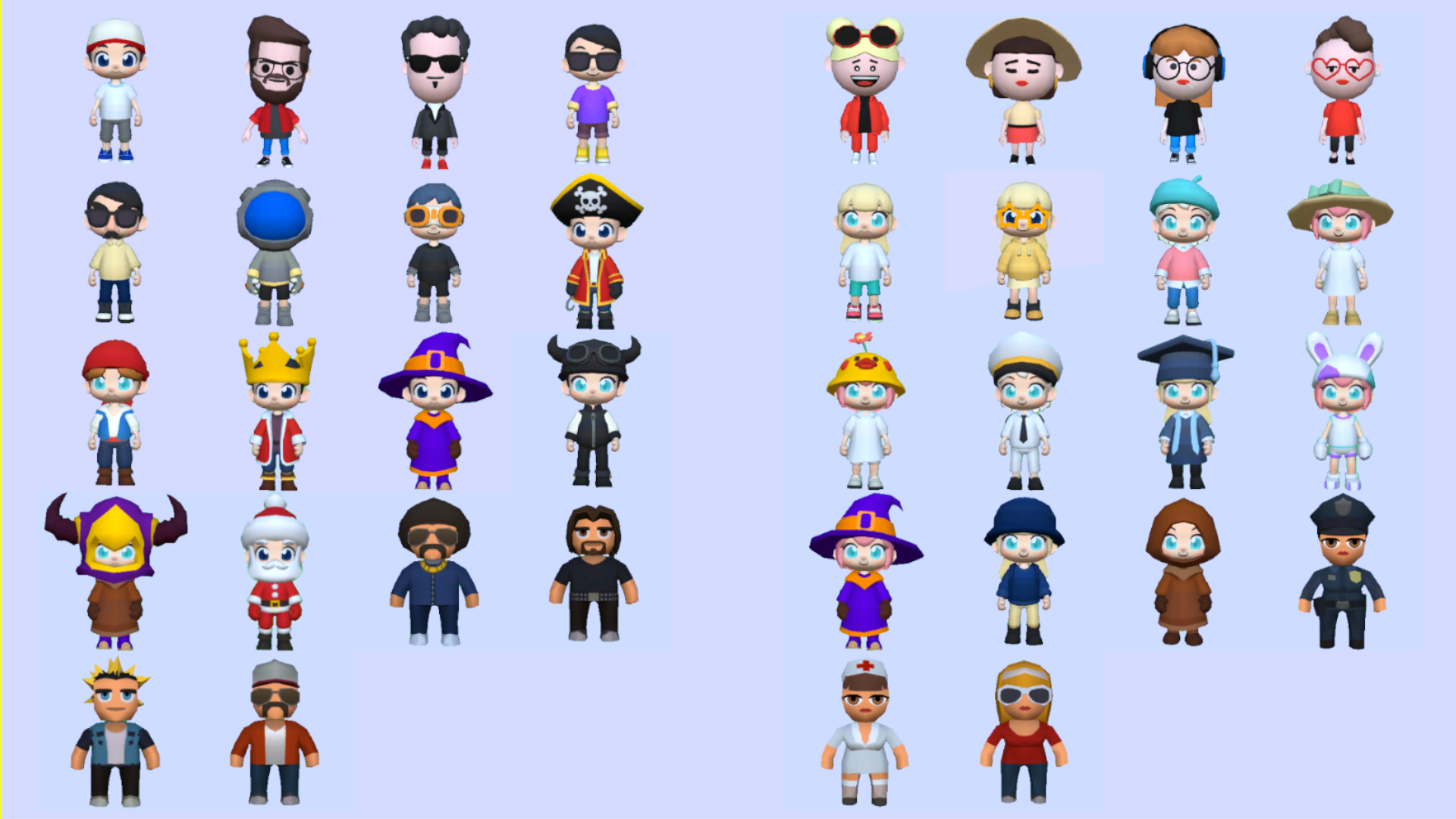
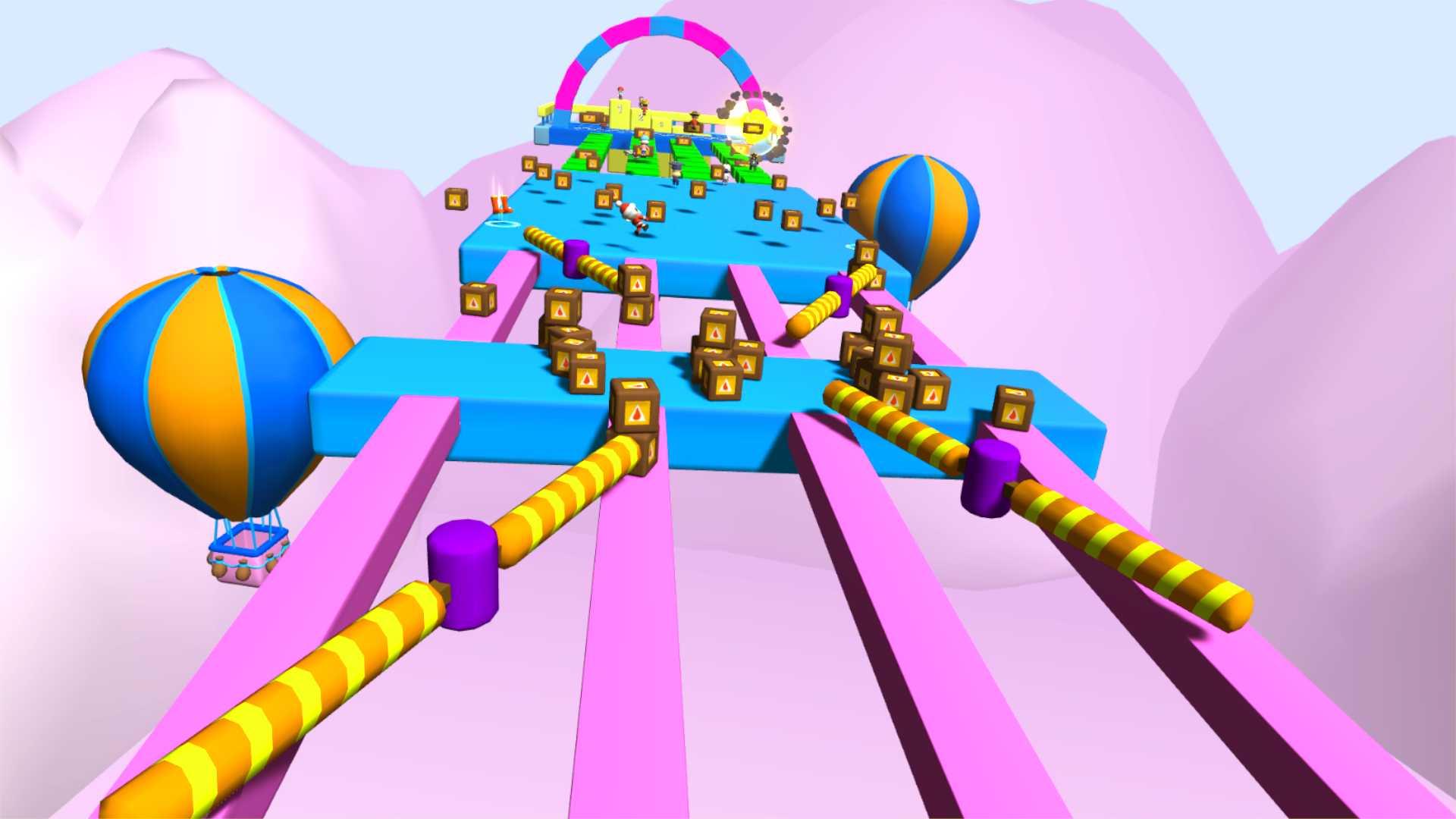
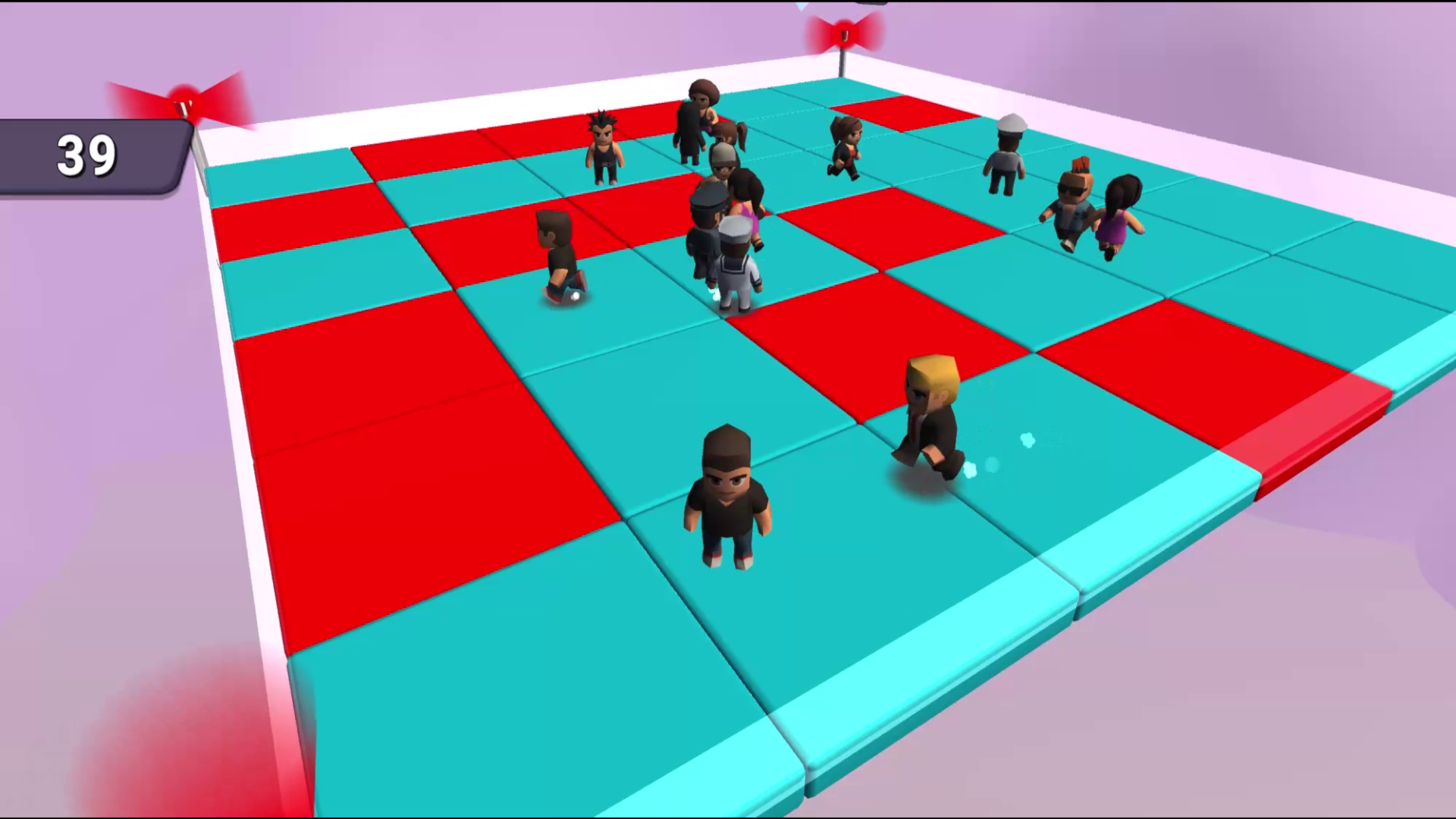
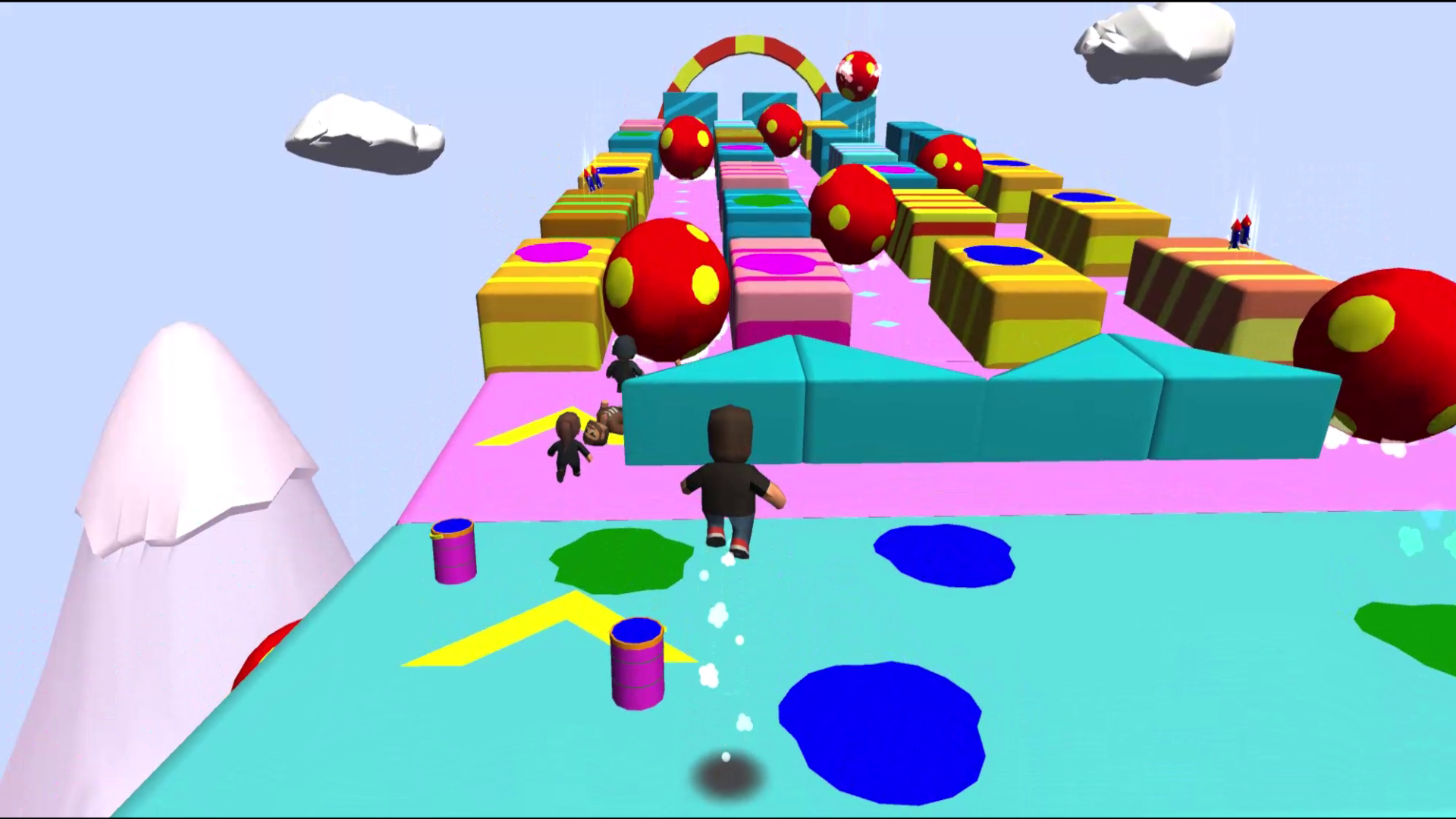
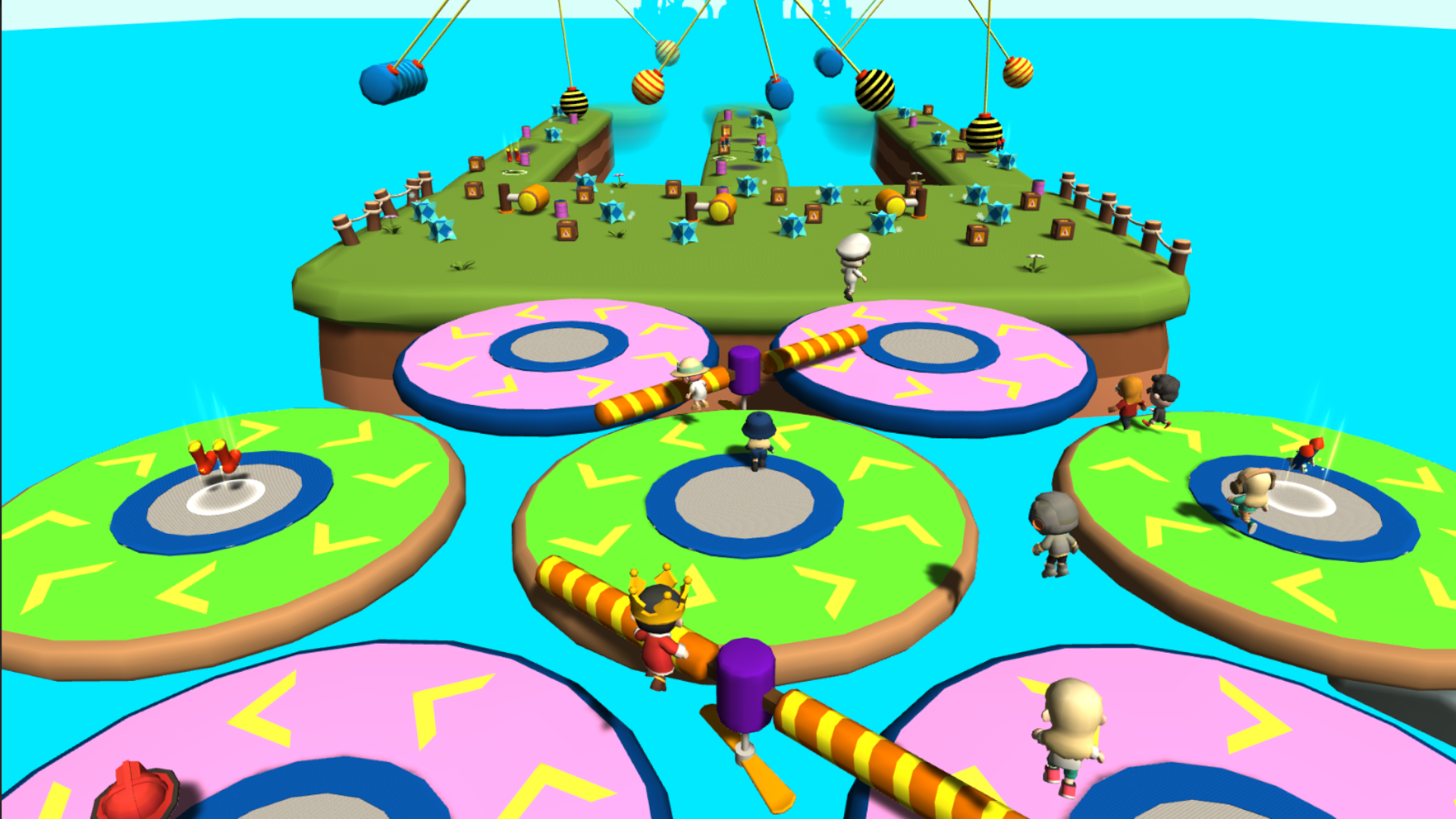
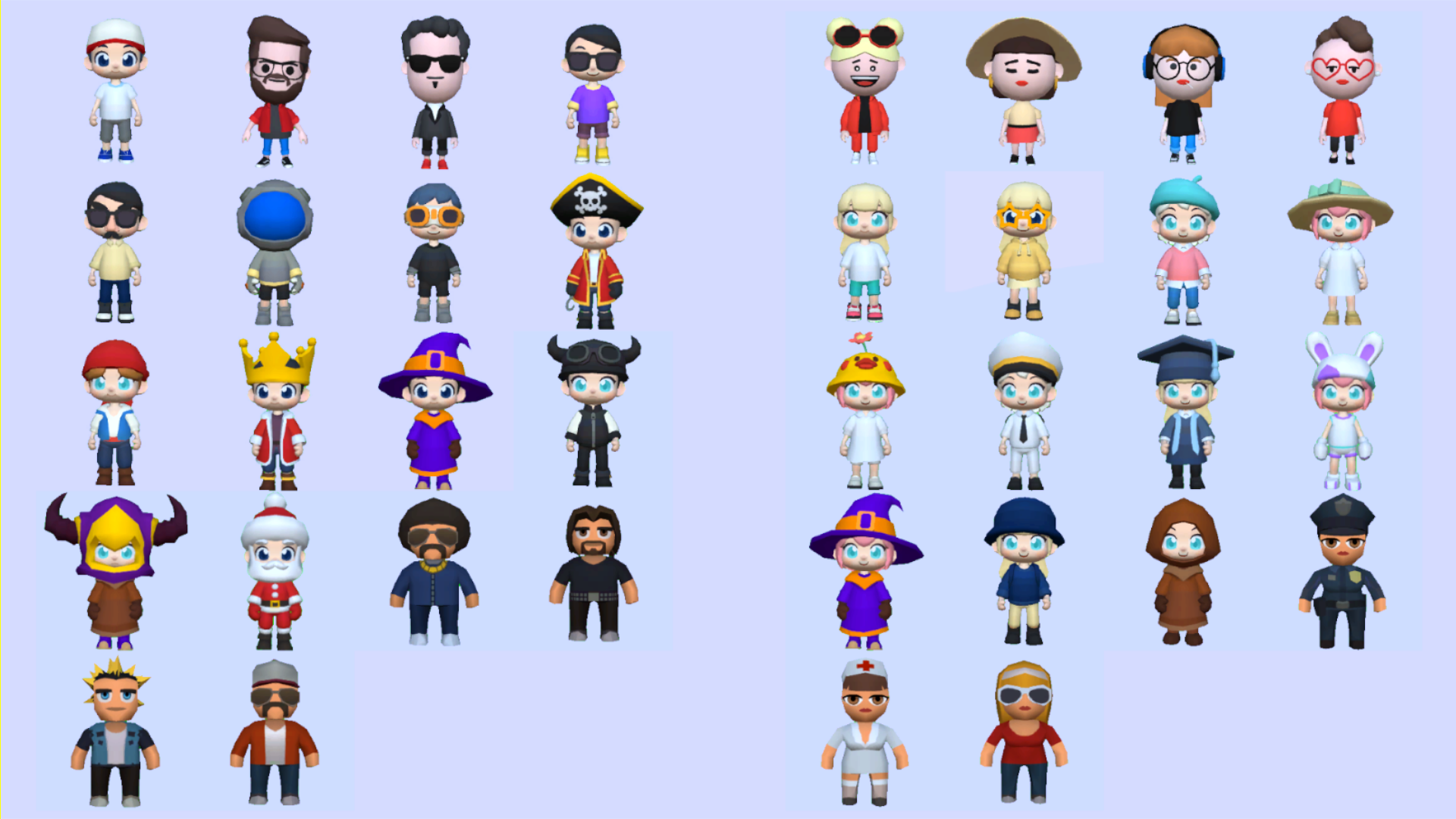
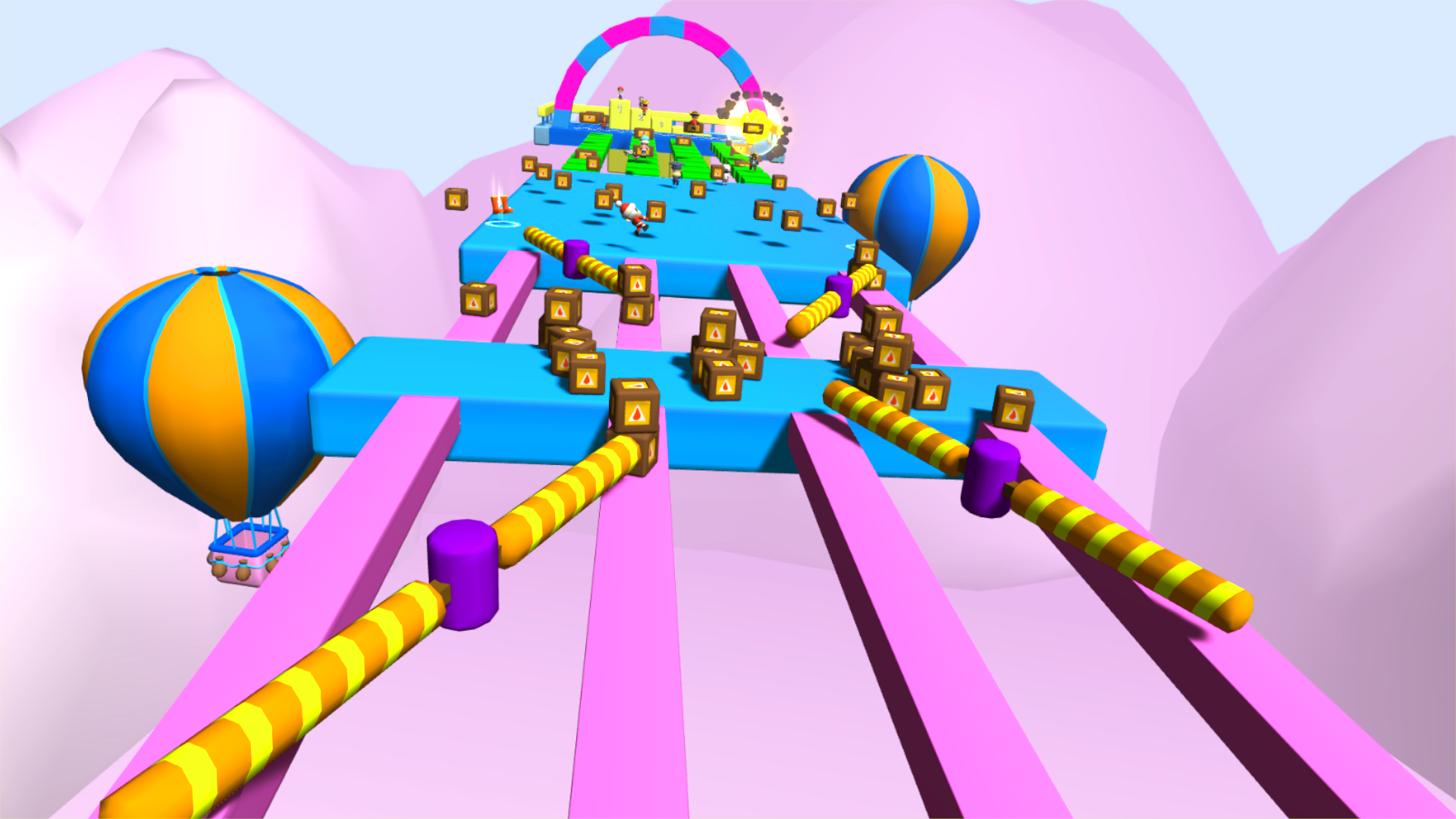
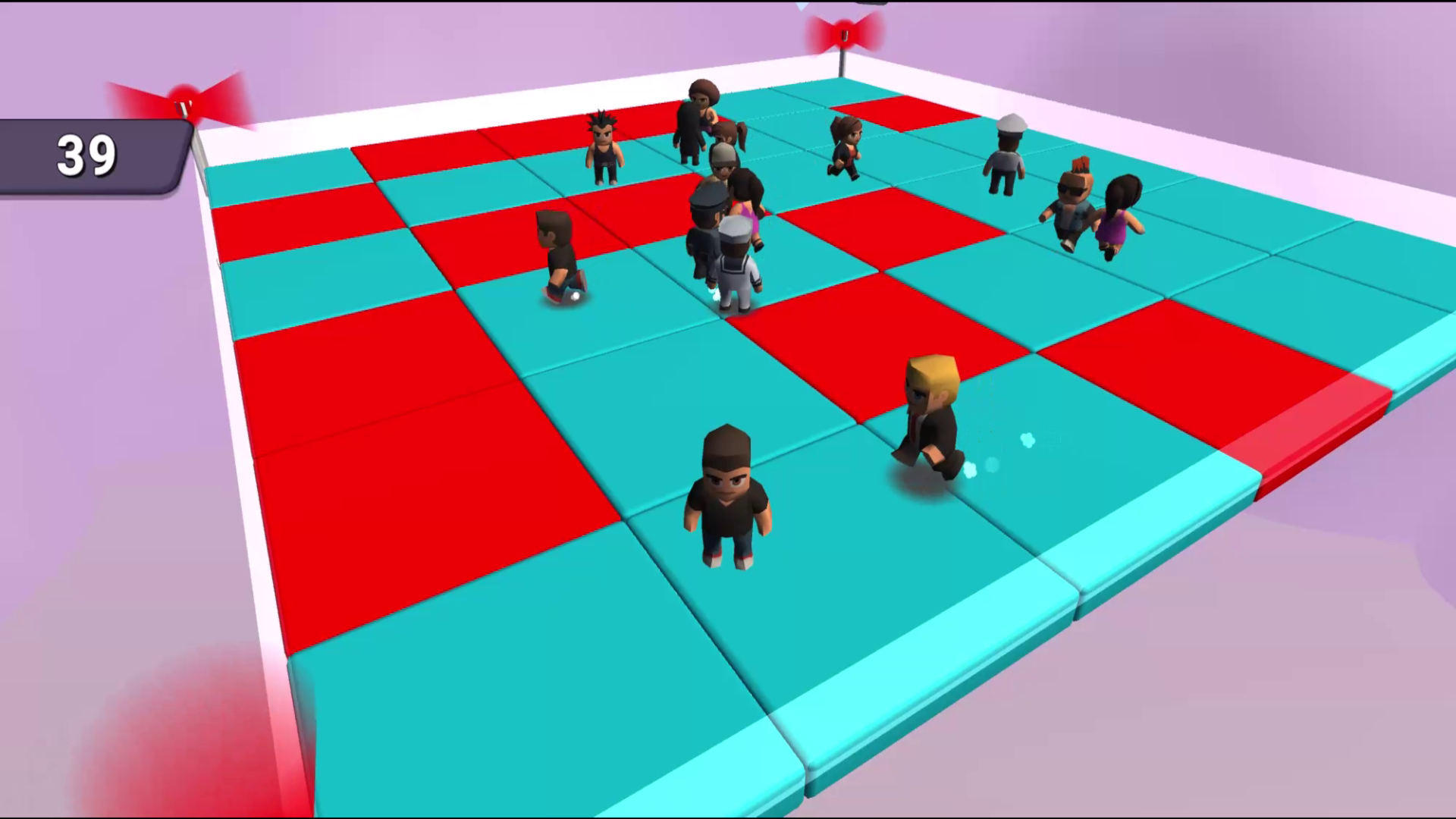
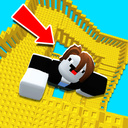
Take part in Obby Parkour Сhampionship. 👌Several game modes: get to the finish line, don't fall from the platform etc. ✔Different game maps: from the snowy ski track to the laser beams. 😍A few dozens of player skins - choose what you like. 😆Win in different game modes, get reward in the form of game currency and experience, open new maps.

Videos and screenshots
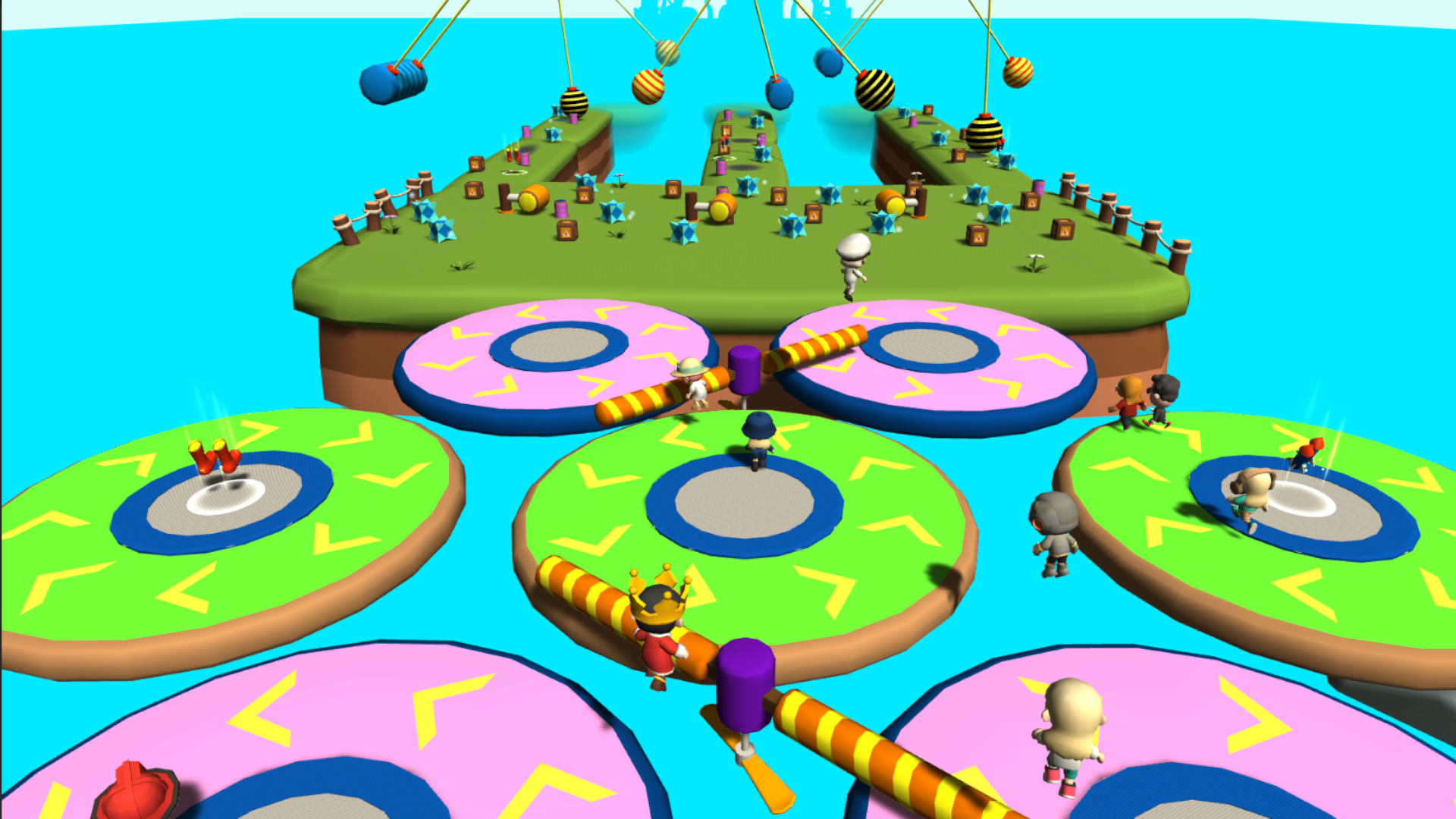
  • Obby Parkour Сhampion screenshot 1
  • Obby Parkour Сhampion screenshot 2
  • Obby Parkour Сhampion screenshot 3
  • Obby Parkour Сhampion screenshot 4
  • Obby Parkour Сhampion screenshot 5
  • Obby Parkour Сhampion screenshot 6
  • Obby Parkour Сhampion screenshot 7
  • Obby Parkour Сhampion screenshot 8
  • Obby Parkour Сhampion screenshot 9
  • Obby Parkour Сhampion screenshot 10
Play Now

11,980 players online

How to play

  1. Open the game

    Press Play now and the game opens on its own screen.

  2. Follow the in-game instructions

    The controls and goals are shown inside the game as you play.

  3. Use the game menu

    The floating button over the game reloads it, saves it to your favourites, or takes you back out.
Game instructions

PC: Player movement - buttons W (forward), S (back), A (left), D (right). Jump or double jump* button - right mouse button or space button. Mouse wheel (scroll) - far or close camera. Using ability (when the ability is taken) - button E or left mouse button. Double jump - is a jump, then, while in the air, another jump. It helps to move to a bigger distance and to jump over a whole small obstacles. Mobile: On the down left part of the screen there is a joystick for movement and flying correction. On the down right part of the screen there is a jump or double jump* button and ability button (when the ability is taken). On the up right part of the screen there is a button and slider for camera far or close location to the player. On the up right part of the screen there is a menu button. Right part of the screen over the jump button - camera rotation.

More games

More games