Skip to content
KG
Rich or Poor Obby

Rich or Poor Obby

98K plays 4.4 out of 5

Overview

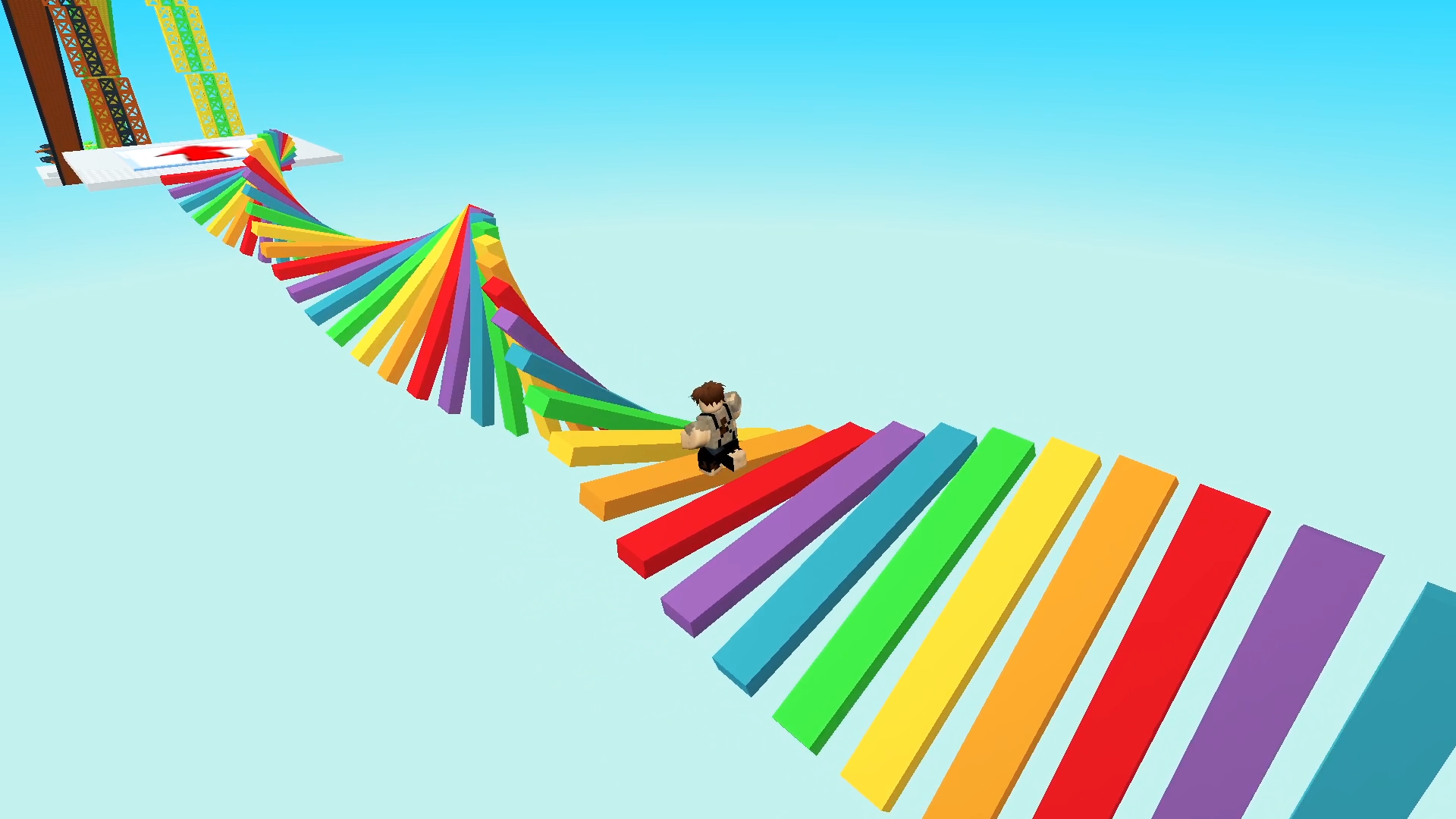
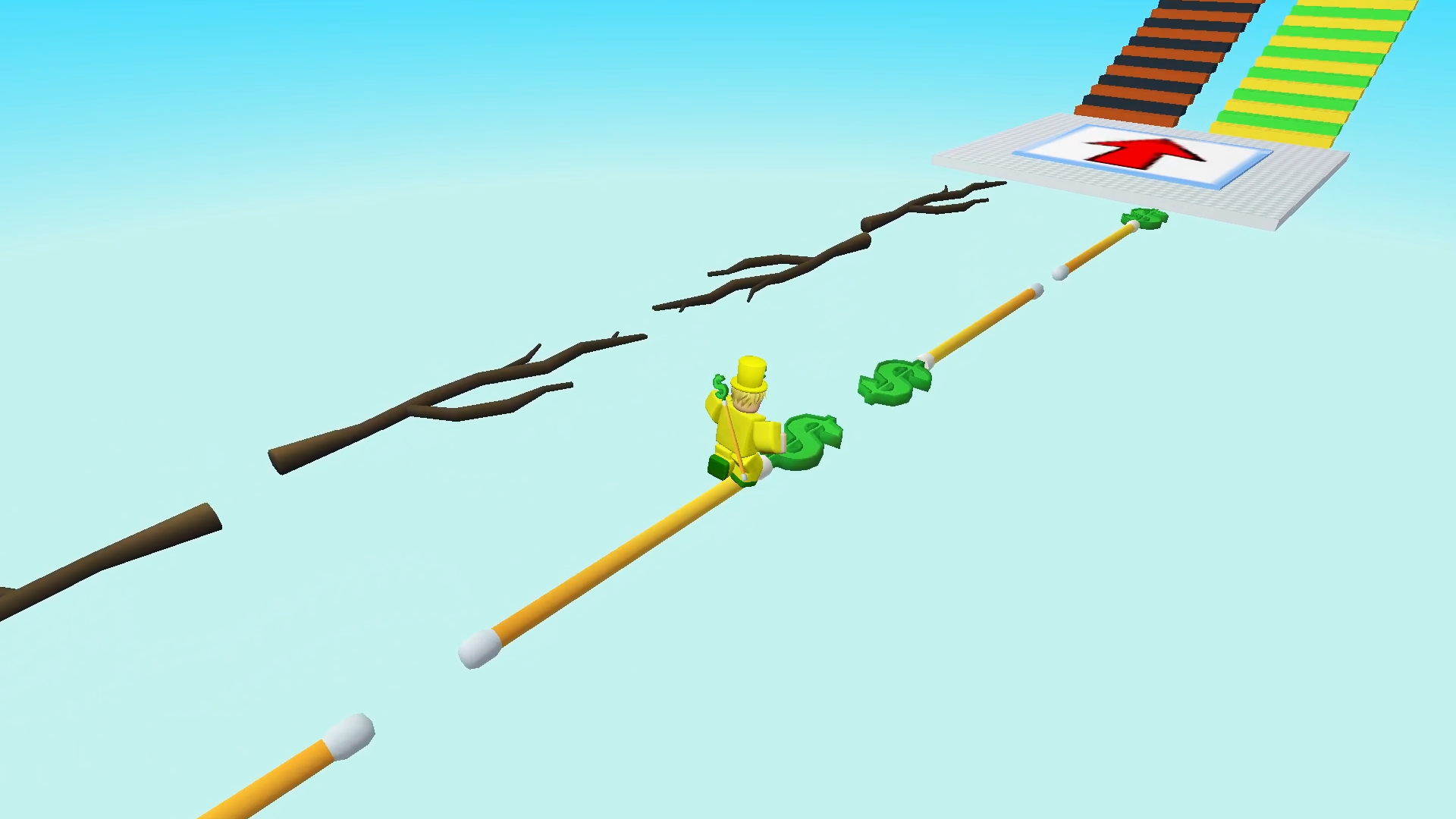
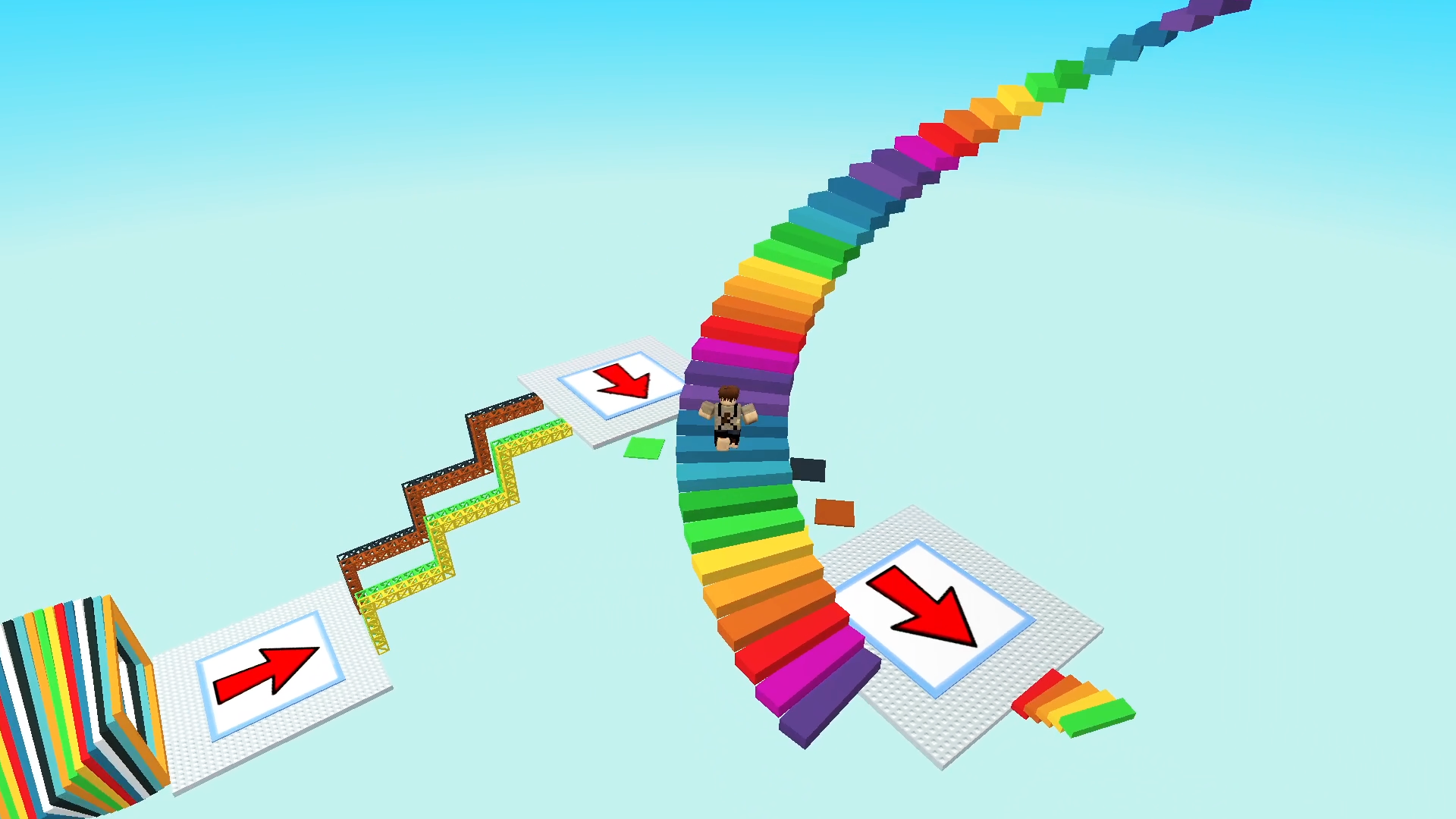
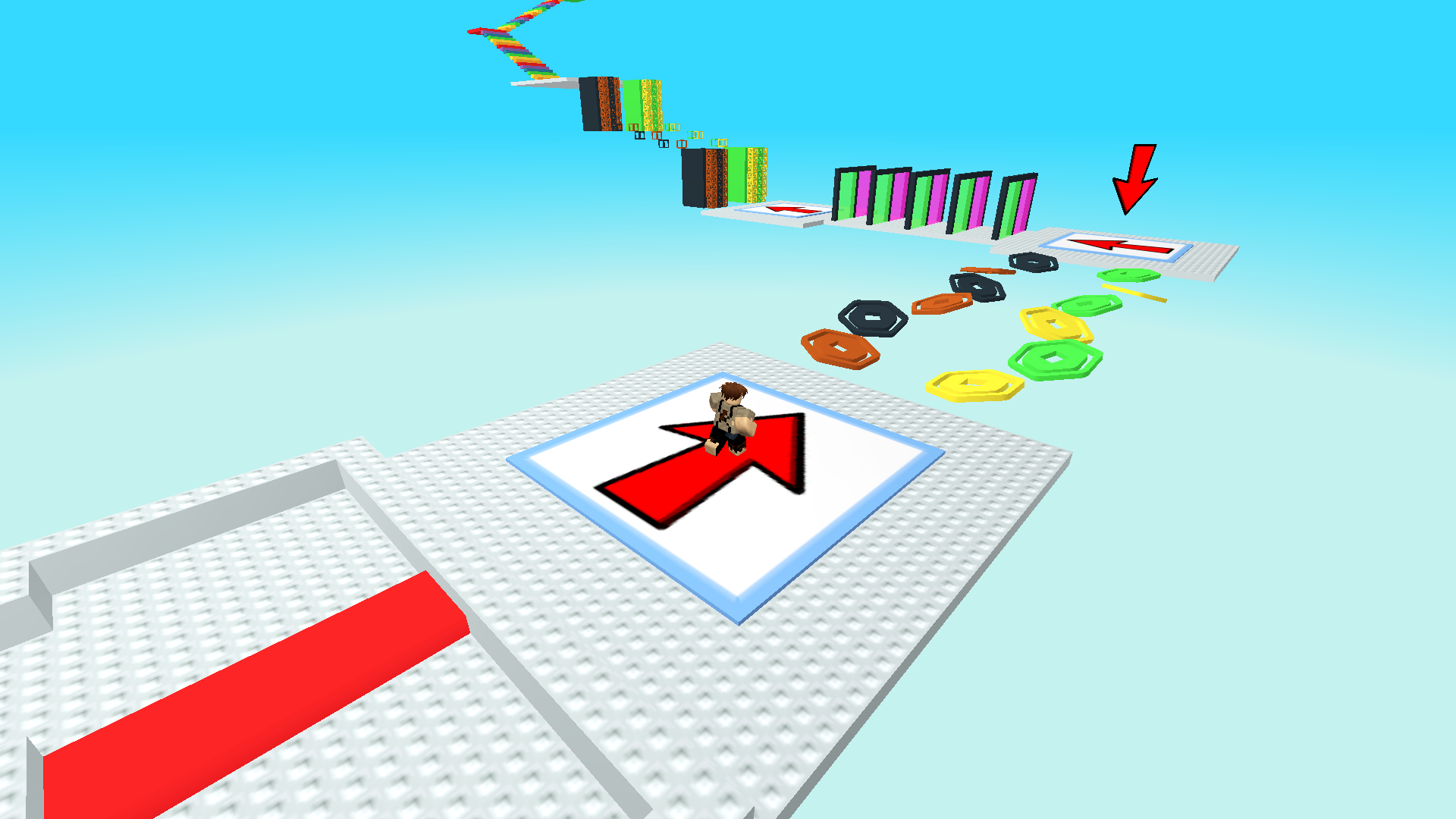
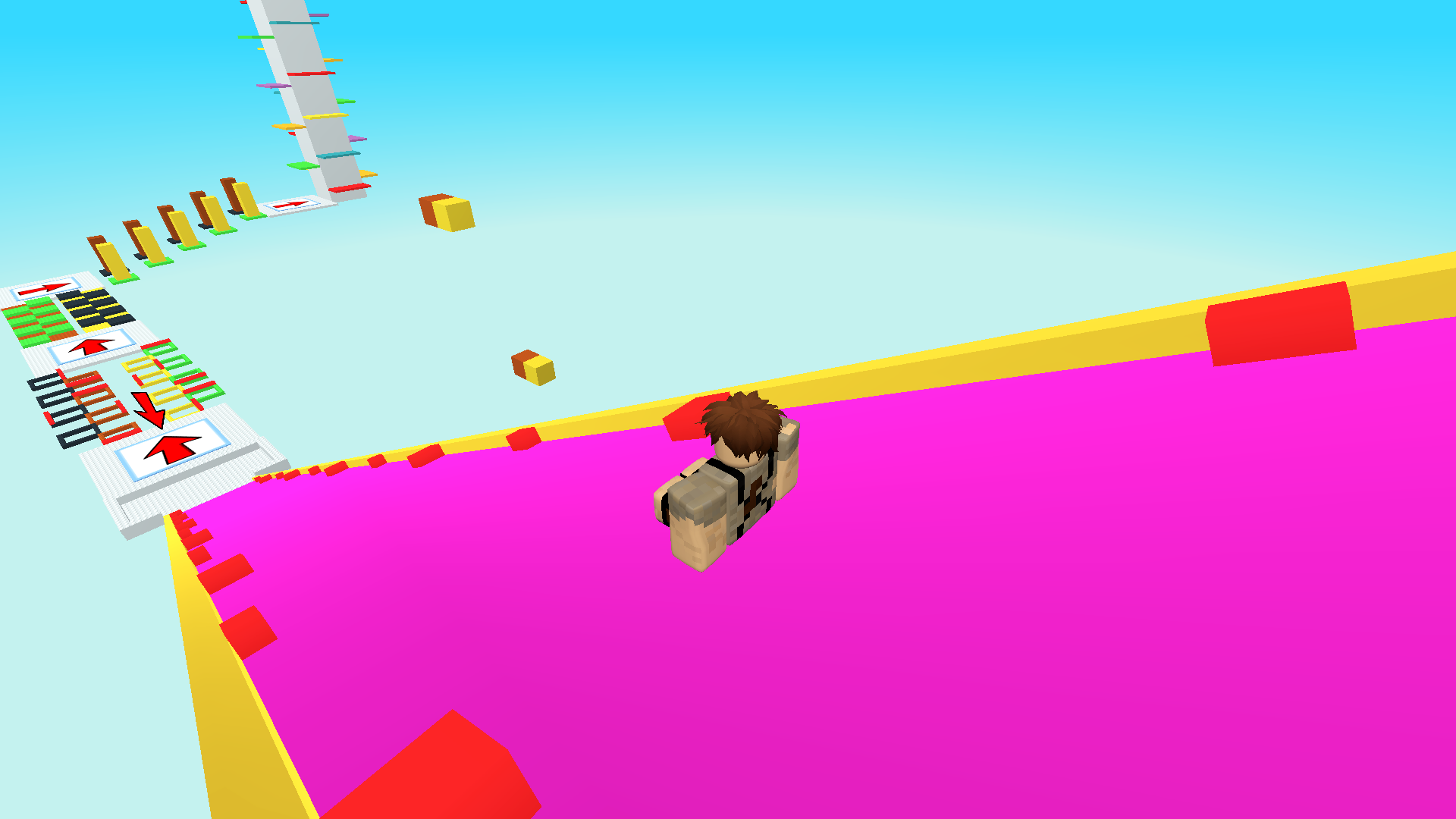
Choose your path and determine your fate! Will you become a rich tycoon or a poor survivor? Each path is filled with secrets and obstacles waiting for you at every turn. Make your way through challenging levels, uncover hidden secrets, and discover what awaits you at the end. Will you be a wealthy magnate or a poor person who has survived against all odds? This game will keep you on the edge of your seat from start to finish! With its complex levels, secrets, and choices, you'll be fully immersed in the exciting world of platformers. So, what will you choose? Wealth or poverty? Your fate is in your hands! An incredible adventure awaits you!

Videos and screenshots

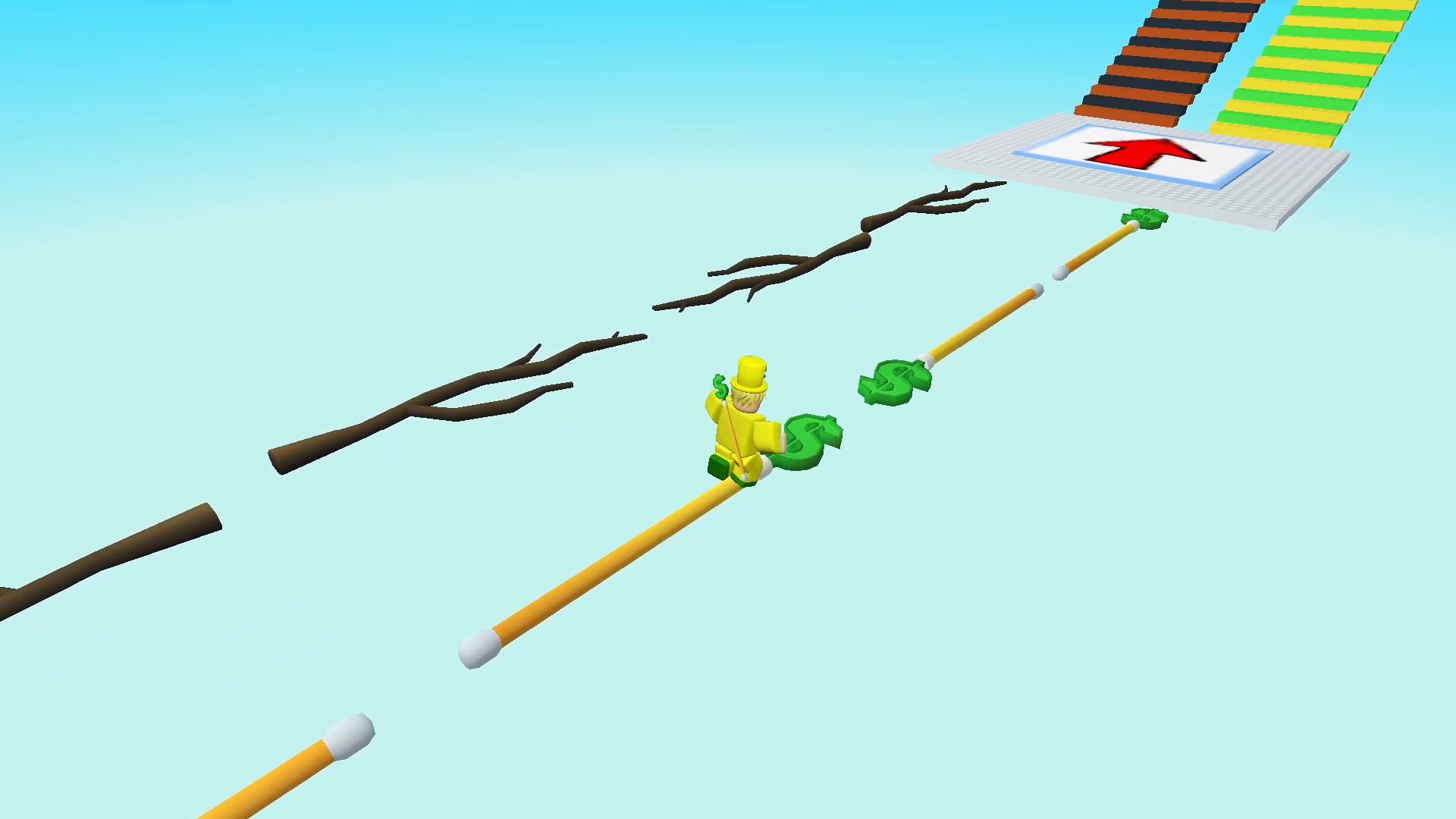
  • Rich or Poor Obby screenshot 1
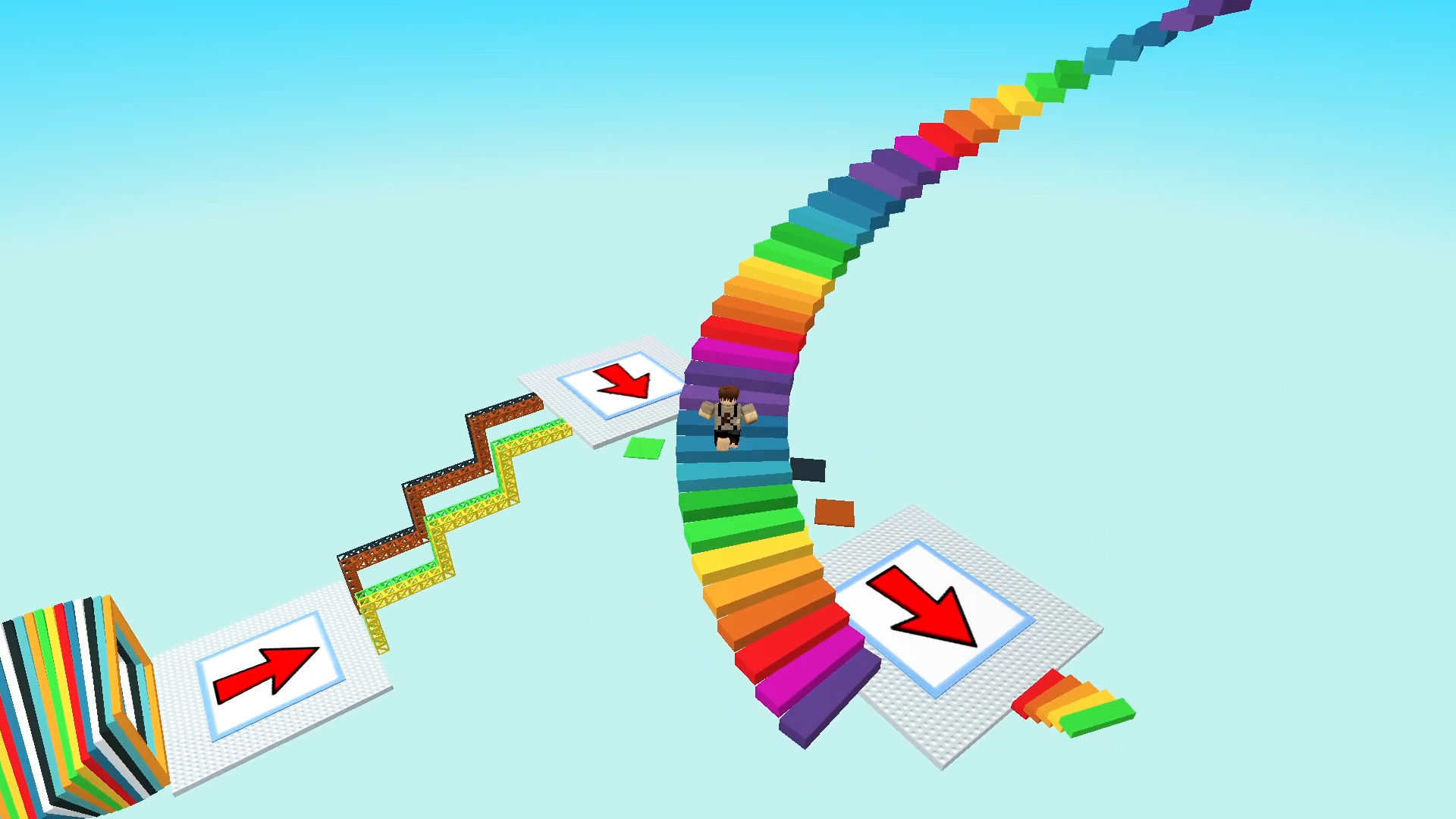
  • Rich or Poor Obby screenshot 2
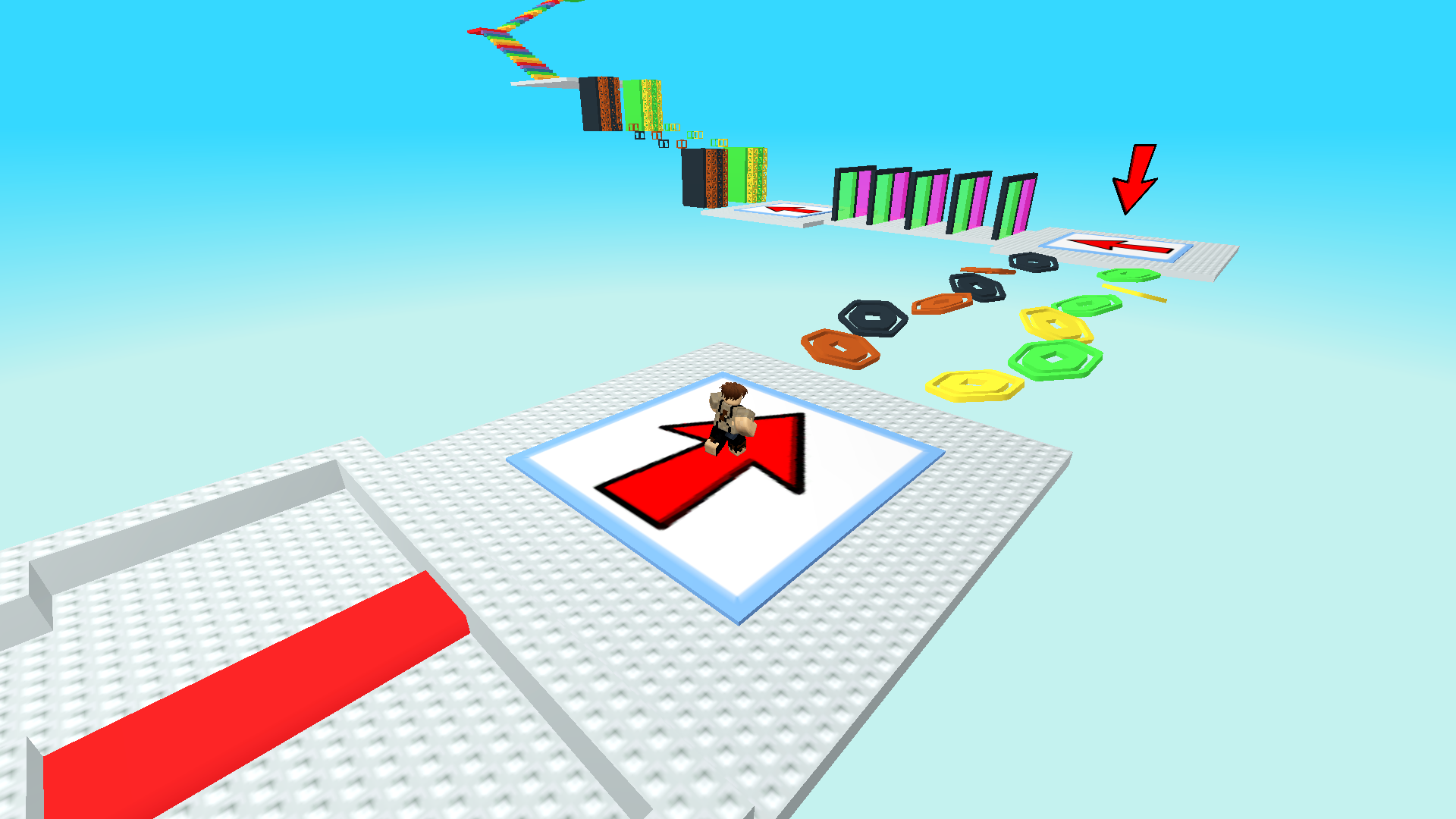
  • Rich or Poor Obby screenshot 3
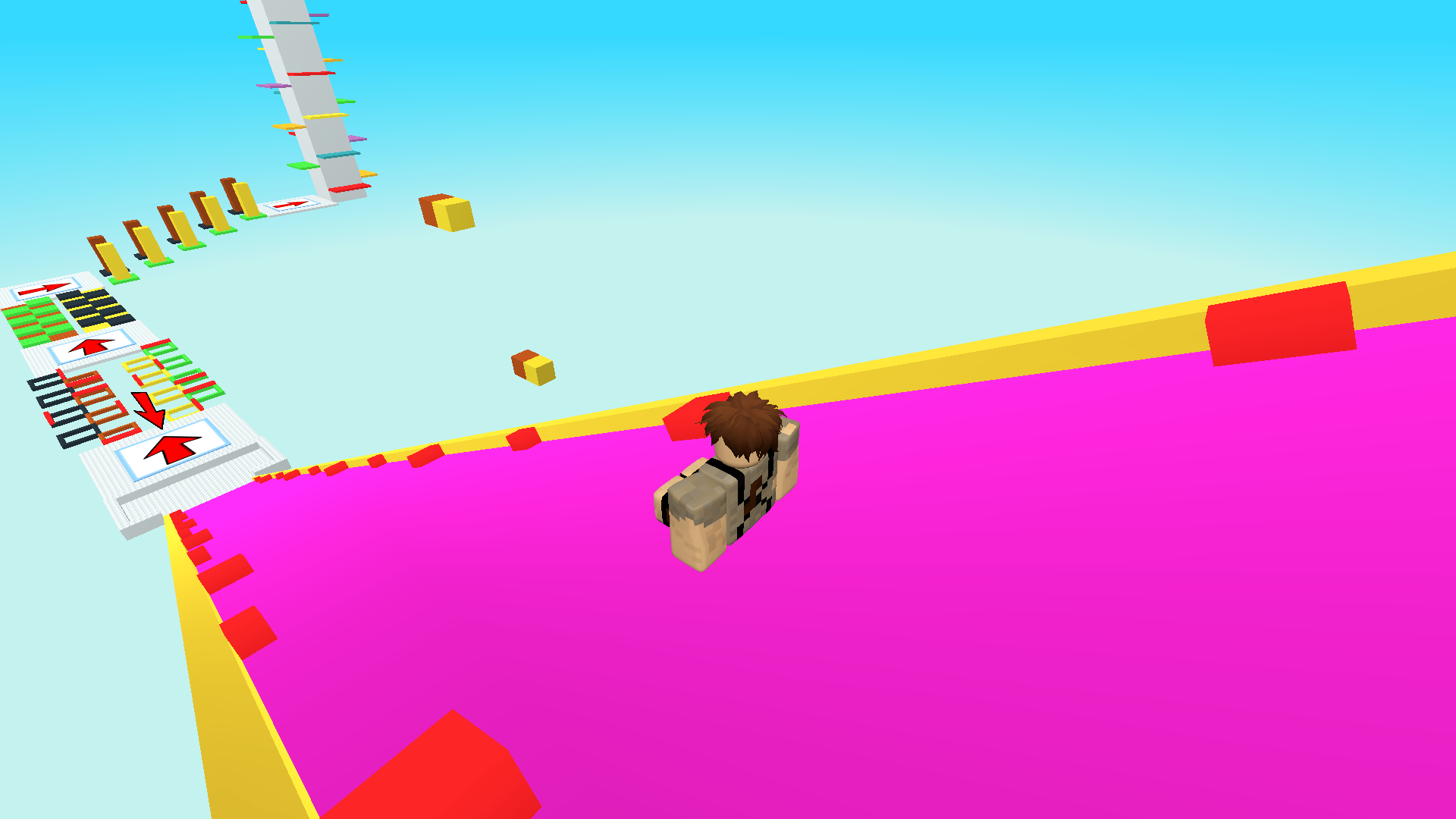
  • Rich or Poor Obby screenshot 4
  • Rich or Poor Obby screenshot 5
  • Rich or Poor Obby screenshot 6
  • Rich or Poor Obby screenshot 7
  • Rich or Poor Obby screenshot 8
  • Rich or Poor Obby screenshot 9
  • Rich or Poor Obby screenshot 10
Play Now

14,440 players online

How to play

  1. Open the game

    Press Play now and the game opens on its own screen.

  2. Follow the in-game instructions

    The controls and goals are shown inside the game as you play.

  3. Use the game menu

    The floating button over the game reloads it, saves it to your favourites, or takes you back out.
Game instructions

PC Controls: • Movement: Use the W, A, S, D keys to move forward, backward, and sideways. • Jump: Press the Spacebar to jump. • Camera Rotation: Hold the right mouse button and move the mouse to rotate the camera. • Camera Zoom: Use the mouse wheel to zoom in or out. Mobile/Tablet Controls: • Character Movement: Tap and hold the left side of the screen, then move your finger in the desired direction. • Camera Rotation: Tap and hold the right side of the screen, then move your finger to rotate the camera. • Camera Zoom: Use a pinch gesture by touching the screen with two fingers and moving them closer together or farther apart to zoom in or out. • Jump: Tap the dedicated jump button on the screen.

More games

More games