Overview
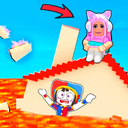
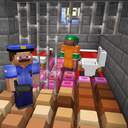
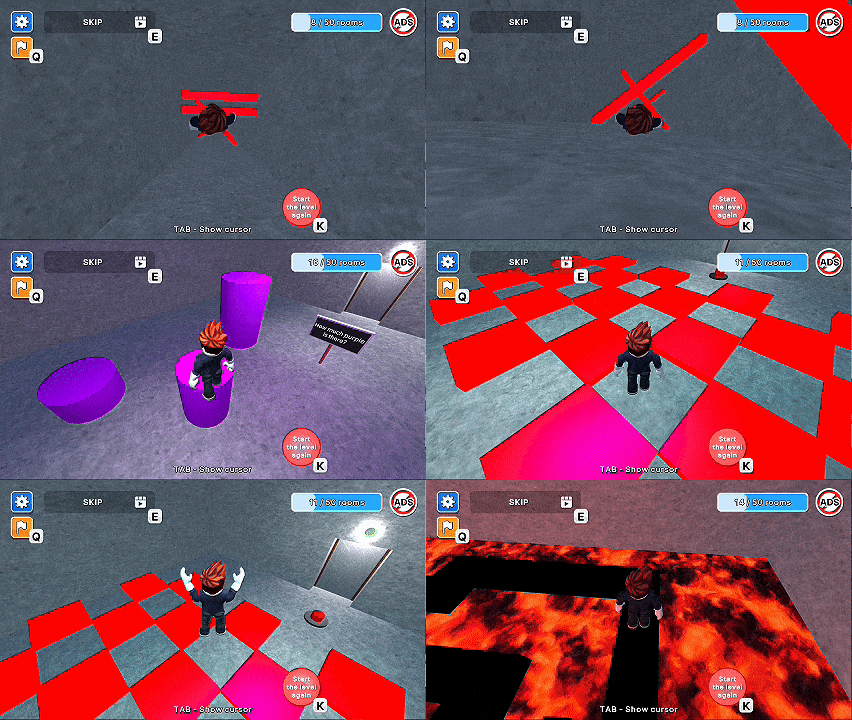
"Obby: Teacher's punishment" is an exciting 3D game with a third-person view in the style of Roblox! You are a negligent student who made a mistake in a word and was sent to the principal. But everything didn't go according to plan — the elevator broke down, the alarm went off, and you found yourself in an underground complex with 50 crazy challenges!
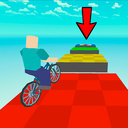
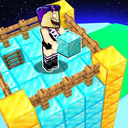
Jump, avoid traps, solve puzzles and climb higher to get out of the mysterious basement back to school. Rooms with unexpected mechanics, funny dialogues, dark plot and obi-style parkour are waiting for you.
Complete all the levels to get out of the basement. Are you ready for a real school challenge?
Videos and screenshots
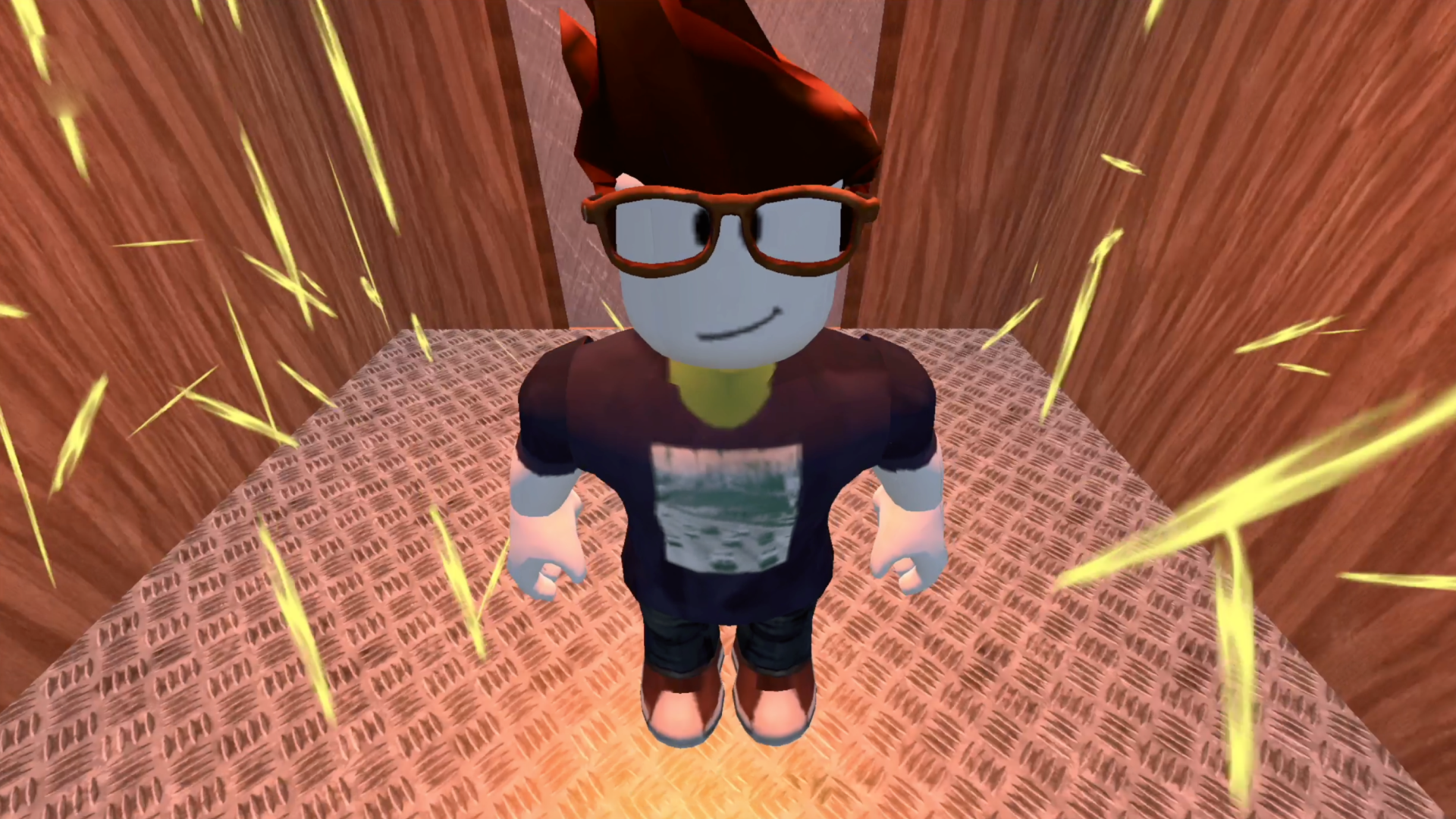
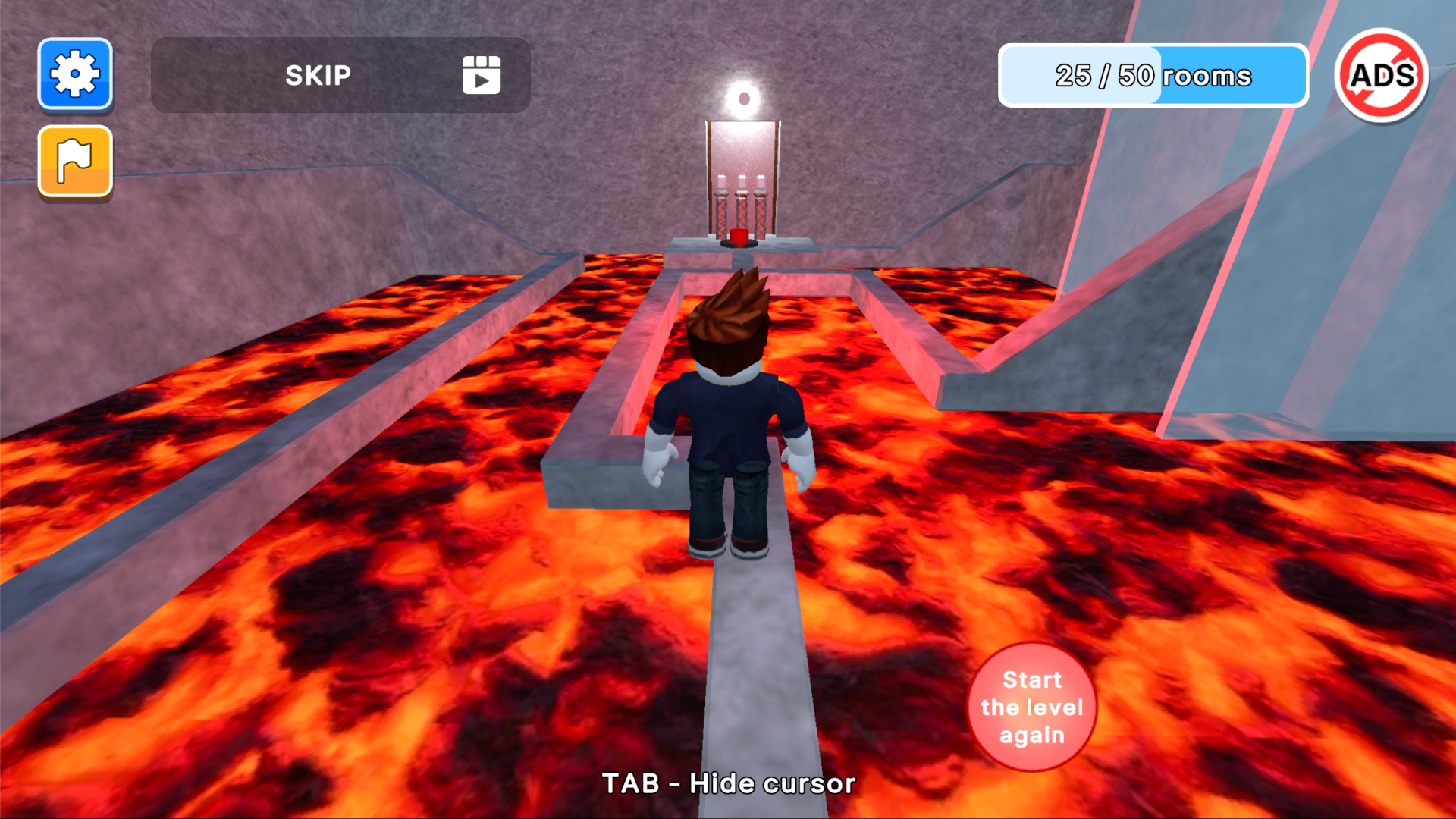
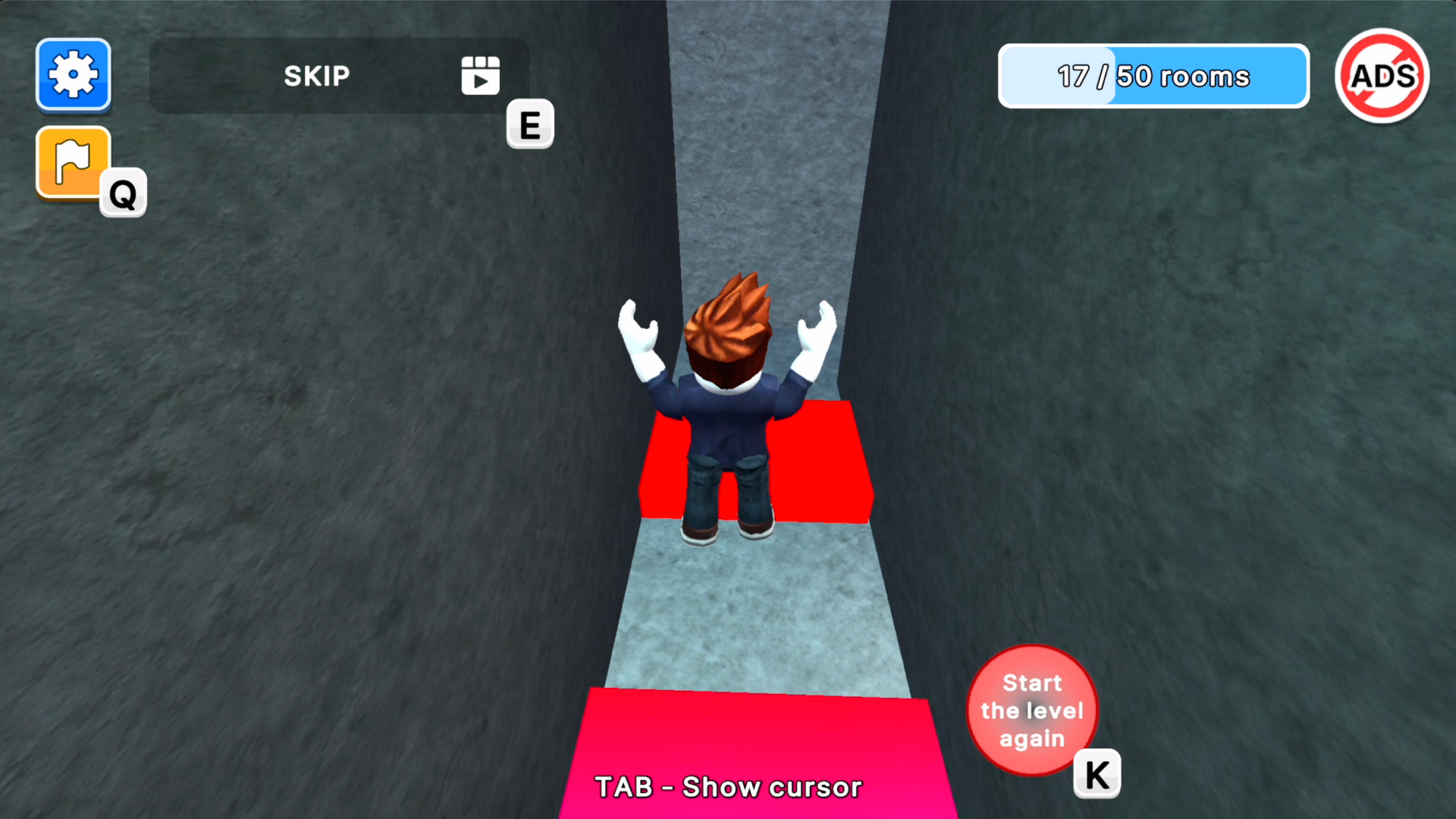
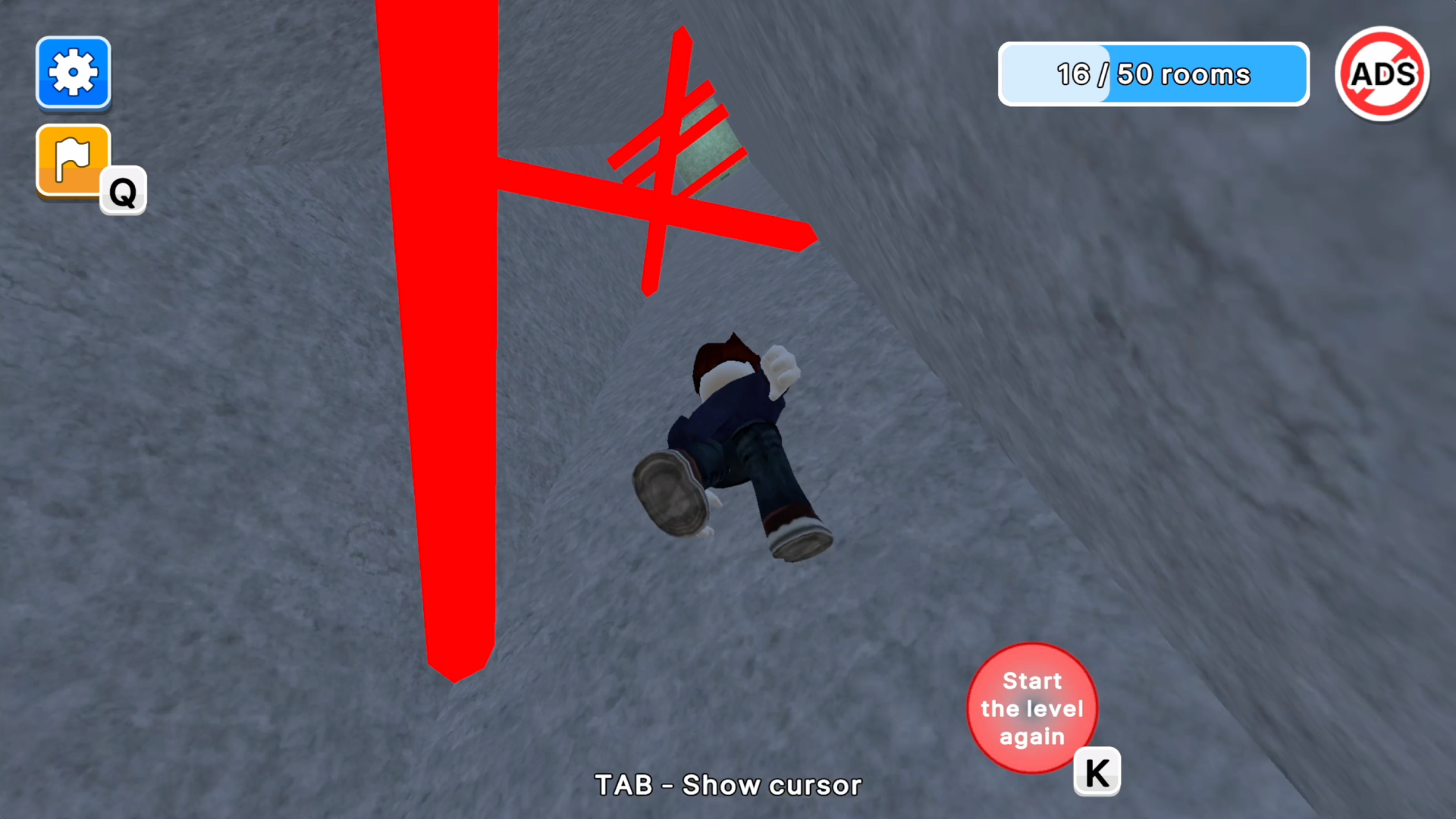
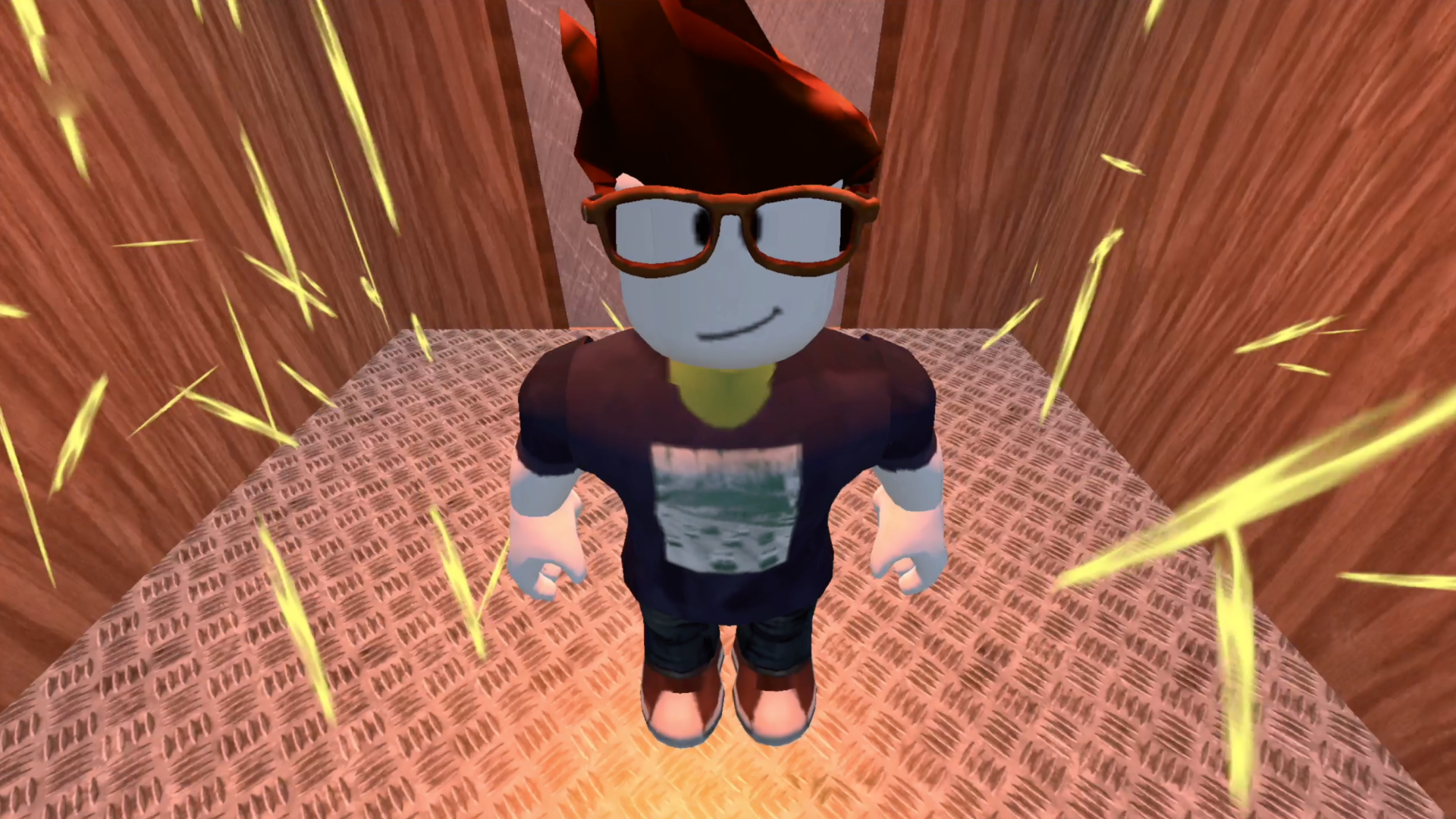
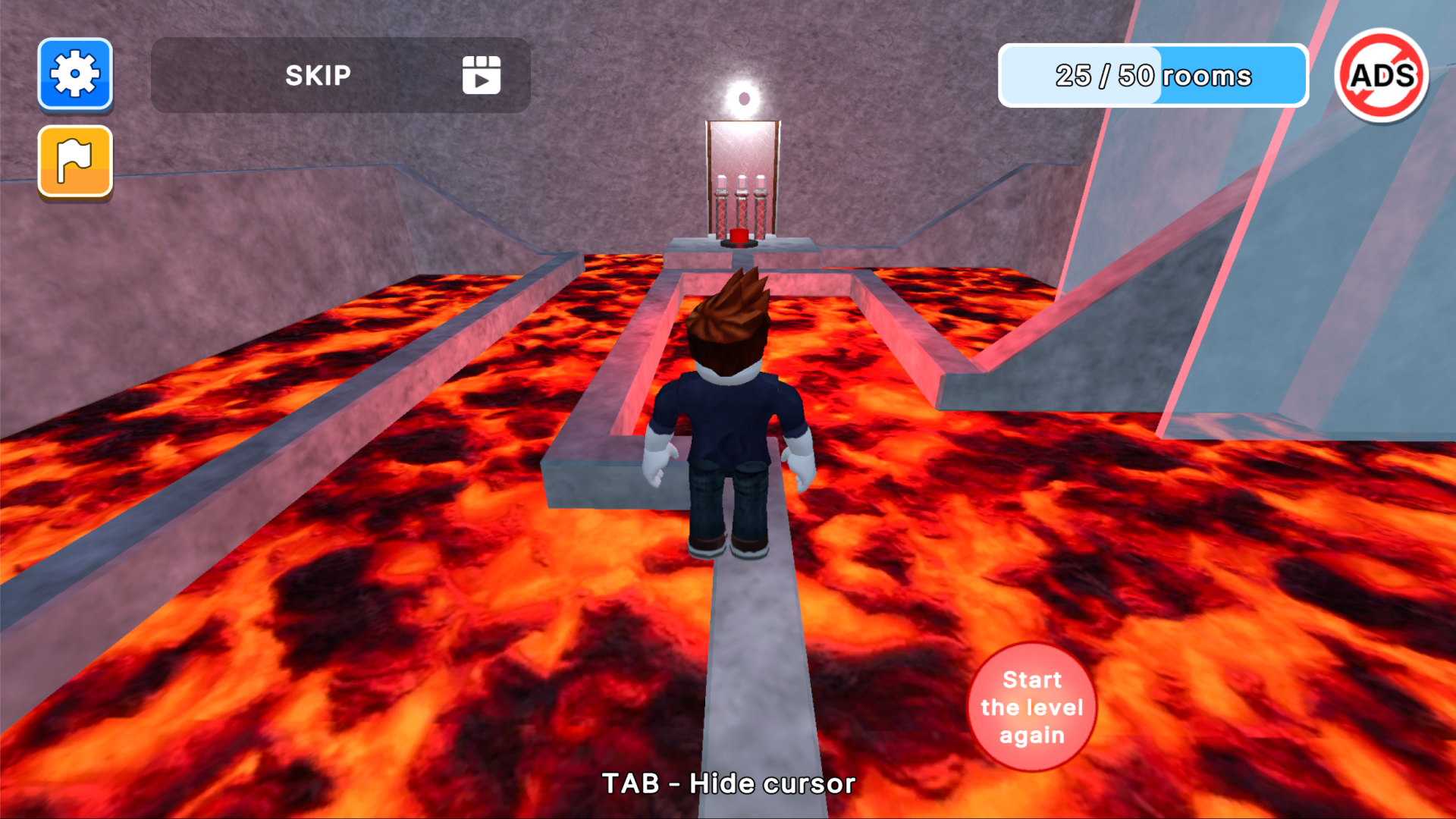
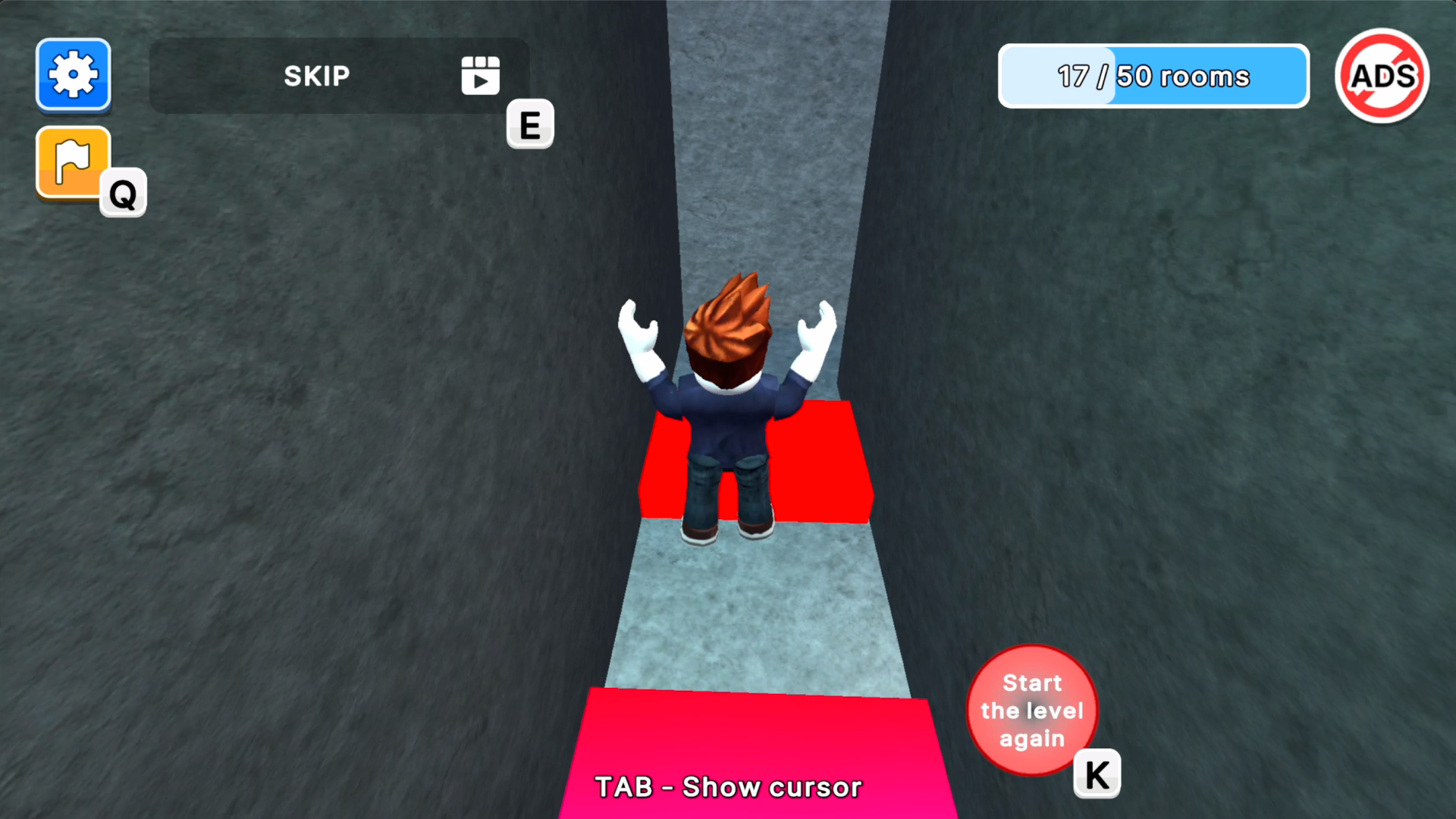

10,488 players online
How to play
-
Open the game
Press Play now and the game opens on its own screen.
-
Follow the in-game instructions
The controls and goals are shown inside the game as you play.
-
Use the game menu
The floating button over the game reloads it, saves it to your favourites, or takes you back out.