Skip to content
KG
Operation: Tower Defense

Operation: Tower Defense

25K plays 4.7 out of 5

Overview

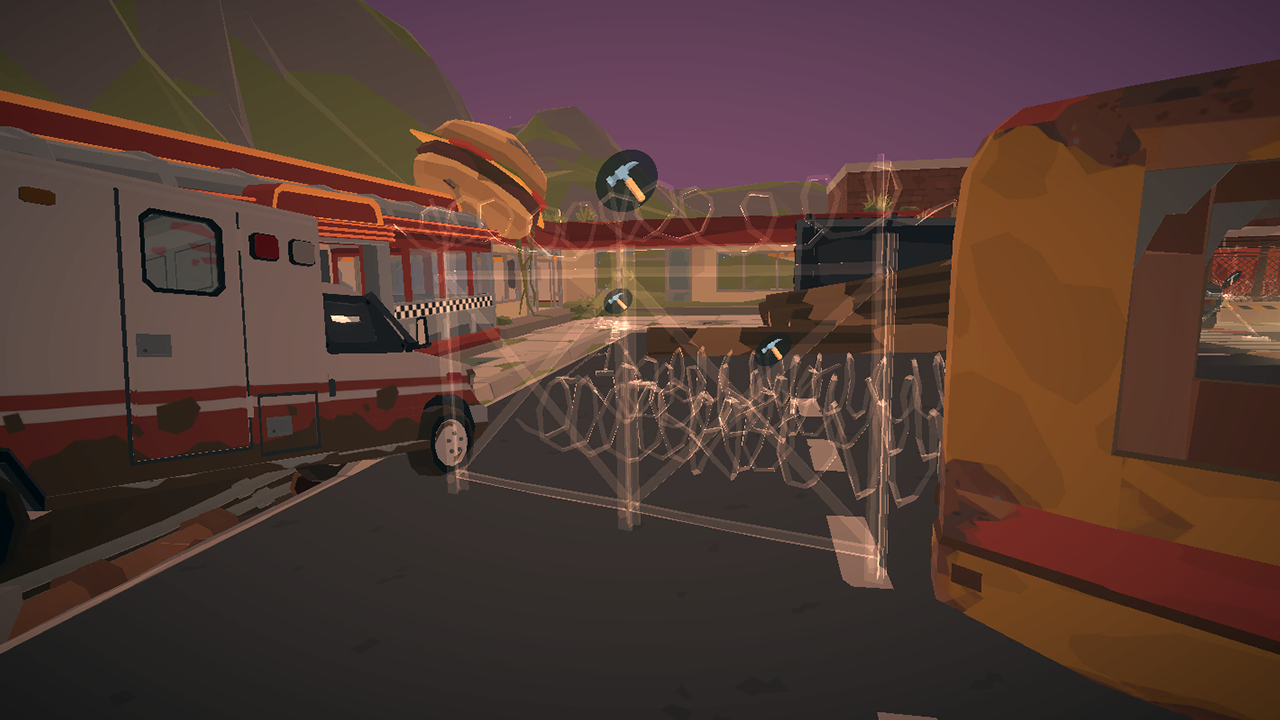
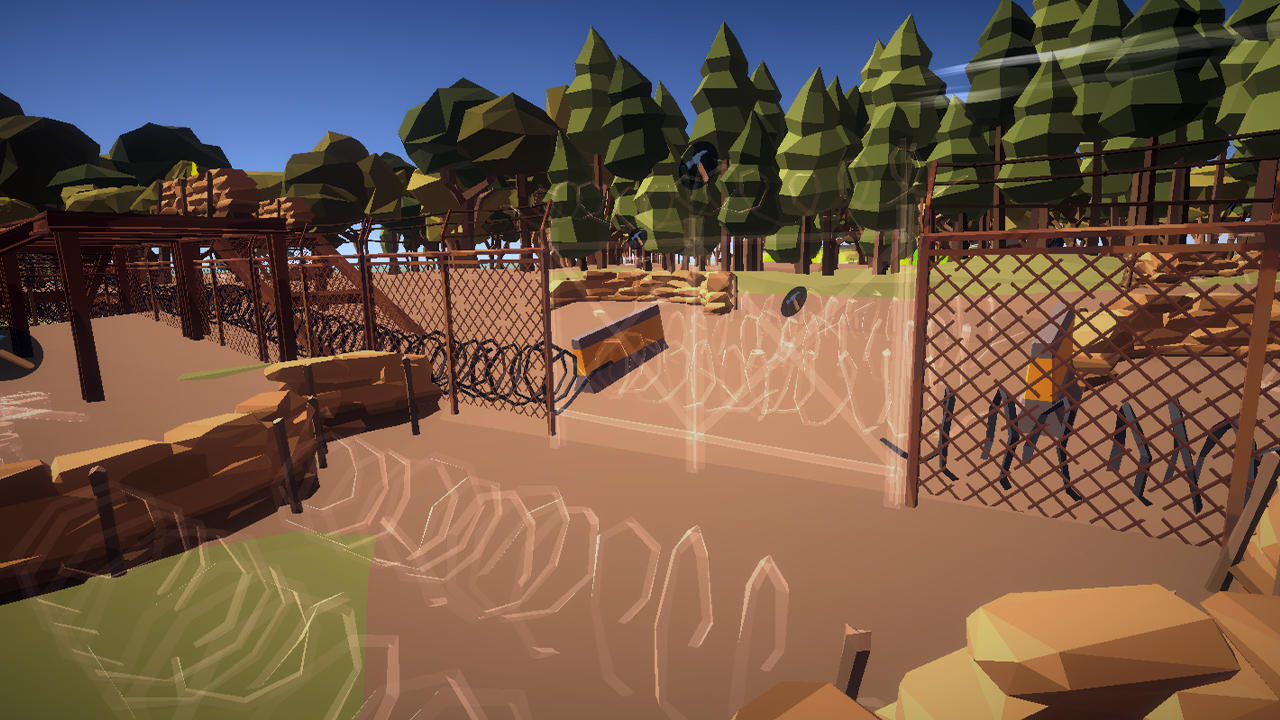
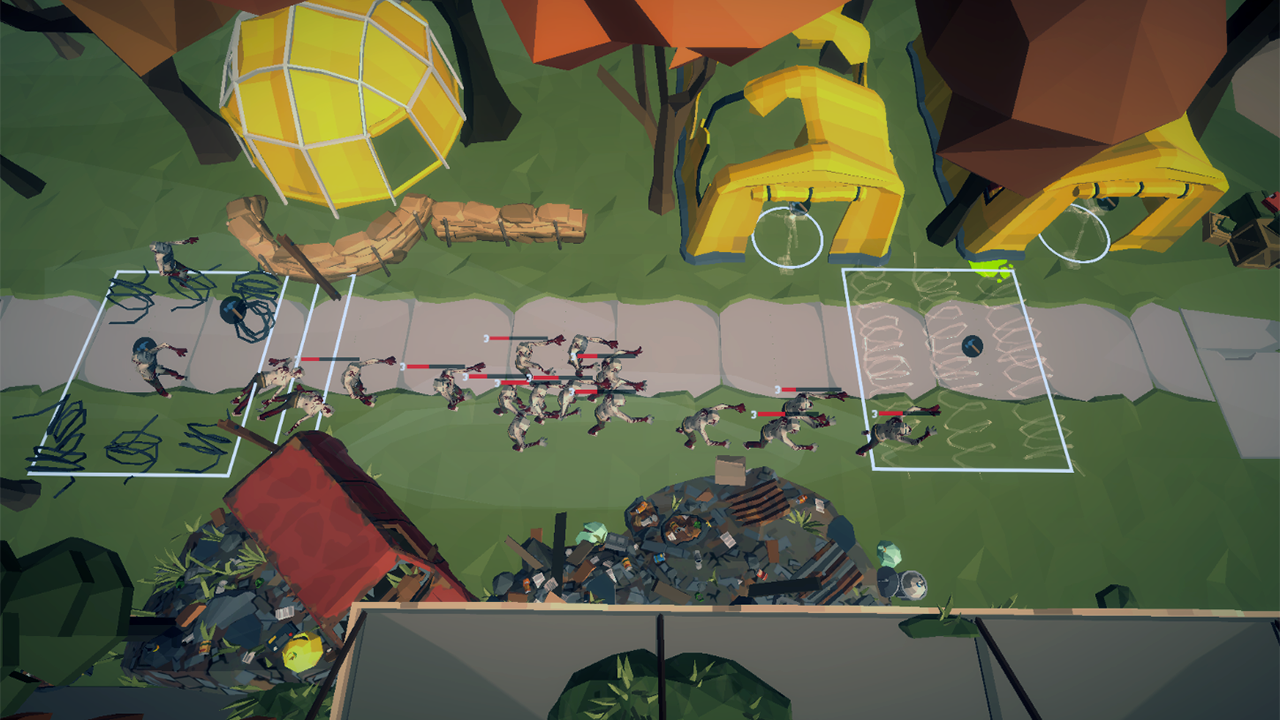
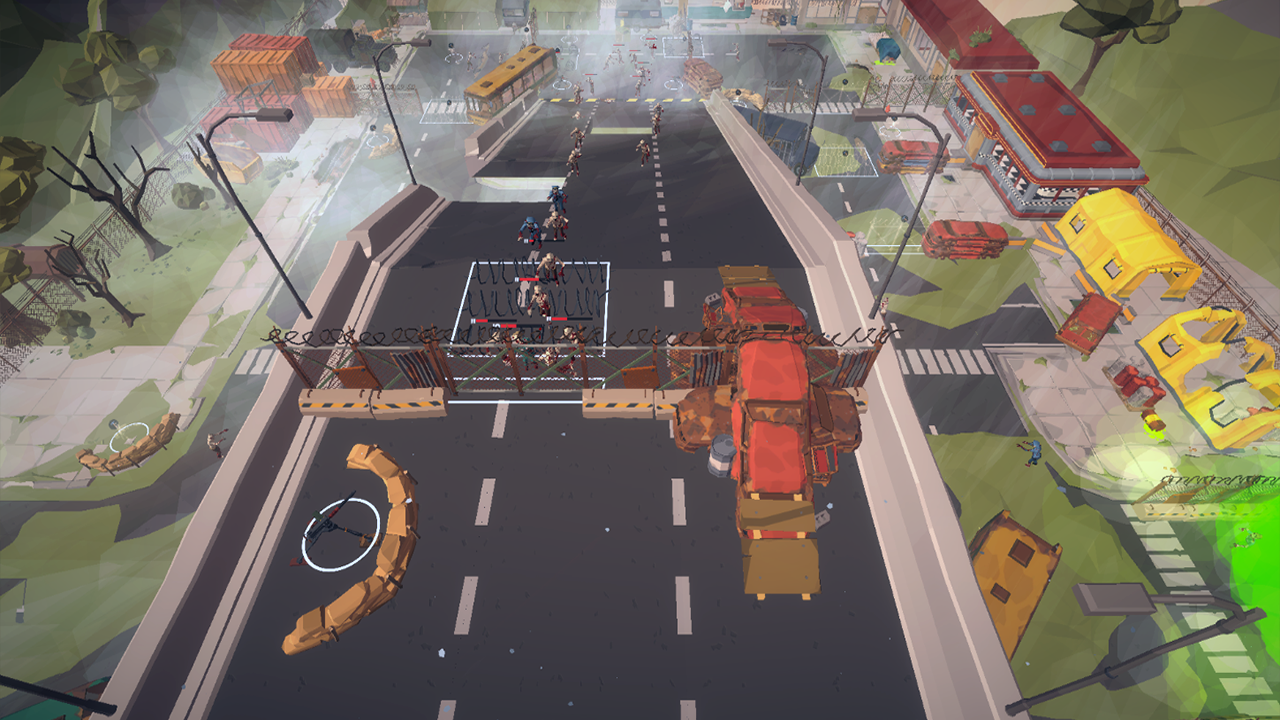
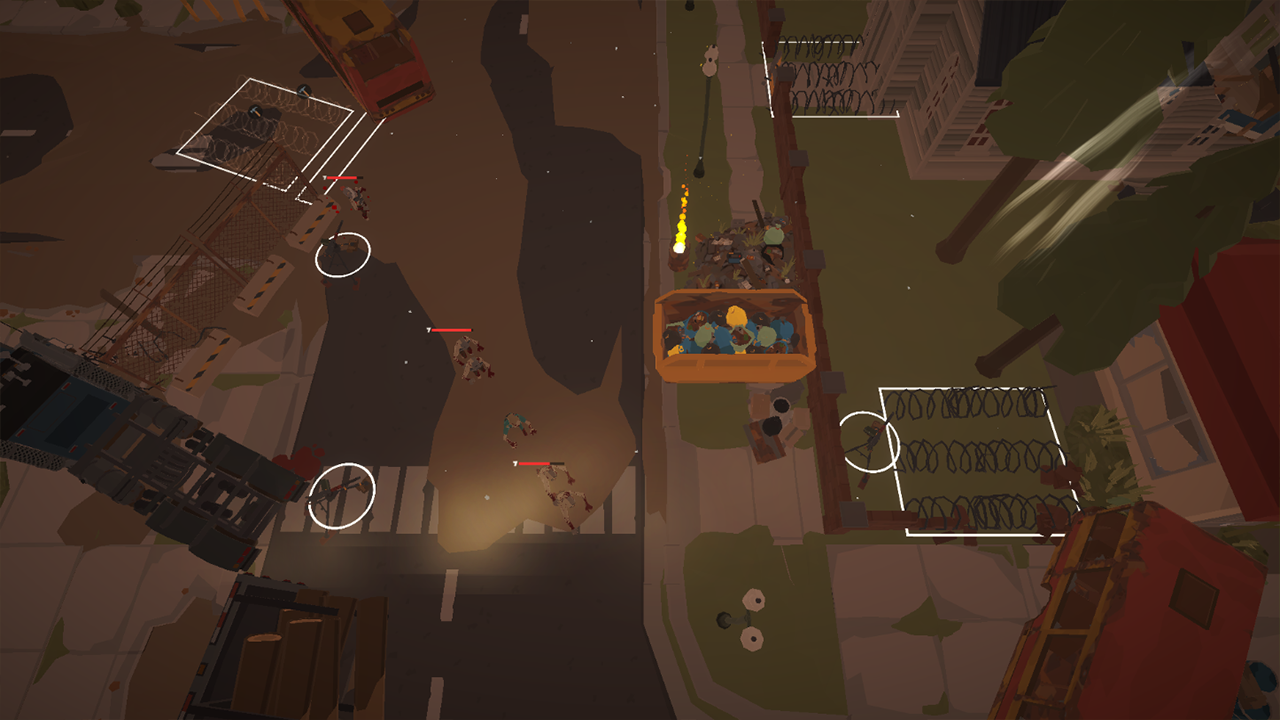
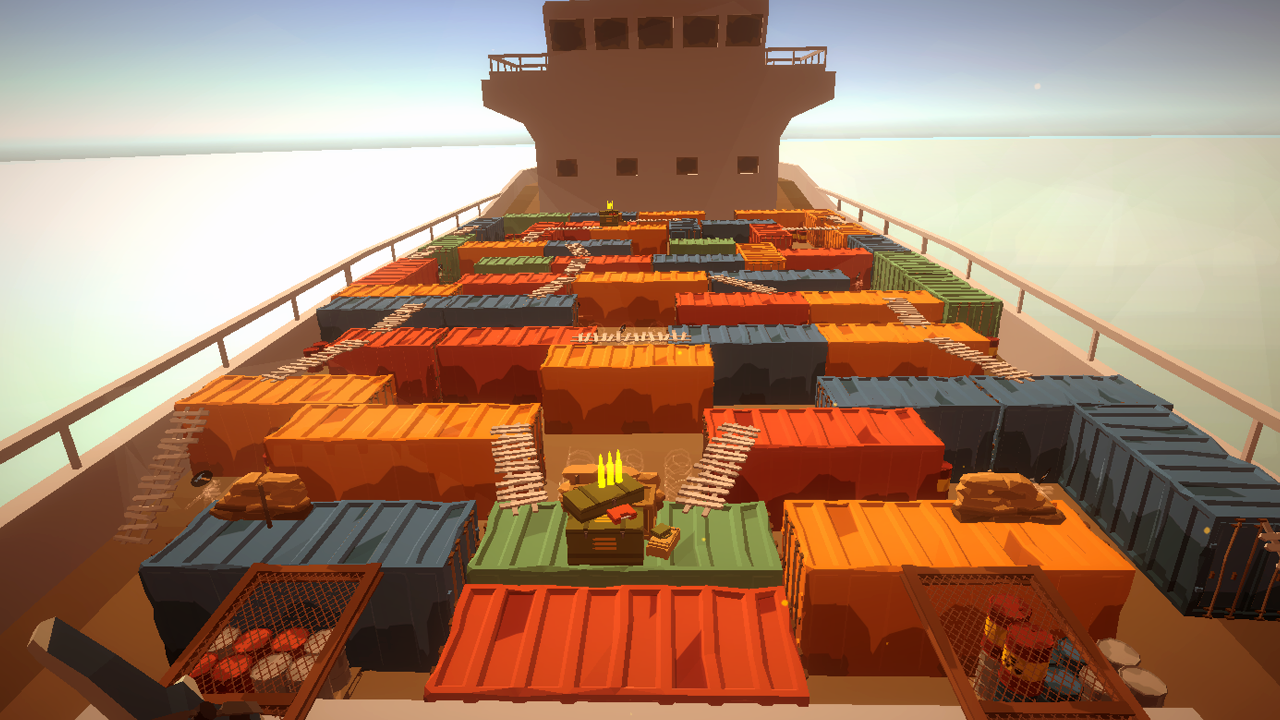
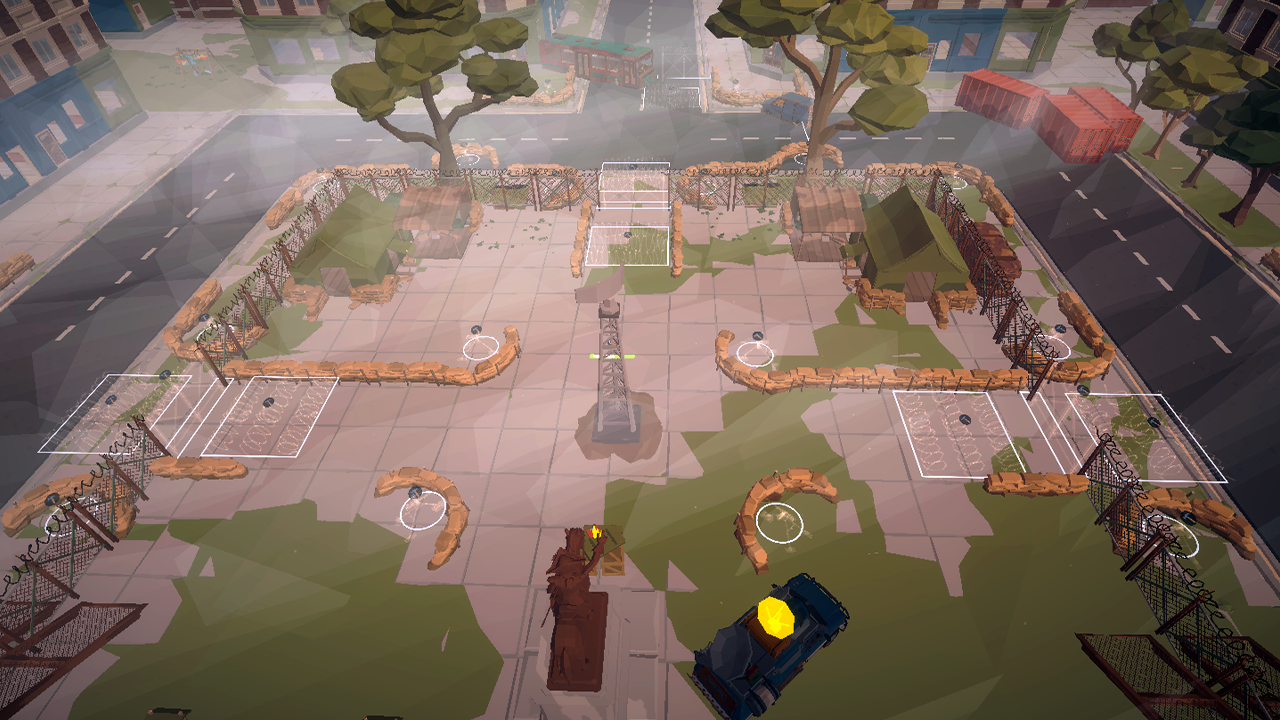
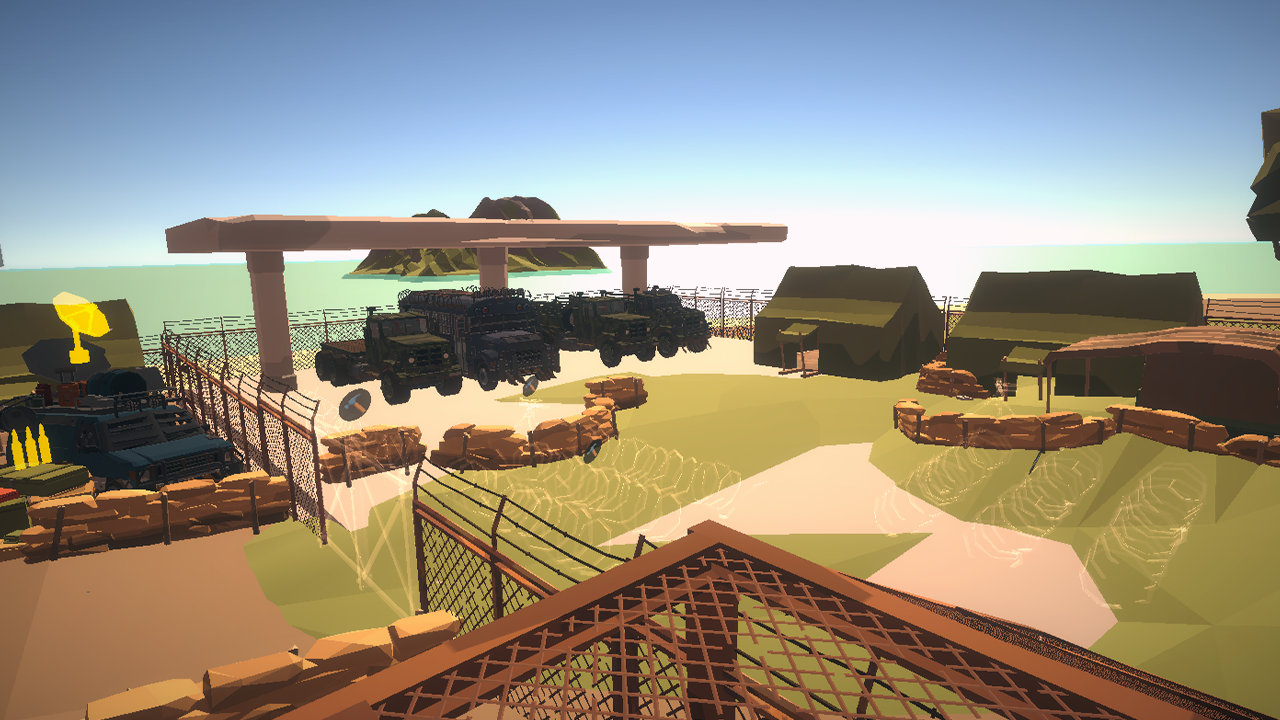
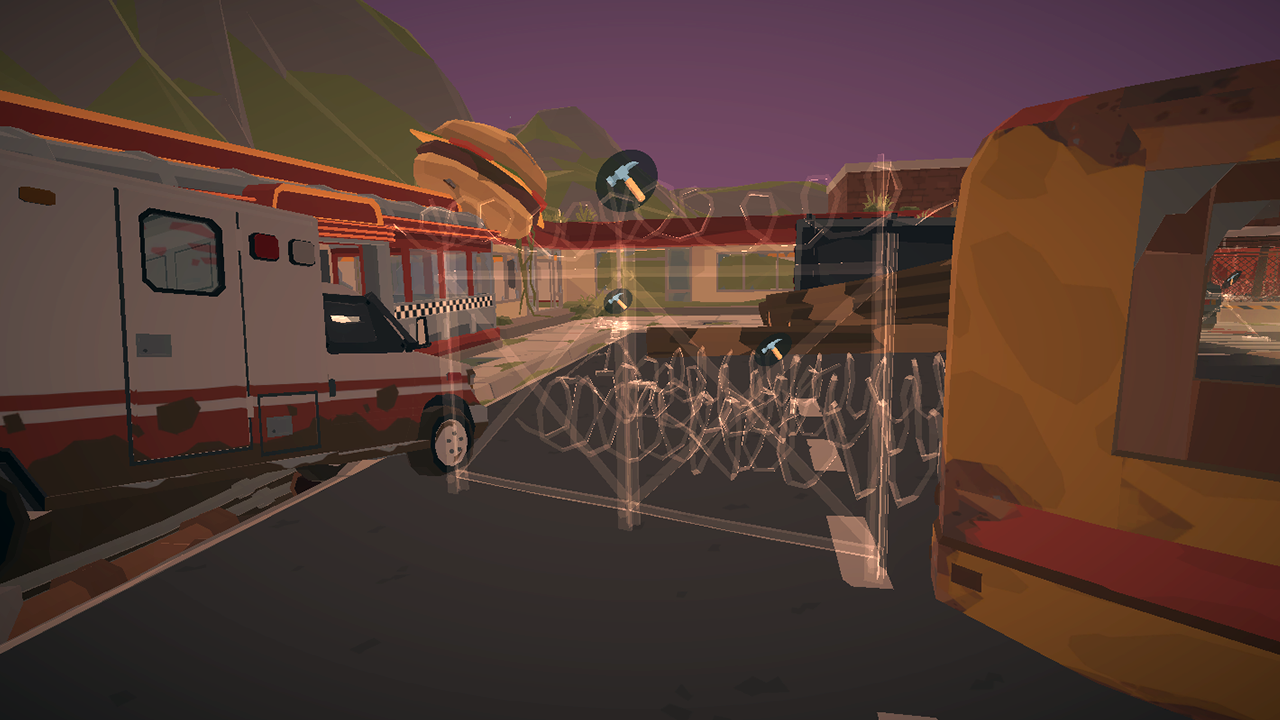
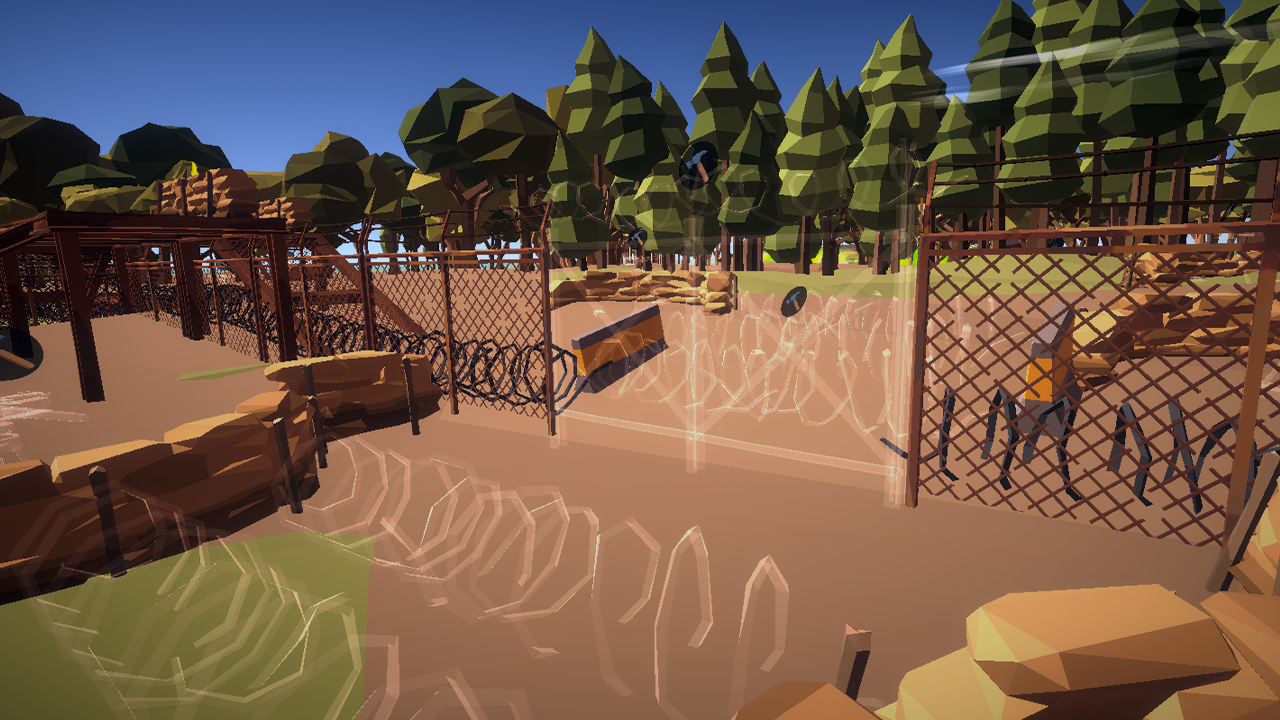
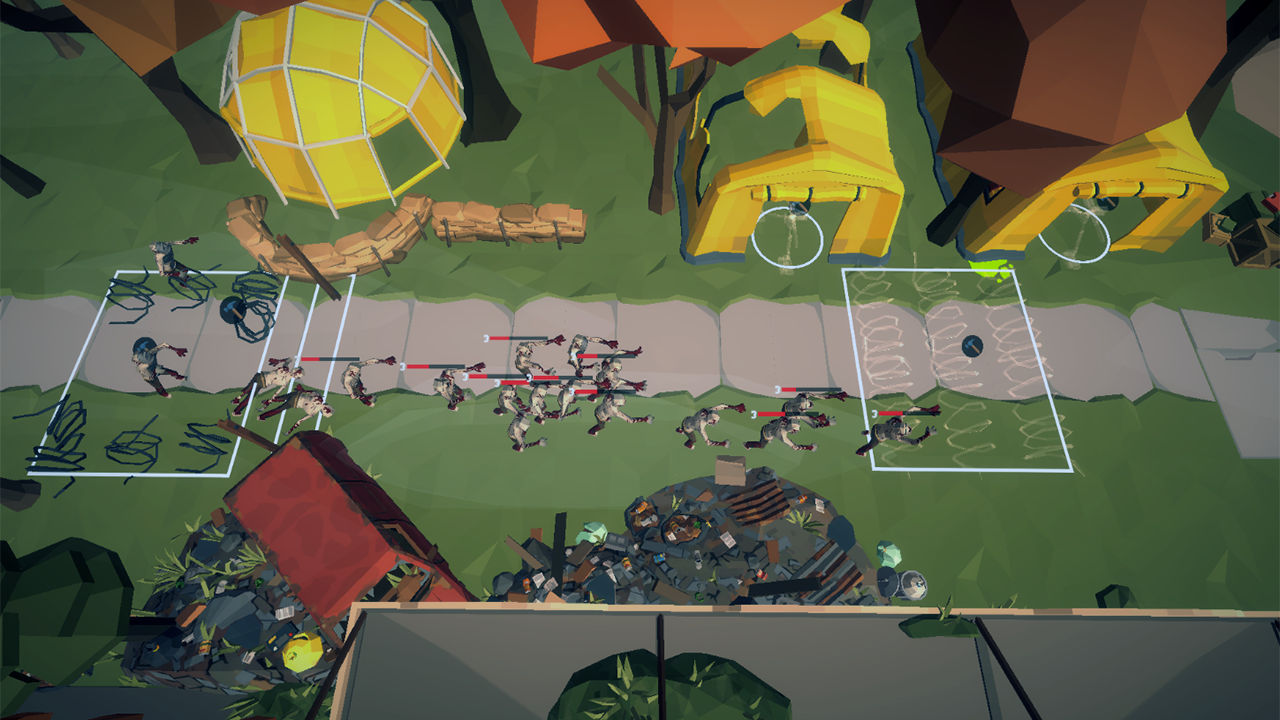
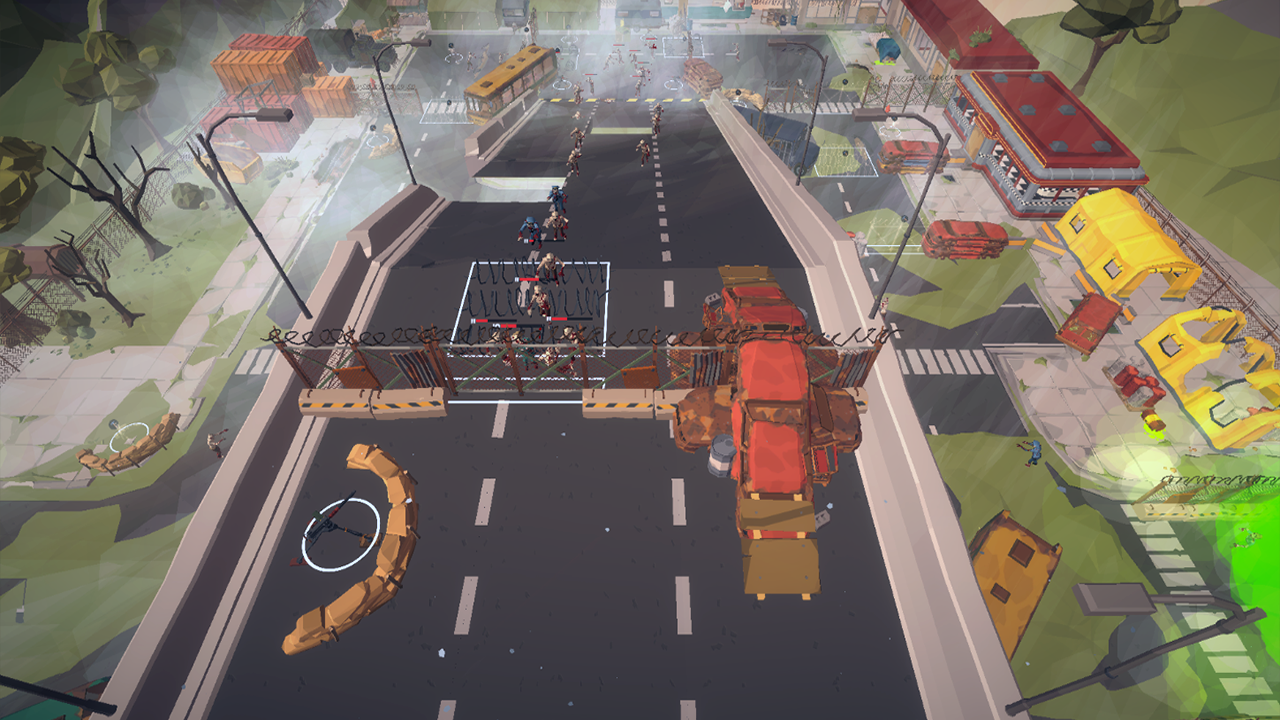
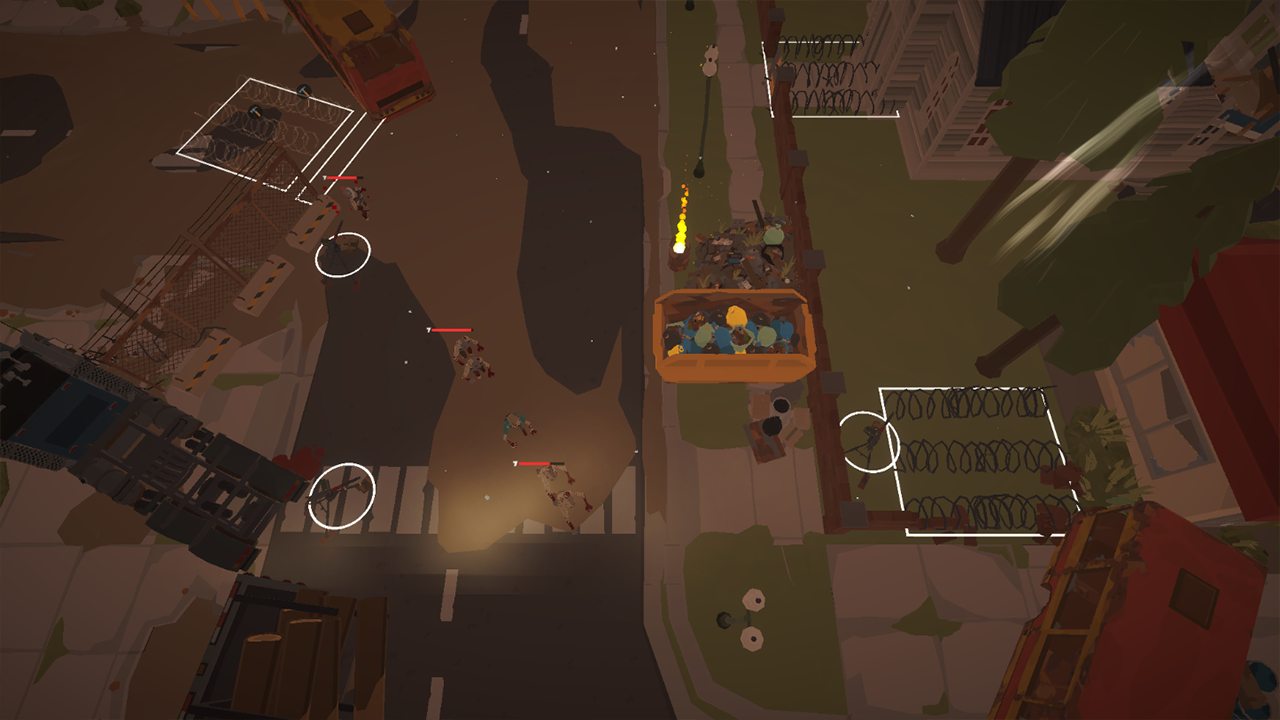
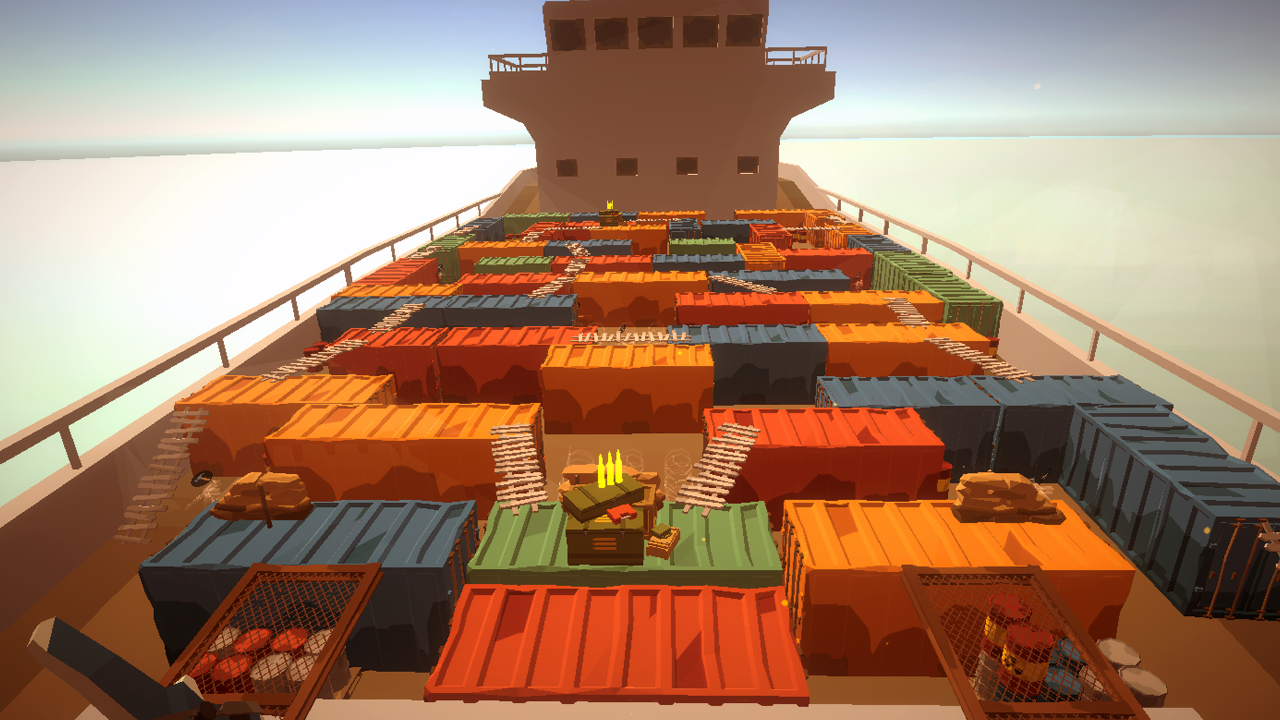
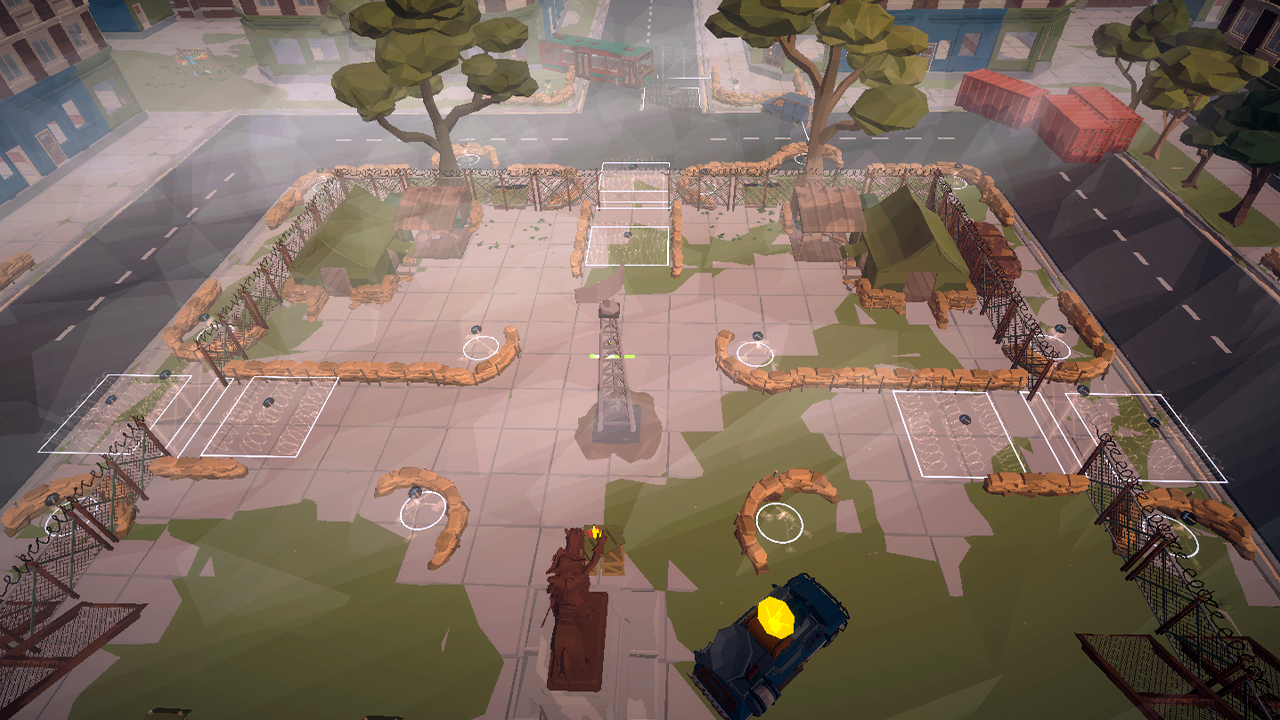
Operation: Tower Defense is an exciting game that immerses the player in a world overrun by zombies. The main goal of the game is to destroy the enemy and protect the tower. You will play the role of a brave hunter who needs to skillfully use turrets and obstacles to survive. A variety of weapons are available in the game, which you can upgrade. Install turrets - automatic weapons that attack independently. For example, you can install a machine gun, rocket launcher, flamethrower, or shotgun. Operation: Tower Defense offers an exciting and atmospheric gaming session where you can use the alternate top-down mode to quickly control buildings and turrets. Combine tactics to effectively defend your base.

Videos and screenshots
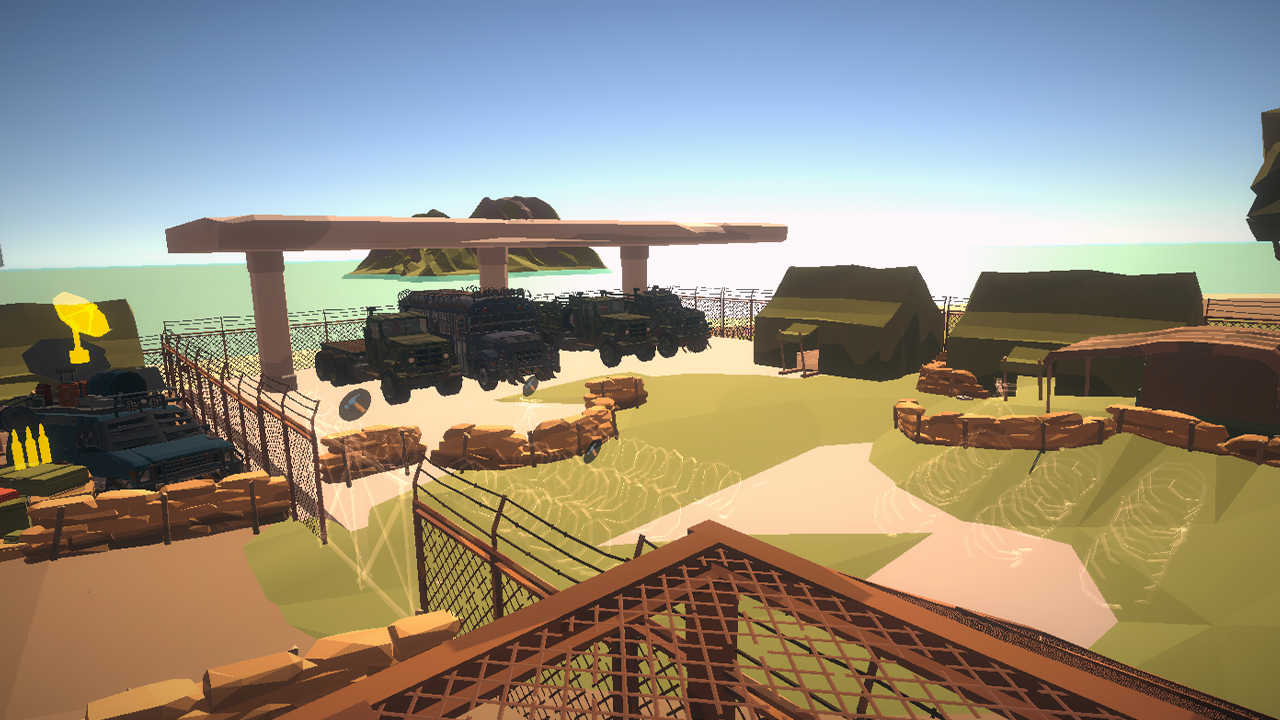
  • Operation: Tower Defense screenshot 1
  • Operation: Tower Defense screenshot 2
  • Operation: Tower Defense screenshot 3
  • Operation: Tower Defense screenshot 4
  • Operation: Tower Defense screenshot 5
  • Operation: Tower Defense screenshot 6
  • Operation: Tower Defense screenshot 7
  • Operation: Tower Defense screenshot 8
  • Operation: Tower Defense screenshot 9
  • Operation: Tower Defense screenshot 10
  • Operation: Tower Defense screenshot 11
  • Operation: Tower Defense screenshot 12
  • Operation: Tower Defense screenshot 13
  • Operation: Tower Defense screenshot 14
  • Operation: Tower Defense screenshot 15
  • Operation: Tower Defense screenshot 16
Play Now

11,515 players online

How to play

  1. Open the game

    Press Play now and the game opens on its own screen.

  2. Follow the in-game instructions

    The controls and goals are shown inside the game as you play.

  3. Use the game menu

    The floating button over the game reloads it, saves it to your favourites, or takes you back out.

Game instructions

Key control - AWDS Shooting - LEFT MOUSE BUTTON Aim on - RIGHT MOUSE BUTTON Call up the construction menu - E Throw a grenade - Q Jump - SPACE Changing weapons - MOUSE WHEEL Control on a mobile device: pressing the game touch buttons. Go to the control center (car) and click on - "E" to activate the alternative “top view” mode.

More games

More games