Overview
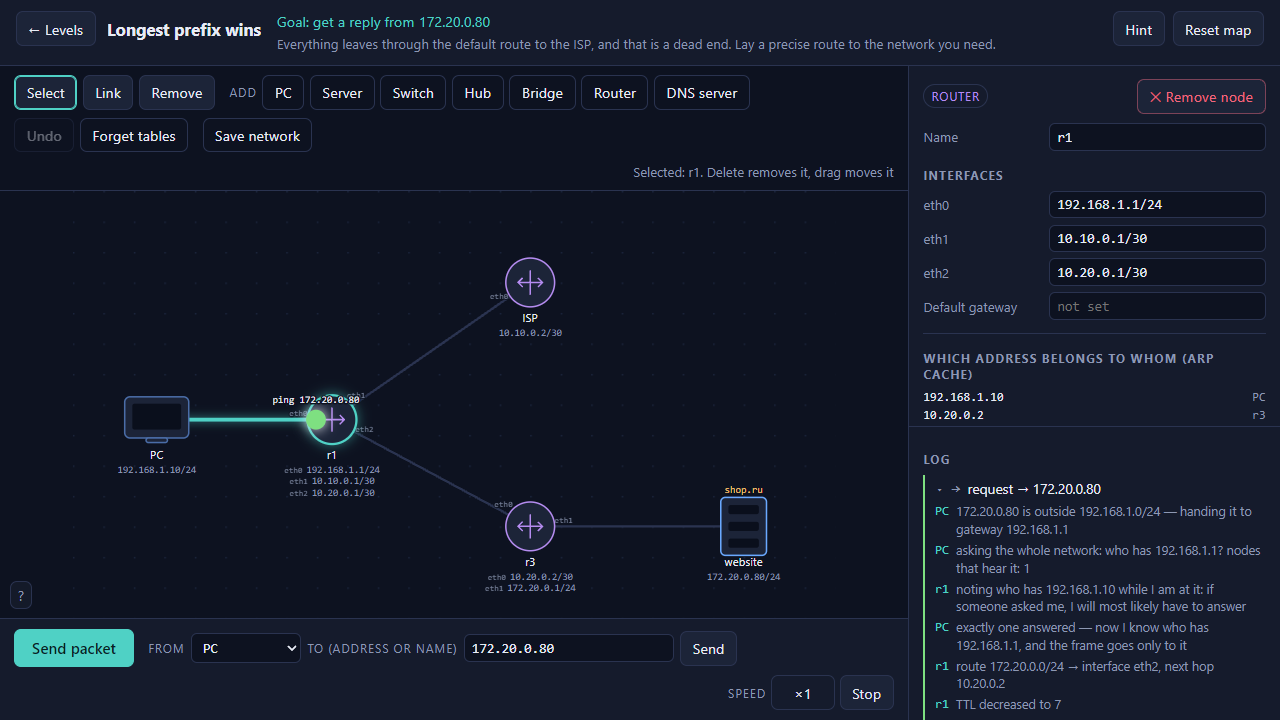
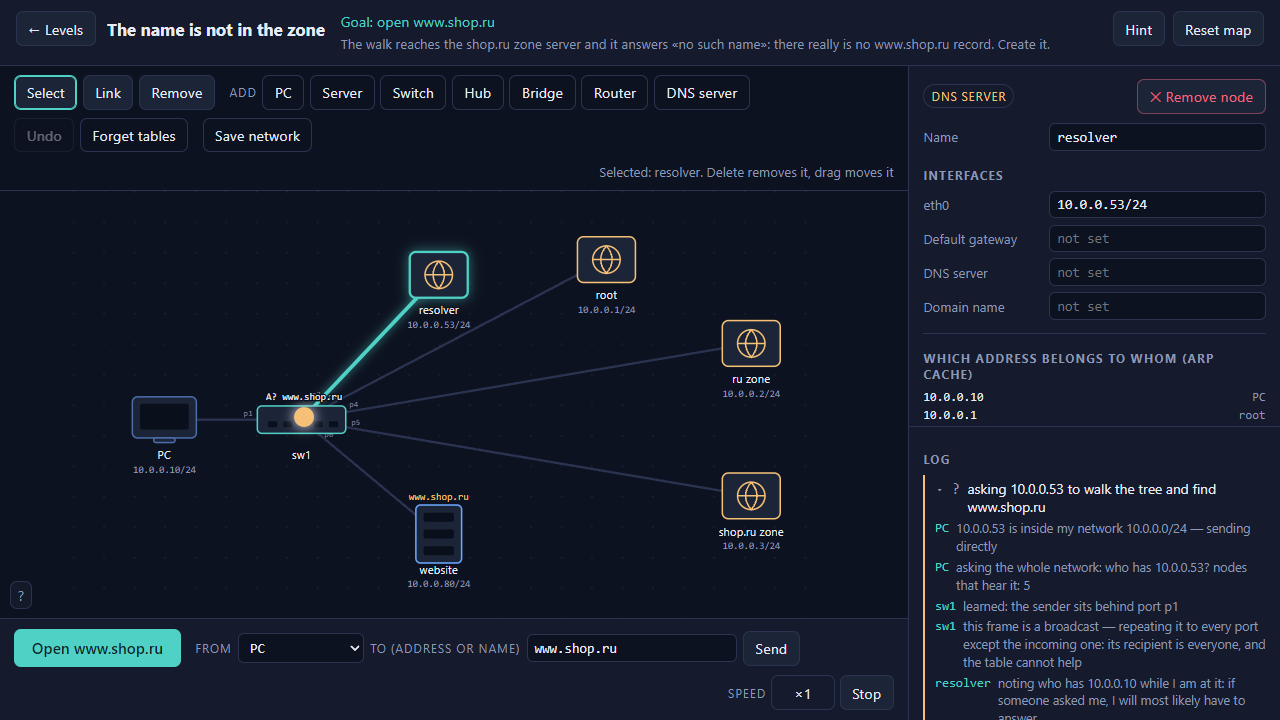
Networking is usually taught with textbook pictures: here is a switch, here is a router, here is a table. Packet Path shows the same thing in motion — you build the network yourself, press «Send packet», and watch it travel from node to node.
The log narrates every step in plain words: why the PC first shouts «who has this address» to the whole network, why the switch remembered which port you sit behind, why the packet's TTL keeps dropping, and where a frame goes when there is no route for it. Failures are explained too: a packet never vanishes silently — it stops in a specific place for a specific reason.
17 levels across three chapters: wires and addresses, routing, names and DNS. The kit has PCs, servers, switches, hubs, bridges, routers and DNS servers. There is a sandbox with no goal: build your own network, break it, and see what happens. Your networks are saved and can be reopened any time.
Russian and English, played with mouse and keyboard.
Videos and screenshots
11,761 players online
How to play
-
Open the game
Press Play now and the game opens on its own screen.
-
Follow the in-game instructions
The controls and goals are shown inside the game as you play.
-
Use the game menu
The floating button over the game reloads it, saves it to your favourites, or takes you back out.