Skip to content
KG
Pickaxe Tycoon

Pickaxe Tycoon

343K plays 3.6 out of 5

Overview

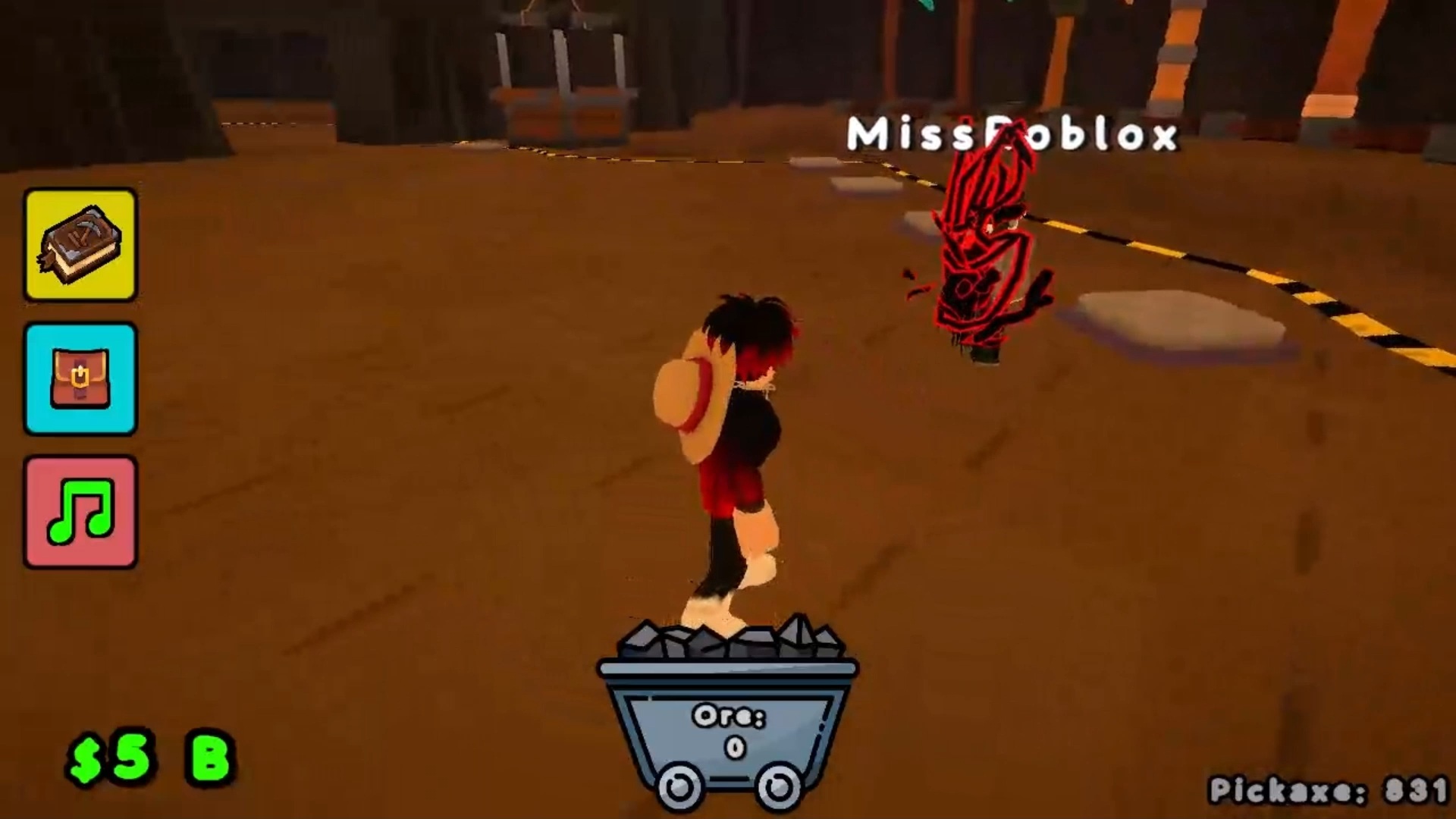
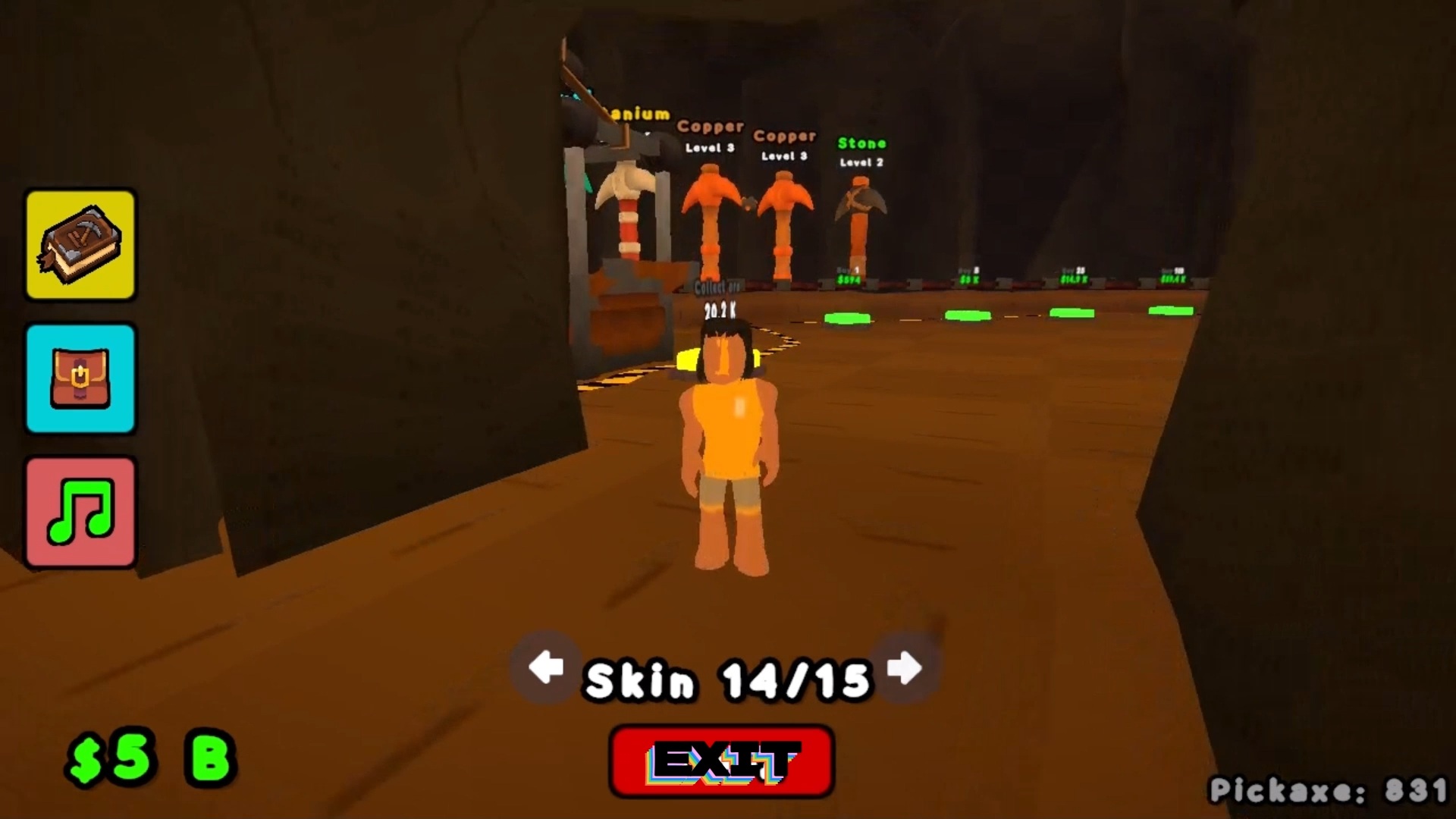
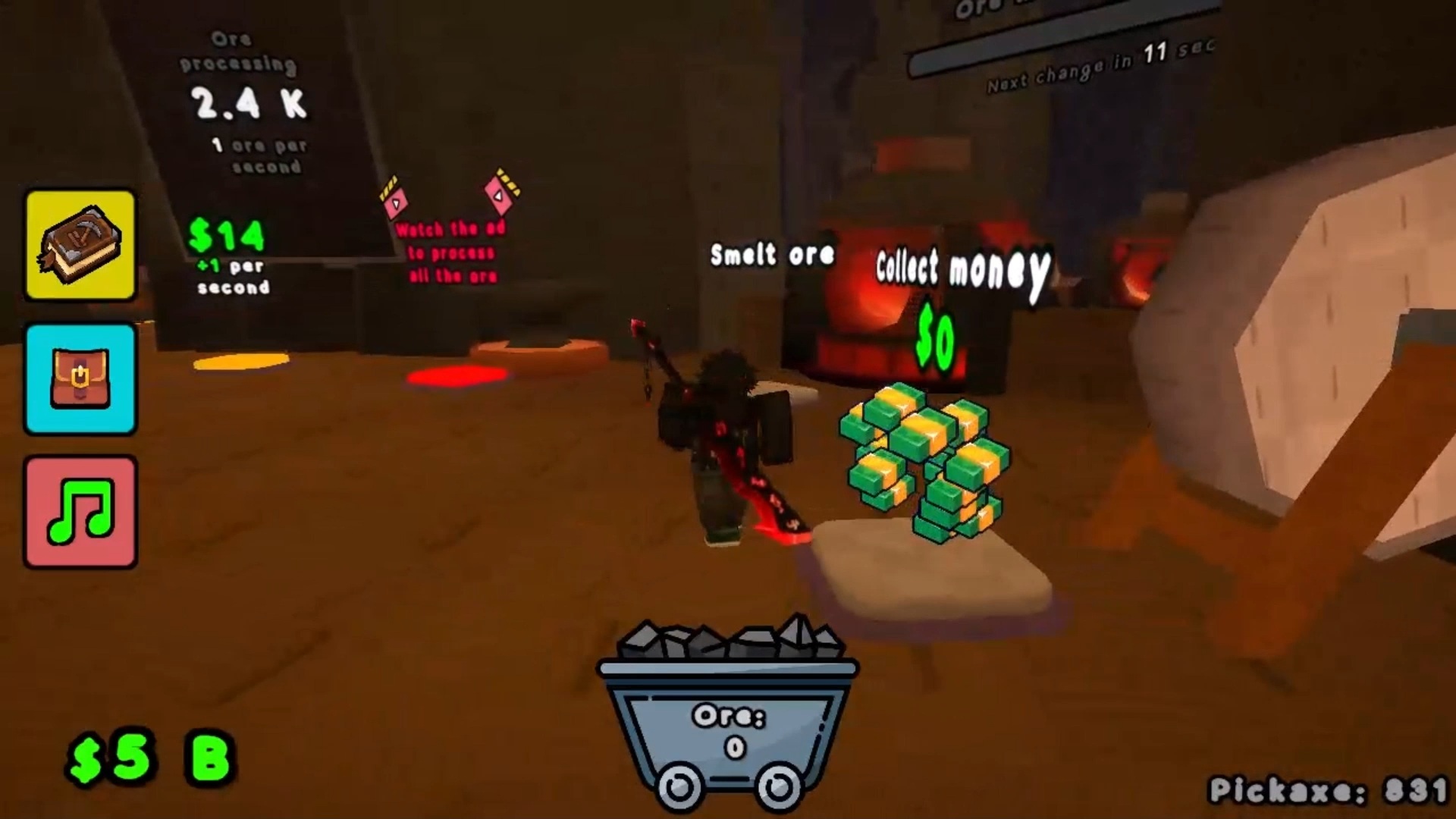
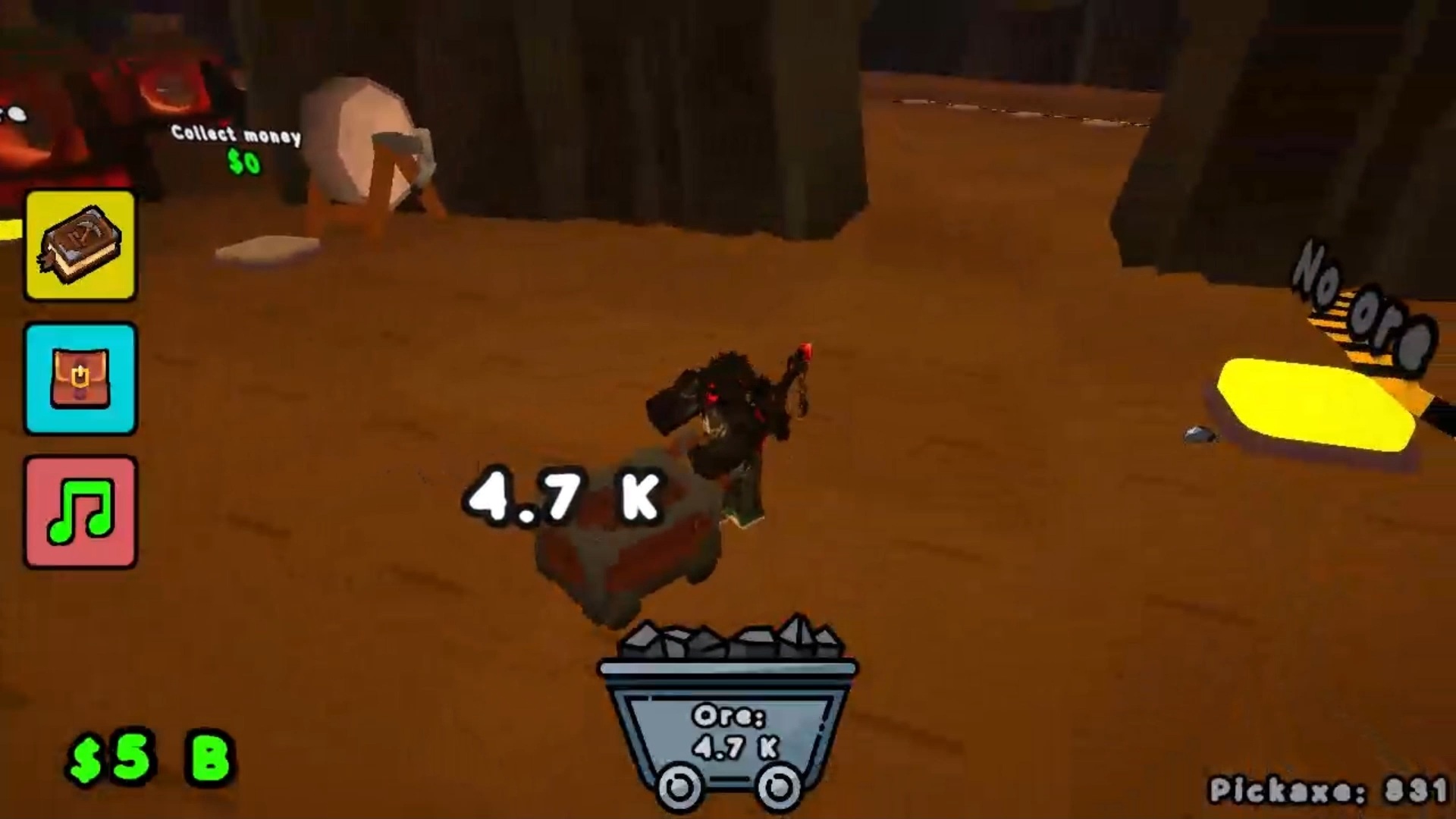
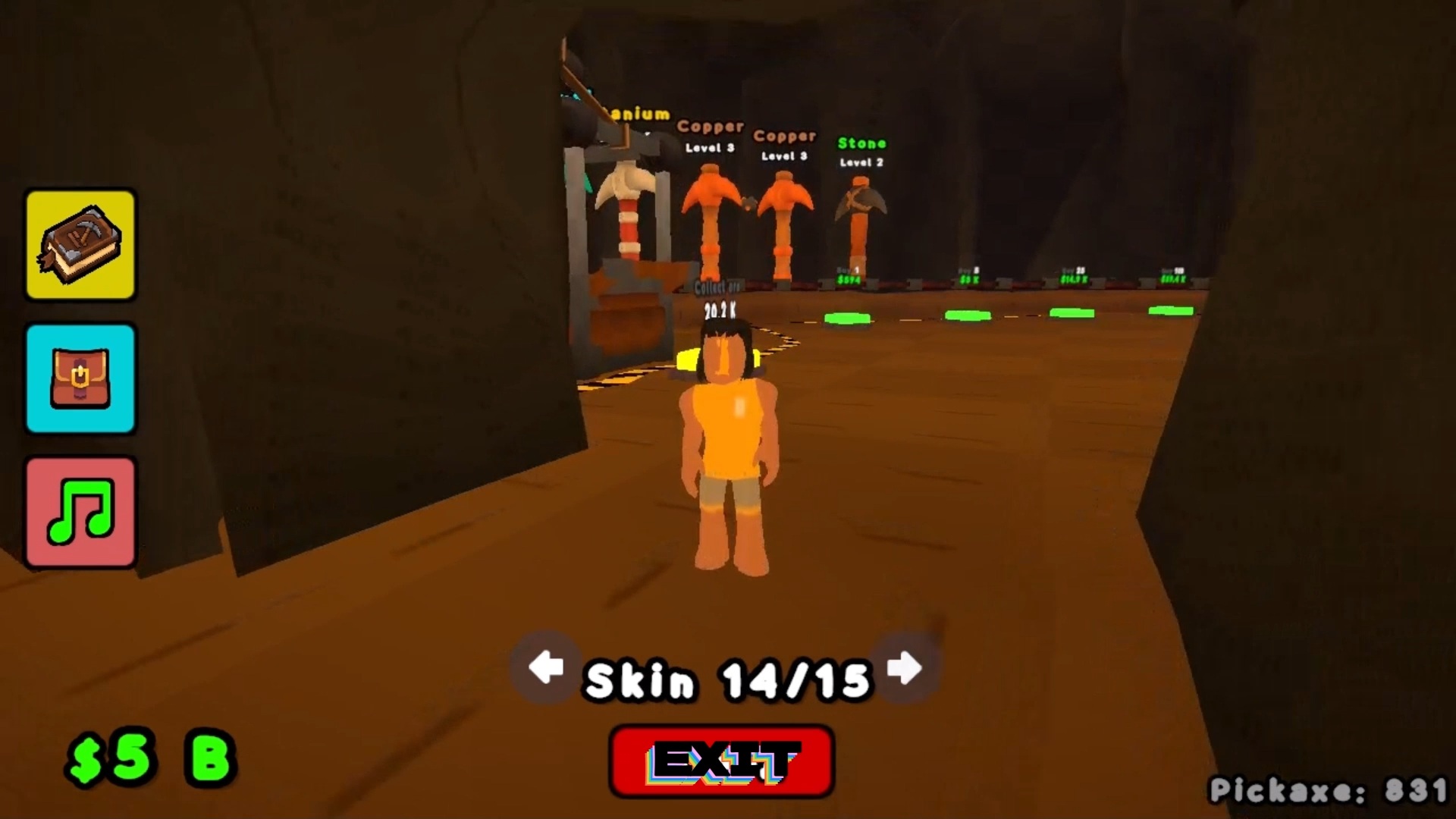
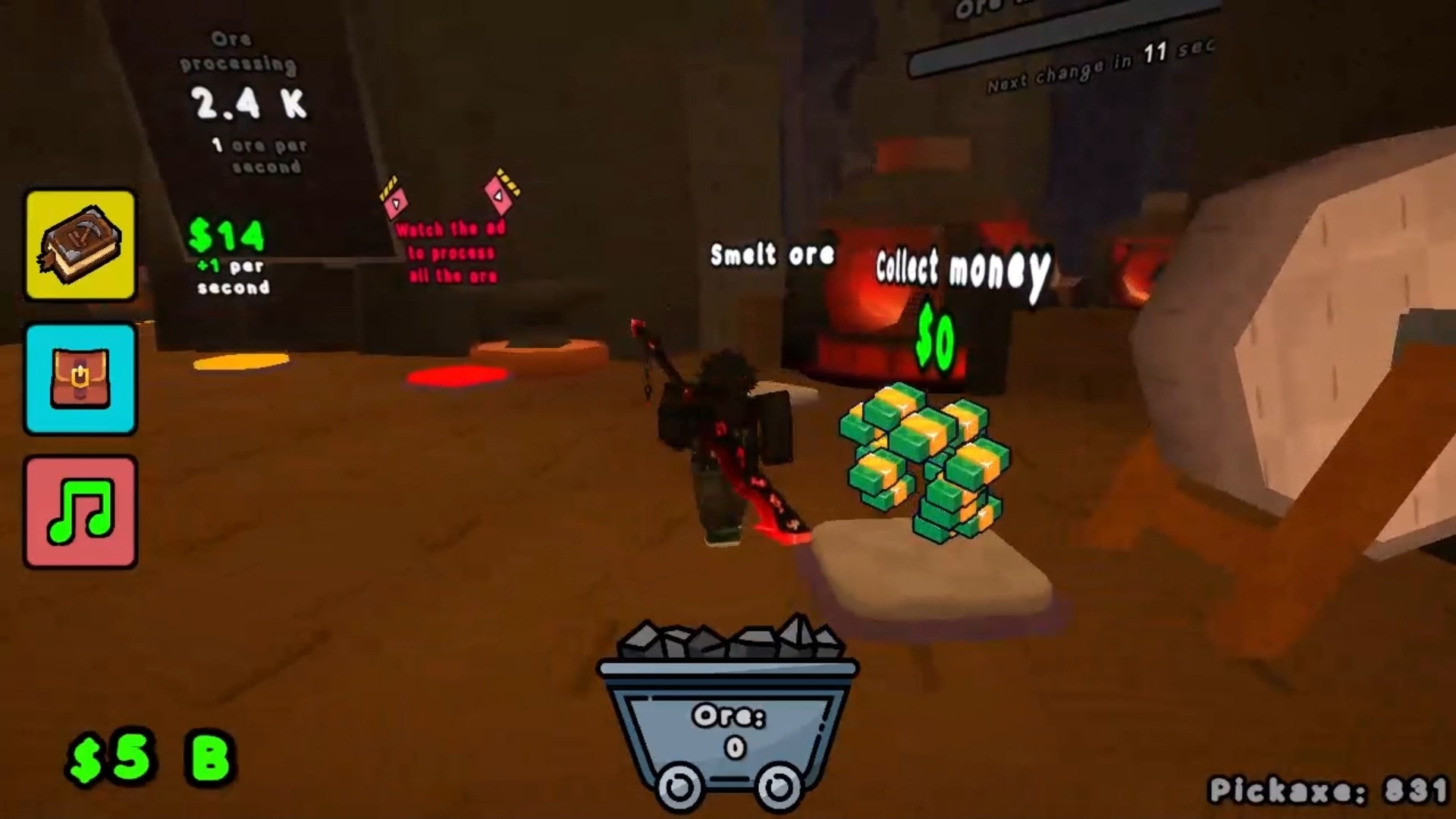
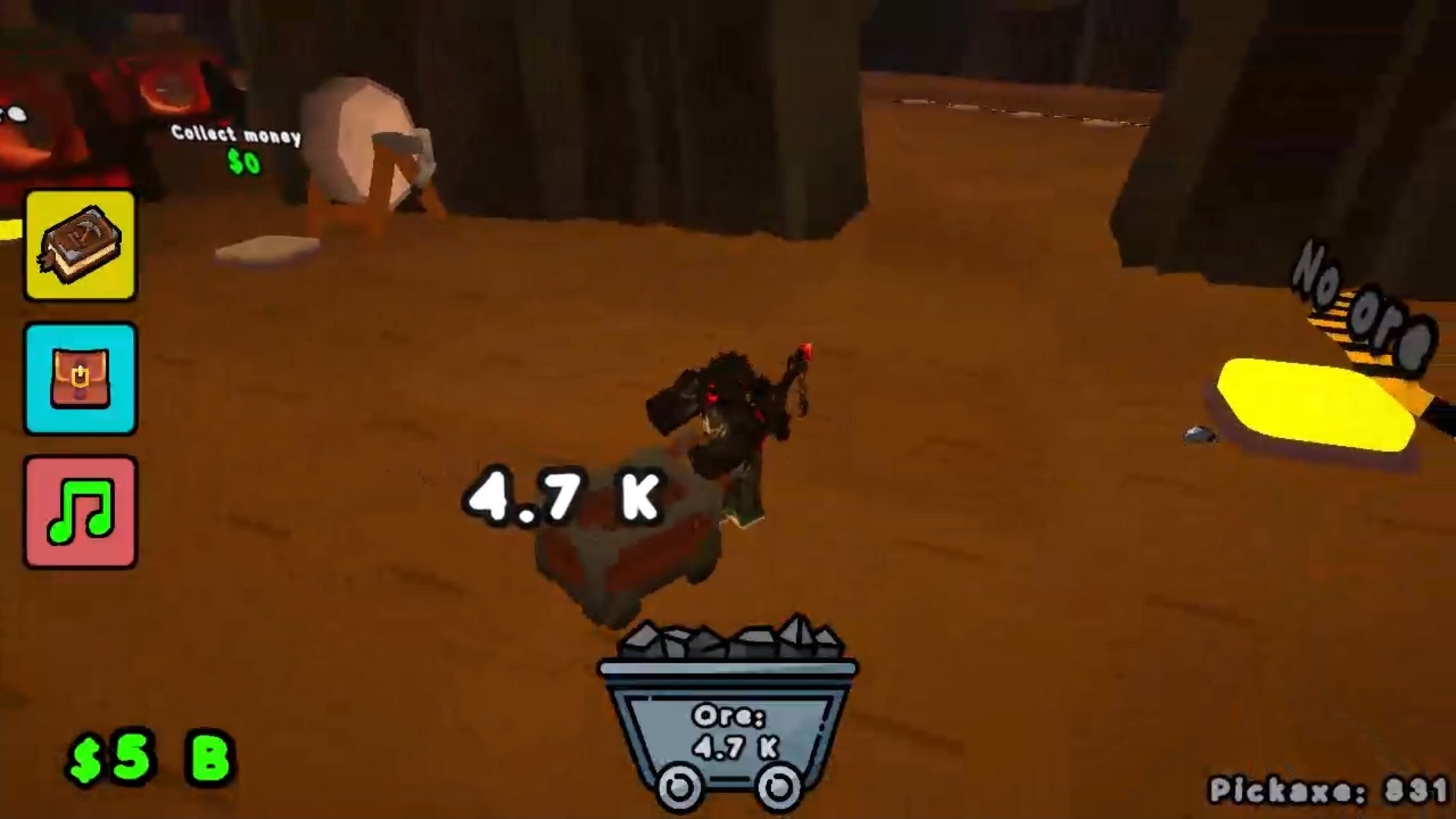
Become the tycoon of a mining empire! How it works: Buy pickaxes. Invest your money in purchasing new pickaxes! Floors. Slots are grouped into floors of 10. Unlock the first floor, then the second, then the third... Mining and harvesting. Pickaxes automatically mine ore. Your task is to collect the loot and haul it to the refiner in a timely manner. The faster you collect, the more cycles you complete! Refiner upgrades. Simply mining isn't enoughβ€”you need to refine it! Upgrade your refiner equipment!

Videos and screenshots
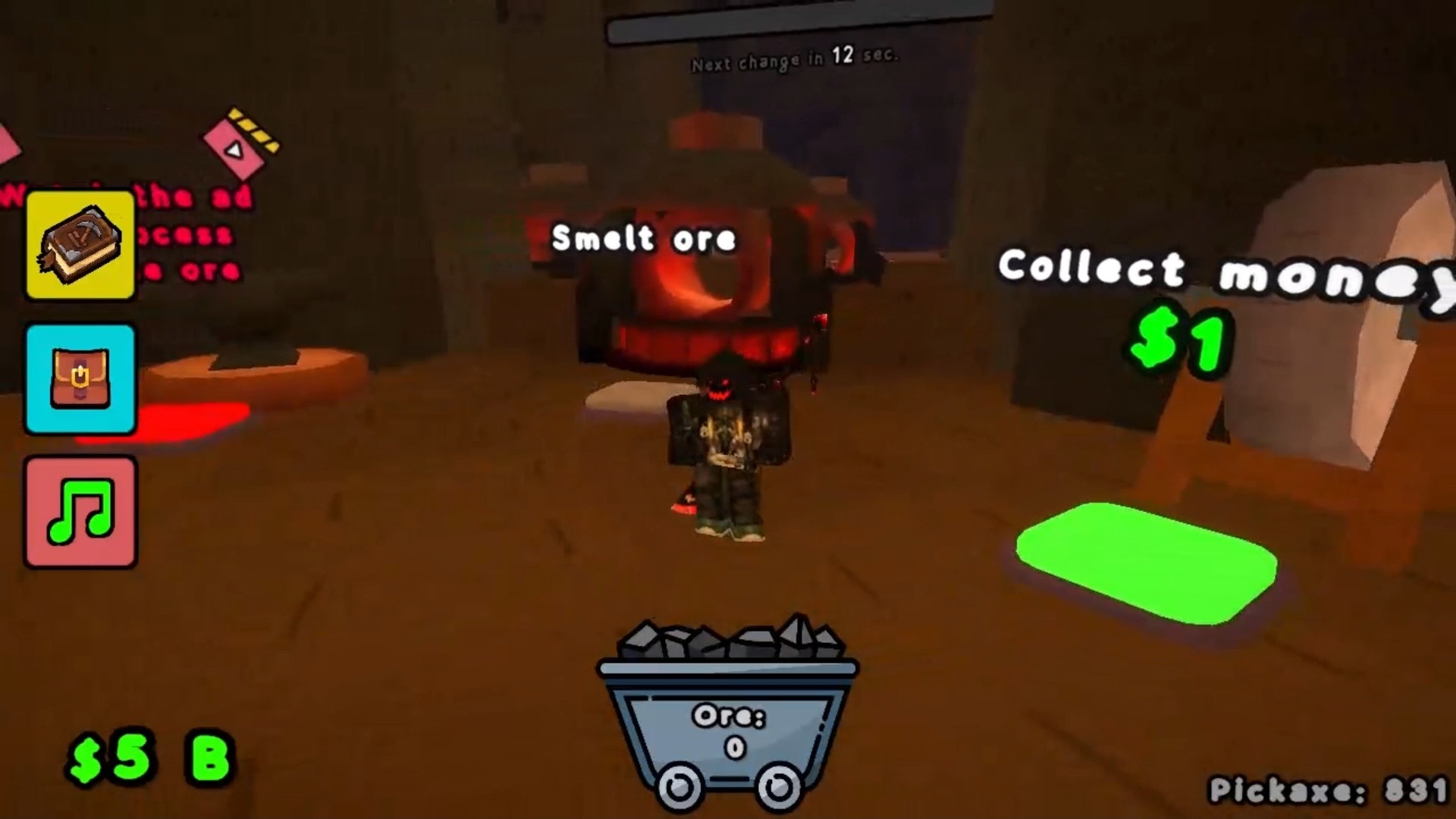
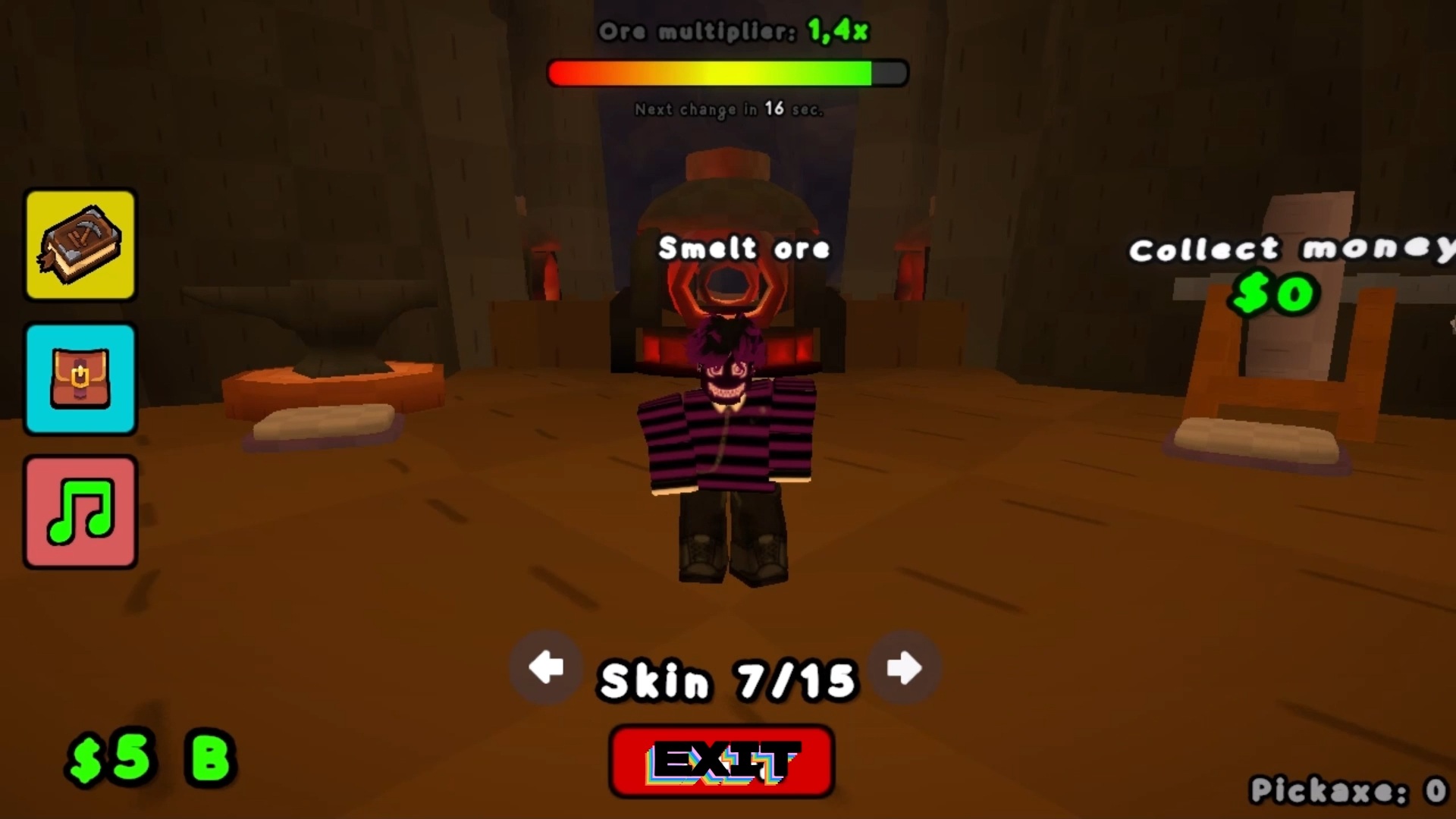
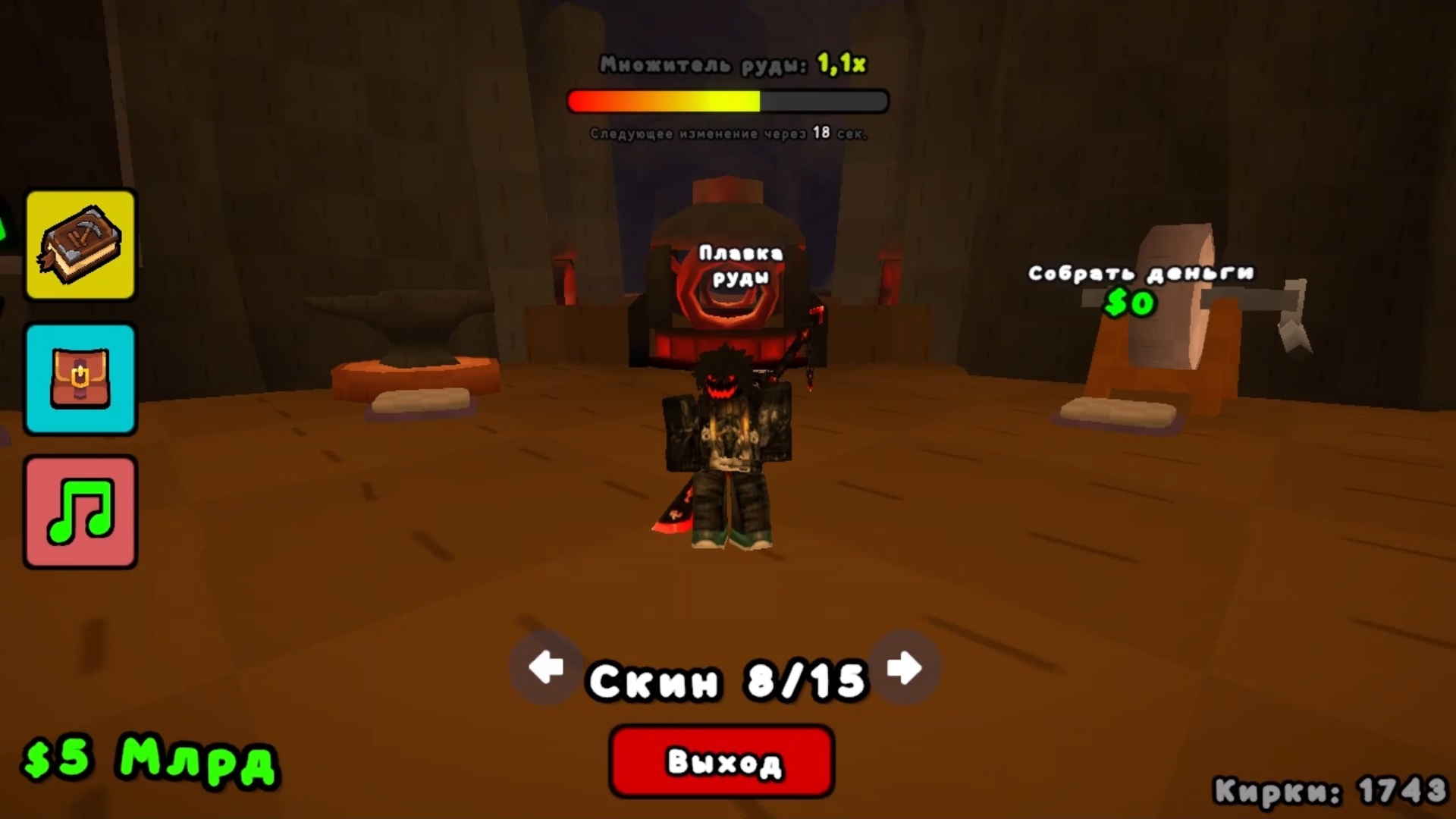
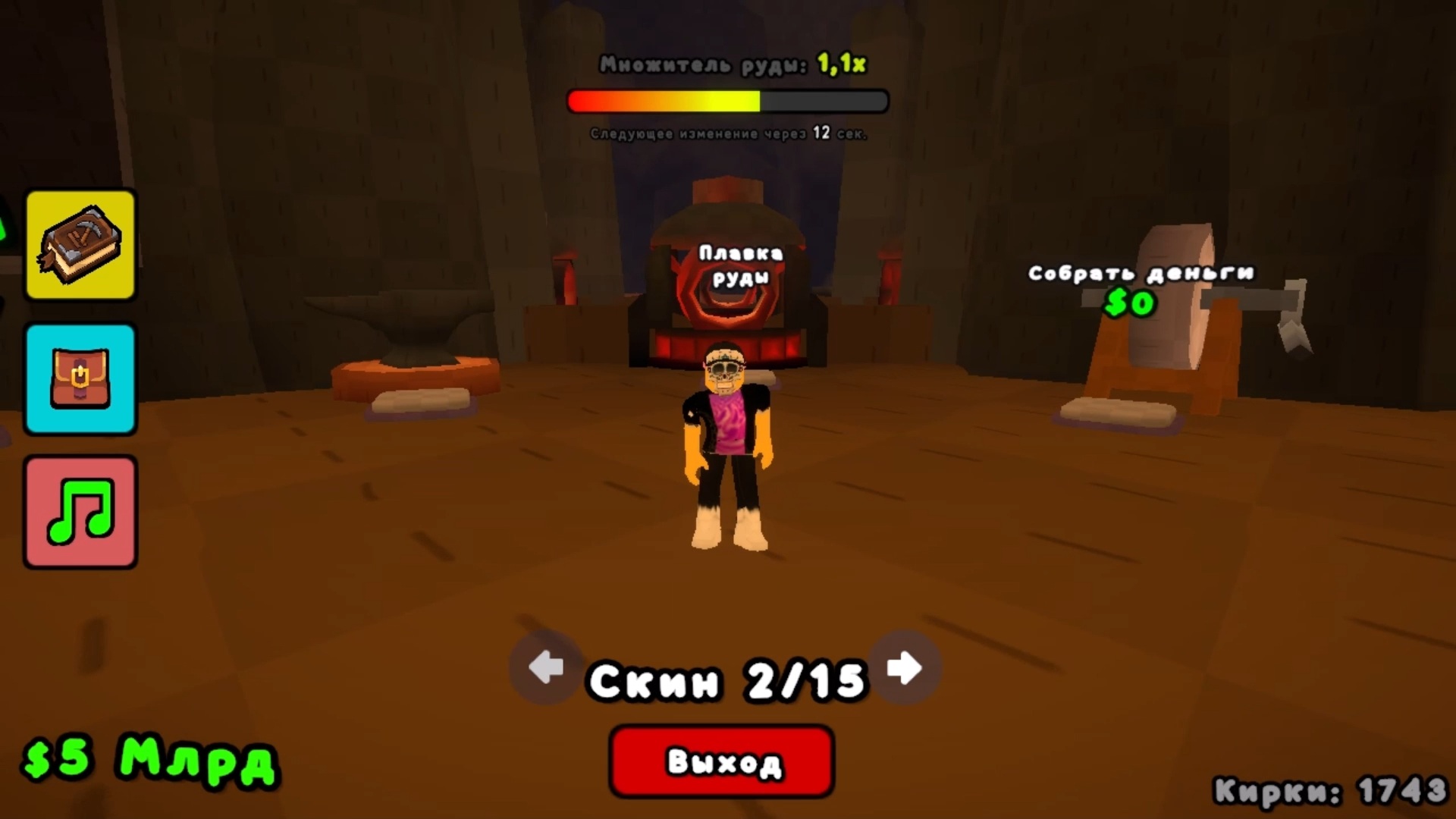
  • Pickaxe Tycoon screenshot 1
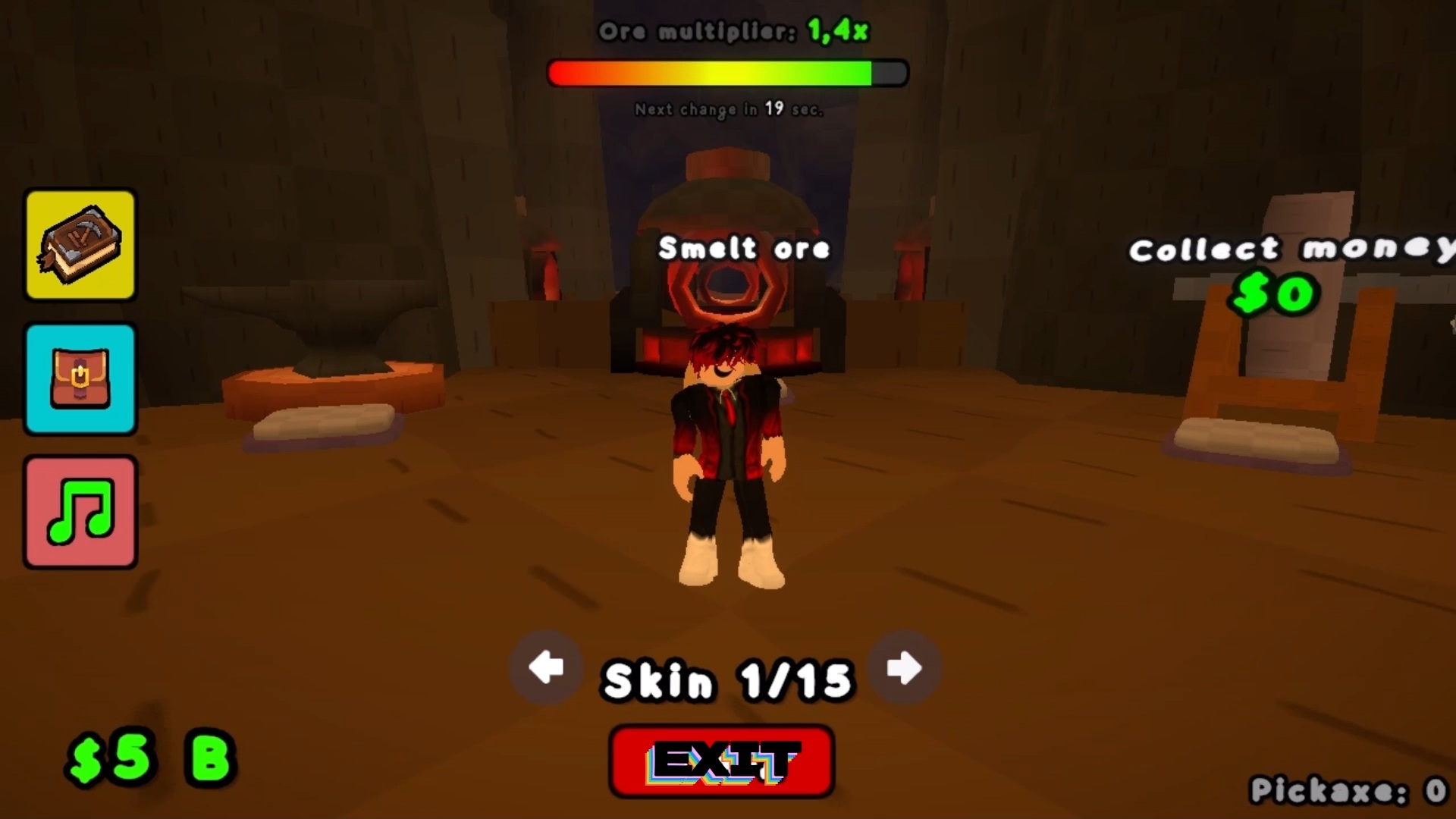
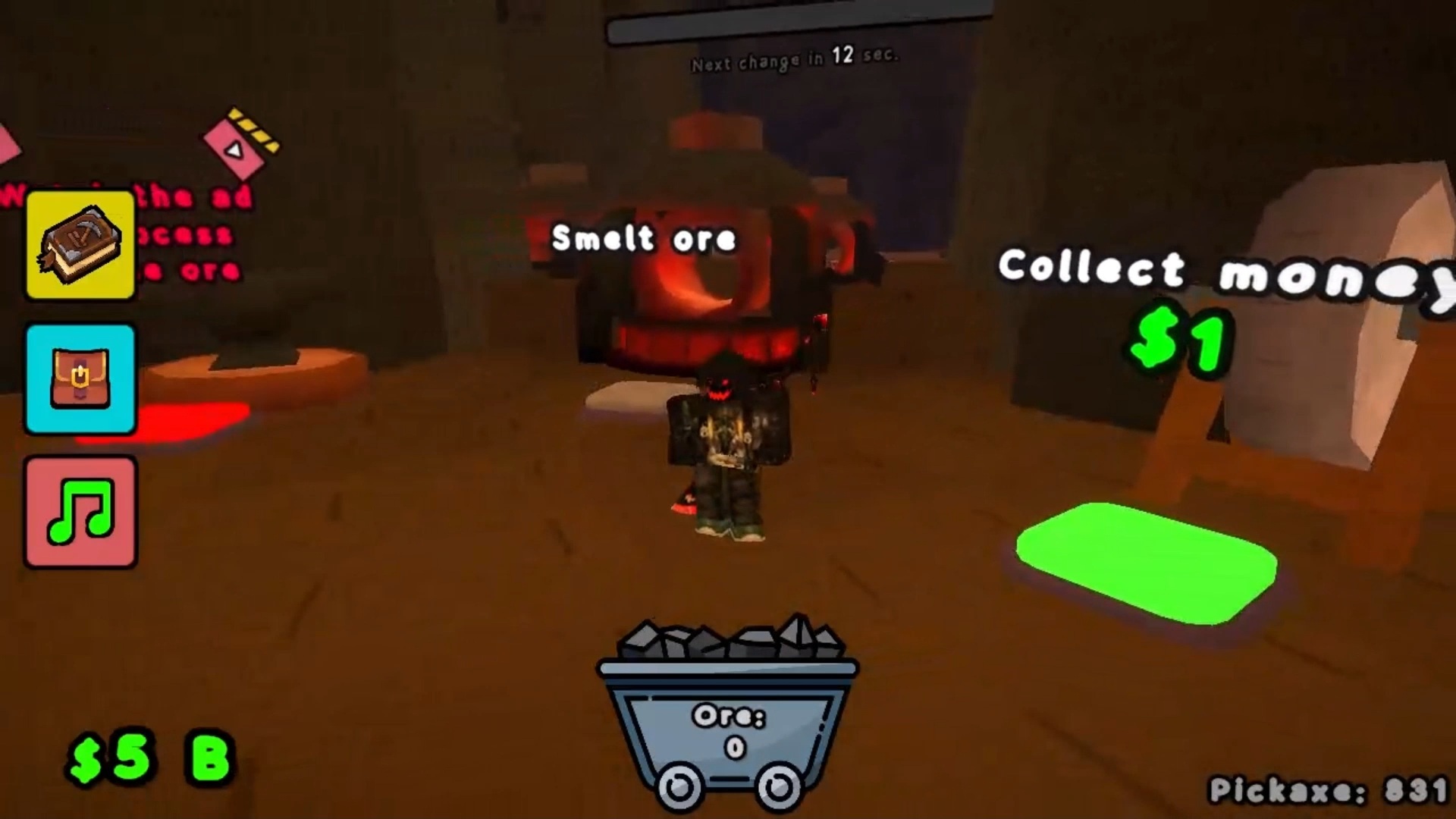
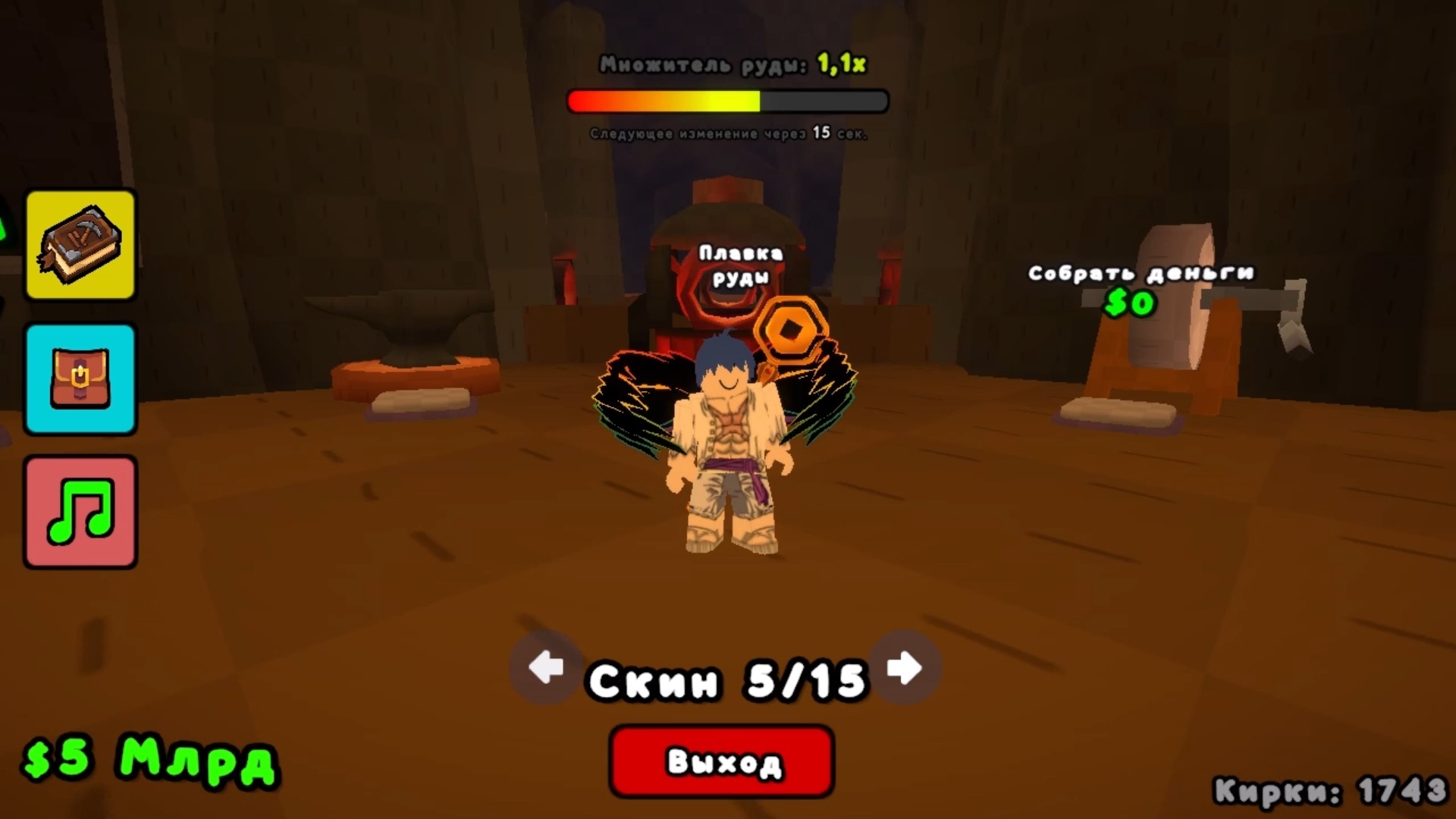
  • Pickaxe Tycoon screenshot 2
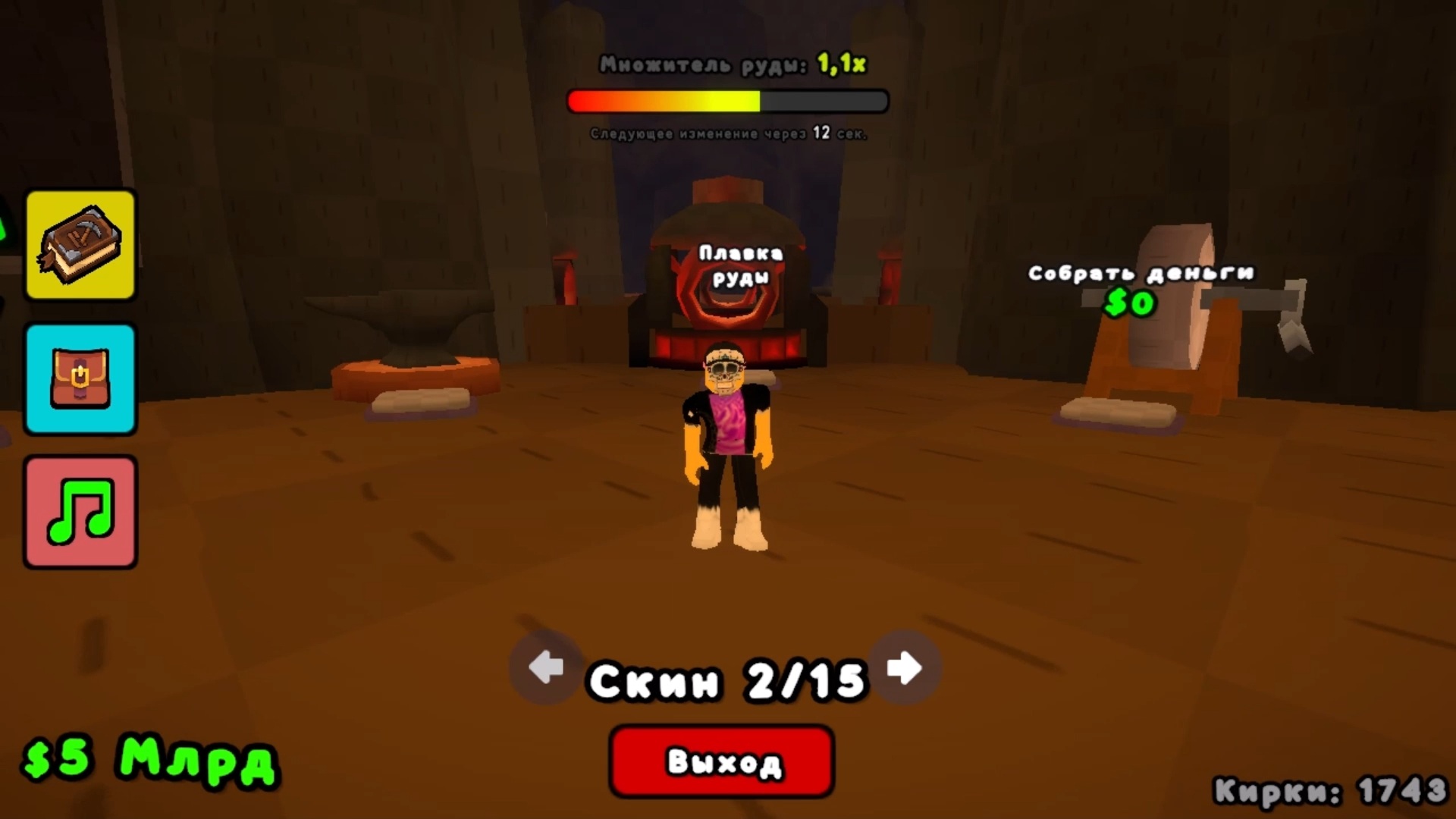
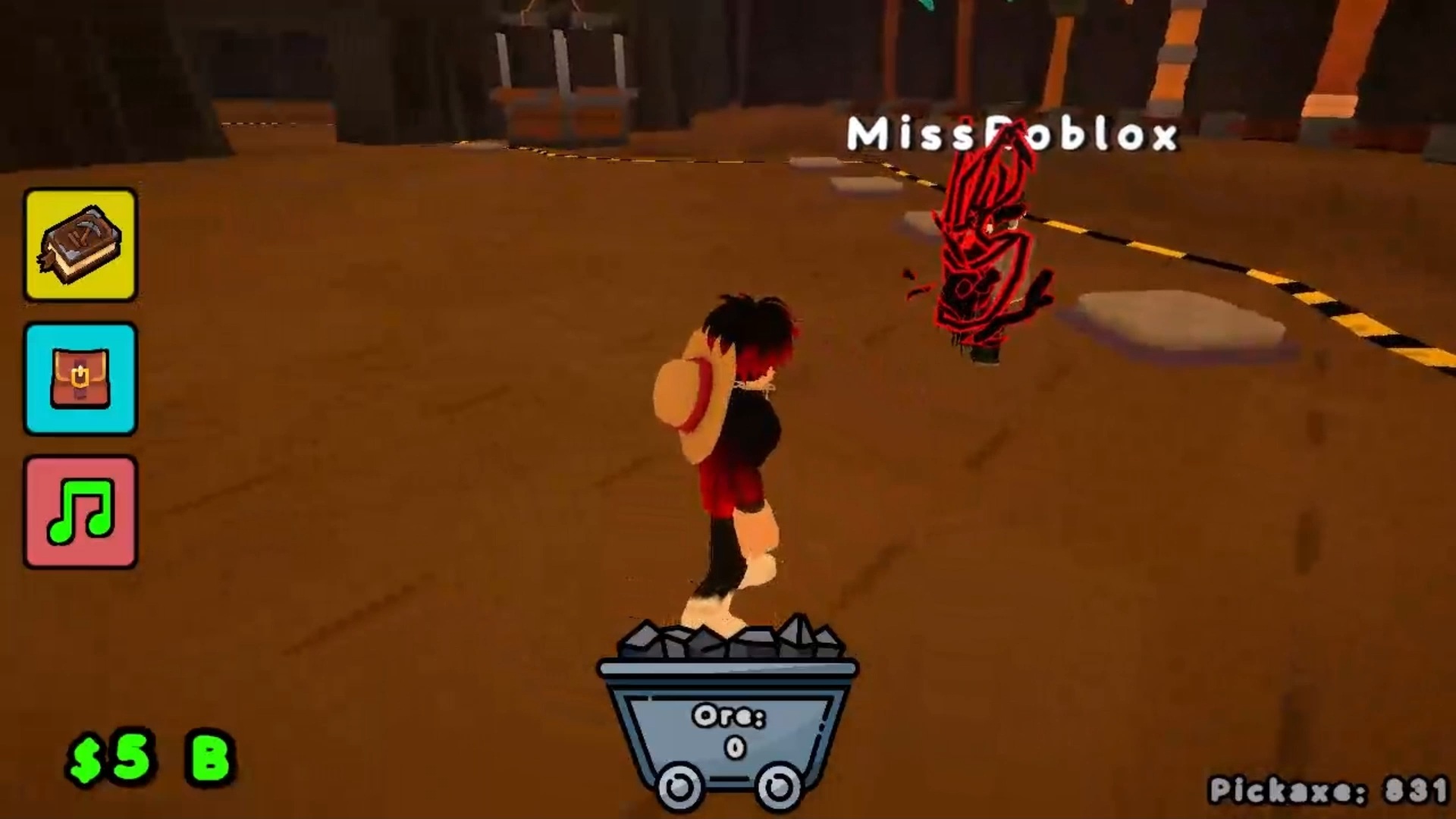
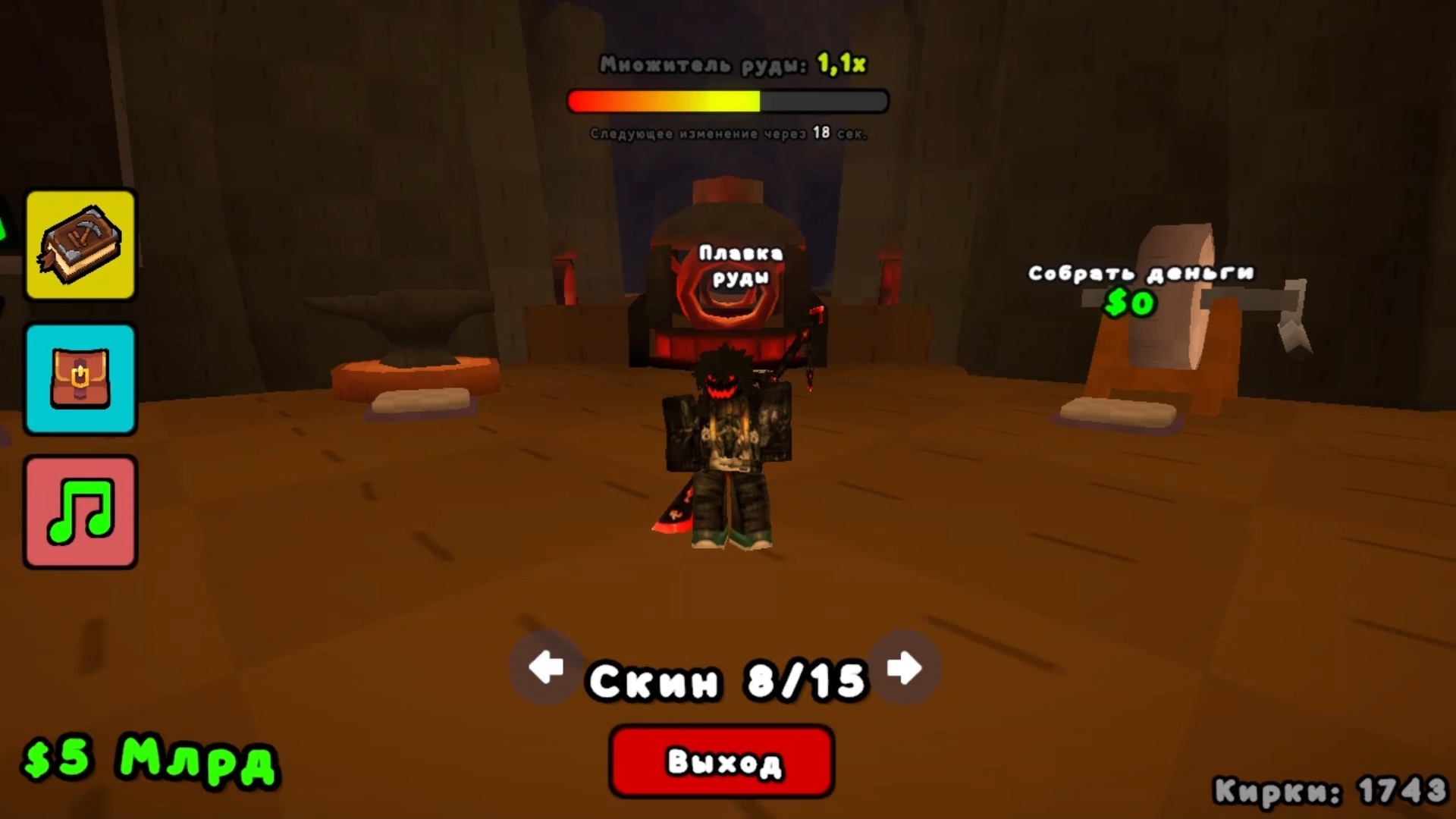
  • Pickaxe Tycoon screenshot 3
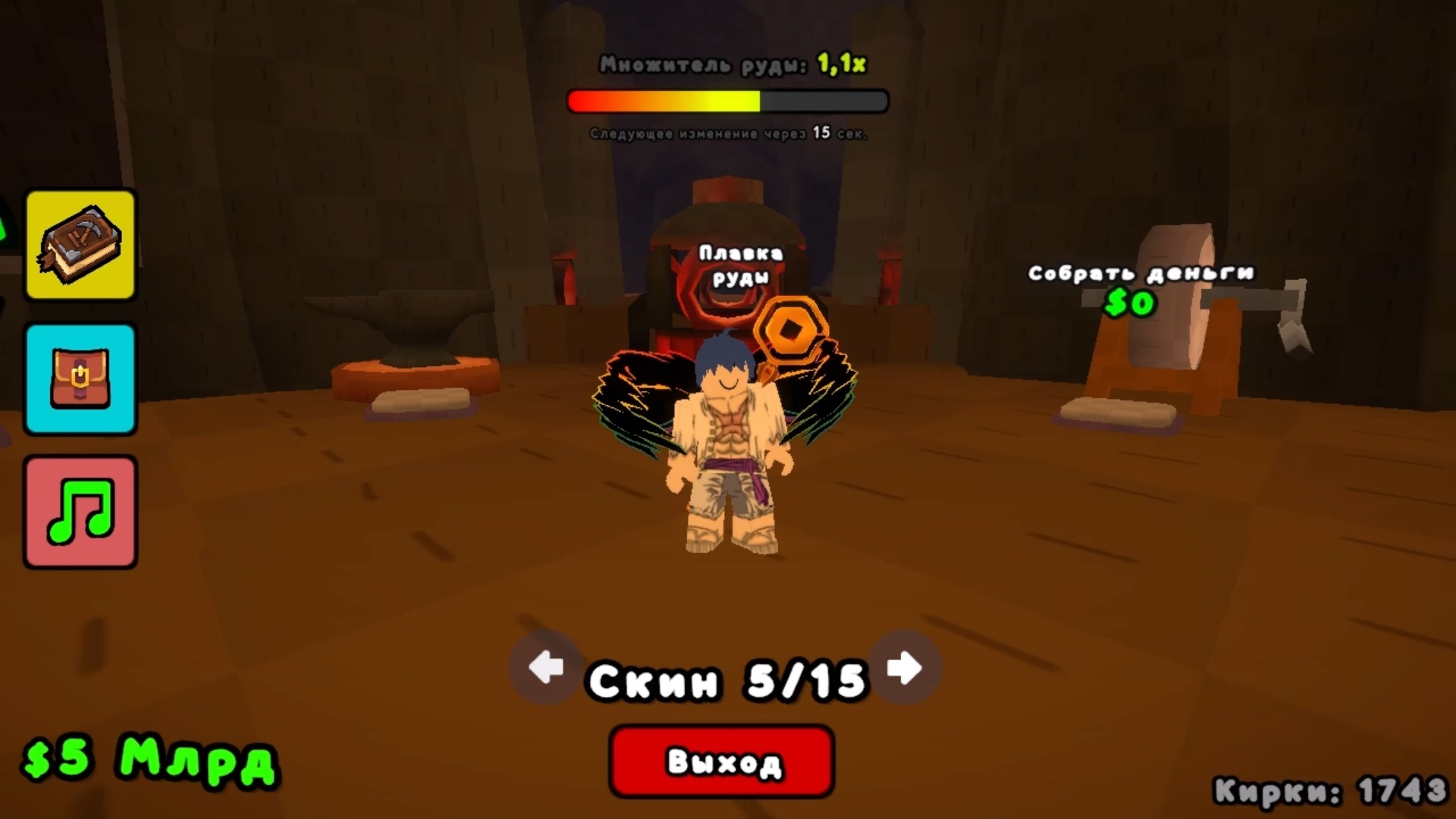
  • Pickaxe Tycoon screenshot 4
  • Pickaxe Tycoon screenshot 5
  • Pickaxe Tycoon screenshot 6
  • Pickaxe Tycoon screenshot 7
  • Pickaxe Tycoon screenshot 8
  • Pickaxe Tycoon screenshot 9
  • Pickaxe Tycoon screenshot 10
  • Pickaxe Tycoon screenshot 11
  • Pickaxe Tycoon screenshot 12
  • Pickaxe Tycoon screenshot 13
  • Pickaxe Tycoon screenshot 14
  • Pickaxe Tycoon screenshot 15
  • Pickaxe Tycoon screenshot 16
  • Pickaxe Tycoon screenshot 17
  • Pickaxe Tycoon screenshot 18
  • Pickaxe Tycoon screenshot 19
  • Pickaxe Tycoon screenshot 20
Play Now

14,334 players online

How to play

  1. Open the game

    Press Play now and the game opens on its own screen.

  2. Follow the in-game instructions

    The controls and goals are shown inside the game as you play.

  3. Use the game menu

    The floating button over the game reloads it, saves it to your favourites, or takes you back out.

Game instructions

πŸ–₯️ Computer: πŸ‘Ÿ - WASD β€” Movement πŸŽ₯ - RMB and mouse movement β€” Camera rotation. πŸ‹οΈβ€β™‚οΈ - LMB β€” Interaction. ⚑ - Space β€” Jump. To purchase a pickaxe, upgrade, collect coins, or turn in ore, the player must stand on the button in the game. πŸ“± Smartphone: πŸ‘Ÿ - Movement β€” Joystick on the left side of the screen πŸŽ₯ - Camera rotation β€” Finger movements on the right side of the screen πŸ‹οΈβ€β™‚οΈ - Click on the screen β€” Interaction.

More games

More games