Skip to content
KG
Pickup Point Simulator: Order Pickup Point

Pickup Point Simulator: Order Pickup Point

590K plays 3.7 out of 5

Overview

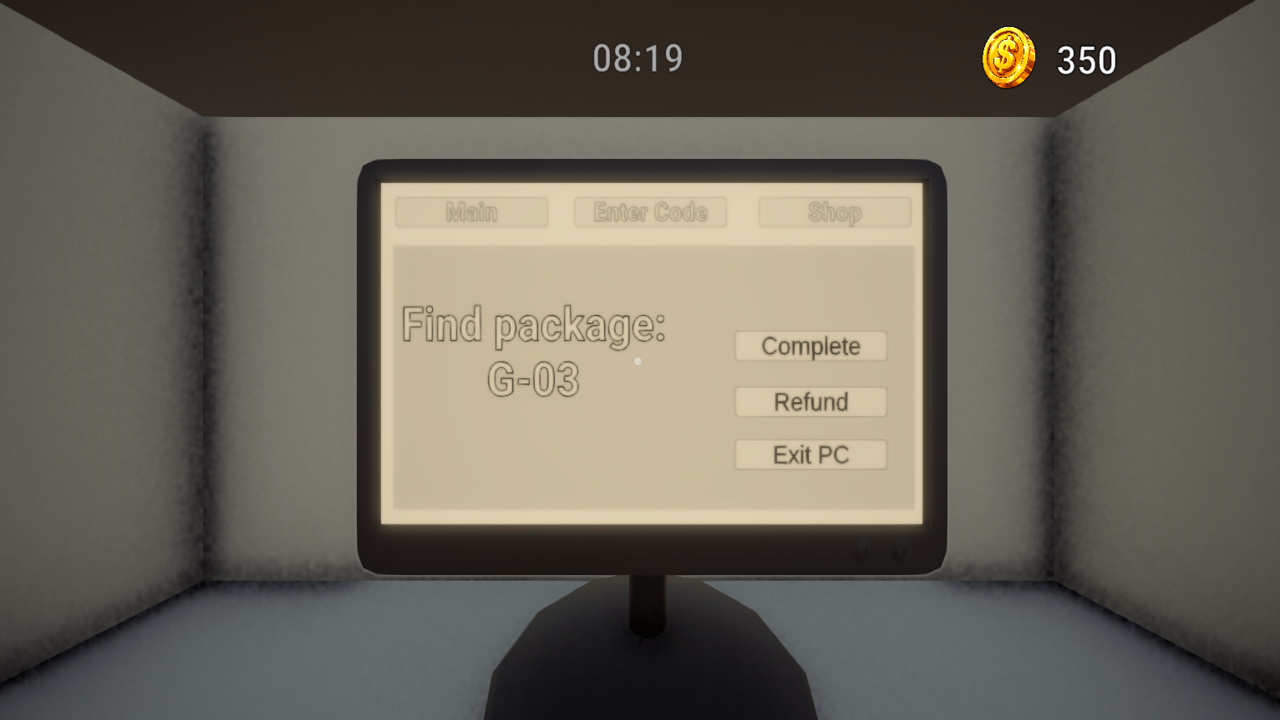
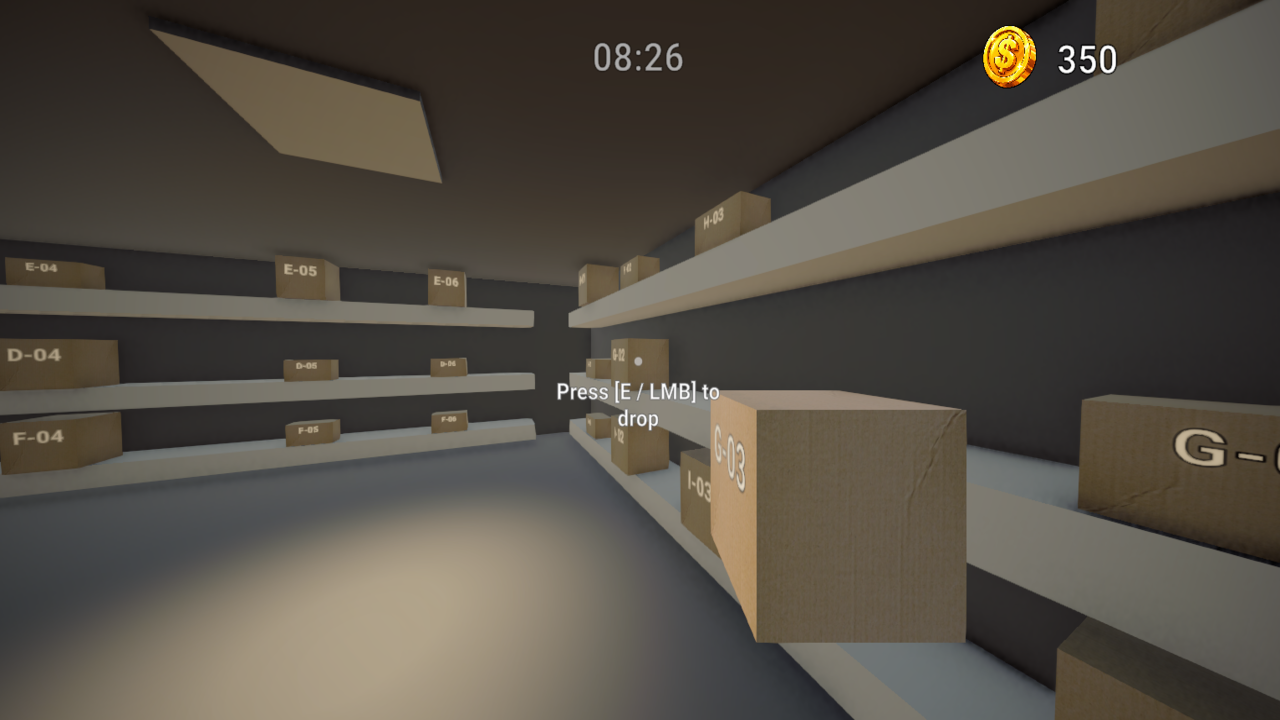
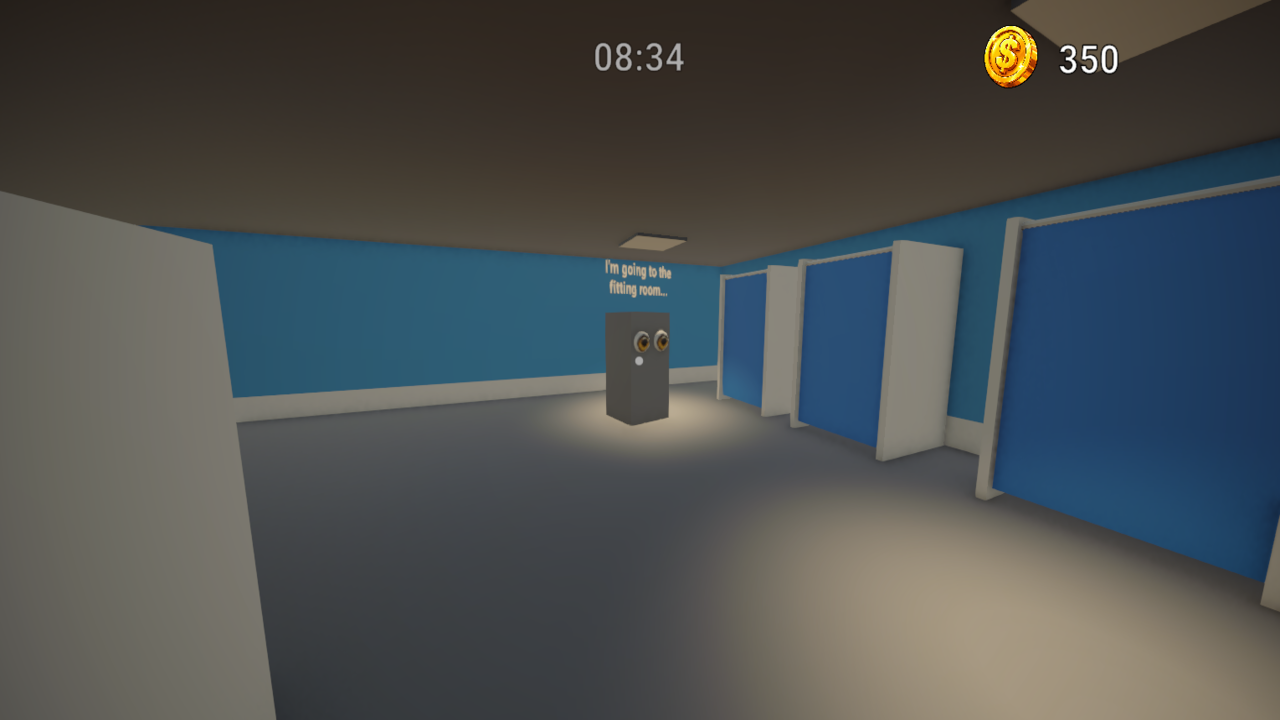
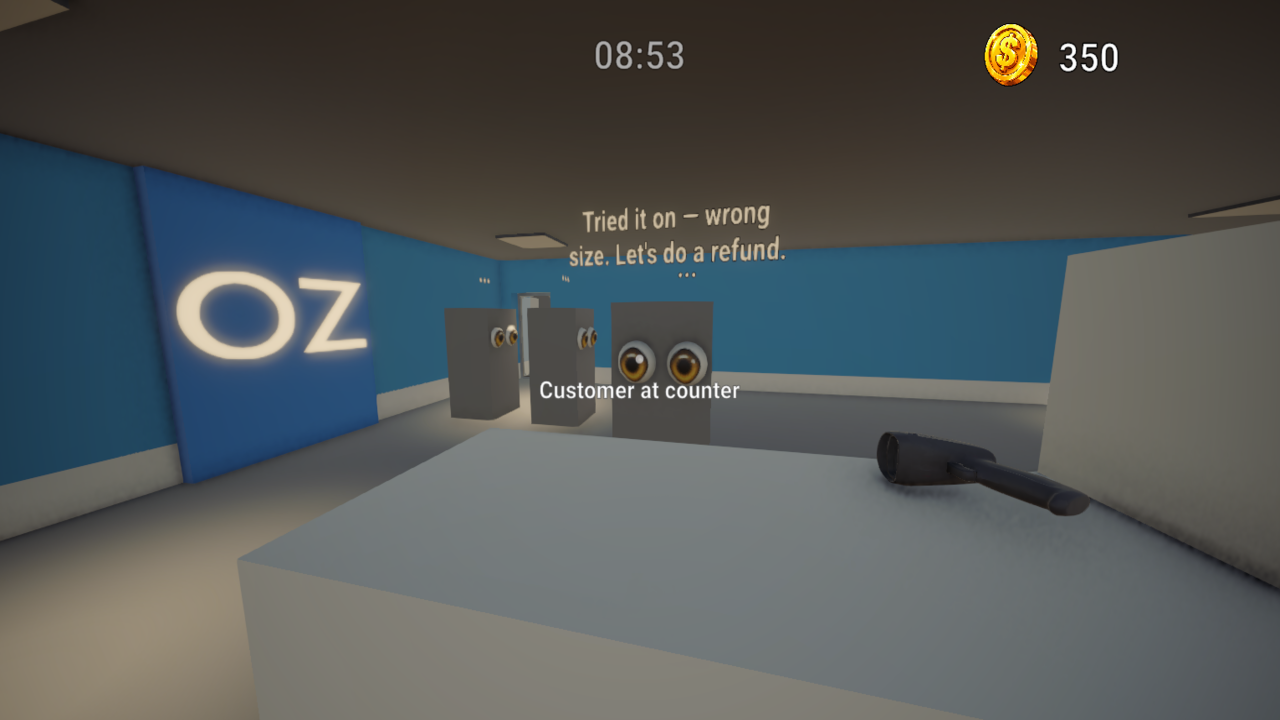
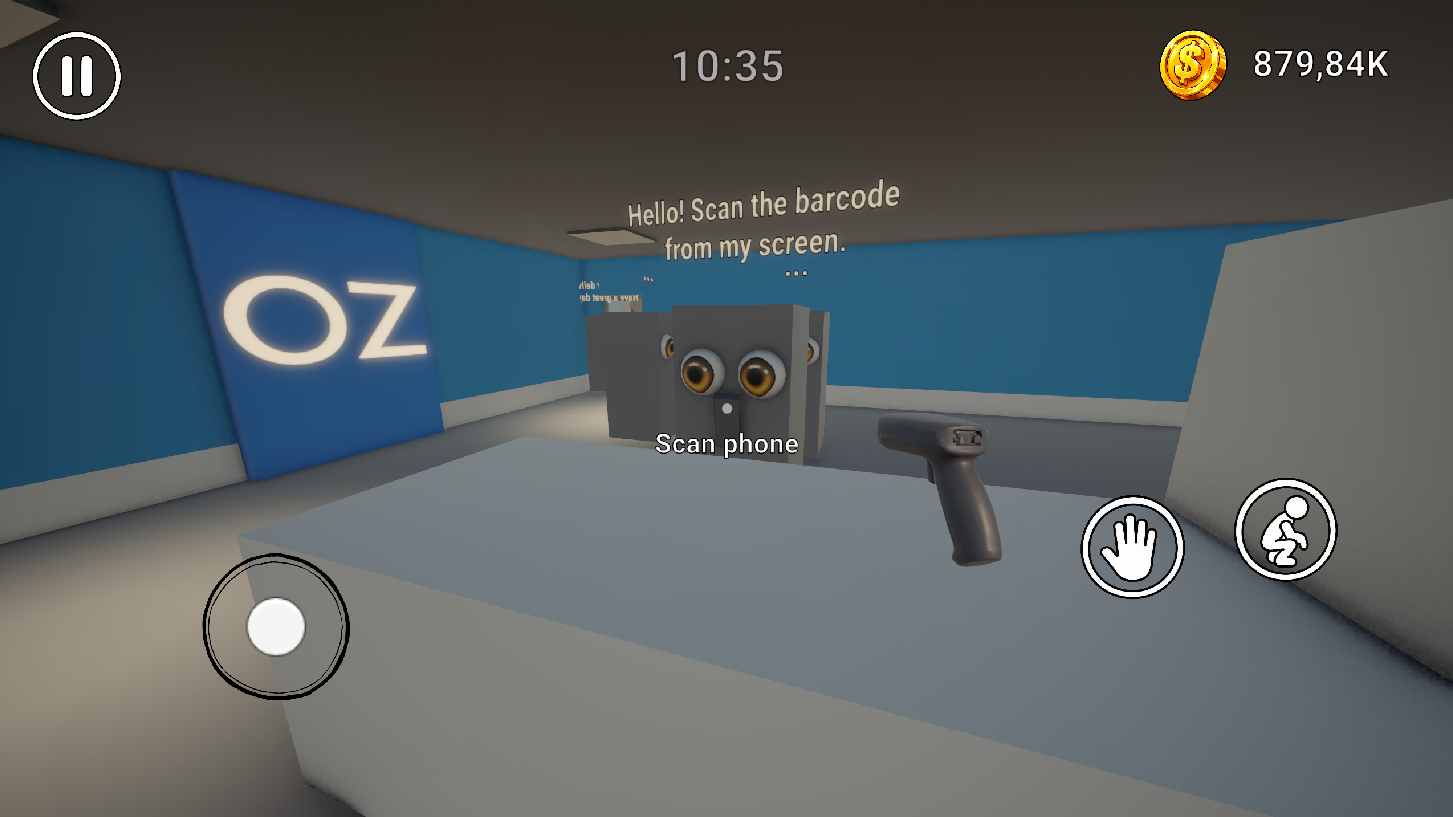
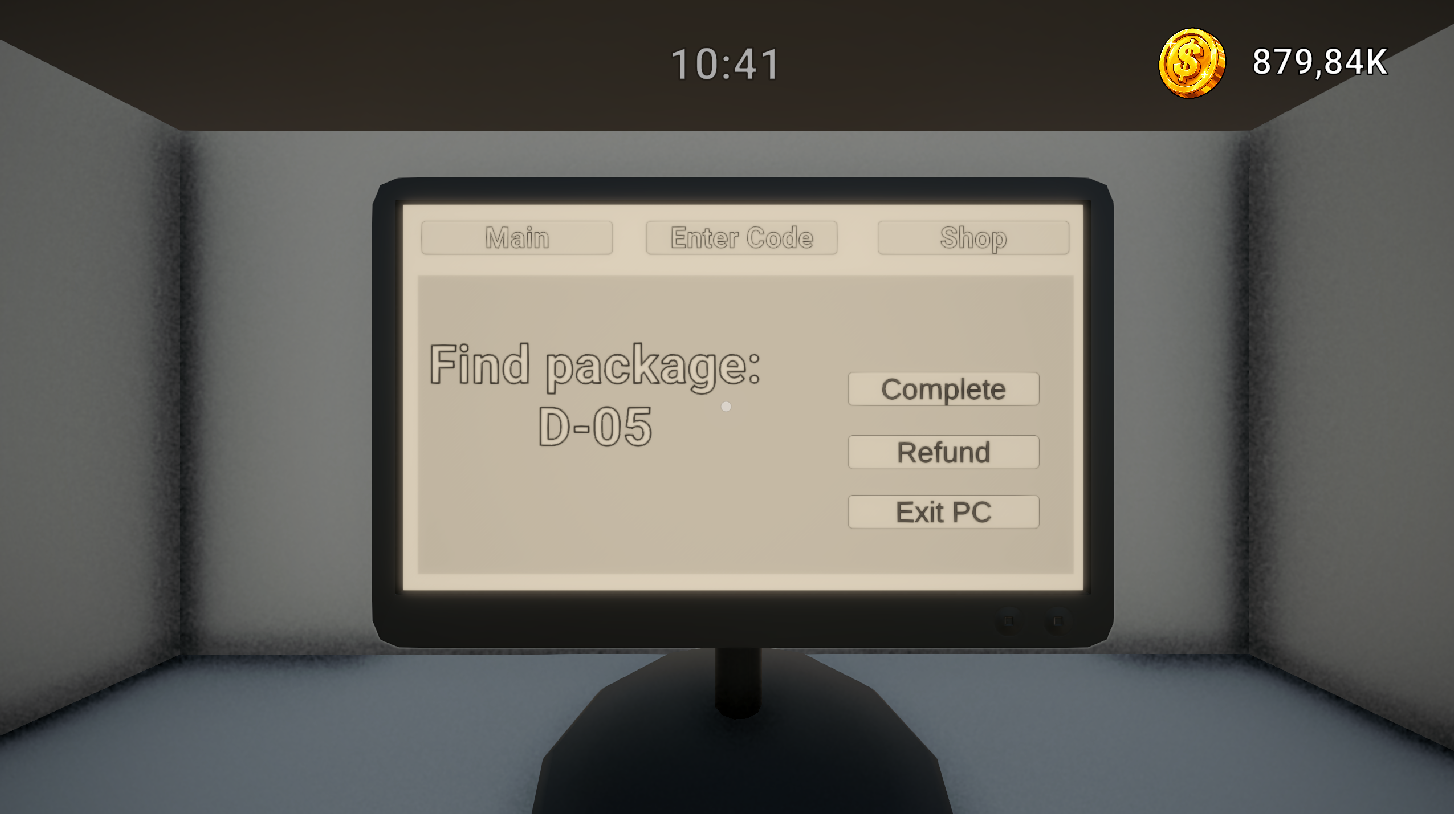
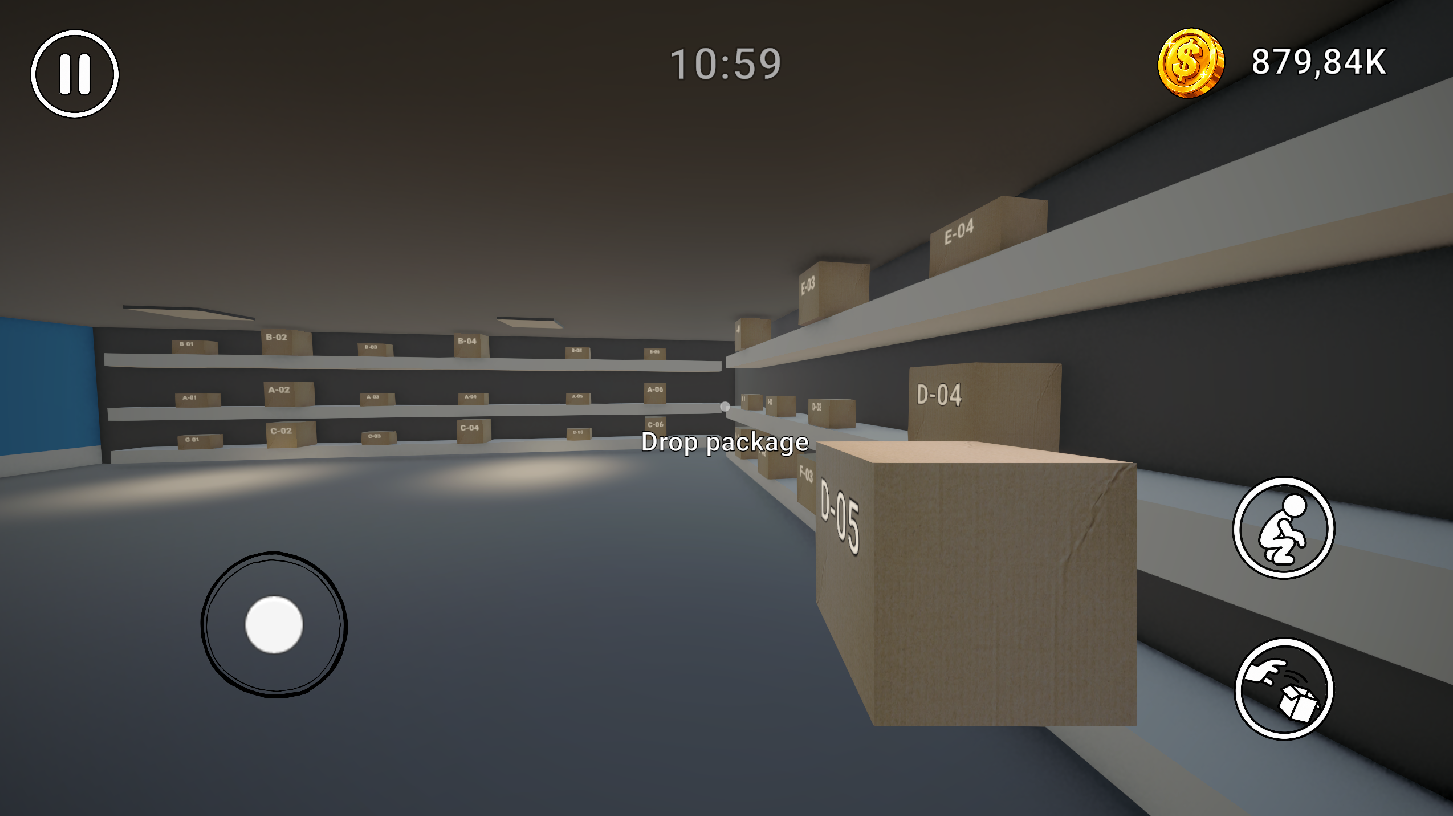
Immerse yourself in the exciting daily life of a pickup point employee! Serve customers, scan barcodes directly from smartphone screens, enter codes through the PC database, search for boxes in the warehouse, and deliver them to buyers. Game features: - Realistic first-person gameplay - 3 customer types: with smartphones, paper receipts, or spoken codes - Fitting room mechanics with try-on decisions and returns - Unique interior styles to customize your pickup point - Character movement speed upgrades - Immersive sound effects and high-quality 3D graphics Grow your pickup point and become the best employee on shift!

Videos and screenshots
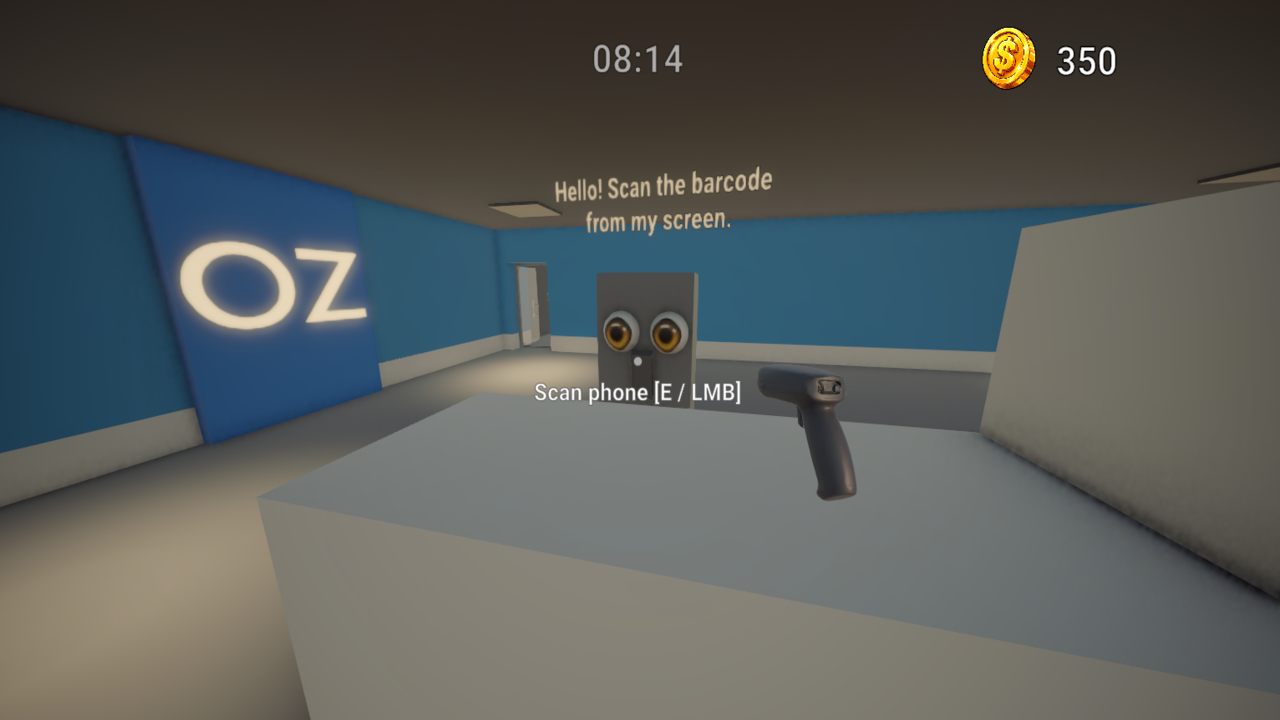
  • Pickup Point Simulator: Order Pickup Point screenshot 1
  • Pickup Point Simulator: Order Pickup Point screenshot 2
  • Pickup Point Simulator: Order Pickup Point screenshot 3
  • Pickup Point Simulator: Order Pickup Point screenshot 4
  • Pickup Point Simulator: Order Pickup Point screenshot 5
  • Pickup Point Simulator: Order Pickup Point screenshot 6
  • Pickup Point Simulator: Order Pickup Point screenshot 7
  • Pickup Point Simulator: Order Pickup Point screenshot 8
Play Now

13,604 players online

How to play

  1. Open the game

    Press Play now and the game opens on its own screen.

  2. Follow the in-game instructions

    The controls and goals are shown inside the game as you play.

  3. Use the game menu

    The floating button over the game reloads it, saves it to your favourites, or takes you back out.

Game instructions

Controls (PC): - W, A, S, D — Movement - Mouse — Look around - E / LMB — Interact (pick up scanner/box, sit at PC, scan) - Q / G — Drop box (Alternative: E / LMB) - C / Left Ctrl — Crouch - Space — Jump - Escape — Pause Menu / Exit PC Controls (Mobile): - Left virtual joystick — Movement - Right half of the screen — Camera rotation - UI buttons — Interact, drop, crouch, and pause. Gameplay loop: 1. Receive the code from the customer (with the scanner or via PC in "Enter Code" tab). 2. Find the box by code on warehouse shelves. 3. Place the box on the delivery counter. 4. Wait for customer's decision and complete the order on PC!

More games

More games