Skip to content
KG
Pixamator (Pixel Animator 2)

Pixamator (Pixel Animator 2)

500K plays 4.9 out of 5

Overview

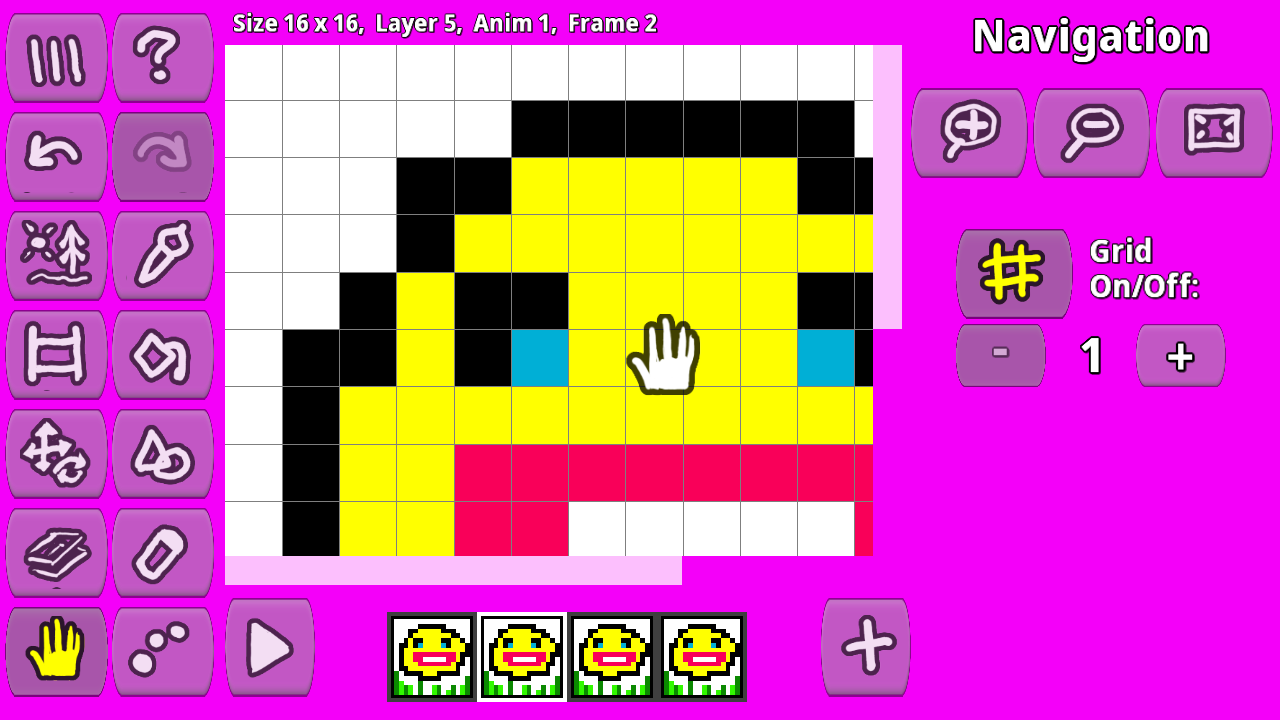
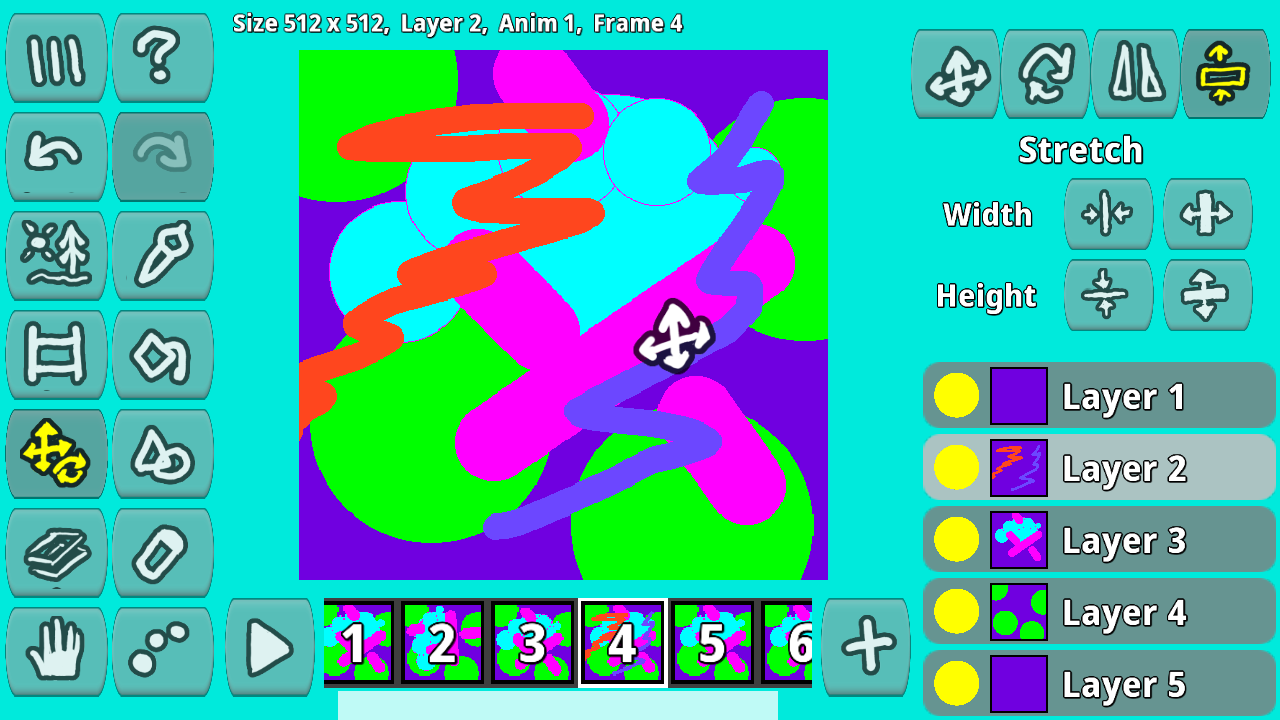
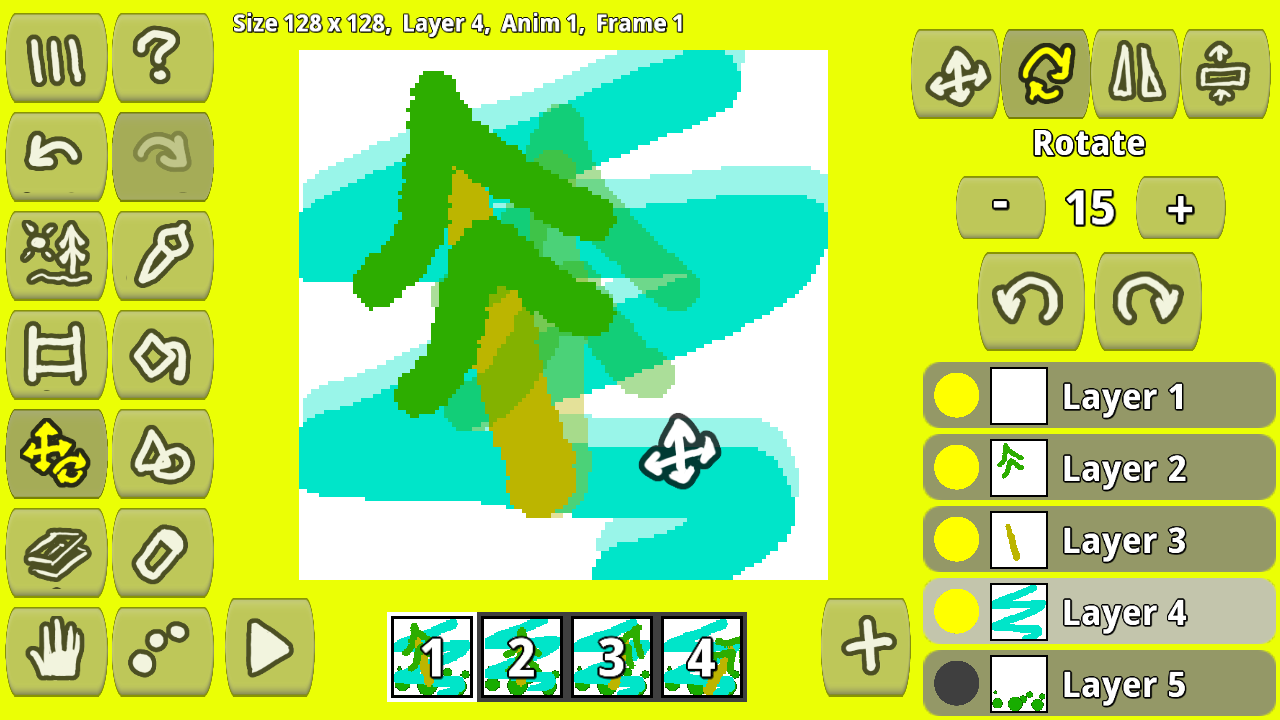
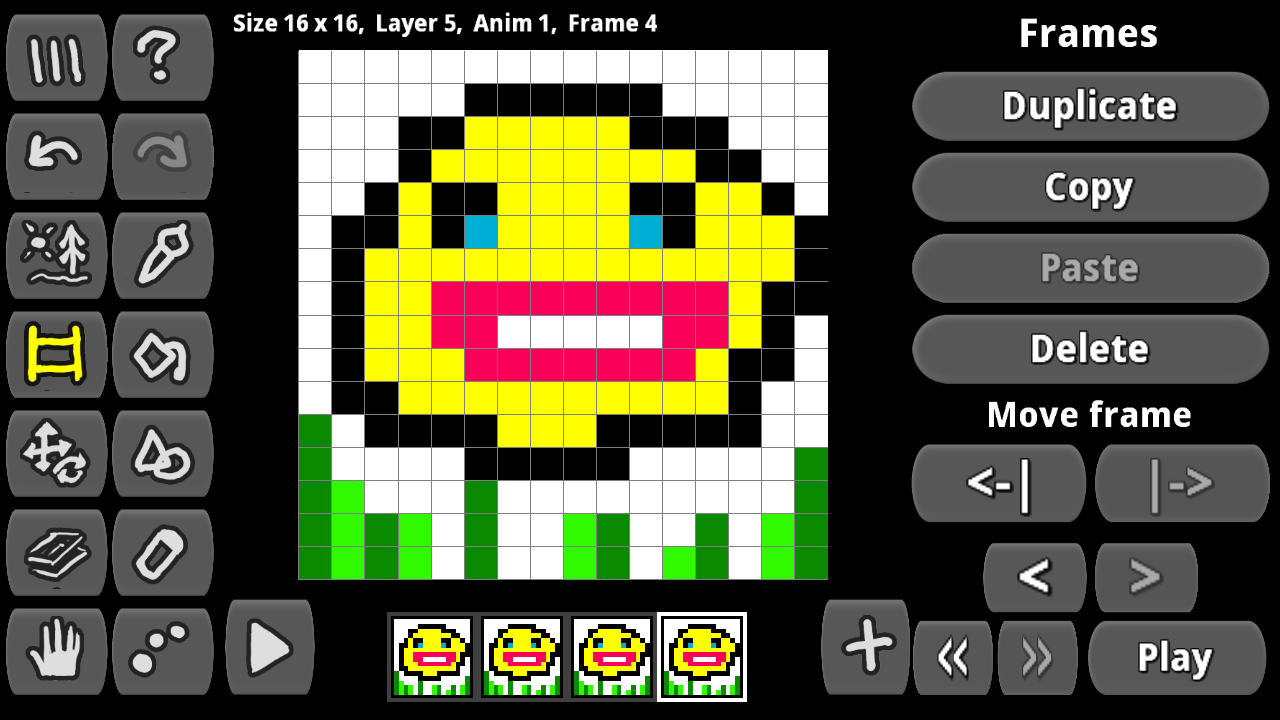
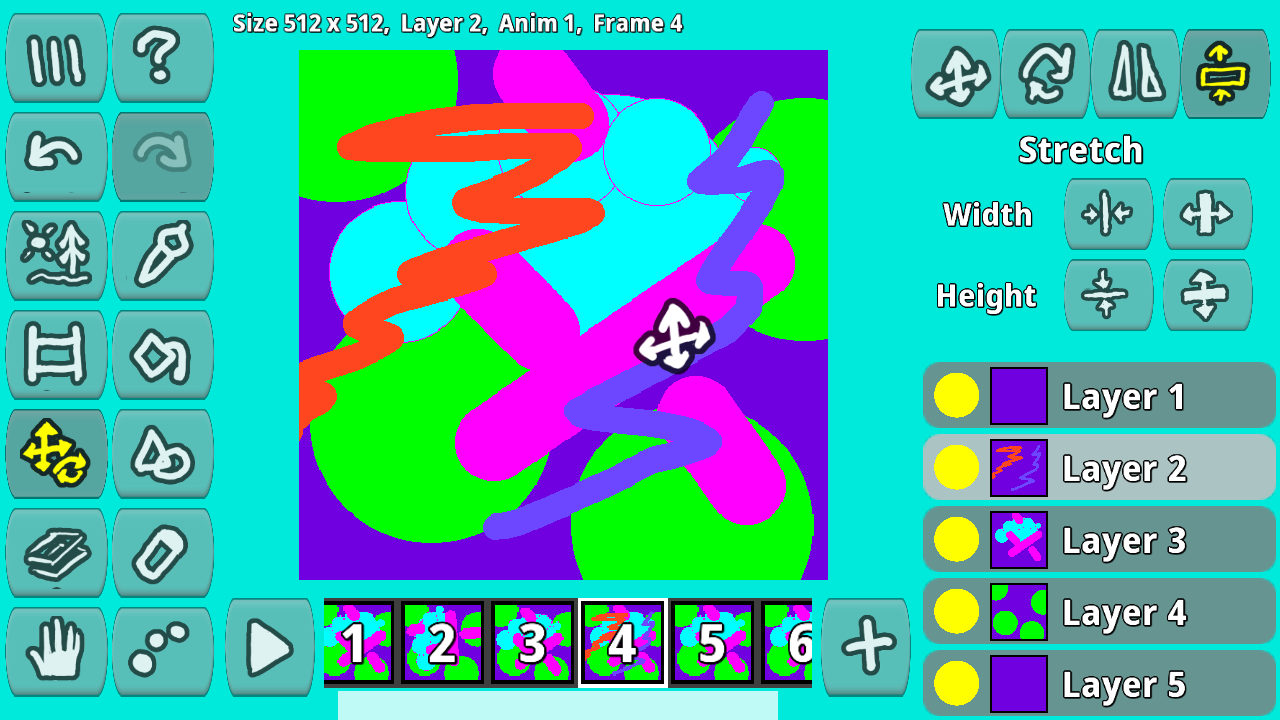
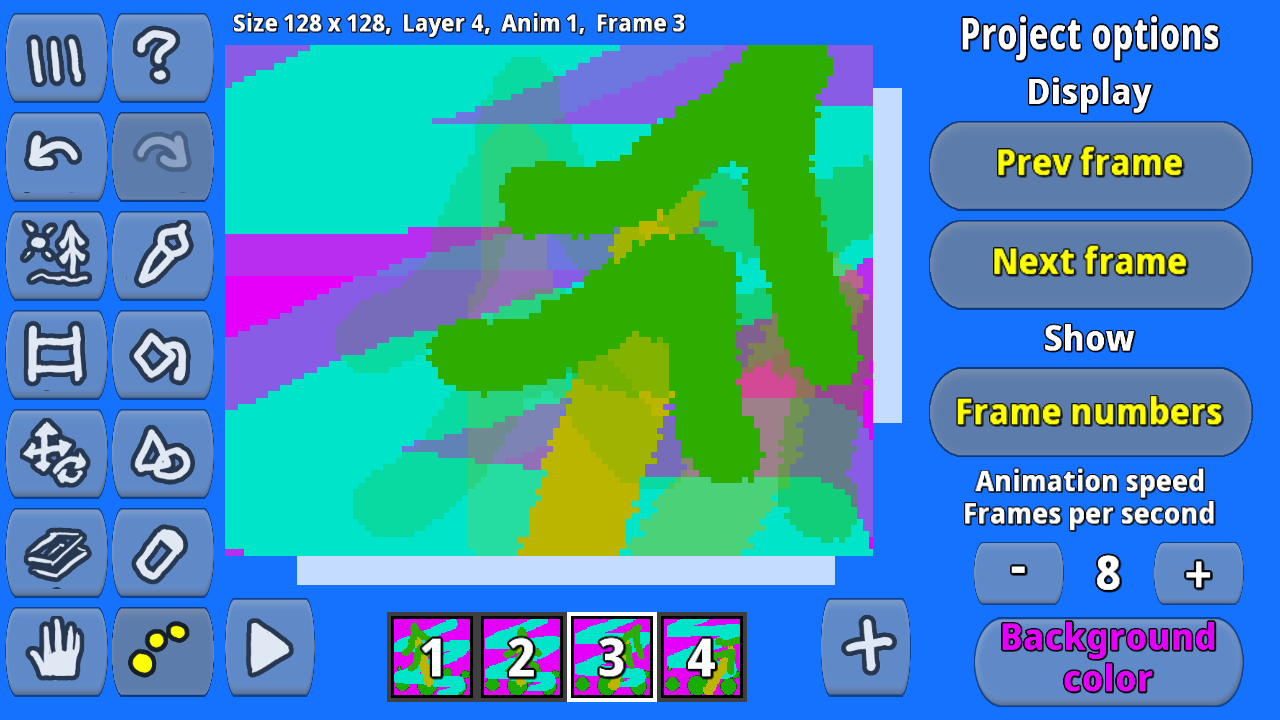
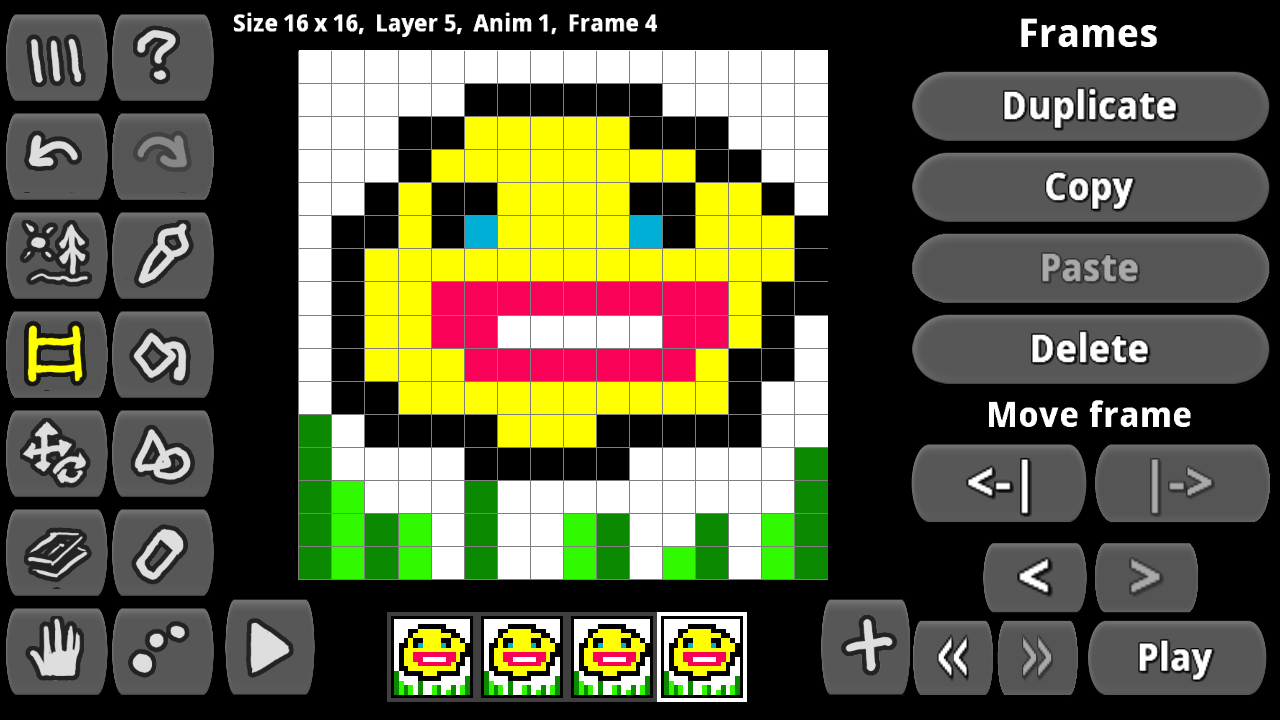
Welcome to the game "Pixamator (Pixel Animator 2)". In this game you can: - create your own cartoons, avatars, icons and export them to GIF animated images. - draw character animations frame by frame, export them to PNG images, sprite sheets, tile maps and various formats, and then use them in your game for any game engine! - draw and create fonts for your games, export them to any game engine. You can store your projects: - in files on your computer - in web browser's local storage - in cloud storage The game has layers and support for image transparency. You can copy, duplicate, and paste animation frames. Create multiple animations in a project. Copy and paste images from layers to other layers and projects. The game has Brush, Eraser, Color Fill, Drawing Shapes, Image Transformations

Videos and screenshots
  • Pixamator (Pixel Animator 2) screenshot 1
  • Pixamator (Pixel Animator 2) screenshot 2
  • Pixamator (Pixel Animator 2) screenshot 3
  • Pixamator (Pixel Animator 2) screenshot 4
  • Pixamator (Pixel Animator 2) screenshot 5
  • Pixamator (Pixel Animator 2) screenshot 6
  • Pixamator (Pixel Animator 2) screenshot 7
  • Pixamator (Pixel Animator 2) screenshot 8
  • Pixamator (Pixel Animator 2) screenshot 9
  • Pixamator (Pixel Animator 2) screenshot 10
Play Now

10,736 players online

How to play

  1. Open the game

    Press Play now and the game opens on its own screen.

  2. Follow the in-game instructions

    The controls and goals are shown inside the game as you play.

  3. Use the game menu

    The floating button over the game reloads it, saves it to your favourites, or takes you back out.

Game instructions

Сreate a new project, choose a canvas size, choose a brush, color, brush size, and you paint. Create new animation frames and draw on them. Adjust the animation speed (fps). You draw individual image elements on separate layers so that they can be moved and transformed independently. Once your animation is complete, you can export it to a set of frames, spritesheettilemap, or animated GIF. From time to time, save your animation project to a file on your computer, local storage, or cloud storage so that you can later download the project and continue working on it.

More games

More games