Overview
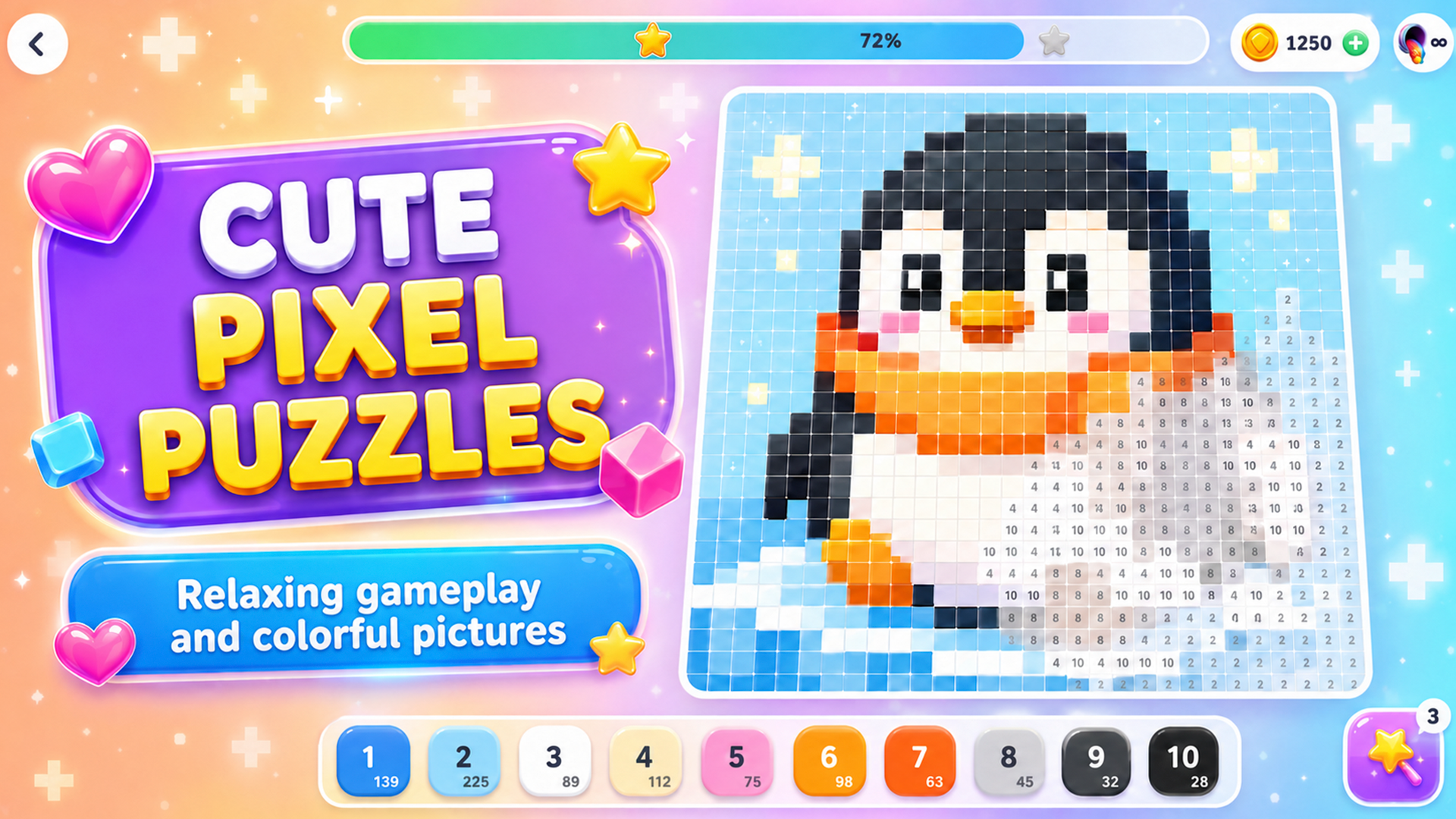
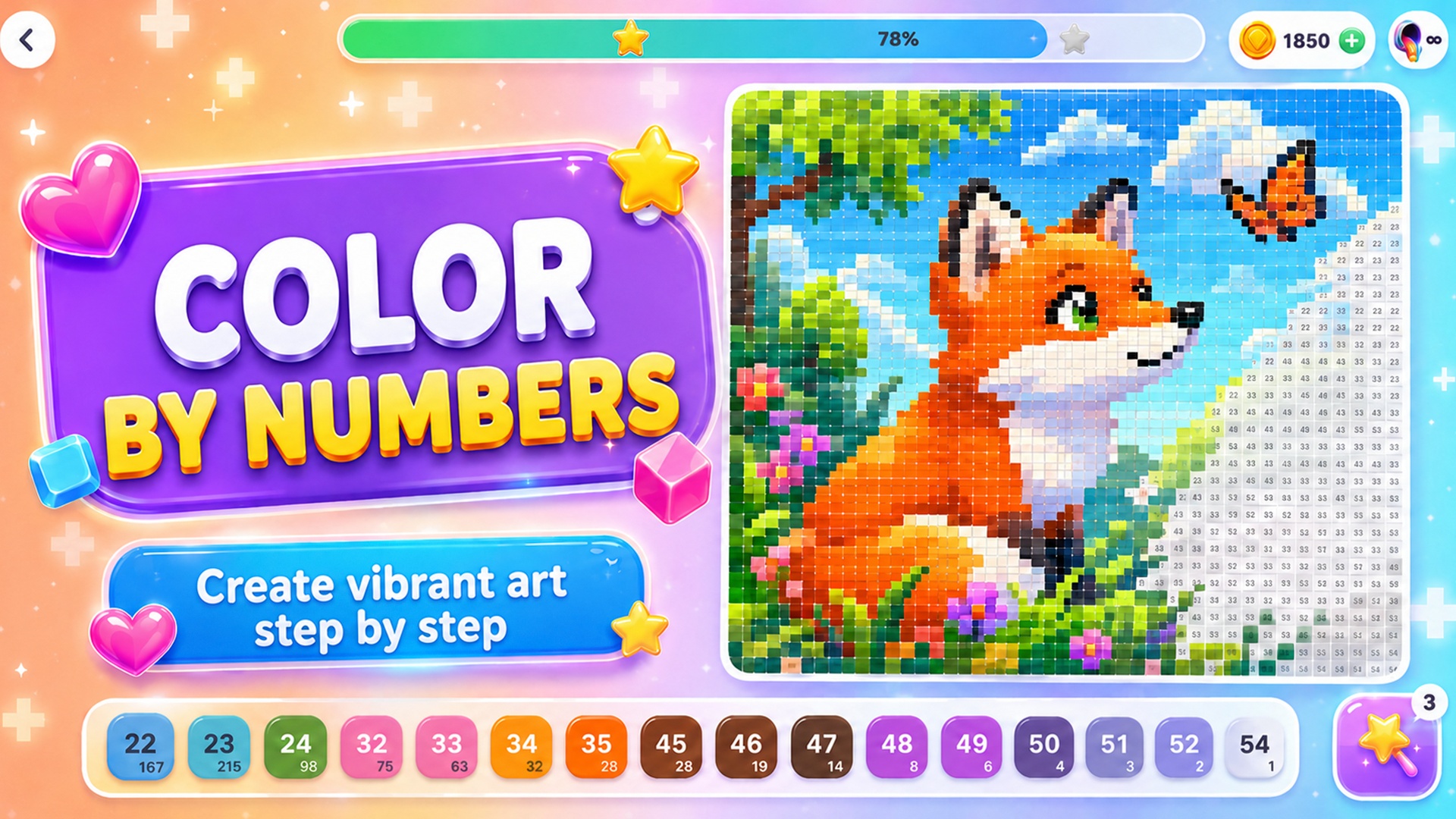
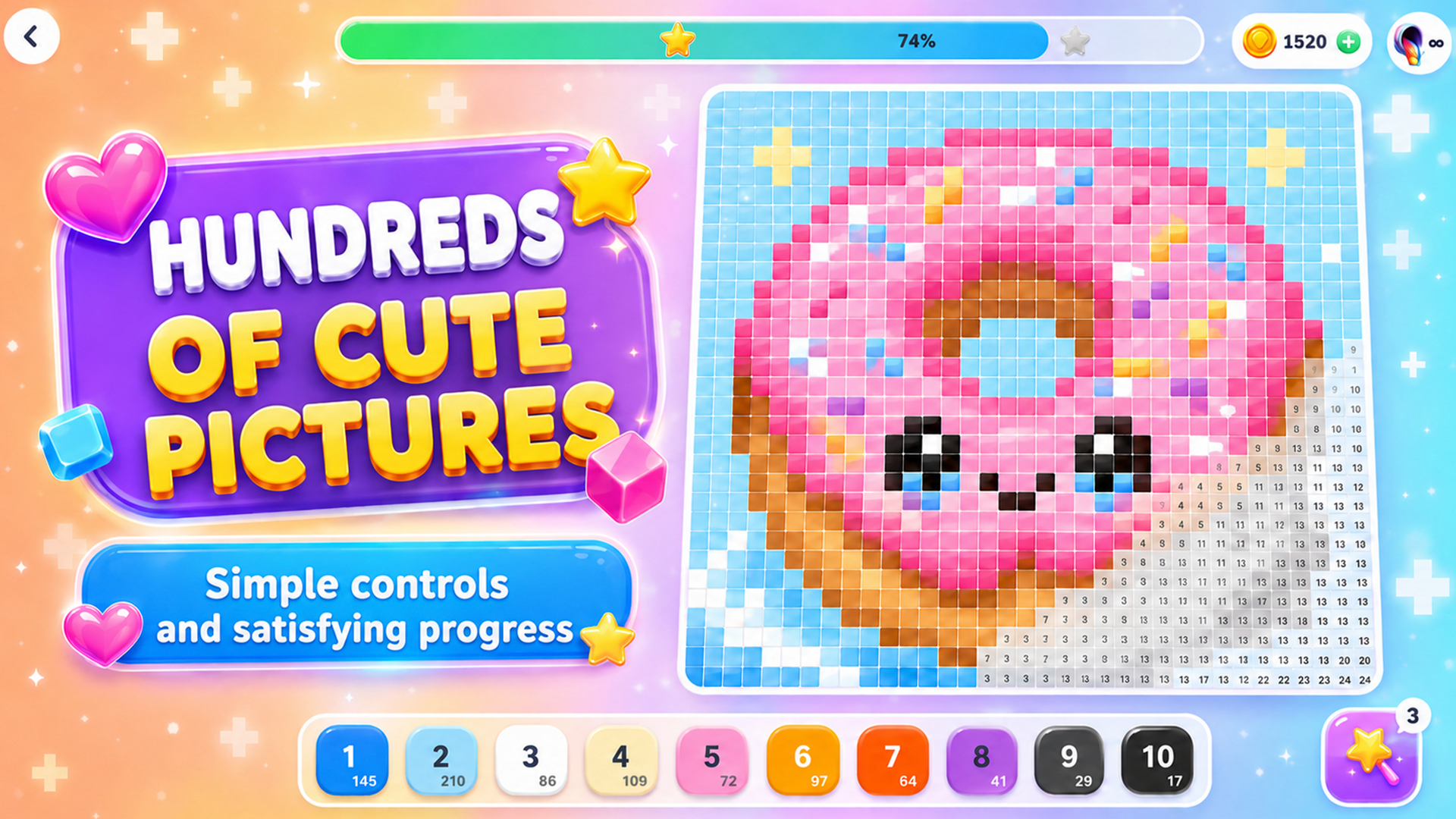
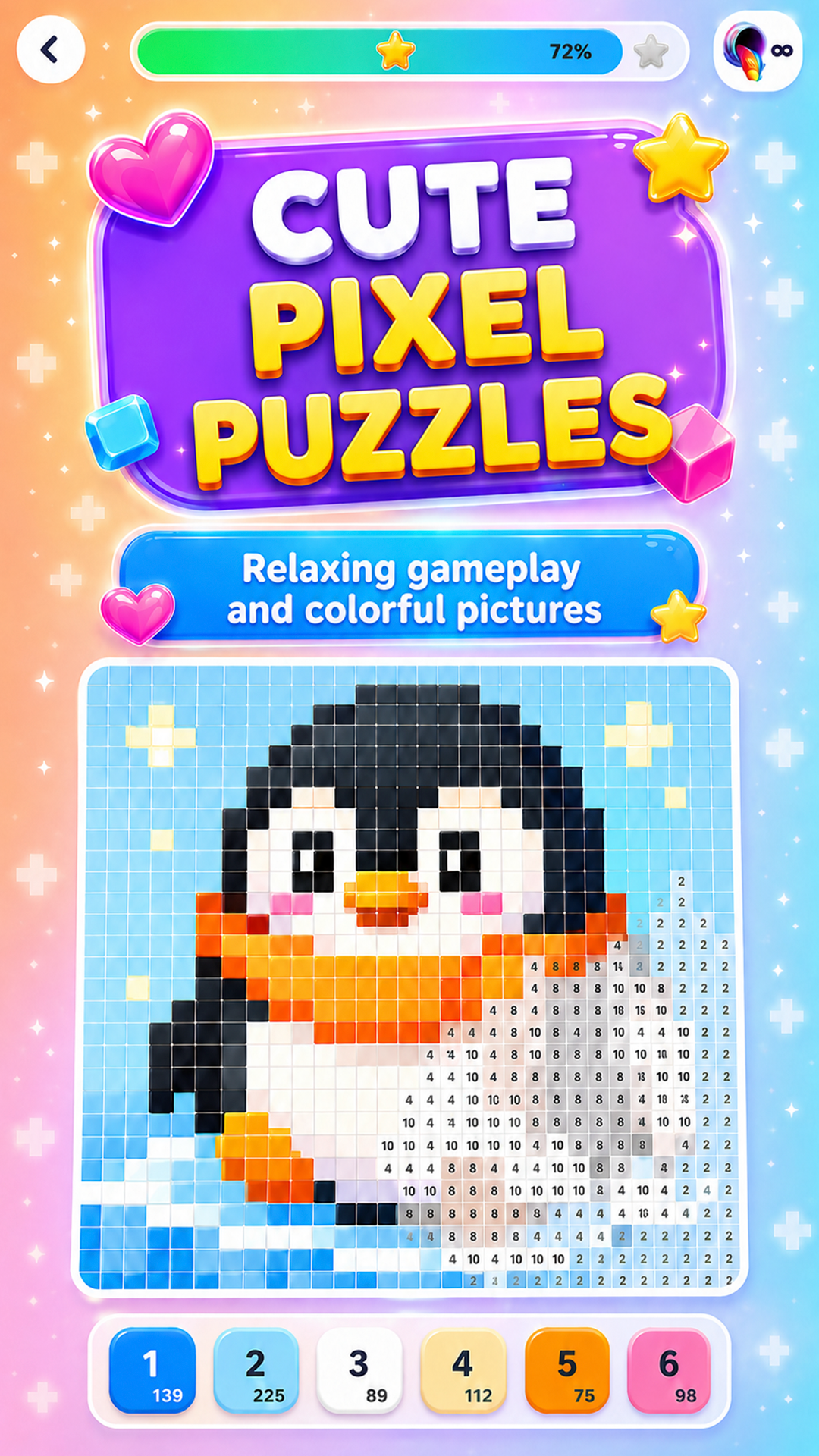
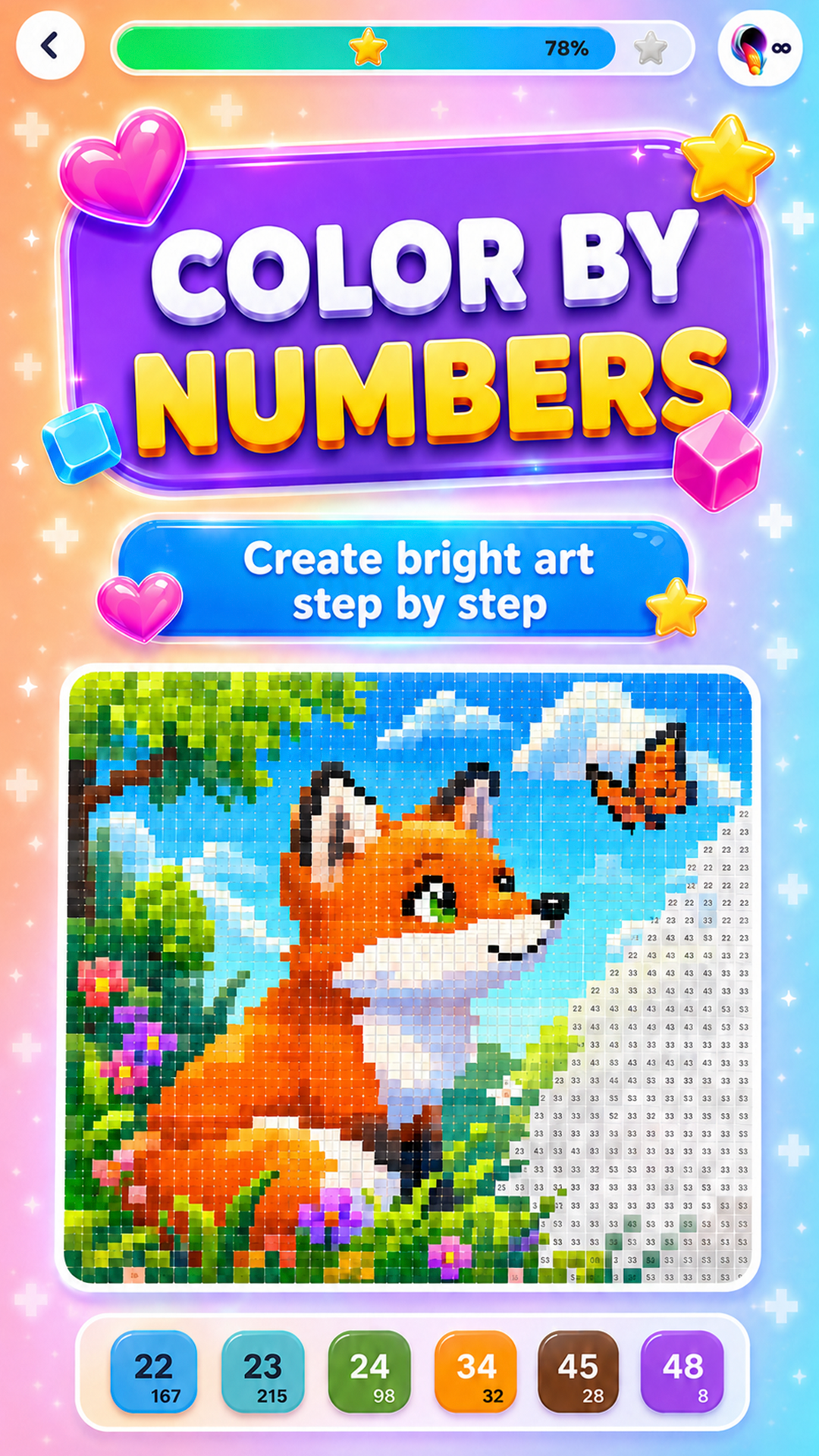
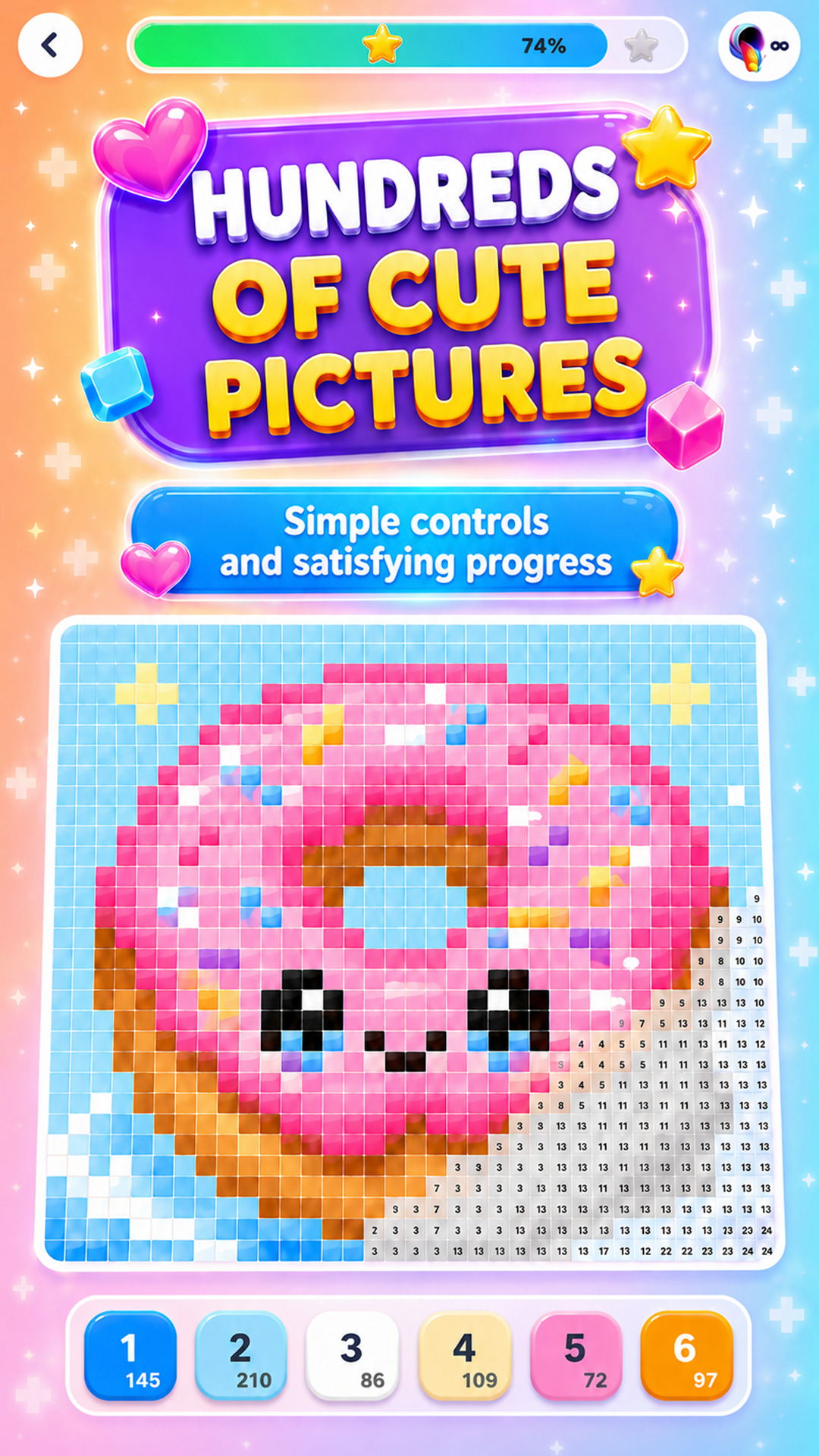
Choose a picture you like and turn a blank field into a bright pixel artwork. Pick the required colors and carefully fill the cells by following their numbers.
Start with simple images or test your attention on large, detailed levels. Different themes and difficulty levels let you choose a quick picture for relaxation or a serious creative challenge.
- Many pictures across different themes
- Easy and challenging levels
- Clear numbered color palette
- Bright pixel images
- Calm coloring without rushing
Videos and screenshots
10,032 players online
How to play
-
Open the game
Press Play now and the game opens on its own screen.
-
Follow the in-game instructions
The controls and goals are shown inside the game as you play.
-
Use the game menu
The floating button over the game reloads it, saves it to your favourites, or takes you back out.