Overview
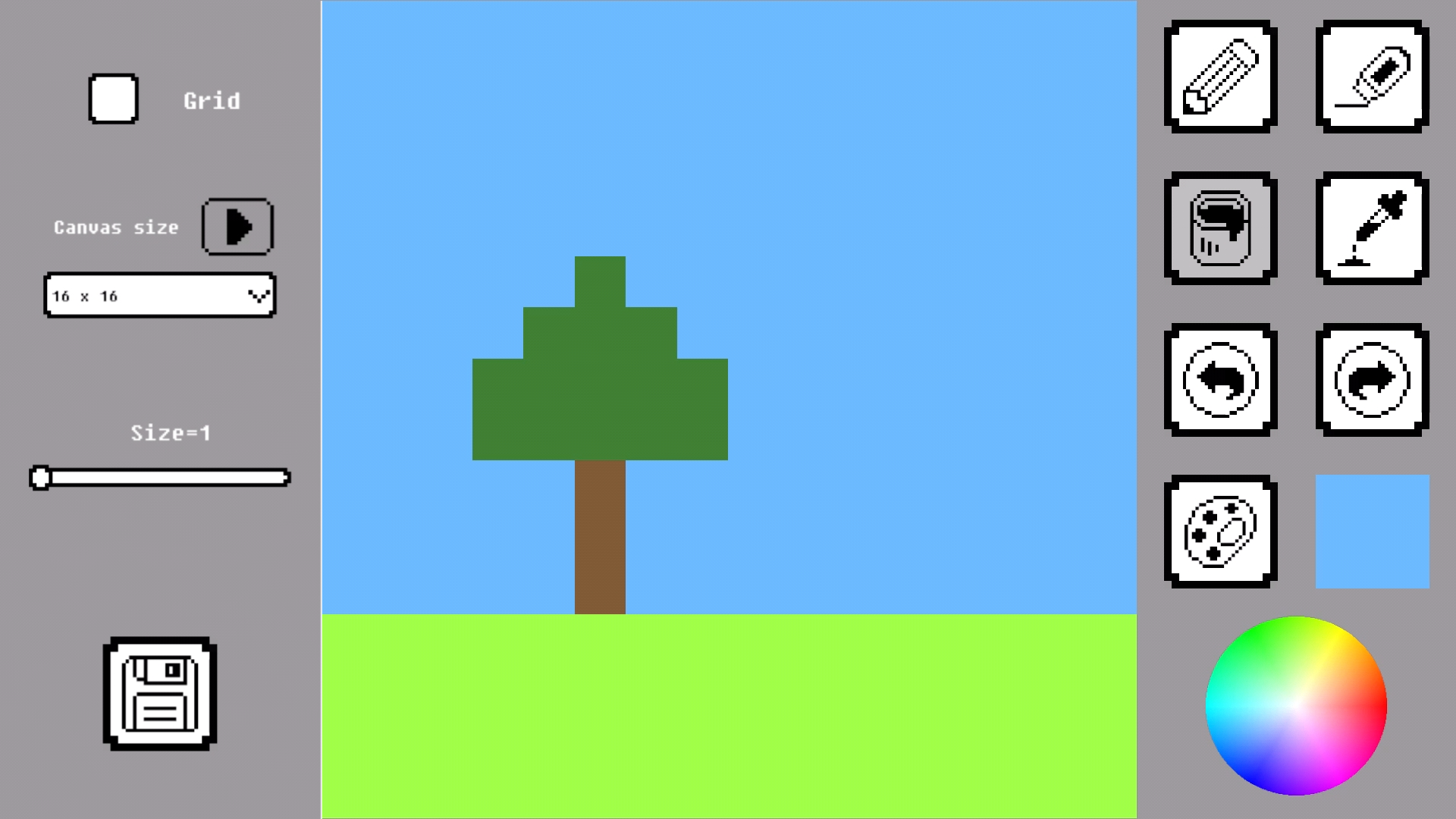
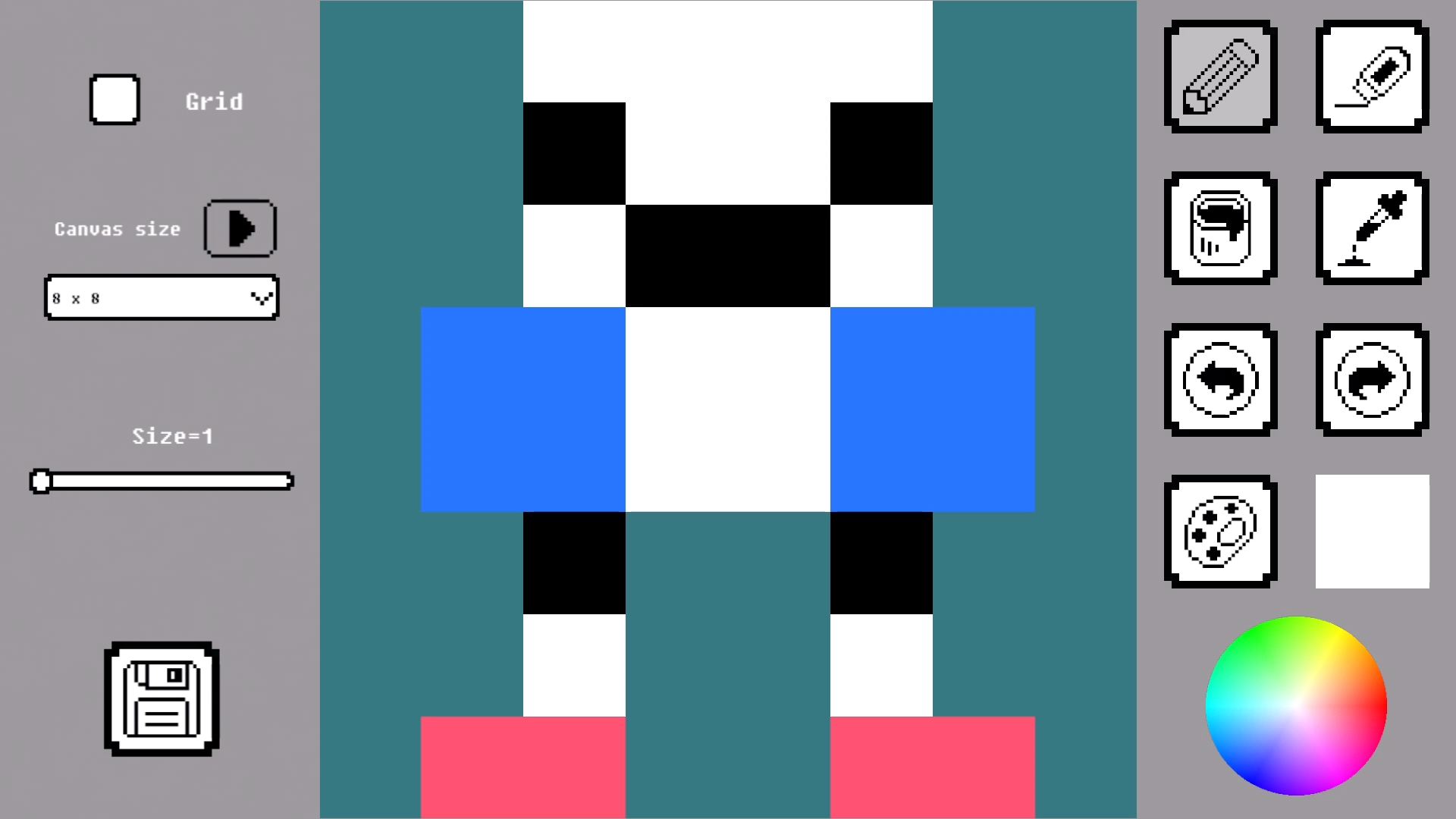
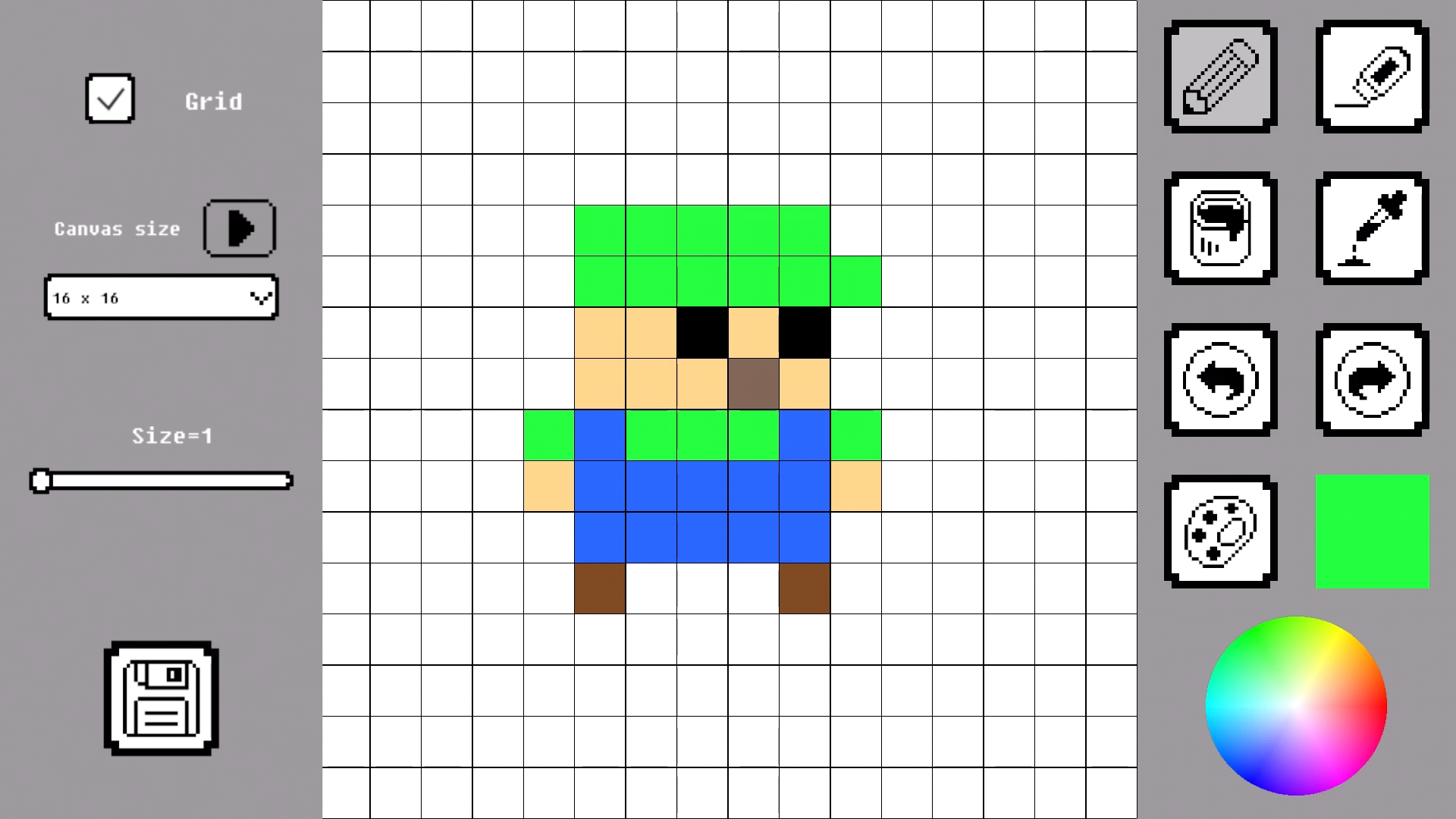
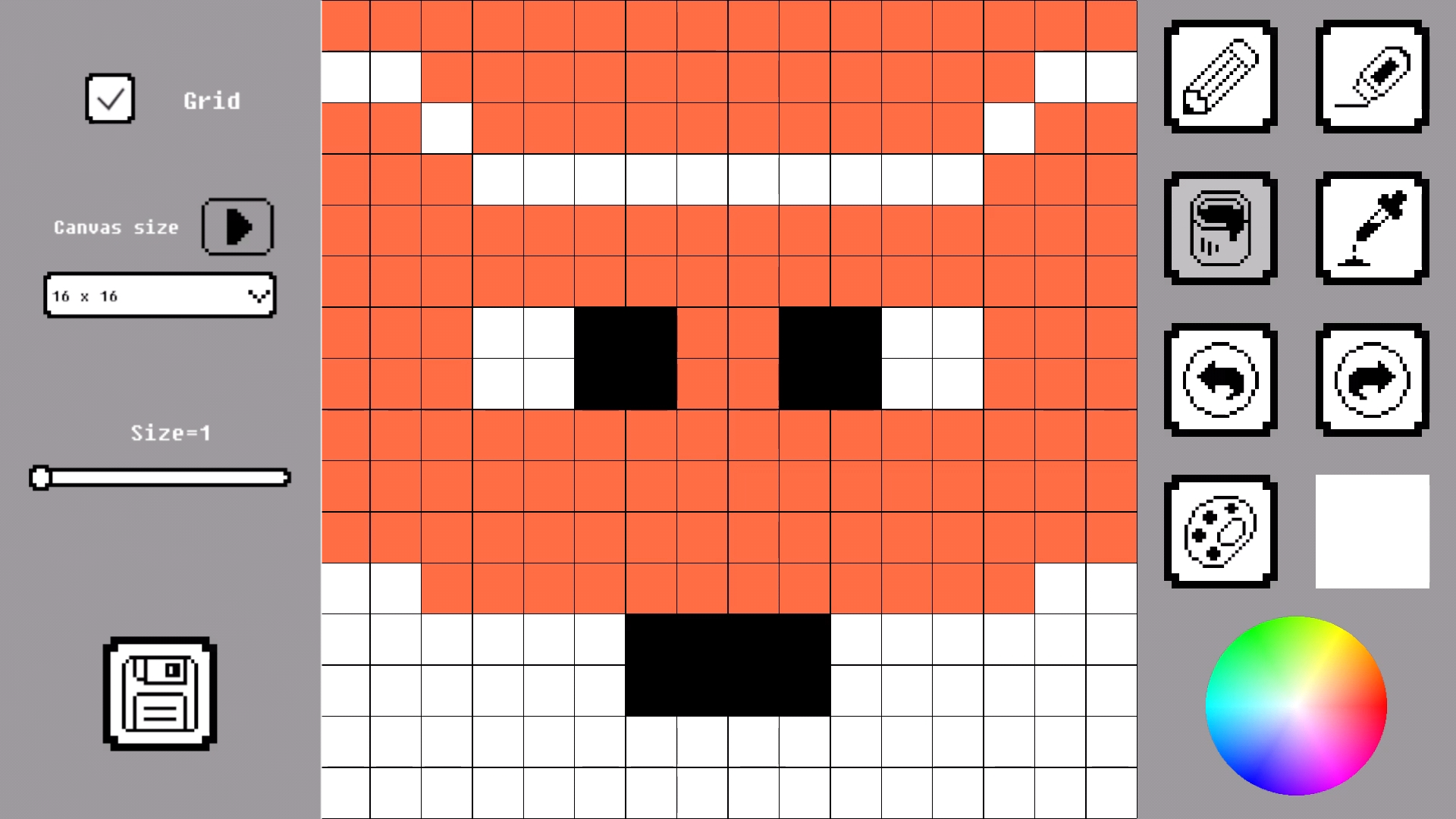
Pixel Draw is a simple and convenient web application for creating pixel art directly in your browser. It works on both desktop and mobile devices without installation.
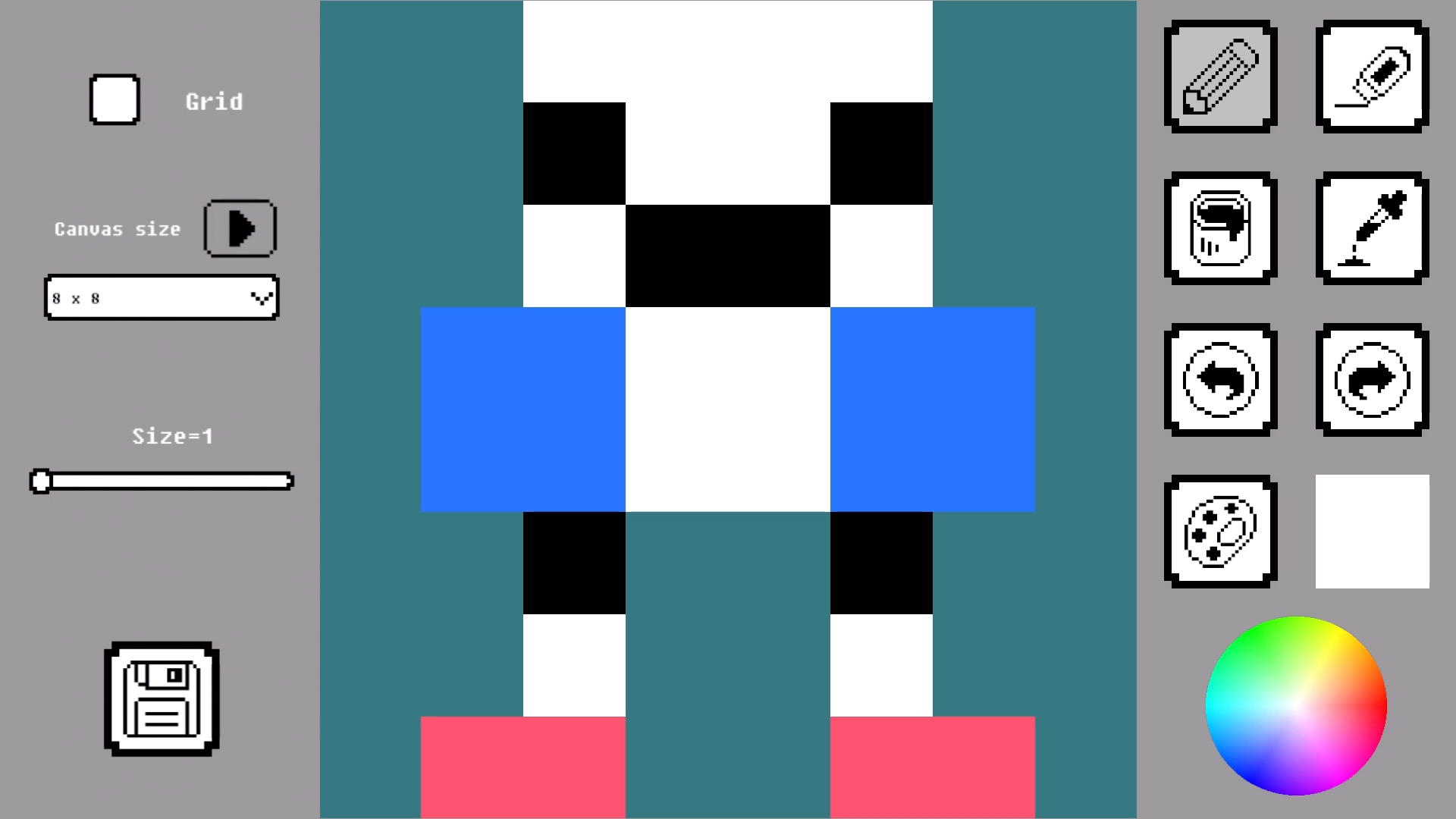
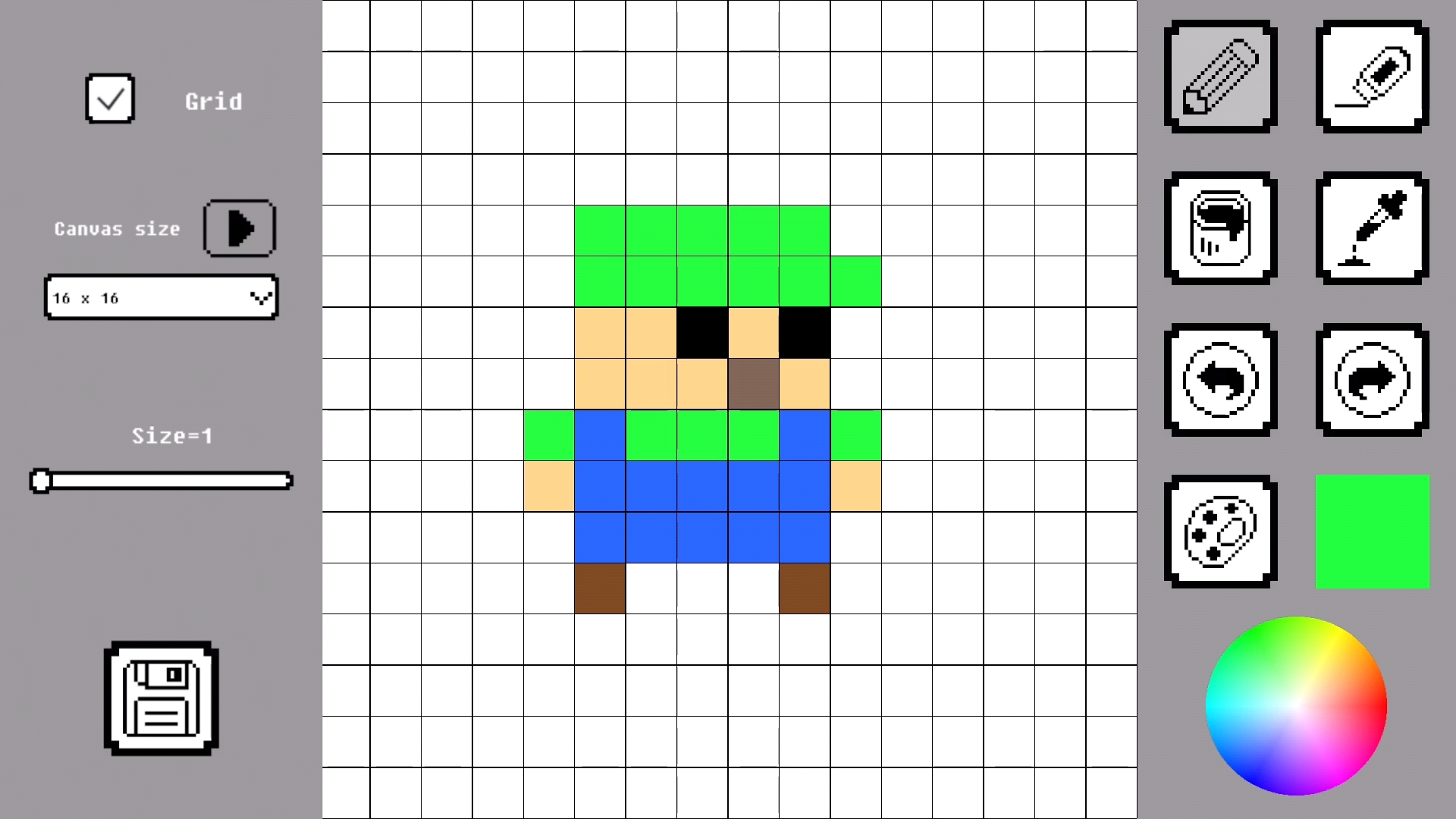
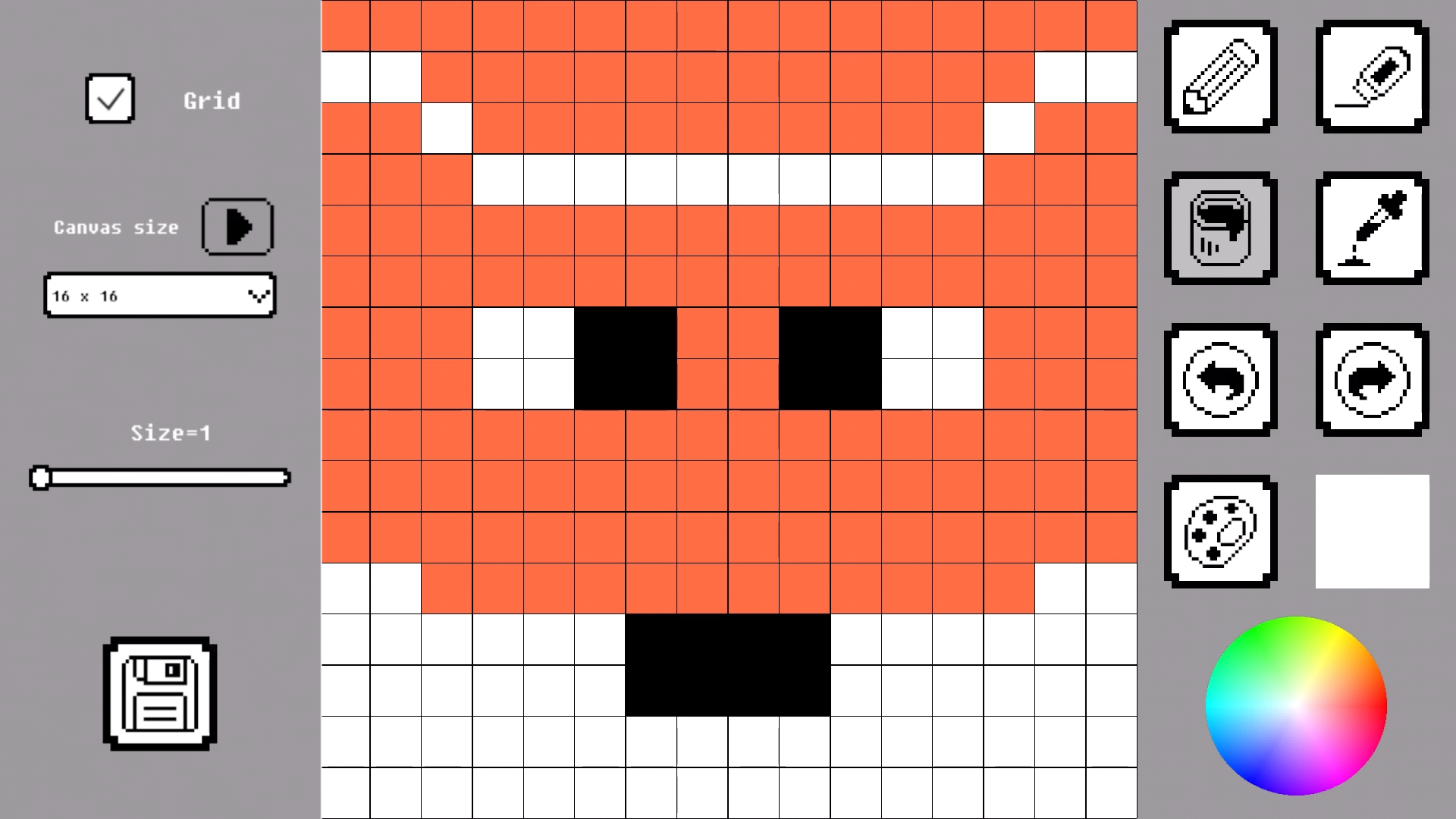
You can choose canvas sizes from 8×8 up to 128×128 pixels and use multiple tools: pencil, eraser, fill bucket, and color picker. Undo and redo buttons help you control every step.
Finished drawings can be saved and downloaded to your device. Pixel Draw is perfect for quick sketches and detailed pixel art.
Videos and screenshots
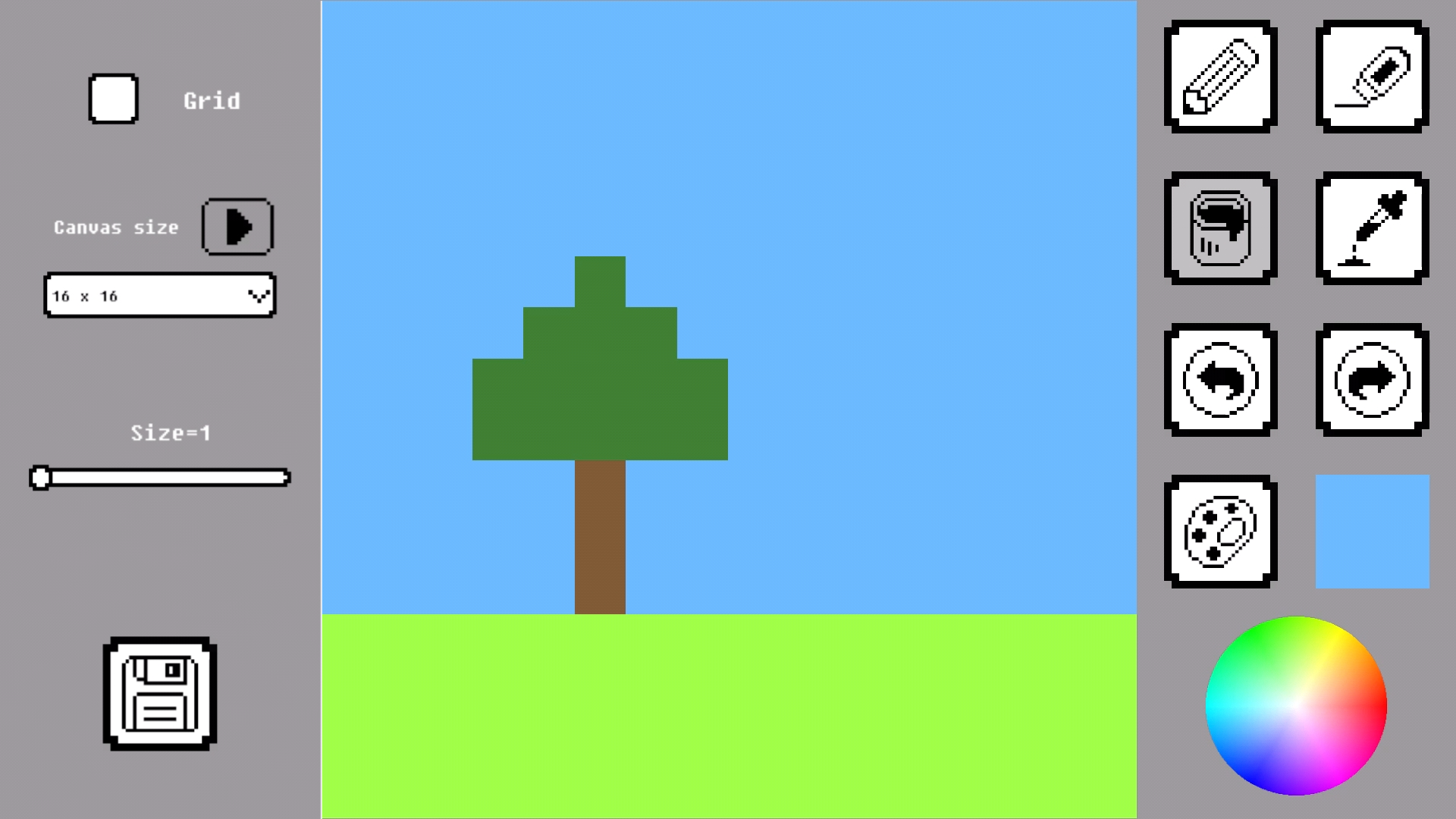
12,998 players online
How to play
-
Open the game
Press Play now and the game opens on its own screen.
-
Follow the in-game instructions
The controls and goals are shown inside the game as you play.
-
Use the game menu
The floating button over the game reloads it, saves it to your favourites, or takes you back out.