Skip to content
KG
Gravity Sandbox HD

Gravity Sandbox HD

6K plays 3.7 out of 5

Overview

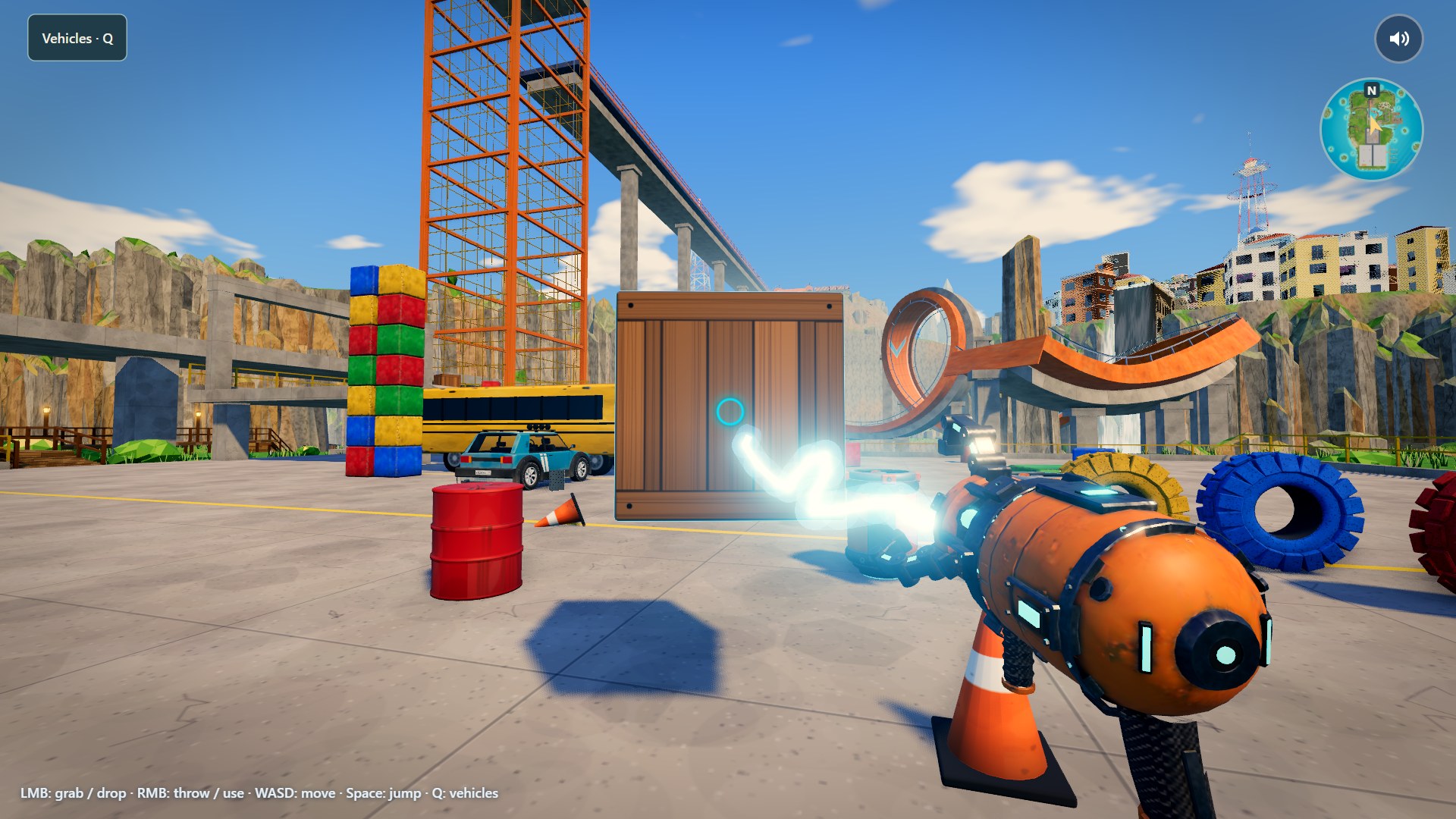
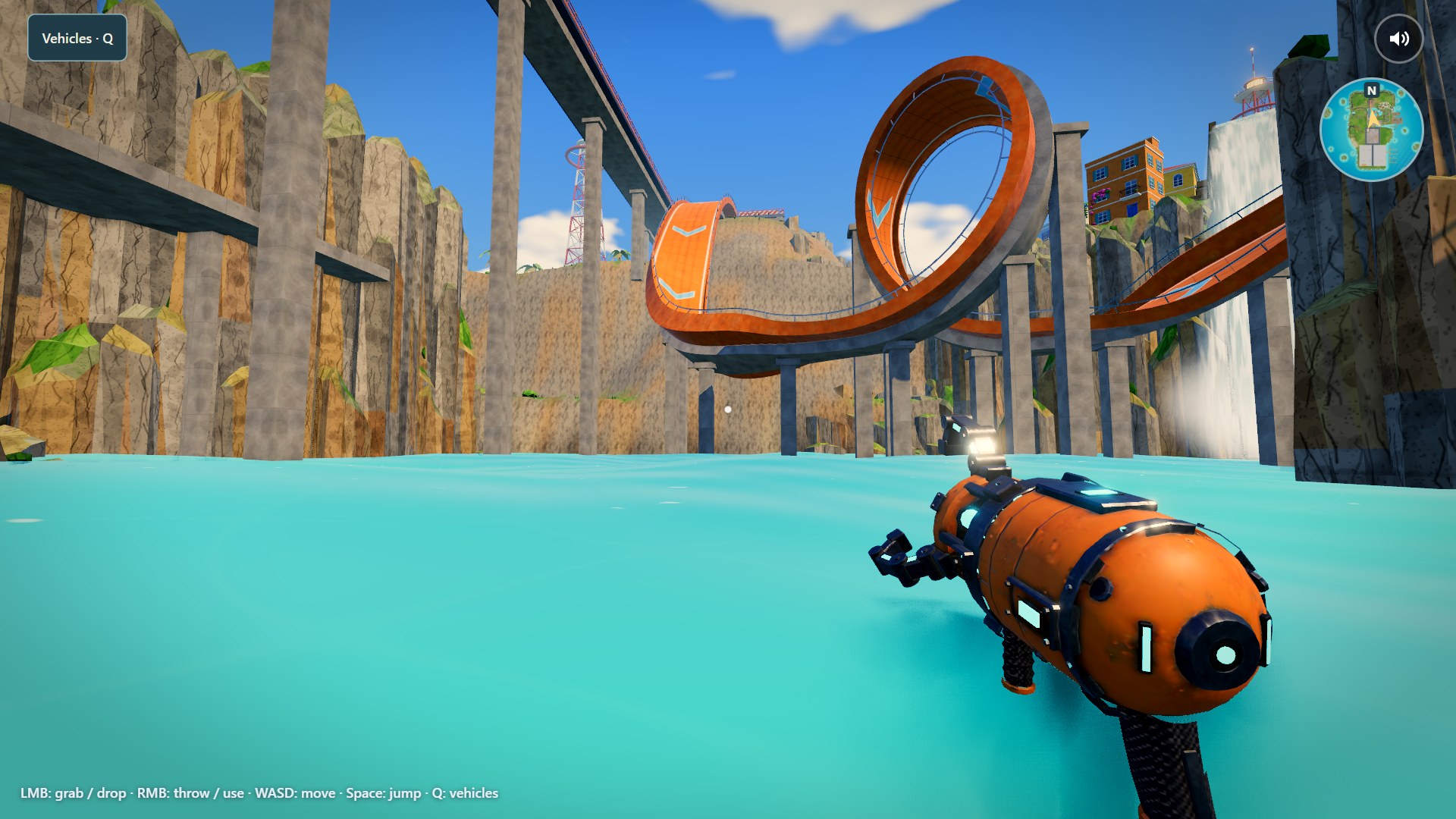
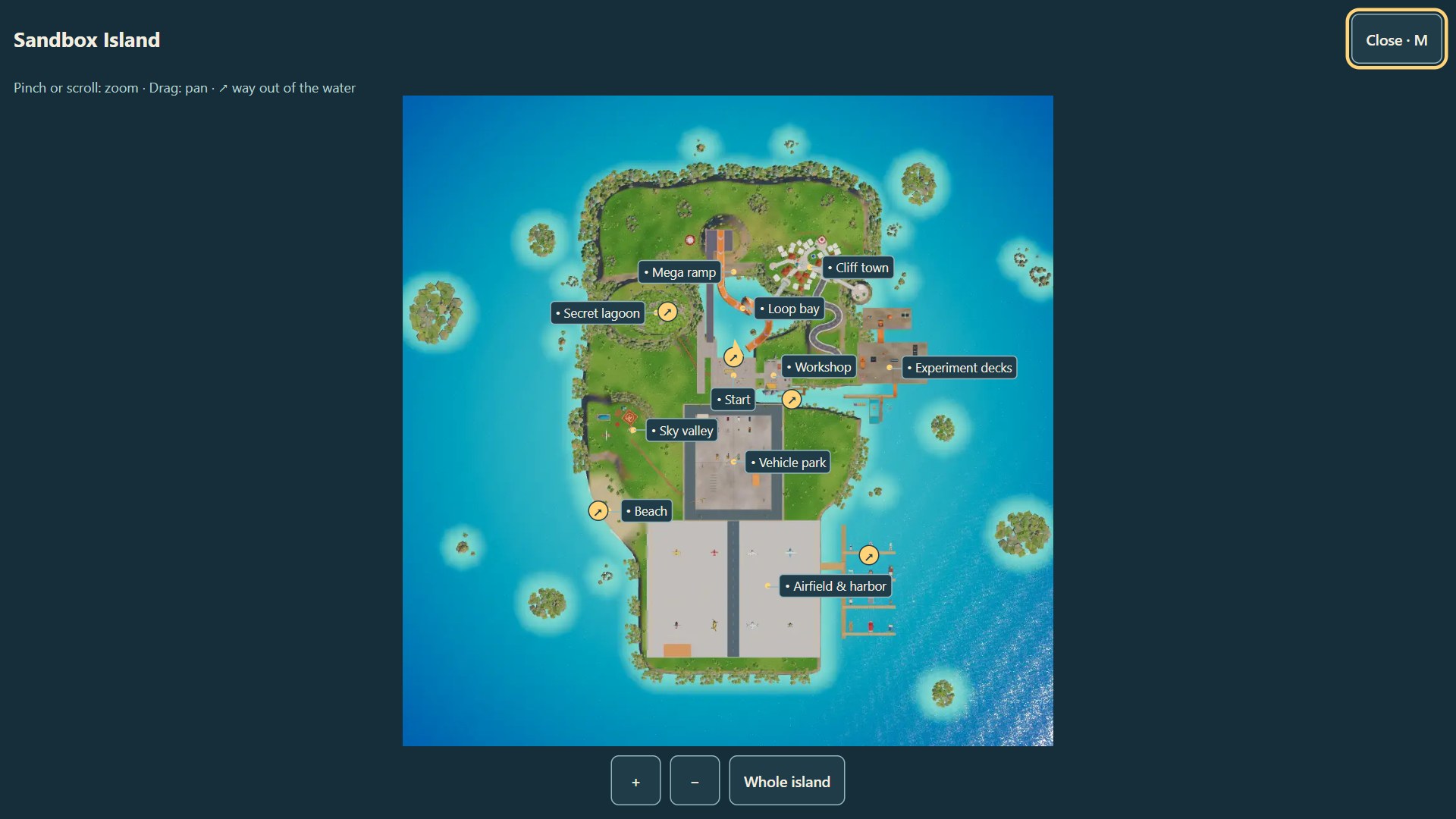
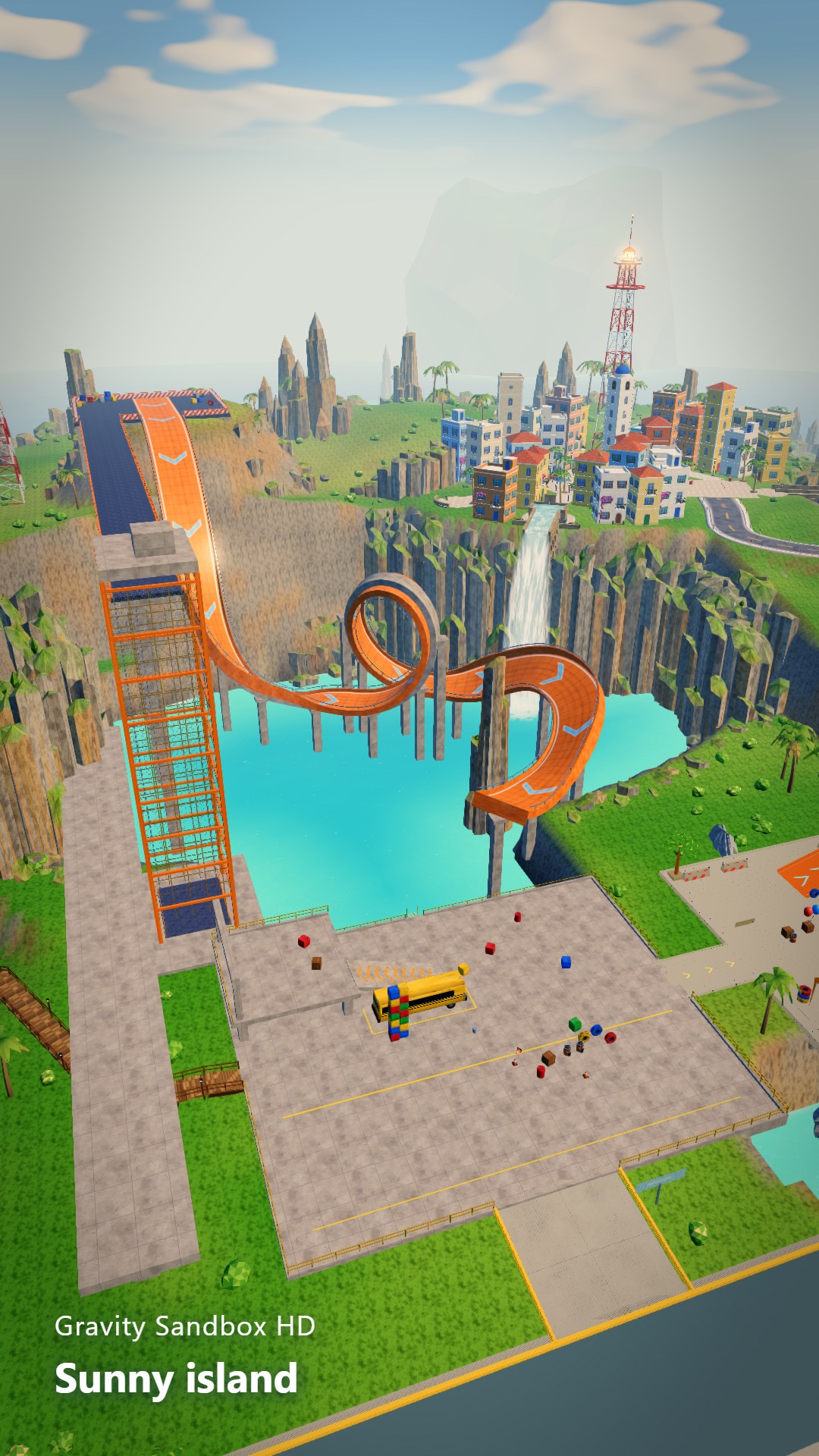
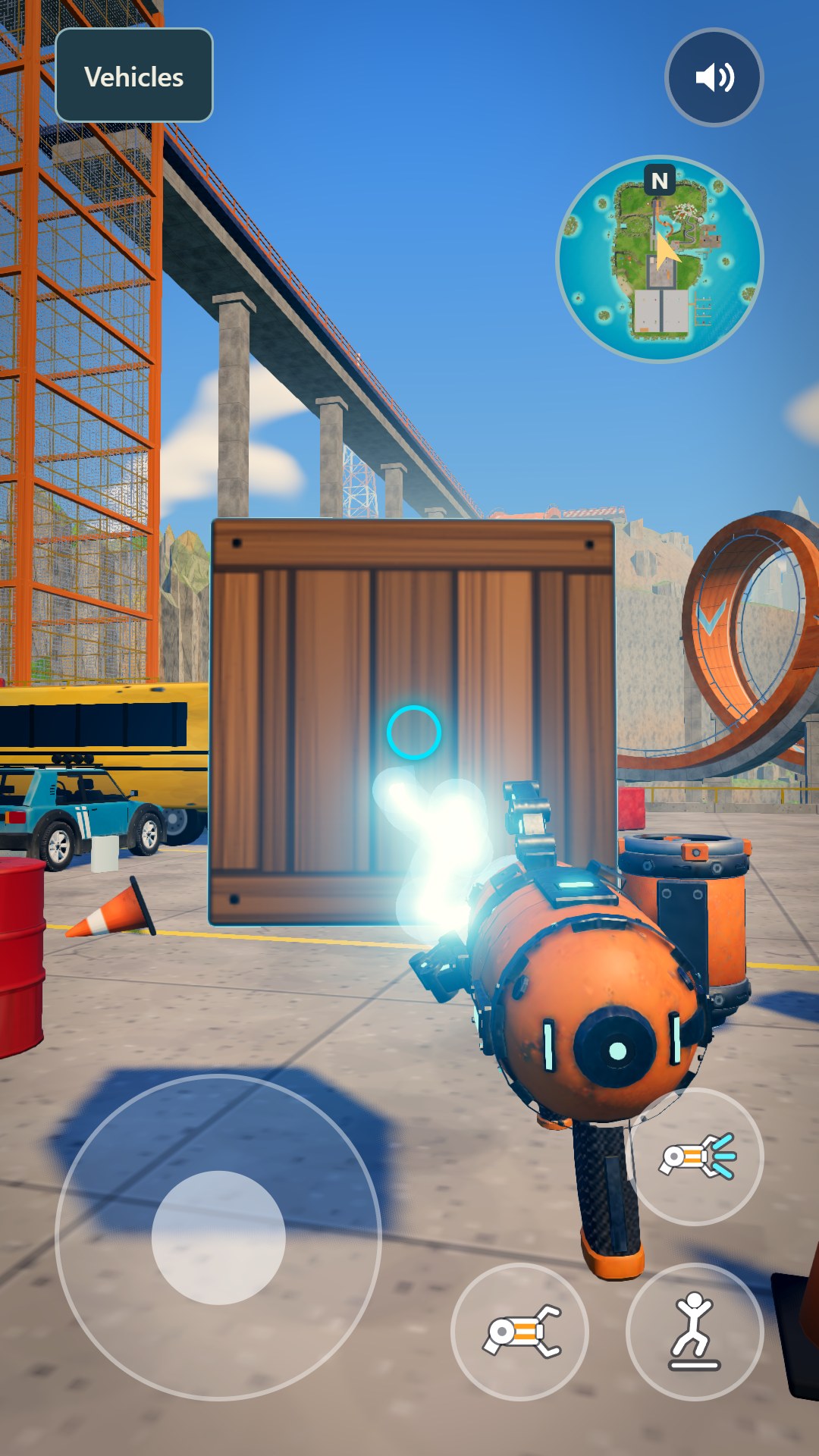
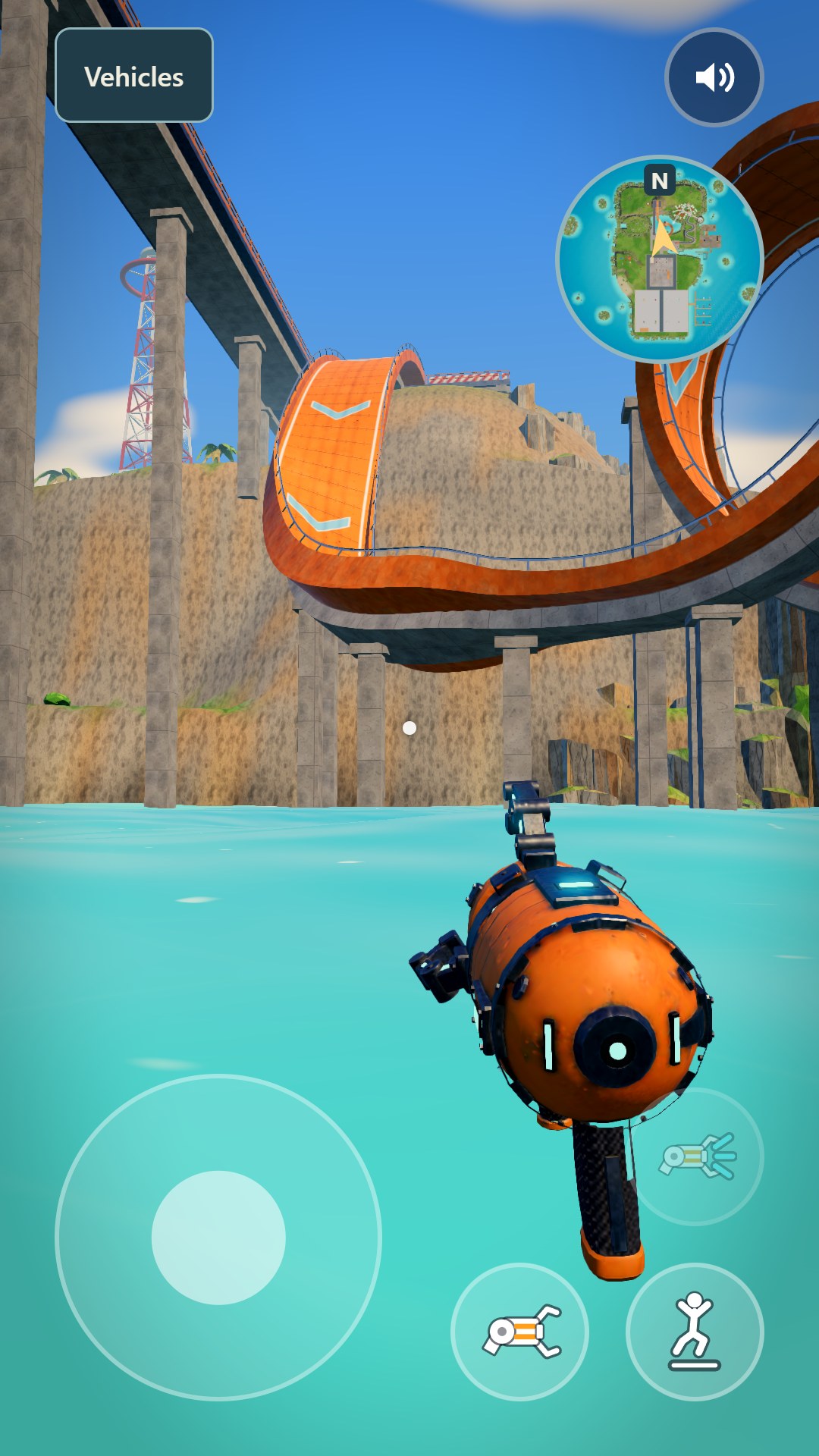
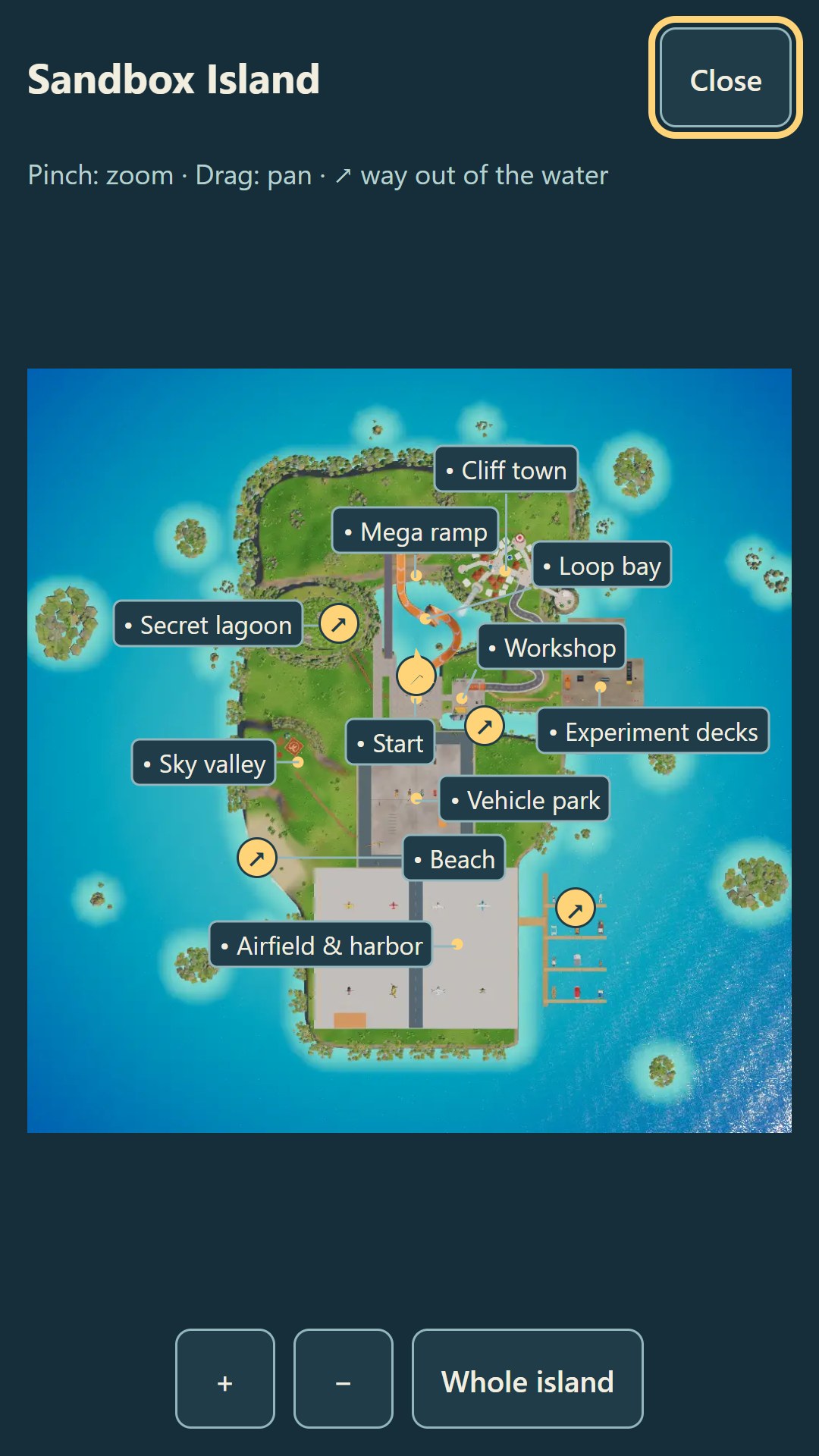
Explore a sunny HD island with a gravity gun. Lift crates, tires and barrels, stack towers and throw objects to see physics at work. Choose from 36 vehicles, including cars, construction machines, boats and aircraft. Try the orange loop track, visit the cliff town, discover a cave lagoon or head to the harbor. The experiment area has magnets, portals, a catapult, a conveyor and a water sluice. Vehicles have their own tools, such as buckets, winches and other special abilities. The game opens with a flight over the island, the map shows the way, and from the sea you can swim to a ladder and climb ashore or tap Back to shore. Pick a route and invent your own experiments. There are no required missions: the island is open for free play.

Videos and screenshots
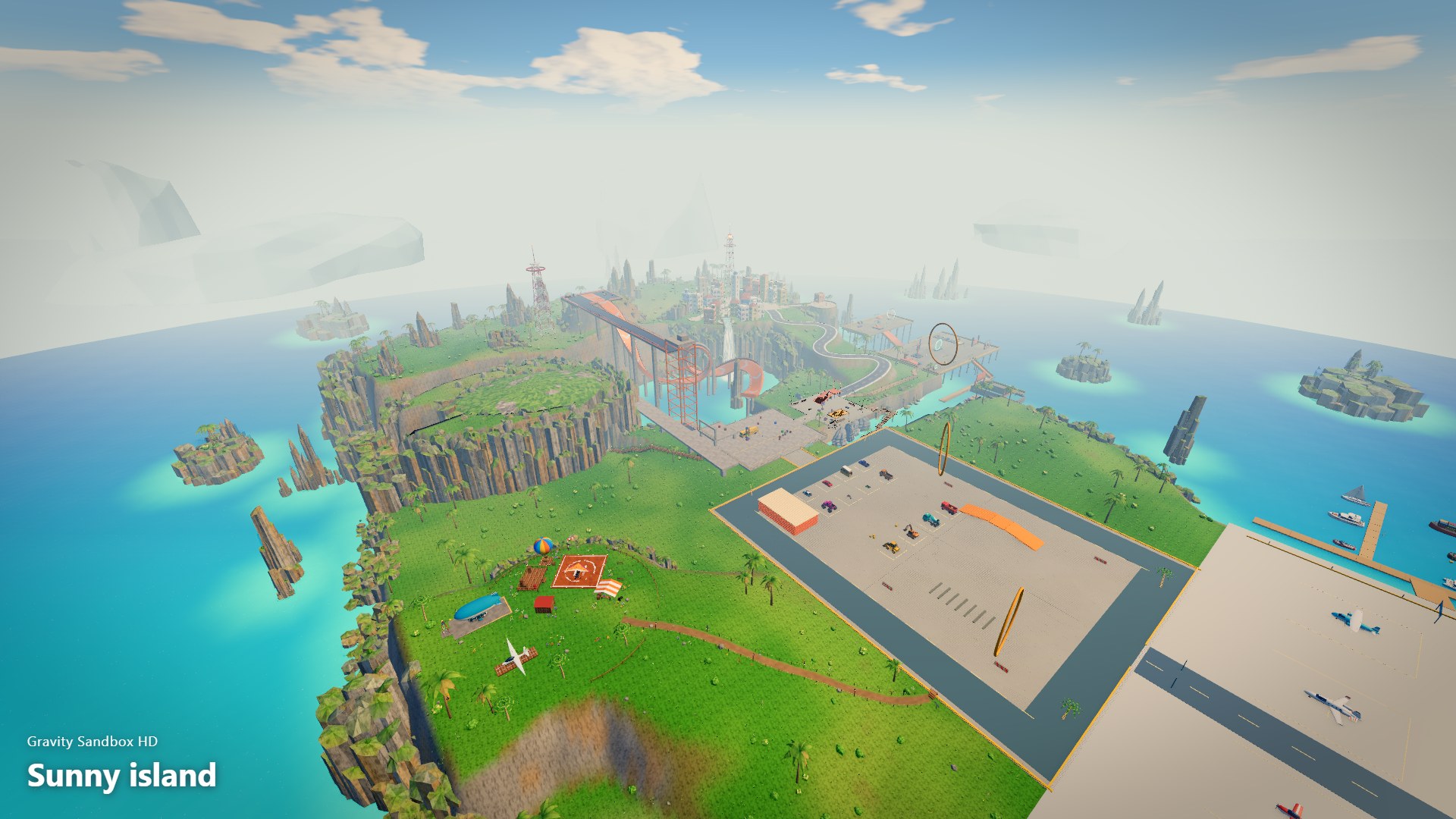
  • Gravity Sandbox HD screenshot 1
  • Gravity Sandbox HD screenshot 2
  • Gravity Sandbox HD screenshot 3
  • Gravity Sandbox HD screenshot 4
  • Gravity Sandbox HD screenshot 5
  • Gravity Sandbox HD screenshot 6
  • Gravity Sandbox HD screenshot 7
  • Gravity Sandbox HD screenshot 8
Play Now

14,614 players online

How to play

  1. Open the game

    Press Play now and the game opens on its own screen.

  2. Follow the in-game instructions

    The controls and goals are shown inside the game as you play.

  3. Use the game menu

    The floating button over the game reloads it, saves it to your favourites, or takes you back out.

Game instructions

PC: click the scene to look around with the mouse. WASD moves; Space jumps. Left click grabs or releases an object; right click throws it or uses the object you face. E interacts, enters or exits a vehicle. Q or Vehicles opens the catalog. M opens the island map. Tab/Esc releases the cursor for buttons. Driving: WASD moves and steers; Space brakes. C changes camera, L toggles lights, H sounds the horn and R recovers the vehicle. F uses a special ability; arrow keys control mechanisms; Z/X turns an excavator turret. Hints depend on your vehicle. Phone: use the left joystick to move and swipe the right half of the screen to look. The right buttons jump, grab and throw/interact. Tap Vehicles to open the catalog and the minimap to open the map. While driving, buttons change to brake, exit, camera and vehicle controls. The speaker button turns sound on or off.

More games

More games