Overview
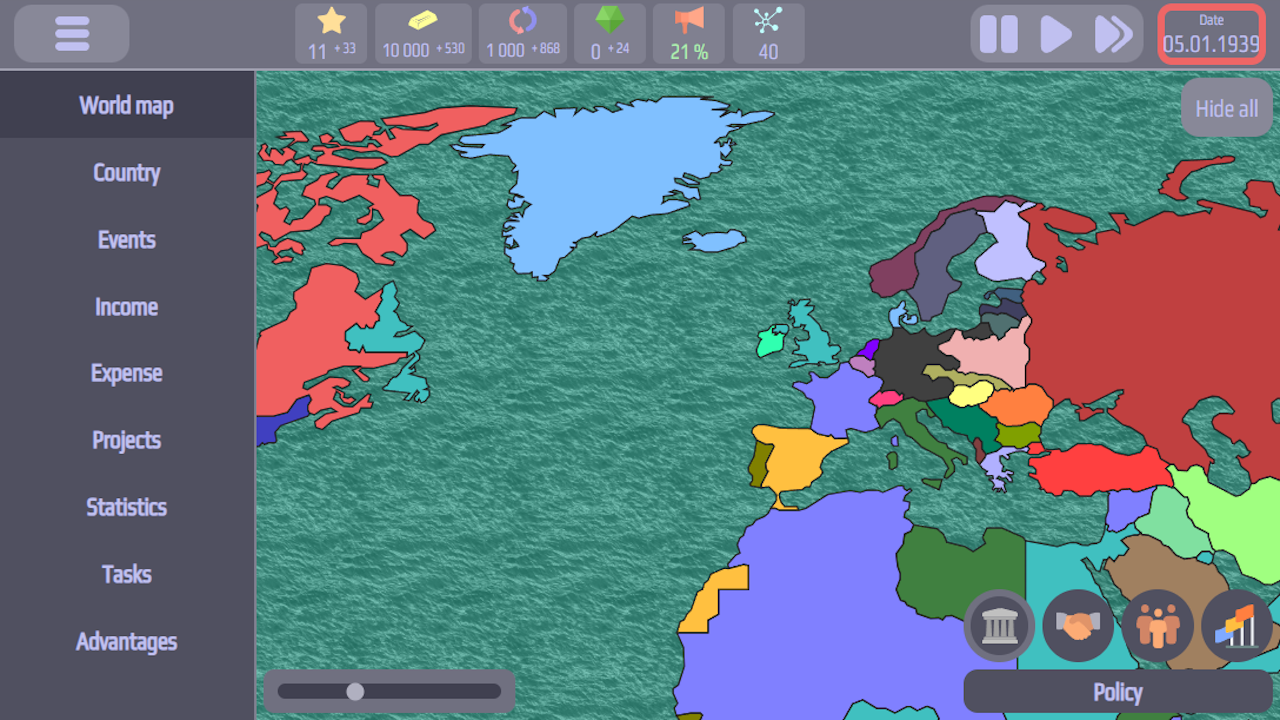
Build an empire, choose a political course, and change the course of events in this grand strategy game. Deep gameplay with a variety of development options awaits you
Key Features:
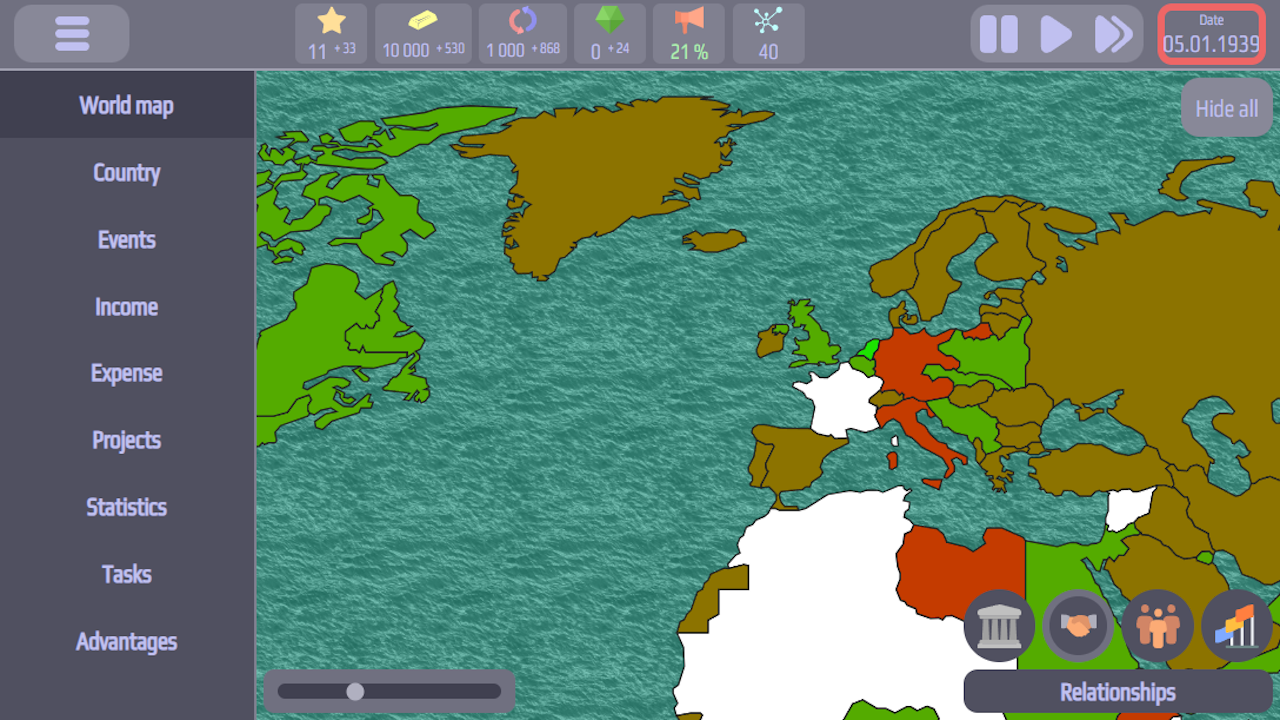
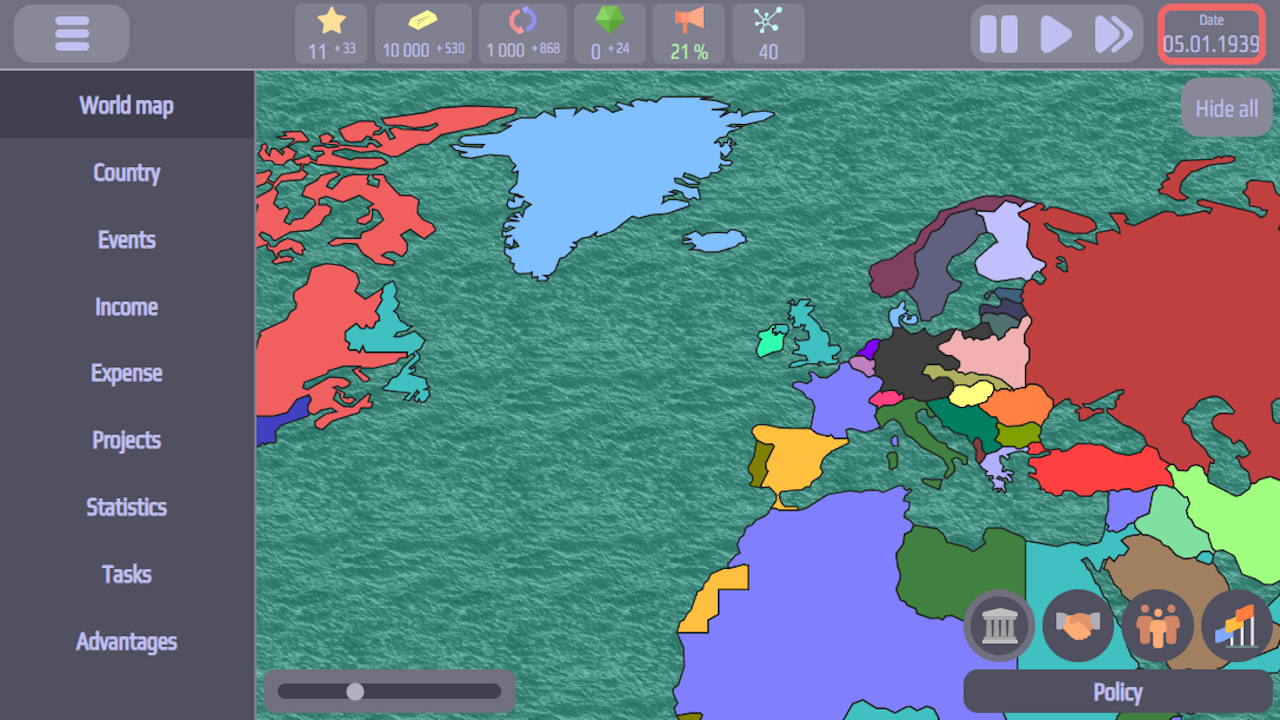
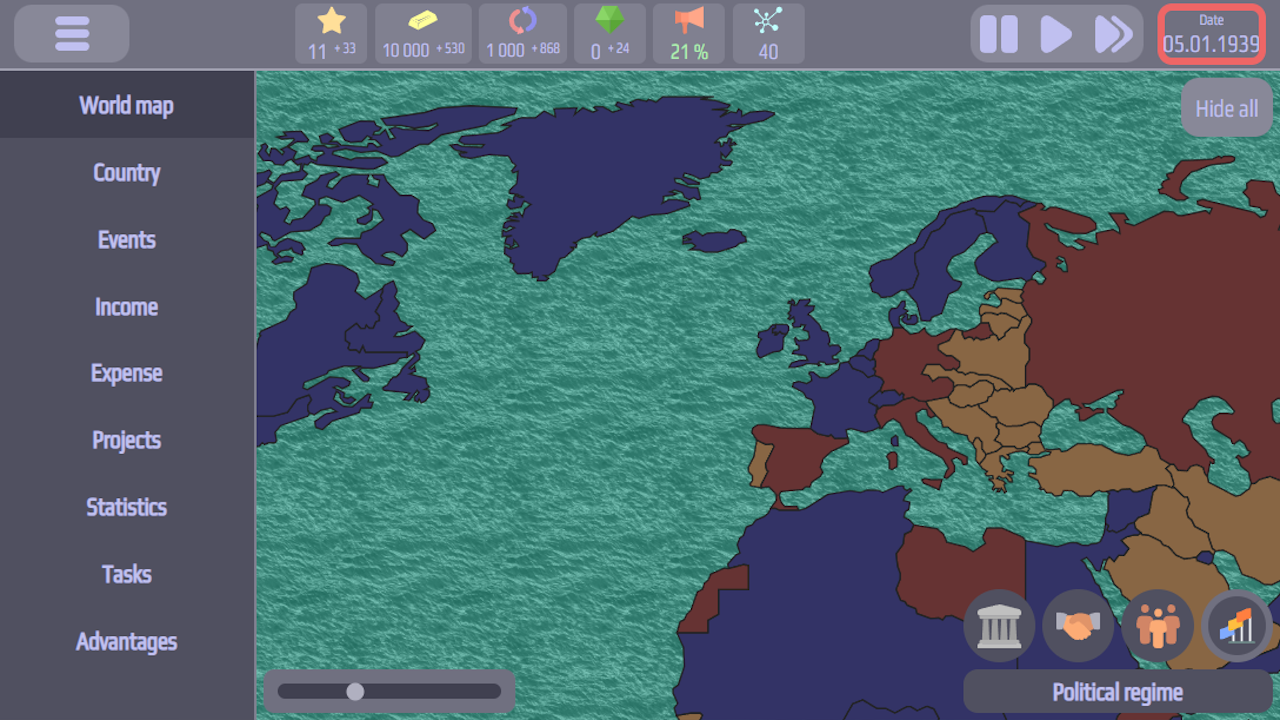
• 144 countries – each with its own unique history and starting conditions
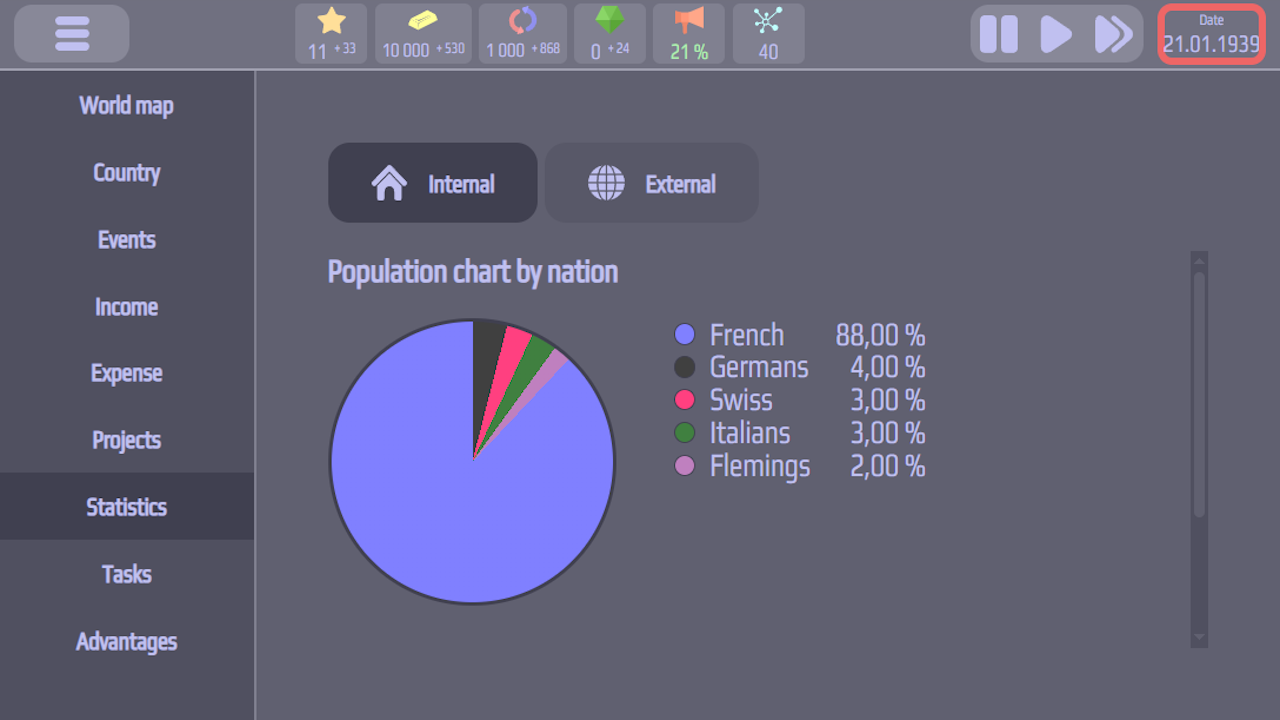
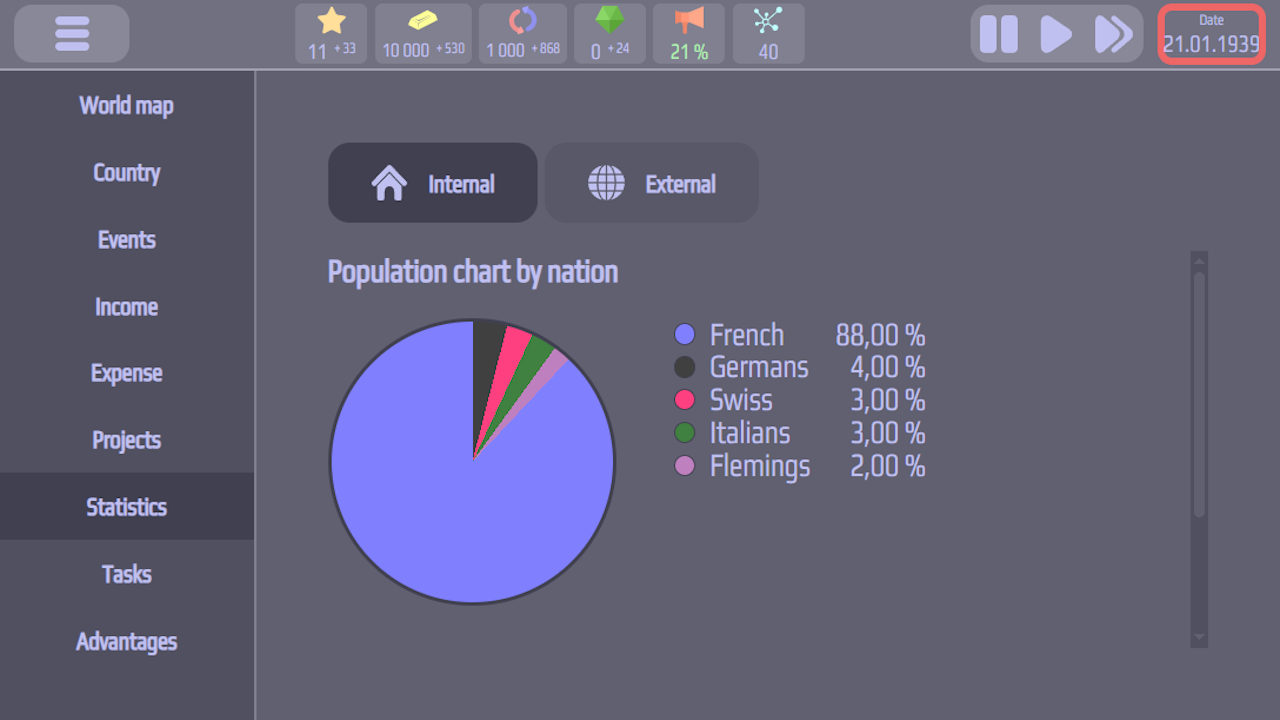
• 77 nations – diverse peoples
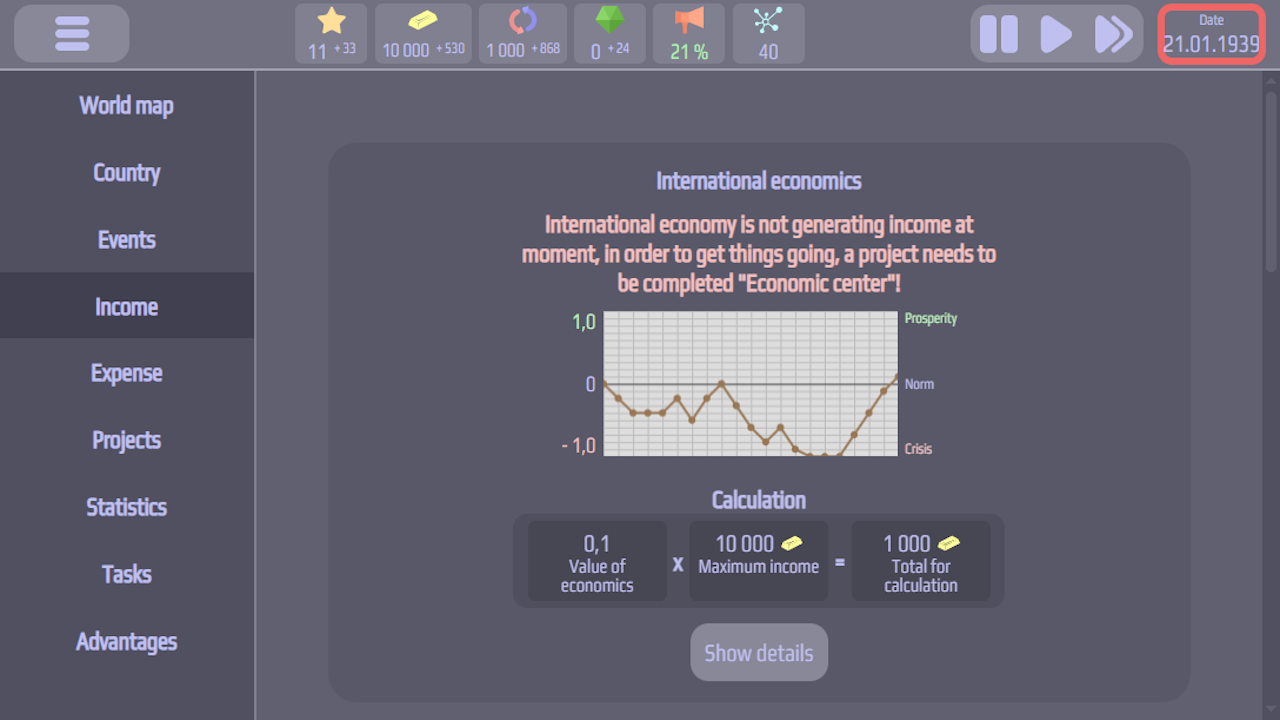
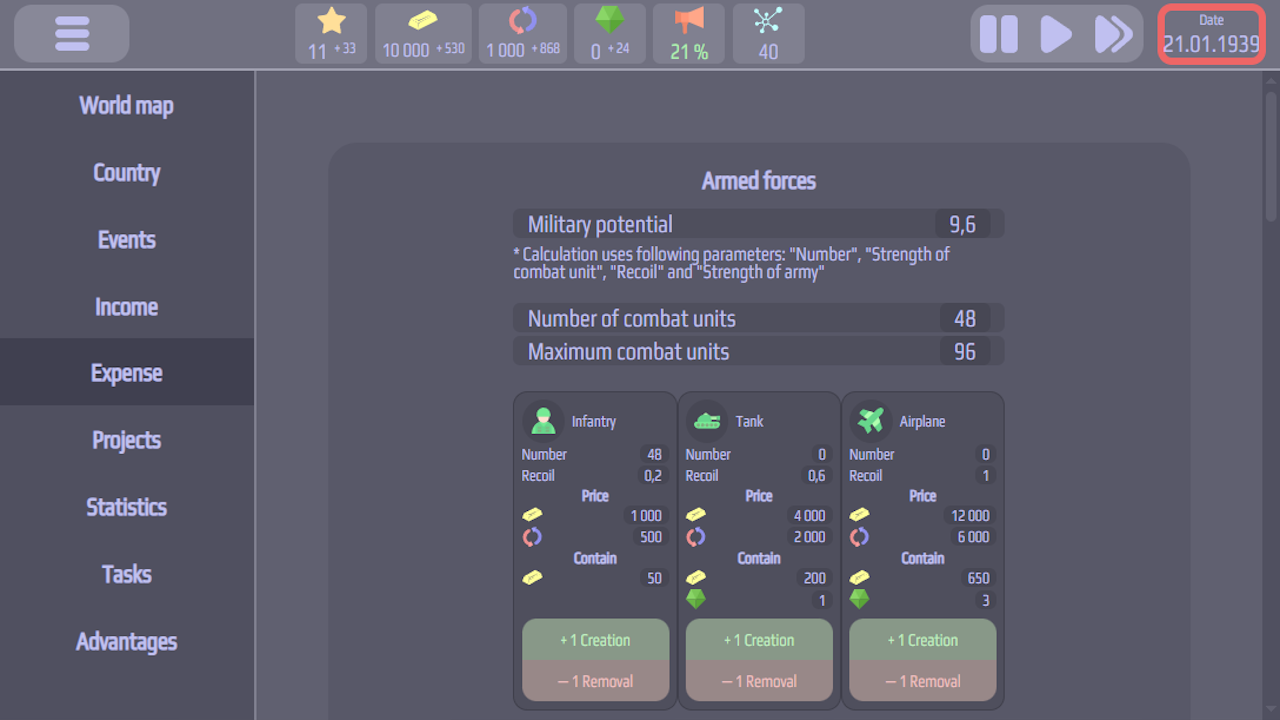
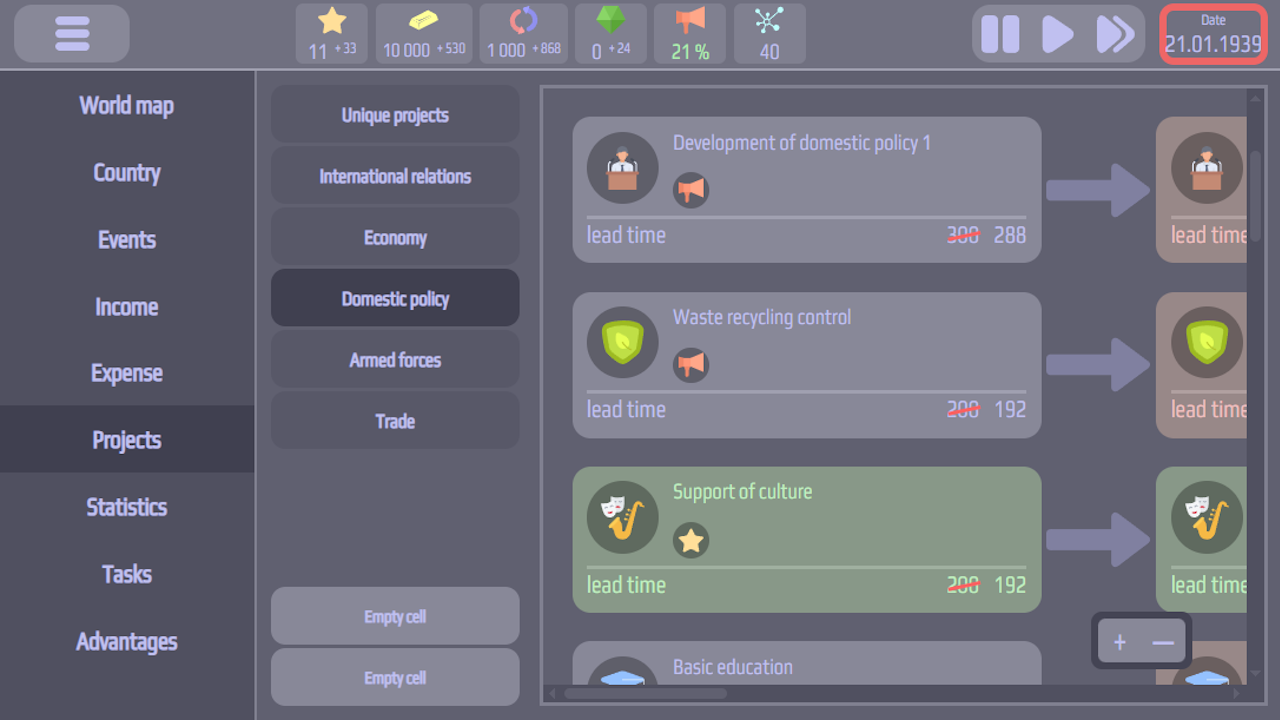
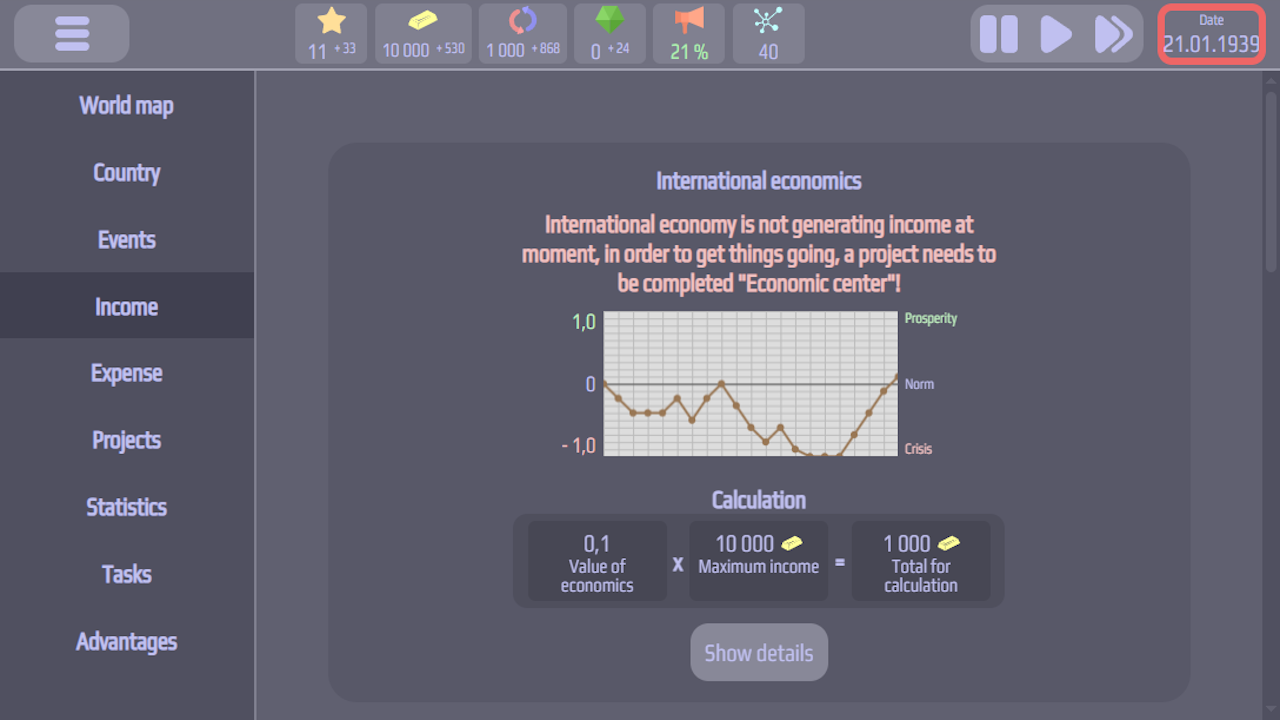
• 164 projects – for economic, scientific, and military progress
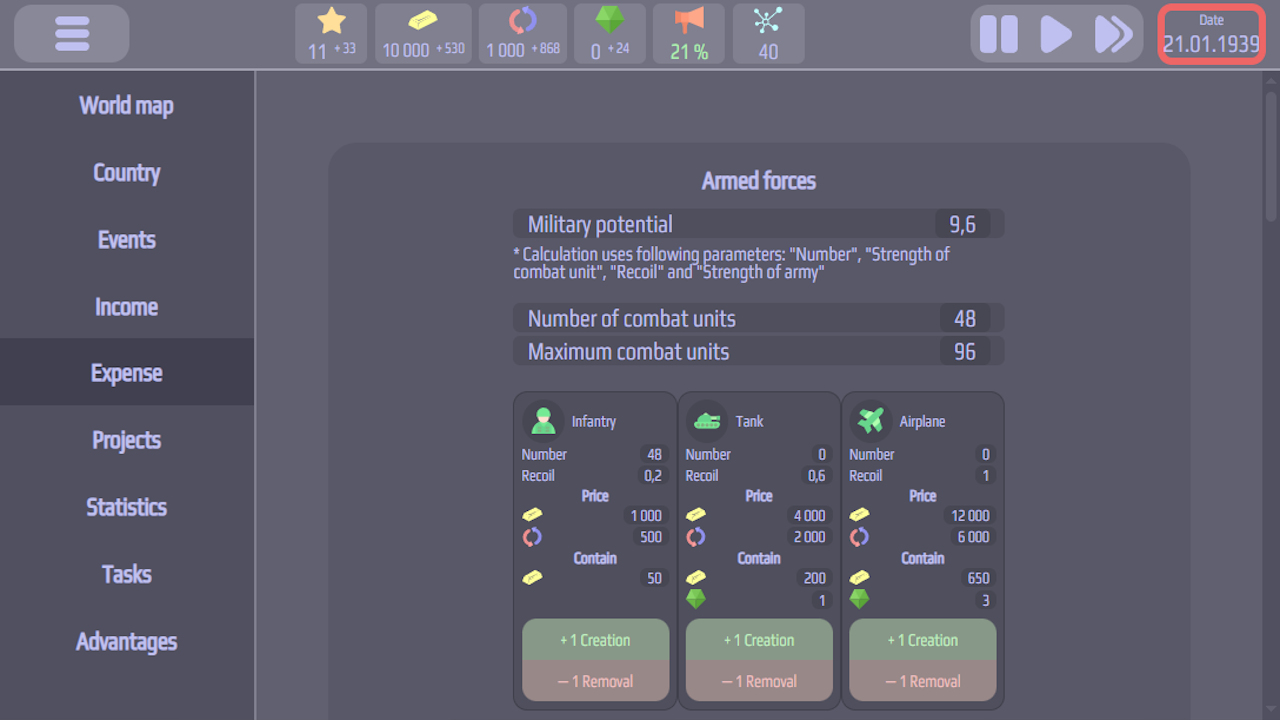
• 76 types of facilities – from factories to secret laboratories
What you can do:
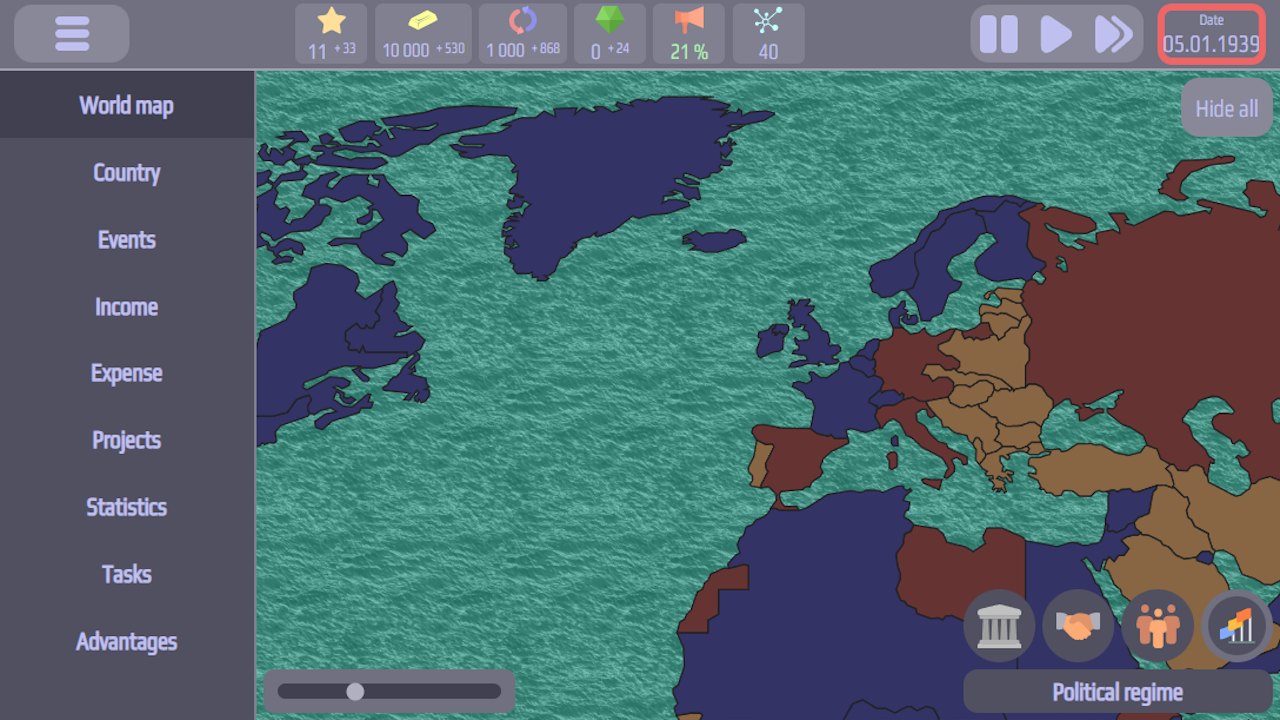
• Choose a political regime: democracy, authoritarianism, or totalitarianism – each offers unique opportunities
• Spread your ideology: persuade other countries to your political course
• Make key decisions: influence events, change laws, initiate reforms
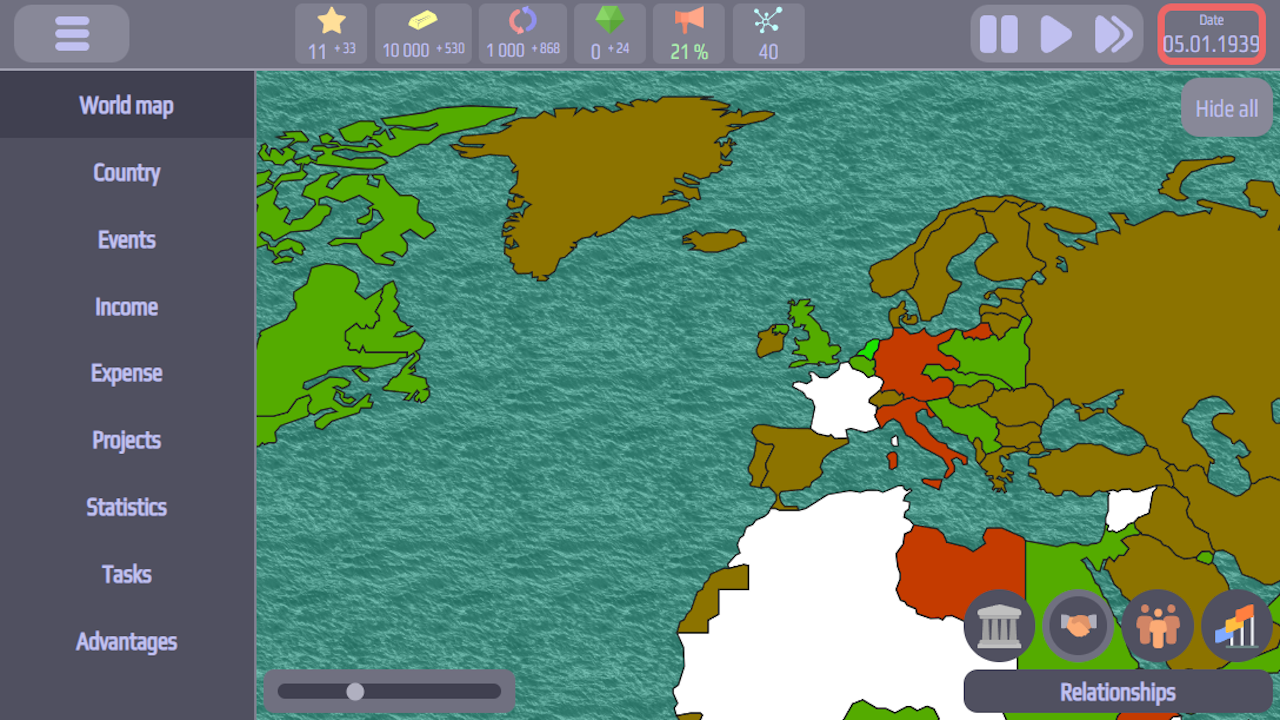
• Conduct foreign policy: cooperate peacefully or enter into conflict
• Develop intelligence: upgrade spy networks and carry out sabotage on rival territories
Create your own historical era – start playing now!
Videos and screenshots

10,985 players online
How to play
-
Open the game
Press Play now and the game opens on its own screen.
-
Follow the in-game instructions
The controls and goals are shown inside the game as you play.
-
Use the game menu
The floating button over the game reloads it, saves it to your favourites, or takes you back out.