
Overview
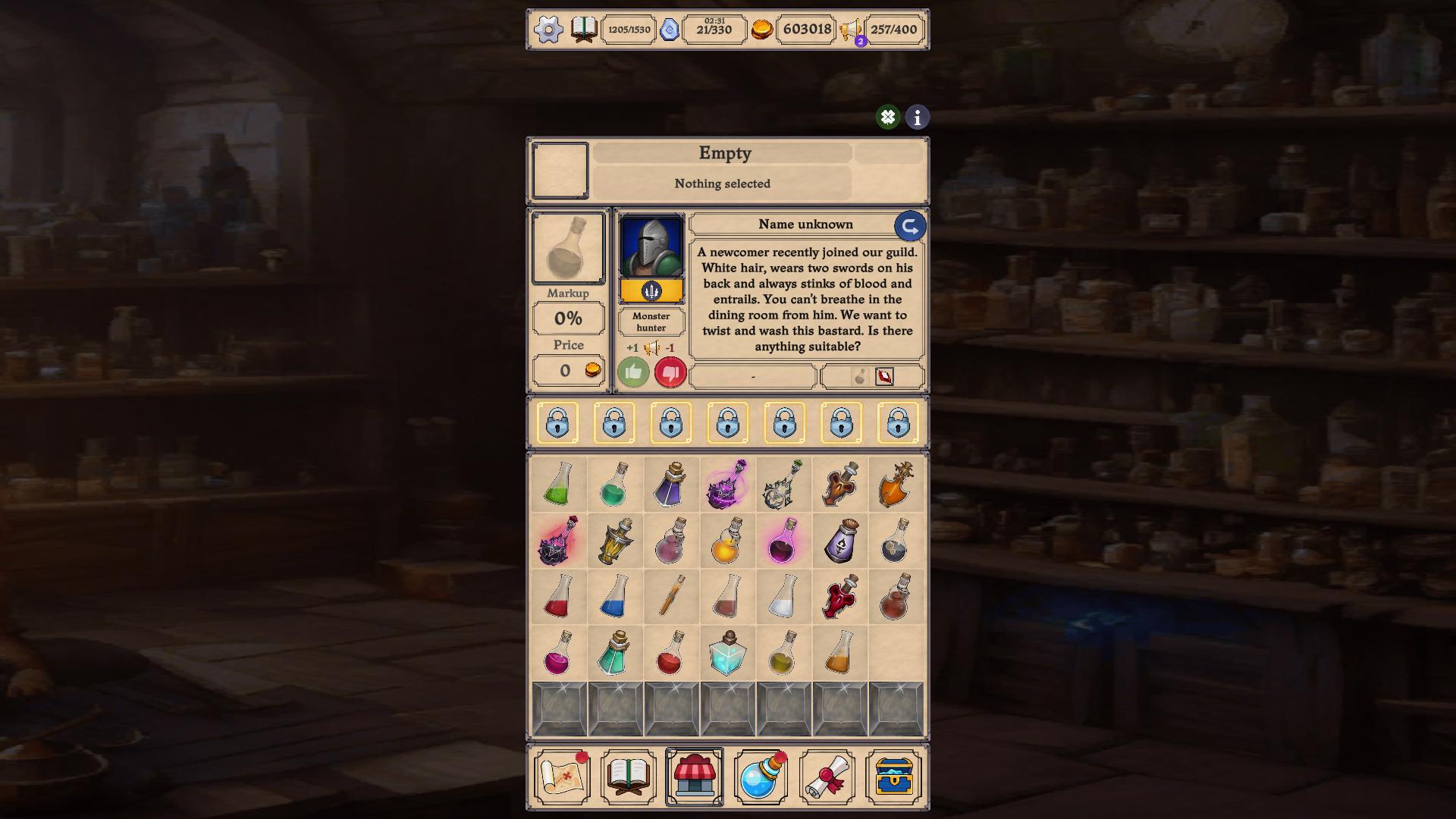
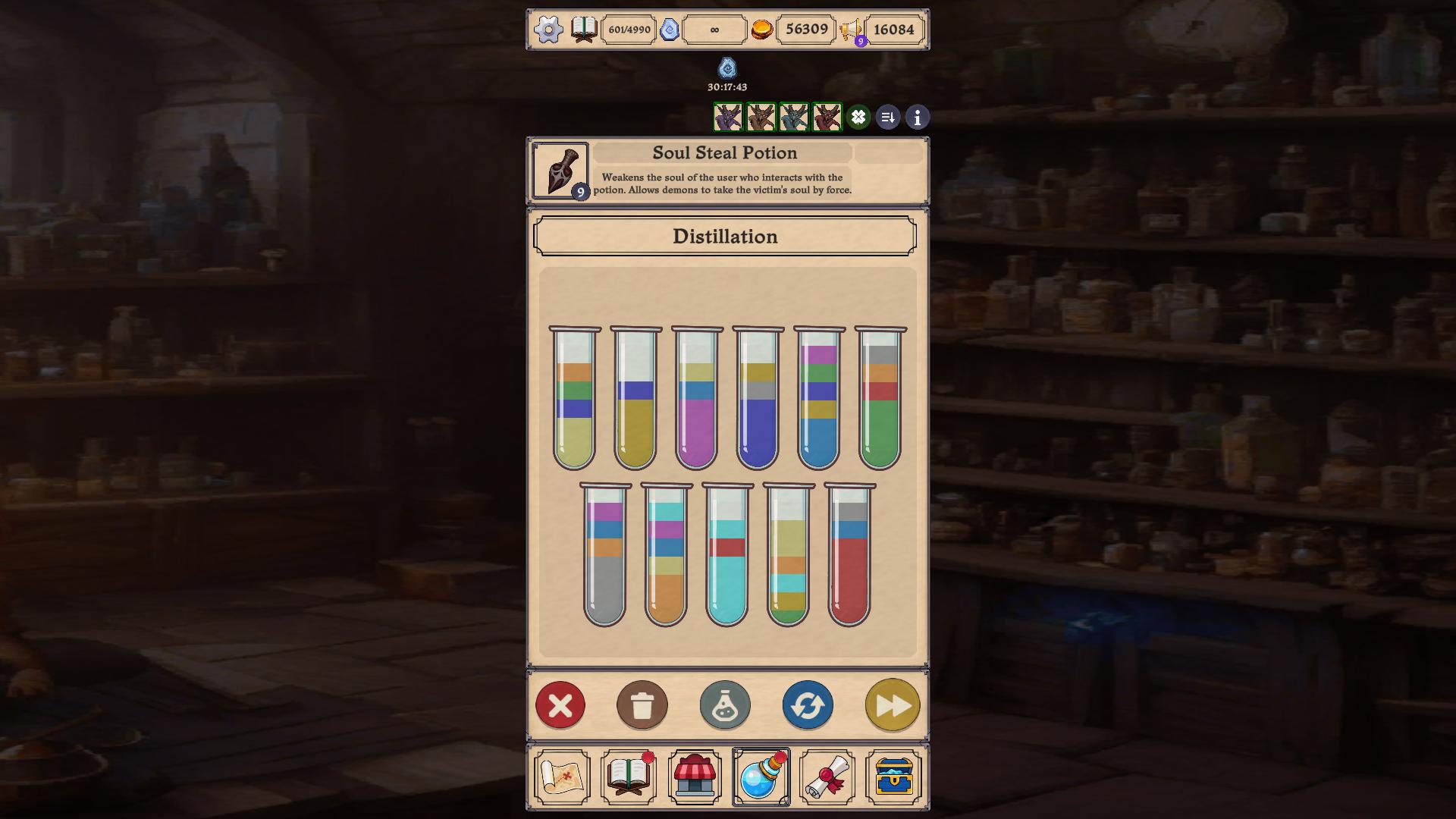
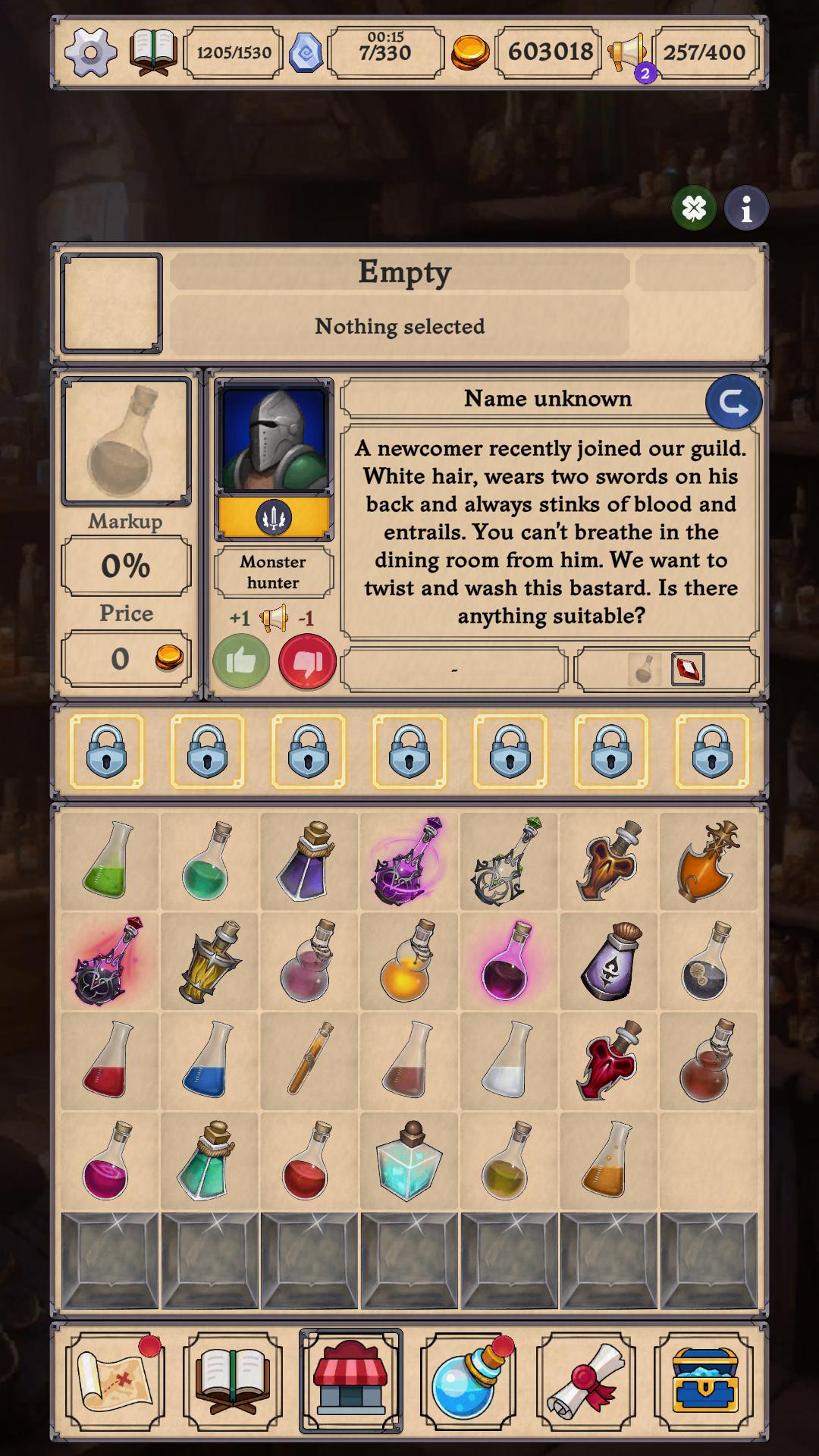
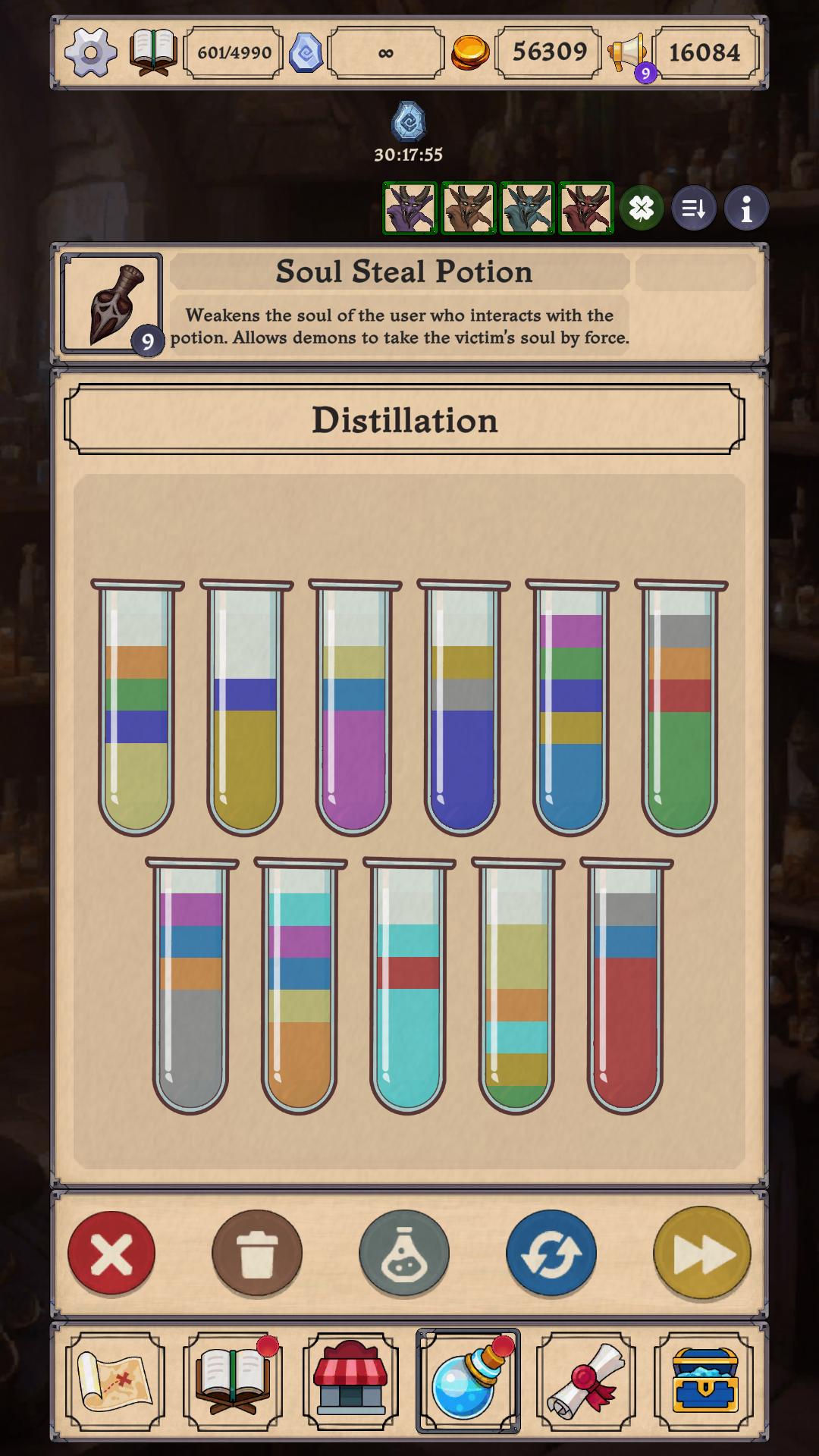
Not just a unification game, it's a deep alchemy simulator set in a fantasy world.
Collect ingredients, create unique potions, fulfill orders from hundreds of customers, and manage your own alchemist shop. There are no artificial restrictions - just your knowledge, strategy and experiments.
What awaits you in the game:
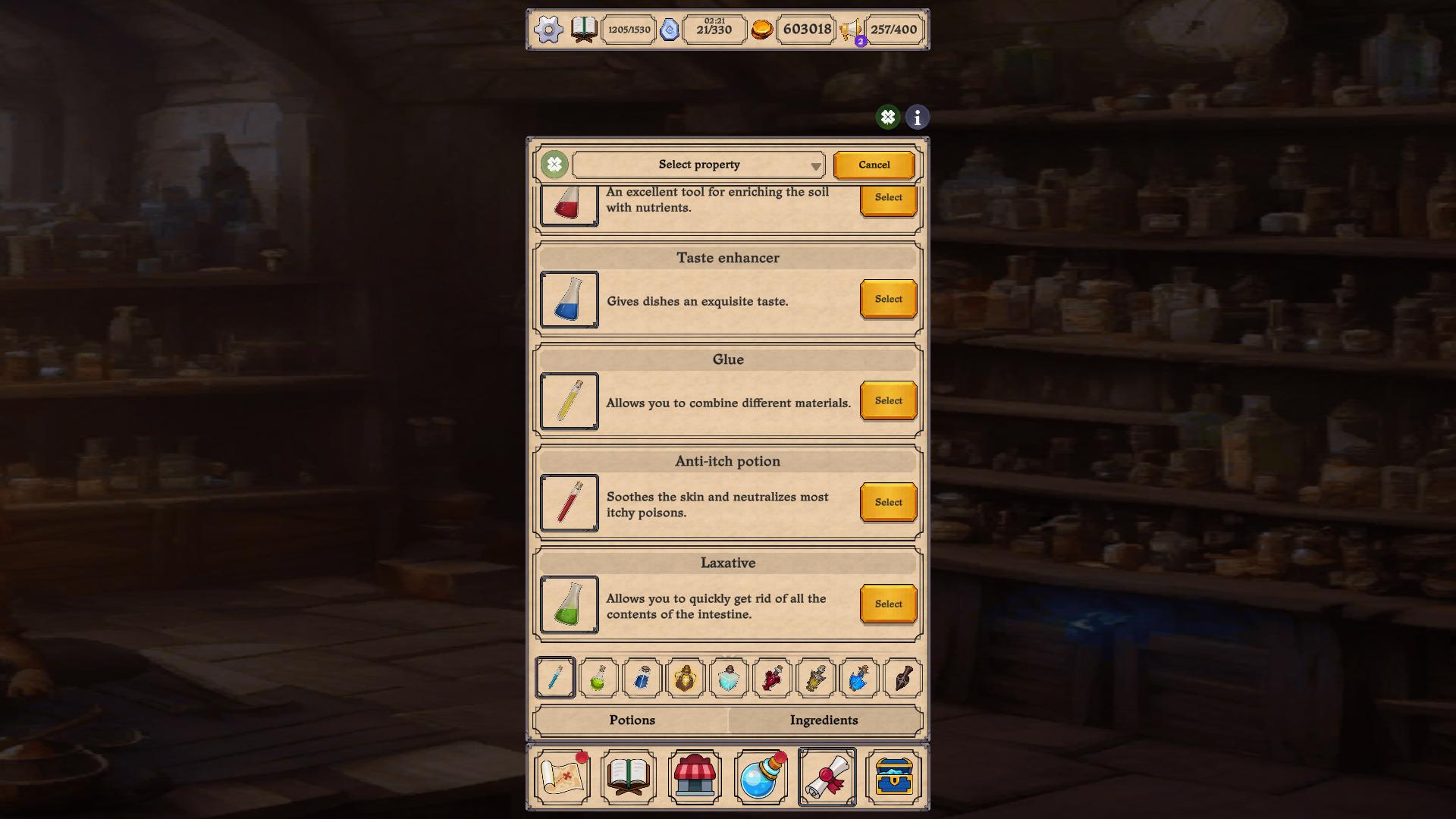
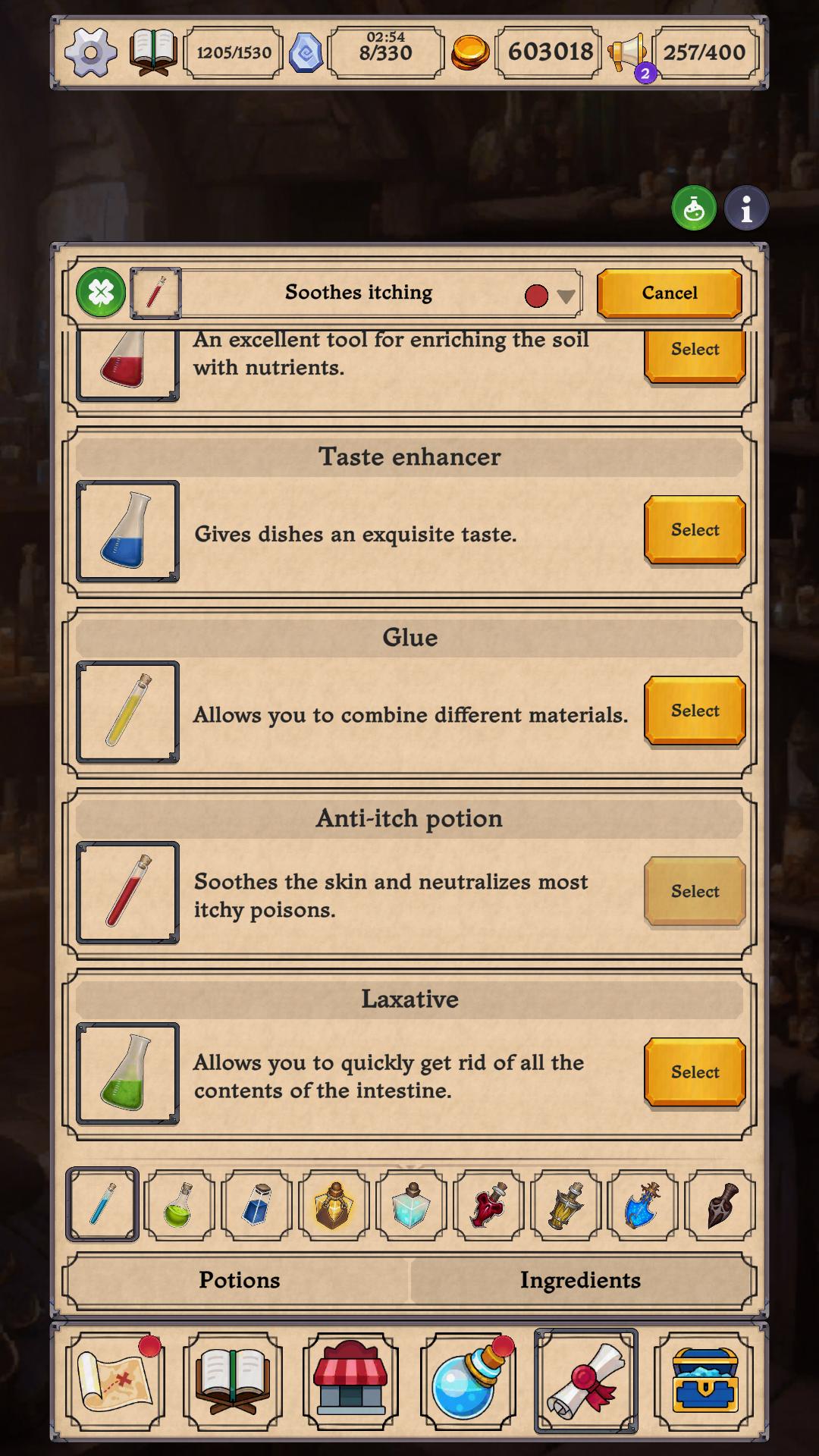
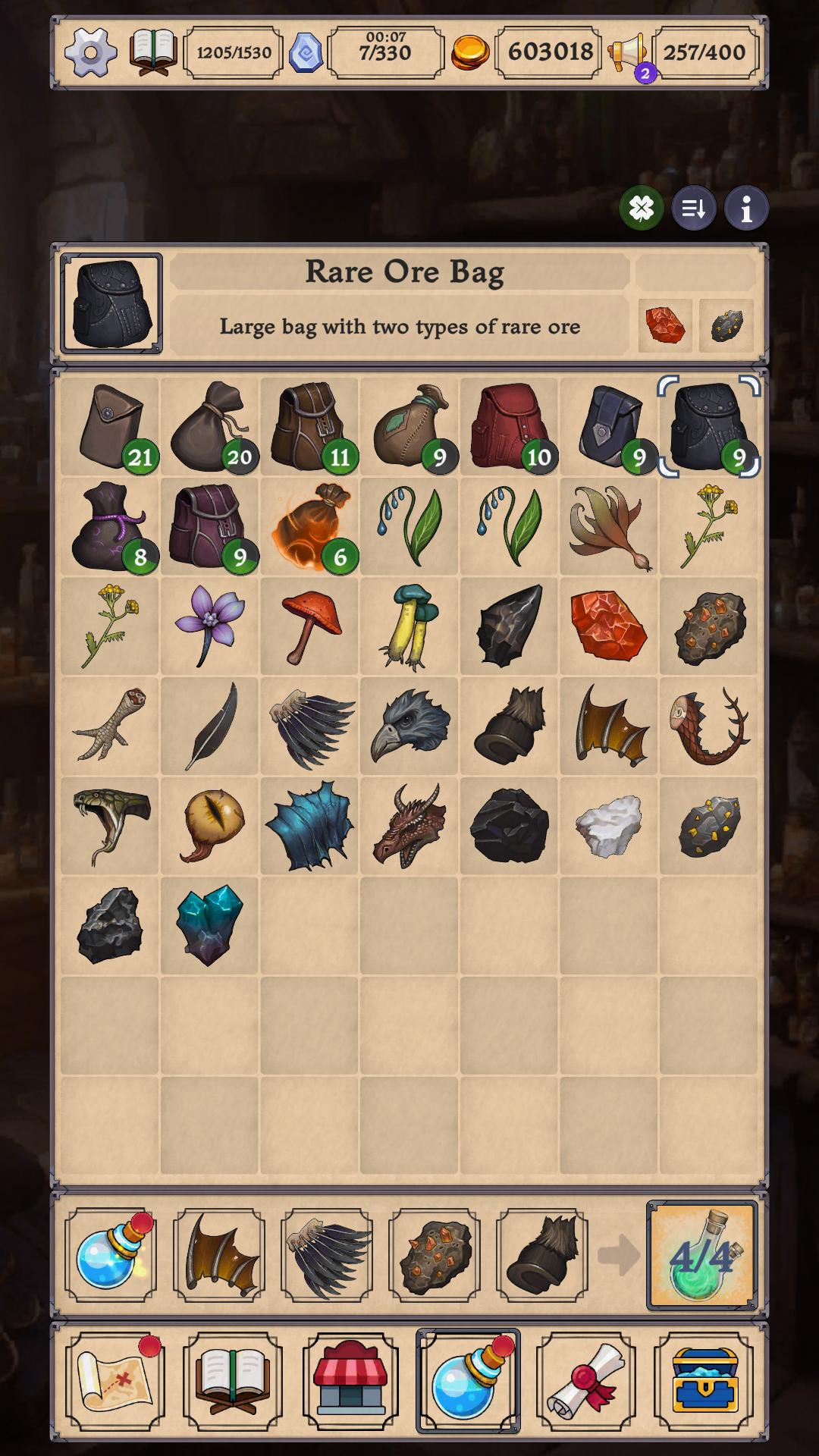
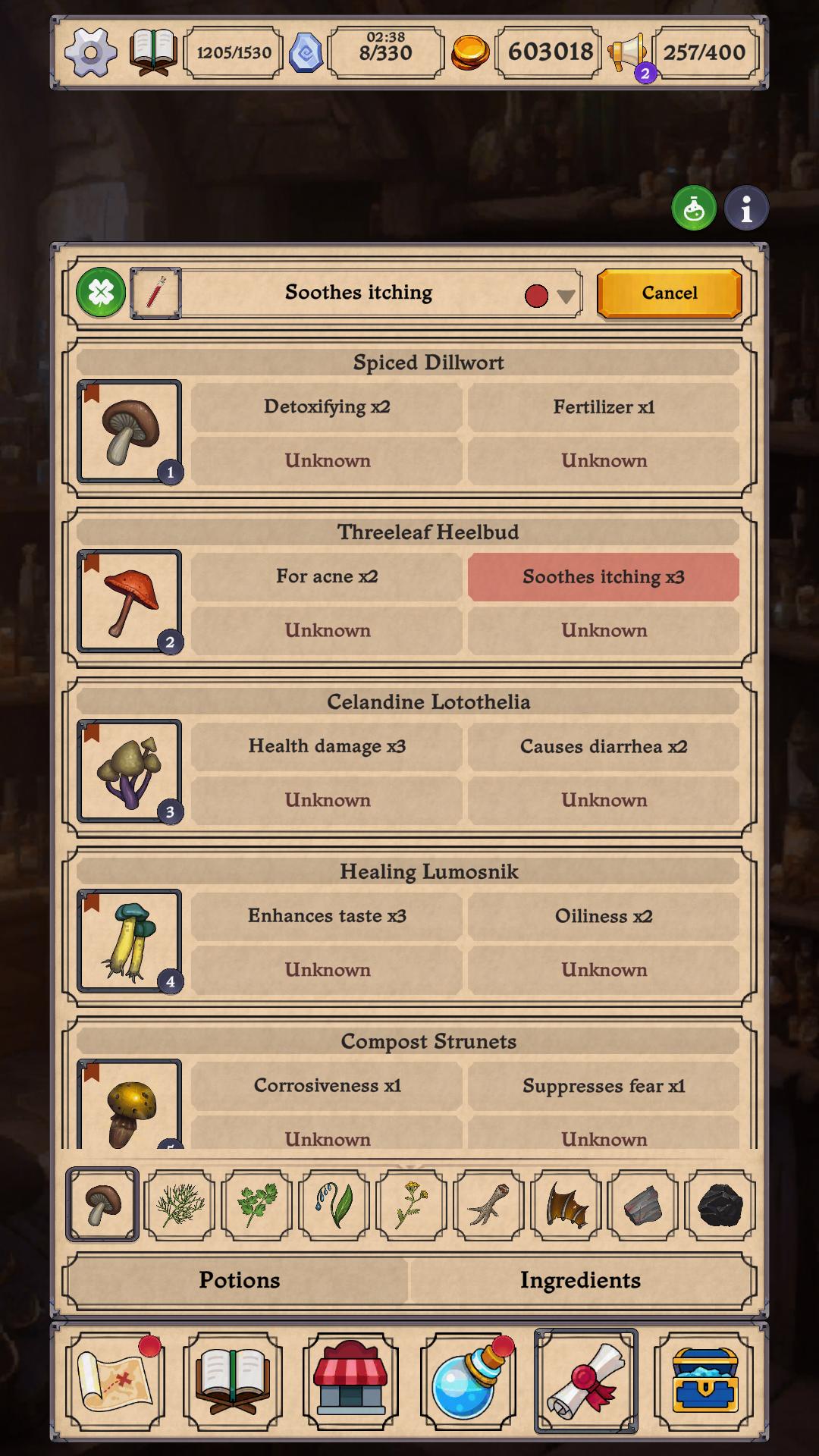
Alchemy without limits. Explore 144 ingredients, unlock properties, and create over 100 potions.
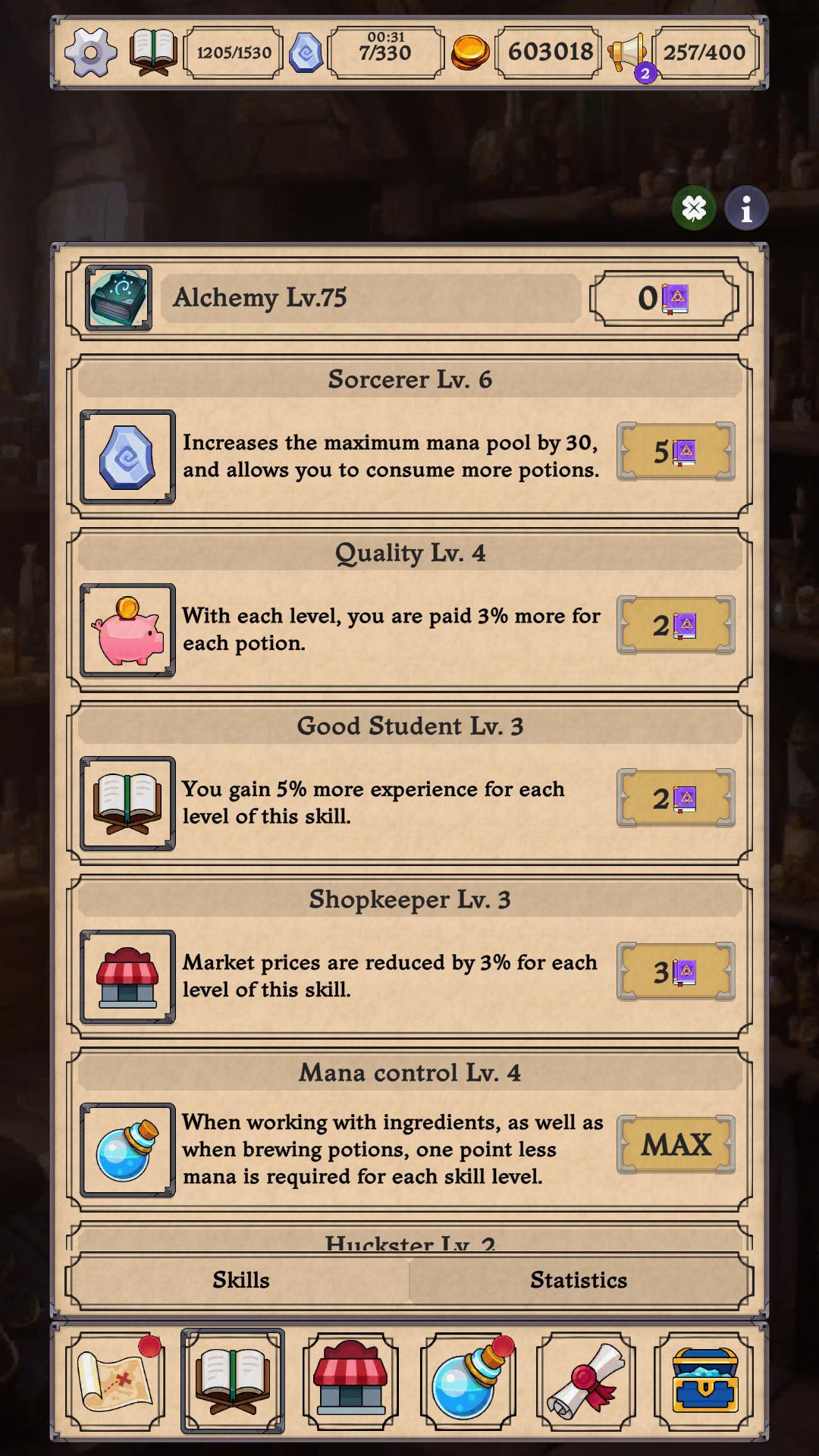
A unique crafting system. Combine the mechanics of unification with deep role-playing leveling and shop management.
Hundreds of orders and customers. Over 400 characters and 800 unique quests - no one will be left without potions!
Development of the shop and laboratory. Trade, grow plants in the greenhouse, hire adventurers and extract rare resources.
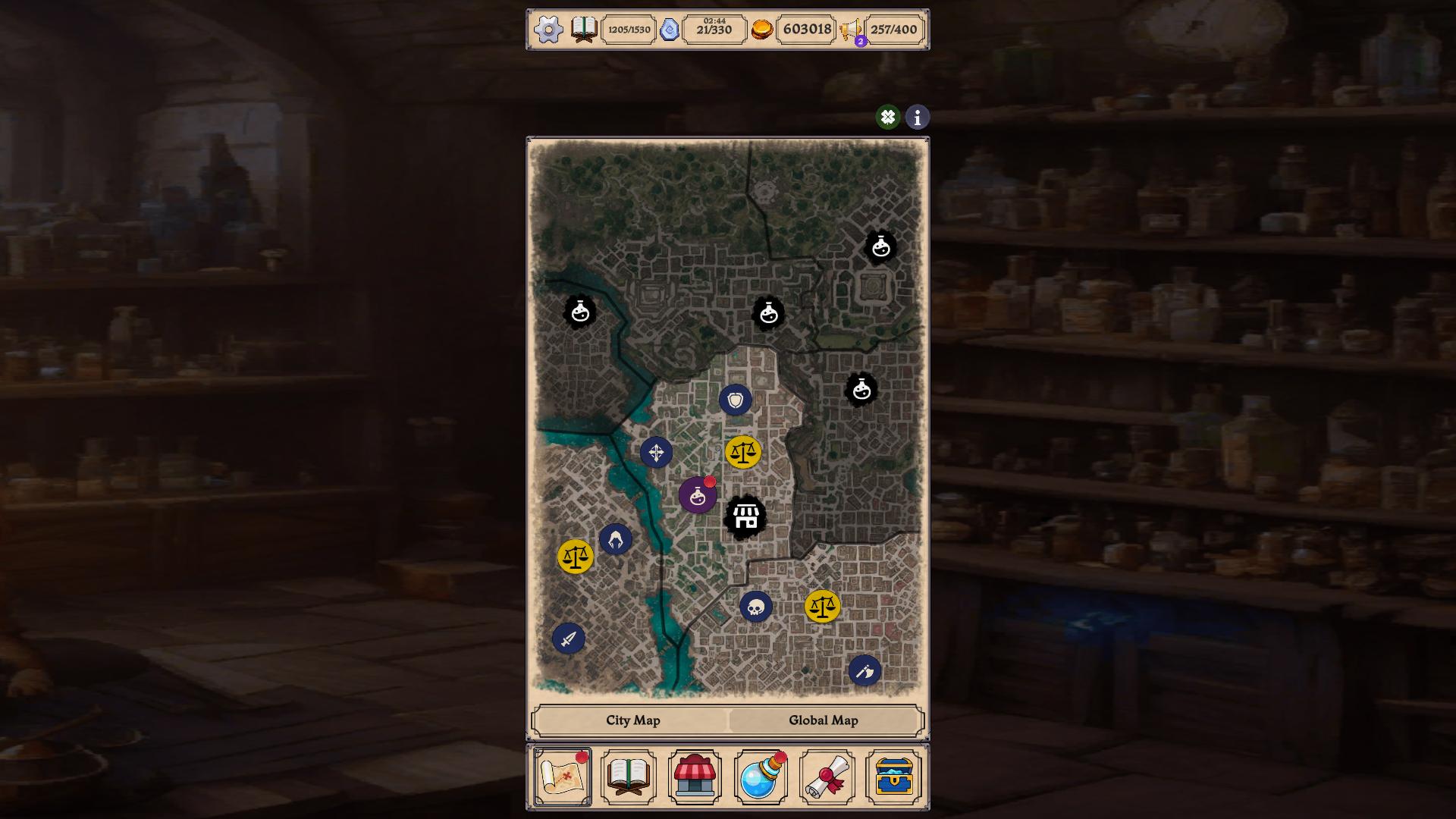
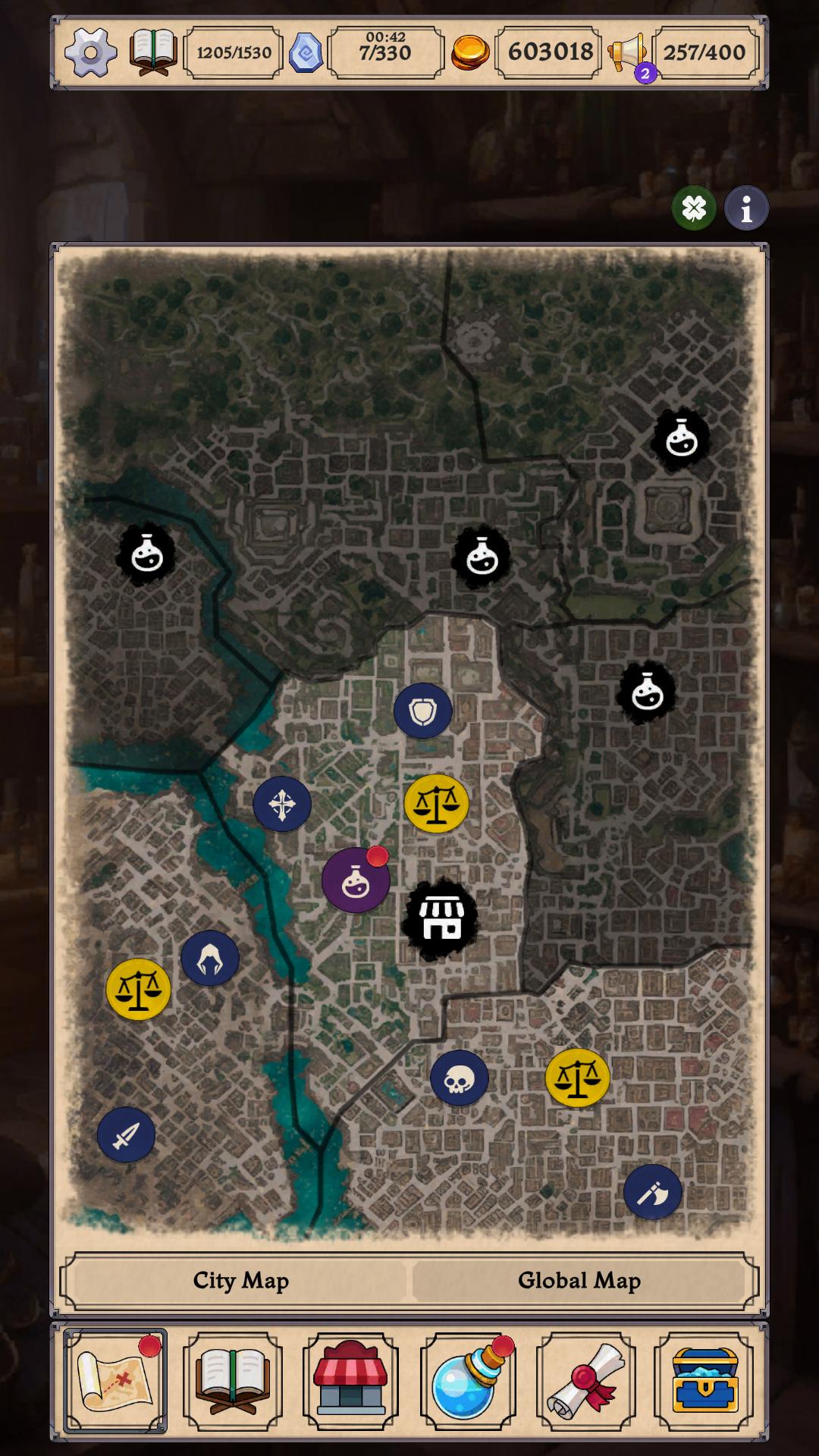
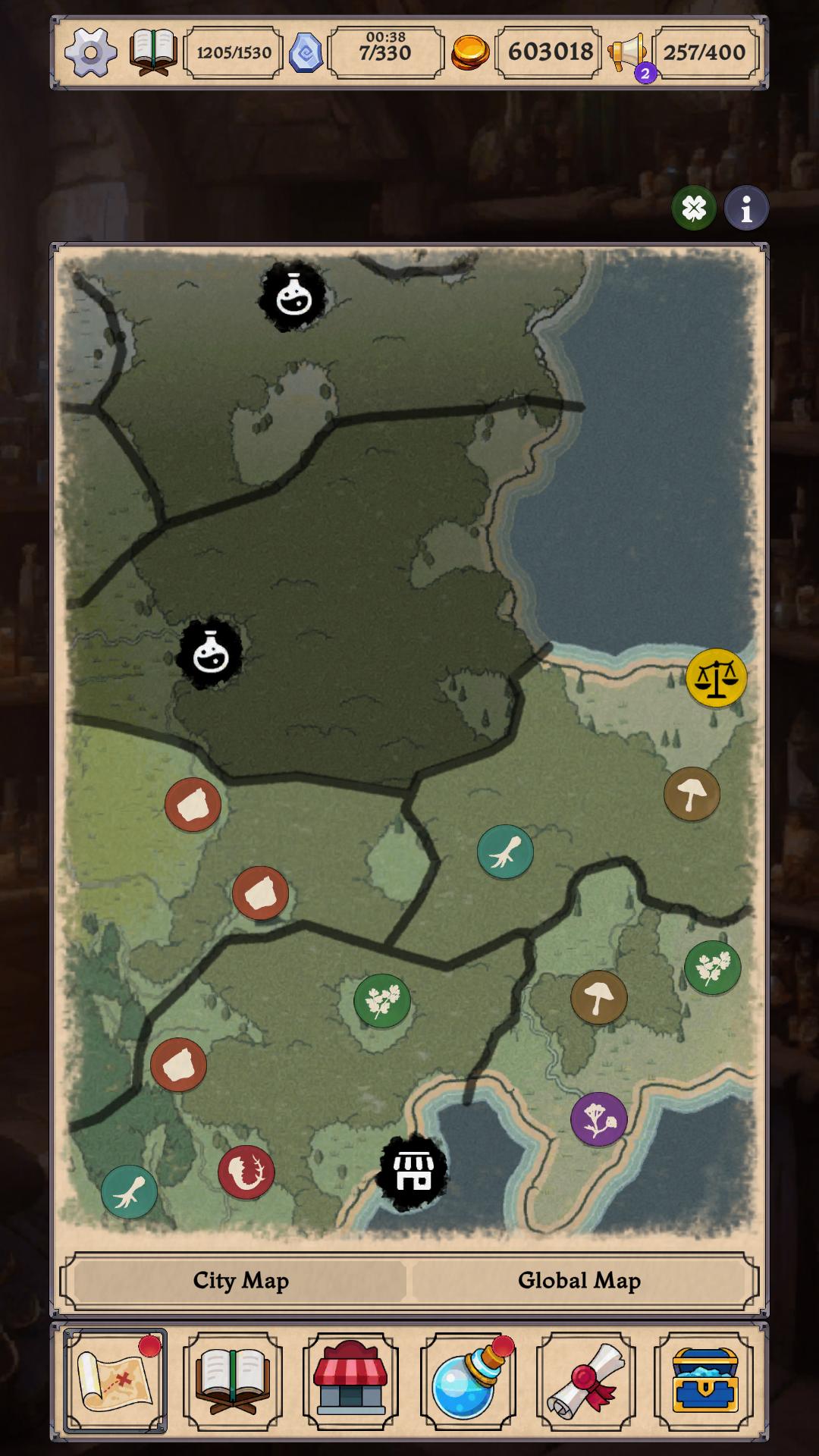
Fantasy atmosphere. Summon helpers, a World Map, rare artifacts, and music that creates the mood of a real alchemist.
Here you don't just brew potions - you build your own alchemical empire.
Videos and screenshots
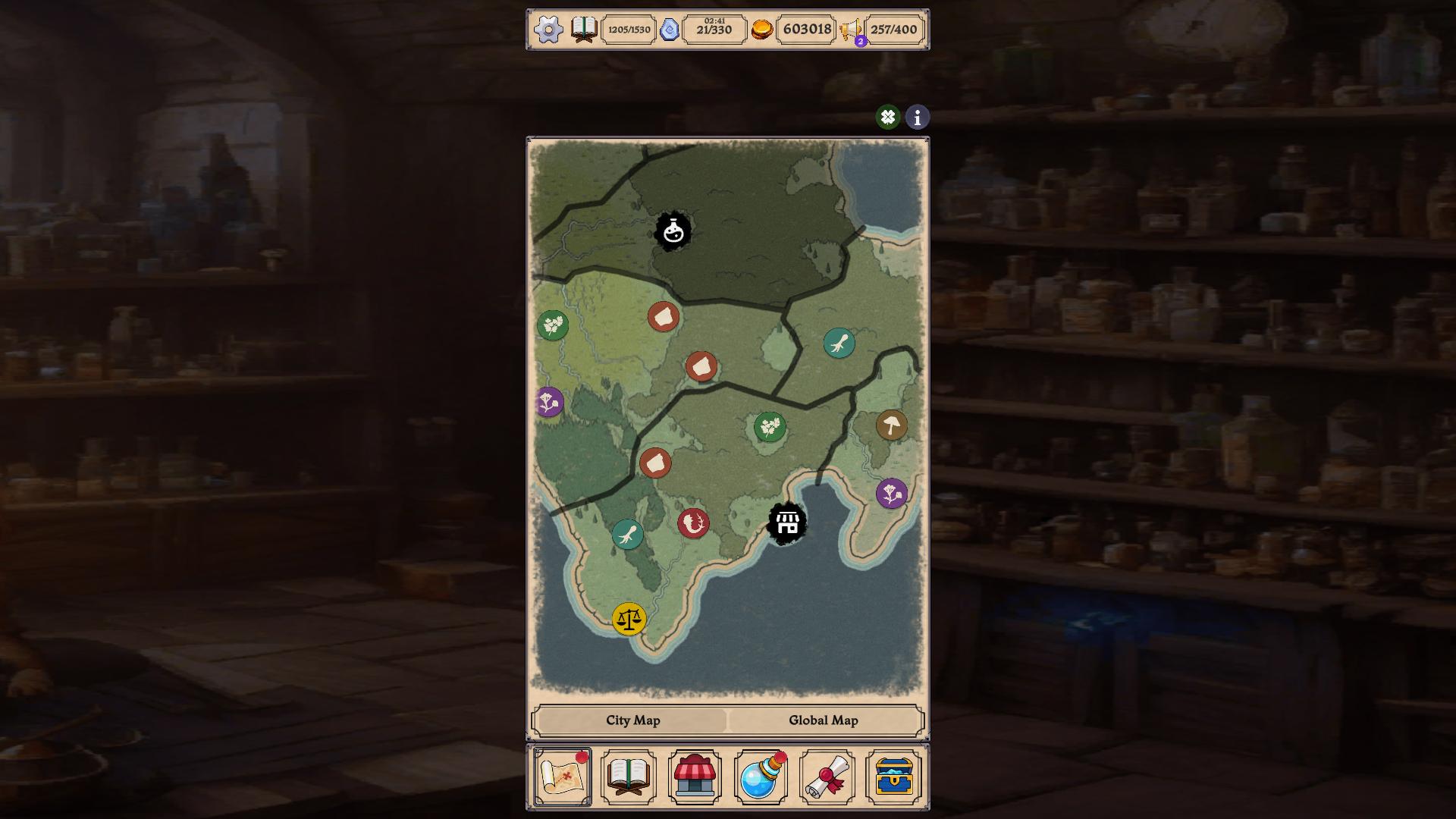
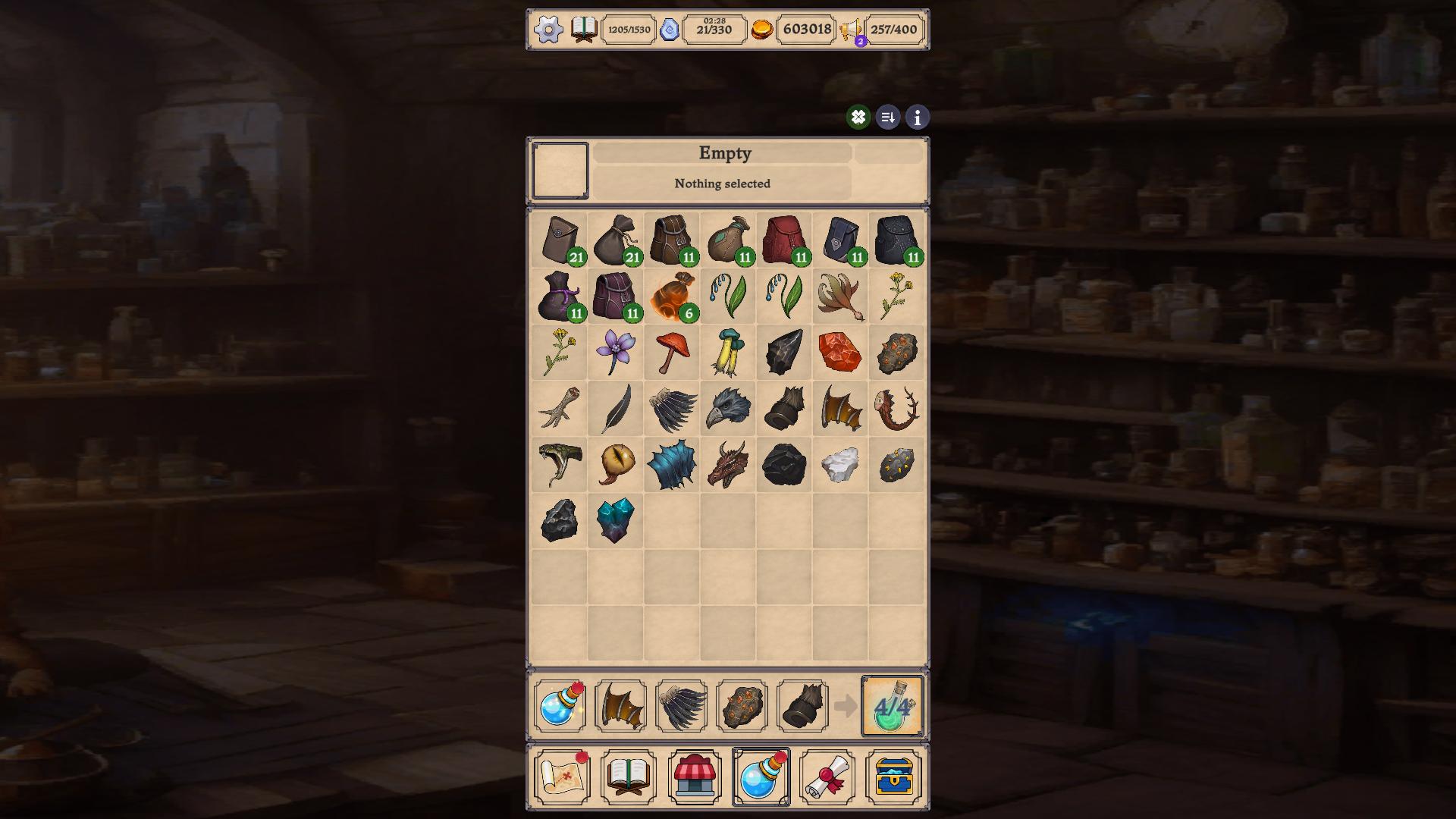
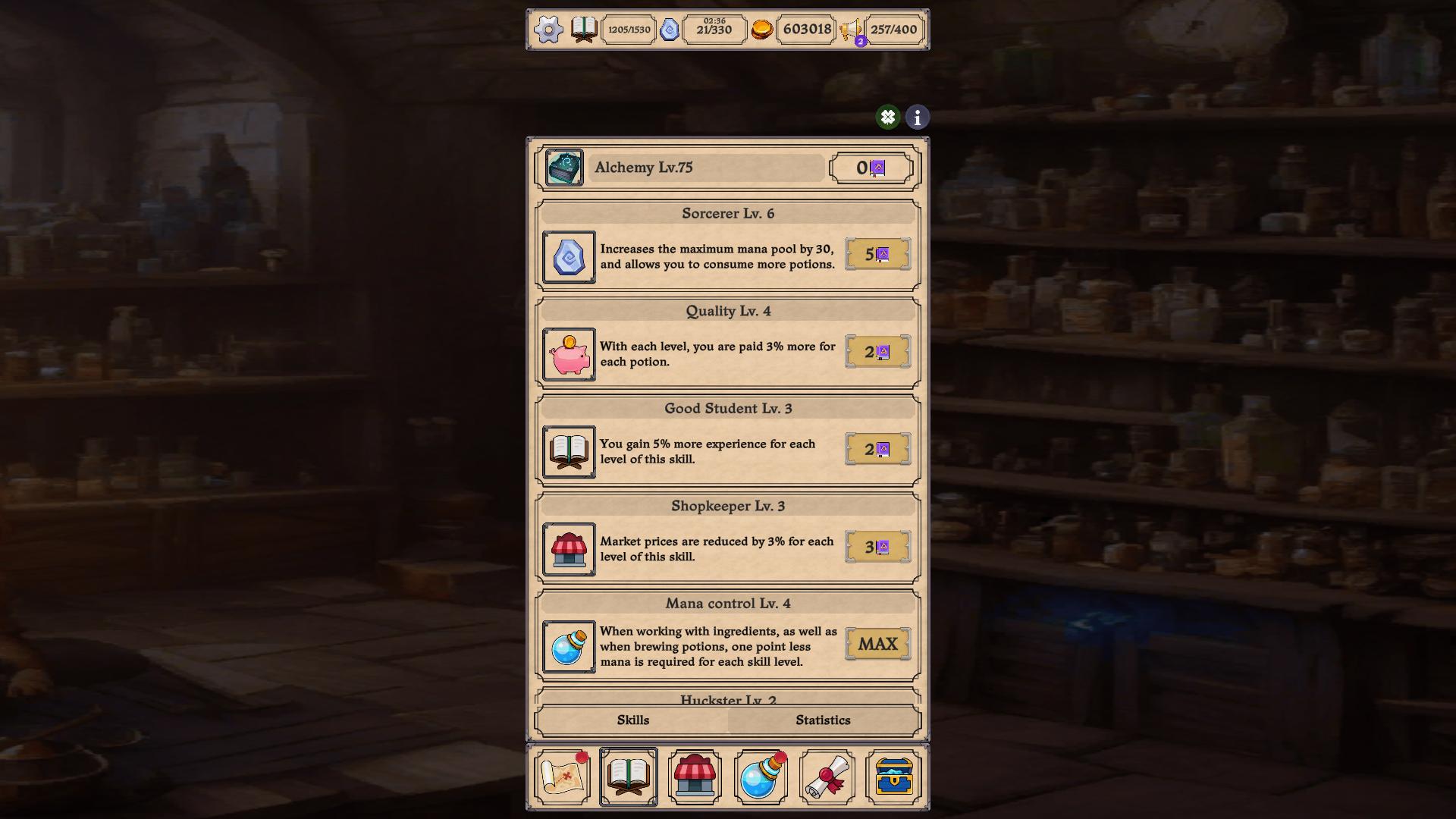
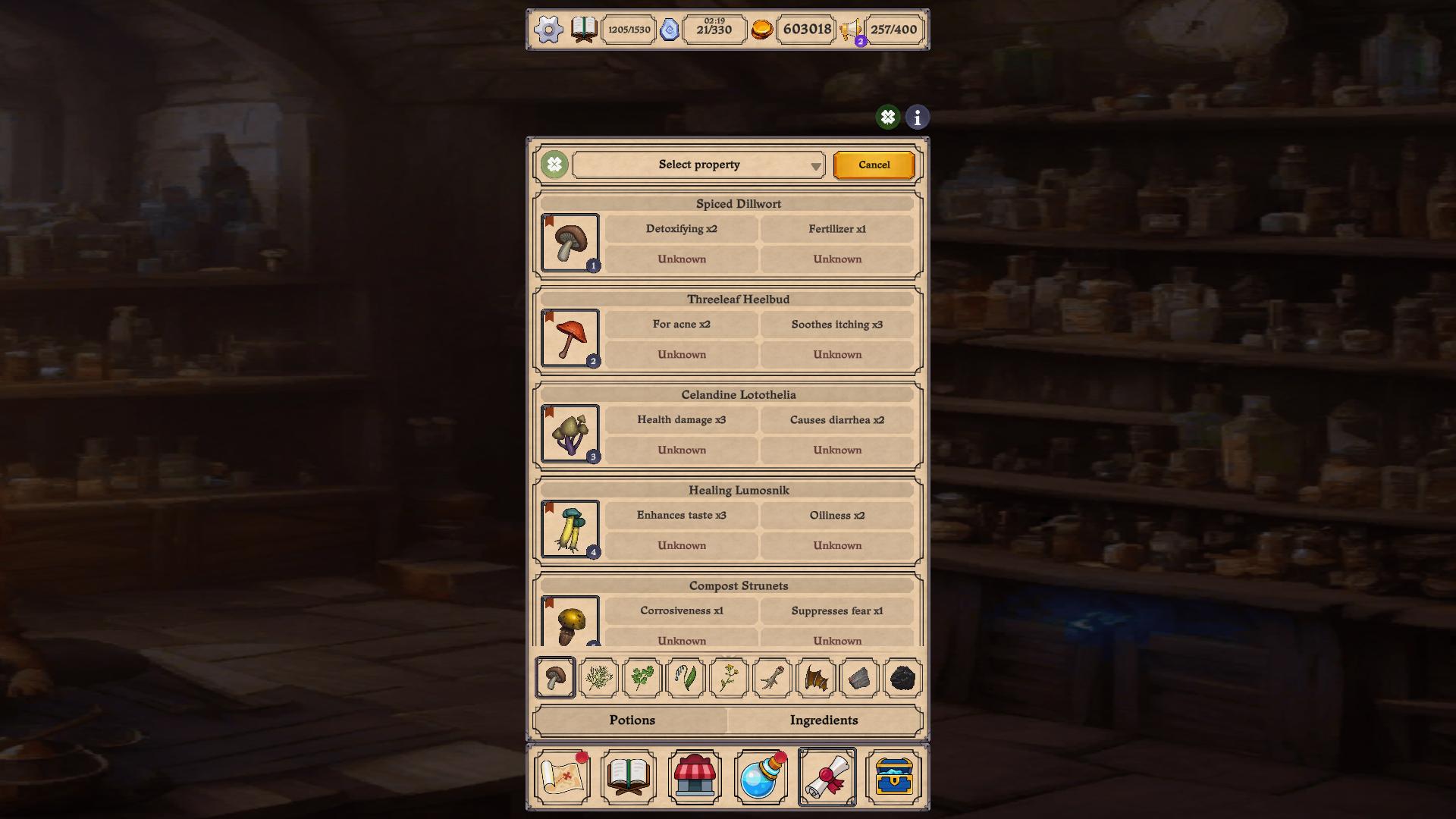
11,766 players online
How to play
-
Open the game
Press Play now and the game opens on its own screen.
-
Follow the in-game instructions
The controls and goals are shown inside the game as you play.
-
Use the game menu
The floating button over the game reloads it, saves it to your favourites, or takes you back out.