Overview
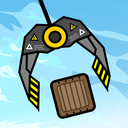
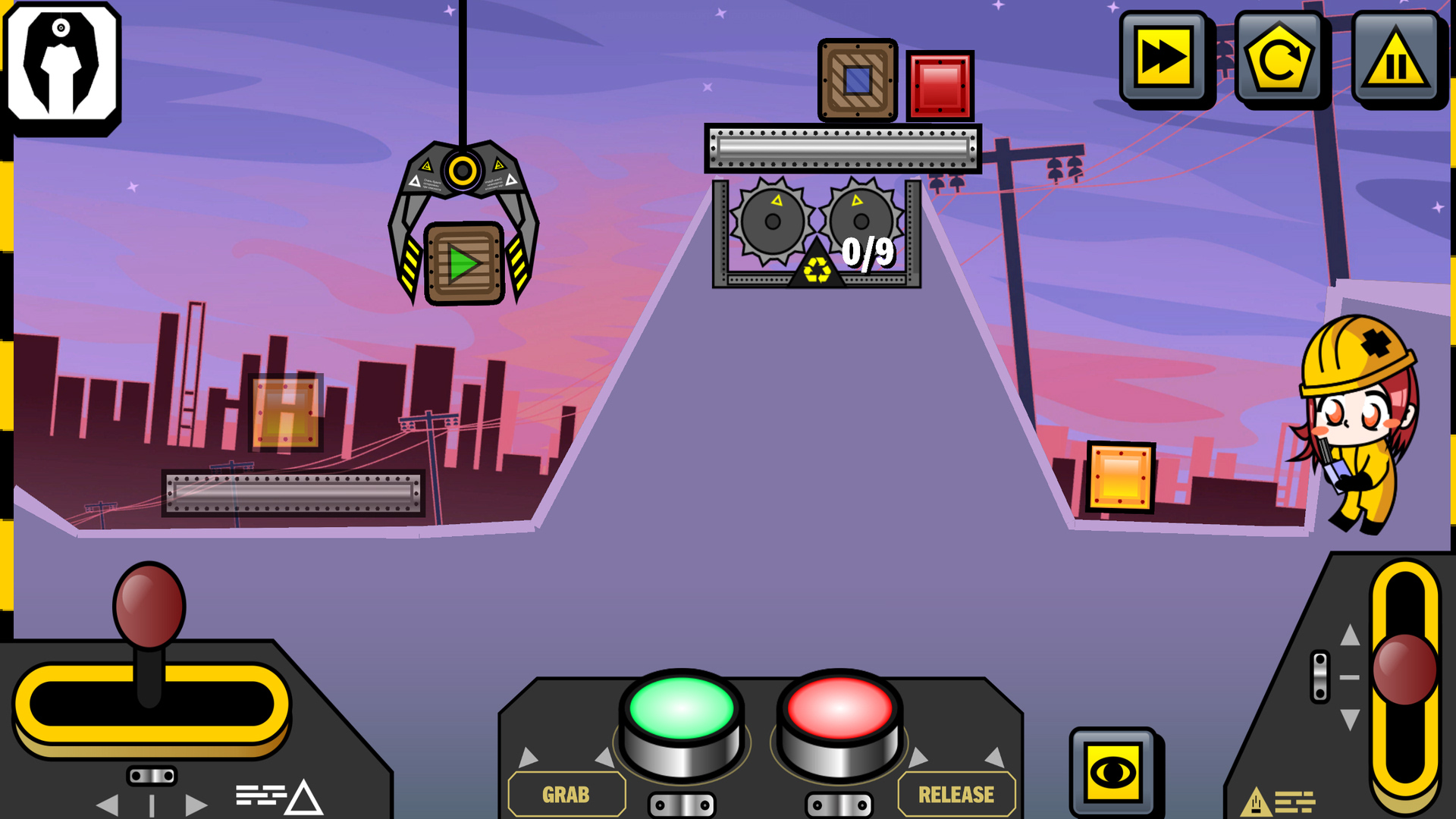
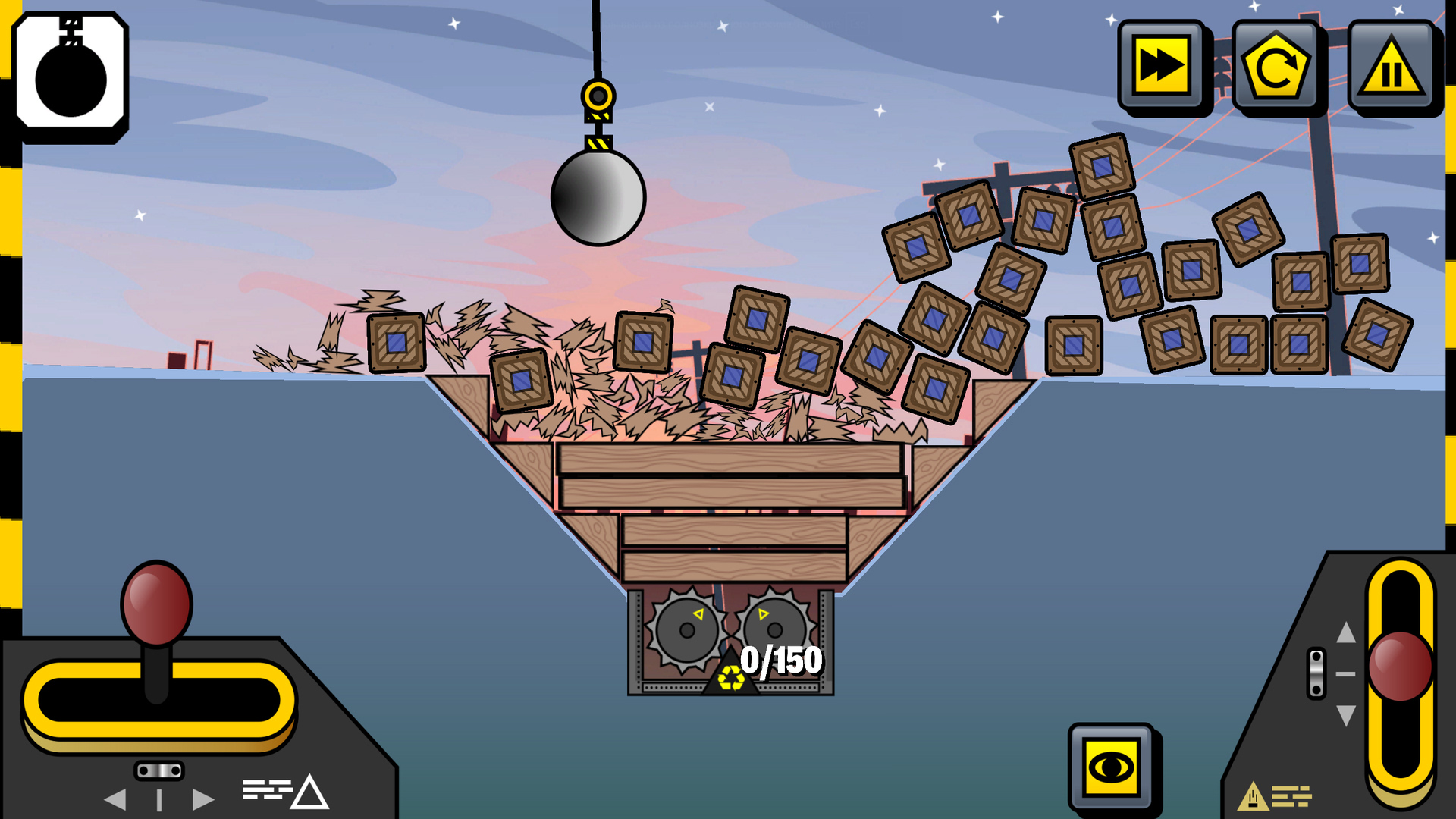
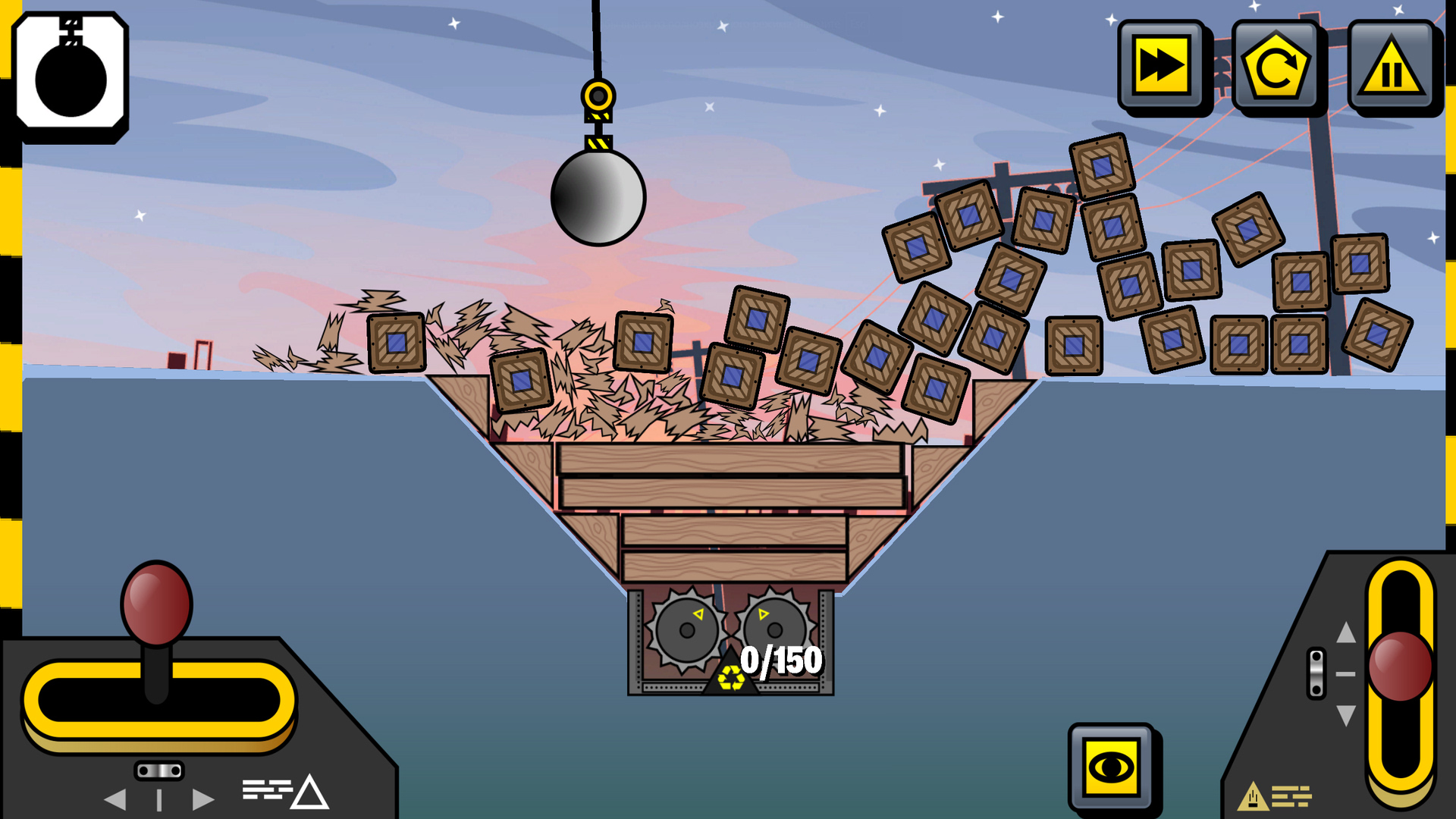
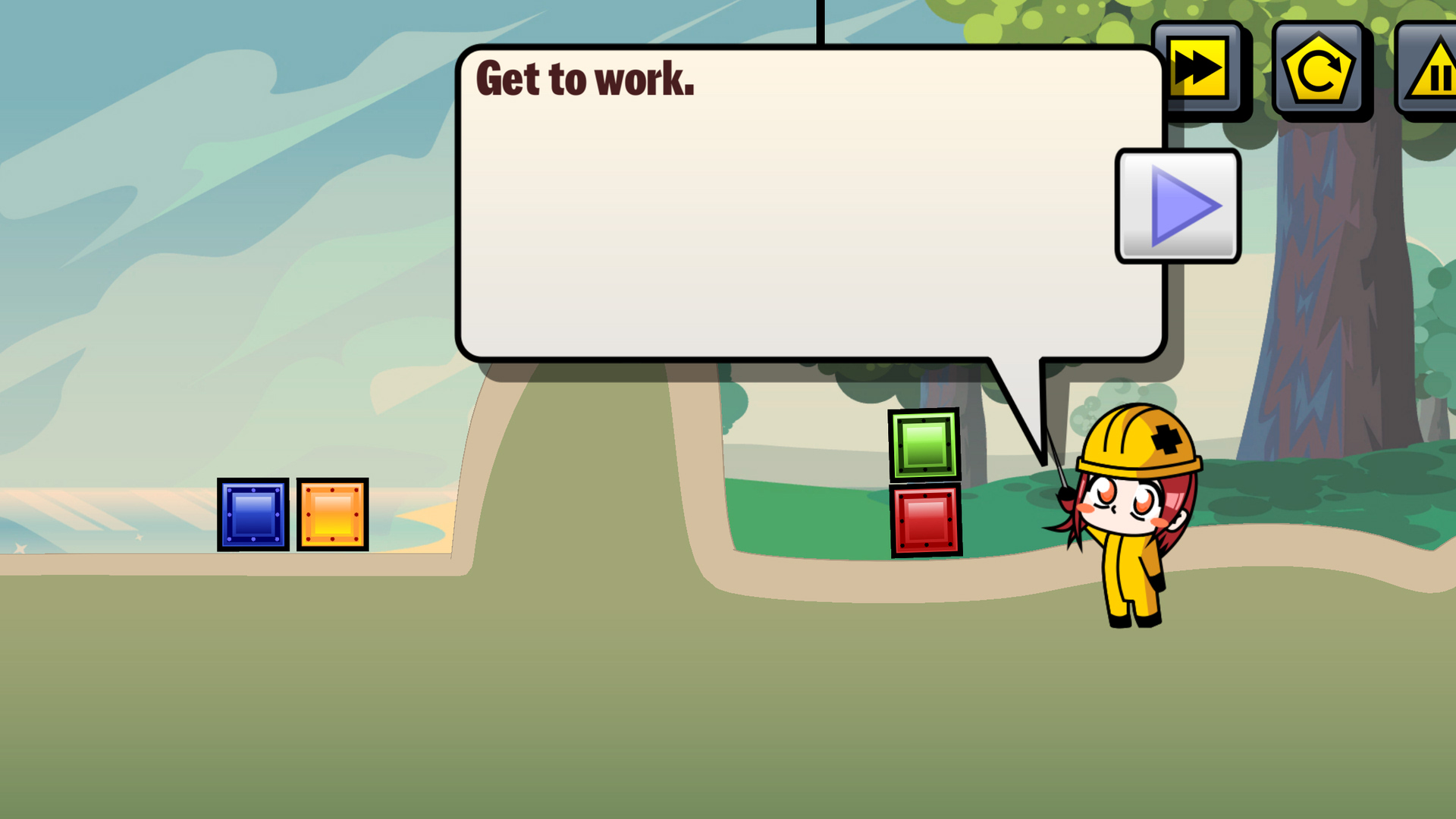
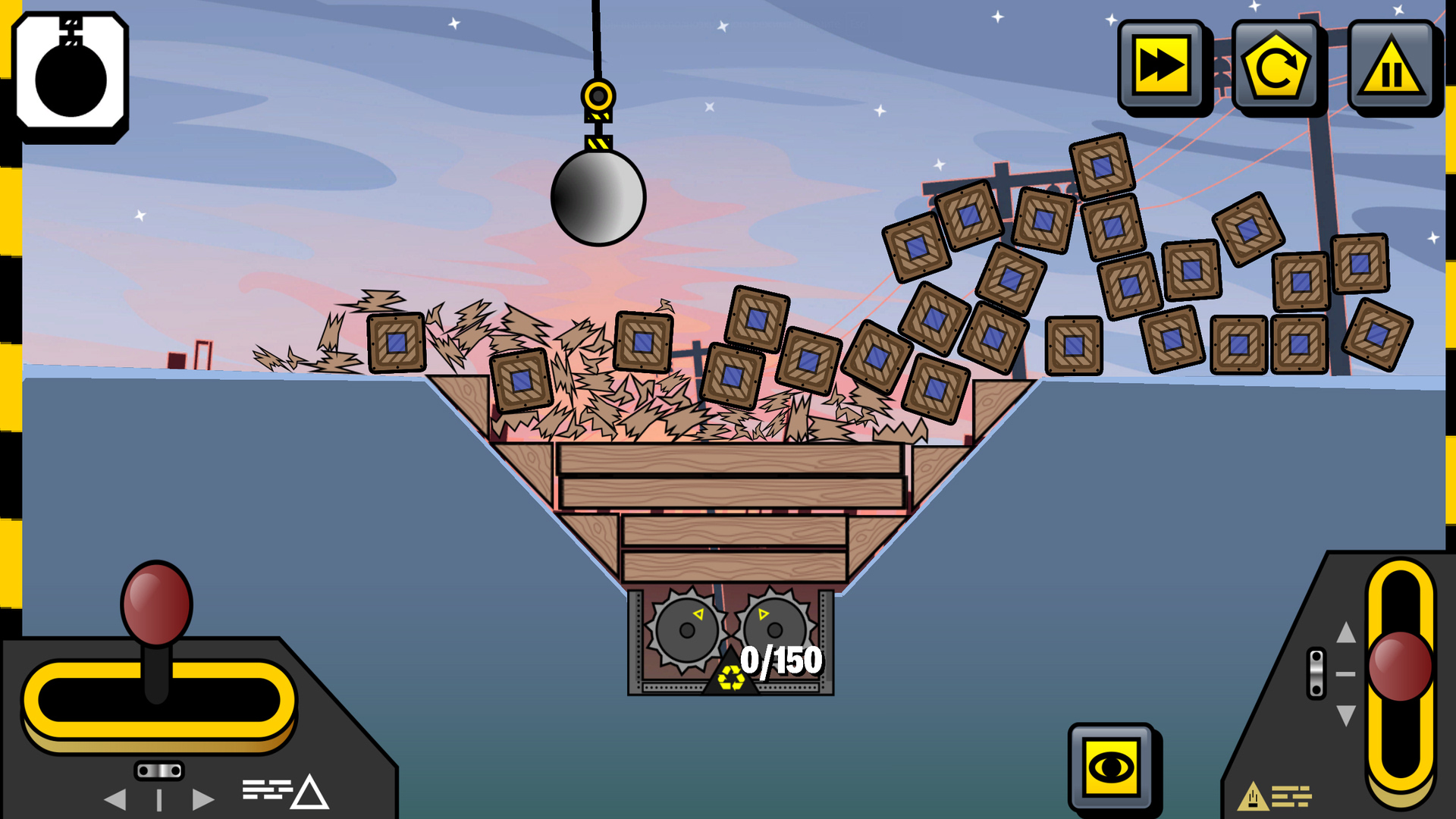
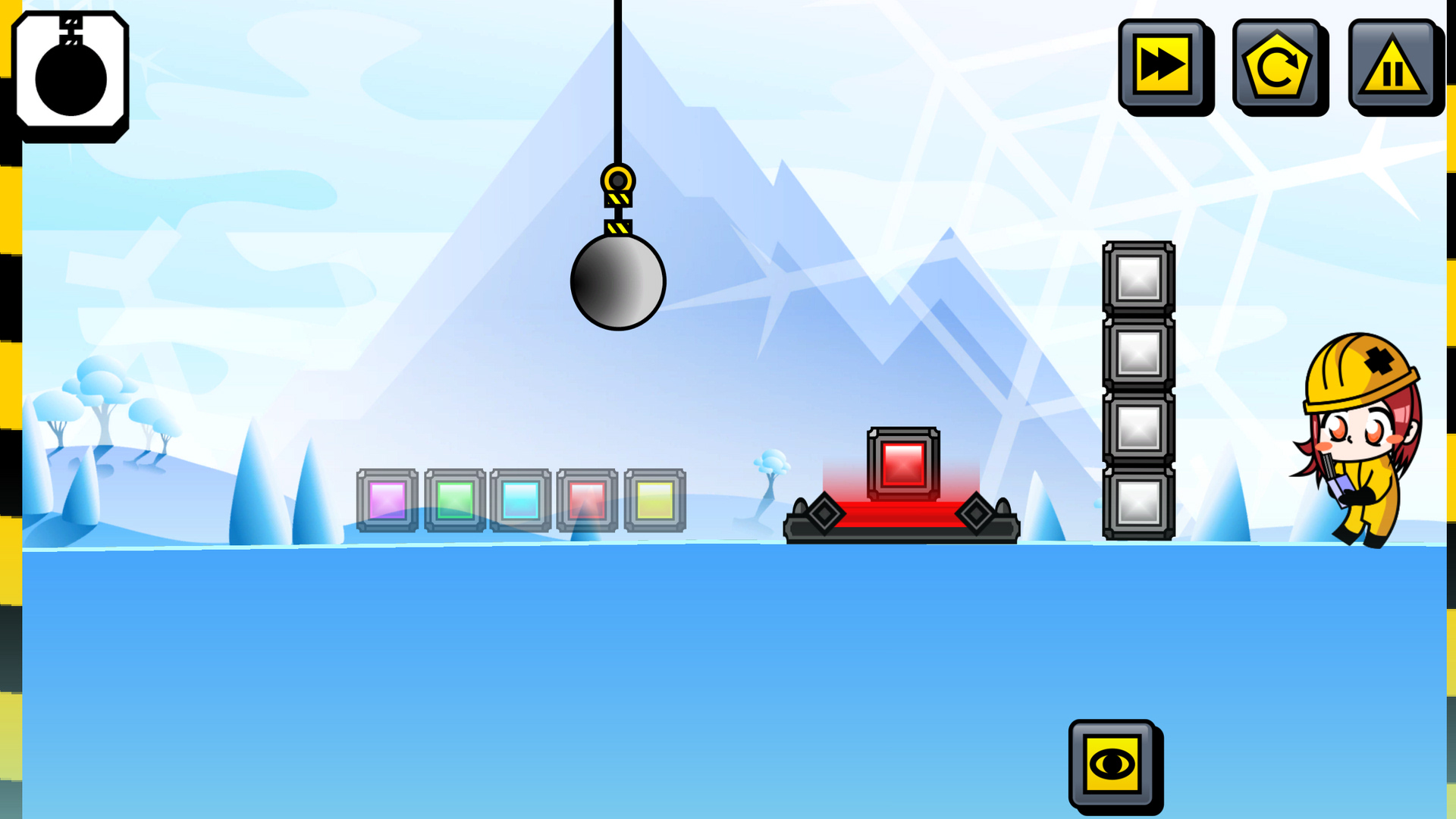
Immerse yourself in the fascinating world of a unique 2D game where you will have to demonstrate your construction skills and solve many exciting tasks. As a construction crane operator, you will move various loads to specified locations, facing various obstacles and unusual game situations.
The game has six unique tools, each with special capabilities. You can choose between powerful grippers, magnets, construction superglue and other tools, choosing the best solution for each situation.
The game offers many different levels with unique tasks that constantly require you to think and apply your knowledge in action. Use your wits and strategic thinking to successfully complete each mission.
Are you ready to accept the challenge and become a crane master? Get ready for adventures in "Crane" and discover a world of construction achievements!
Videos and screenshots




14,243 players online
How to play
-
Open the game
Press Play now and the game opens on its own screen.
-
Follow the in-game instructions
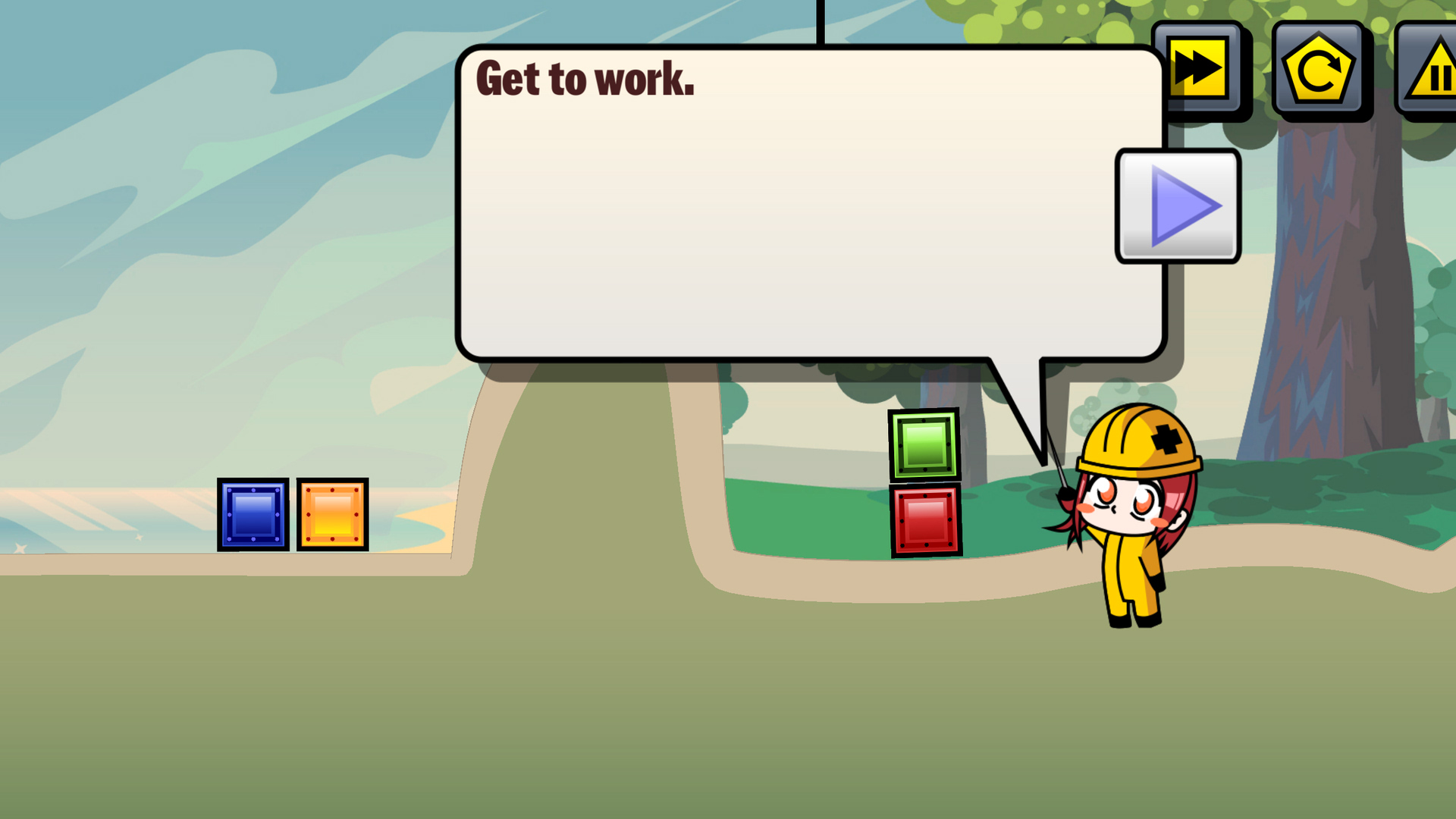
The controls and goals are shown inside the game as you play.
-
Use the game menu
The floating button over the game reloads it, saves it to your favourites, or takes you back out.