Skip to content
KG
Robbi: Go through parkour

Robbi: Go through parkour

539K plays 4.2 out of 5

Overview

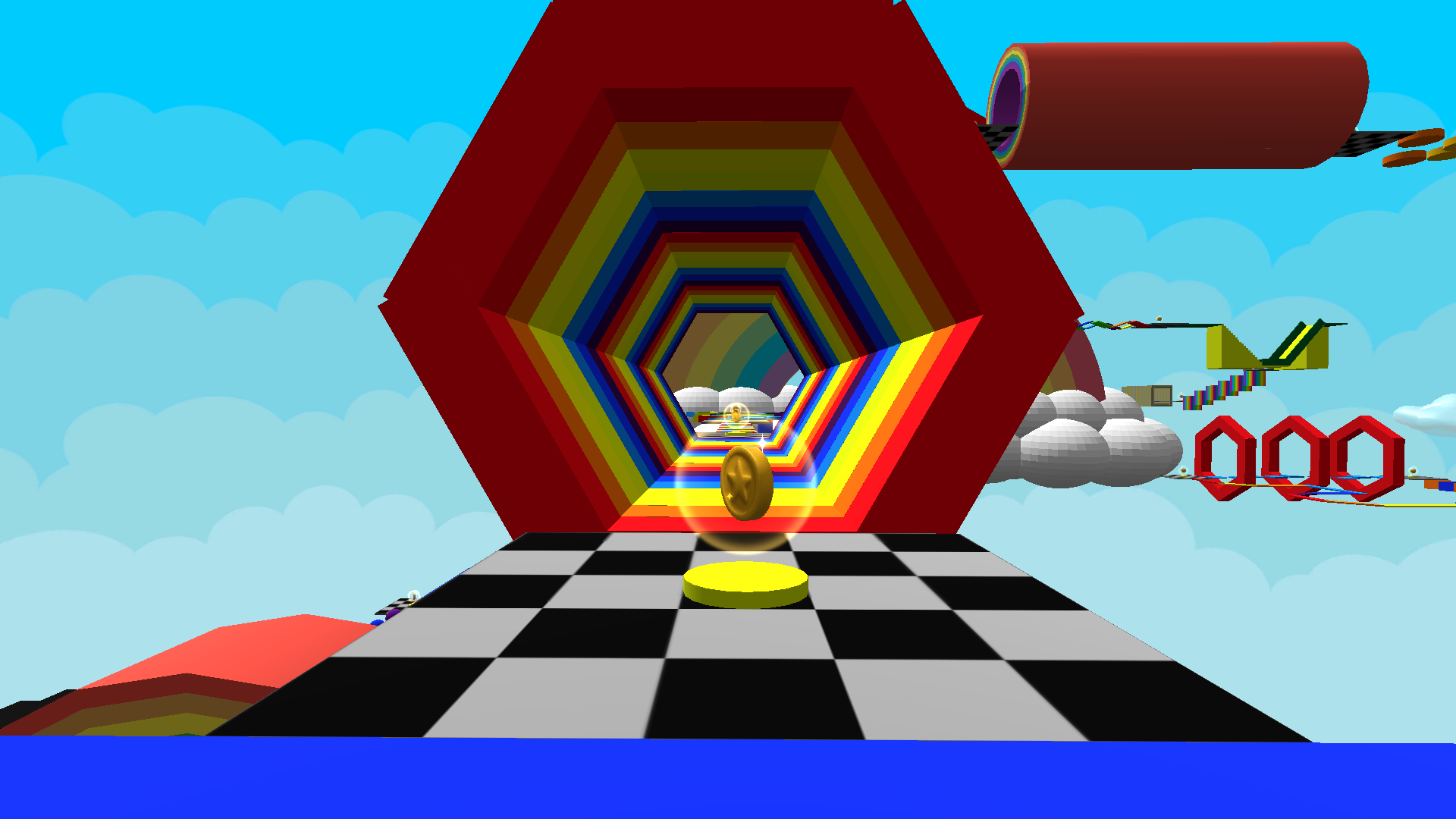
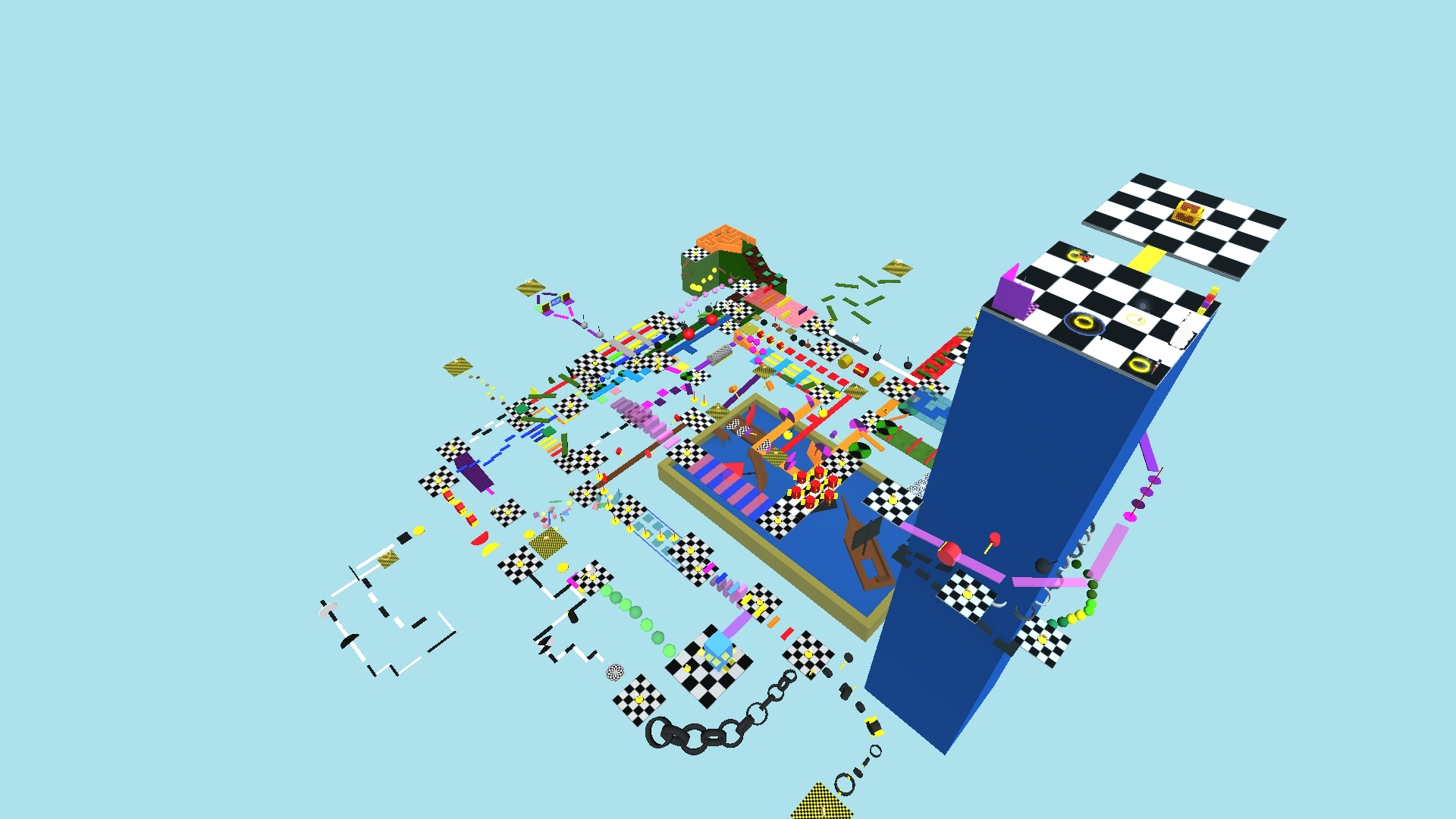
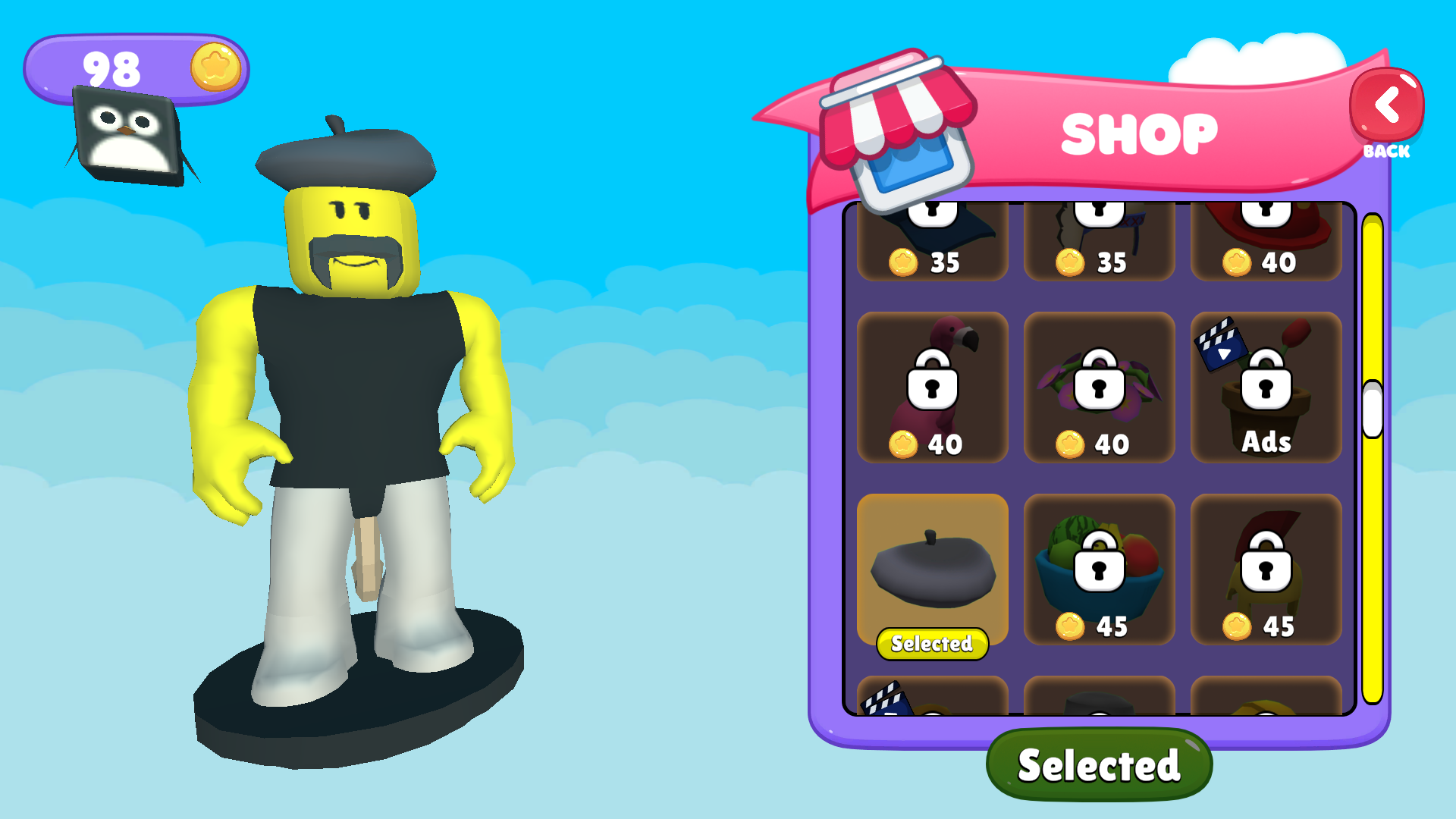
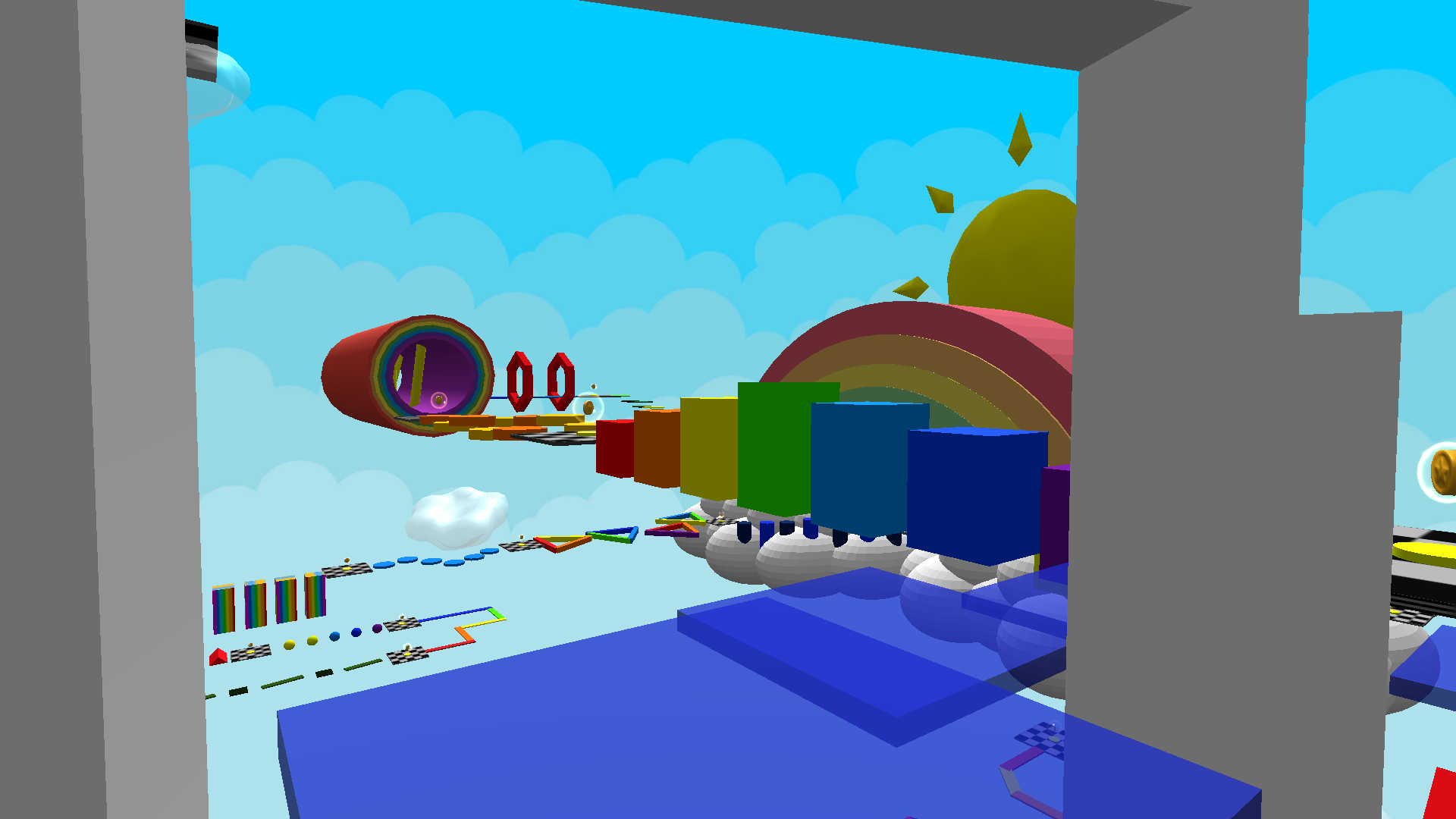
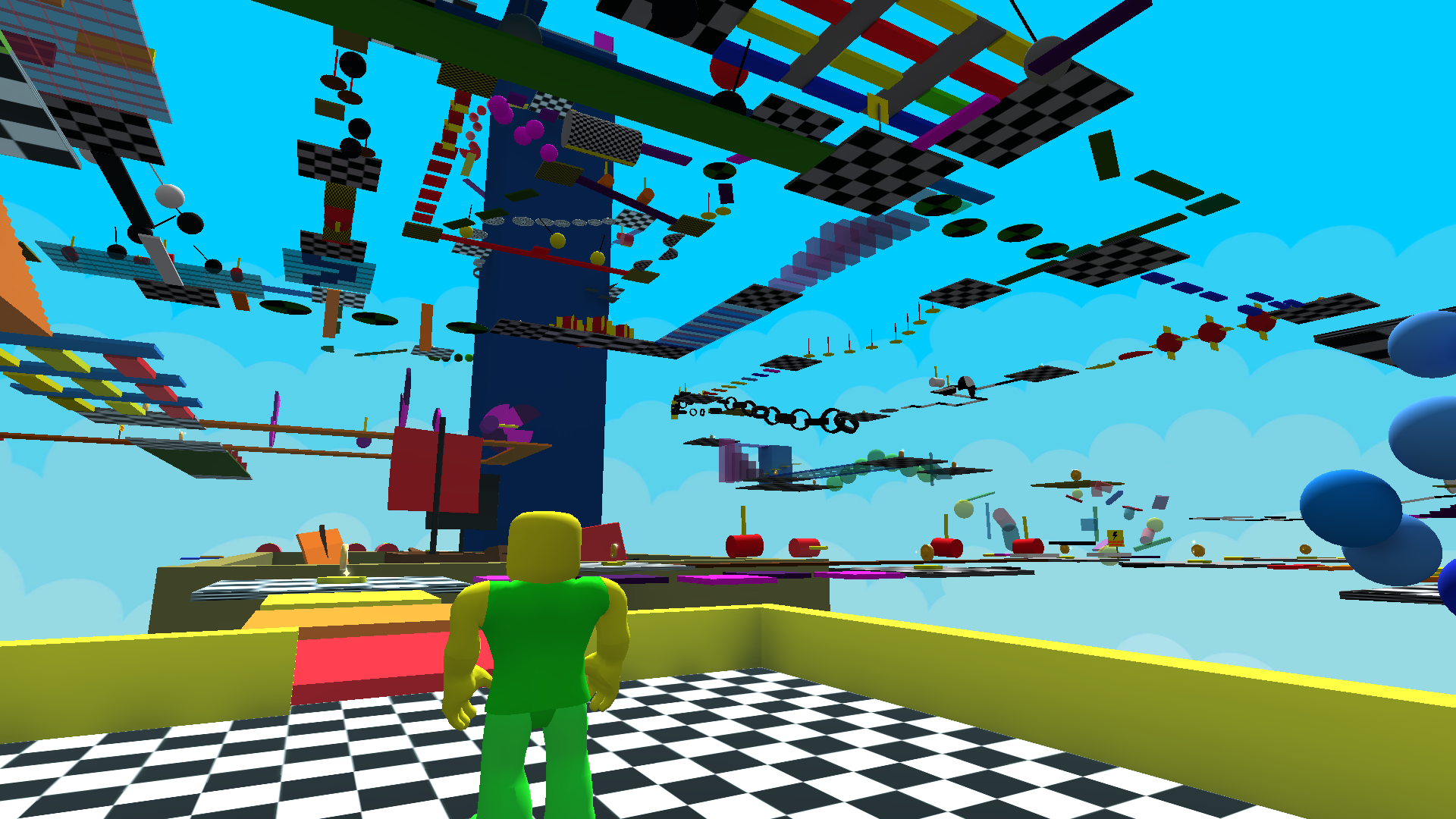
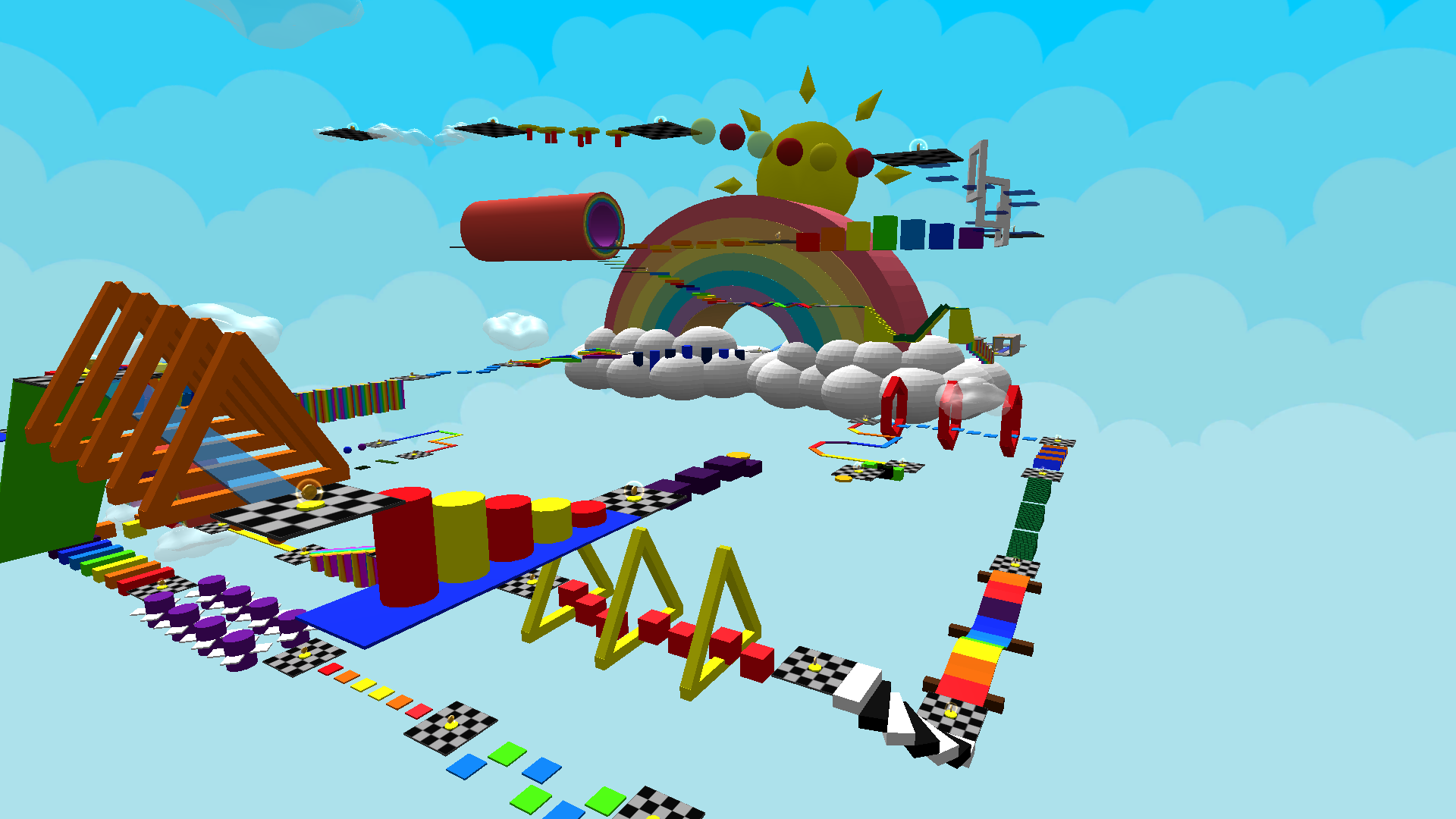
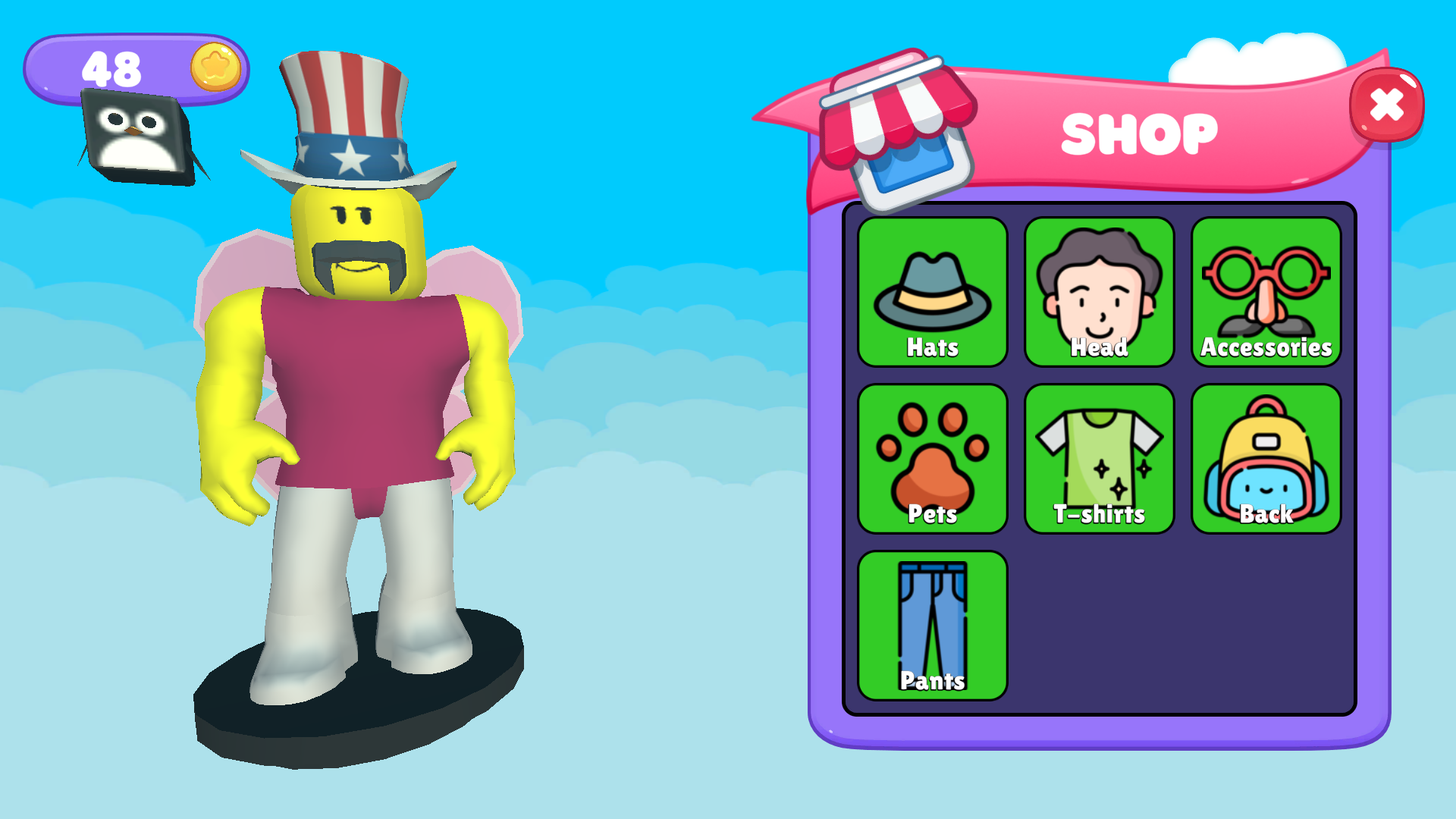
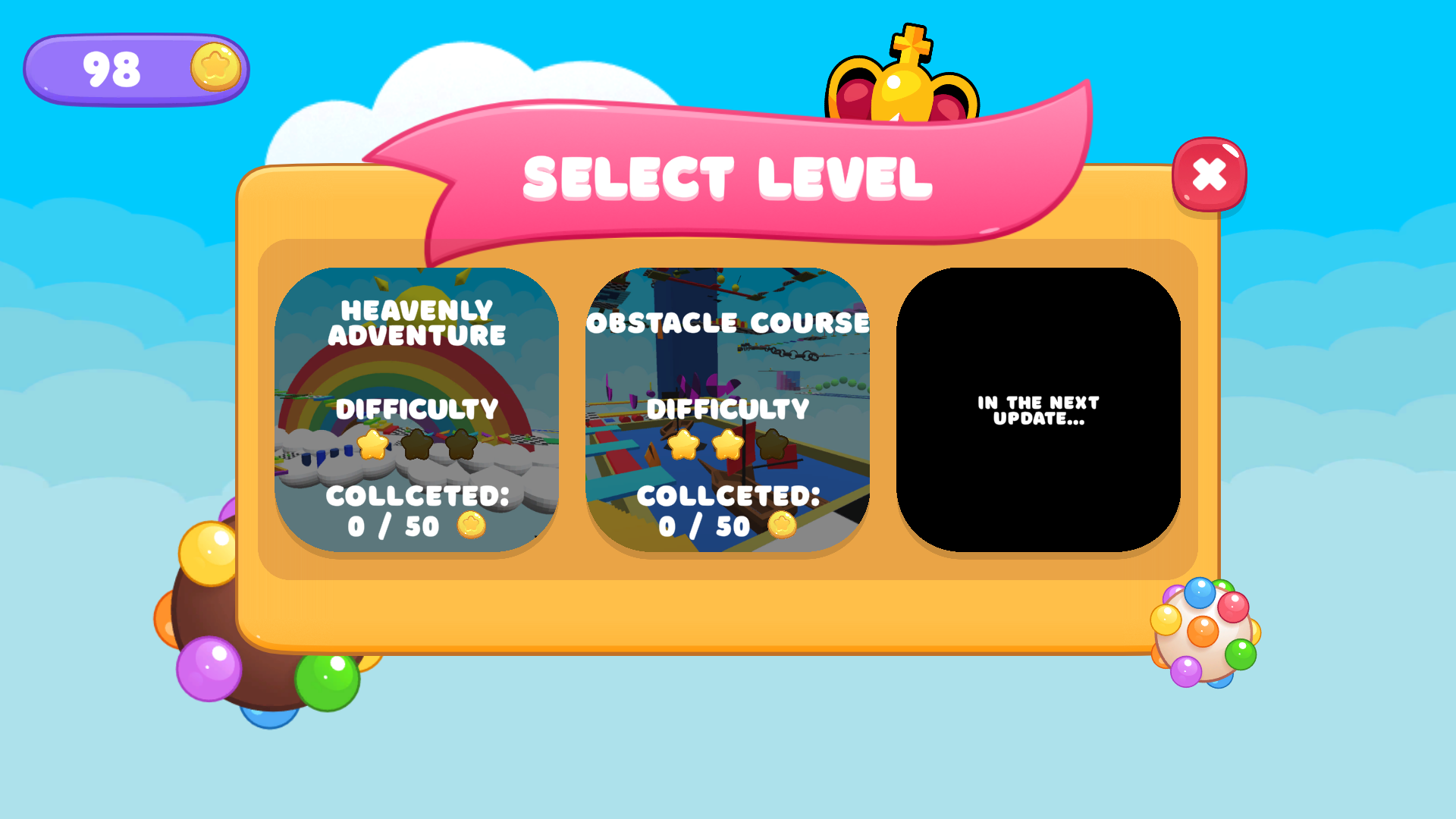
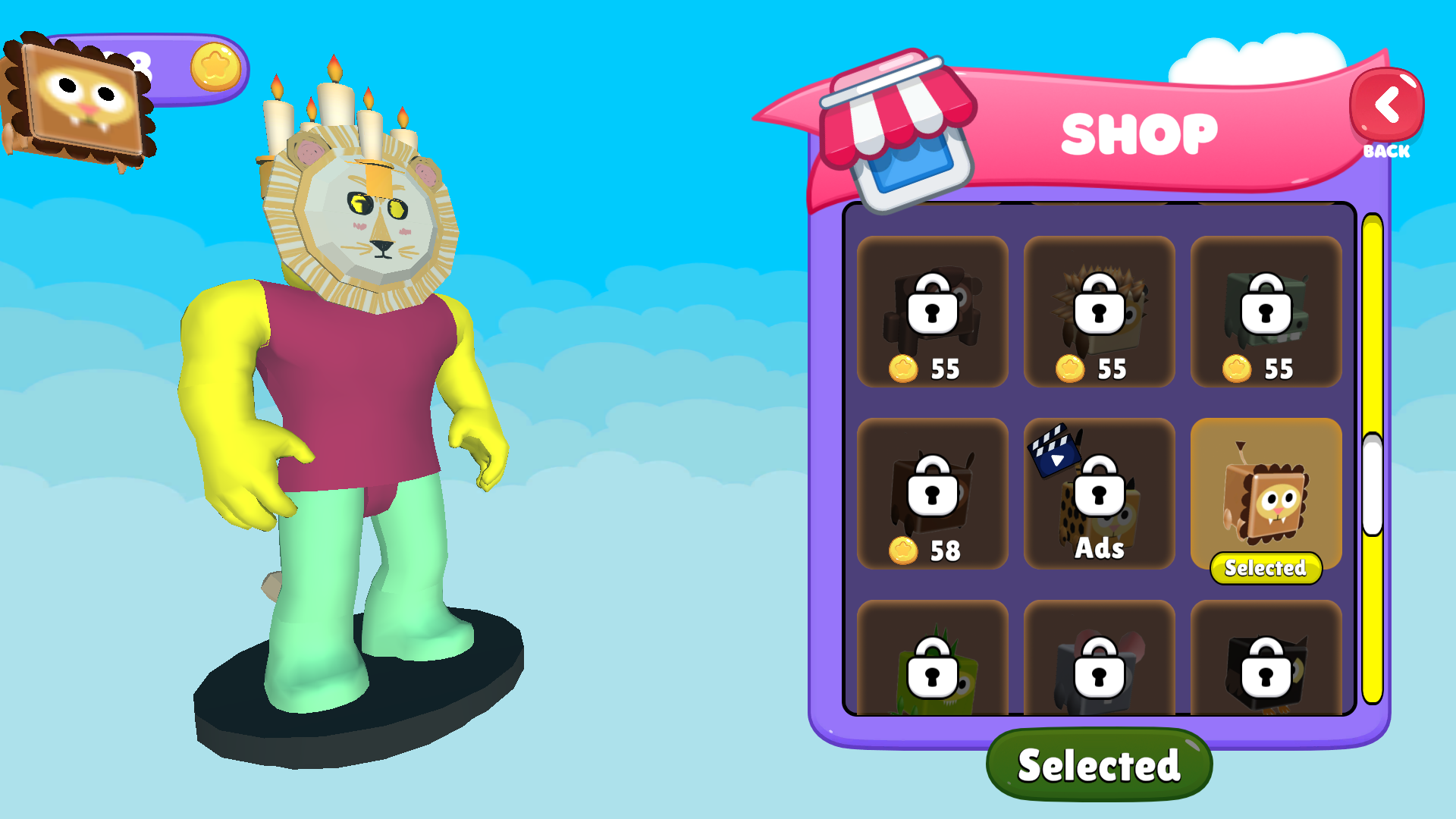
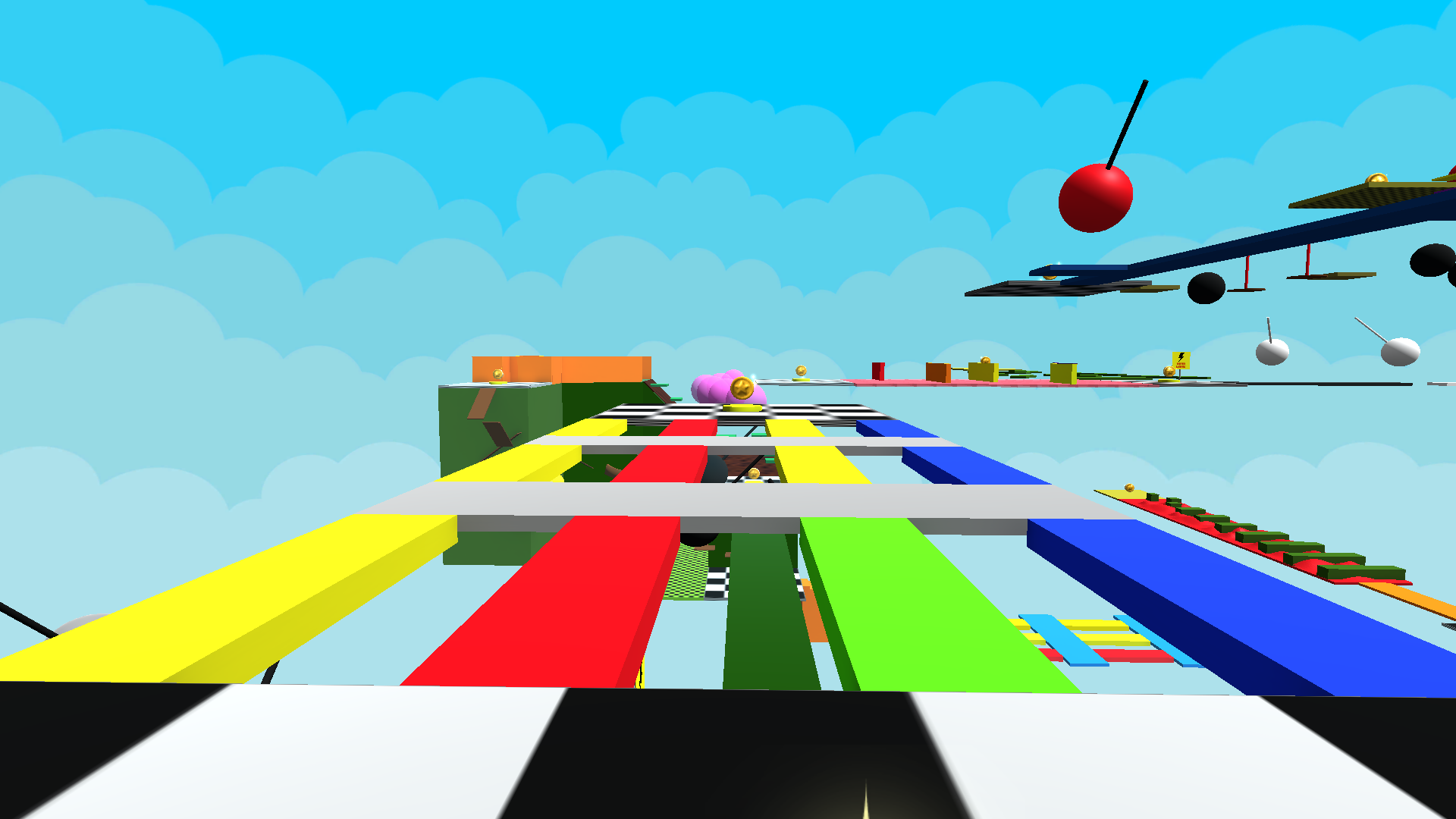
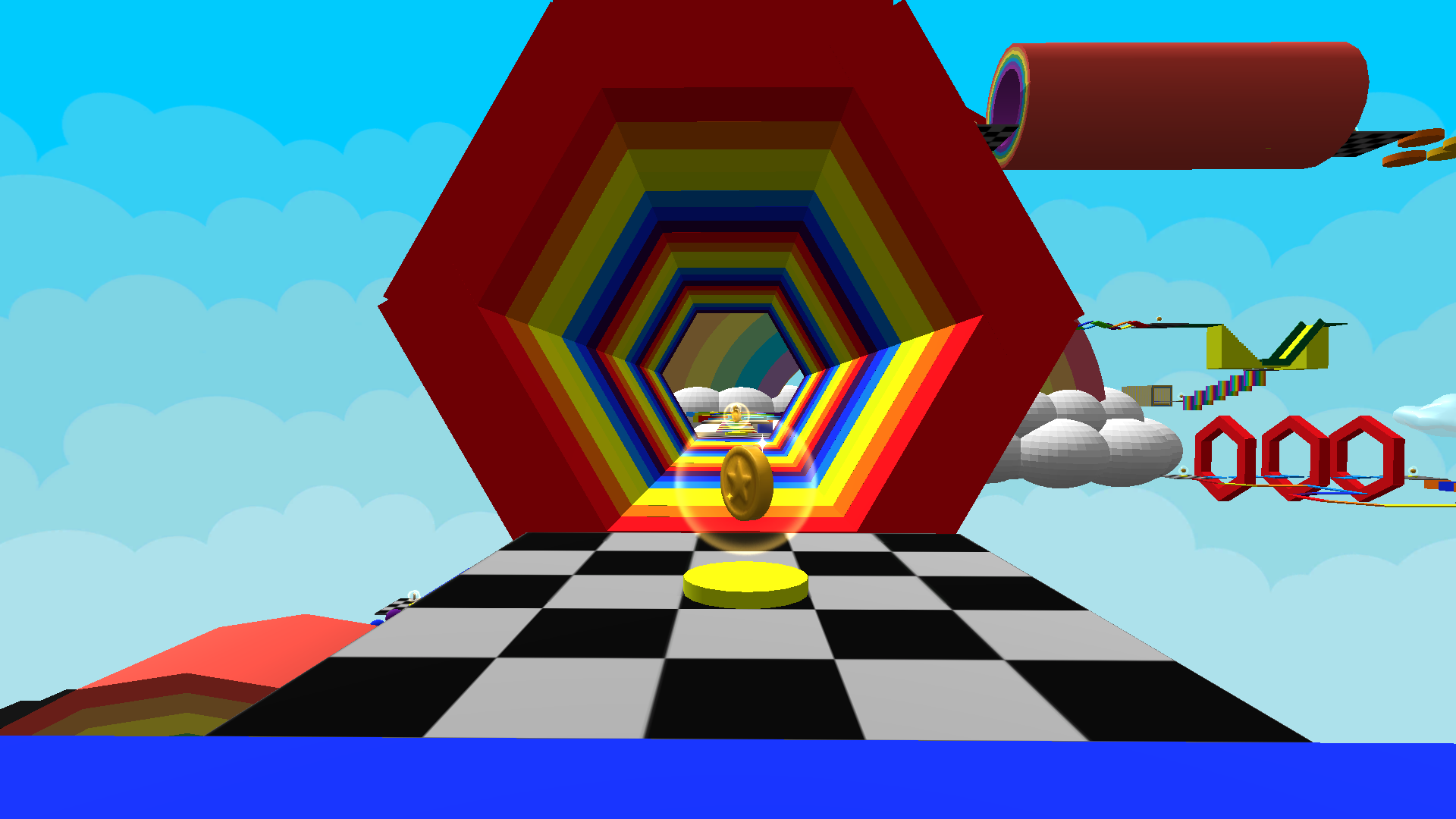
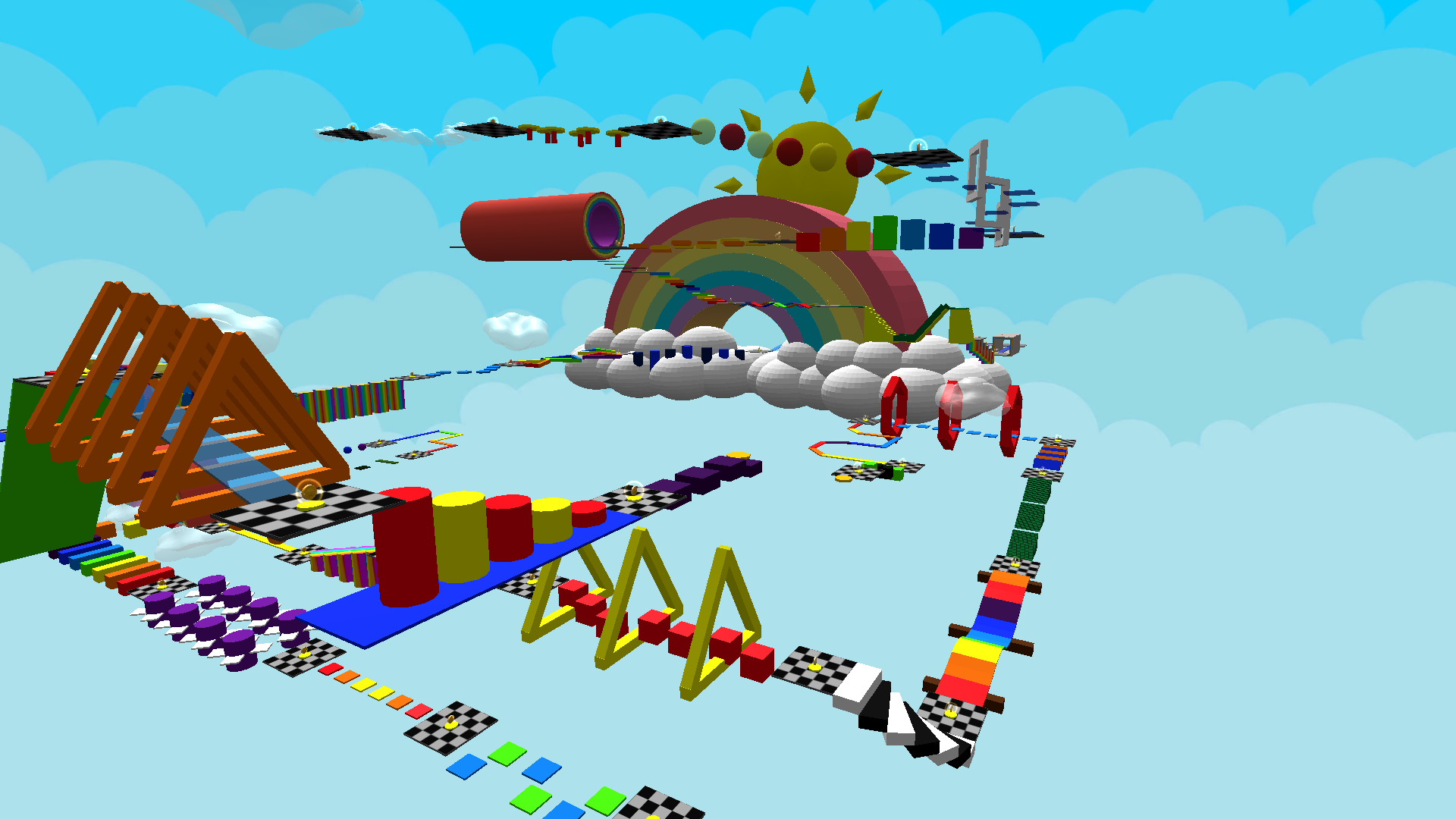
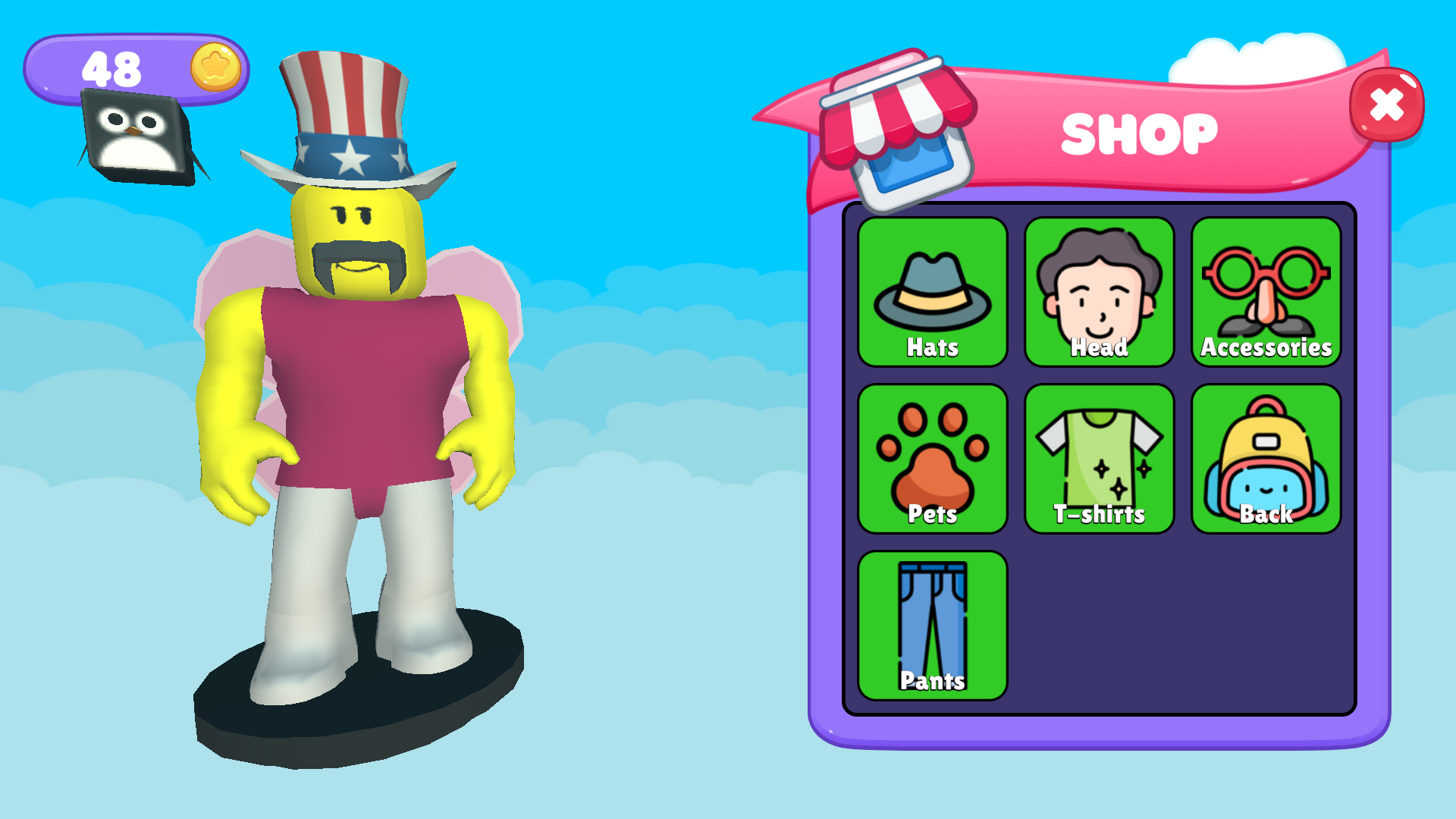
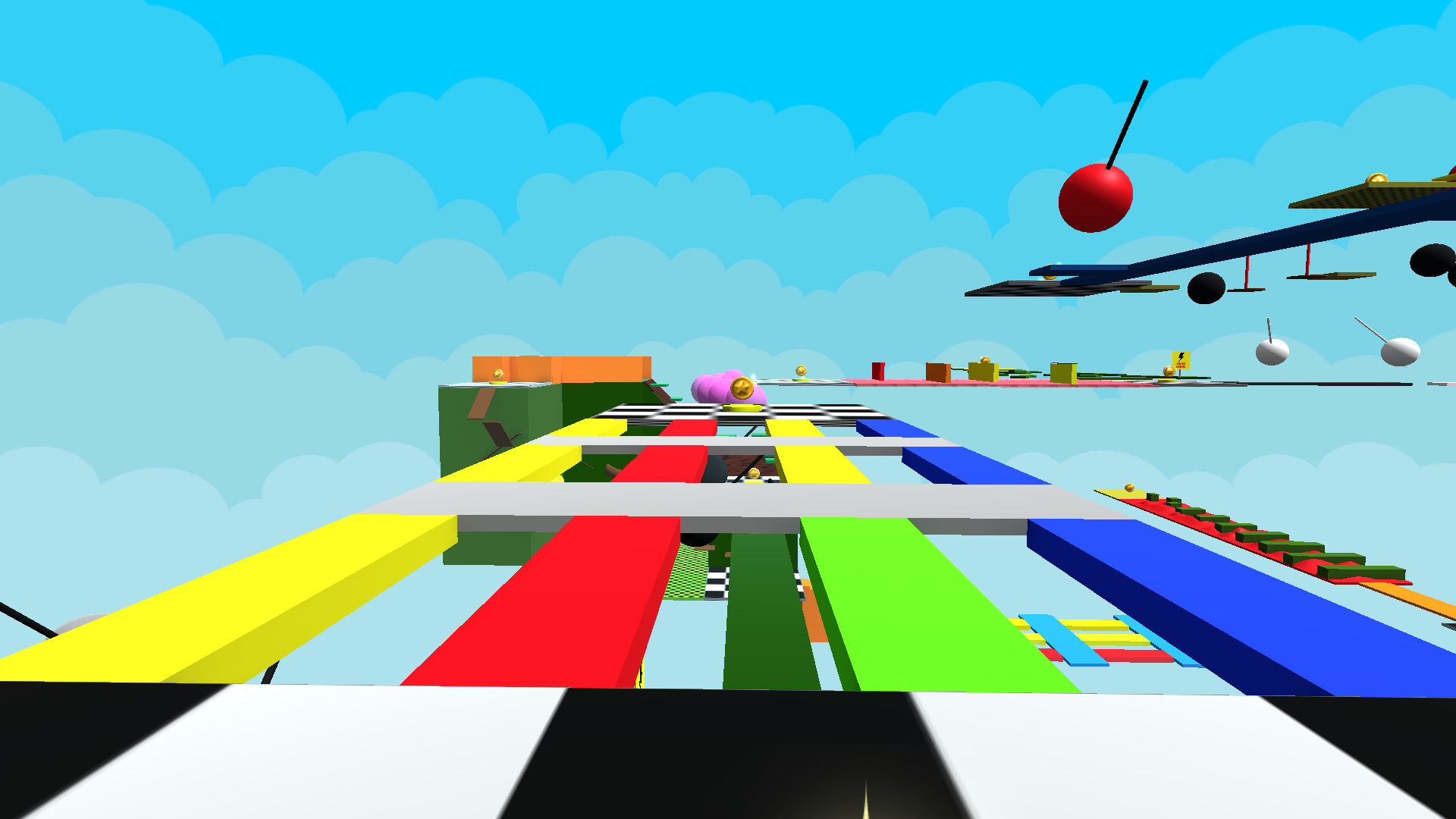
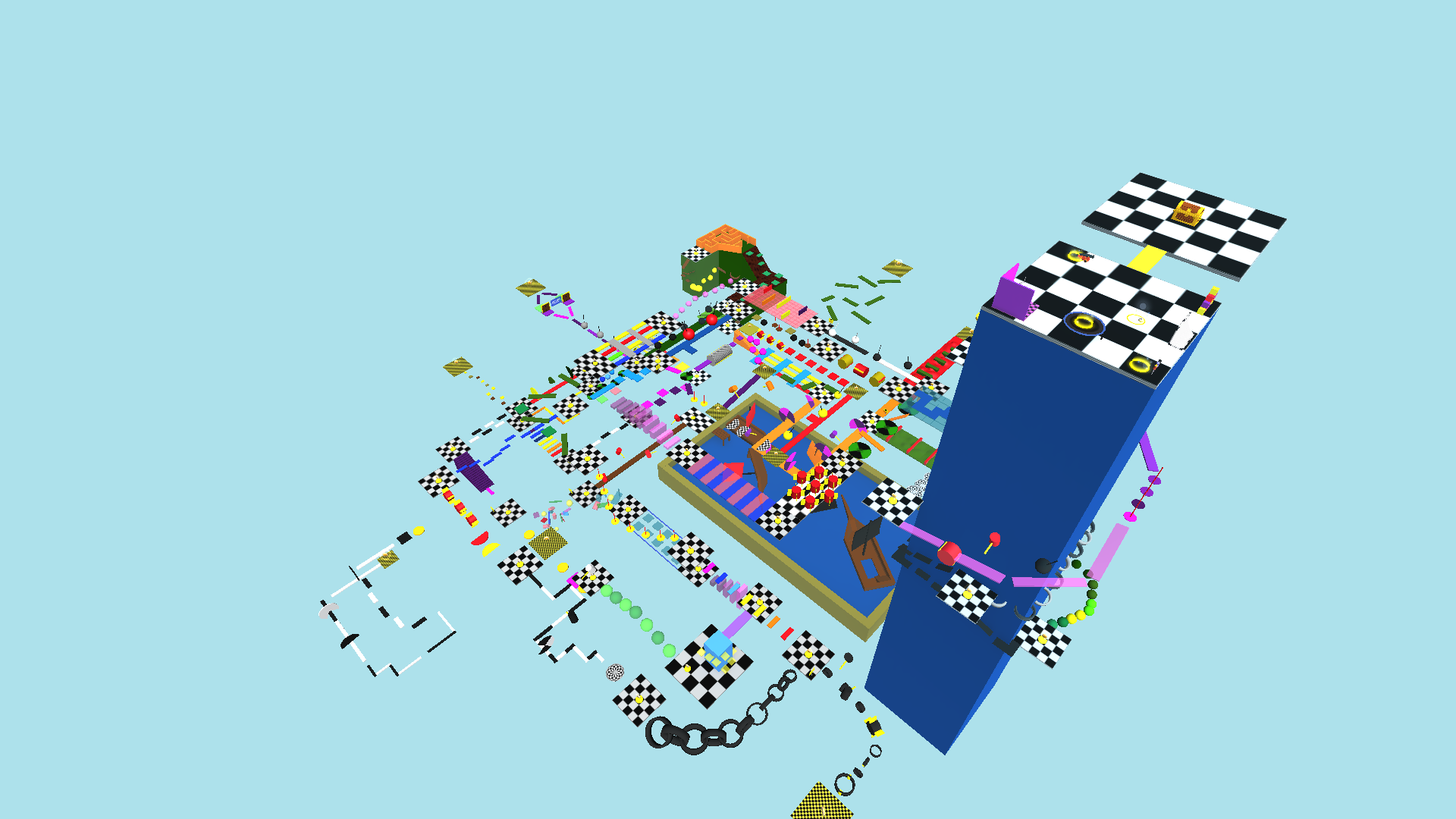
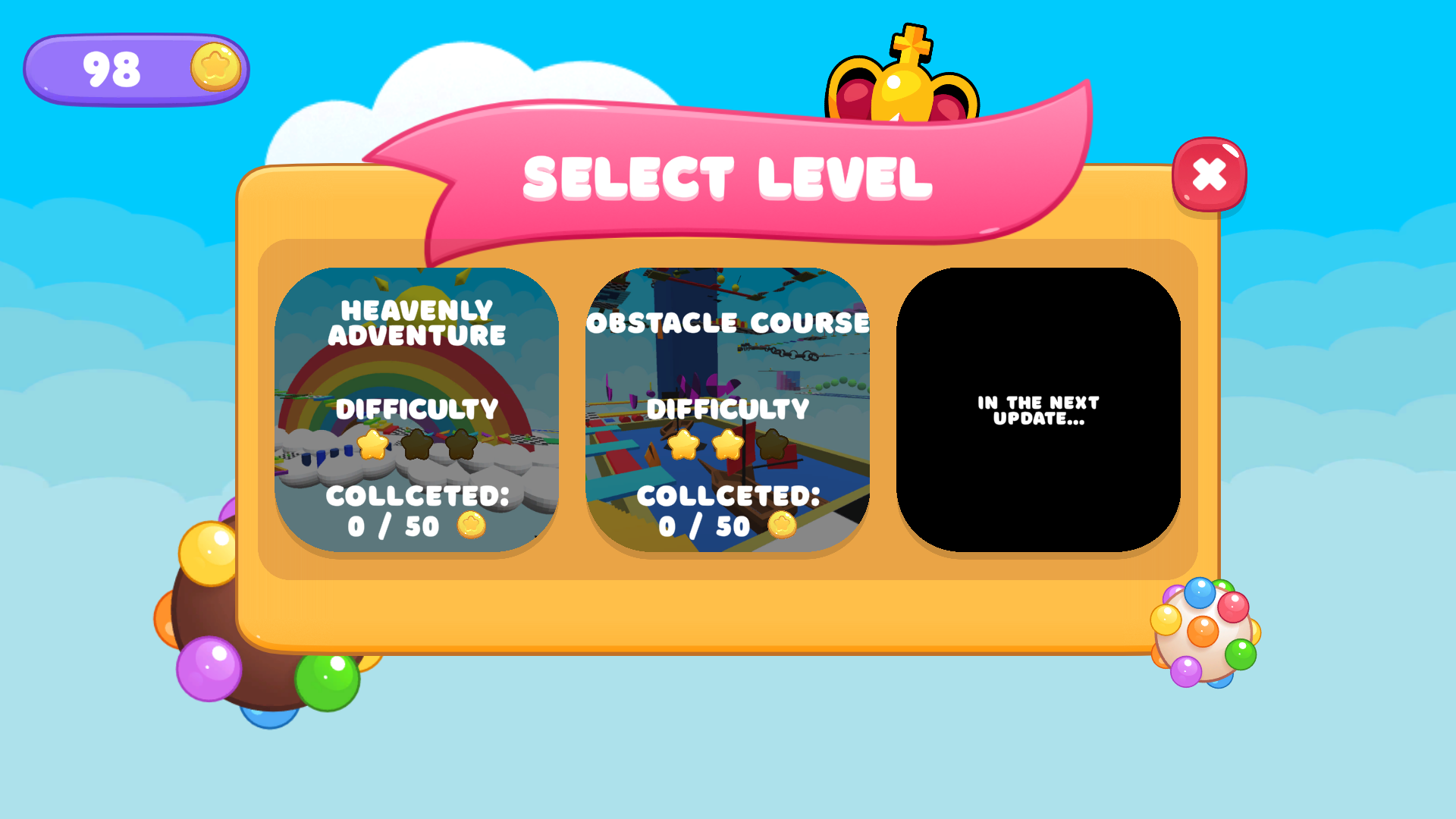
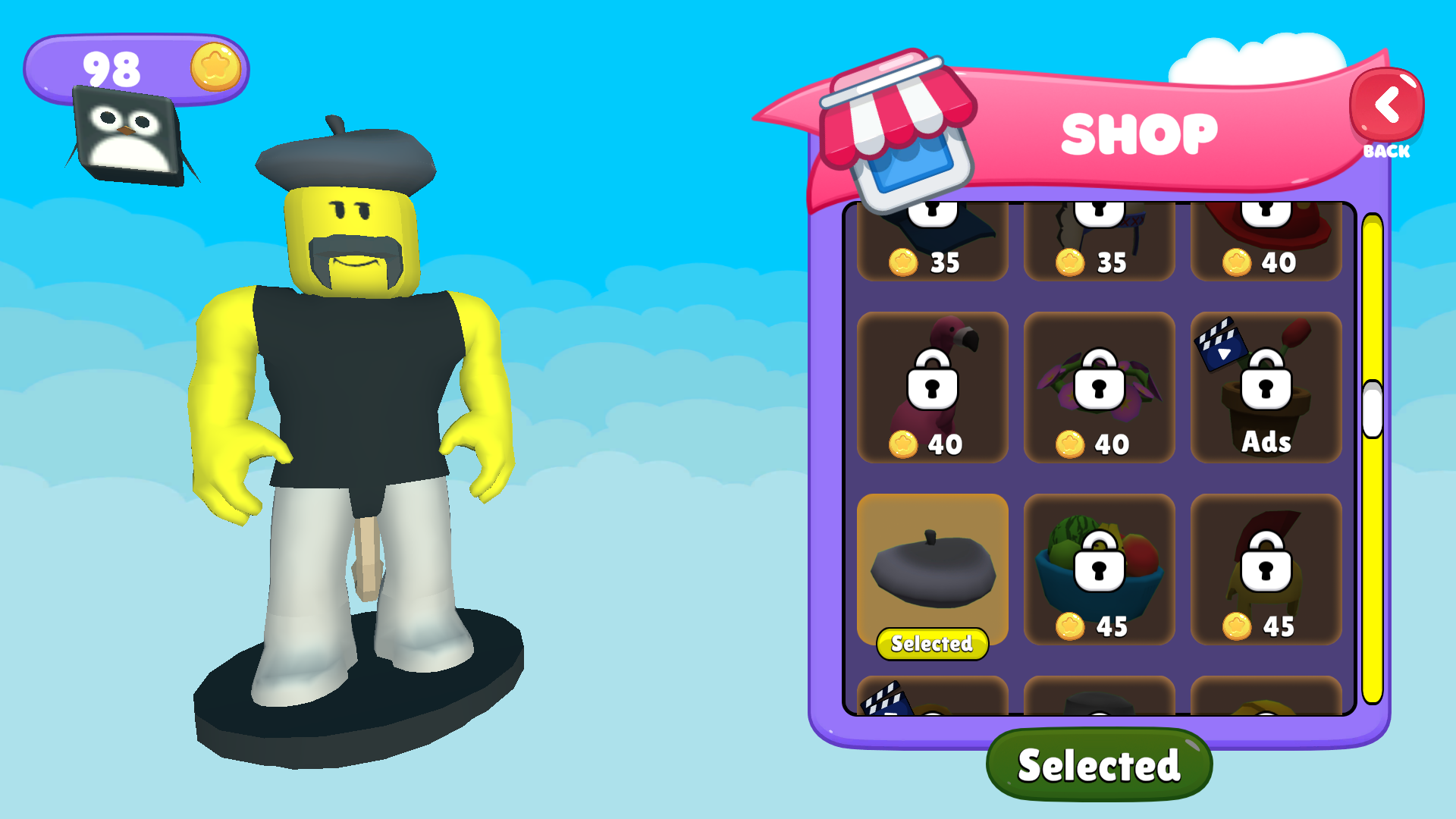
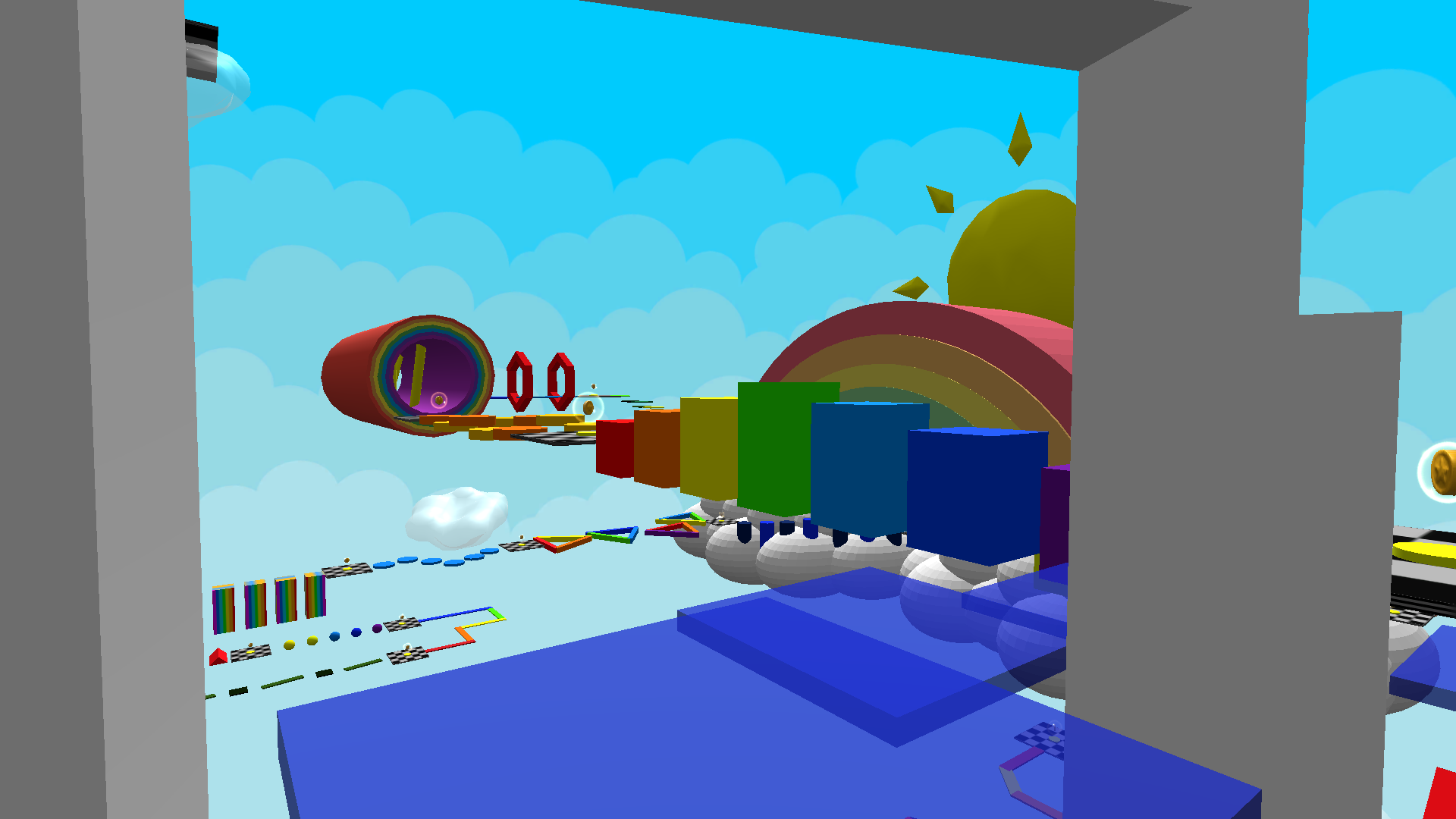
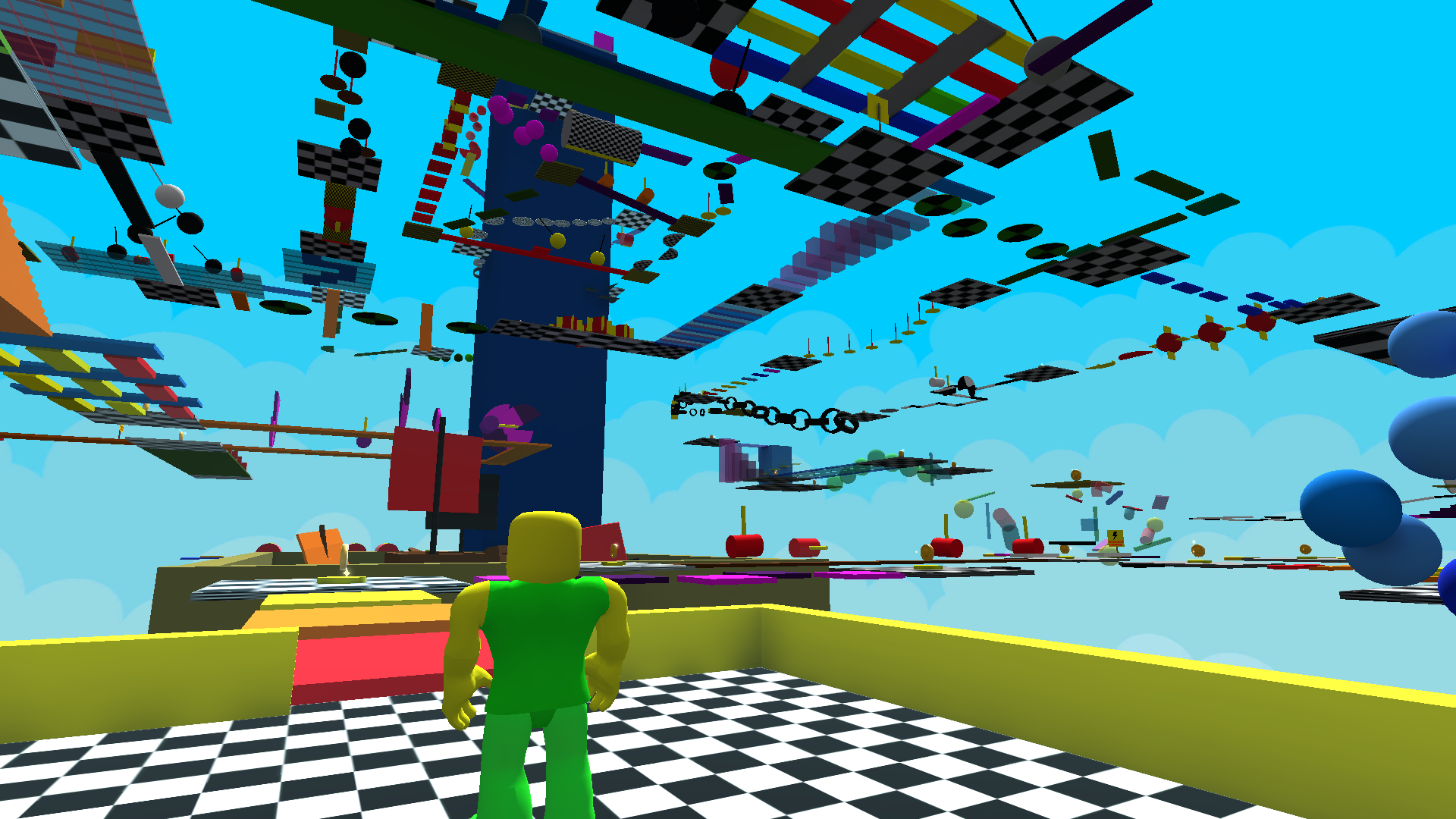
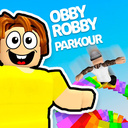
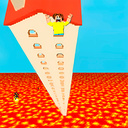
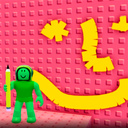
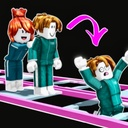
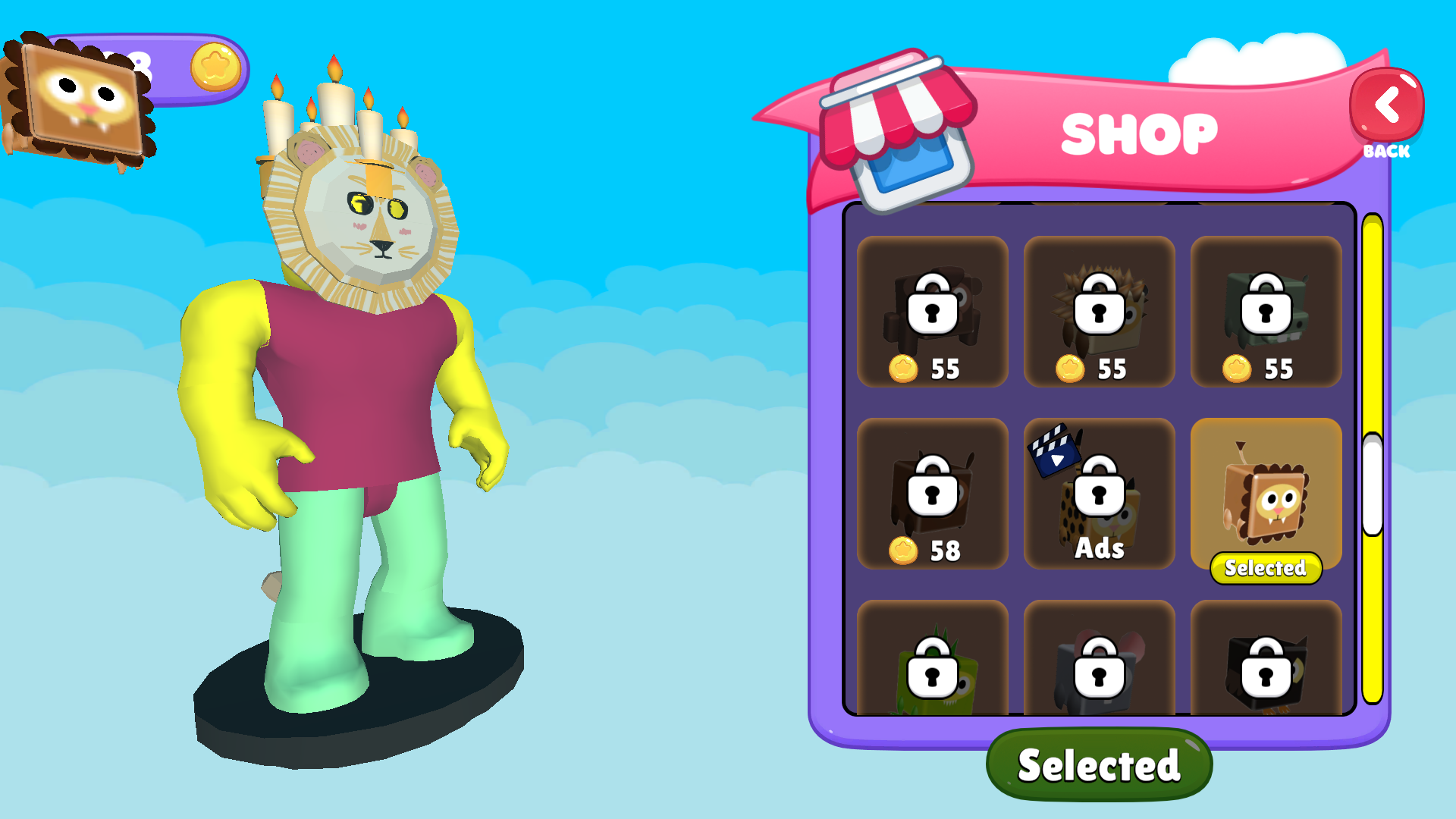
🌈 Robbie: Go through Parkour! πŸƒβ€β™‚οΈβœ¨ Welcome to the vibrant world of fun parkour! Jump on clouds, run on rainbows and complete huge levels with different challenges! Each stage is a new adventure and a lot of fun. πŸ˜„ Earn in-game currency for completing levels πŸ› Buy cool skins - choose from a large number of items for yourself Explore large and diverse maps with interesting obstacles Become a true master of parkour! Can you go all the way? πŸš€ Play right now and show what you can do! πŸ’ͺ😎

Videos and screenshots
  • Robbi: Go through parkour screenshot 1
  • Robbi: Go through parkour screenshot 2
  • Robbi: Go through parkour screenshot 3
  • Robbi: Go through parkour screenshot 4
  • Robbi: Go through parkour screenshot 5
  • Robbi: Go through parkour screenshot 6
  • Robbi: Go through parkour screenshot 7
  • Robbi: Go through parkour screenshot 8
  • Robbi: Go through parkour screenshot 9
  • Robbi: Go through parkour screenshot 10
  • Robbi: Go through parkour screenshot 11
  • Robbi: Go through parkour screenshot 12
  • Robbi: Go through parkour screenshot 13
  • Robbi: Go through parkour screenshot 14
  • Robbi: Go through parkour screenshot 15
  • Robbi: Go through parkour screenshot 16
  • Robbi: Go through parkour screenshot 17
  • Robbi: Go through parkour screenshot 18
  • Robbi: Go through parkour screenshot 19
  • Robbi: Go through parkour screenshot 20
Play Now

14,336 players online

How to play

  1. Open the game

    Press Play now and the game opens on its own screen.

  2. Follow the in-game instructions

    The controls and goals are shown inside the game as you play.

  3. Use the game menu

    The floating button over the game reloads it, saves it to your favourites, or takes you back out.
Game instructions

πŸ–₯️Control (Computer): WASD - character movement Mouse - camera rotation Space bar - jump Tab - pause πŸ“±Management (Mobile devices): The joystick on the screen moves the character. Hold and move the joystick anywhere on the screen - camera rotation The jump button on the screen is a jump Pause button on the screen - pause

More games

More games