Overview
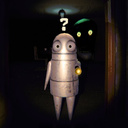
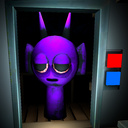
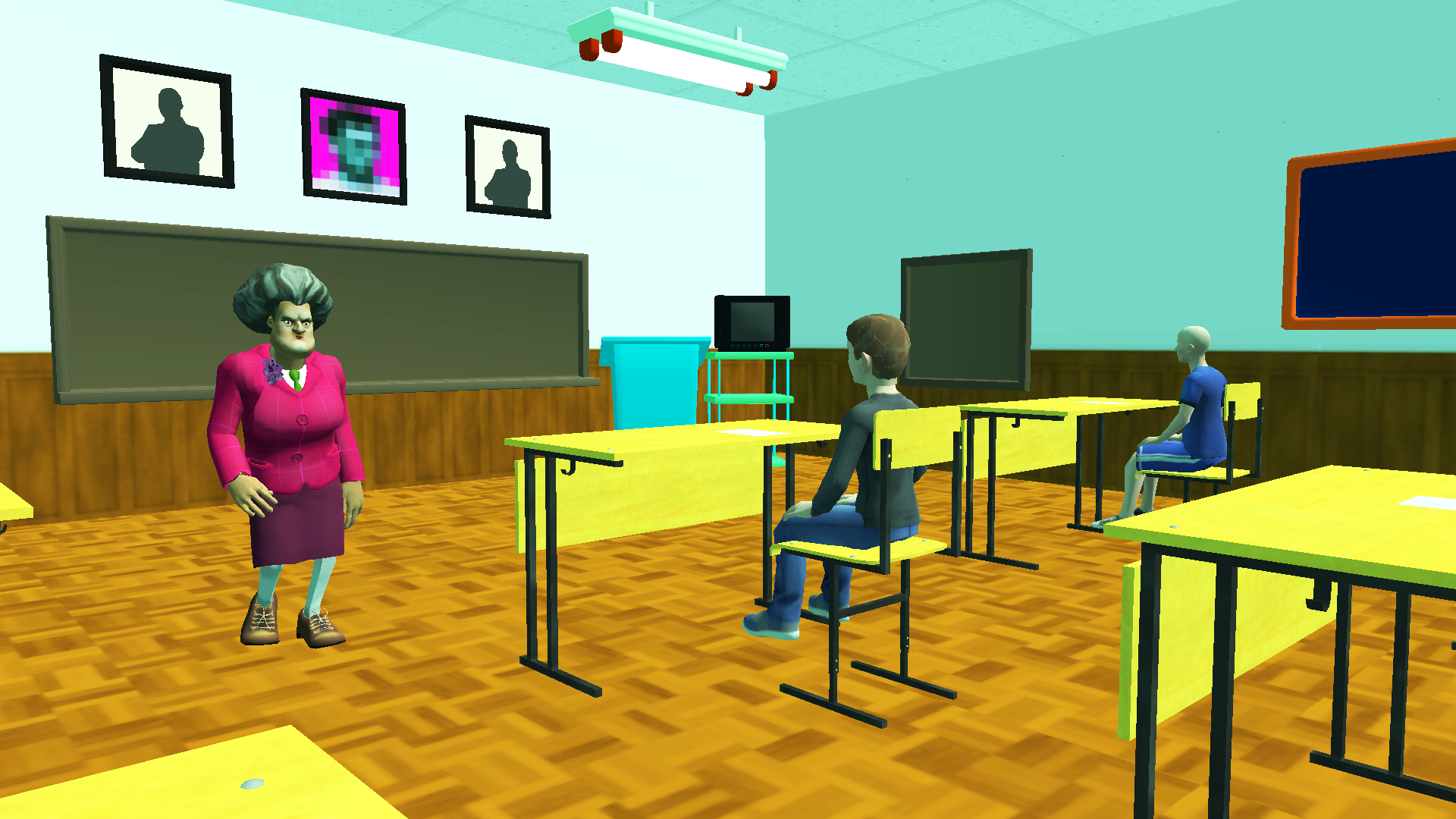
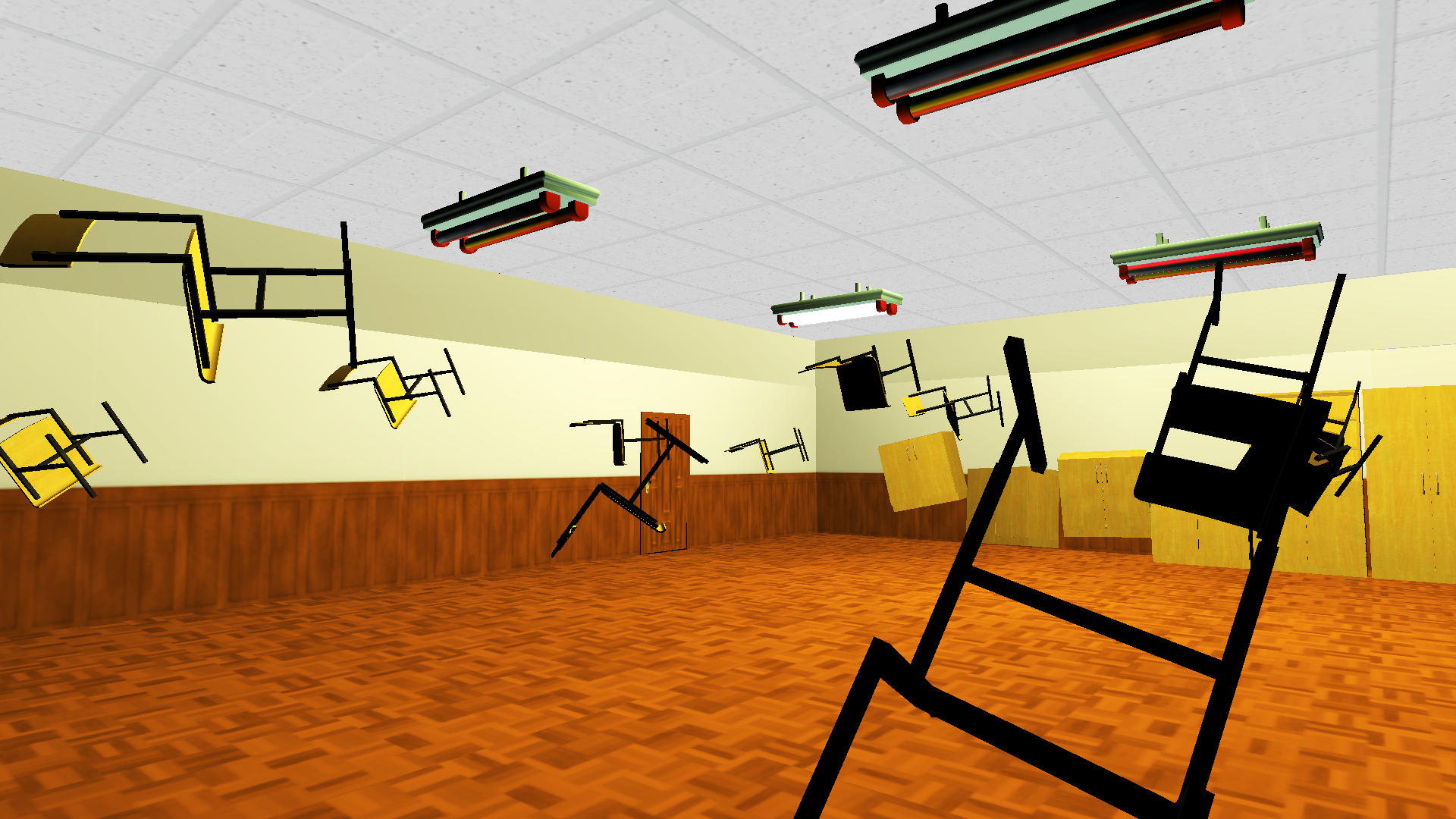
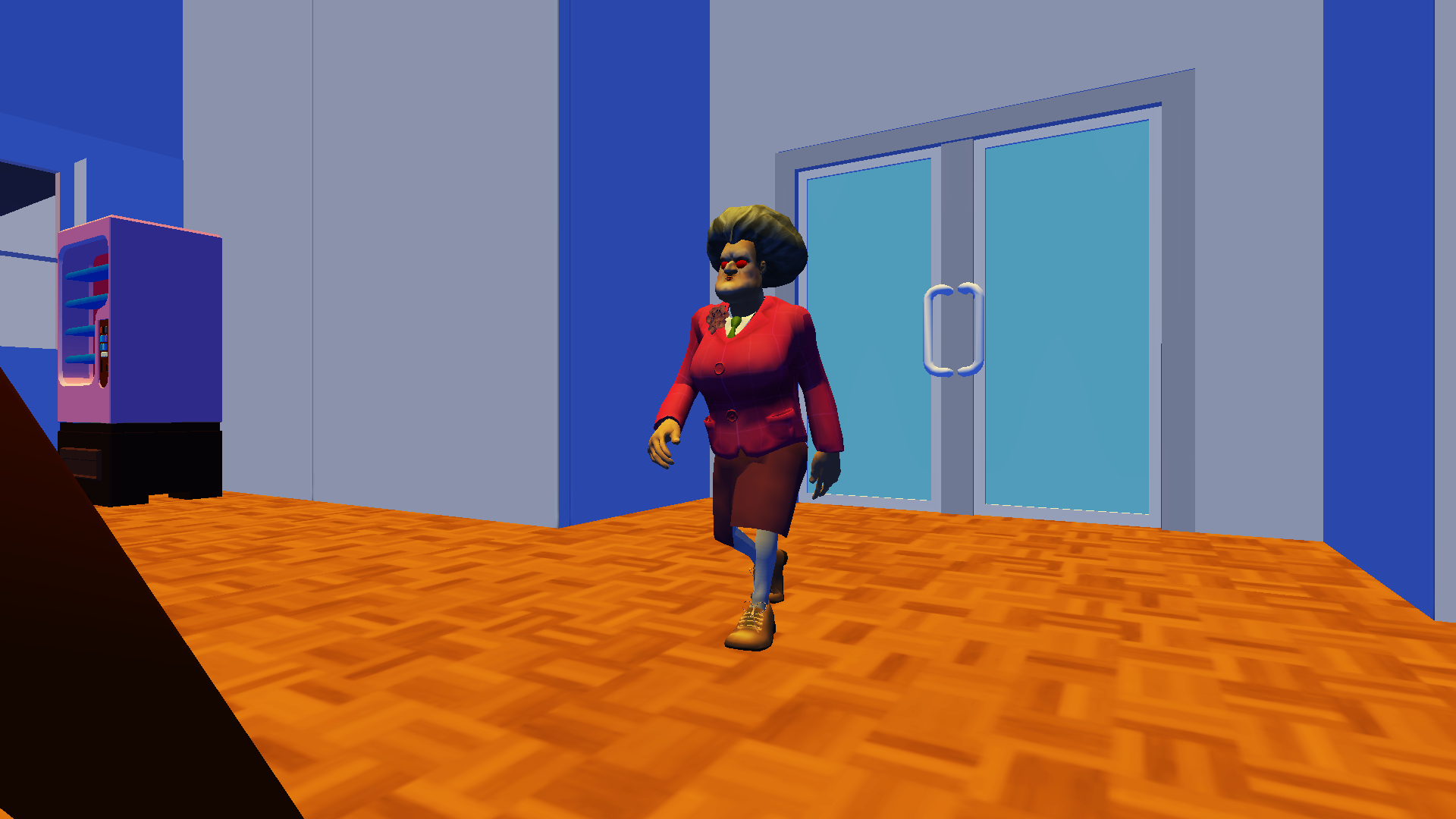
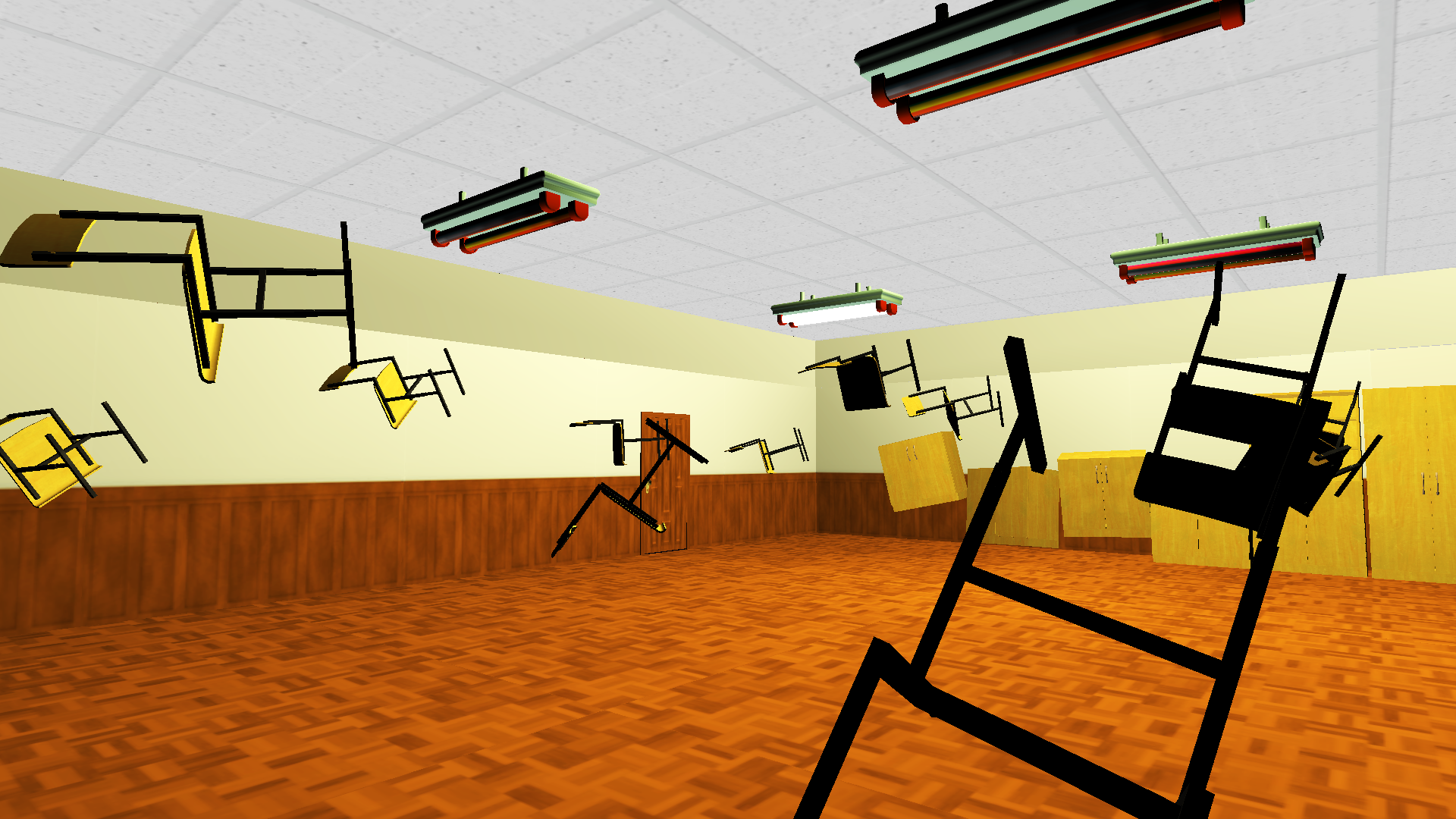
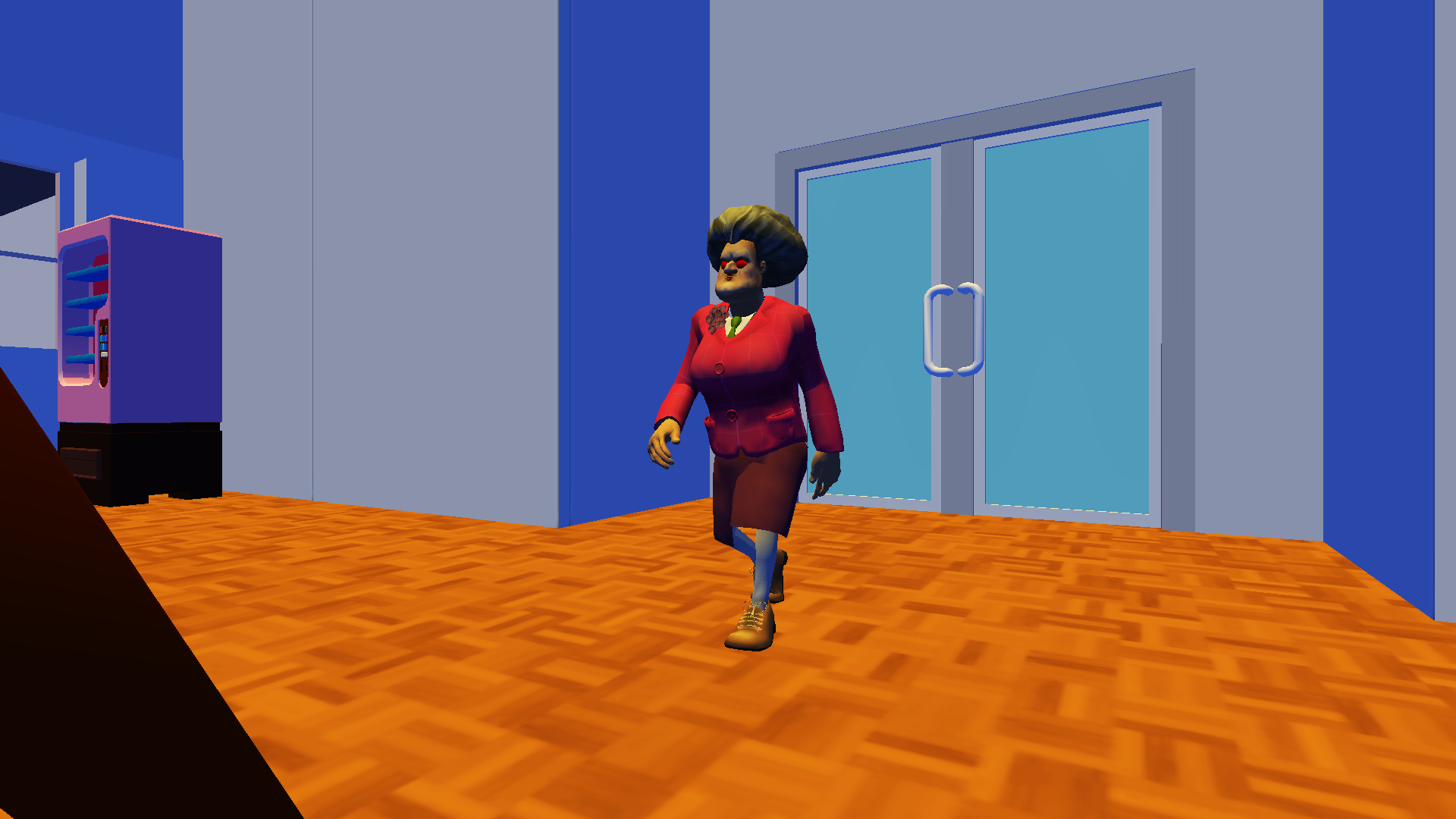
Schoolboy Runaway: Examine is a gripping first-person stealth horror that will take you into an atmosphere of horror, tension and fear. The main character is a boy who found himself at an exam and realized that he had forgotten everything.
But he is not going to give up, because he has a plan that will help him cheat!
You have to carry out this risky plan, avoiding meetings with evil teachers and using all available means at hand. At all costs, you must get 5!
Features of the horror game “Schoolboy Runaway: Examine”:
- Many locations where you will need to solve puzzles and look for keys.
- Stealth mode: Hide, sneak and avoid meeting evil teachers!
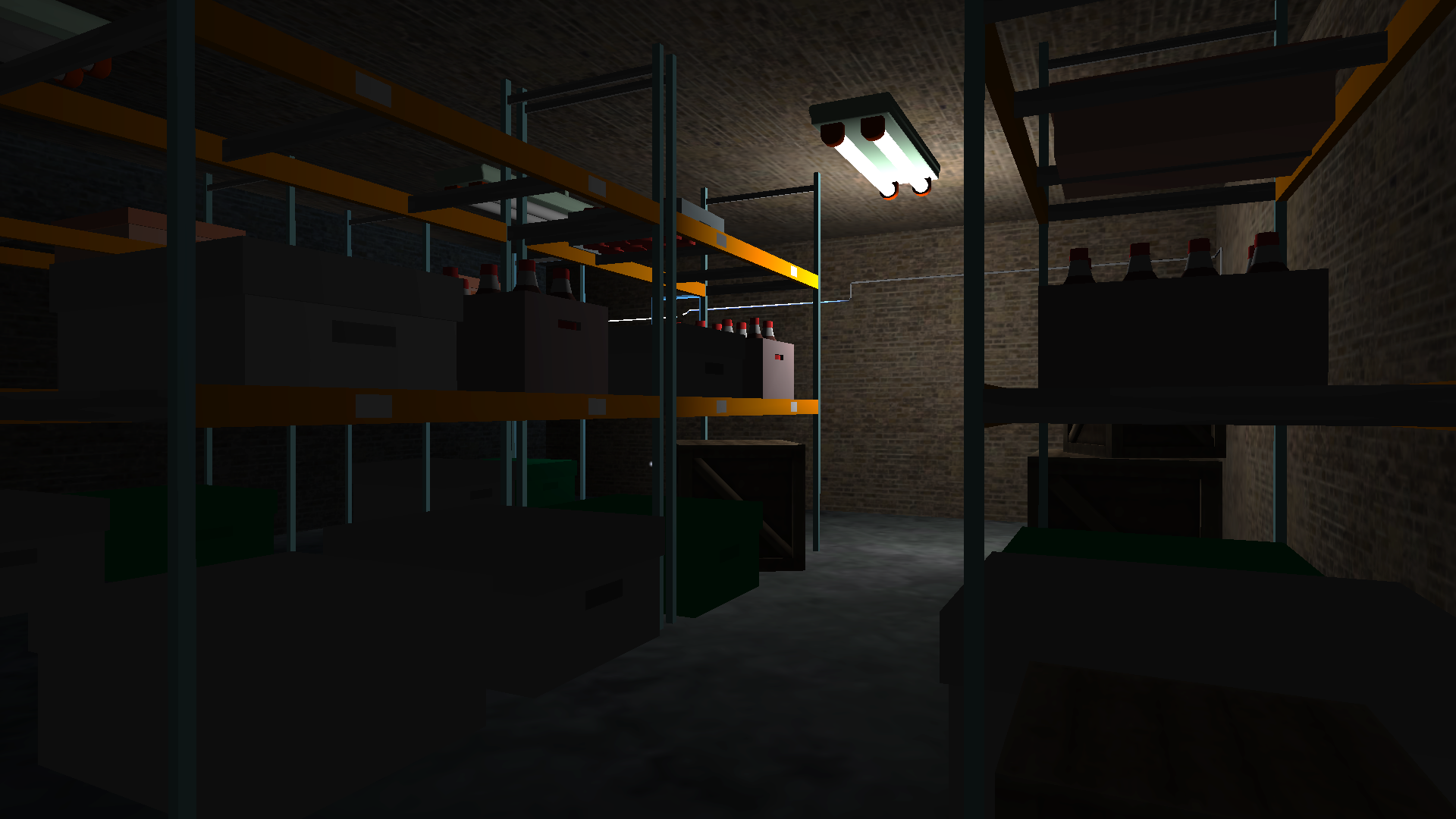
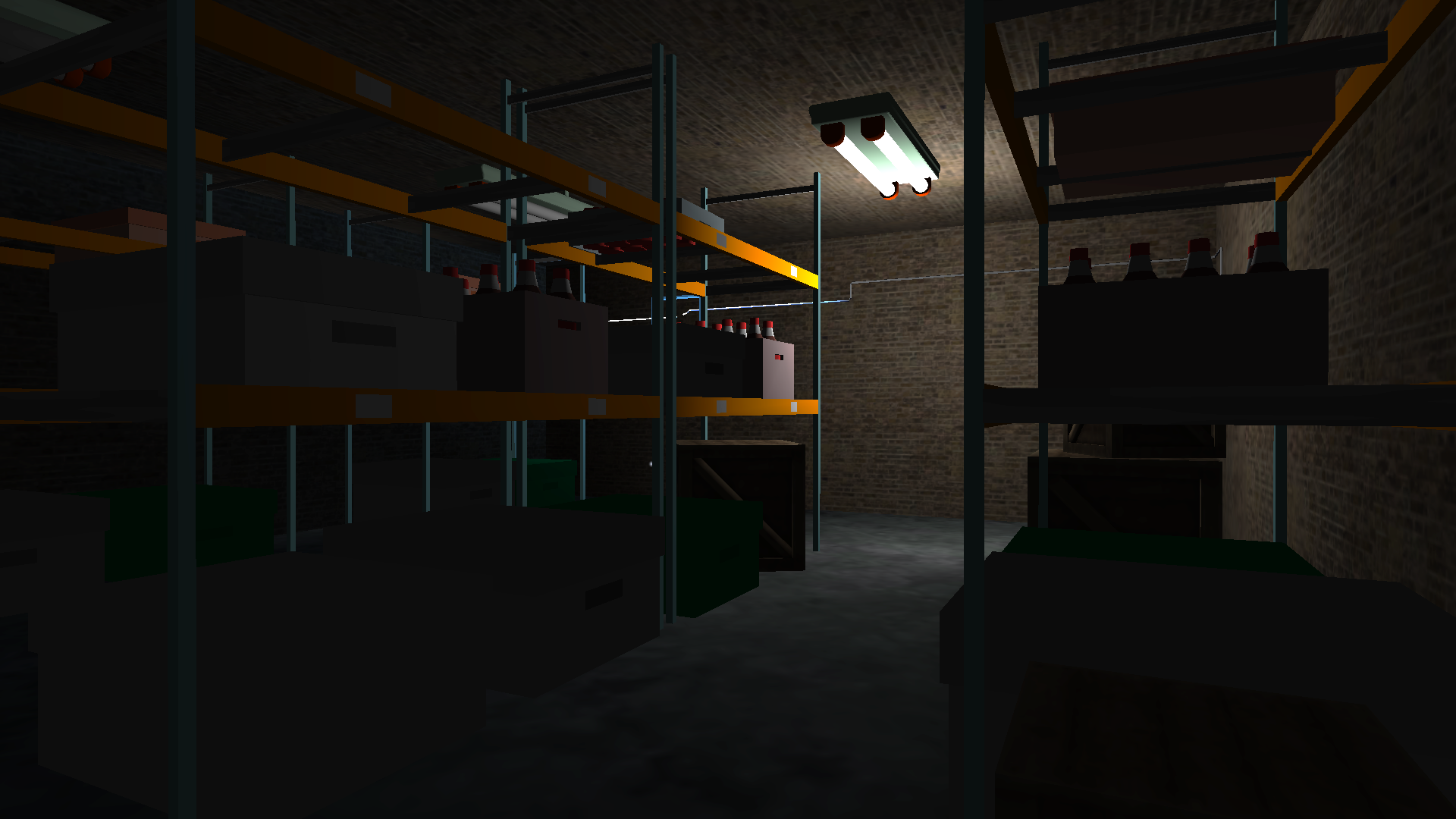
- Horror atmosphere: Beware of every unexpected sound, creak and rustle, peer into the dark corridors of your school.
- Interactive: Explore every corner of the school, become a real detective.
Videos and screenshots





10,244 players online
How to play
-
Open the game
Press Play now and the game opens on its own screen.
-
Follow the in-game instructions
The controls and goals are shown inside the game as you play.
-
Use the game menu
The floating button over the game reloads it, saves it to your favourites, or takes you back out.