Skip to content
KG
Space Rocket Simulator

Space Rocket Simulator

5K plays 3.6 out of 5

Overview

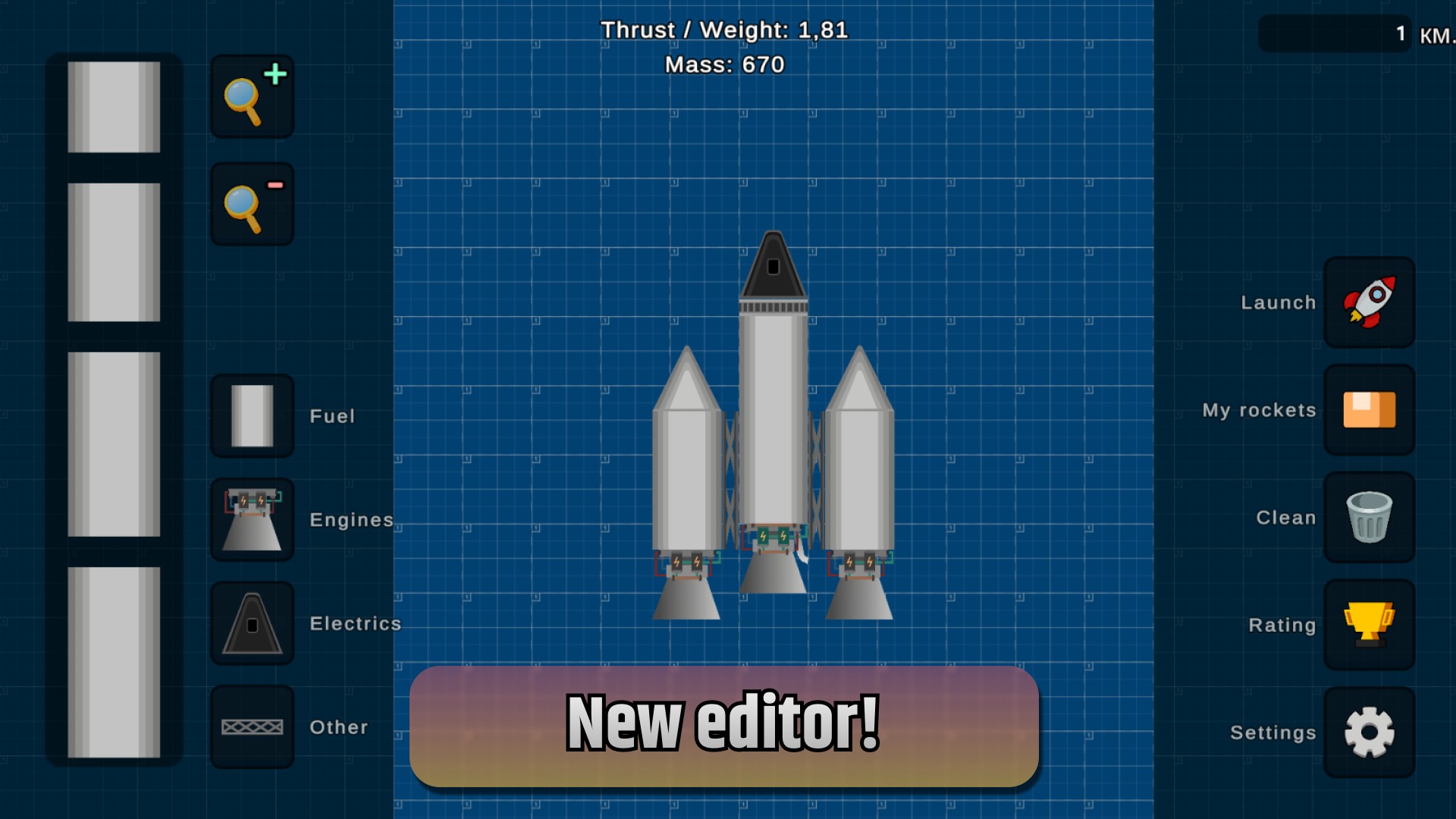
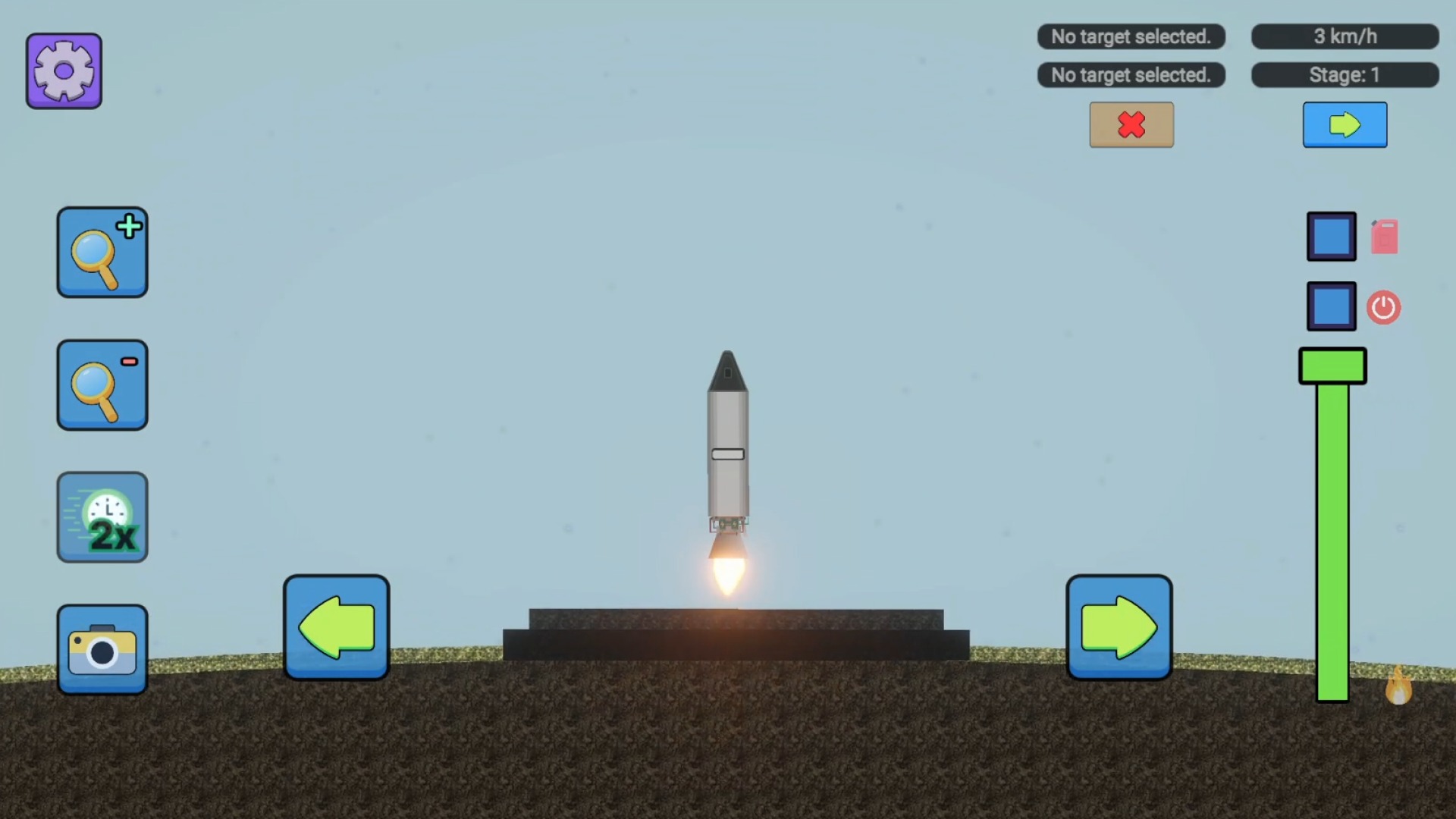
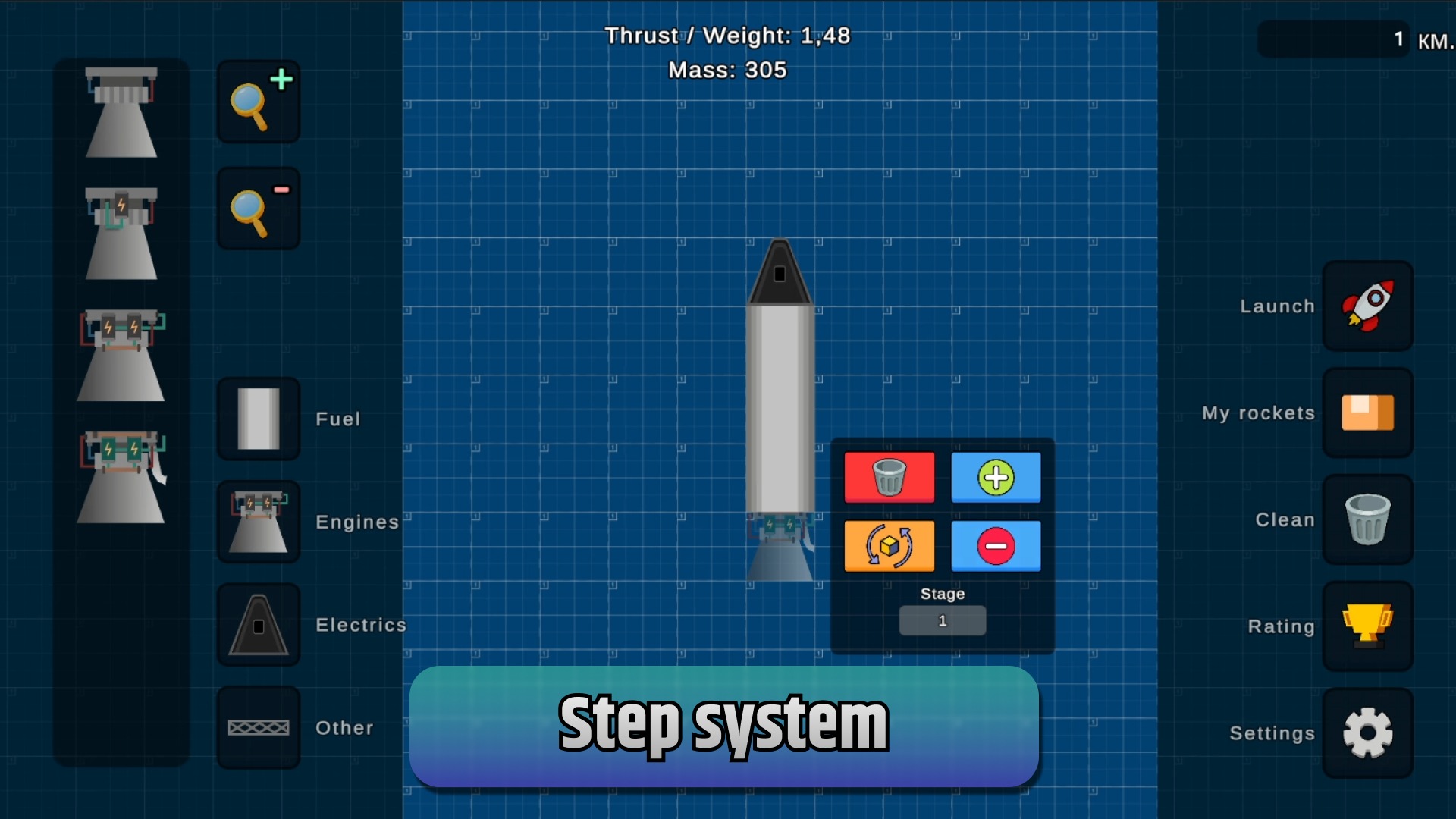
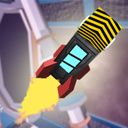
Build your own rocket and set off to conquer space! In Space Rocket Simulator, you can create your own spacecraft from different parts, install engines, and prepare it for launch. Experiment with different designs, adjust the thrust, and test your rocket in real flight. The better your design, the farther you can travel! Explore outer space, cover enormous distances, and make your way to distant planets. 🚀 Build your own rockets 🔥 Launch engines and control thrust 🪐 Travel to distant planets 🛠 Experiment with different designs 🌌 Explore outer space How far can your rocket go?

Videos and screenshots
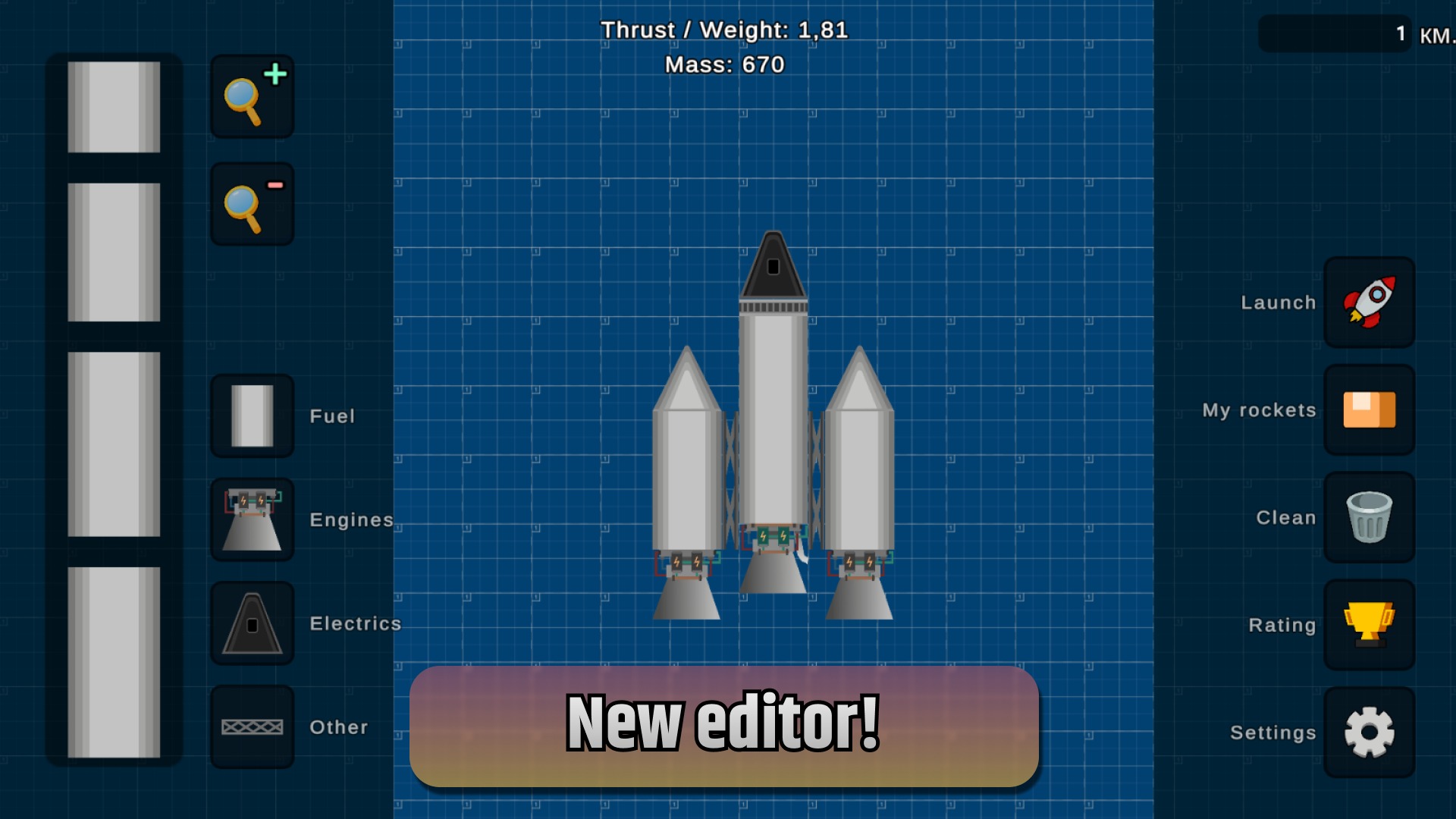
  • Space Rocket Simulator screenshot 1
  • Space Rocket Simulator screenshot 2
  • Space Rocket Simulator screenshot 3
  • Space Rocket Simulator screenshot 4
  • Space Rocket Simulator screenshot 5
  • Space Rocket Simulator screenshot 6
  • Space Rocket Simulator screenshot 7
  • Space Rocket Simulator screenshot 8
  • Space Rocket Simulator screenshot 9
  • Space Rocket Simulator screenshot 10
Play Now

12,566 players online

How to play

  1. Open the game

    Press Play now and the game opens on its own screen.

  2. Follow the in-game instructions

    The controls and goals are shown inside the game as you play.

  3. Use the game menu

    The floating button over the game reloads it, saves it to your favourites, or takes you back out.
Game instructions

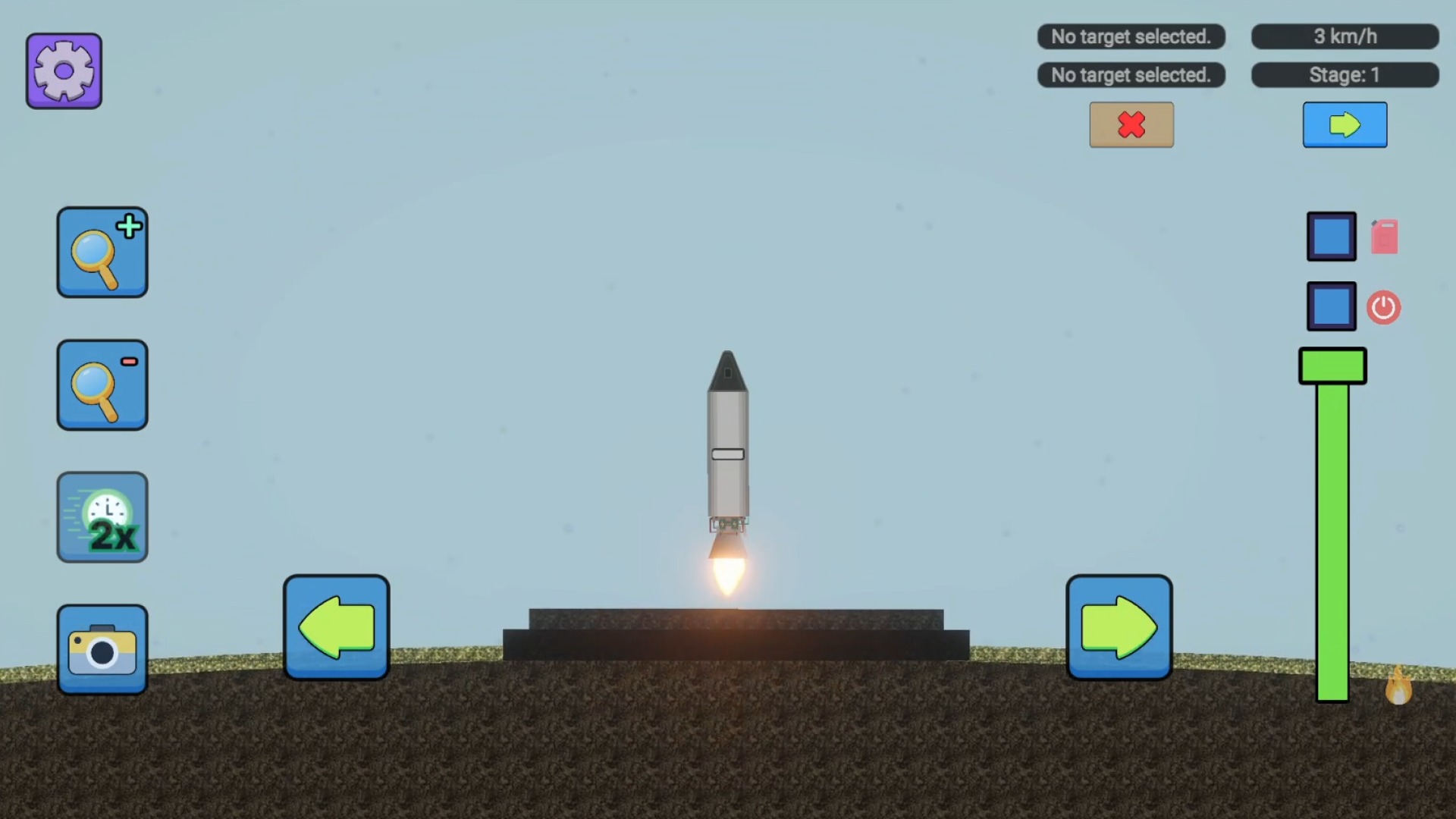
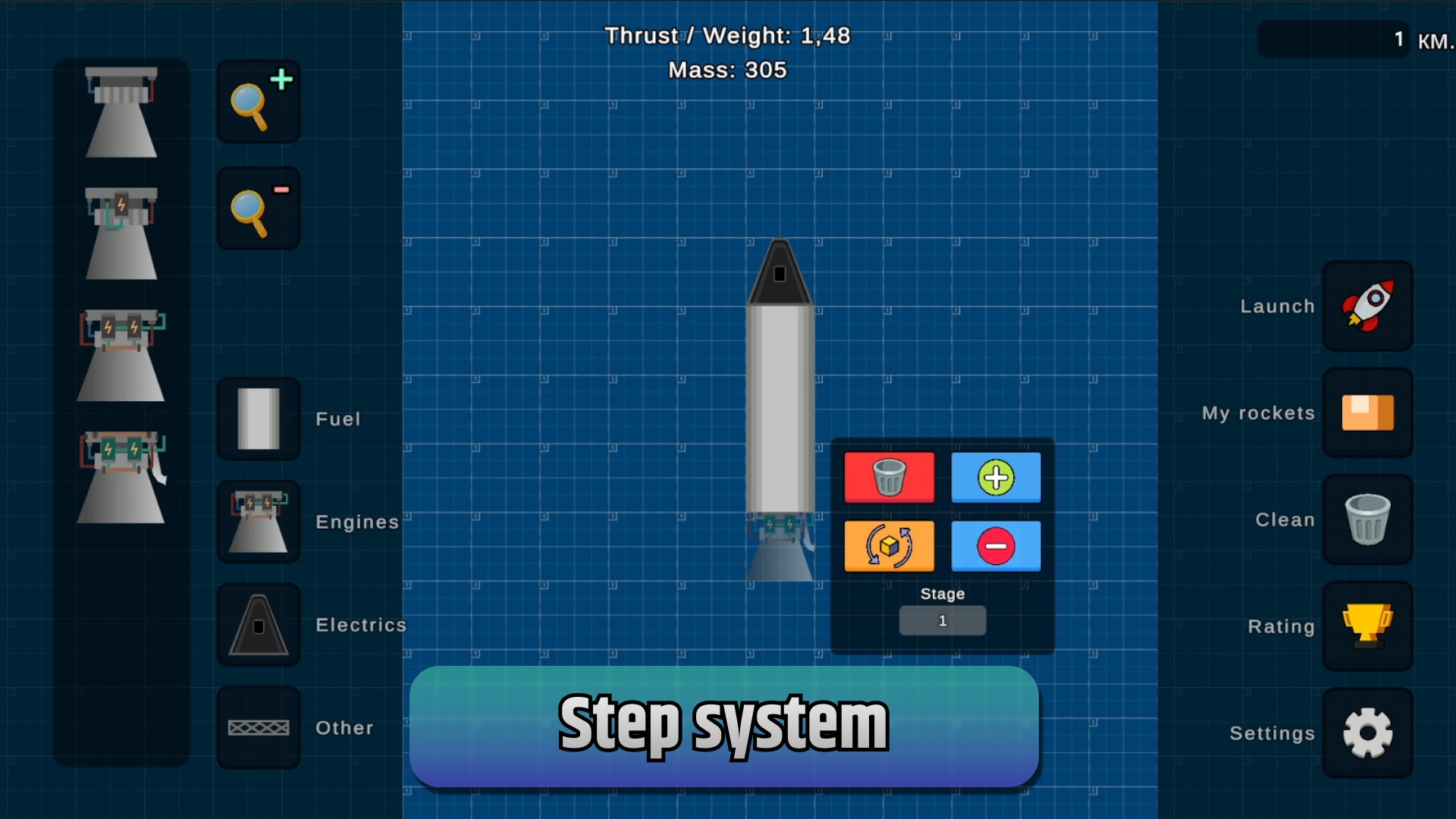
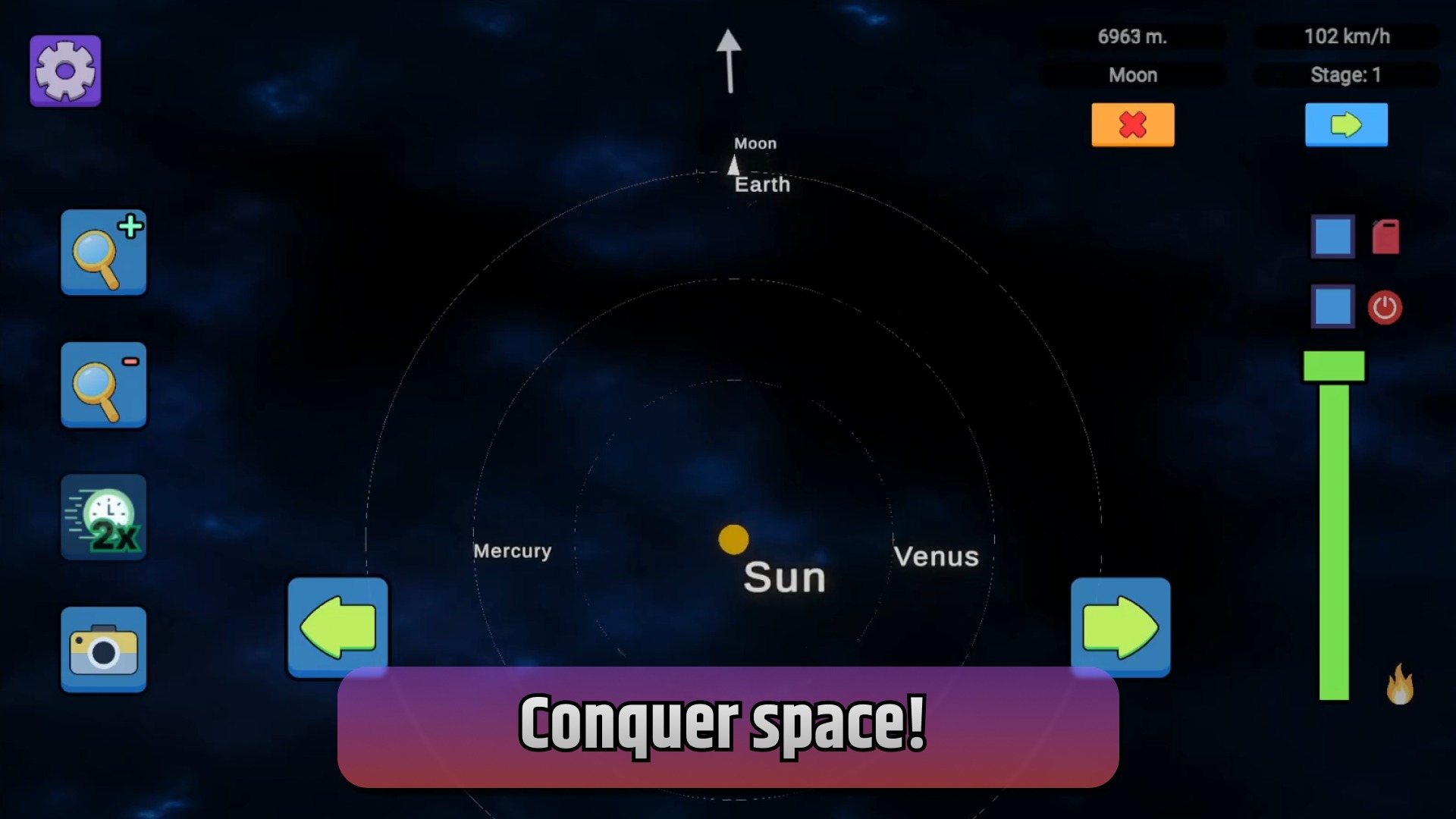
On the left, select the rocket part you need and place it on the canvas. If you need to rotate or make other changes to a part, just click on it! To turn on the engine, click on it, and then press the power button on the right and set the traction force. You can set a flight target by clicking on any planet in the map view mode. To see the map, click on the camera button! On PC: Control the rotation of the rocket to "A" and "D". On a smartphone: Controlling the rotation of the rocket using the Left-Right buttons.

More games

More games