Overview
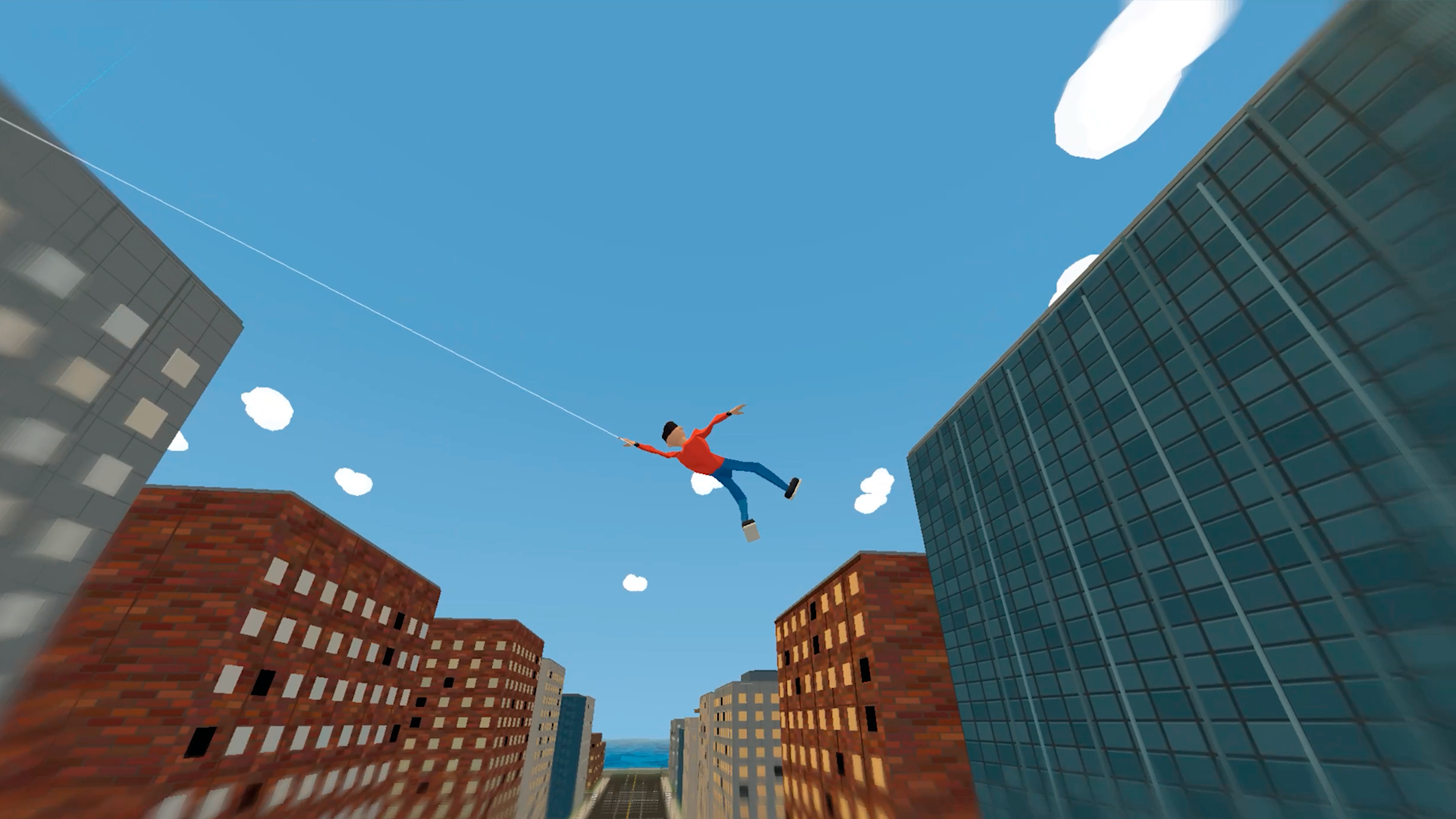
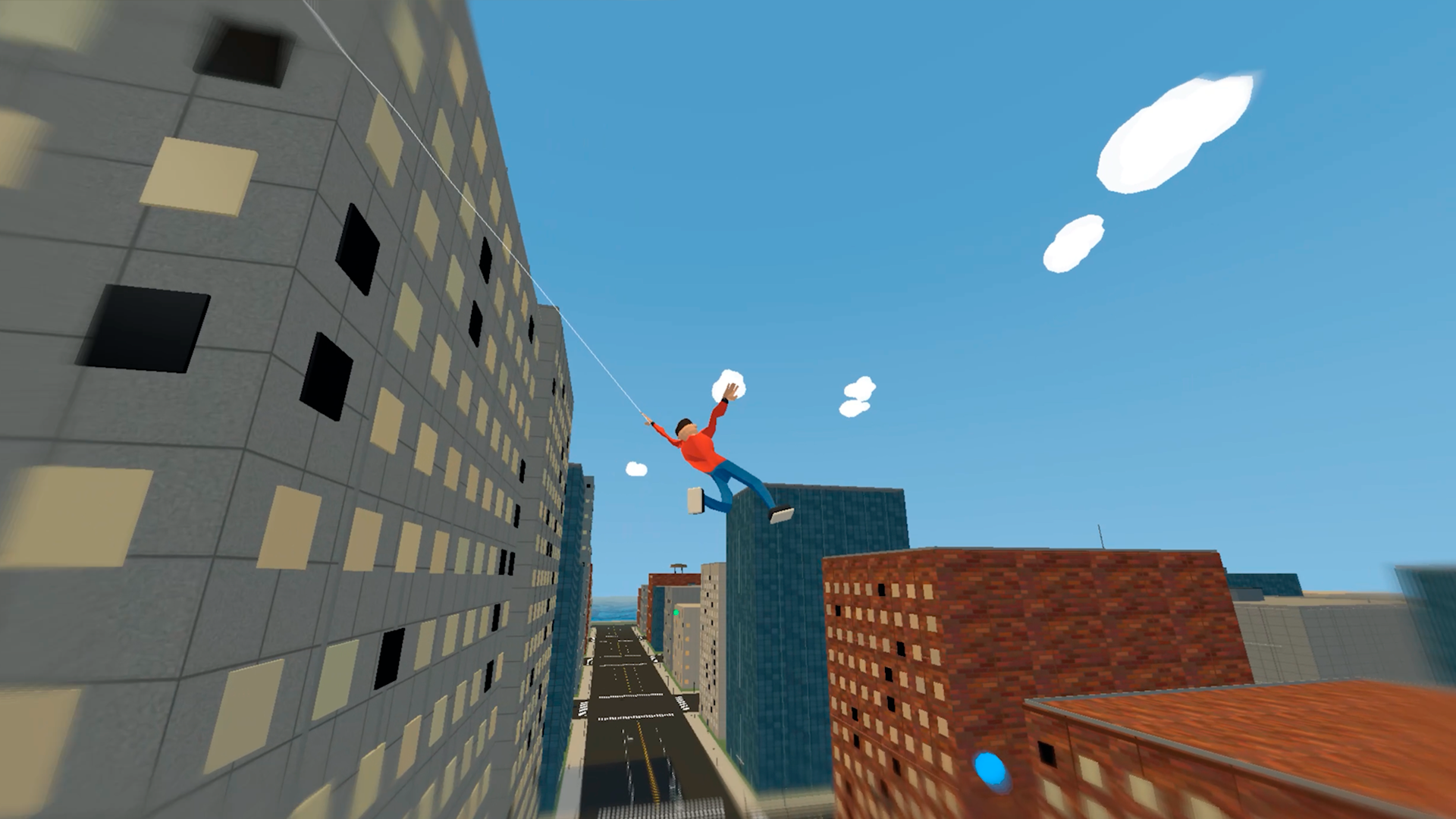
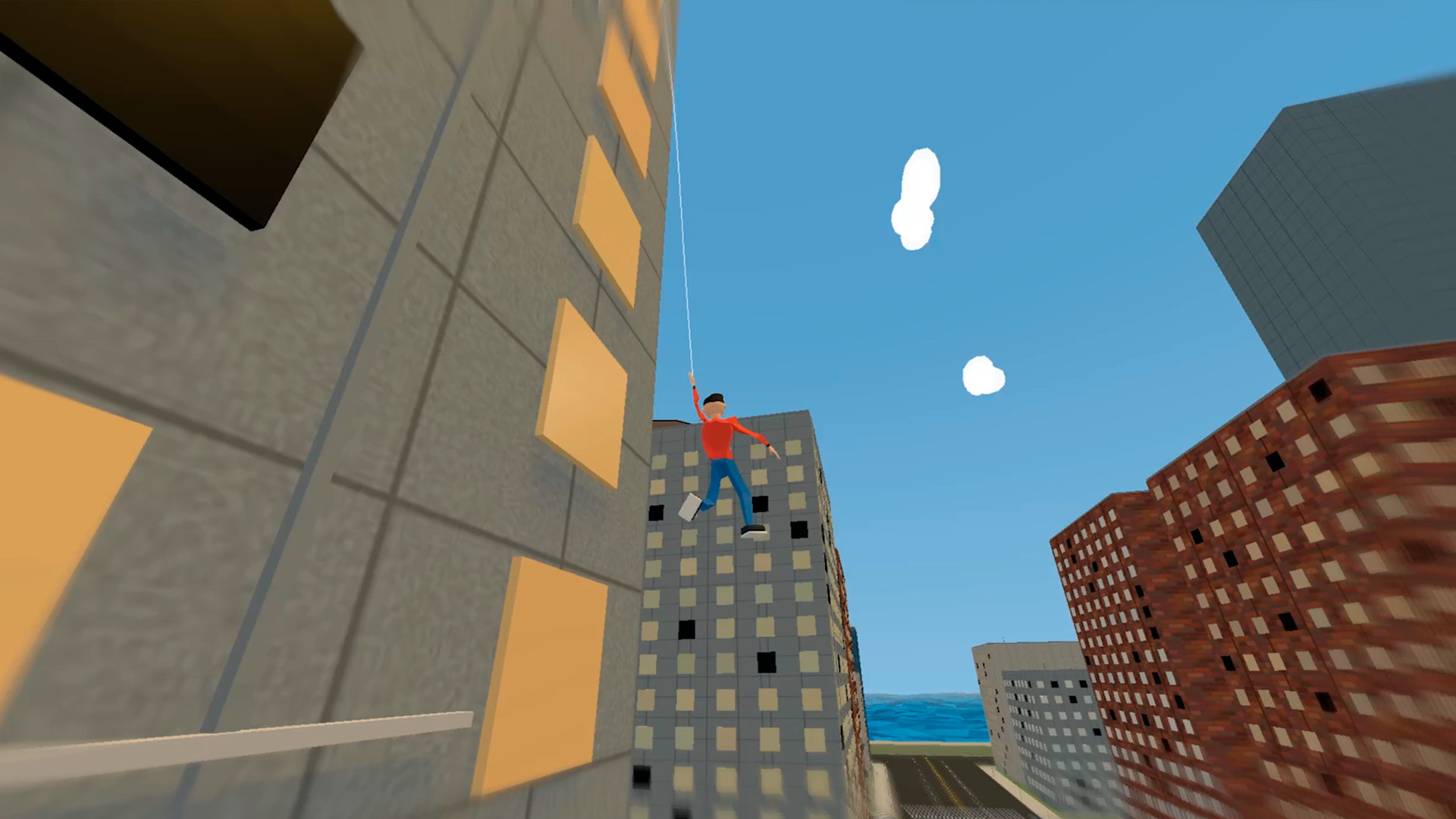
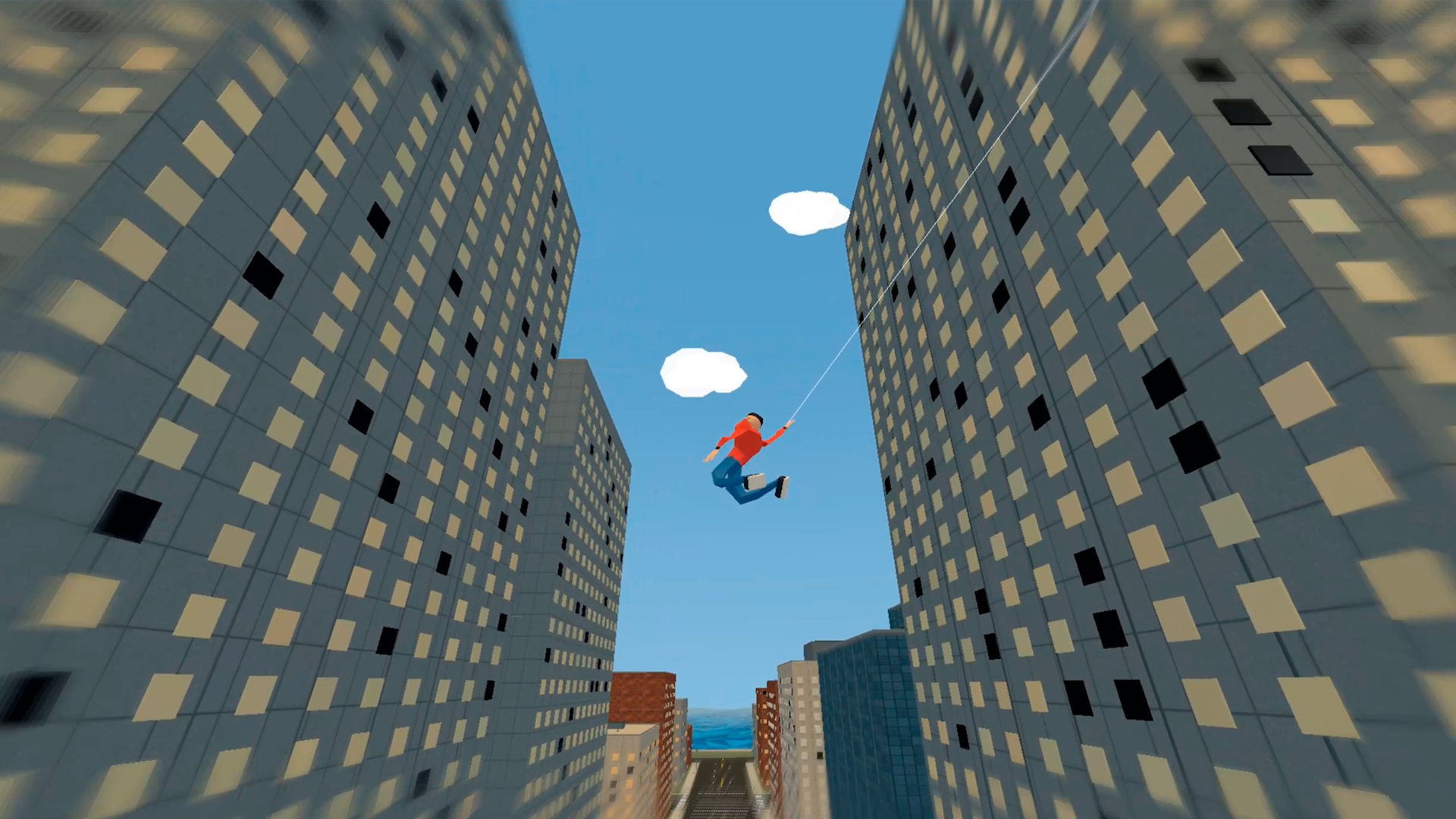
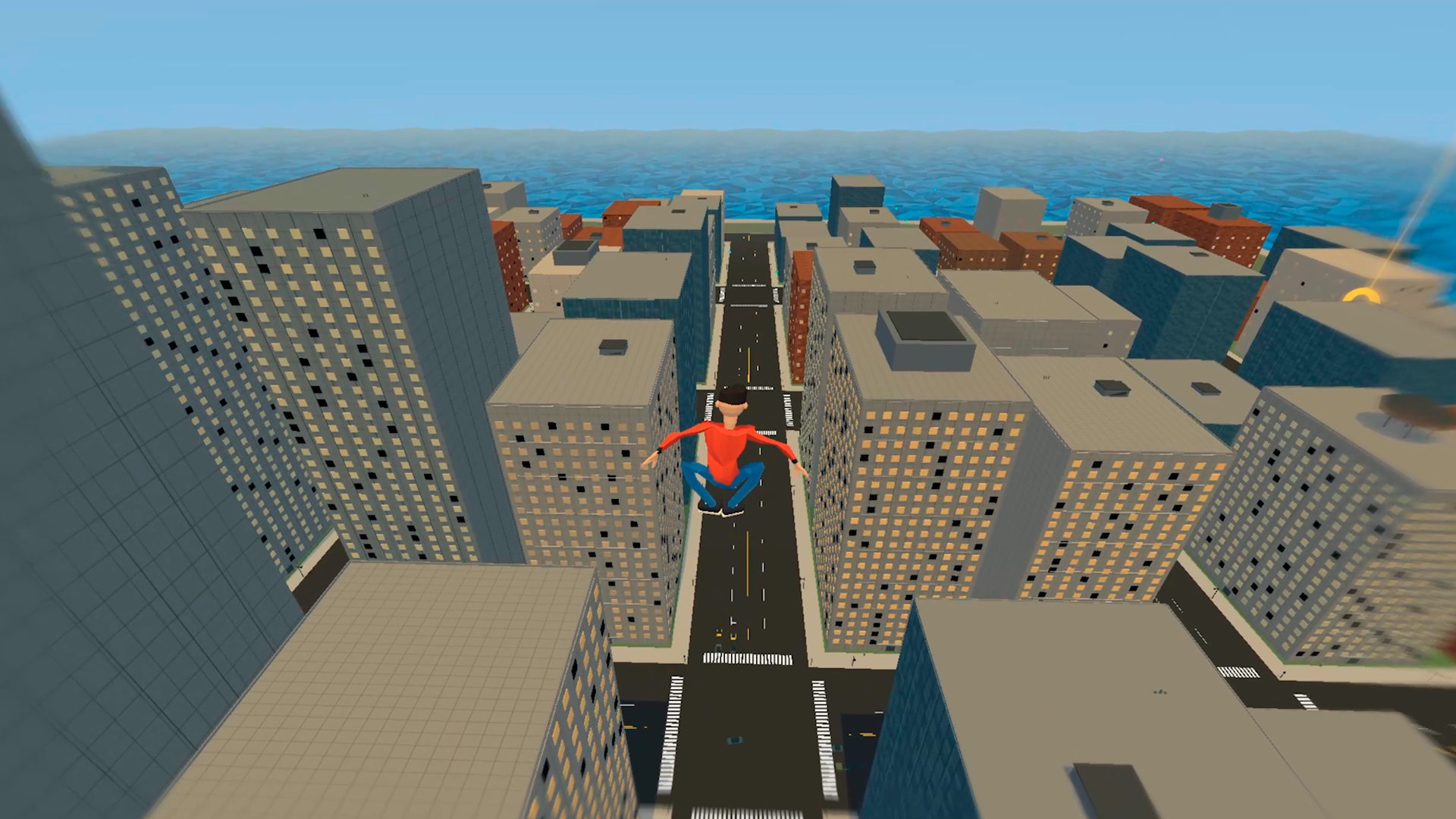
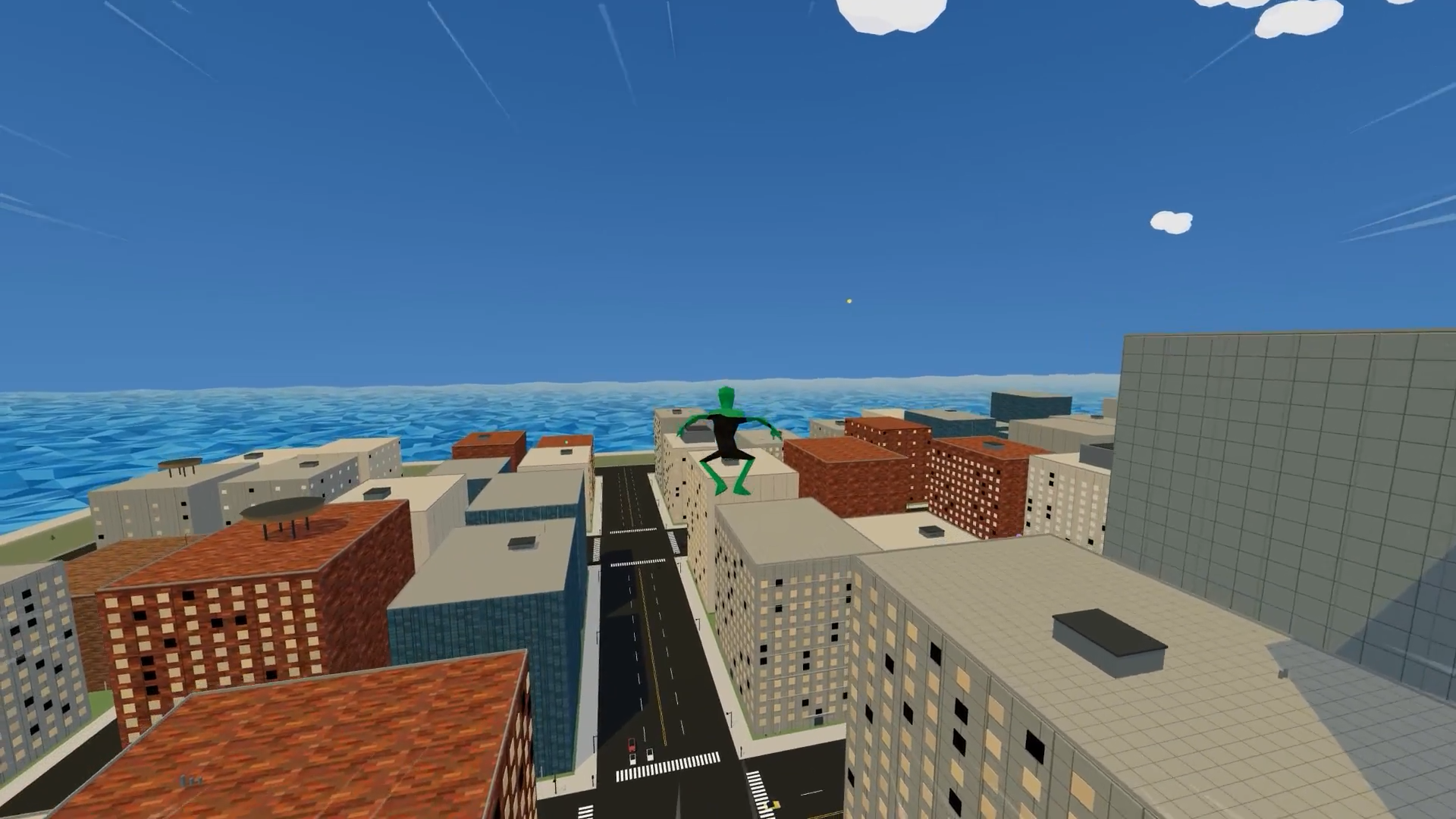
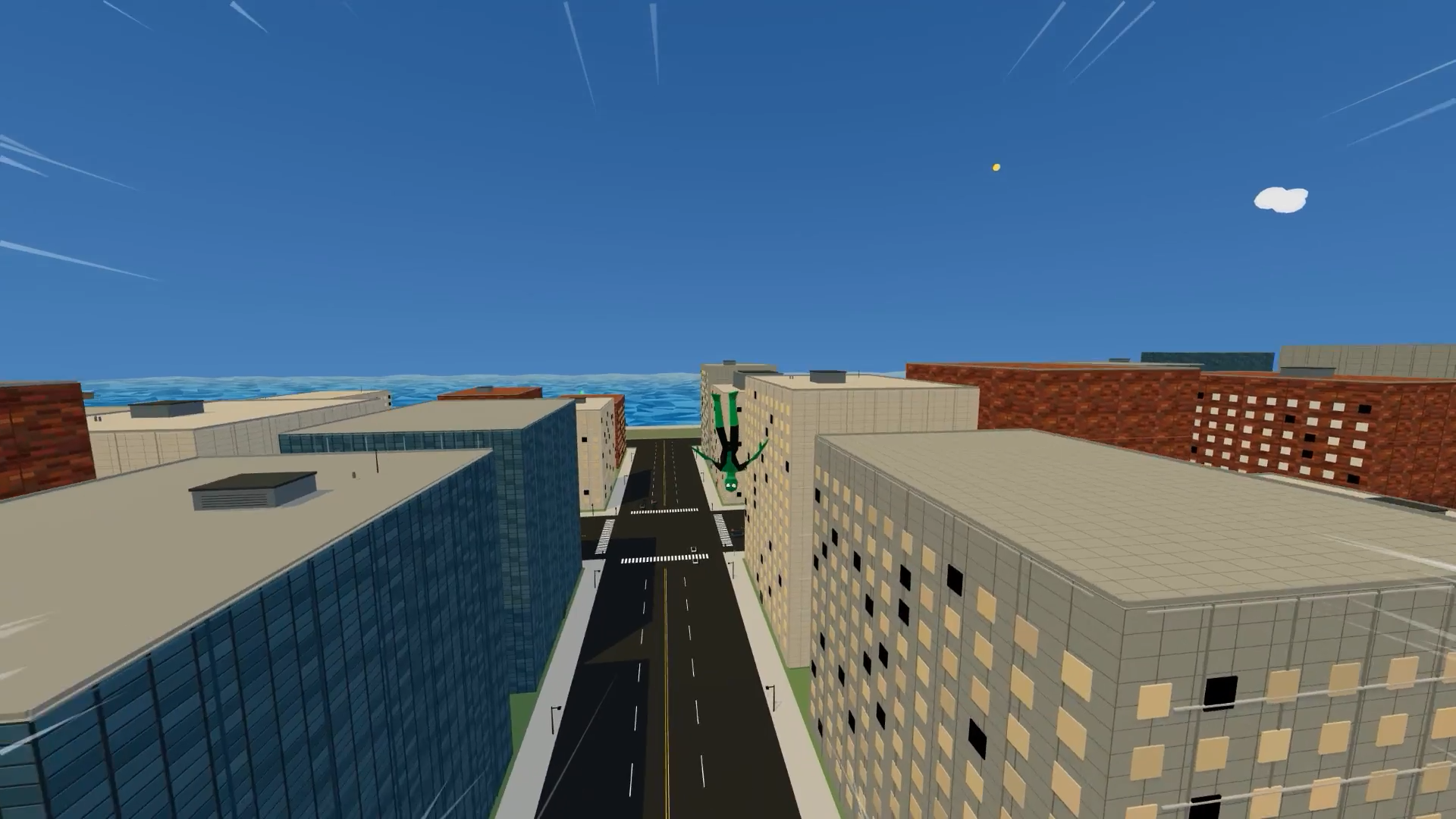
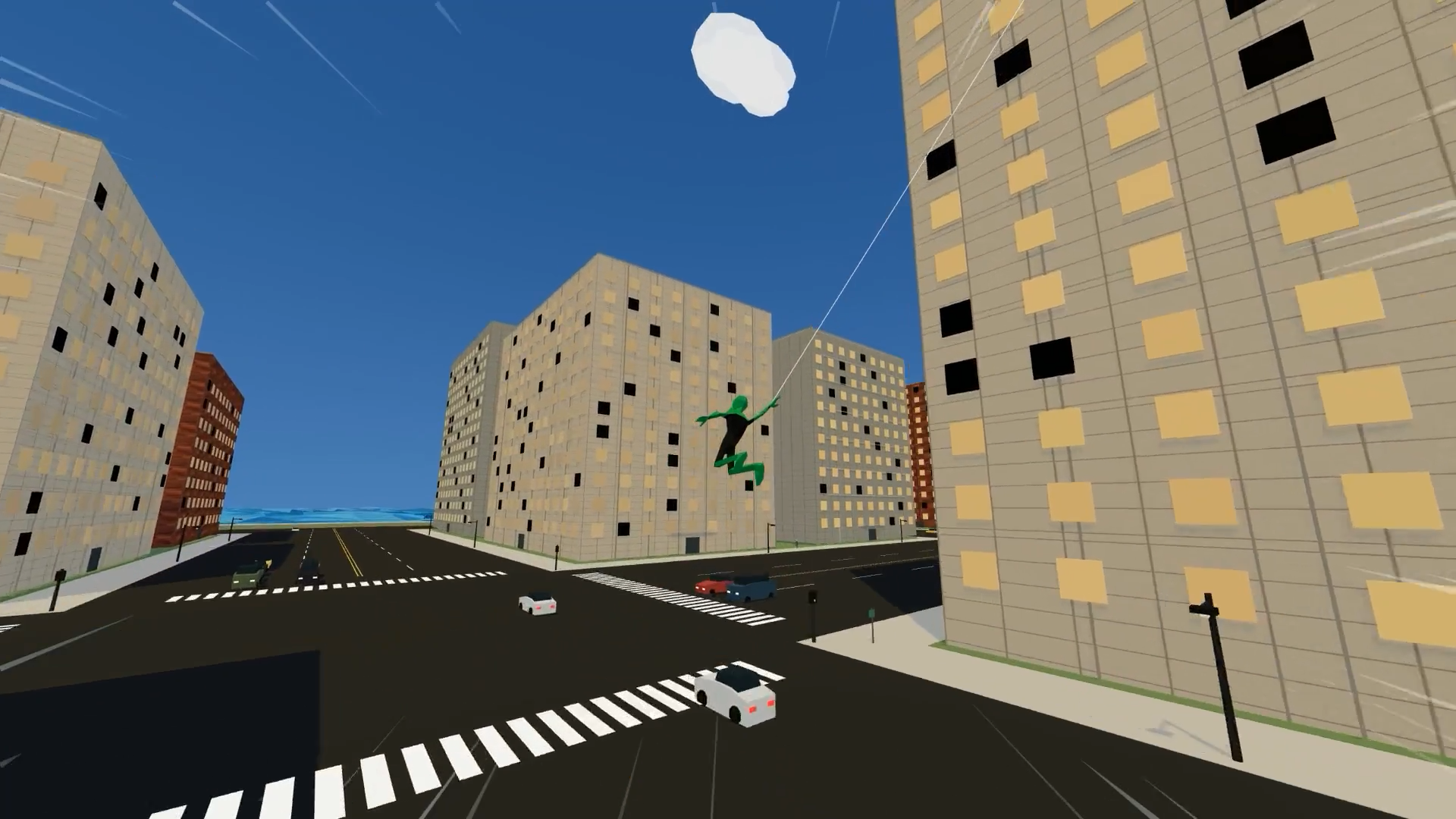
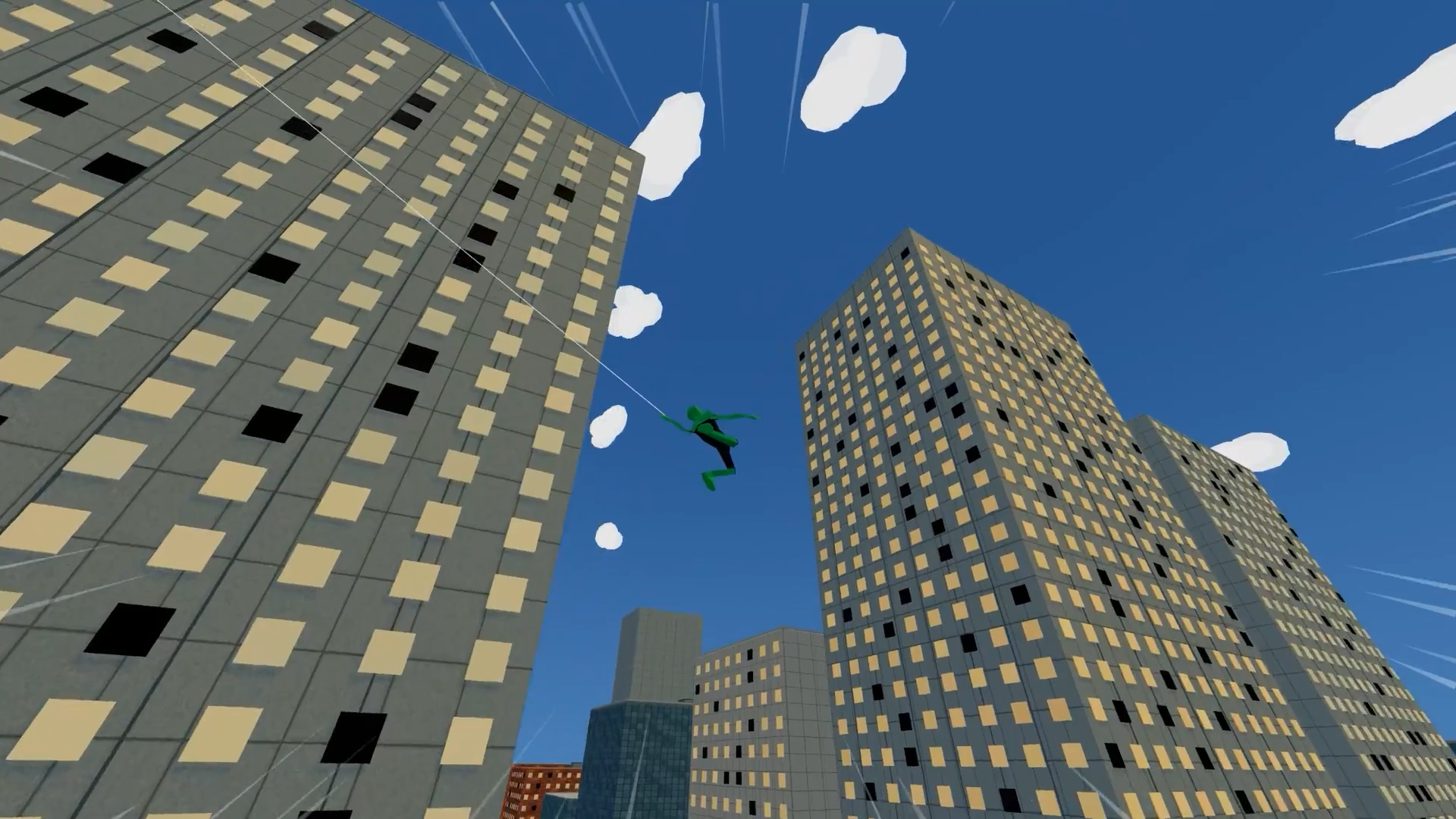
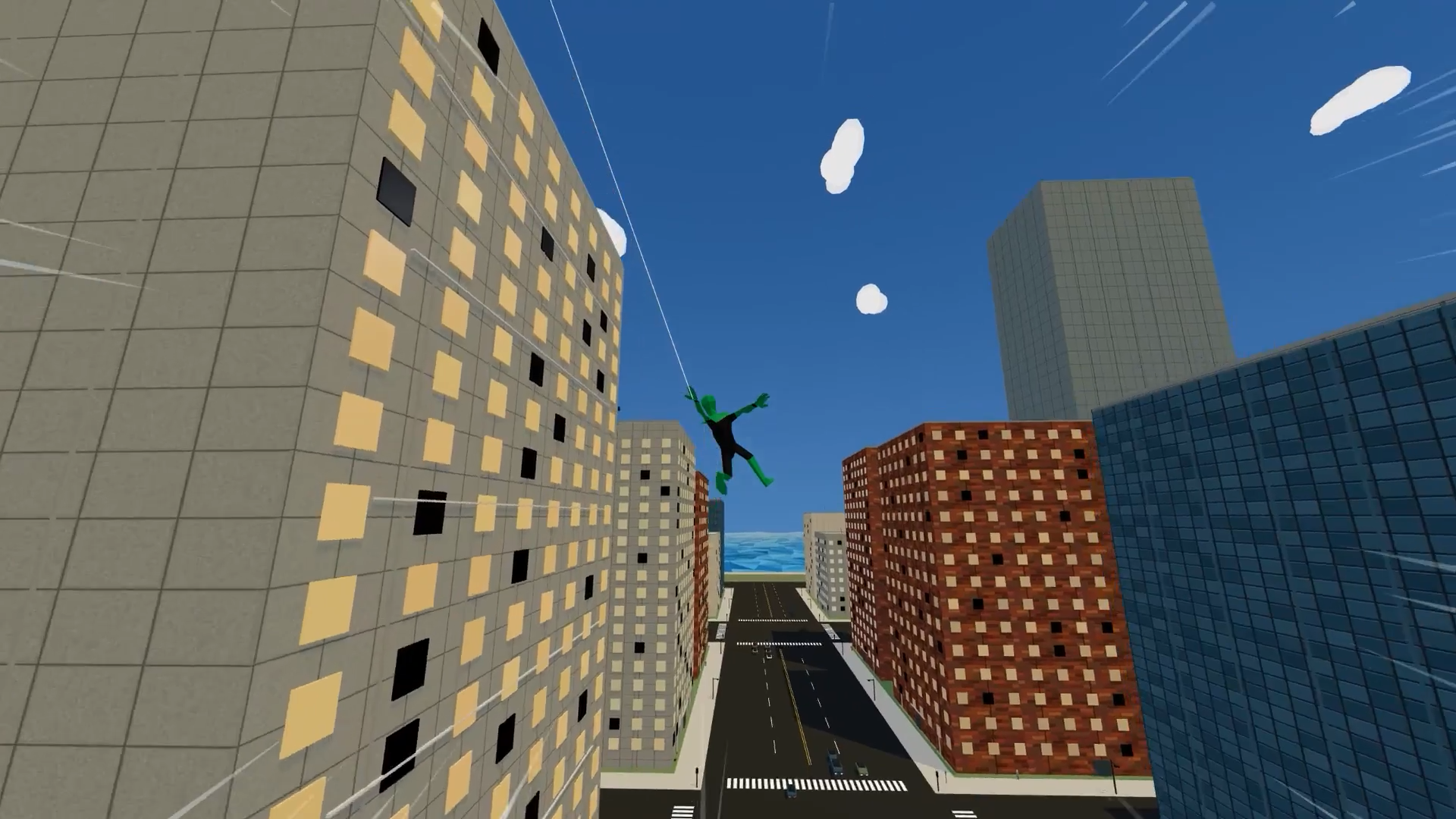
Become a nimble hero and turn a huge city into your playground for dizzying flights! Catch hold of buildings with your web, swing between skyscrapers, gain speed, run along walls, jump from rooftops, and perform spectacular aerial stunts.
Explore the streets in free mode or test your skills in challenges: get from point A to point B within a certain time, fly through a chain of rings, and try to win a gold medal. Collect colorful orbs, earn points, and spend them in the store to unlock a new colorful suit.
Convenient controls help you quickly master flying, and precise manual aiming allows you to snag the lowest point. The better you maintain altitude and speed, the more spectacular your route becomes. Game controls are supported on computers and mobile devices.
Videos and screenshots
14,360 players online
How to play
-
Open the game
Press Play now and the game opens on its own screen.
-
Follow the in-game instructions
The controls and goals are shown inside the game as you play.
-
Use the game menu
The floating button over the game reloads it, saves it to your favourites, or takes you back out.