Overview
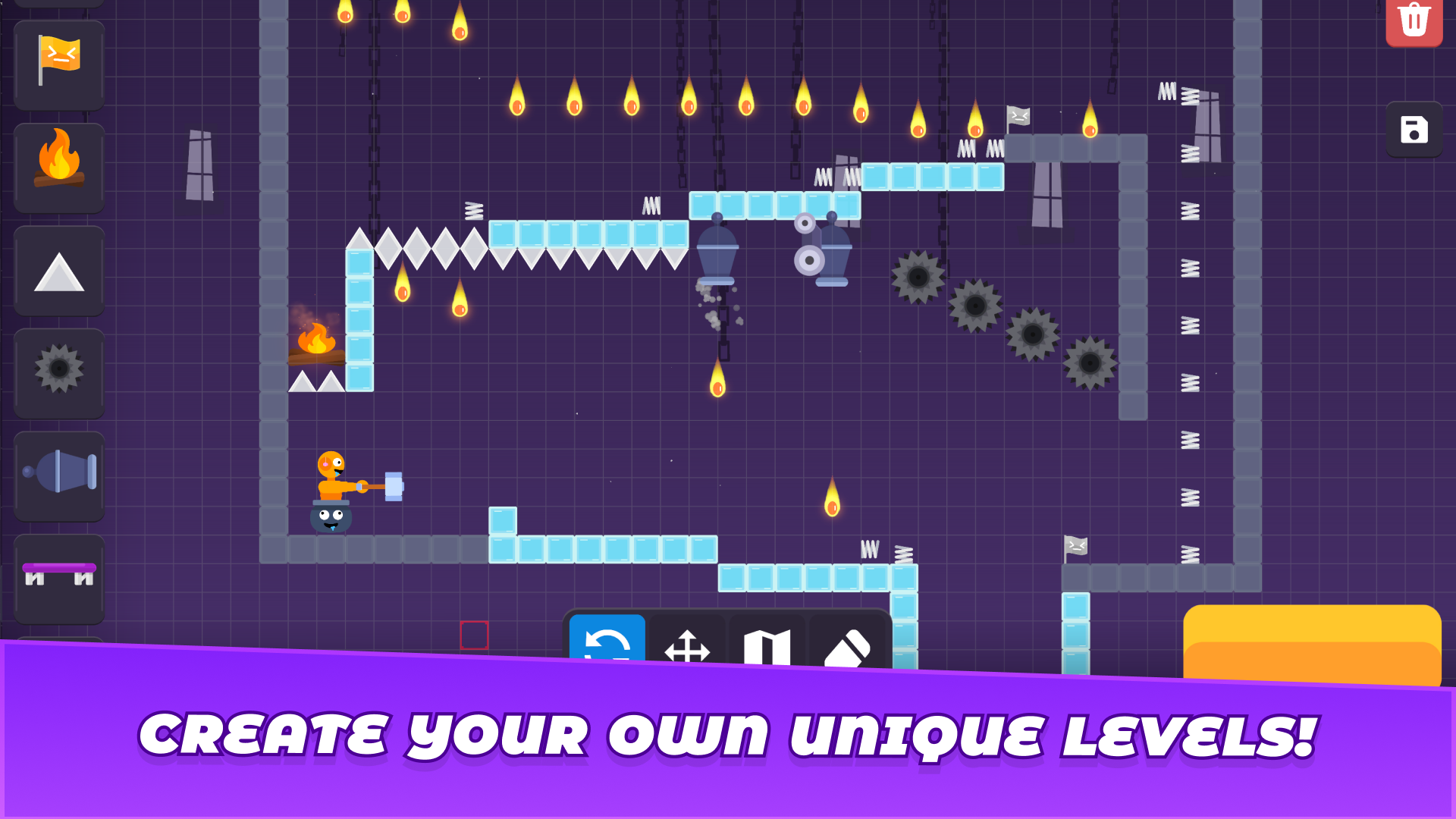
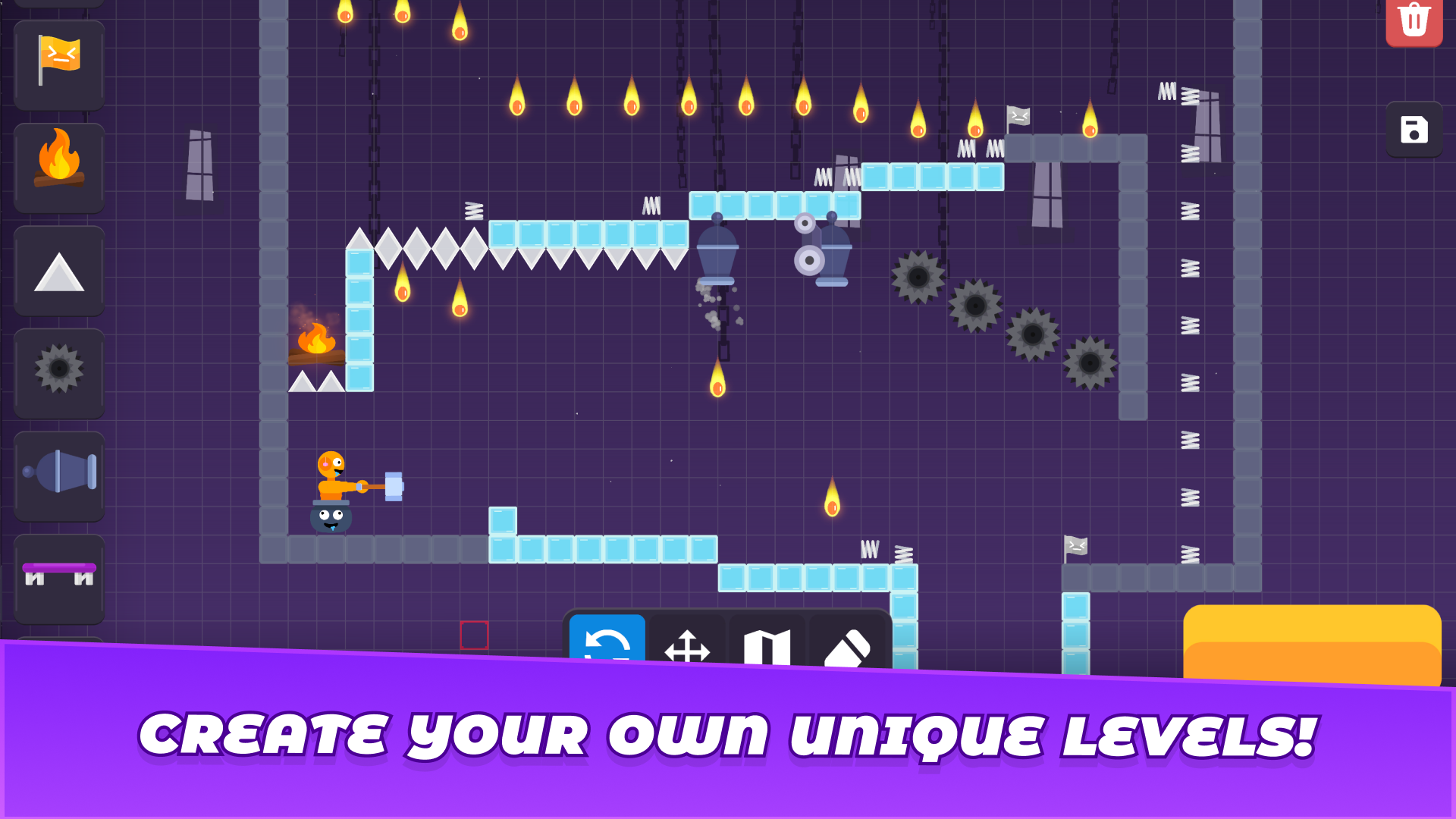
"Stick Create A Level" - This is a sandbox where you have to create your own level with traps and obstacles, limited only by your imagination!
Play alone or with friends on any device and have fun!
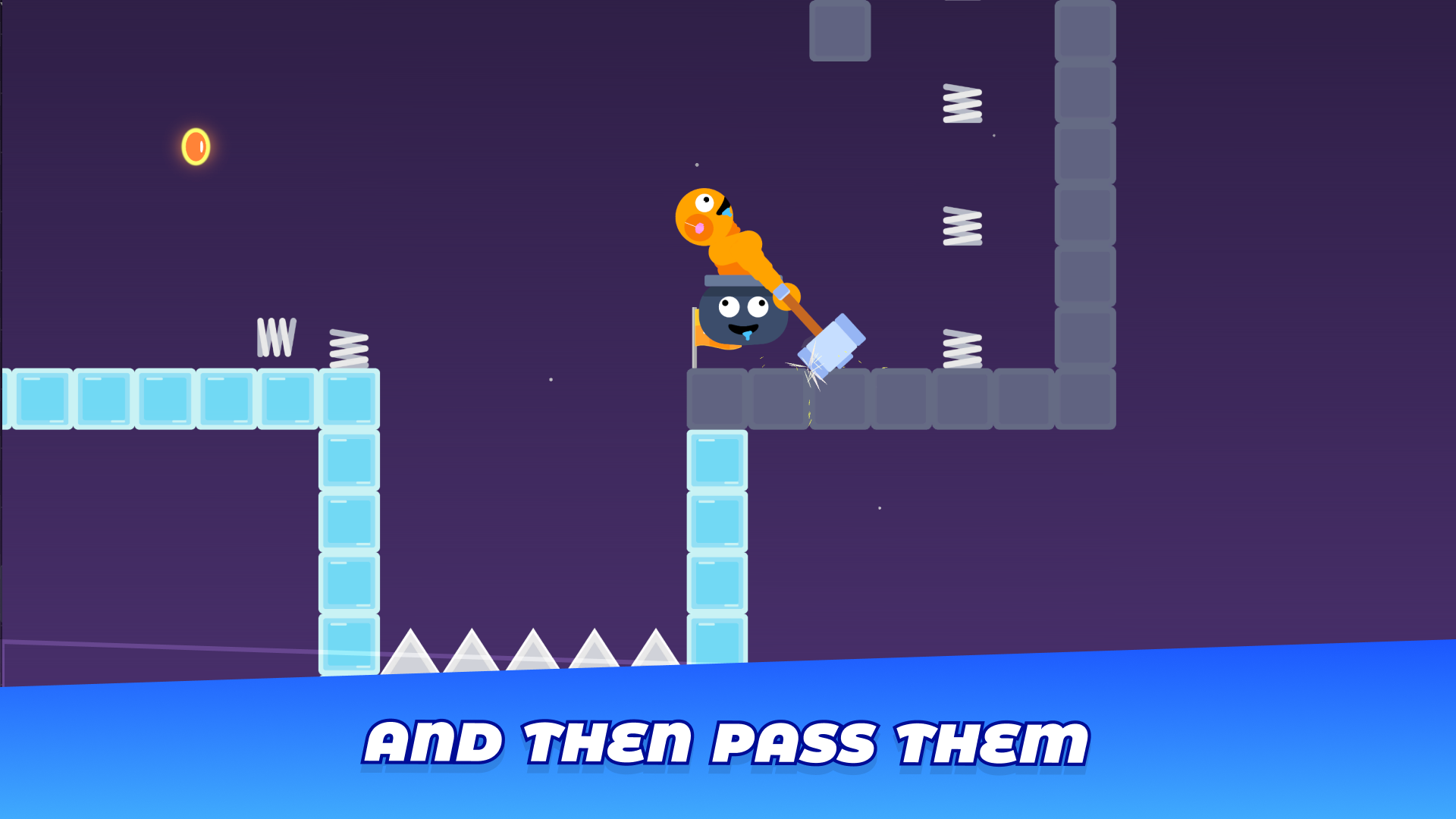
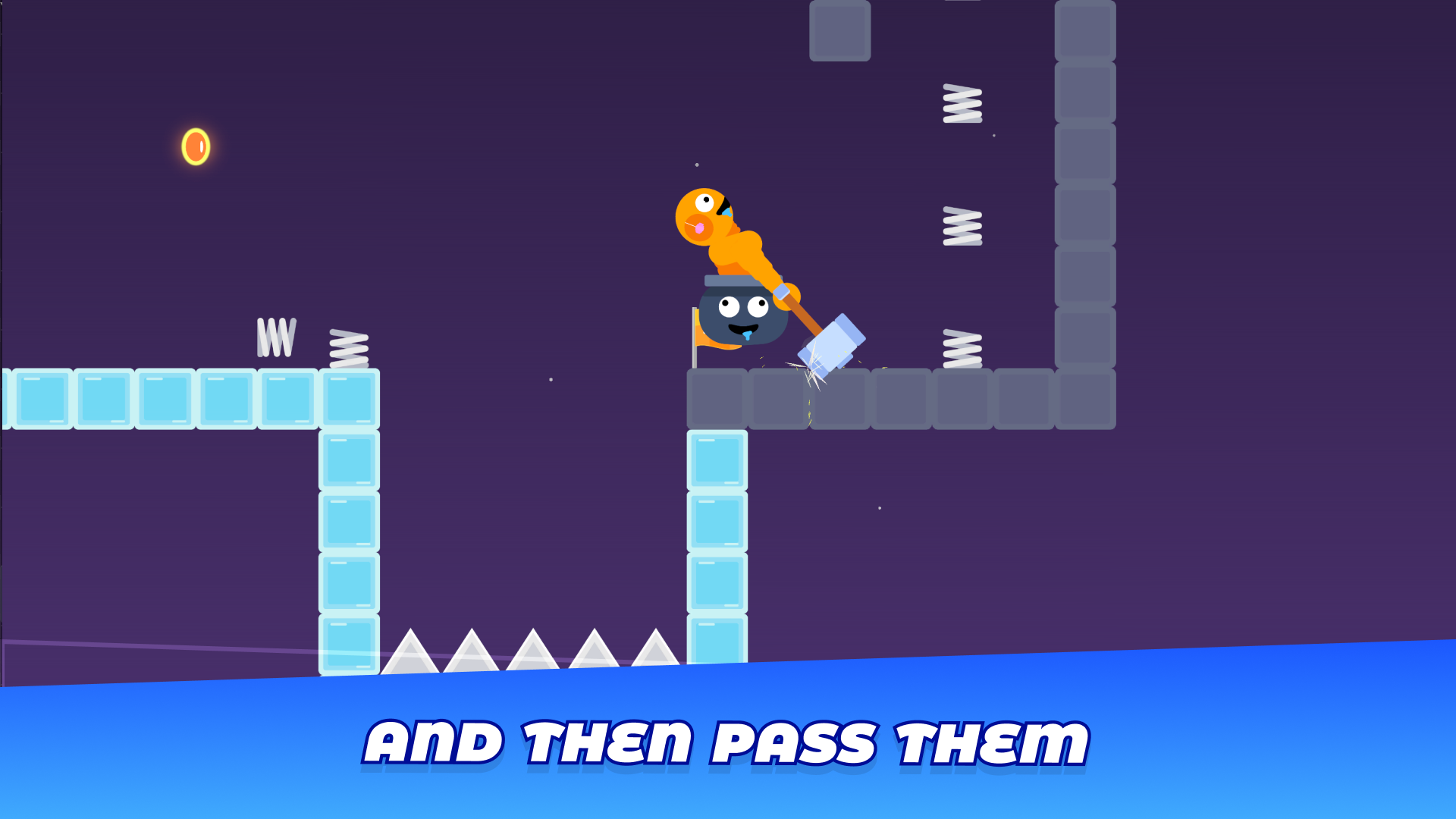
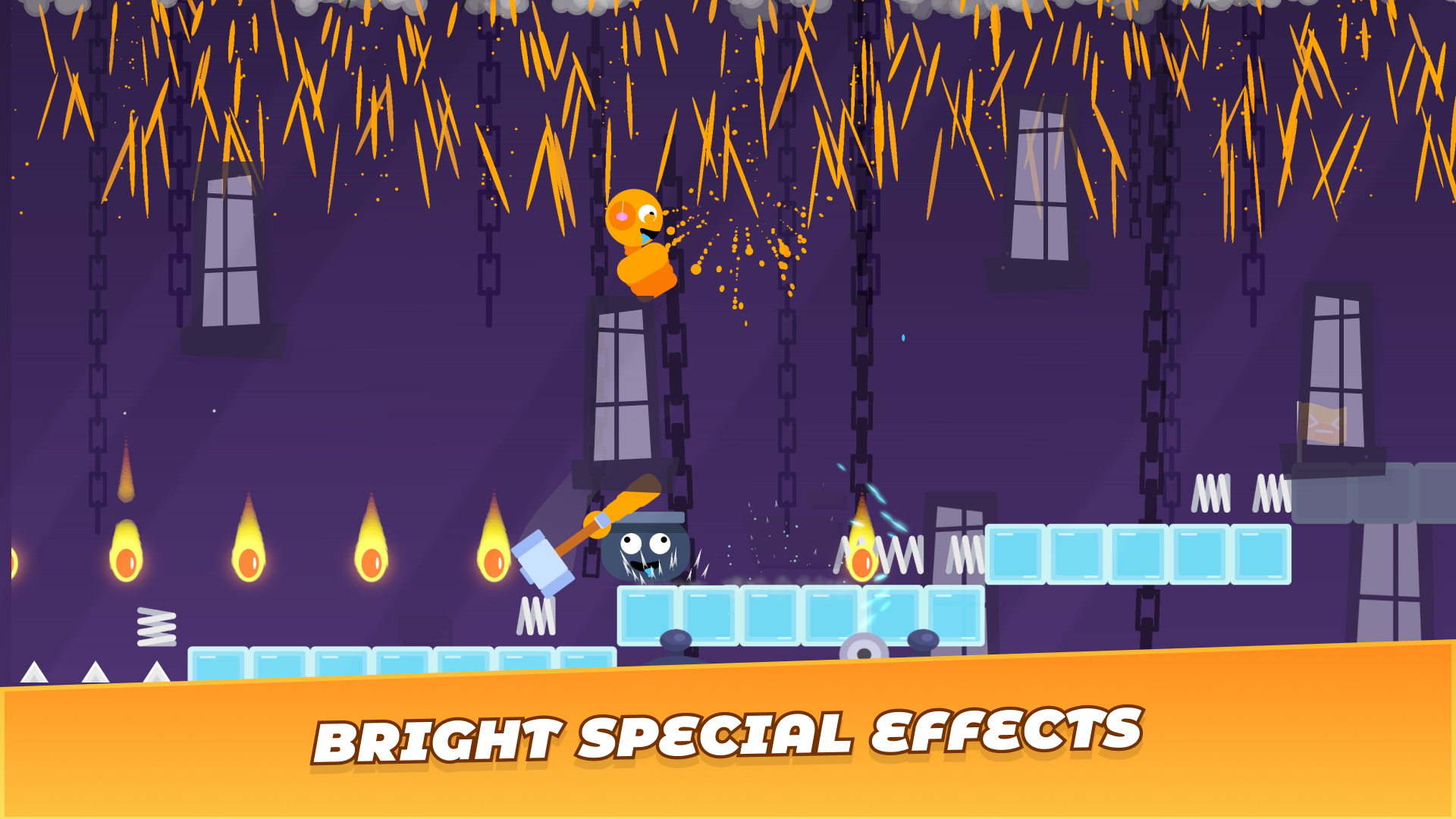
Unusual movement mechanics, in which you play a ragdoll stickman in a pot and hit it with a hammer to move forward.
All kinds of obstacles for levels and tools for convenient editing:
- Ice
- Saws
- Spikes
- Cannons
- Springs
- Trampolines
- Save points
- Regular blocks
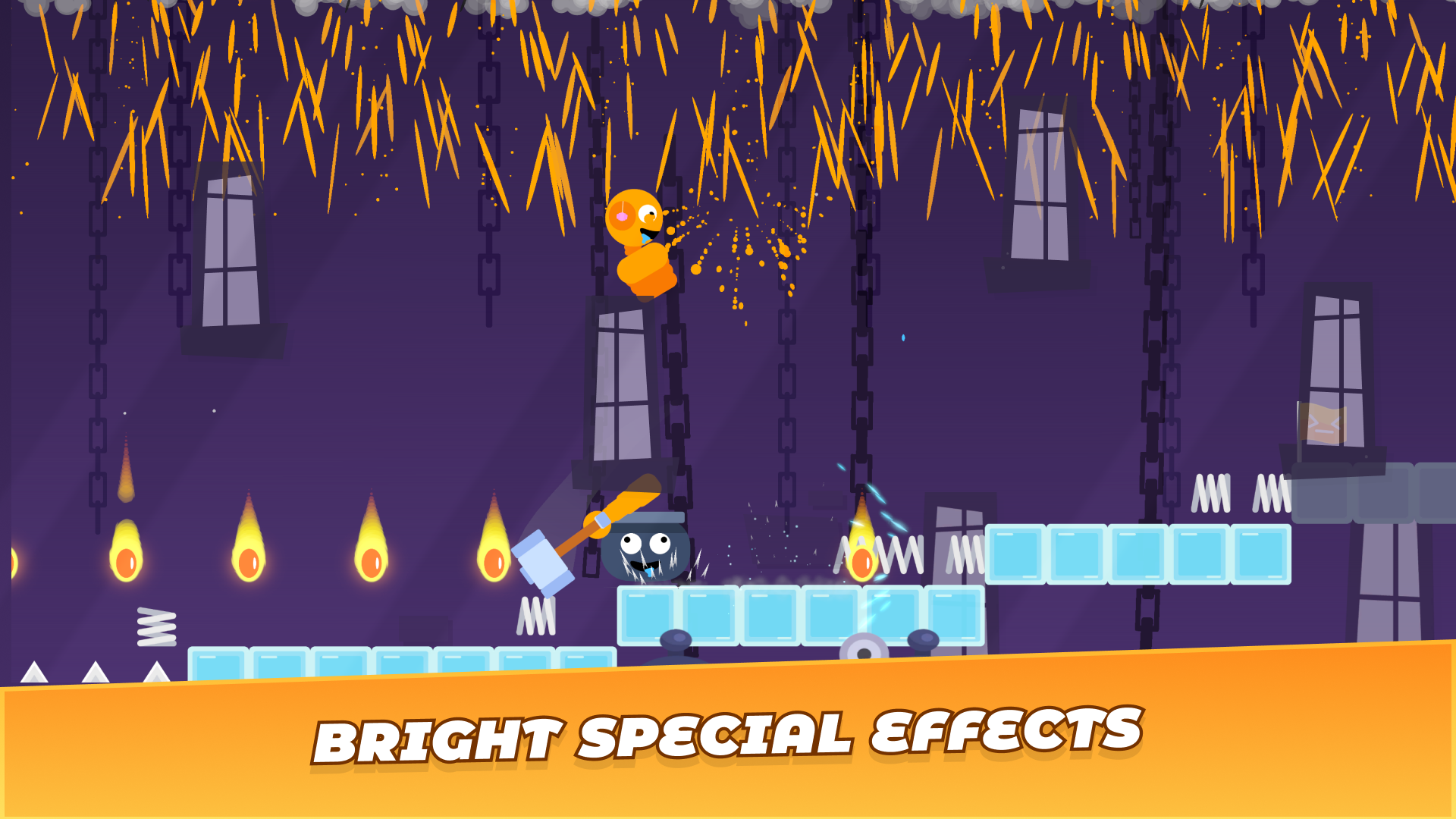
Colourful and vibrant animations make the process enjoyable and fun, and the gameplay exciting.
Hurry up and press the ‘Play’ button to immerse yourself in an exciting 2D world with ragdoll physics and interesting mechanics!
Help us improve the game by leaving a short review!
Videos and screenshots
10,594 players online
How to play
-
Open the game
Press Play now and the game opens on its own screen.
-
Follow the in-game instructions
The controls and goals are shown inside the game as you play.
-
Use the game menu
The floating button over the game reloads it, saves it to your favourites, or takes you back out.