
Overview
"Stockfish Chess" offers classic chess for those who want to play against one of the world's strongest chess engines.
The game utilizes Stockfish 19. Choose an opponent strength ranging from 1320 to 3190 Elo, play as White or Black, and select your preferred time control: 5+3, 10+5, 15+10, or an untimed game.
There are no random bonuses or simplified rules here—just authentic chess. Games are saved automatically, allowing you to resume play later.
Tools for managing games include chess notation, a match history, PGN import and export, and the ability to load or copy FEN positions.
Choose your board style, adjust the Stockfish strength level, and test your skills against a formidable opponent.
Videos and screenshots
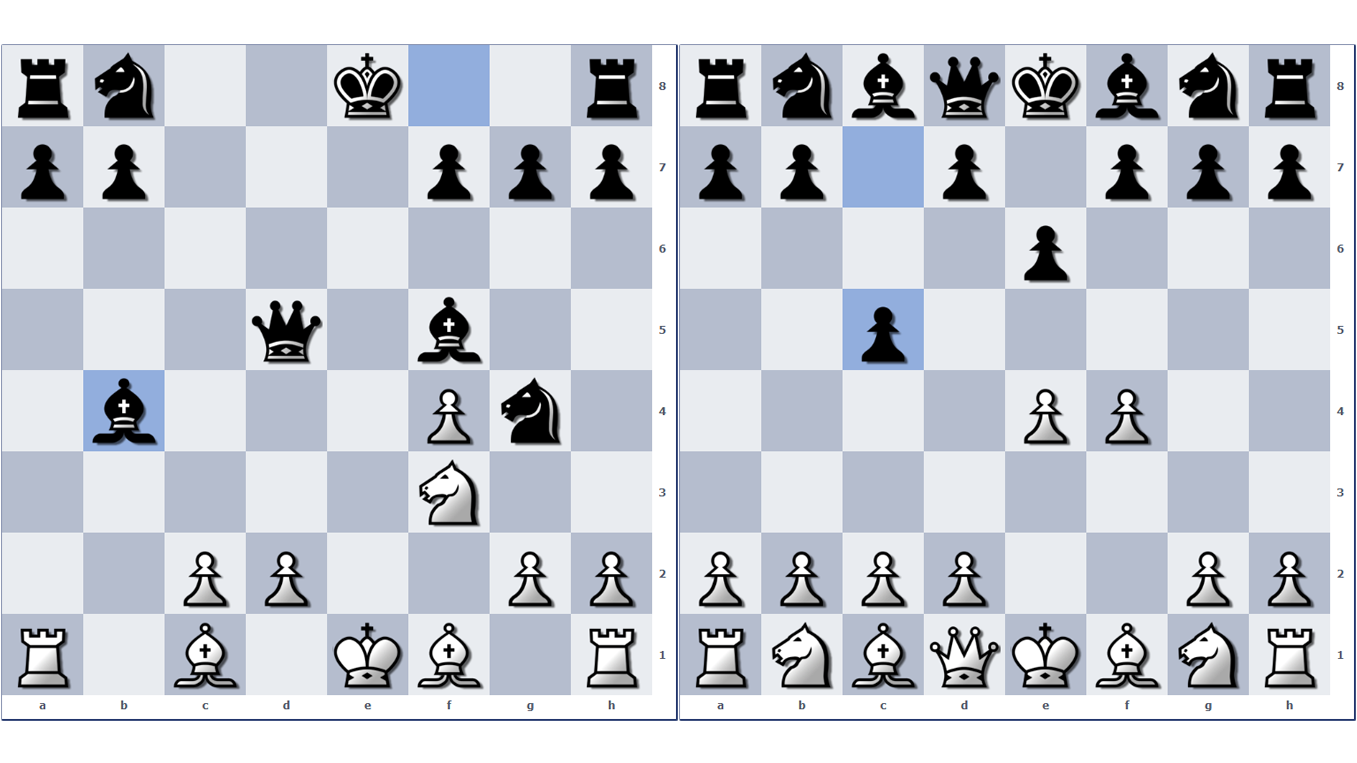
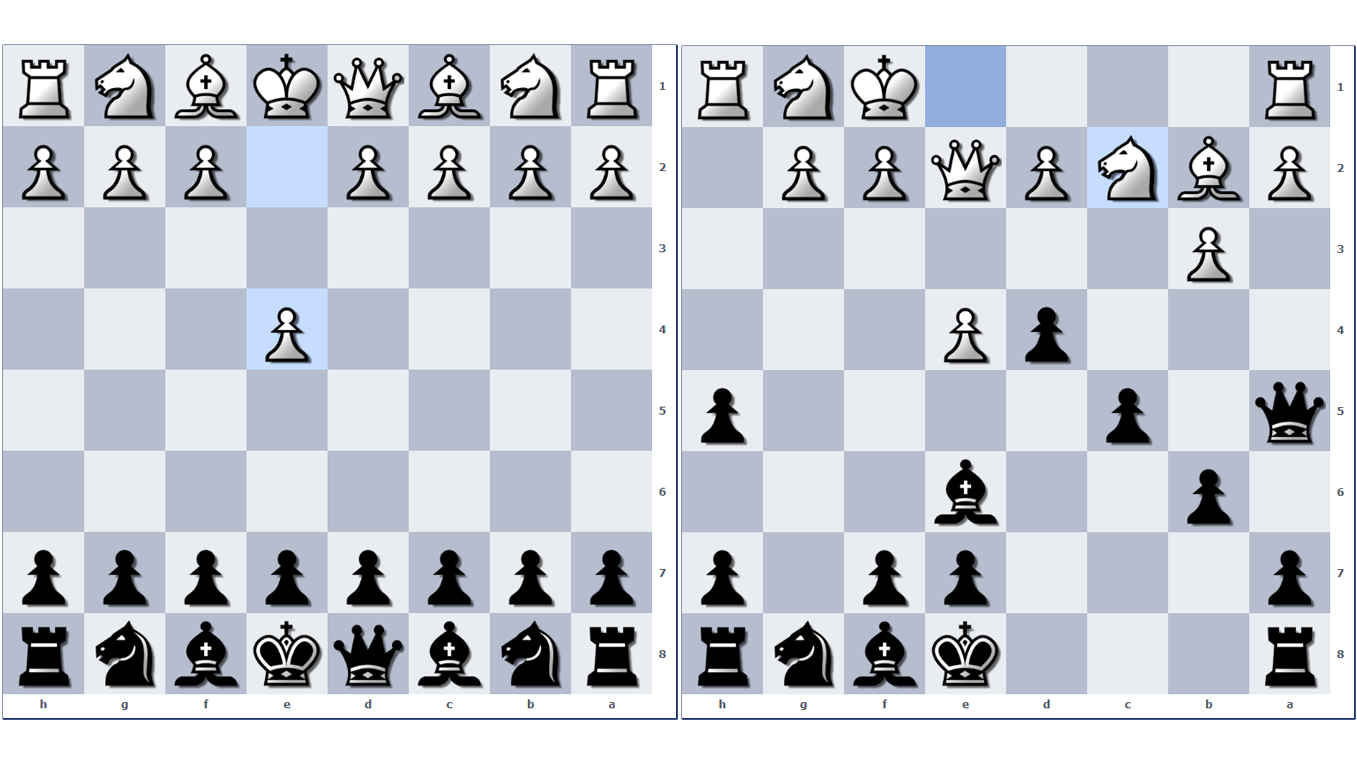
10,152 players online
How to play
-
Open the game
Press Play now and the game opens on its own screen.
-
Follow the in-game instructions
The controls and goals are shown inside the game as you play.
-
Use the game menu
The floating button over the game reloads it, saves it to your favourites, or takes you back out.