Overview
Play classic chess against the computer with 10 difficulty levels. Choose White, Black, or a random side and play without a clock or with 5+0, 10+0, and 15+10 time controls. Improve your rating, defeat all 10 levels, unlock 32 achievements, and track detailed statistics. Every day brings a new mate-in-one puzzle from a collection of 365 unique positions. Training mode includes undo and an optional rewarded hint. Smooth piece movement, clear move highlights, and polished classic pieces make the game comfortable on both desktop and mobile.
Videos and screenshots
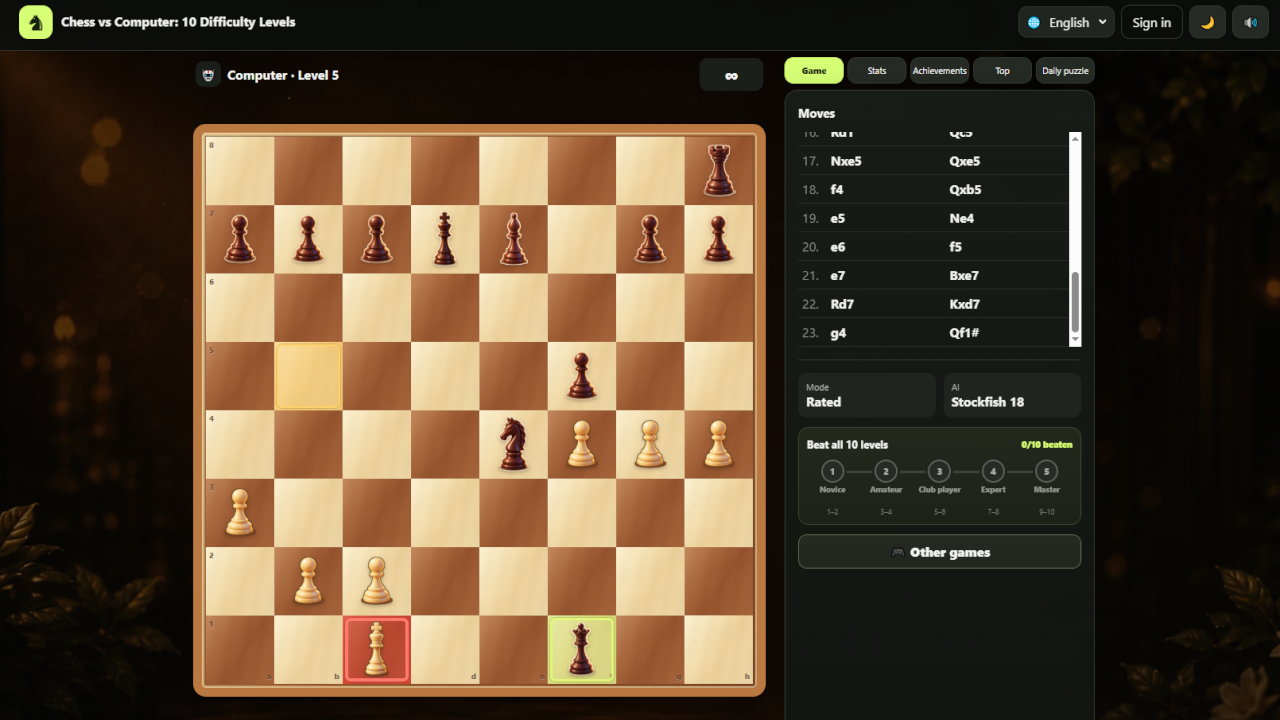
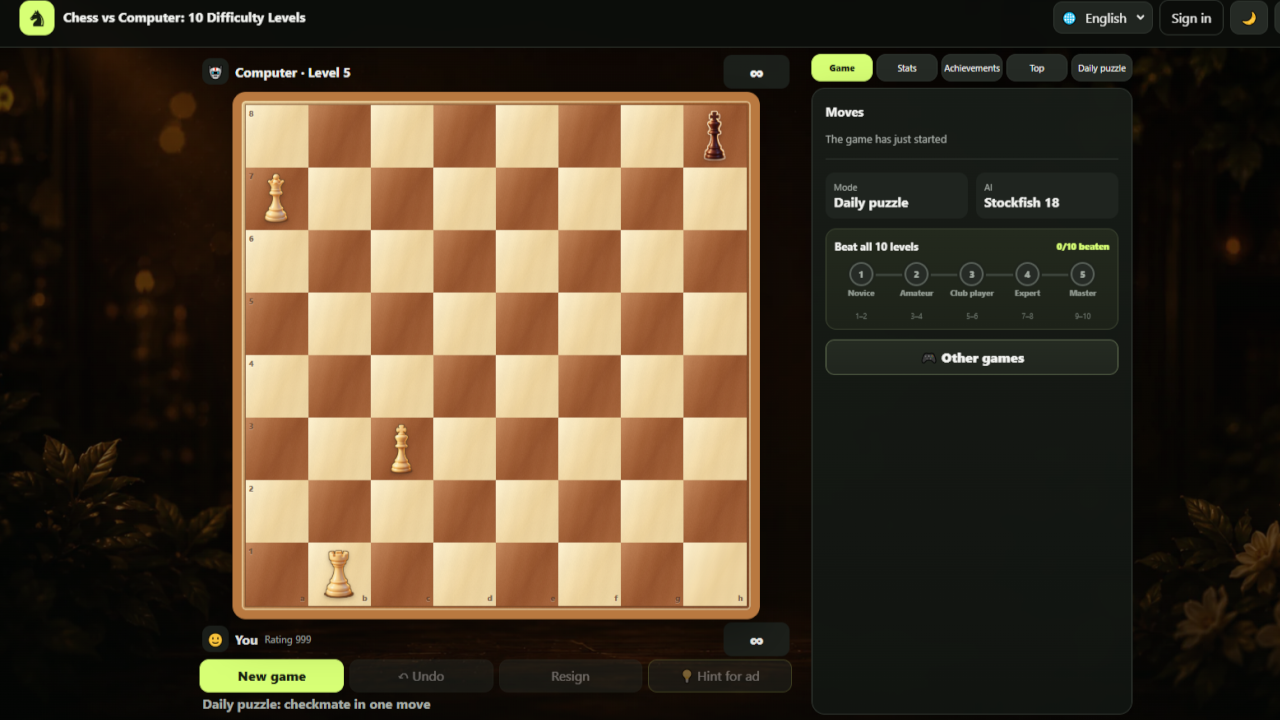
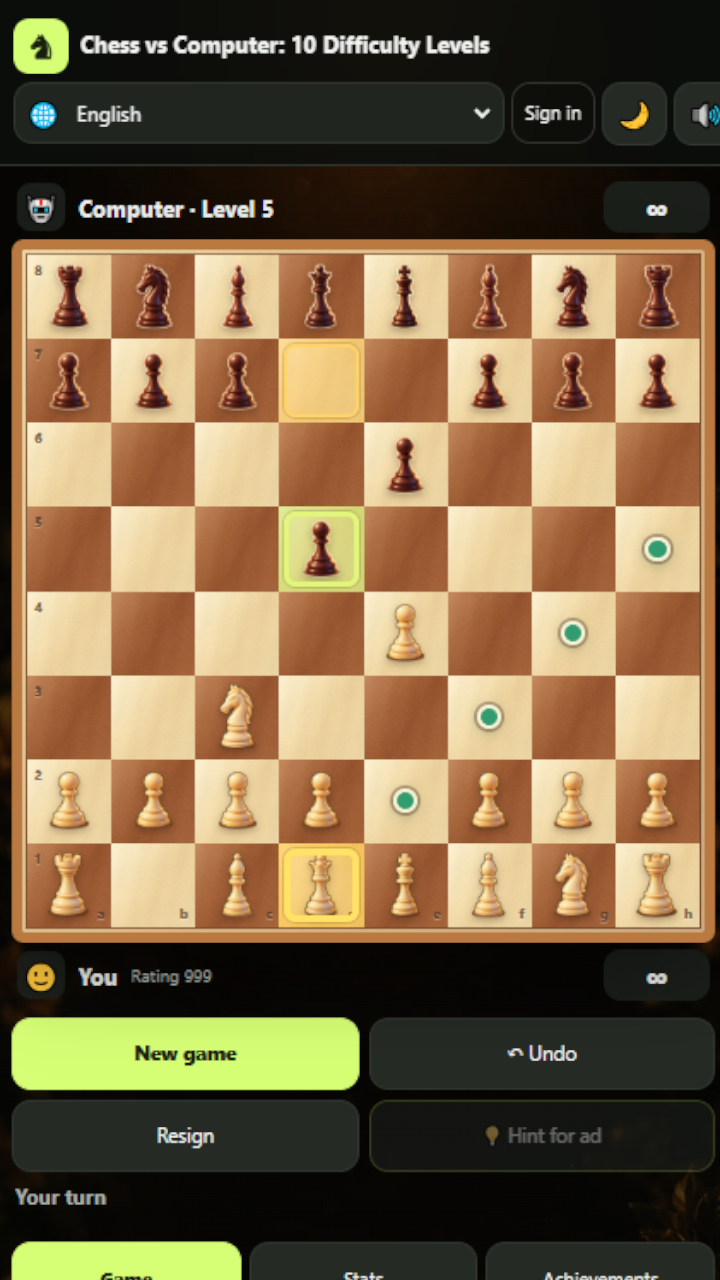
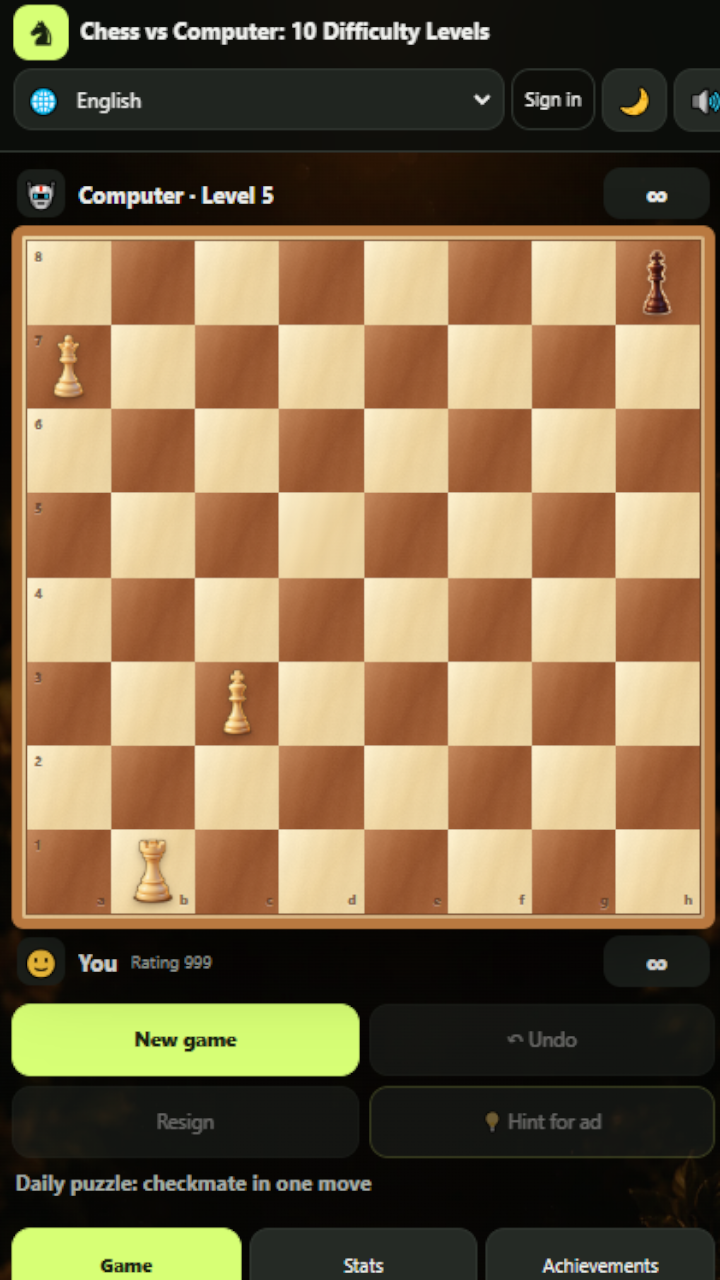
14,364 players online
How to play
-
Open the game
Press Play now and the game opens on its own screen.
-
Follow the in-game instructions
The controls and goals are shown inside the game as you play.
-
Use the game menu
The floating button over the game reloads it, saves it to your favourites, or takes you back out.