Skip to content
KG
Toсa World: Beauty Salon

Toсa World: Beauty Salon

2K plays 3.8 out of 5

Overview

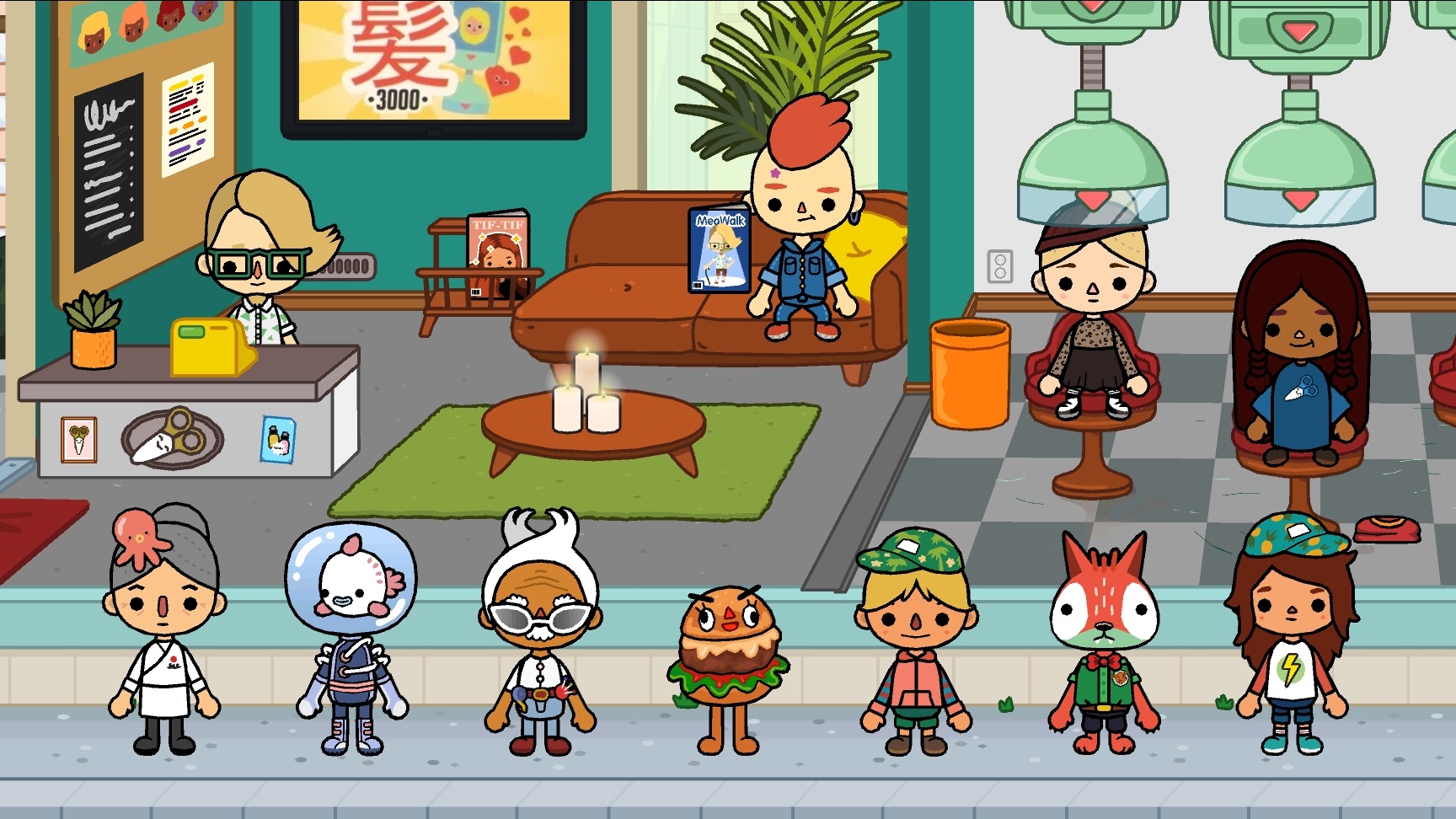
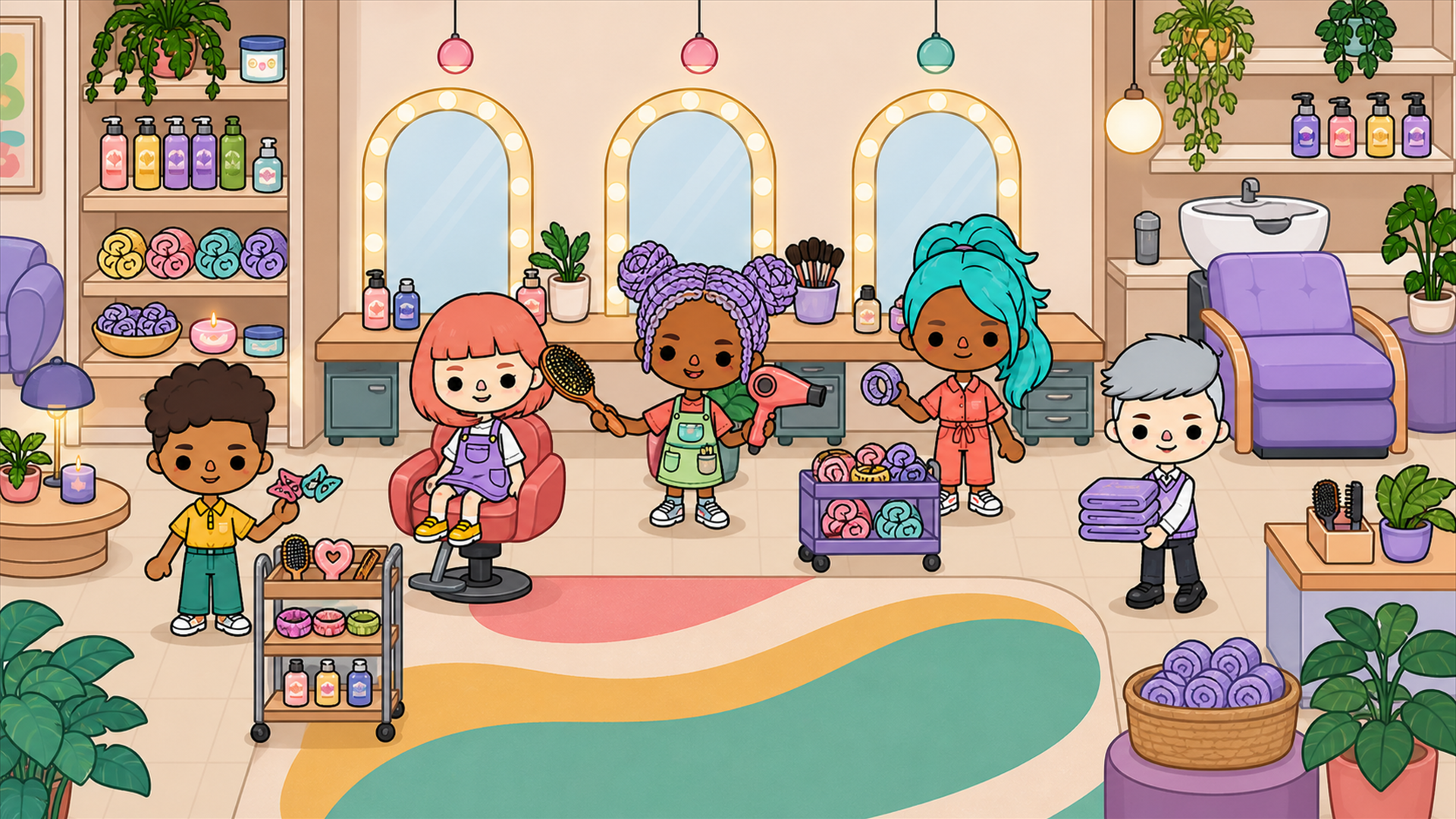
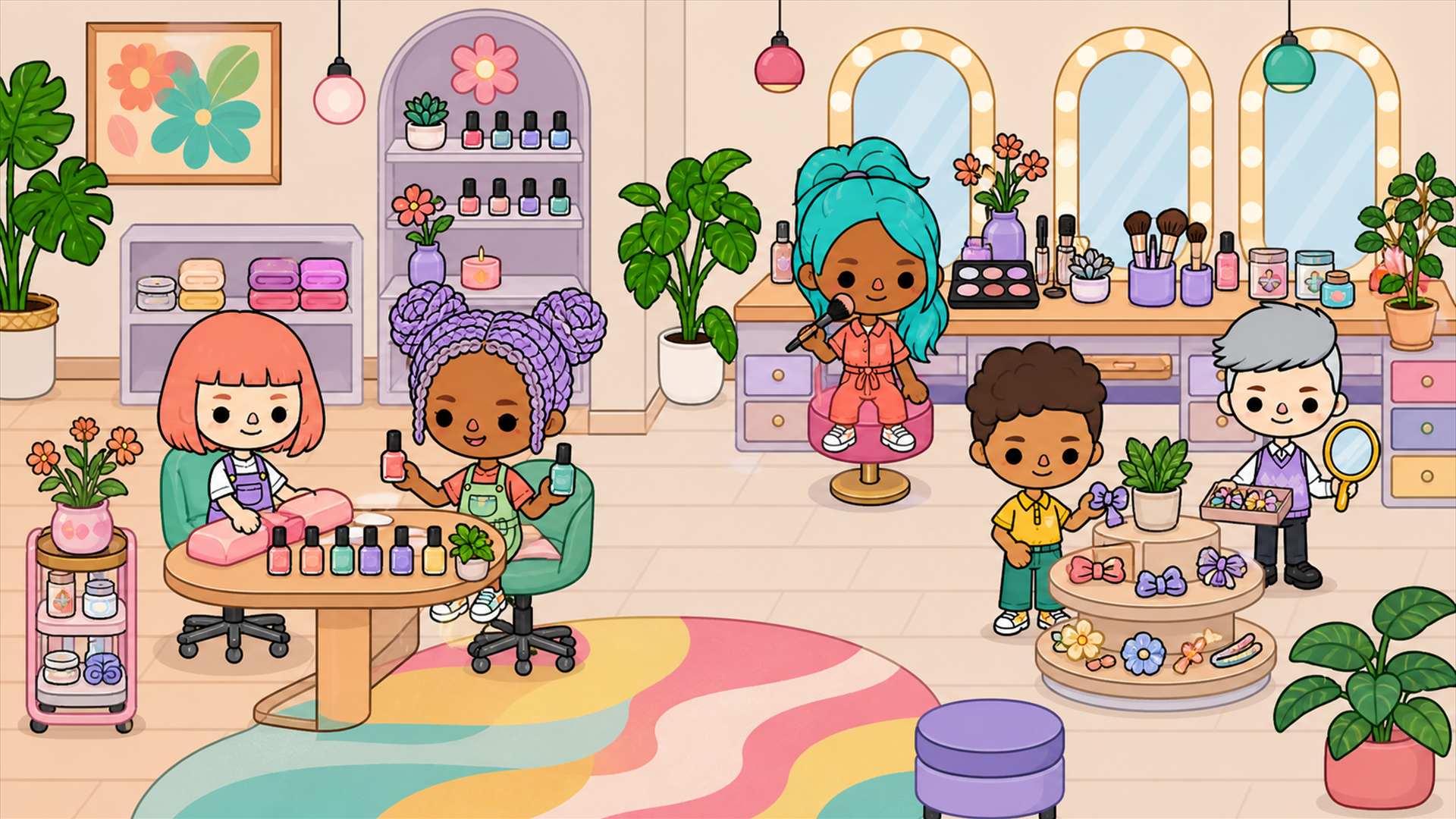
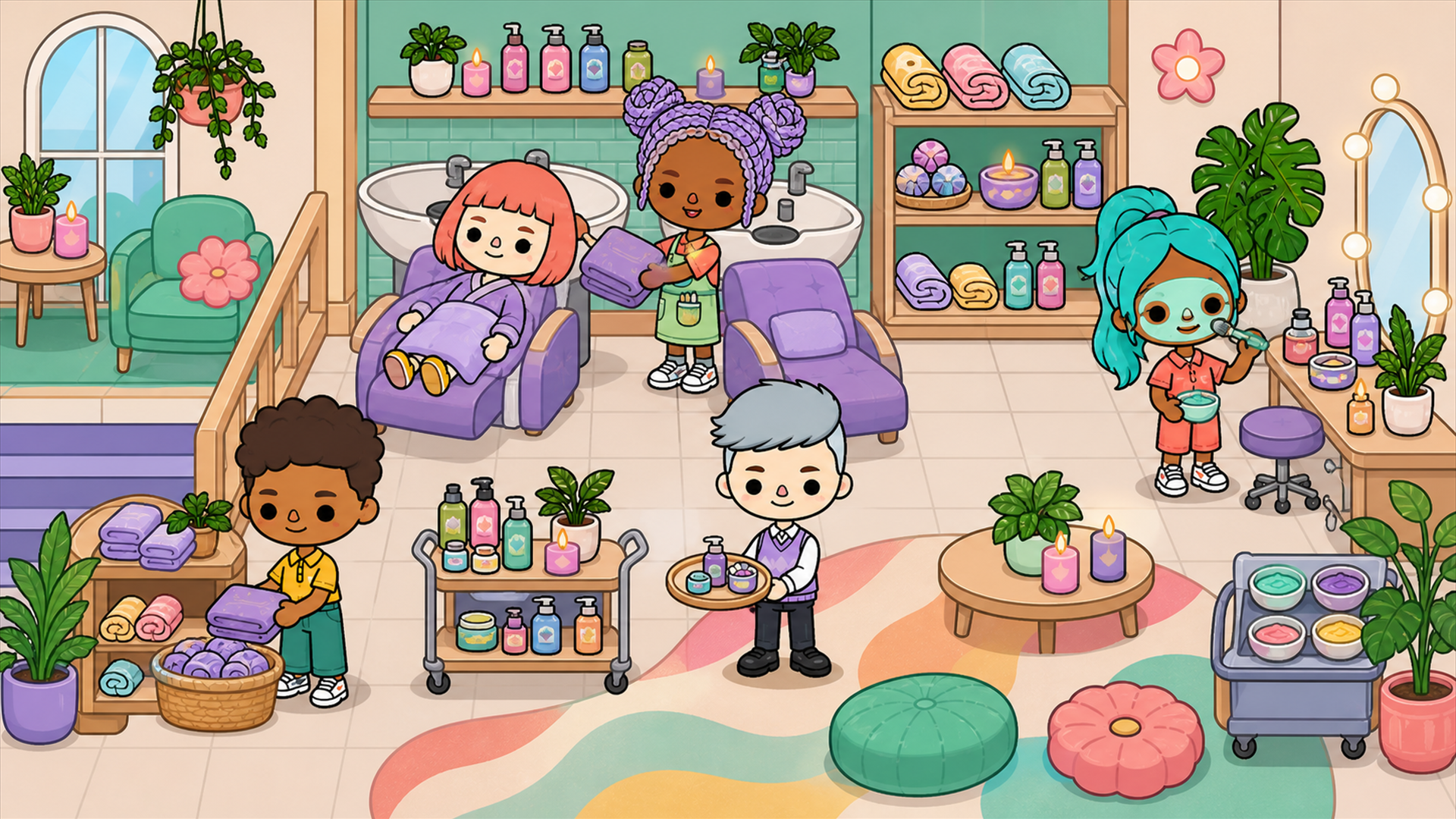
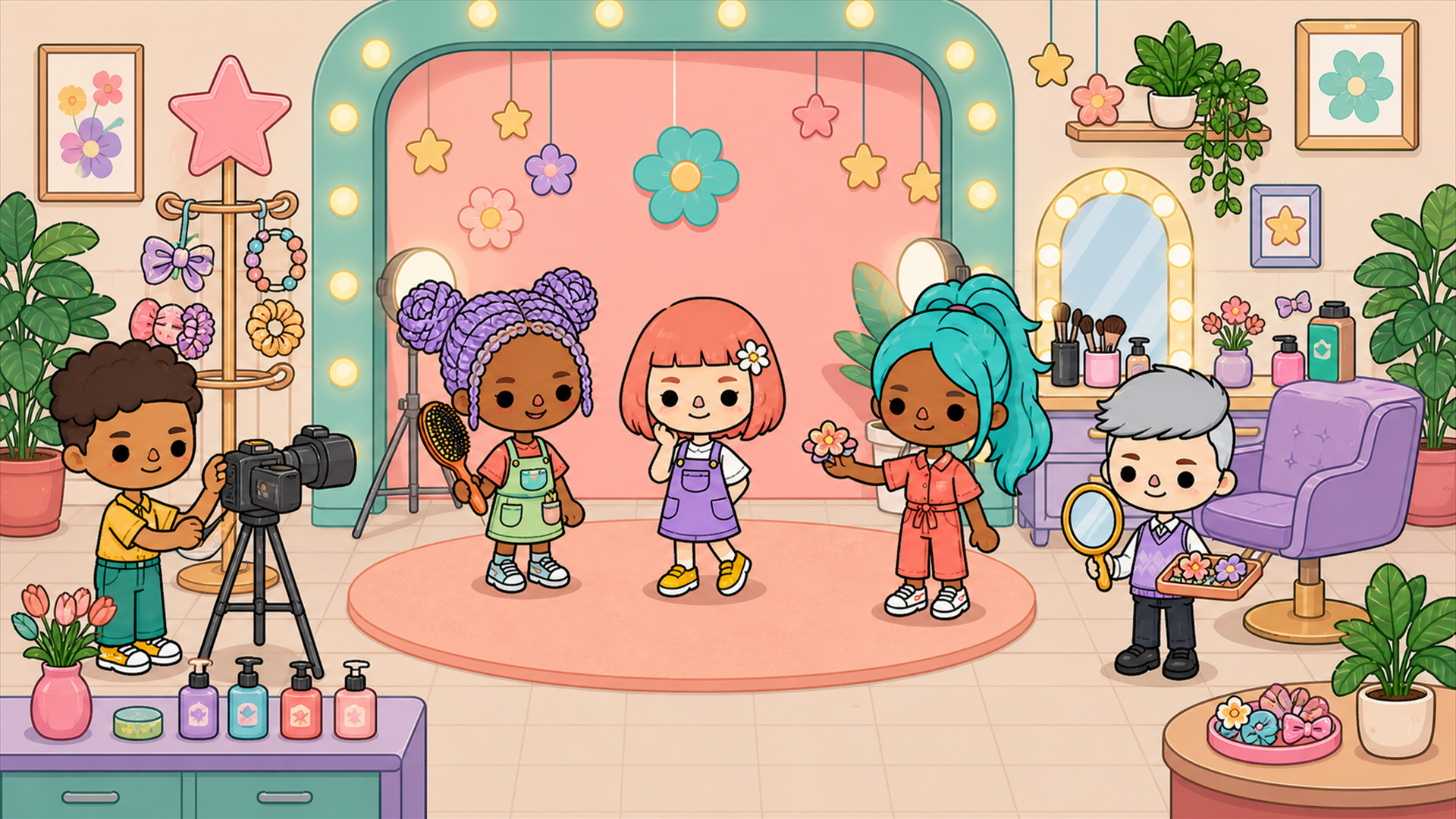
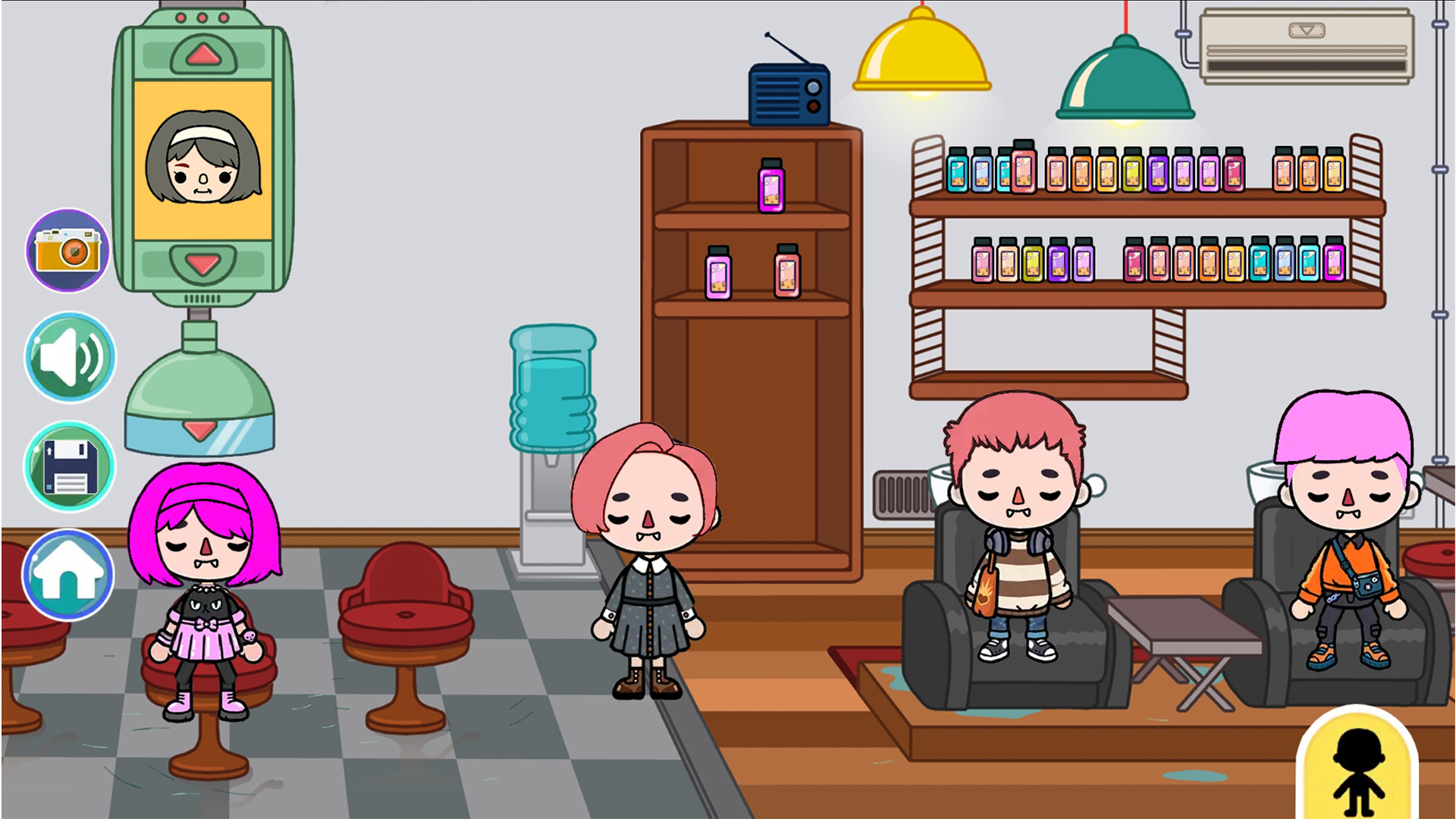
“Toсa World: Beauty Salon" An Exciting Simulation Game Toсa World: Beauty Salon is an exciting simulation game that introduces you to the amazing world of Toсa World: Beauty Salon. The game features fourteen unique locations with diverse content and mechanics. You can build your interior as you see fit. A multitude of items and characters will captivate you. Manage them at your discretion. They all interact with each other and move around. At any moment in the game, you can take a snapshot of your work and achievements. Control the space and characters, creating unique photographs!

Videos and screenshots
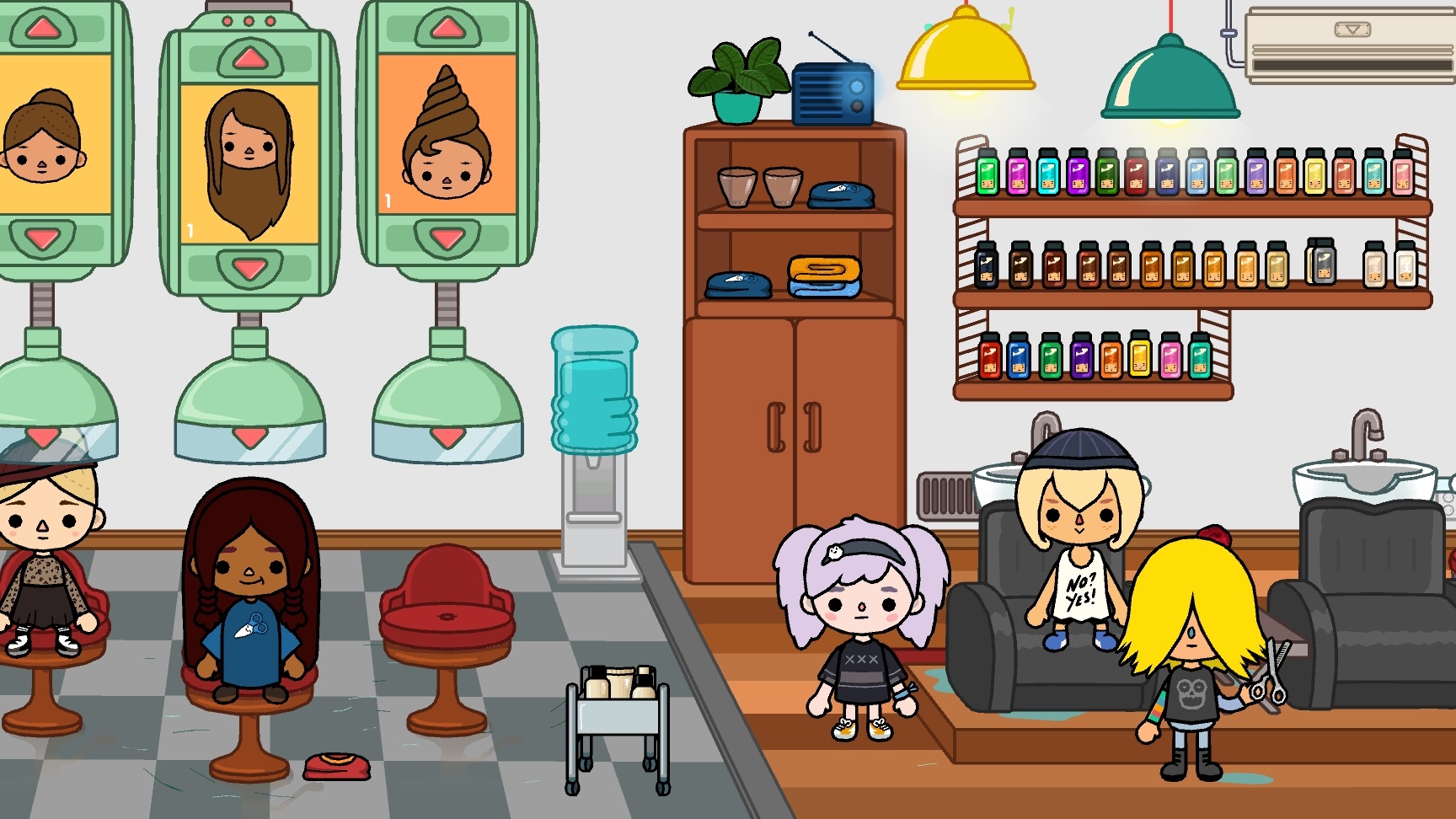
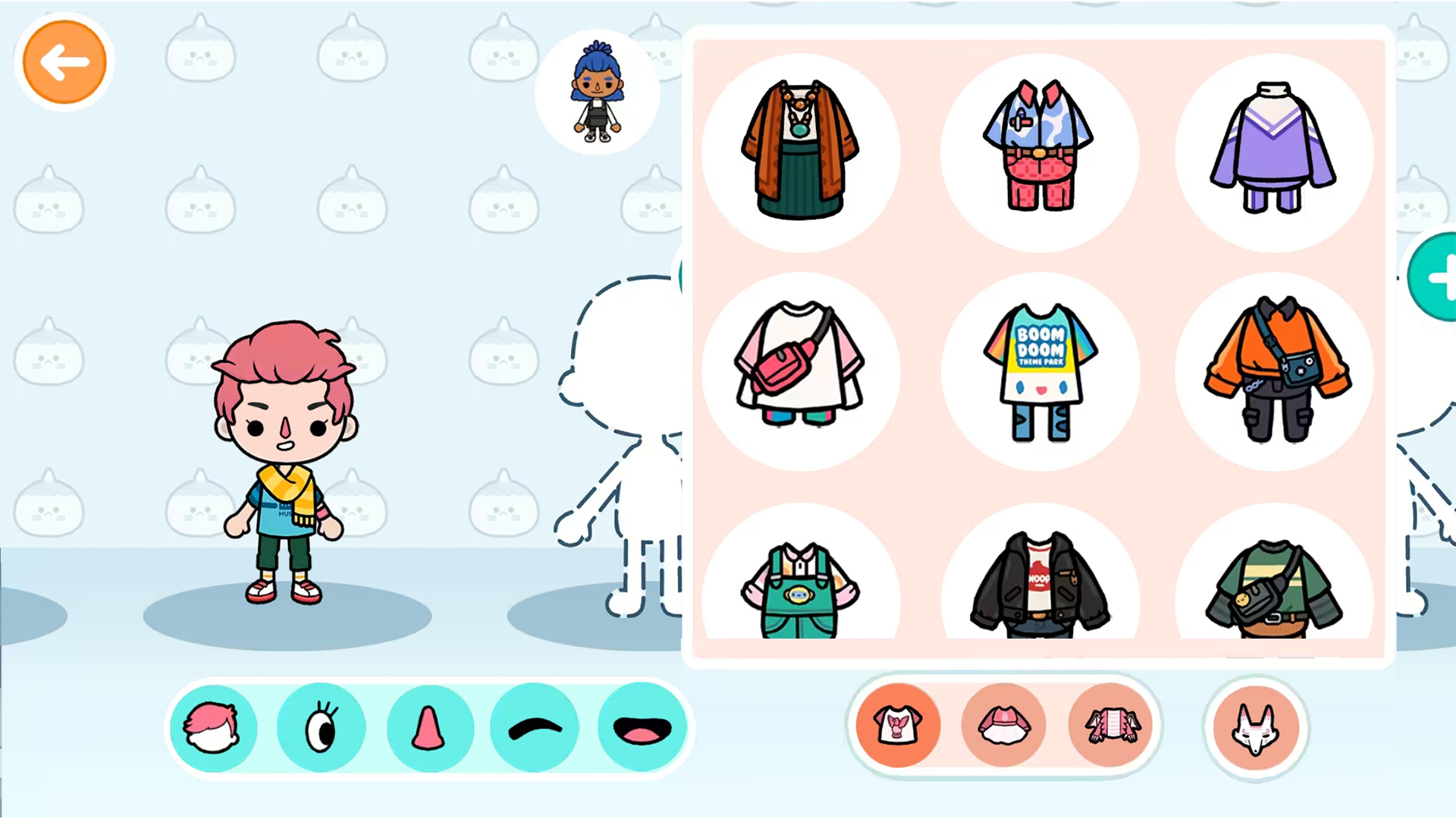
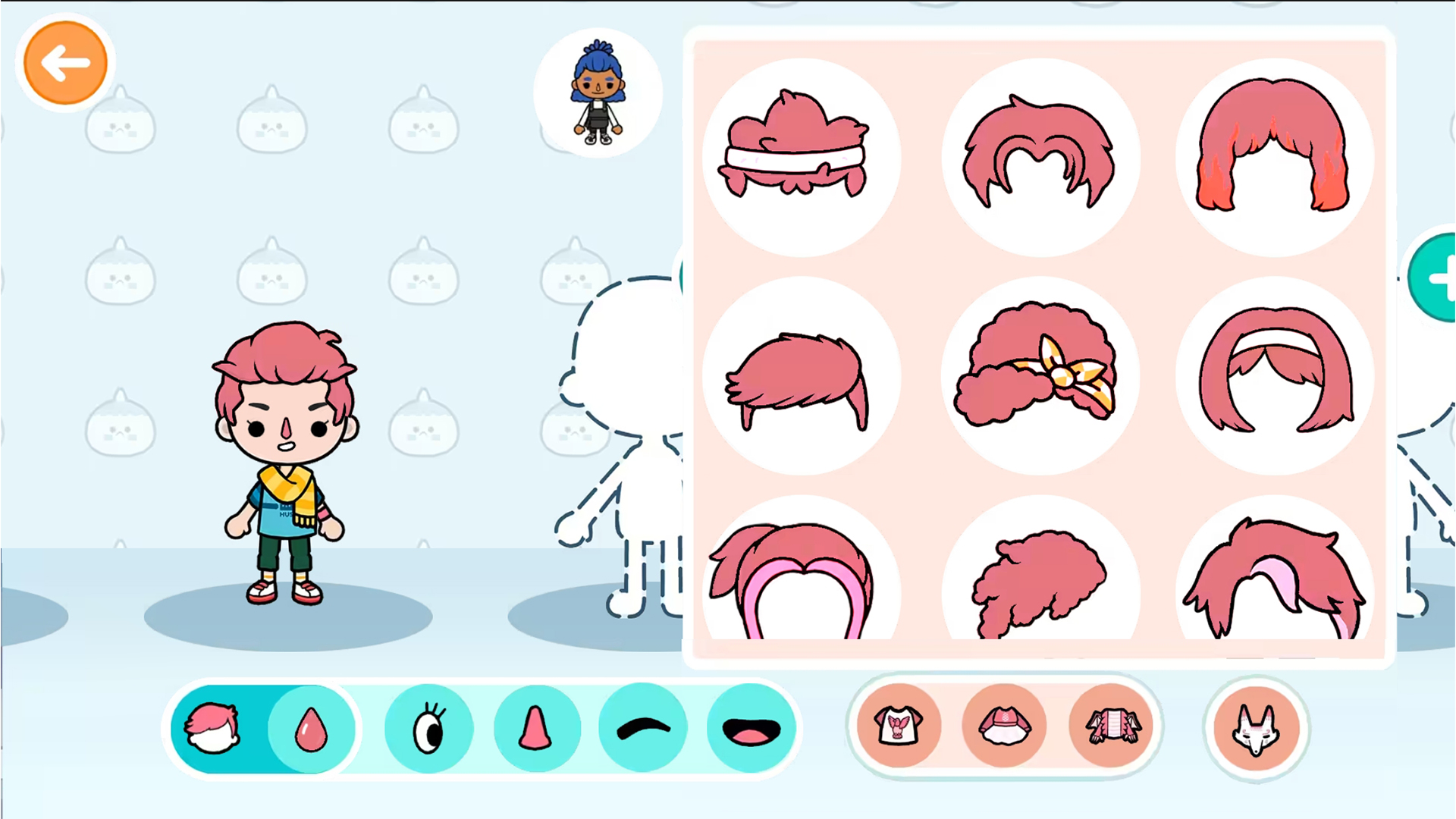
  • Toсa World: Beauty Salon screenshot 1
  • Toсa World: Beauty Salon screenshot 2
  • Toсa World: Beauty Salon screenshot 3
  • Toсa World: Beauty Salon screenshot 4
  • Toсa World: Beauty Salon screenshot 5
  • Toсa World: Beauty Salon screenshot 6
  • Toсa World: Beauty Salon screenshot 7
  • Toсa World: Beauty Salon screenshot 8
  • Toсa World: Beauty Salon screenshot 9
  • Toсa World: Beauty Salon screenshot 10
  • Toсa World: Beauty Salon screenshot 11
  • Toсa World: Beauty Salon screenshot 12
Play Now

11,112 players online

How to play

  1. Open the game

    Press Play now and the game opens on its own screen.

  2. Follow the in-game instructions

    The controls and goals are shown inside the game as you play.

  3. Use the game menu

    The floating button over the game reloads it, saves it to your favourites, or takes you back out.

Game instructions

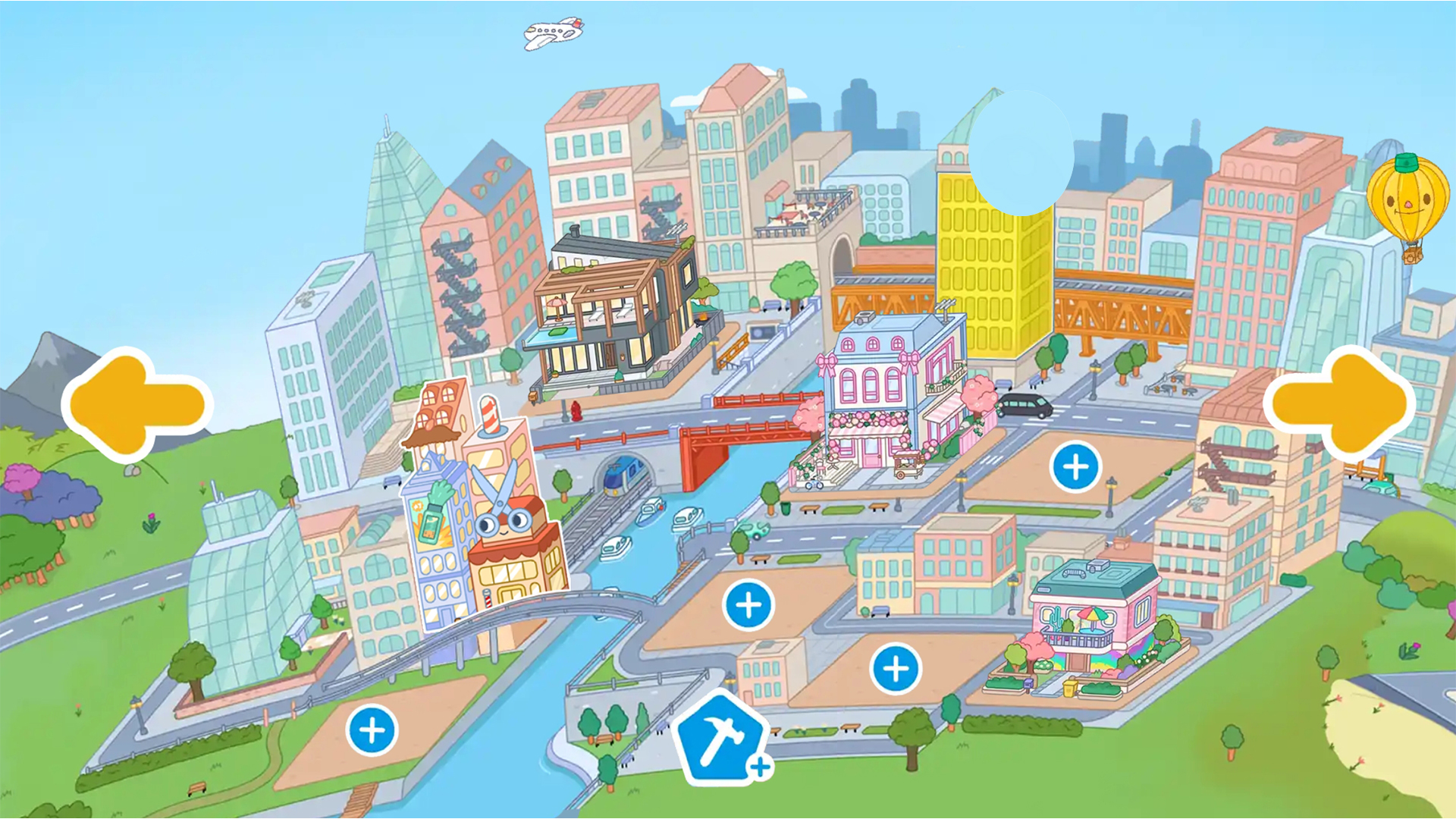
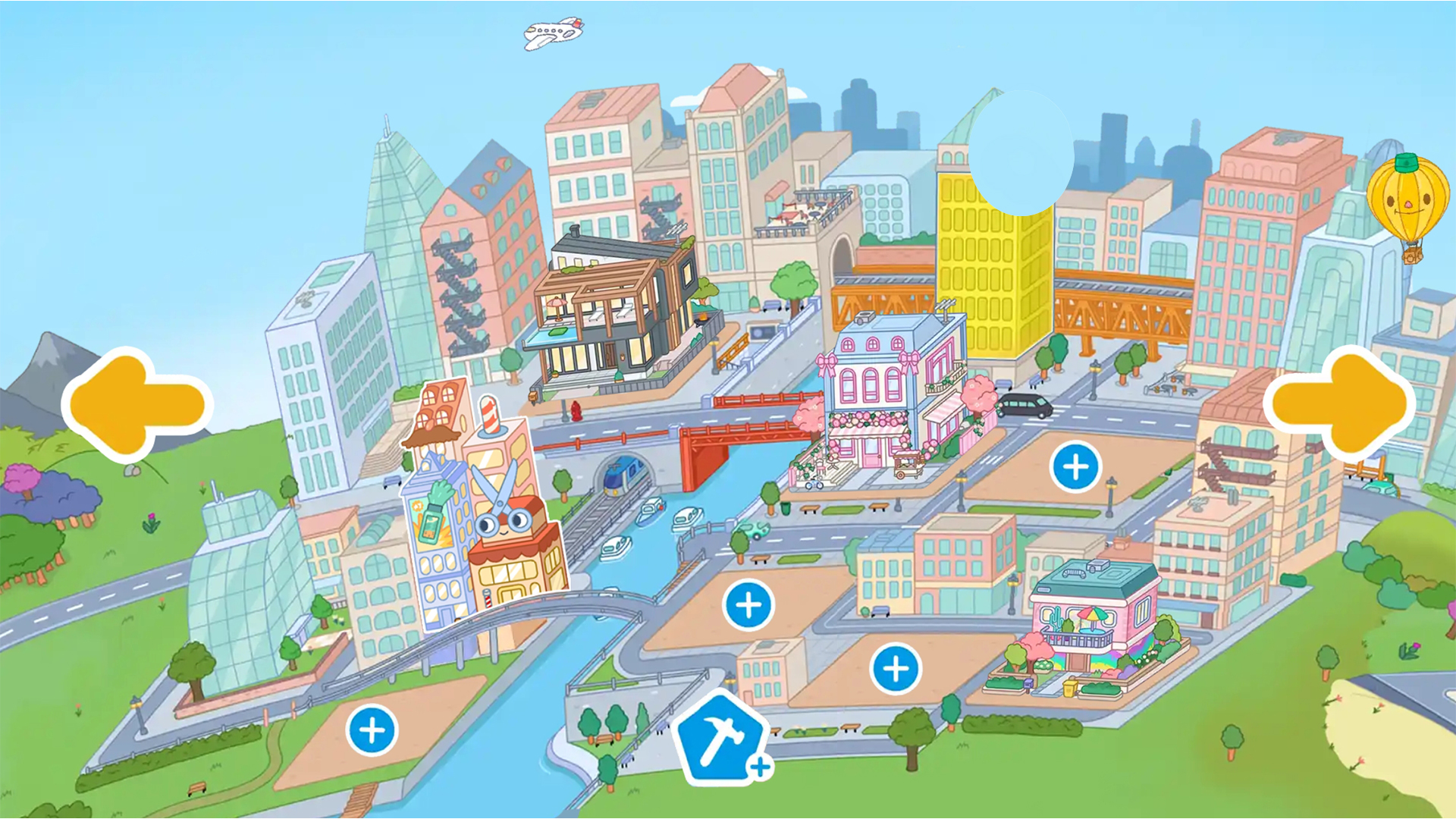
All locations in the game are located on the main map. Simply click on the house you like and enter it. To control a character or an item, click on it with the cursor or finger. Hold it down and move the character or item around the location. To interact with characters and items, simply hover the item in the character’s hands. If it’s food or drink, you can feed your characters. In the location for creating your interior, you will have access to a special menu with a selection of interior items. Switch between different categories of furniture for different rooms and needs. Click on the furniture item you like to appear in the interior. Hold it down and move it to the desired location. To take a photo, simply click on the photo icon.

More games

More games