
Overview
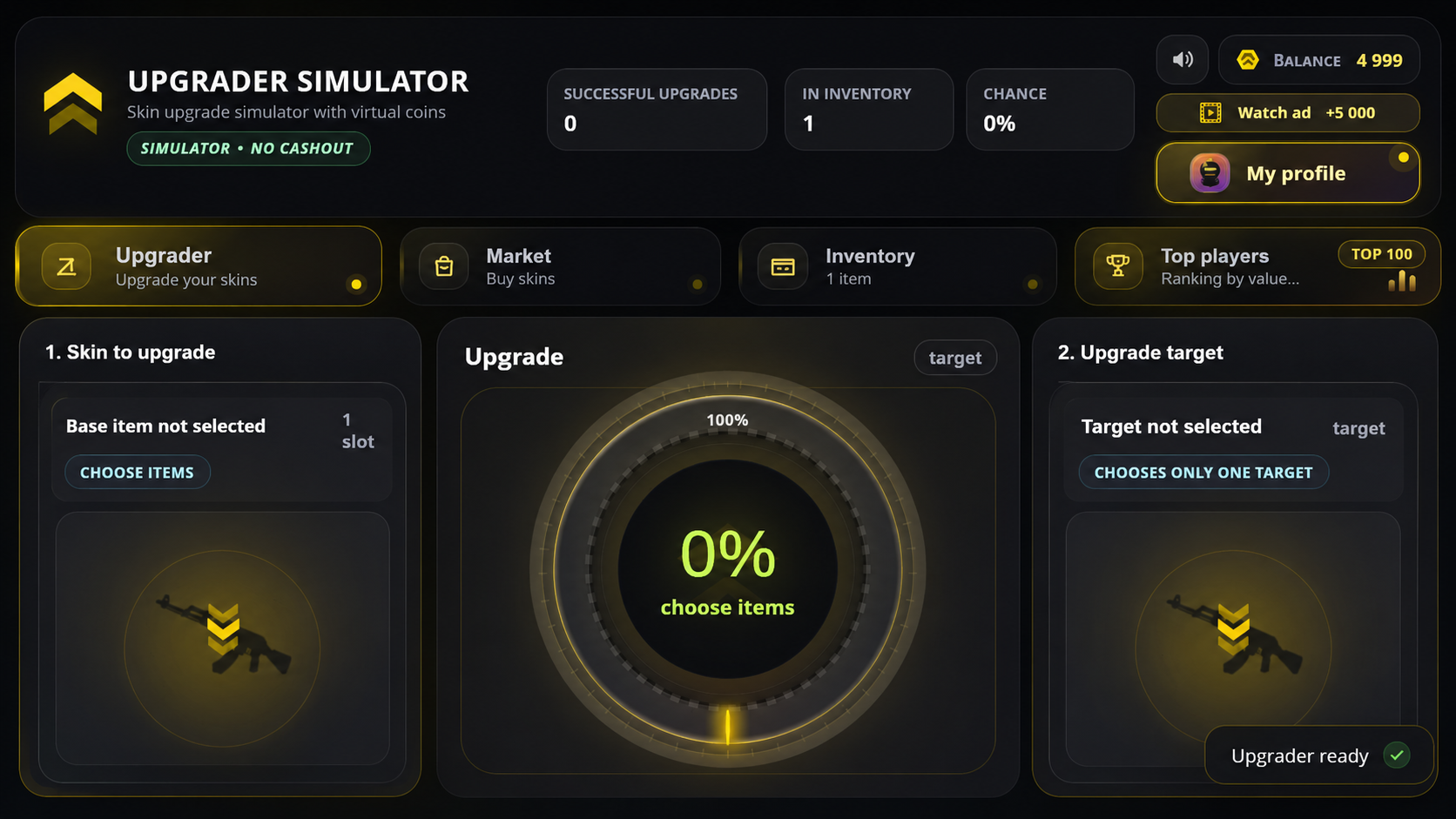
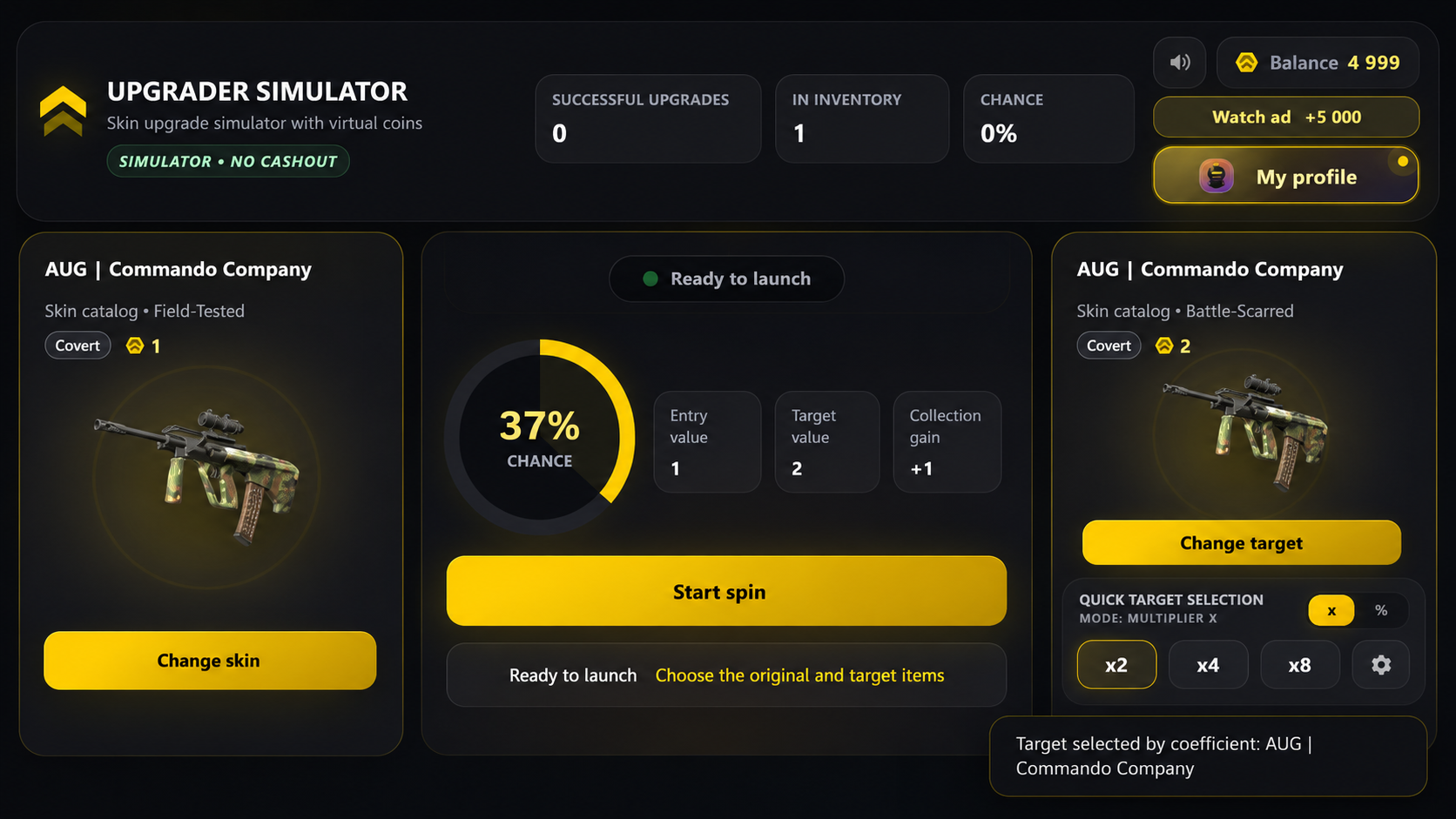
CS2 Skin Upgrade Simulator with an internal economy, inventory system, and market. Buy items with coins, choose a skin to upgrade, and select a more expensive target item. The higher the price of the target item, the lower the chance of a successful upgrade.
The main mechanic is the chance wheel. After launching the upgrade, the pointer stops on the ring: if it lands inside the colored sector, the upgrade succeeds and the new item is added to your inventory. If the pointer stops outside the sector, the attempt fails and the item goes into recovery.
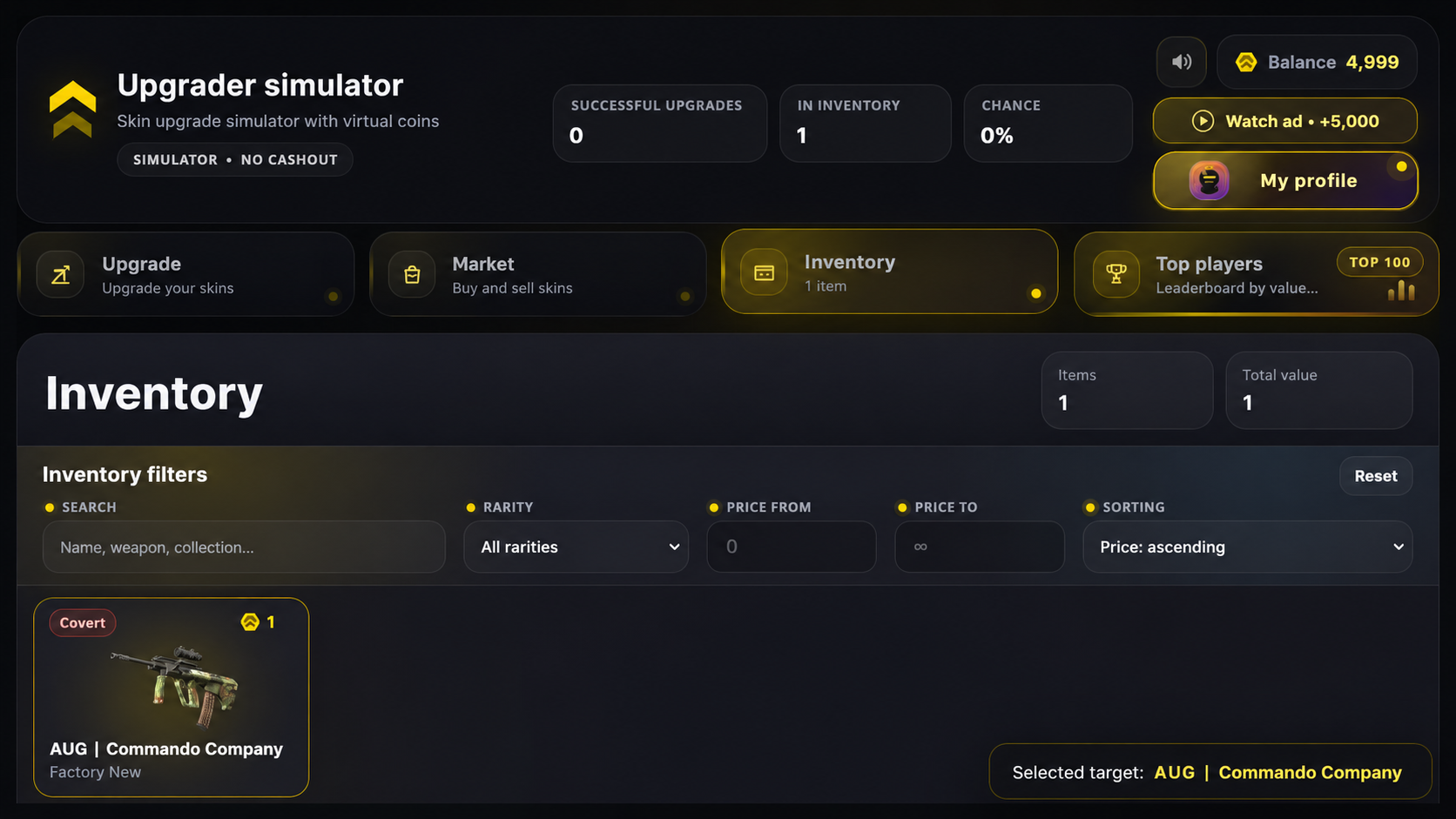
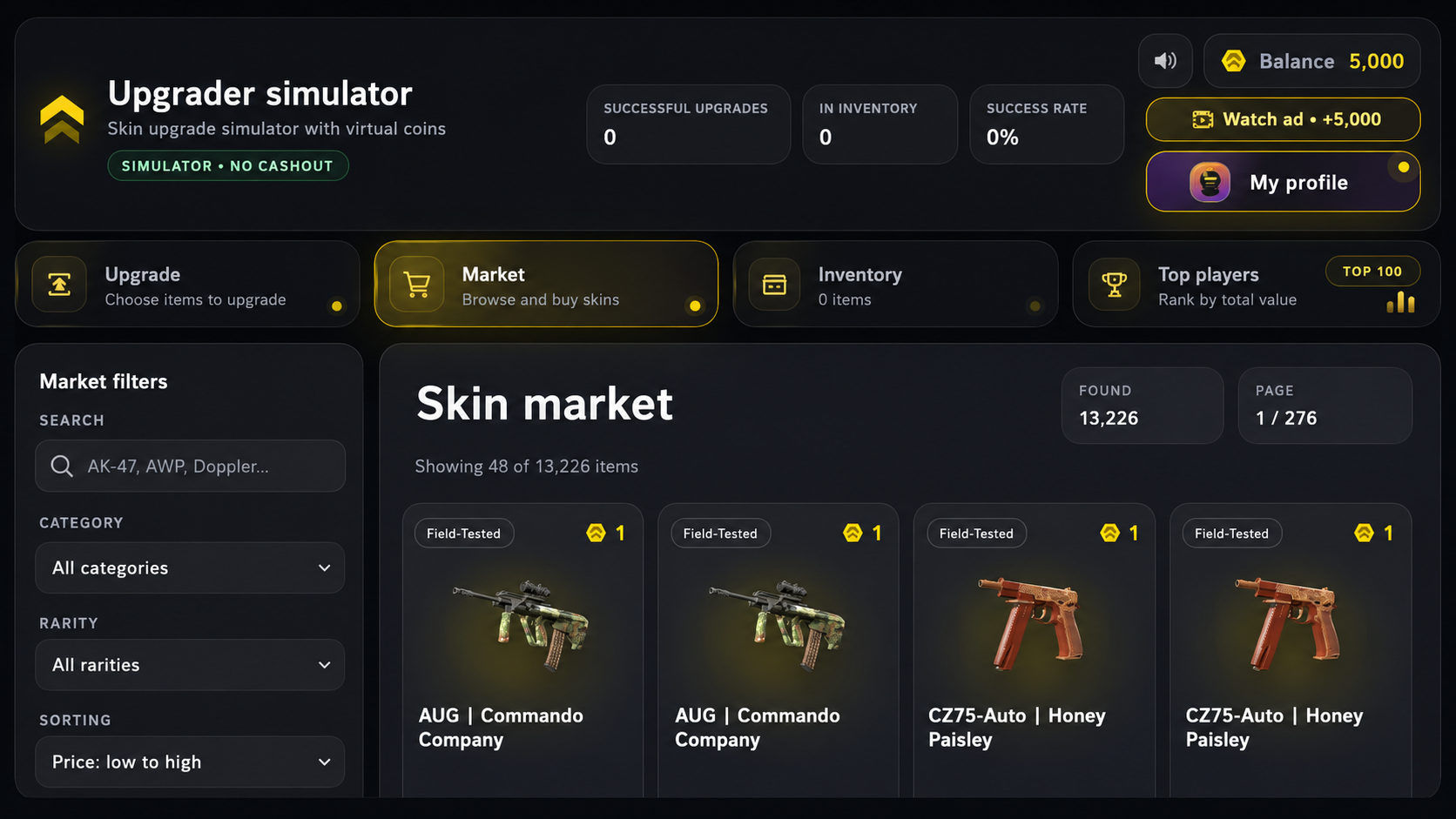
In the market, you can buy new skins. In the inventory, you can search for items, filter them by price and rarity, and sort them from cheapest to most expensive or vice versa. Item prices are taken from the game’s internal database. The balance can be increased by watching a rewarded ad.
Progress is saved automatically: balance, inventory, statistics, recovered items, and selected settings remain after restarting the game
Videos and screenshots
14,487 players online
How to play
-
Open the game
Press Play now and the game opens on its own screen.
-
Follow the in-game instructions
The controls and goals are shown inside the game as you play.
-
Use the game menu
The floating button over the game reloads it, saves it to your favourites, or takes you back out.