Overview
🏙 Avatar: Build a City! 🏙
Create your own cozy dream city — no skyscrapers or pretentiousness, just warmth and attention to detail! 🛠️
🔨 Build with pleasure:
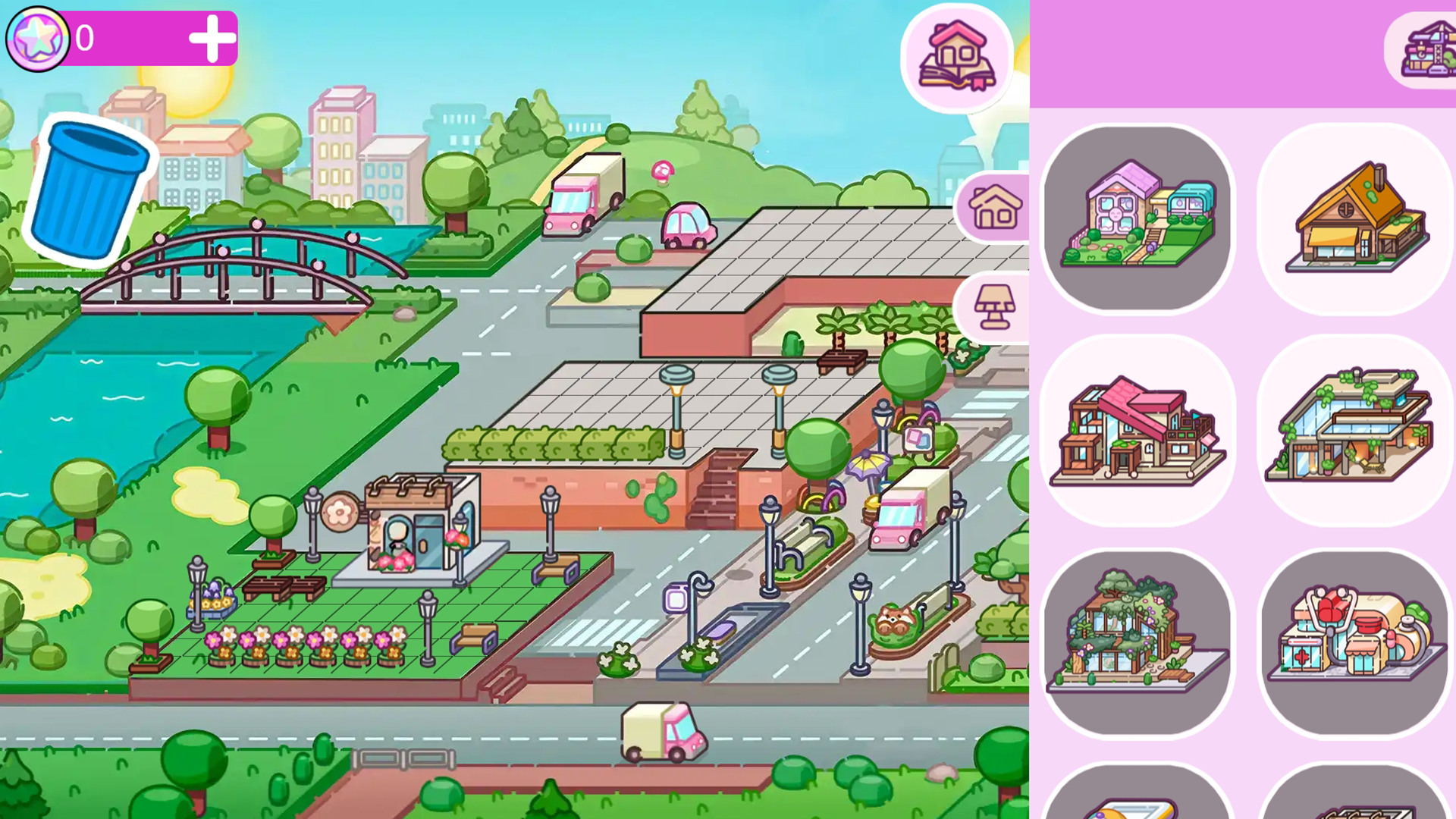
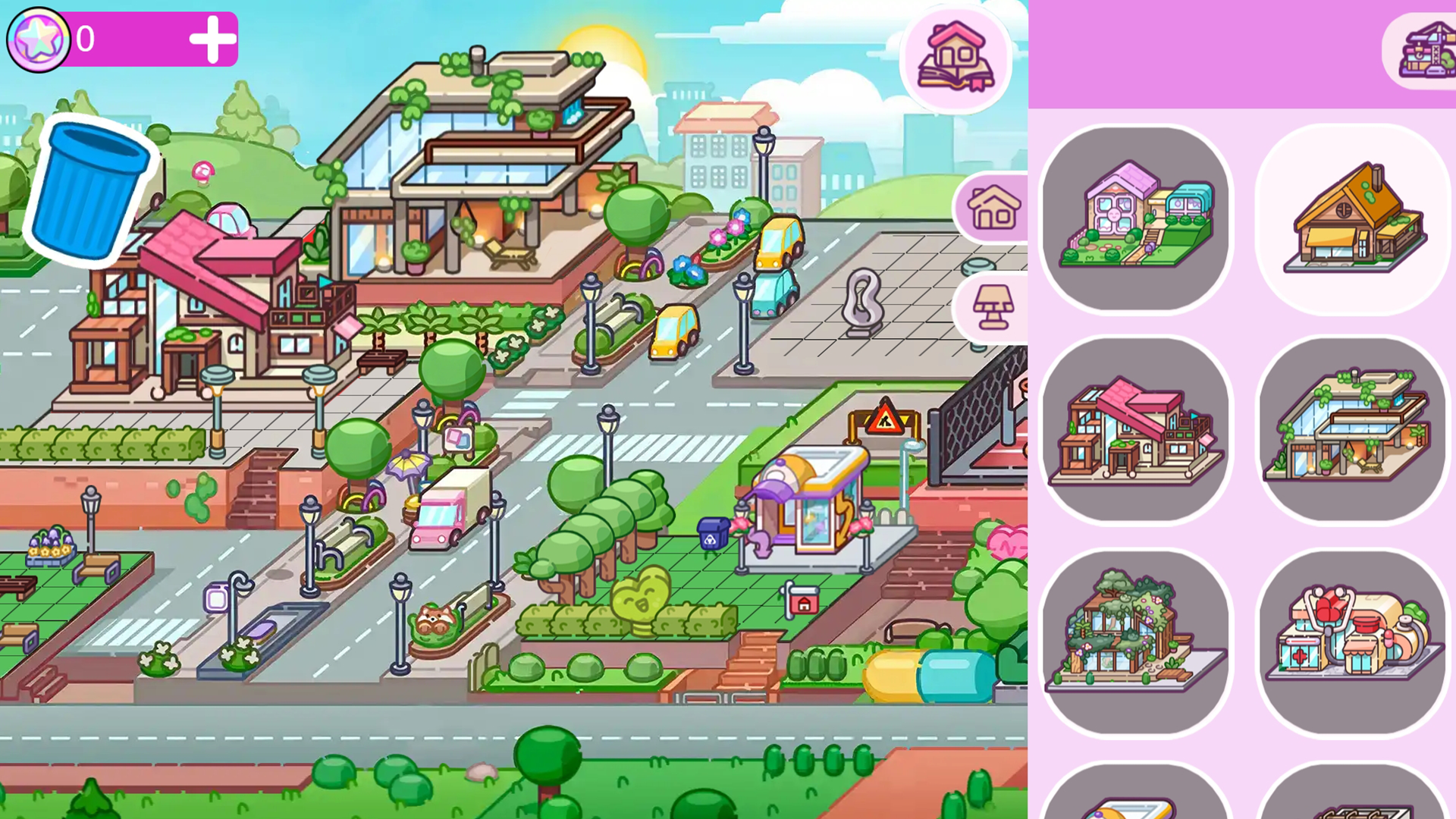
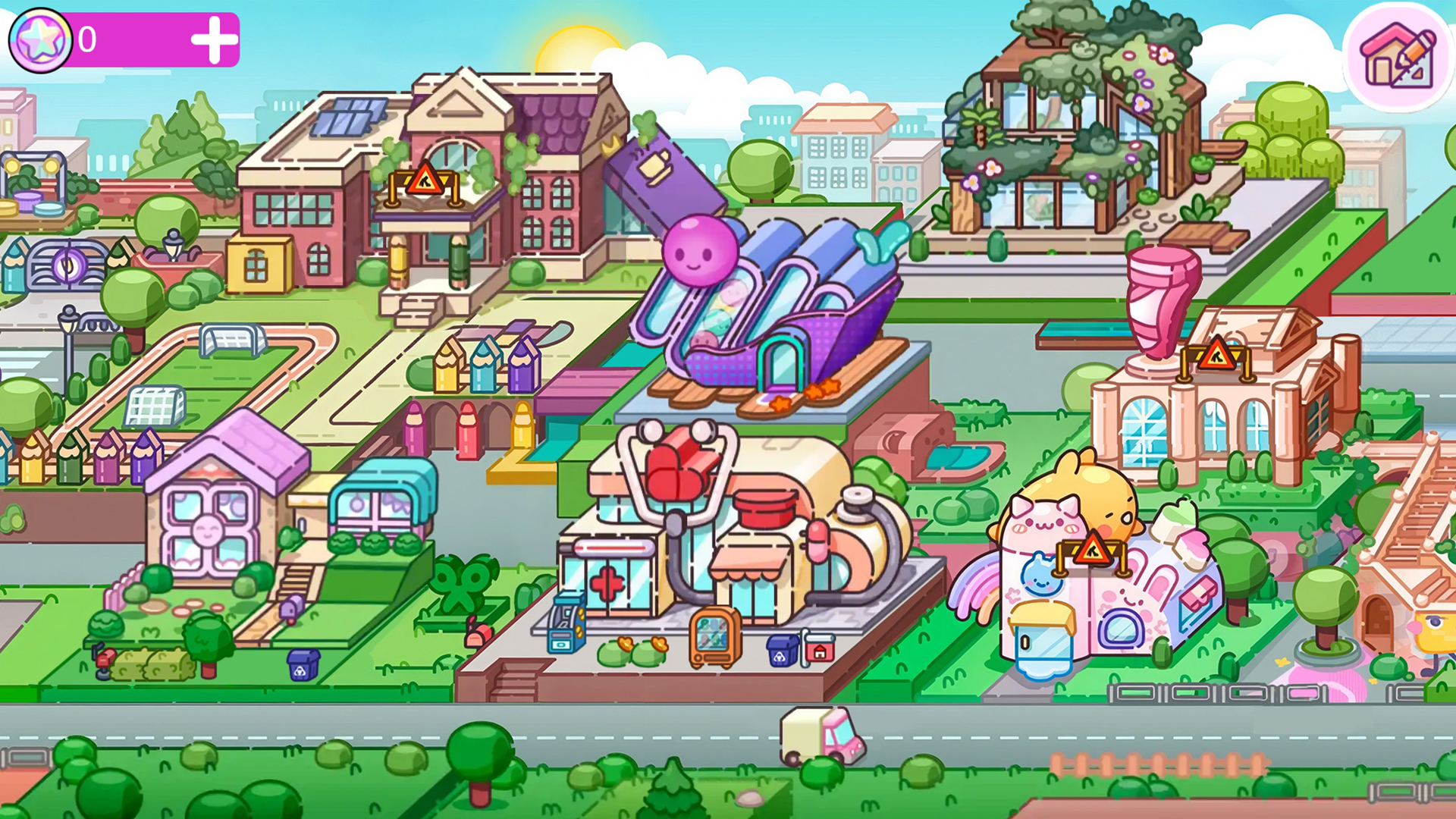
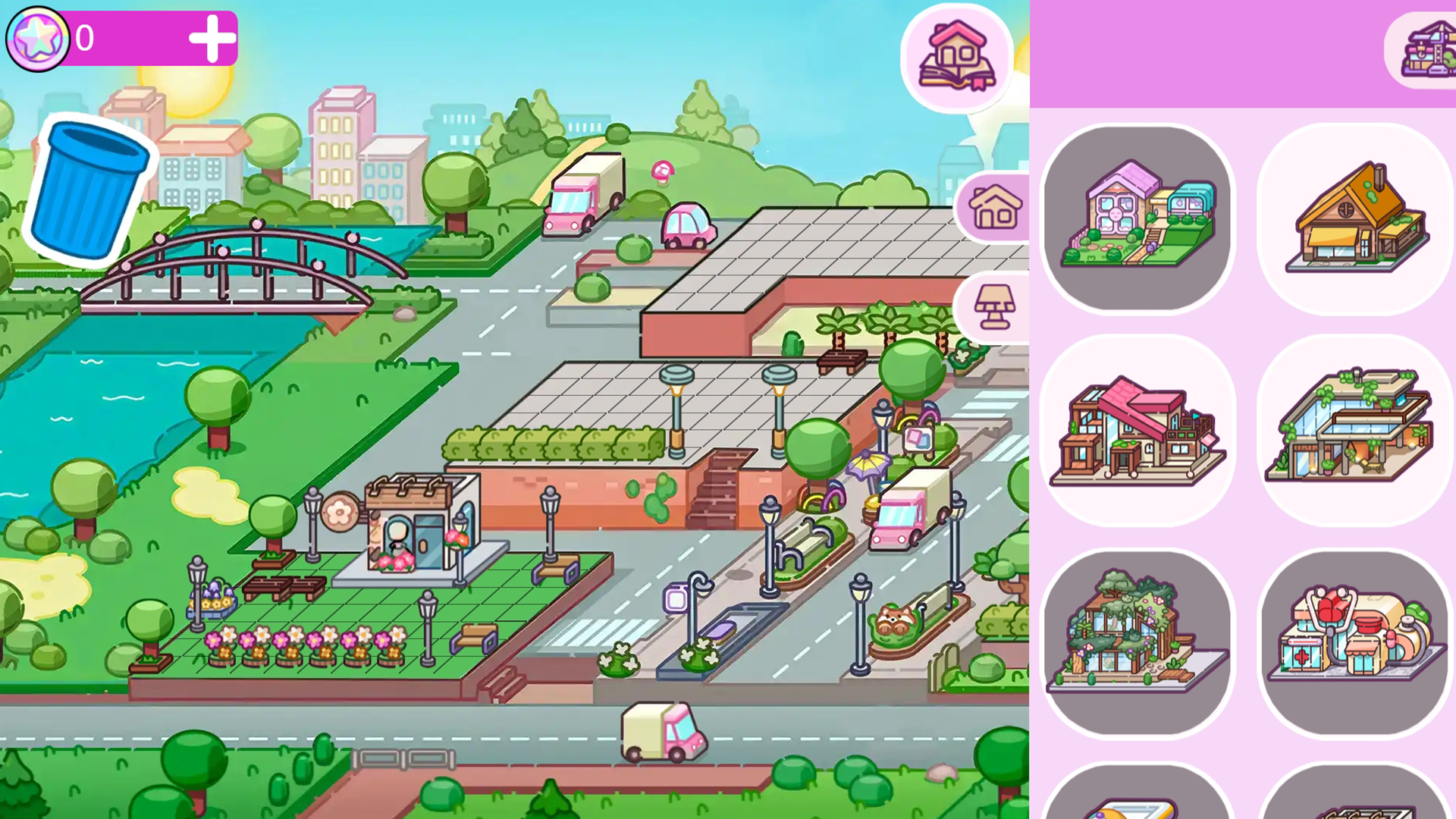
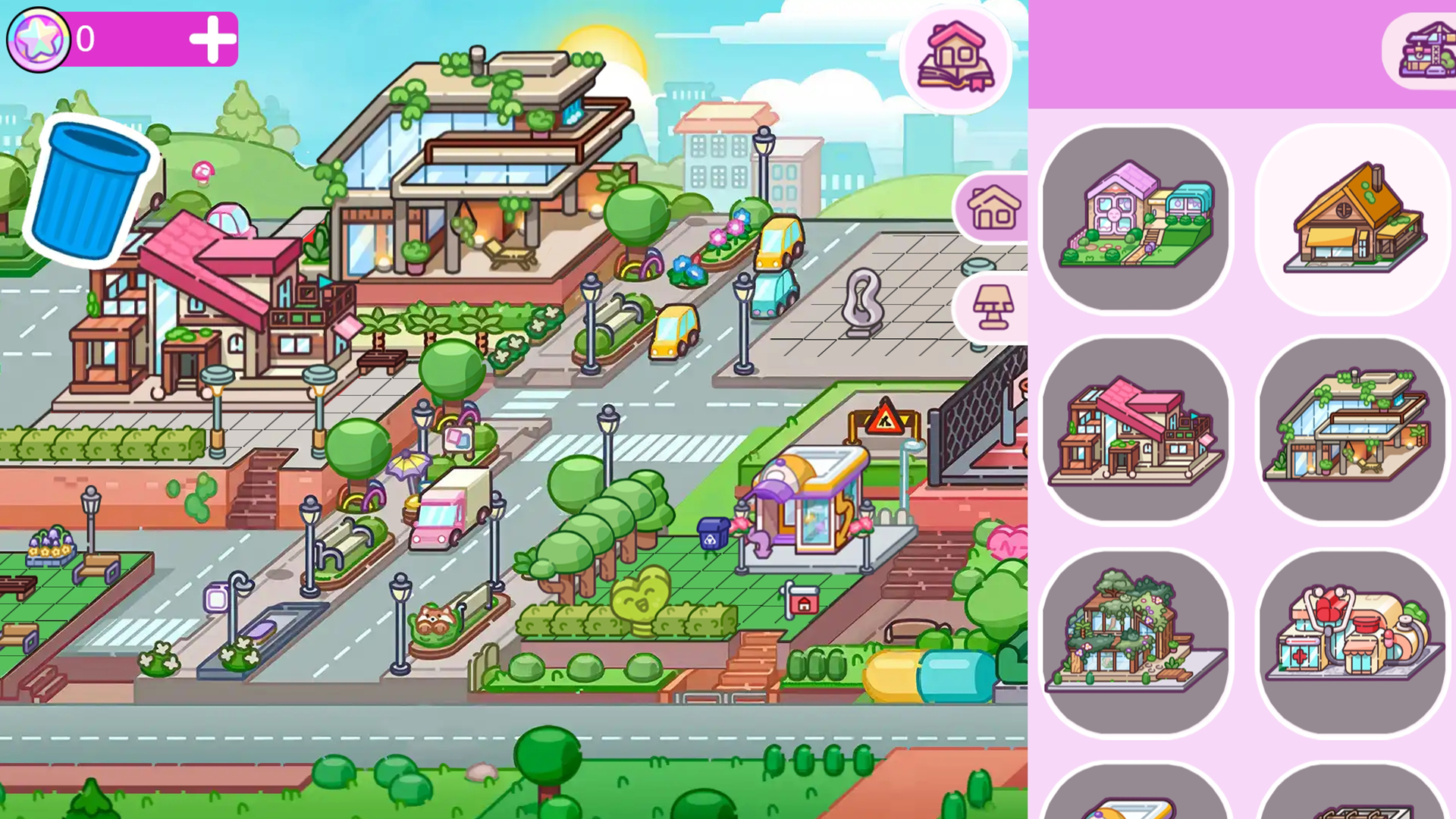
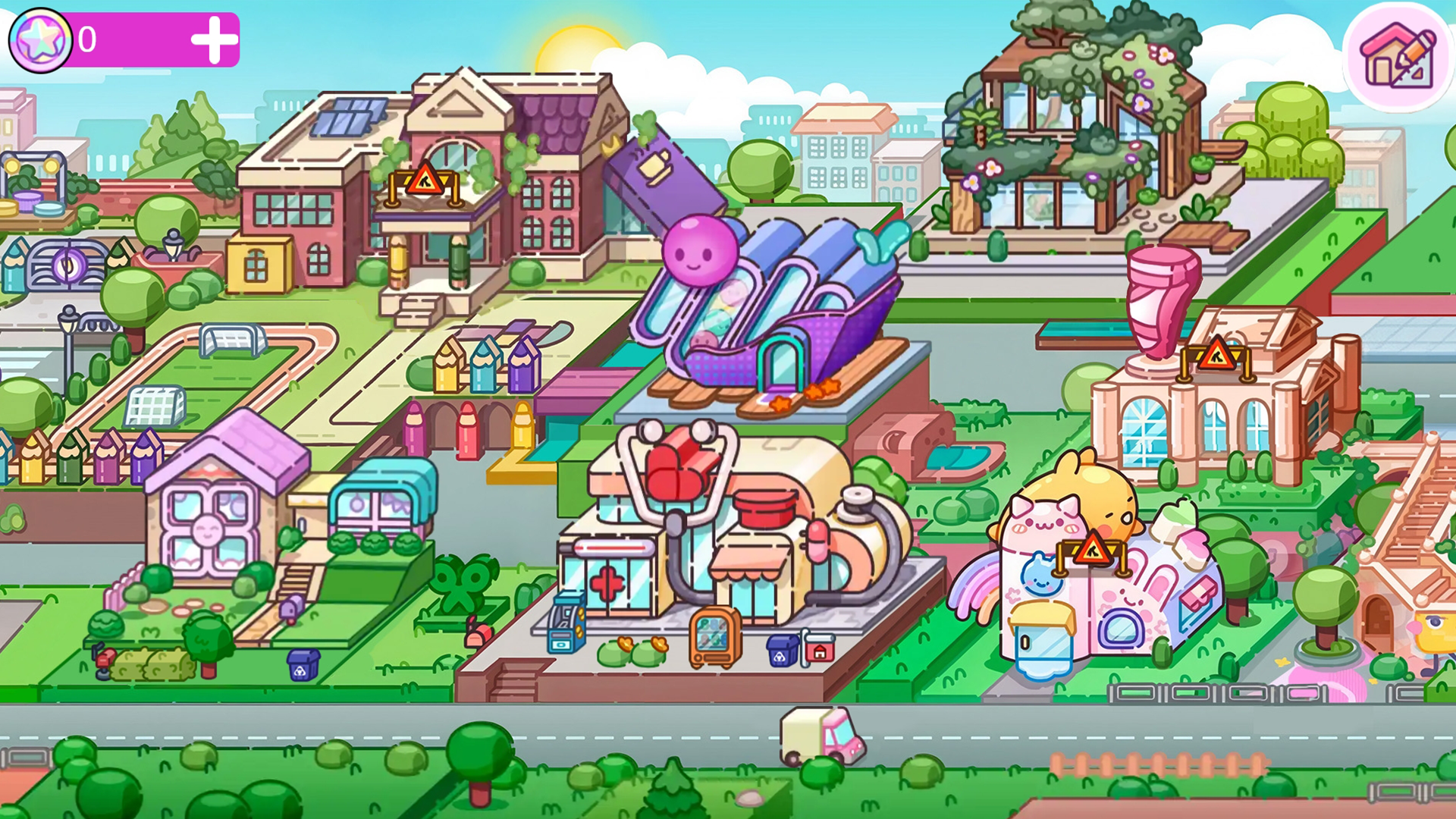
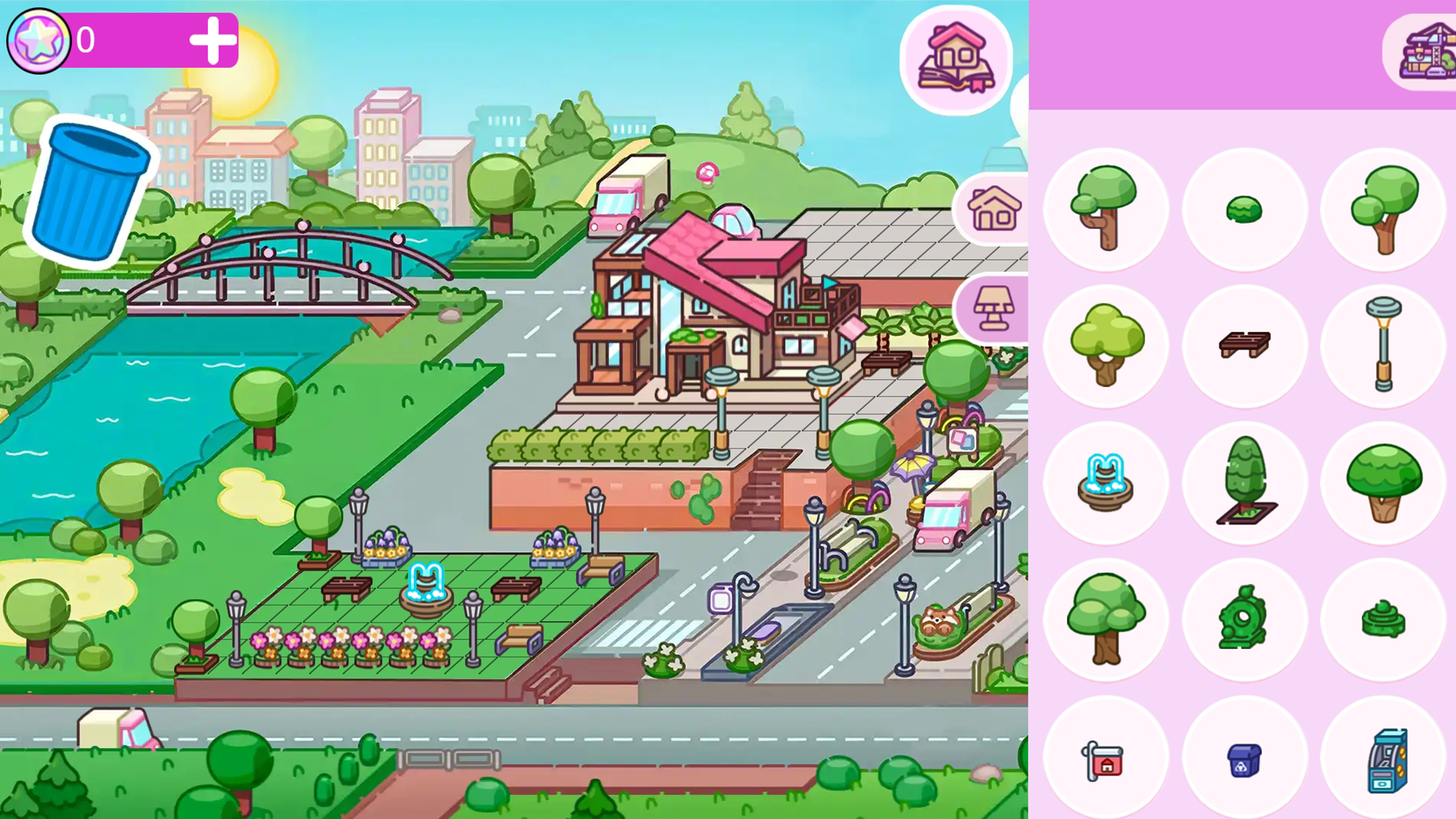
place houses on any available plots — choose the size and shape to suit your mood;
create neighbourhoods of varying densities: from quiet streets to bustling districts.
🌳 Beautify the space:
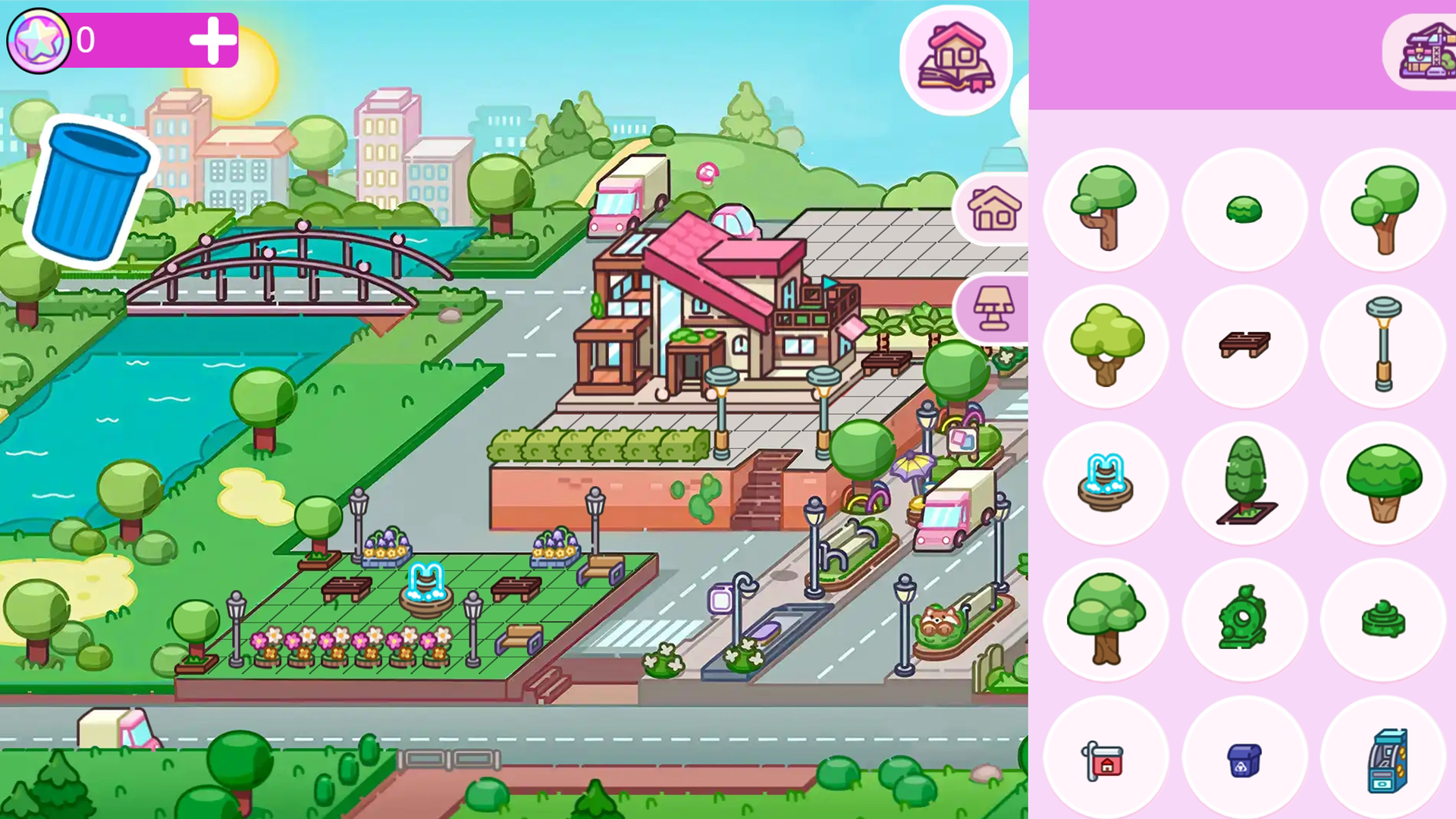
install benches for city dwellers to relax;
add fountains — let the sound and sight of water delight the senses;
place lanterns for warm evening strolls;
plant trees, bushes and flowers — bring greenery to the streets.
🎯 Your objectives:
balance residential areas, public spaces and green areas;
maintain the atmosphere — the city should be a pleasant place to live.
✨ Game features:
a simple and intuitive building system;
freedom of creativity — no rigid templates, just your own ideas;
the ability to return and refine any area at any time.
Start building today — your city is waiting for its architect! 🏗️
Videos and screenshots
11,325 players online
How to play
-
Open the game
Press Play now and the game opens on its own screen.
-
Follow the in-game instructions
The controls and goals are shown inside the game as you play.
-
Use the game menu
The floating button over the game reloads it, saves it to your favourites, or takes you back out.