Skip to content
KG
Aviation Simulator

Aviation Simulator

470K plays 4.6 out of 5

Overview

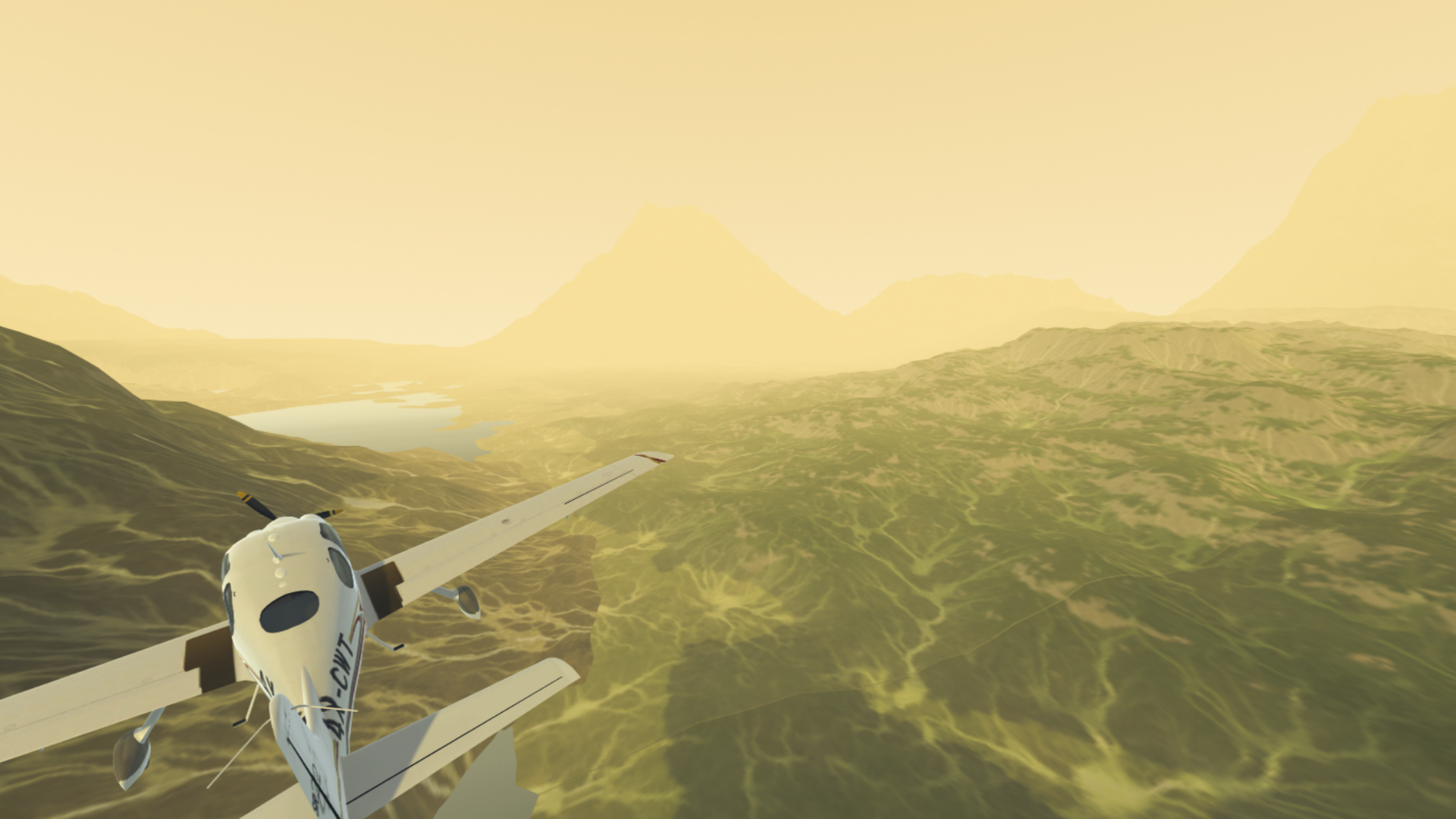
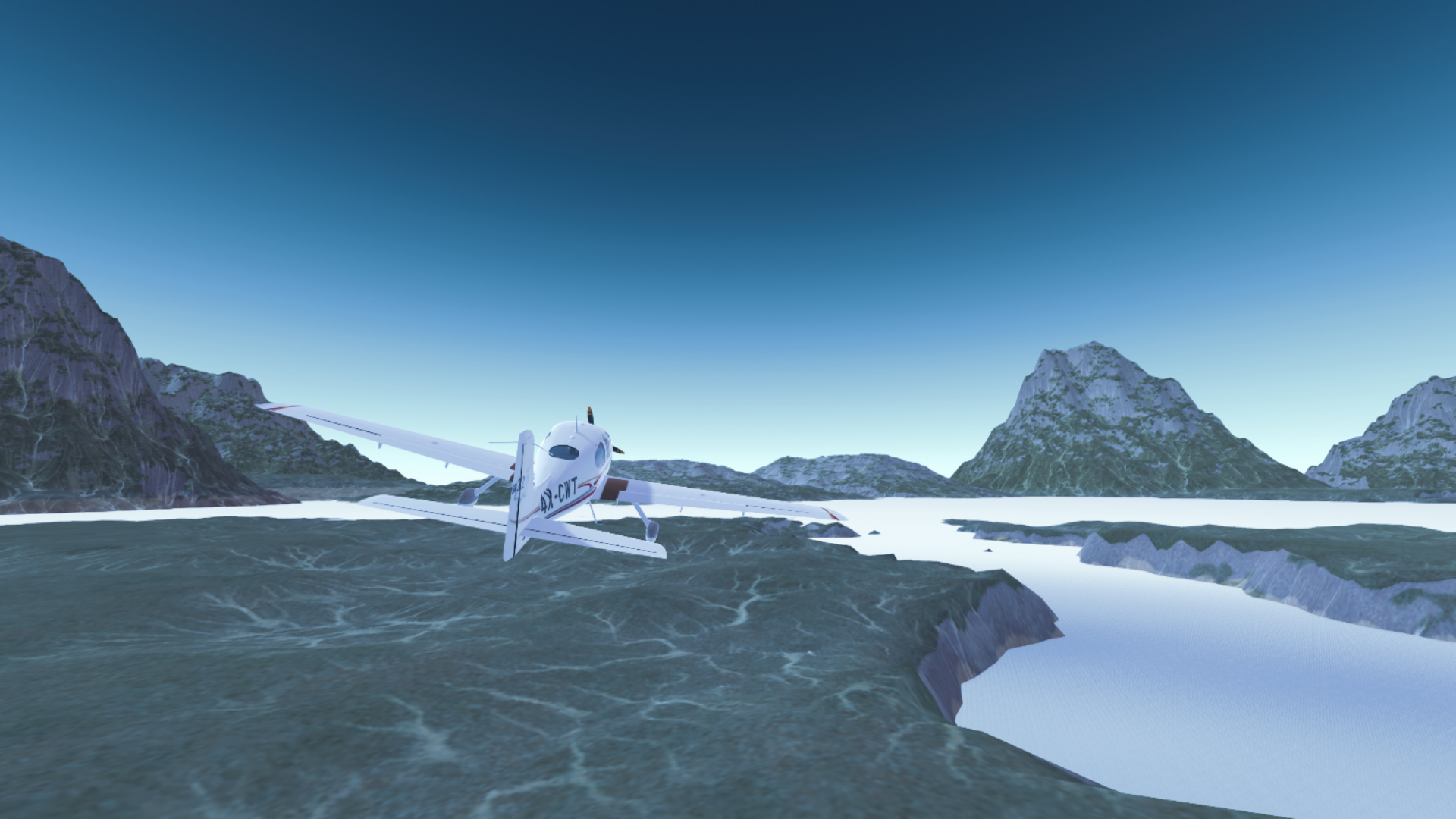
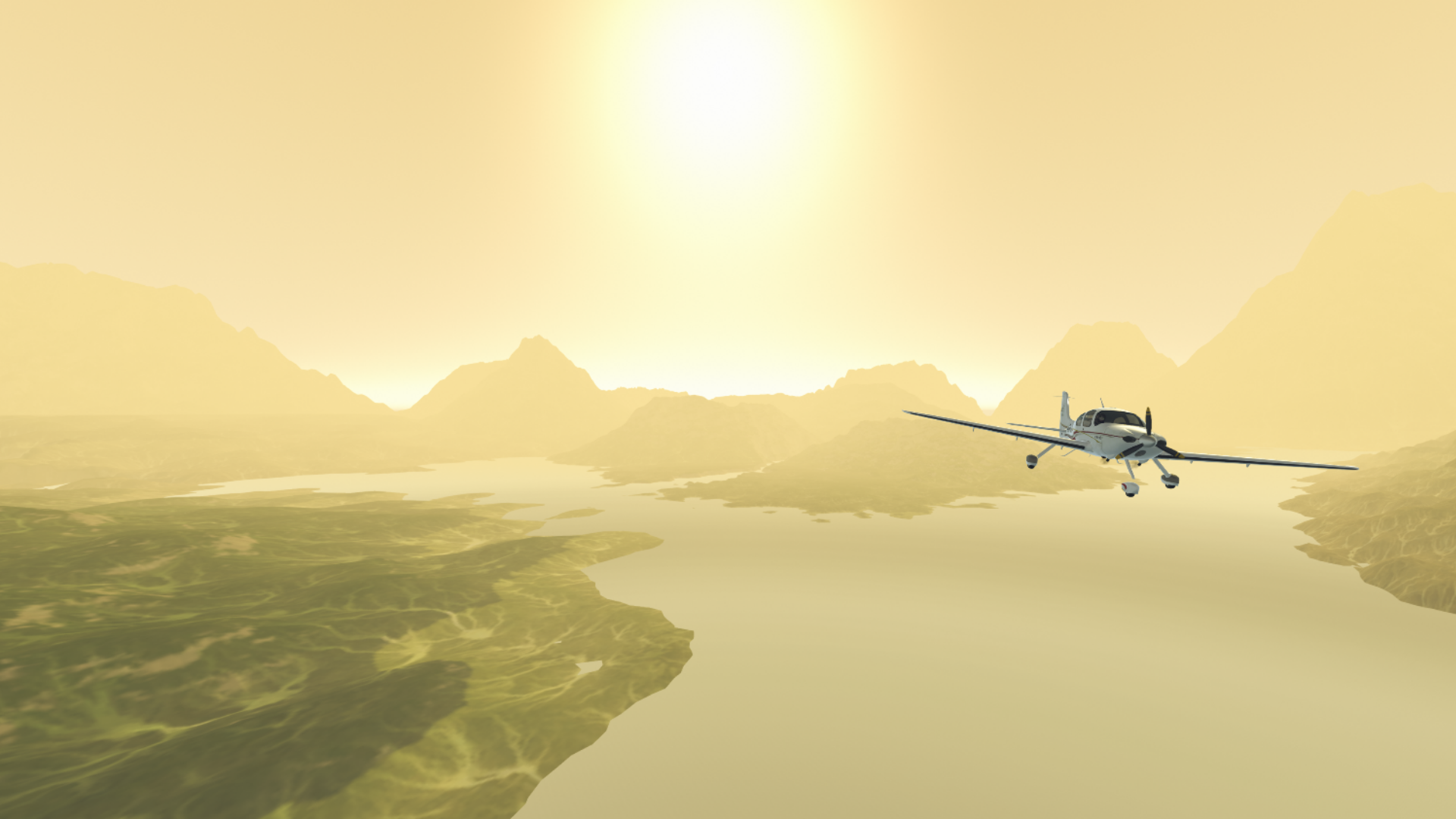
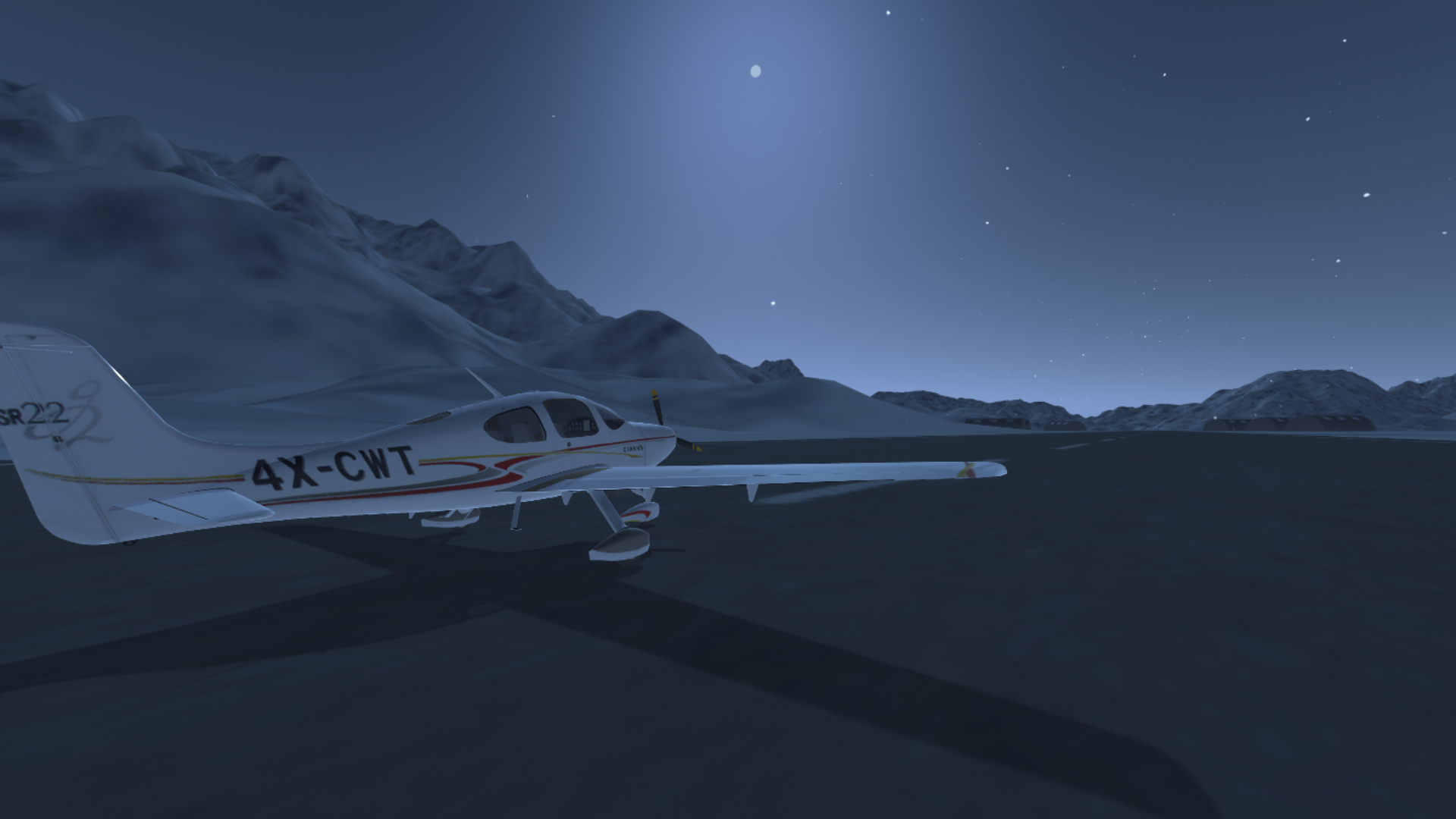
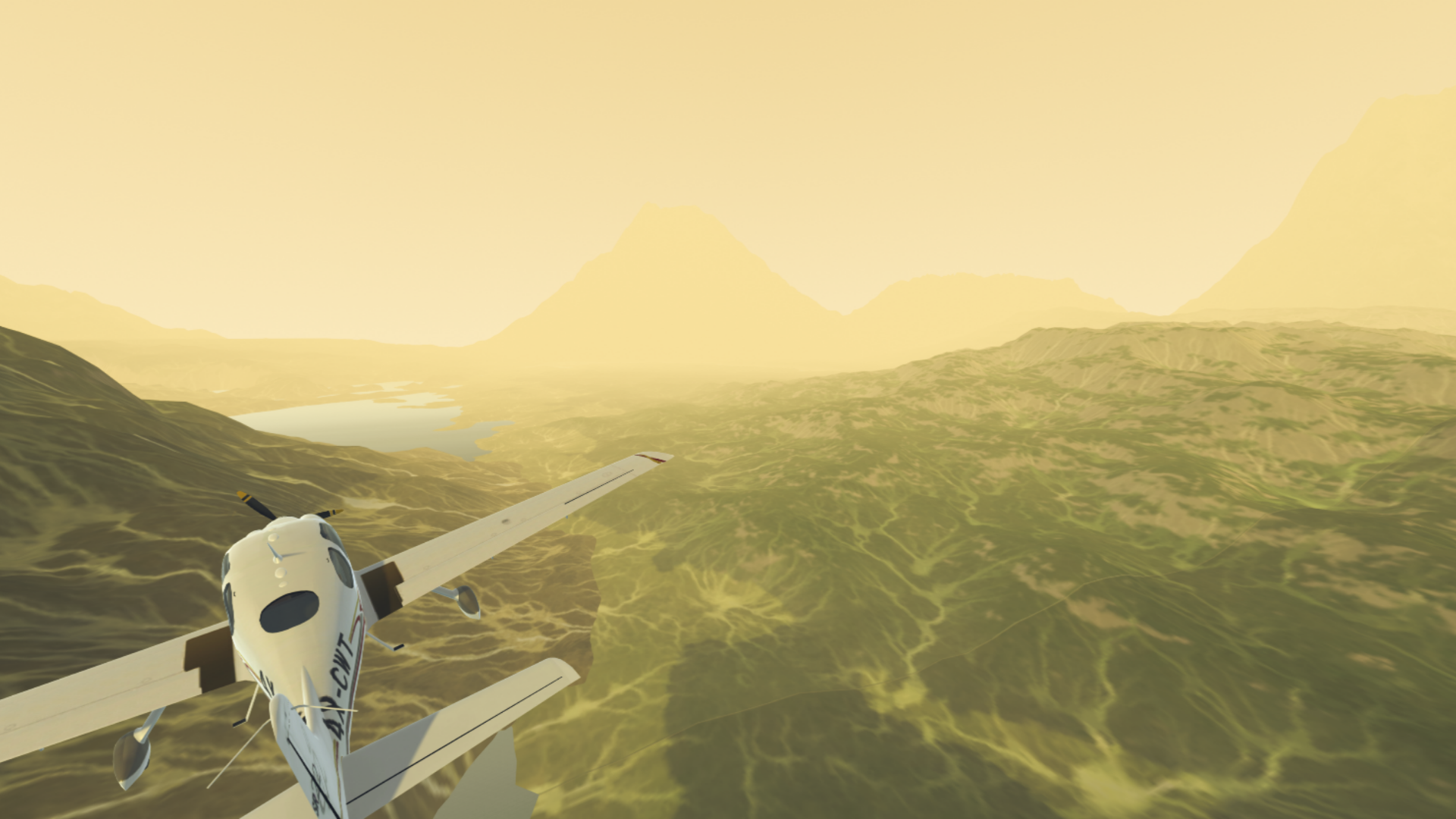
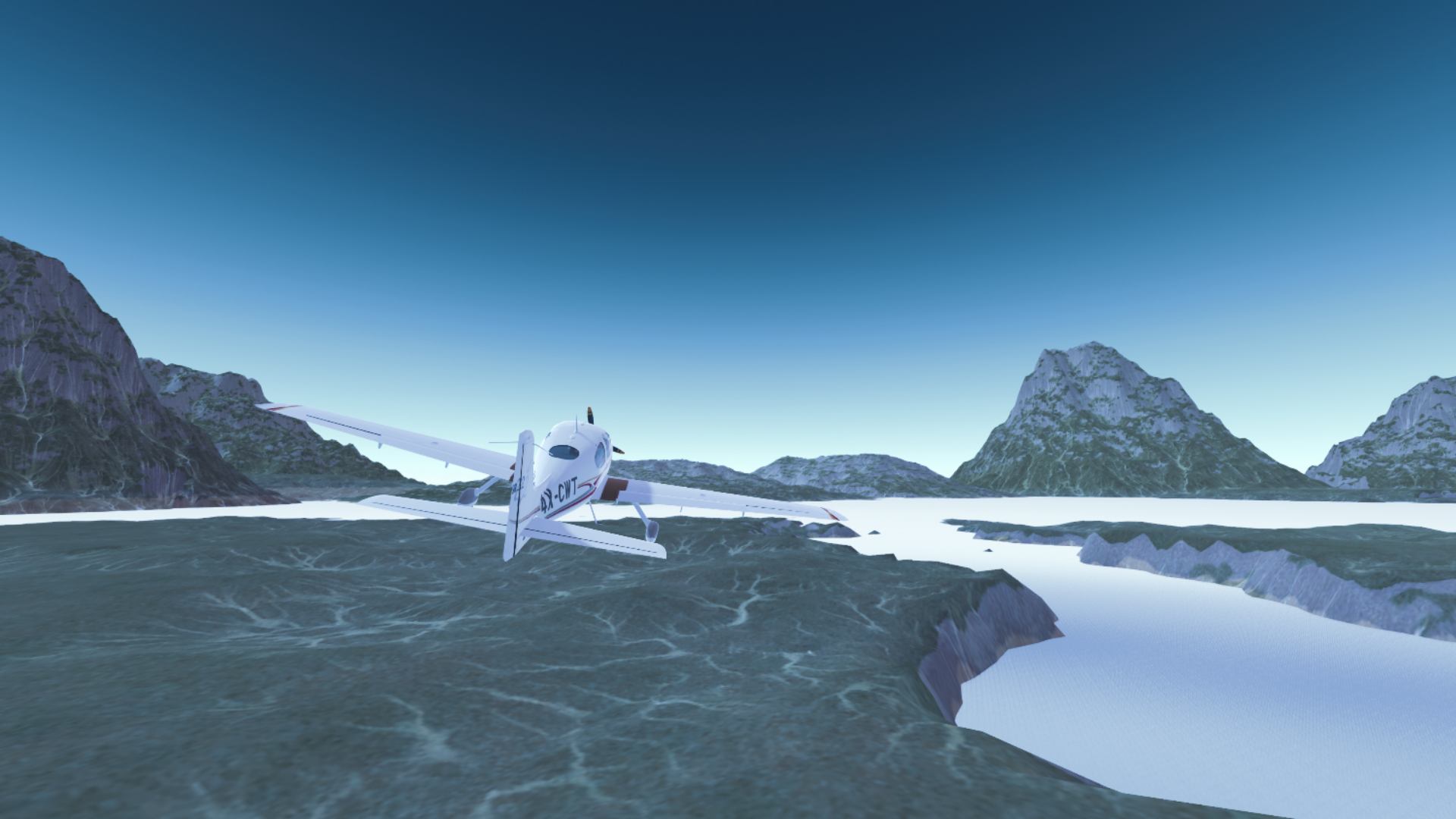
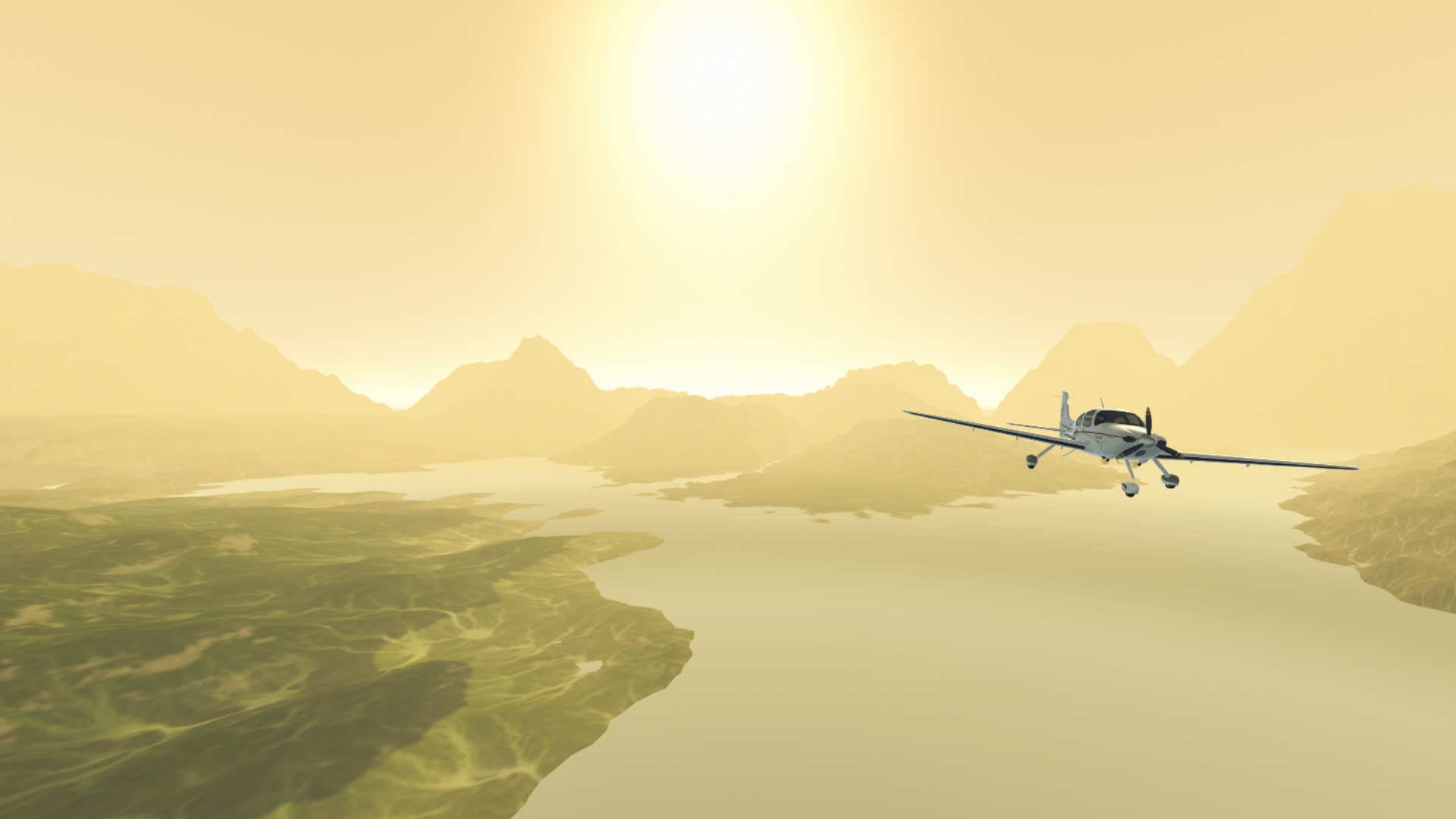
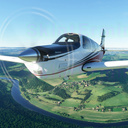
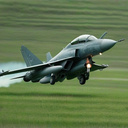
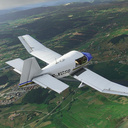
Embark on an unforgettable journey through the sky! This game offers you a unique flight experience that includes: A variety of aircraft. You will be able to control various types of aircraft, from classic cornhuskers to modern passenger airliners and powerful fighter jets. Each plane has its own characteristics, which makes the game even more exciting. A variety of maps and locations. Explore maps with diverse landscapes! You will be able to fly over European peaks, Arctic deserts and other locations. Quests and assignments. By completing tasks, you will be able to unlock new planes and maps. A variety of graphics and post-processing. Enjoy the stunning graphics and detailed post-processing that make each flight session a visually impressive experience. Experience the realism of the weather, lighting and atmosphere that make your air trip unforgettable.

Videos and screenshots
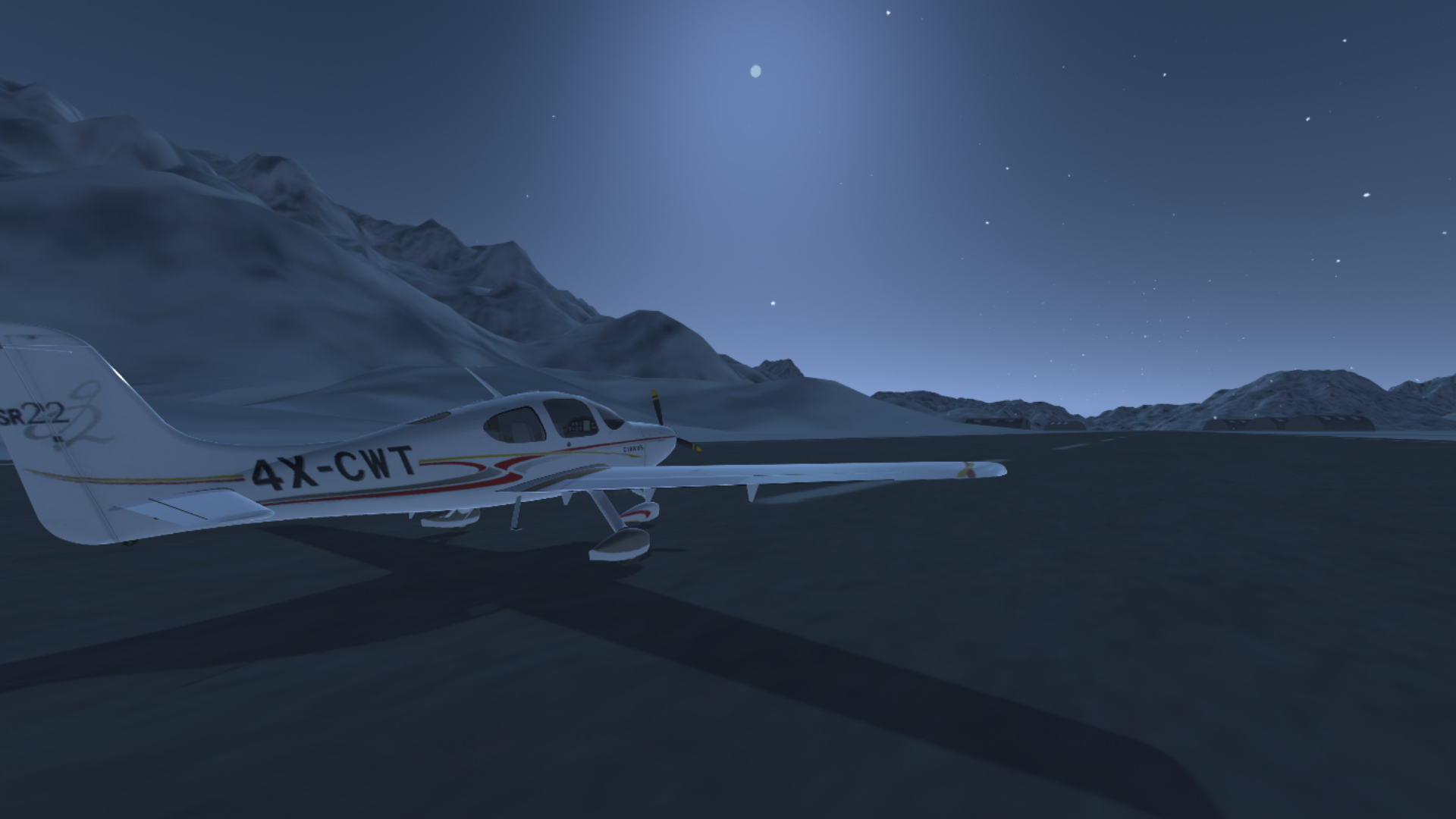
  • Aviation Simulator screenshot 1
  • Aviation Simulator screenshot 2
  • Aviation Simulator screenshot 3
  • Aviation Simulator screenshot 4
  • Aviation Simulator screenshot 5
  • Aviation Simulator screenshot 6
  • Aviation Simulator screenshot 7
  • Aviation Simulator screenshot 8
Play Now

13,871 players online

How to play

  1. Open the game

    Press Play now and the game opens on its own screen.

  2. Follow the in-game instructions

    The controls and goals are shown inside the game as you play.

  3. Use the game menu

    The floating button over the game reloads it, saves it to your favourites, or takes you back out.
Game instructions

Management On computers: WASD steering wheel Q/E - steering wheel F - air/ground braking Shift - full throttle Up/down arrow - Increase/decrease the gas "1"/"2" - Flaps Y - parking brake (handbrake) T - engine start U - engine stop G - chassis C - camera change LKM - camera rotation PCM - moving the camera SCM - zoom in and out of the camera To control the plane on your phone, use the screen and the corresponding buttons. On the gamepad (using the playstation dualshock 4 as an example): L3 steering wheel L2/R2 - steering wheel "square" - engine start "right arrow button" - engine stop "cross" - increase throttle "circle" - decrease throttle "left arrow button" - handbrake "triangle" - brakes L1/L2 - flaps "Options" - camera change R3 + Hold and direct - rotate the camera "upper and lower arrow buttons" - increase and decrease the camera distance. Have a nice game!

More games

More games