Overview
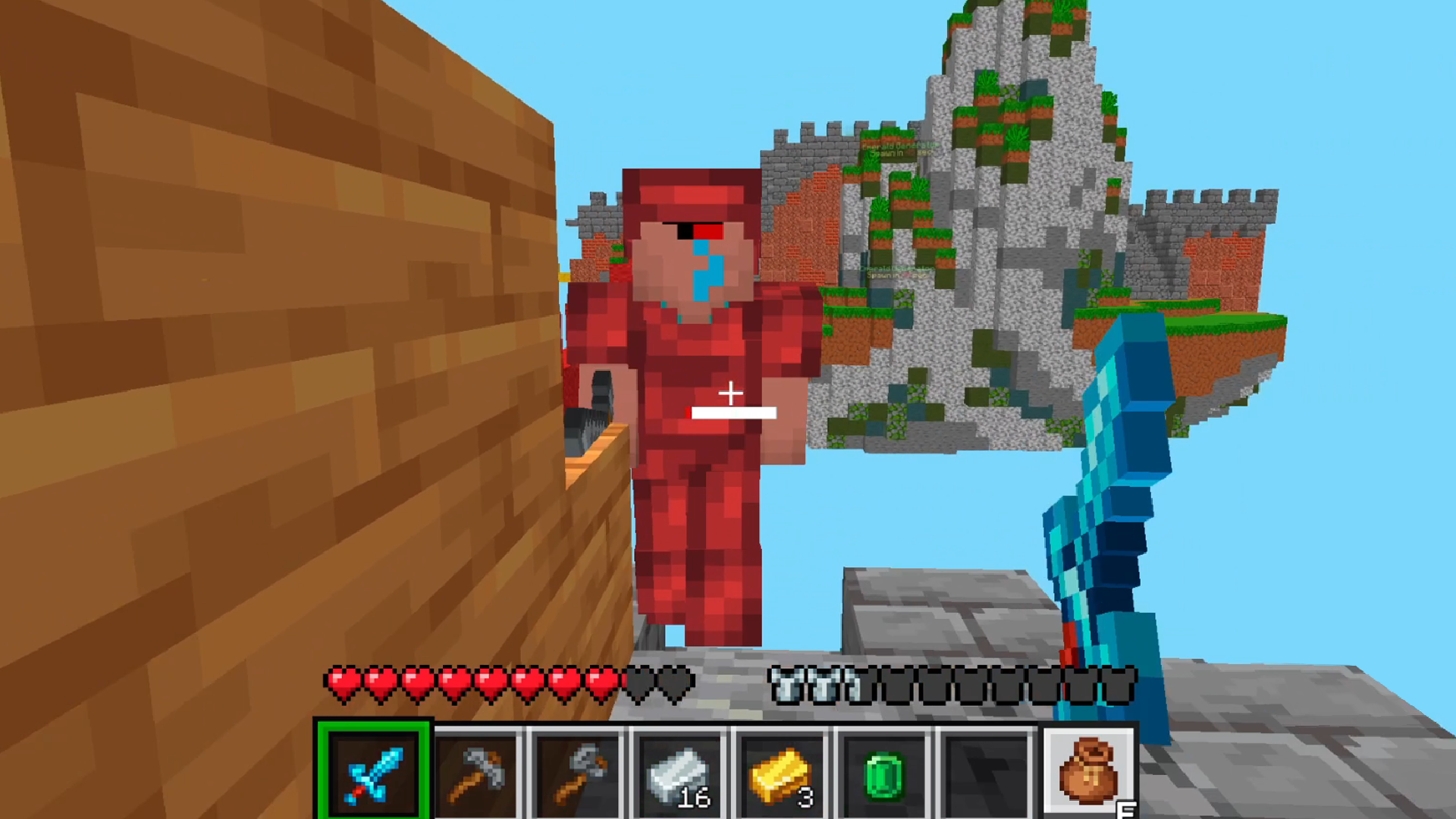
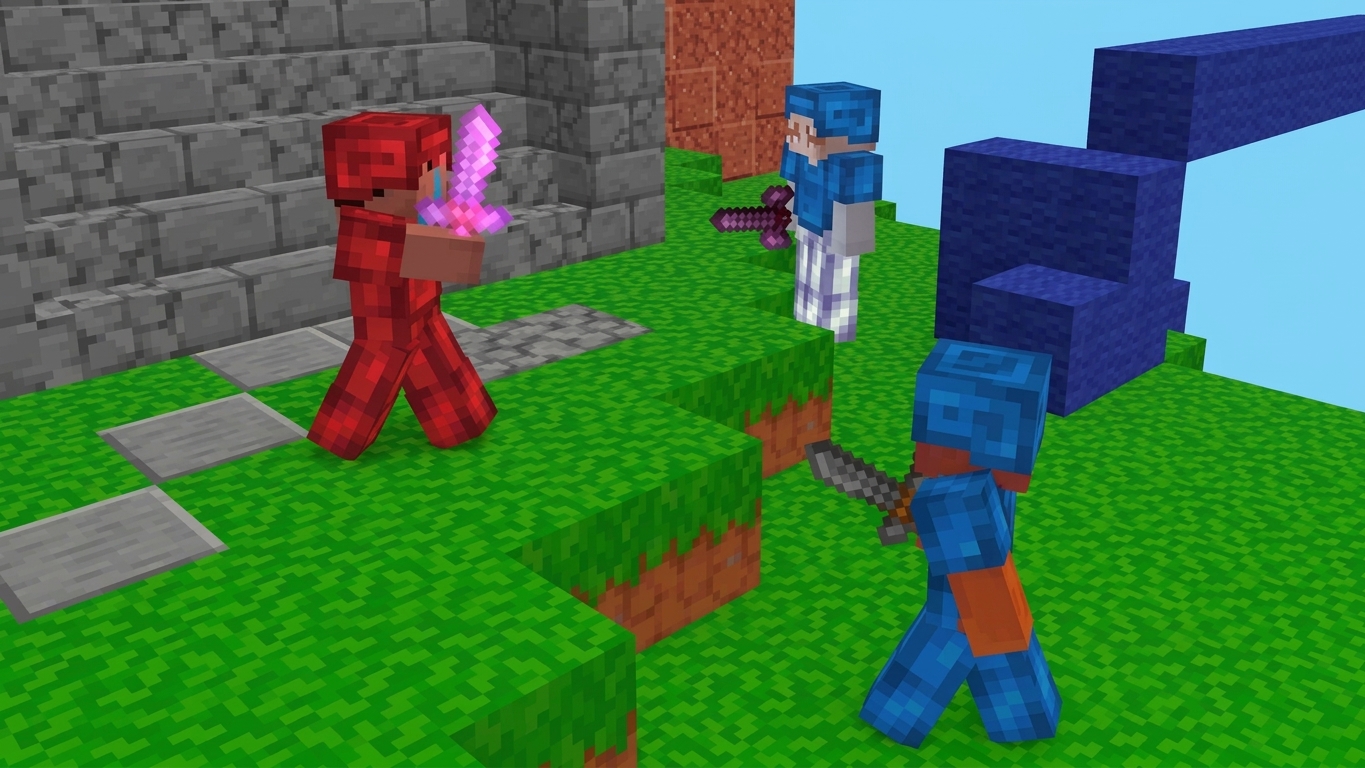
BedWars Online is a fast-paced multiplayer PvP game where players battle in teams across floating islands. At the beginning of each match, every team gets its own base with a bed that must be protected from enemy attacks. Players collect resources, buy weapons and armor, build bridges between islands, and attack enemy bases while trying to destroy their opponents’ beds.
The game features fast-paced online matches, team battles, block building, an inventory system, equipment upgrades, and a variety of maps. Once a team’s bed is destroyed, its players can no longer respawn, making every battle even more important. Victory can be achieved by eliminating all opponents or destroying the final protected bed on the map.
BedWars Online combines PvP combat, building, team strategy, and survival elements in a blocky style. Play with your friends, plan your attacks and defenses, protect your bed, and fight for victory across the sky-high arenas!
Videos and screenshots
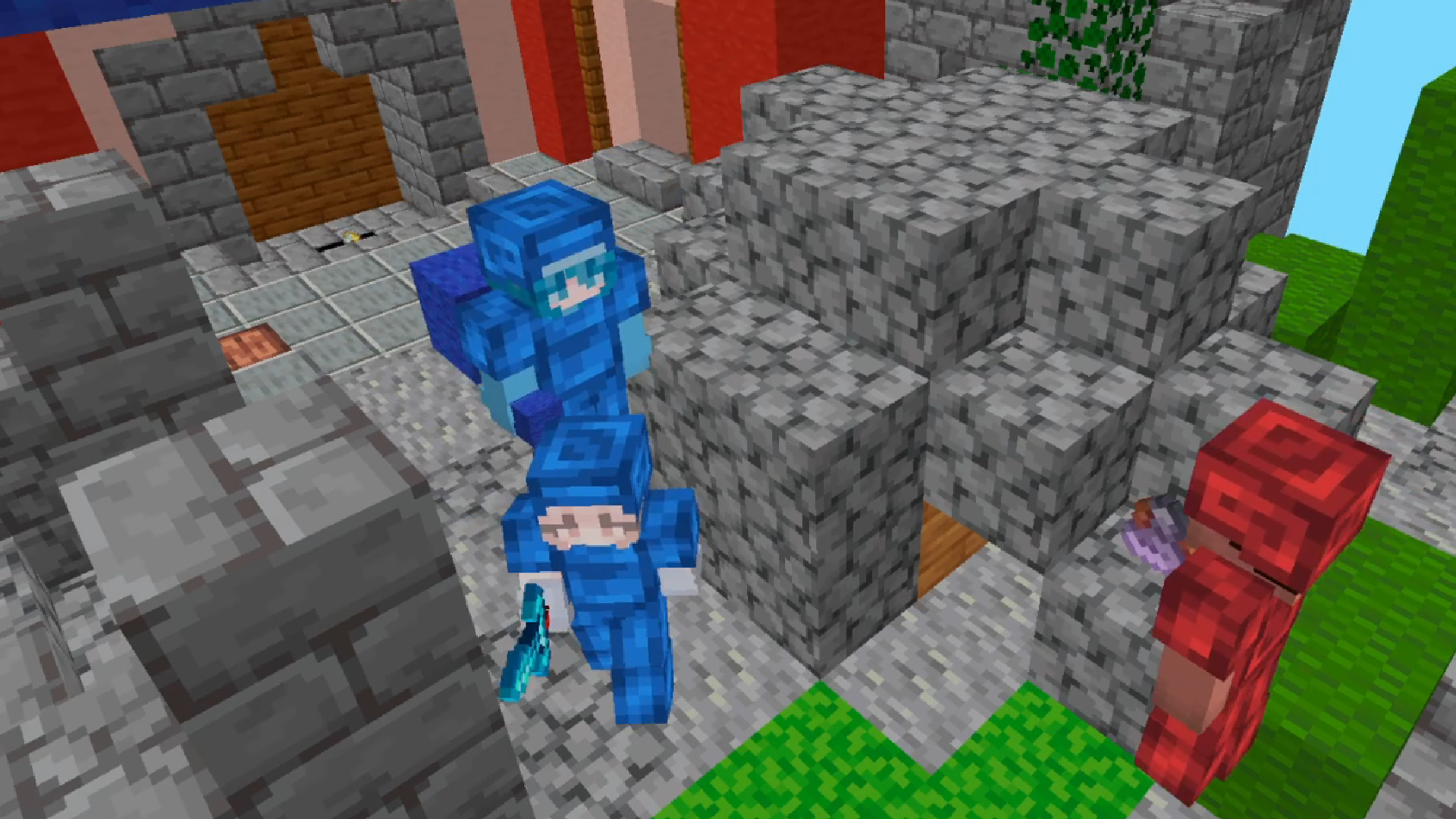
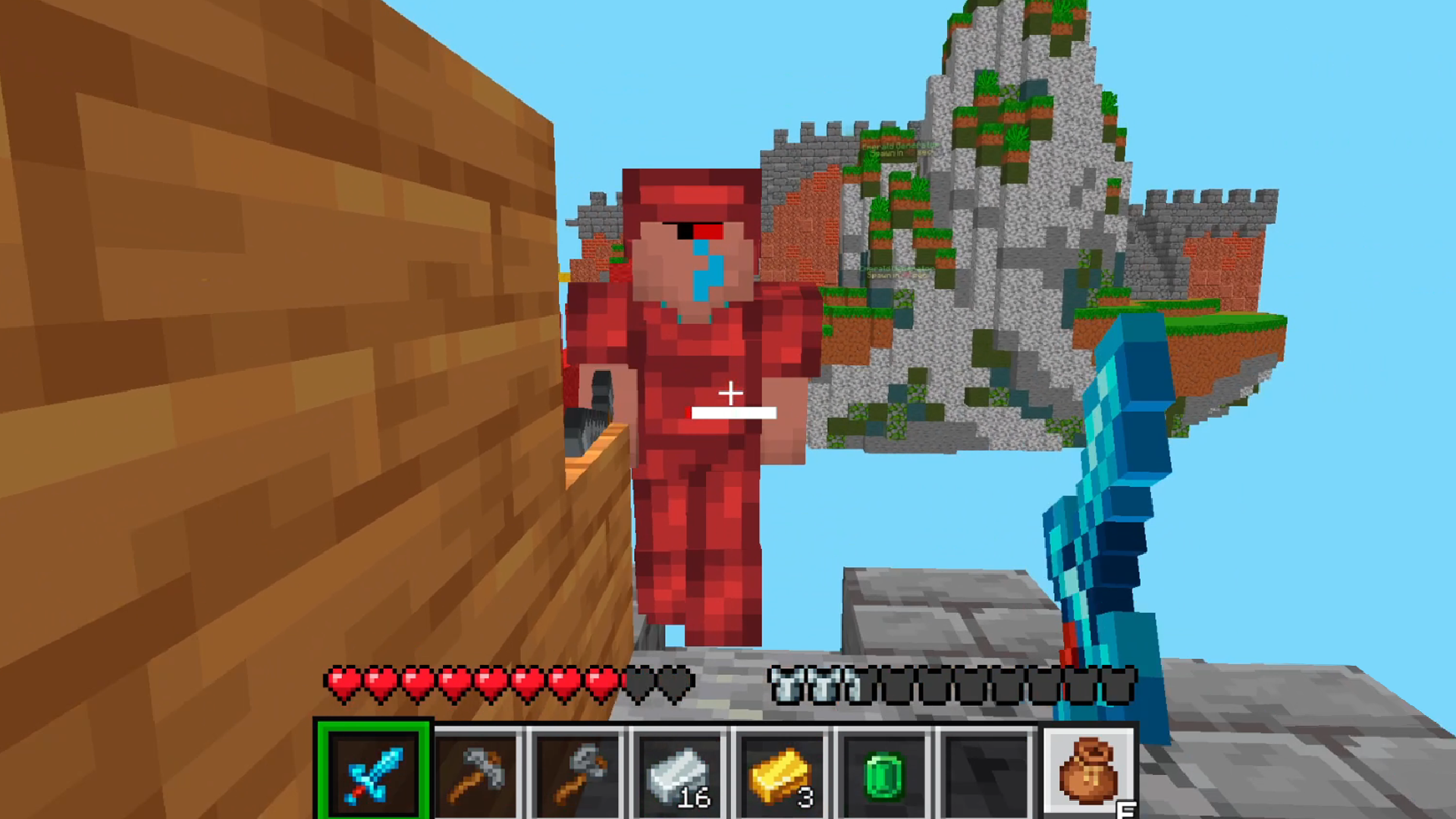
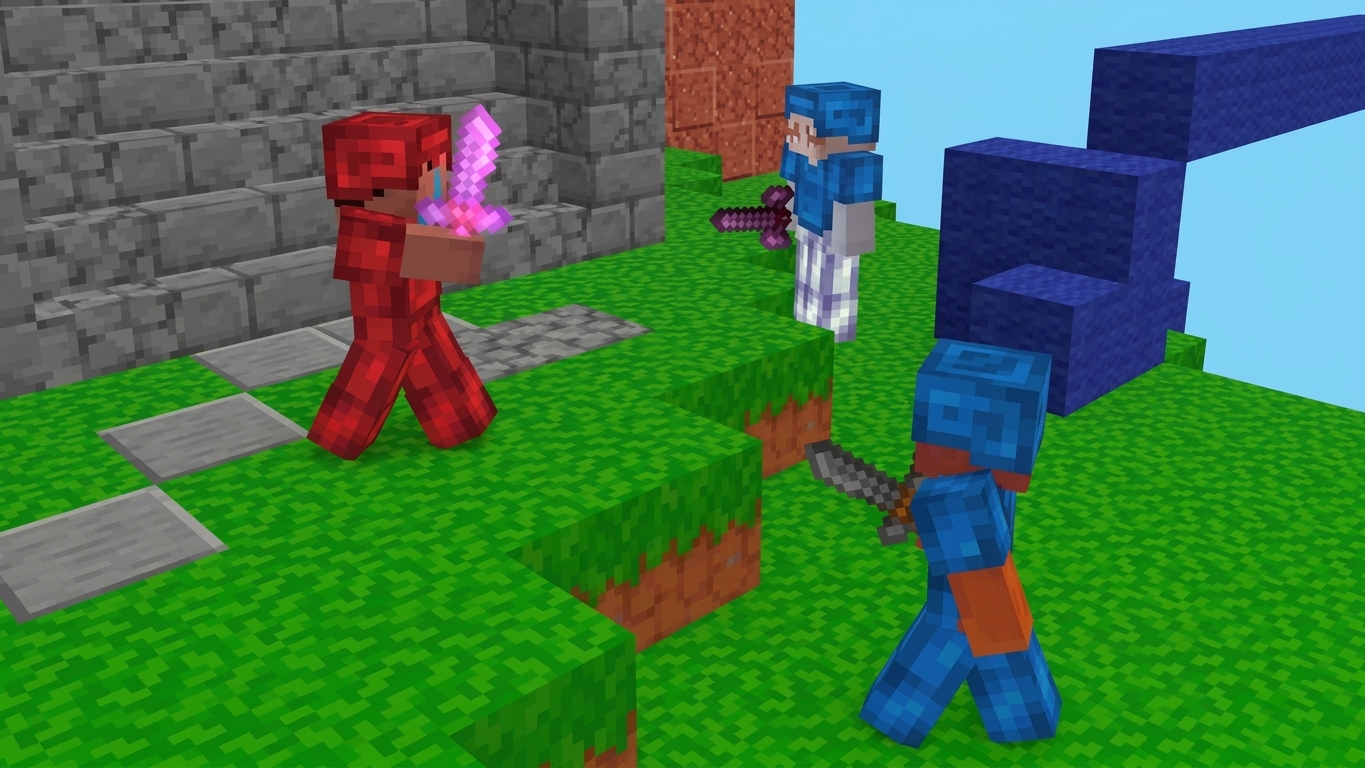
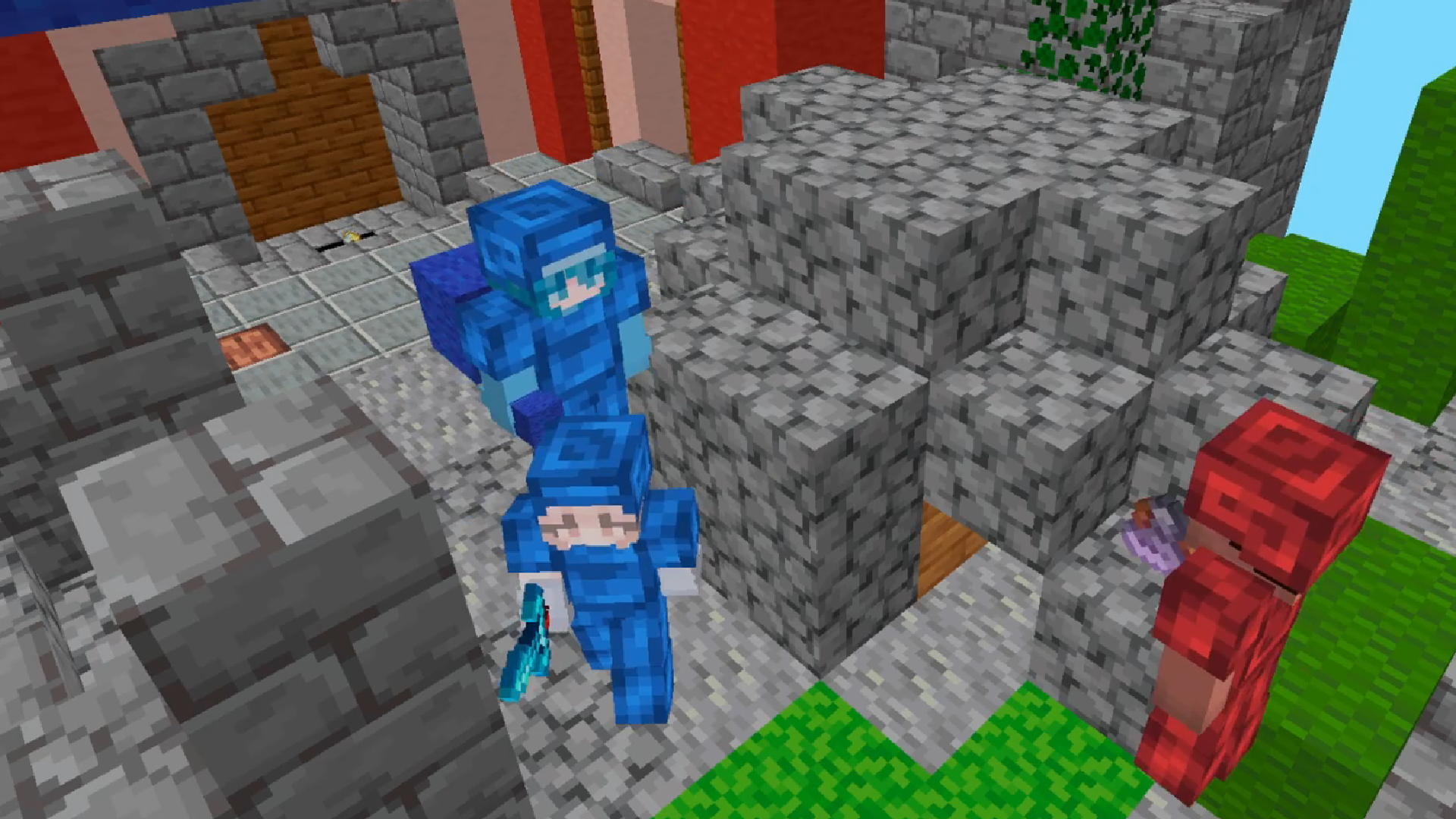
10,419 players online
How to play
-
Open the game
Press Play now and the game opens on its own screen.
-
Follow the in-game instructions
The controls and goals are shown inside the game as you play.
-
Use the game menu
The floating button over the game reloads it, saves it to your favourites, or takes you back out.