








Skip to content
Destroy the Two from the Diary!

Destroy the Two from the Diary!

419K plays 4.2 out of 5

Overview

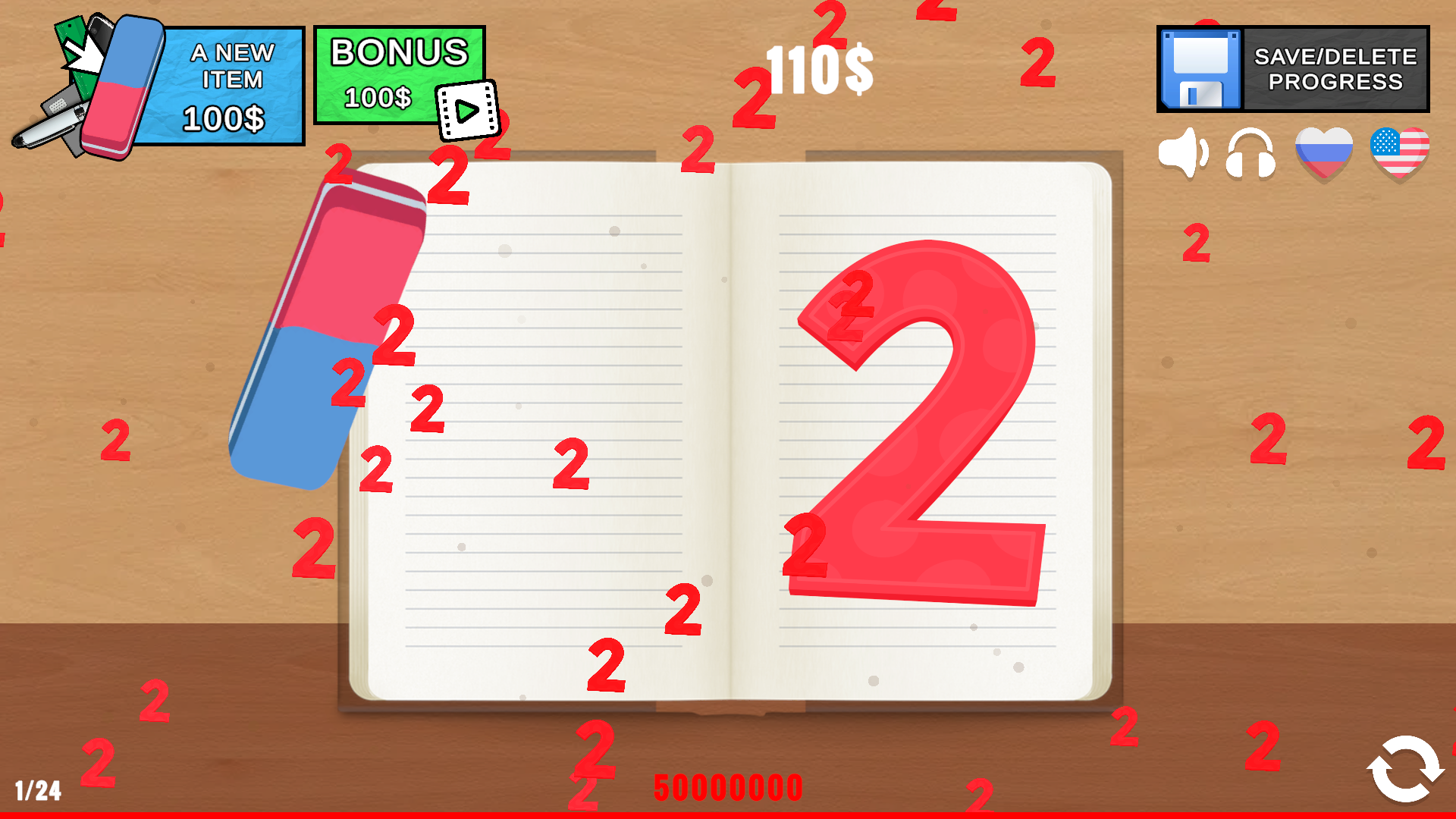
Destroy the Two from the pages of the diary right now! You have at your disposal a whole arsenal of a wide variety of items to erase this legendary Two from the pages of the school diary! Deal damage and earn virtual currency. Unlock new items that deal much more damage than the previous ones and bring in far more income. The virtual funds you earn will help you not only upgrade your tools of destruction but also climb to the top of the leaderboard. Prove to everyone who is the real master of destroying Twos!

Videos and screenshots
  • Destroy the Two from the Diary! screenshot
  • Destroy the Two from the Diary! screenshot
  • Destroy the Two from the Diary! screenshot
  • Destroy the Two from the Diary! screenshot
  • Destroy the Two from the Diary! screenshot
  • Destroy the Two from the Diary! screenshot
  • Destroy the Two from the Diary! screenshot
  • Destroy the Two from the Diary! screenshot
  • Destroy the Two from the Diary! screenshot
  • Destroy the Two from the Diary! screenshot
Play Now

12,663 players online

How to play

  1. Open the game

    Press Play now and the game opens on its own screen.

  2. Follow the in-game instructions

    The controls and goals are shown inside the game as you play.

  3. Use the game menu

    The floating button over the game reloads it, saves it to your favourites, or takes you back out.

Game instructions

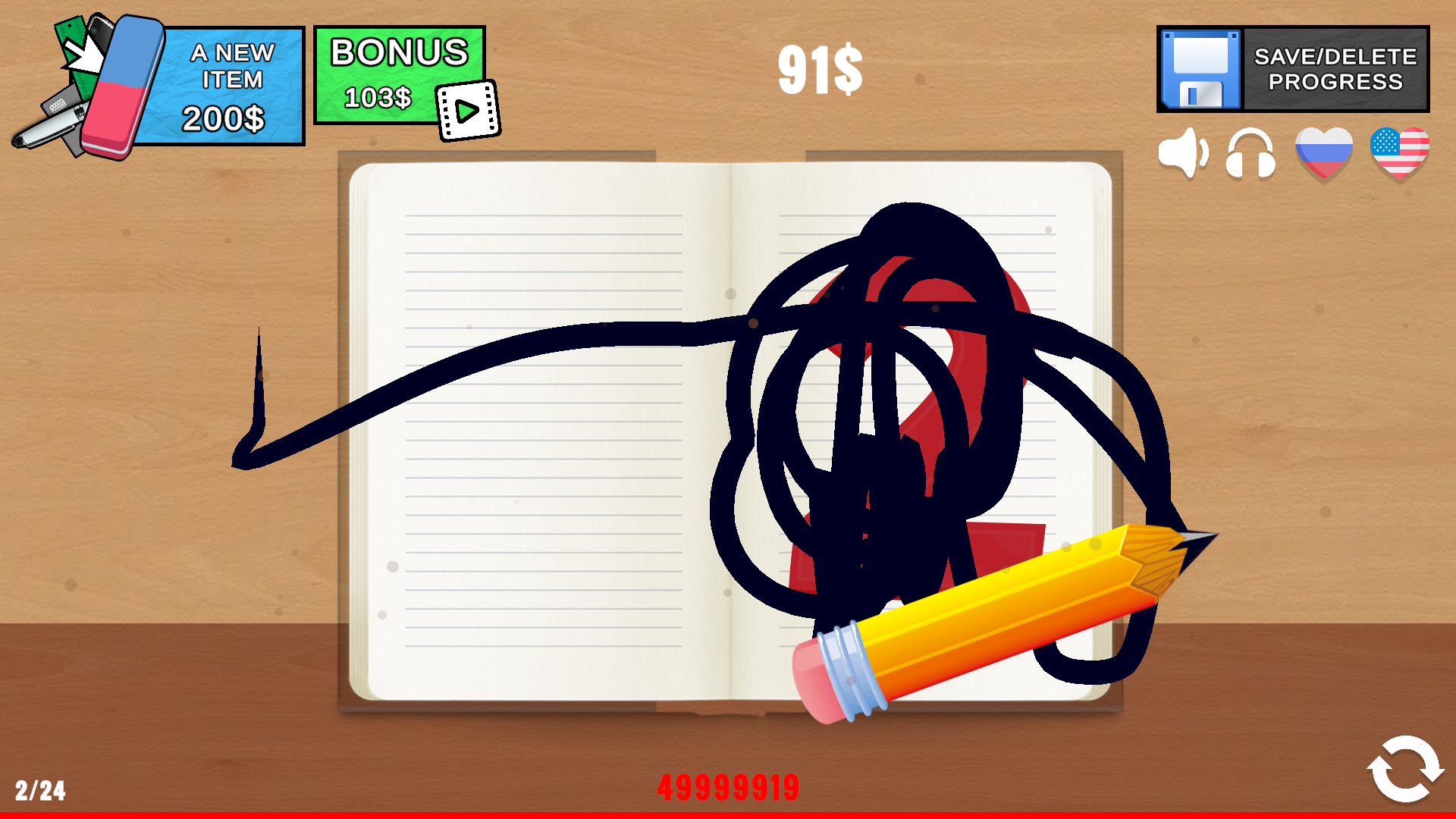
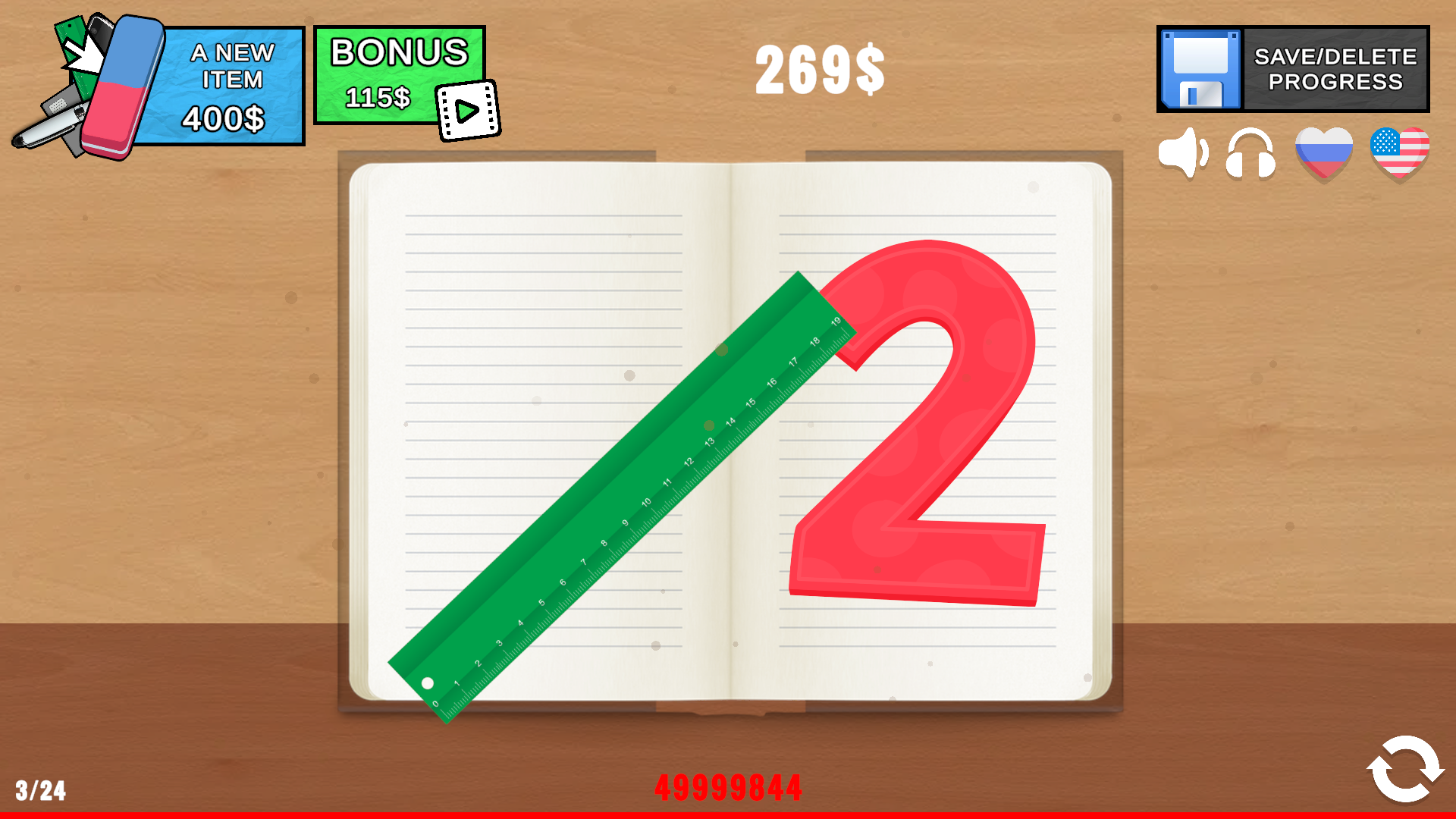
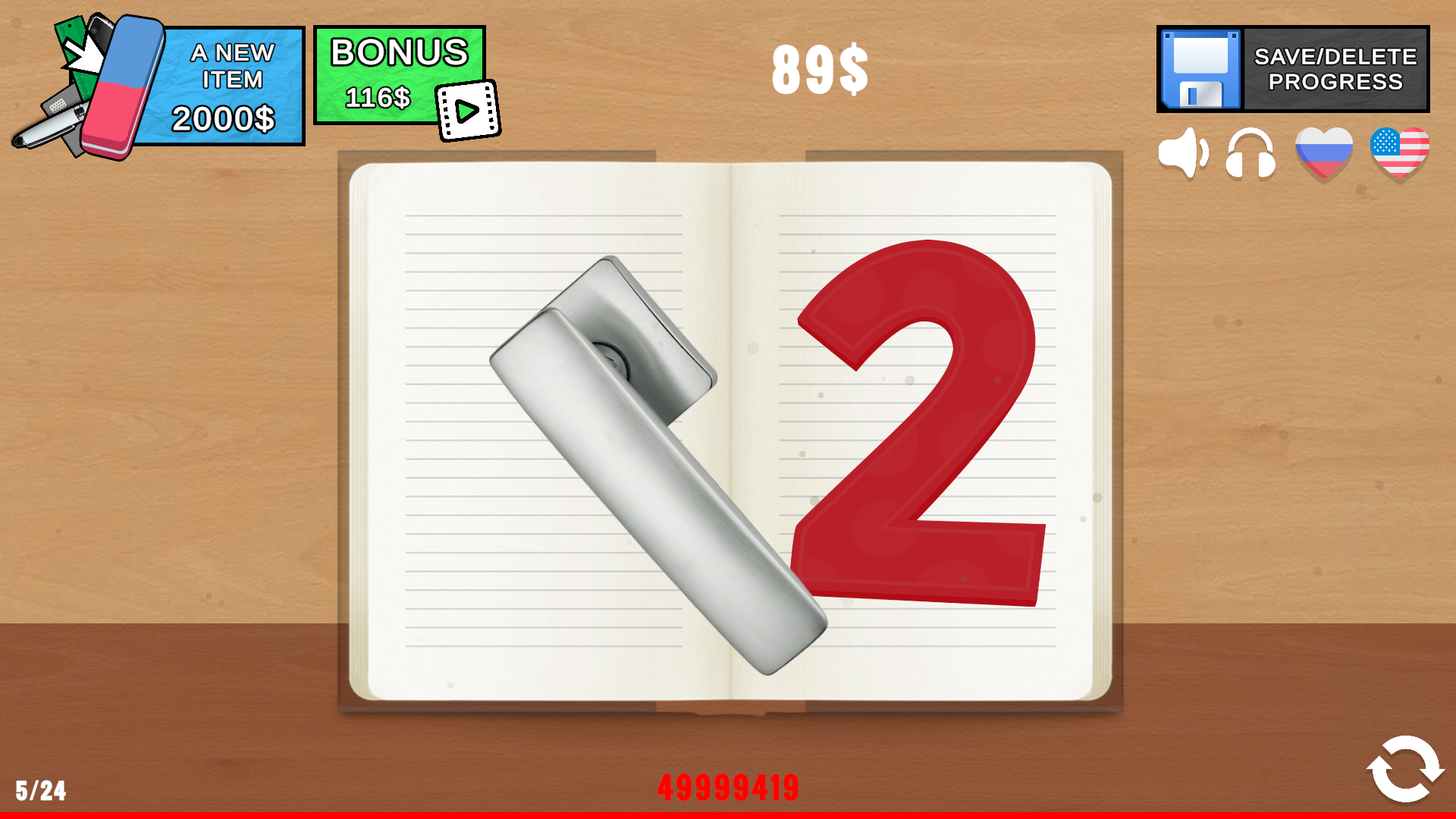
The goal of the game is to destroy the two. Earn virtual currency, unlock items that will deal more damage to the two and bring even more. Damage to the two can be dealt using items. When you hit, you deal increased damage, and if you leave an item on the object, it will be able to destroy the object on its own, but with reduced efficiency. Sometimes you will need to move the item a little to deal damage. You can move items by holding them. You can reset the two’s health or start destroying it again by pressing the reload button. Saving: Progress can be saved manually via the save panel by selecting the appropriate function. The same panel also allows you to delete a save. In addition, the game automatically saves at set time intervals — you can find out what those intervals are there. Please note that after saving or deleting, you need to wait a little before performing the next action. The leaderboard is updated automatically. For an urgent update, reload the scene.

More games

More games

Enjoying Kezi10 Games?

Your rating helps us make it better.

How was your experience?