Skip to content
KG
Enchantment Lineage

Enchantment Lineage

113K plays 4.3 out of 5

Overview

The main aspect of the game is equipment enchanting. Use regular Enchantment Scrolls and risk losing your equipment, or use Blessed Scrolls with no risk of destroying your items. The game features a level progression system. Earn EXP and SP (Skill Points) by hunting enemies, then spend SP to learn available skills and become even stronger. All available equipment is divided into rarity tiers. Test your luck in Hunt Mode and obtain high-quality weapons or armor with numerous additional enhancement effects. If you've prepared yourself and think you're strong enough, challenge epic bosses — but be ready for a tough fight. Each boss has multiple stages, passive and active abilities. Prove what you're capable of. When a boss is defeated, don't stop there. The game features an infinite scaling system that allows you to increase the difficulty after a certain number of victories over a boss. As the difficulty increases, so do the rewards!

Videos and screenshots
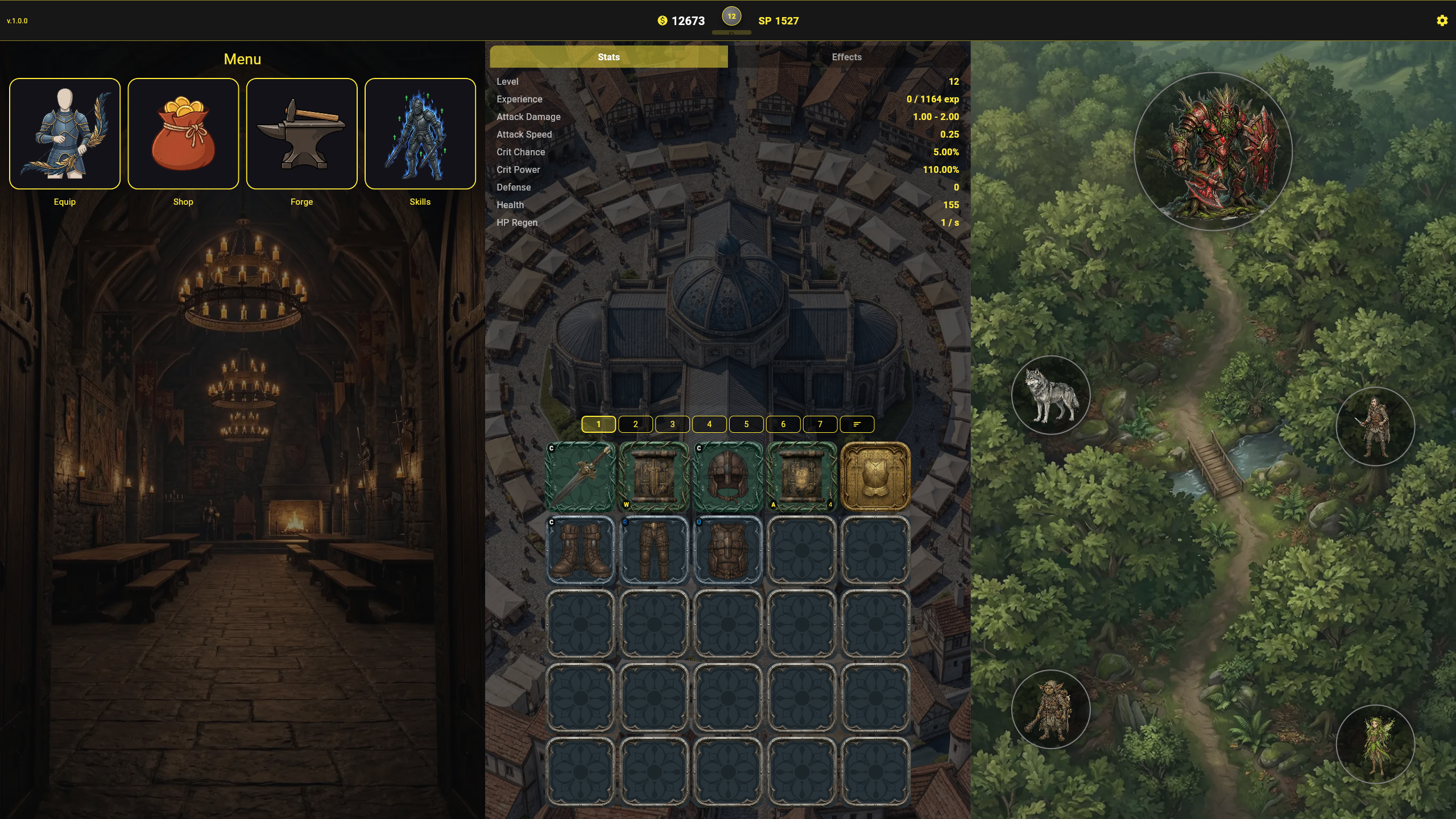
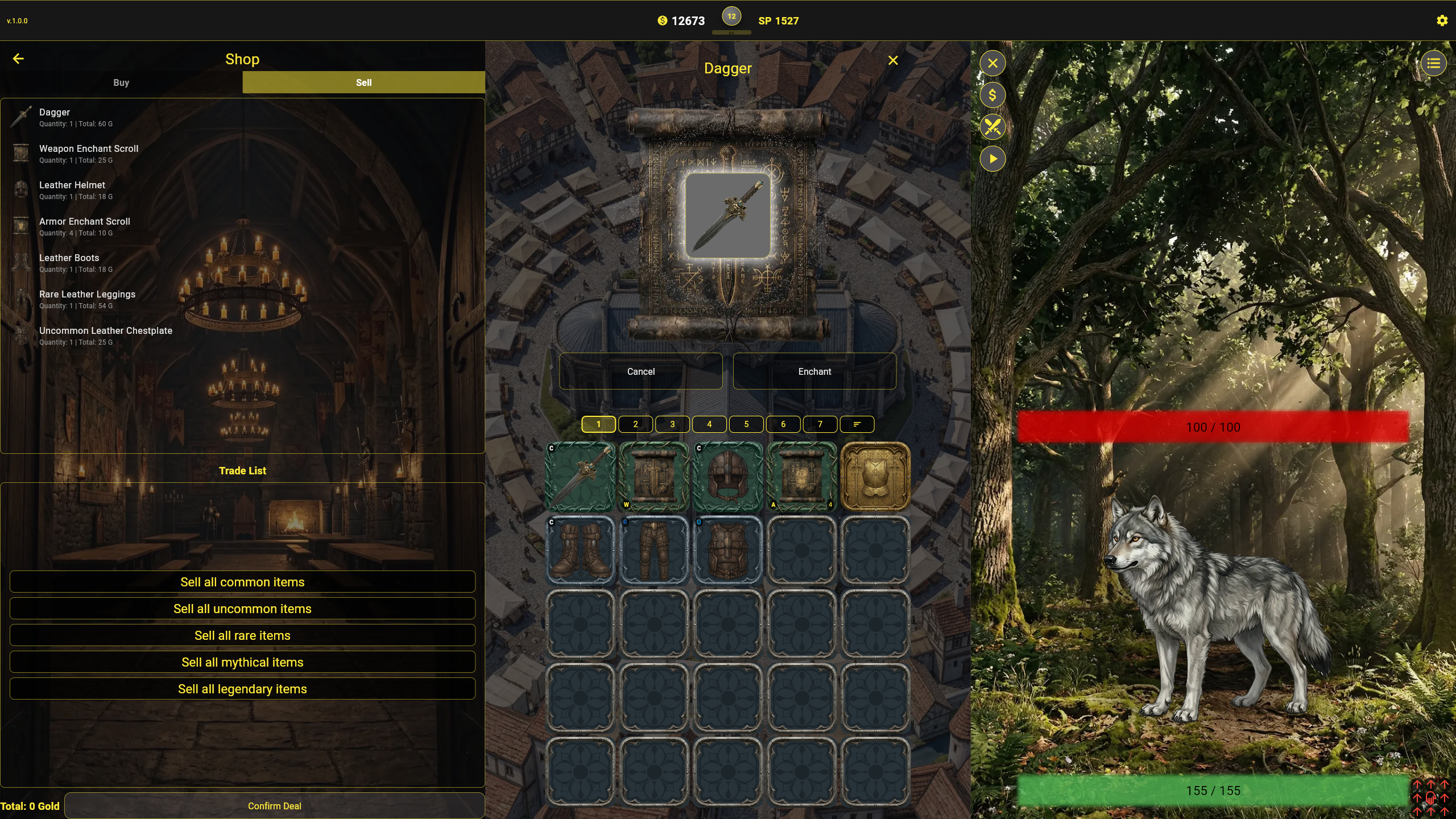
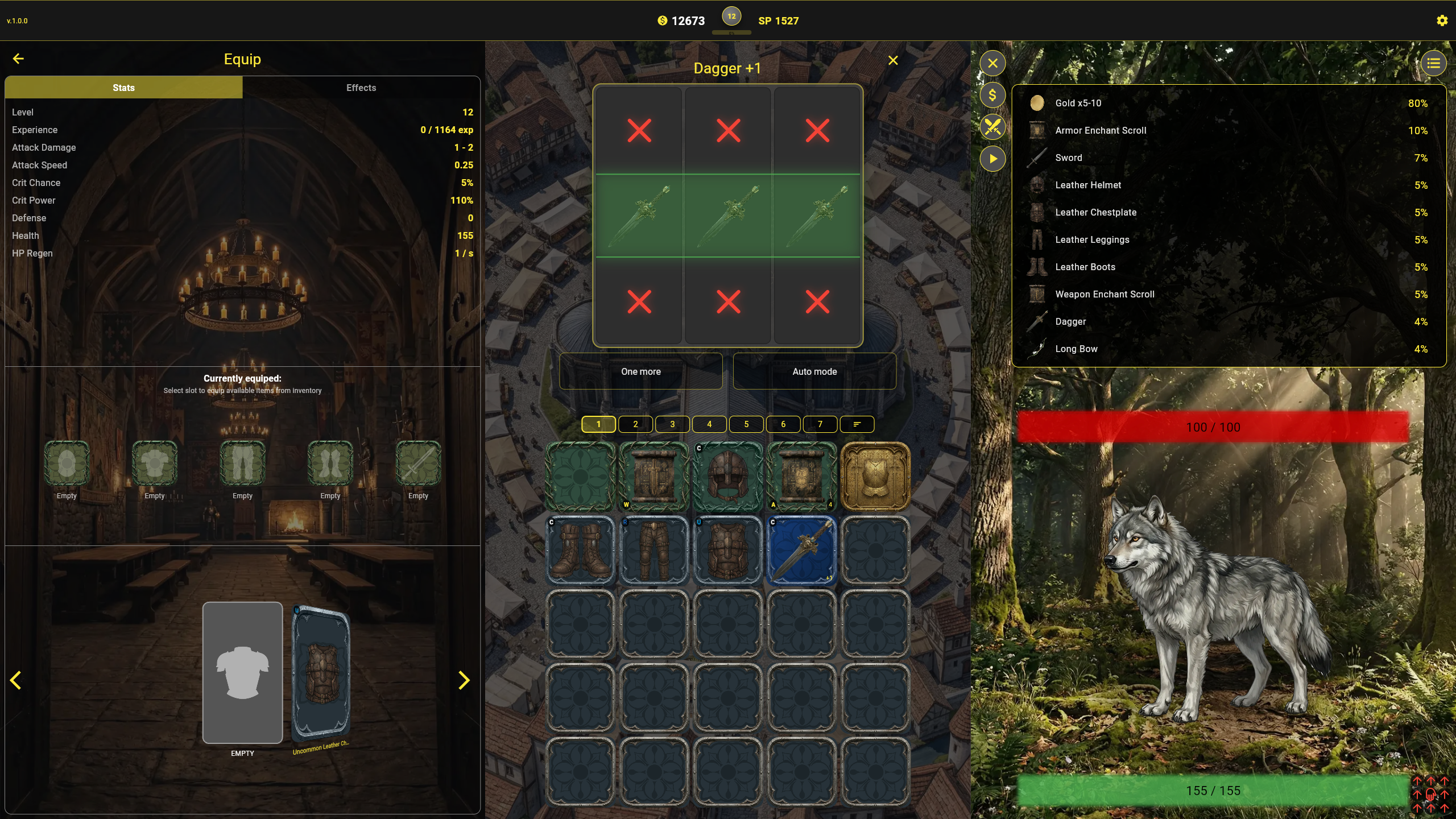
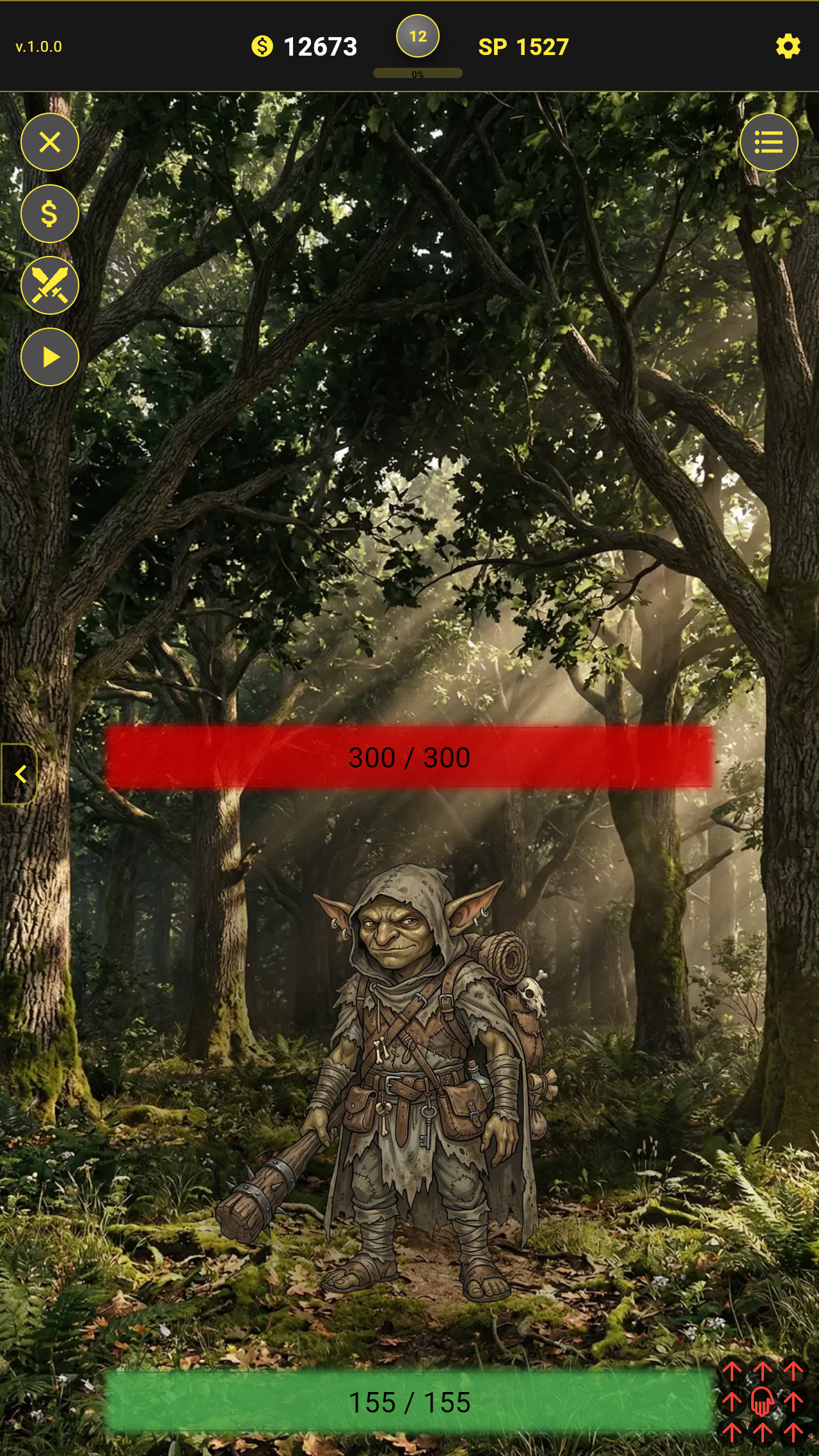
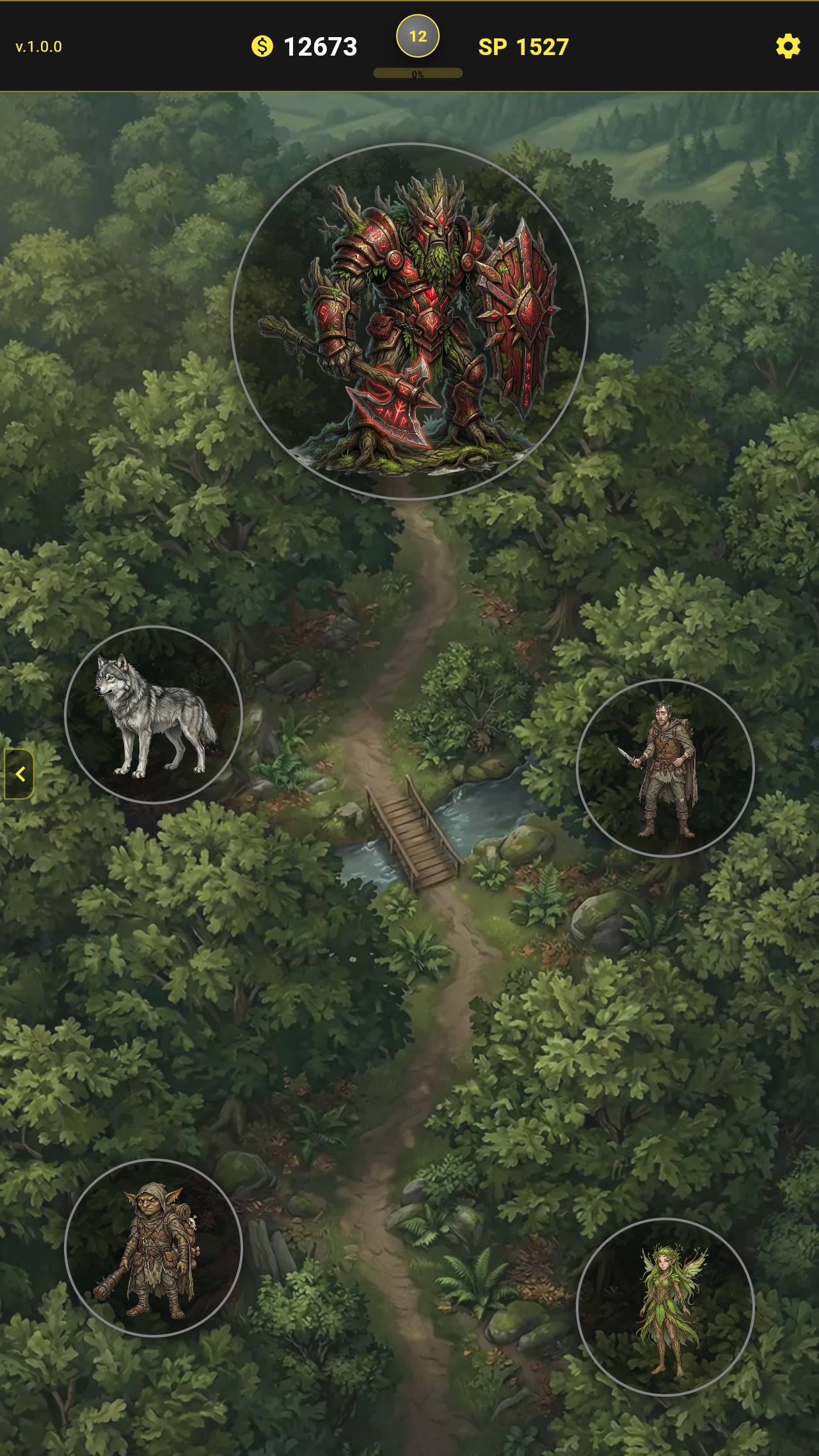
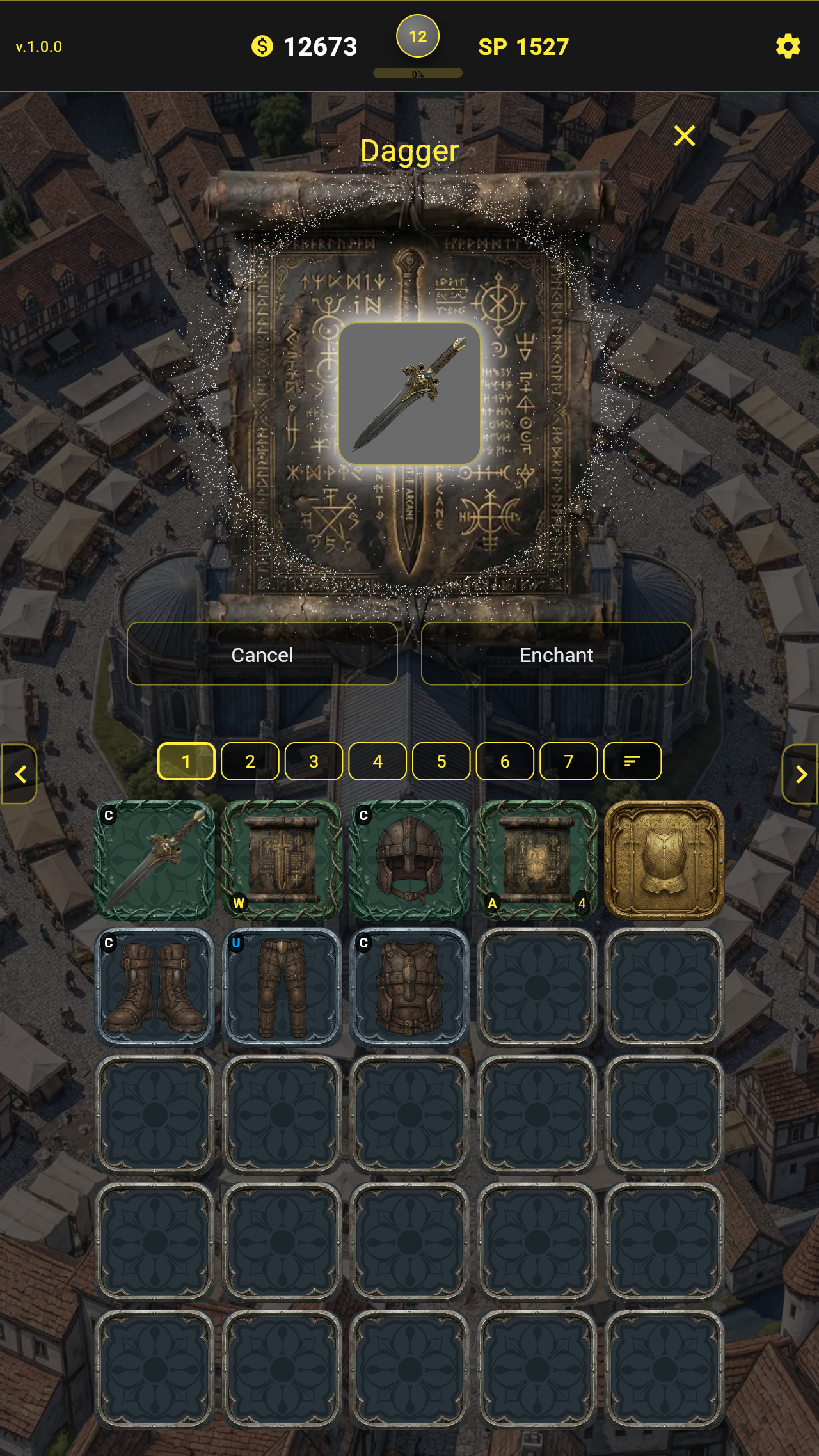
  • Enchantment Lineage screenshot 1
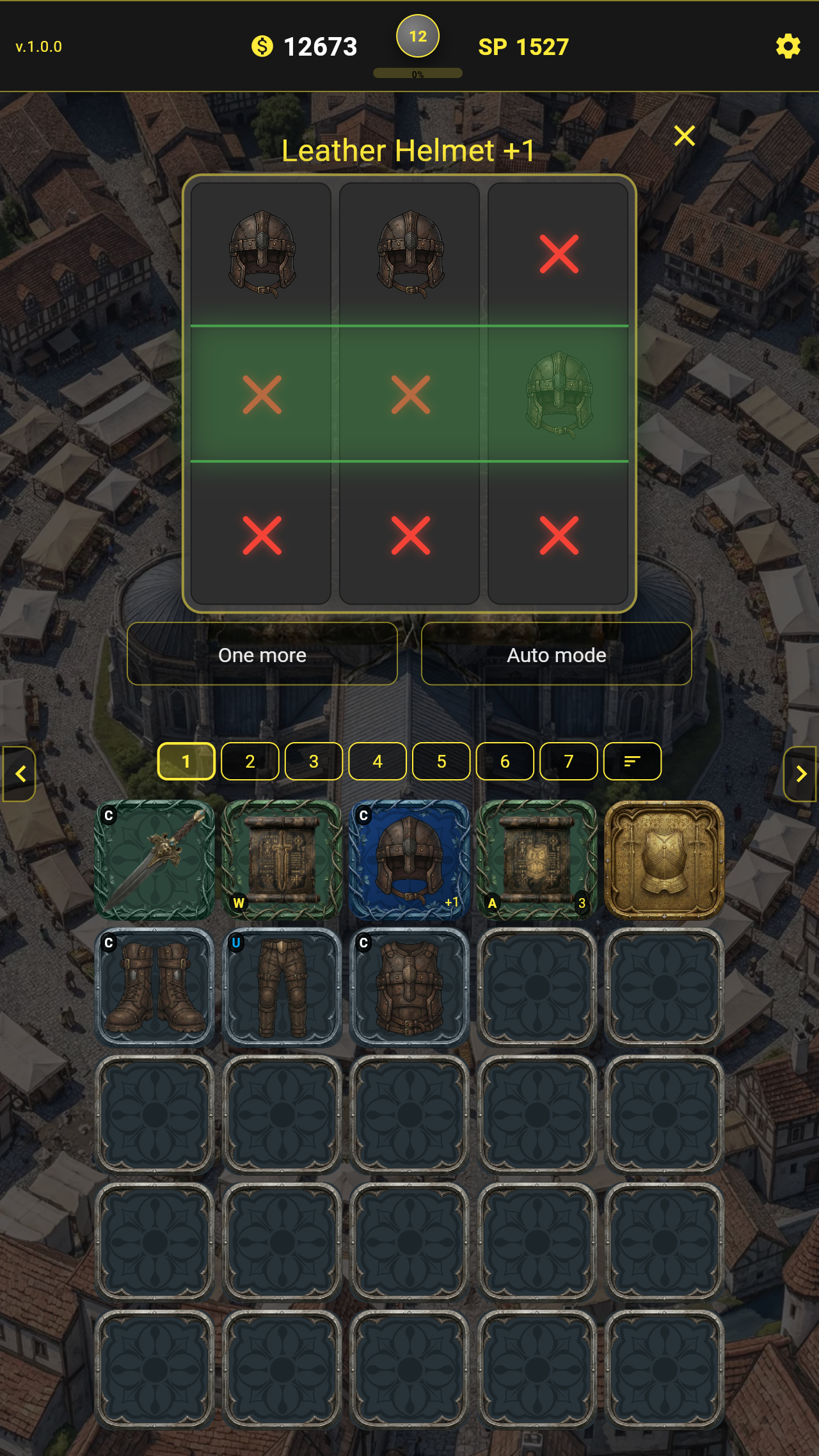
  • Enchantment Lineage screenshot 2
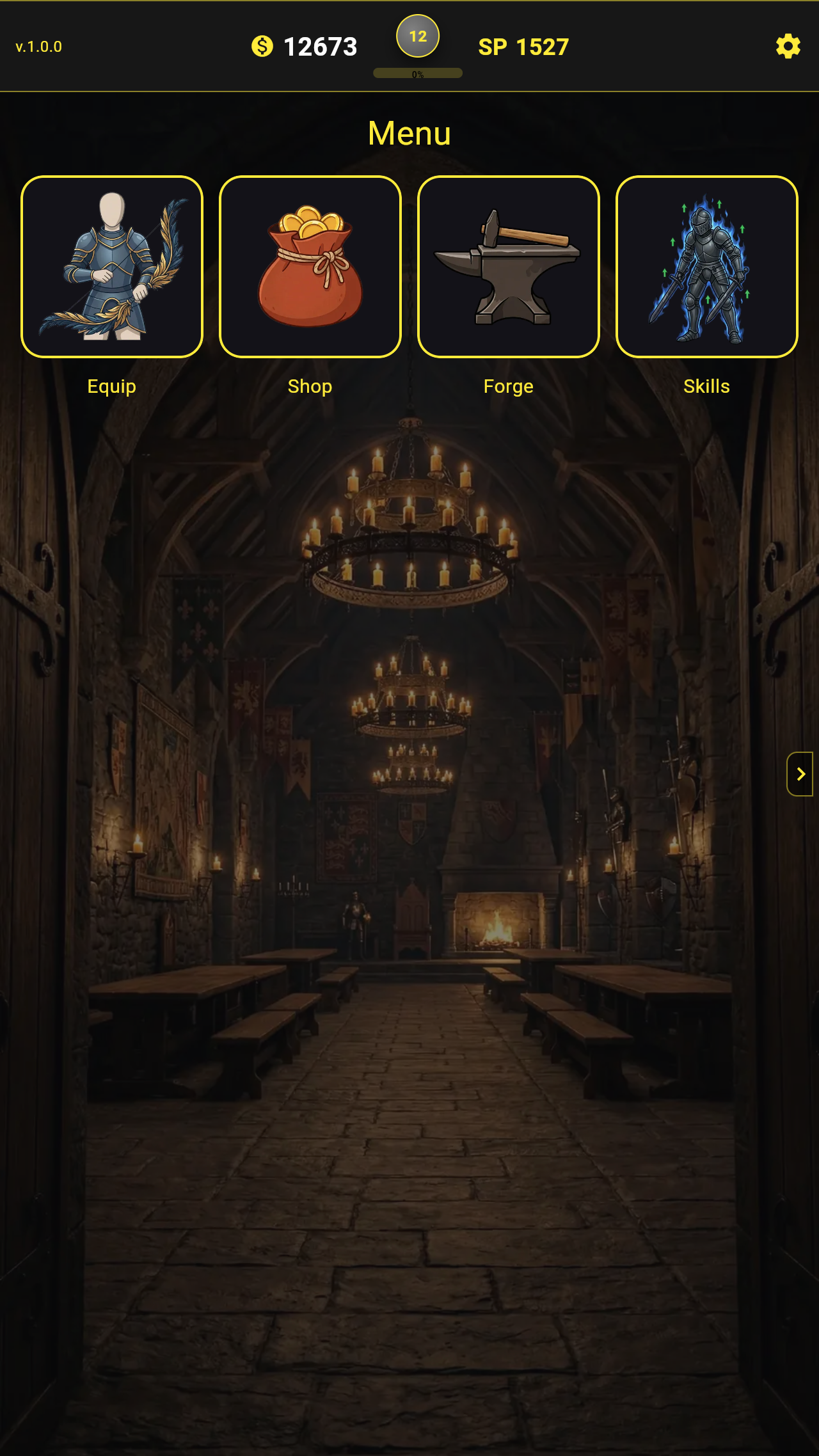
  • Enchantment Lineage screenshot 3
  • Enchantment Lineage screenshot 4
  • Enchantment Lineage screenshot 5
  • Enchantment Lineage screenshot 6
  • Enchantment Lineage screenshot 7
  • Enchantment Lineage screenshot 8
Play Now

12,396 players online

How to play

  1. Open the game

    Press Play now and the game opens on its own screen.

  2. Follow the in-game instructions

    The controls and goals are shown inside the game as you play.

  3. Use the game menu

    The floating button over the game reloads it, saves it to your favourites, or takes you back out.
Game instructions

The game supports mouse controls on desktop and touch controls on mobile devices. There are 3 main game screens: Menu, Inventory, Hunt To move between them swipe left/right on mobile devices and touchpads, or click the arrows at the edges of the screen. To fight enemies, go to the Hunt screen, select a suitable enemy on the map, and you will enter the battle screen. To start a battle, drag the red element in the bottom-right corner of the battle screen upward. A weapon slot will appear. Click and hold the weapon, then drag it onto the enemy to attack. To drop aggro and stop the fight, release the weapon and, after a short delay, slide the weapon slot back down. To upgrade your equipment, activate a scroll, drag your item into the slot, and start the enchantment. To equip an item, go to the Inventory screen and click the golden chest armor icon or any empty equipment slot. An additional equipment menu will open.Drag your equipment into the desired slots or use the equipment menu.

More games

More games